















This tutorial demonstrates how to transform a rain field recording into an ambient drone by applying a high-pass filter to remove low-frequency rumble, using the Resonator plugin to generate musical tones from the audio sample, building chords with specific semitone intervals (major third +4 semitones for happy sound, minor third +3 semitones for darker sound), adding reverb with high decay time for atmospheric depth, and assigning MIDI controllers to manipulate the dry/wet mix for live performance.
Creating Ambient Drones from Rain Samples in Ableton Live
Added:Basic navigation and session/arrangement workflow in Ableton Live, including importing audio clips and using device chains.
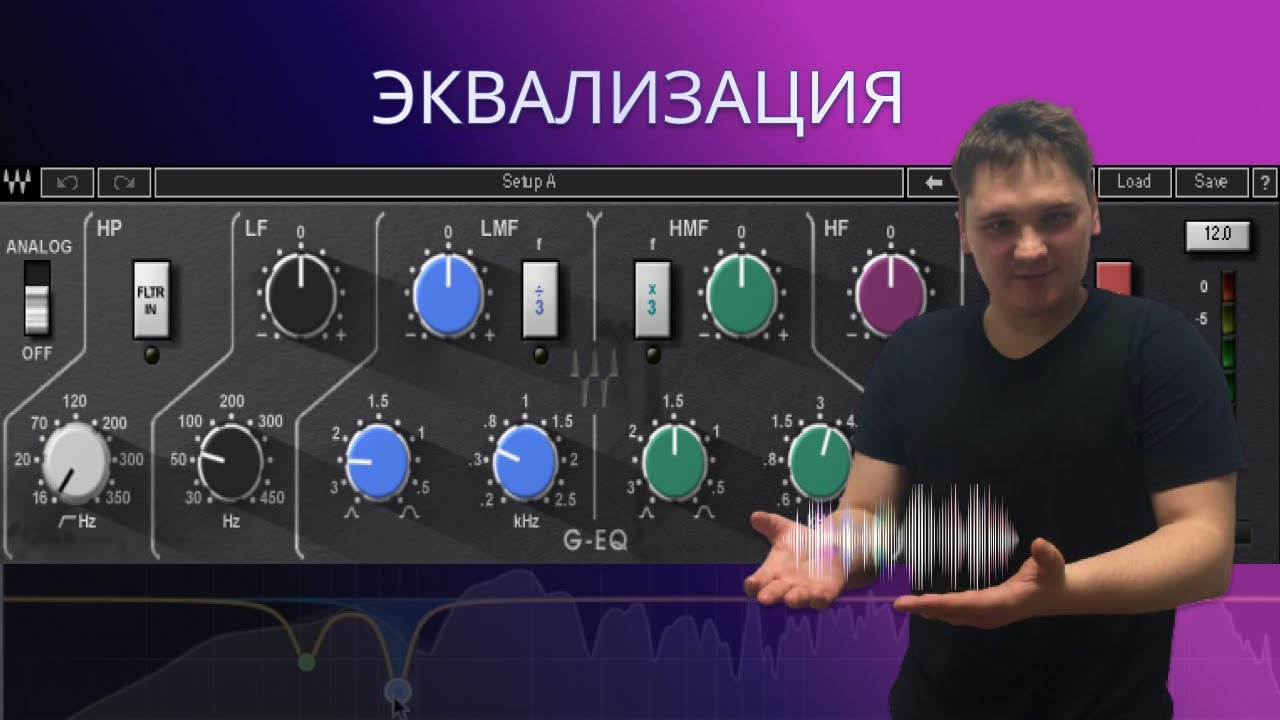
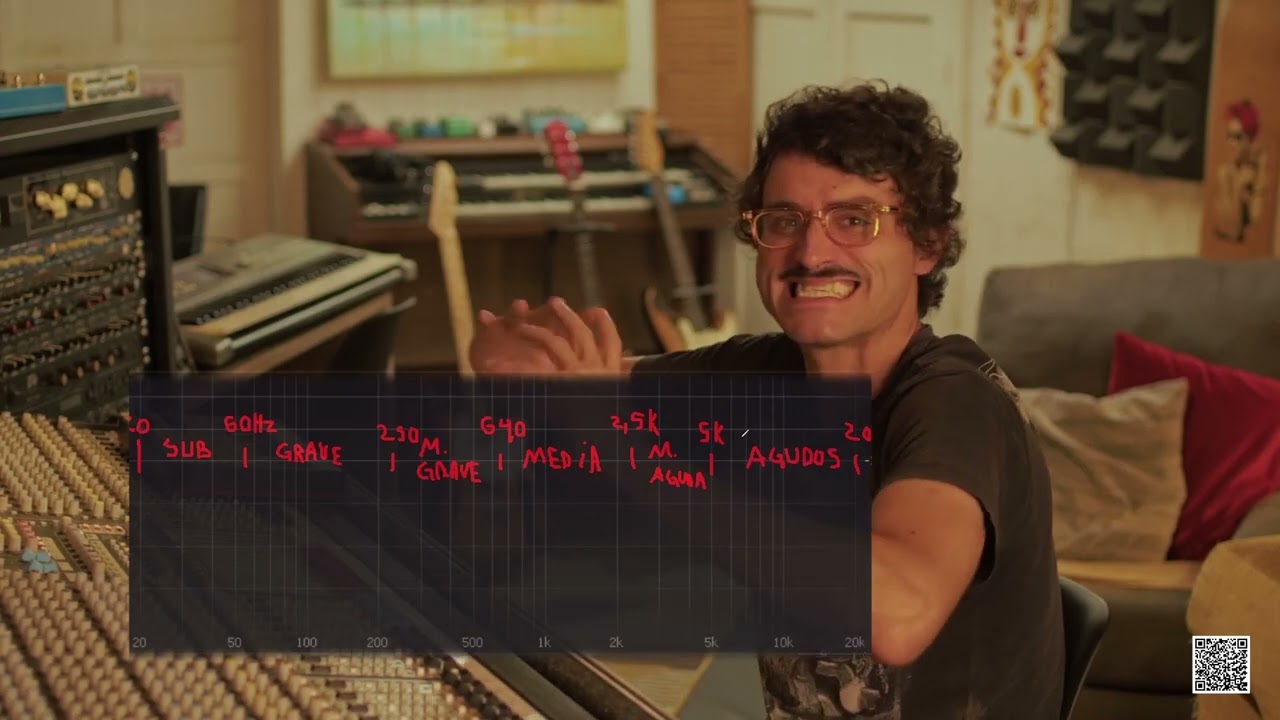
Fundamental concepts of equalization (EQ), filtering, and frequency spectrum management.
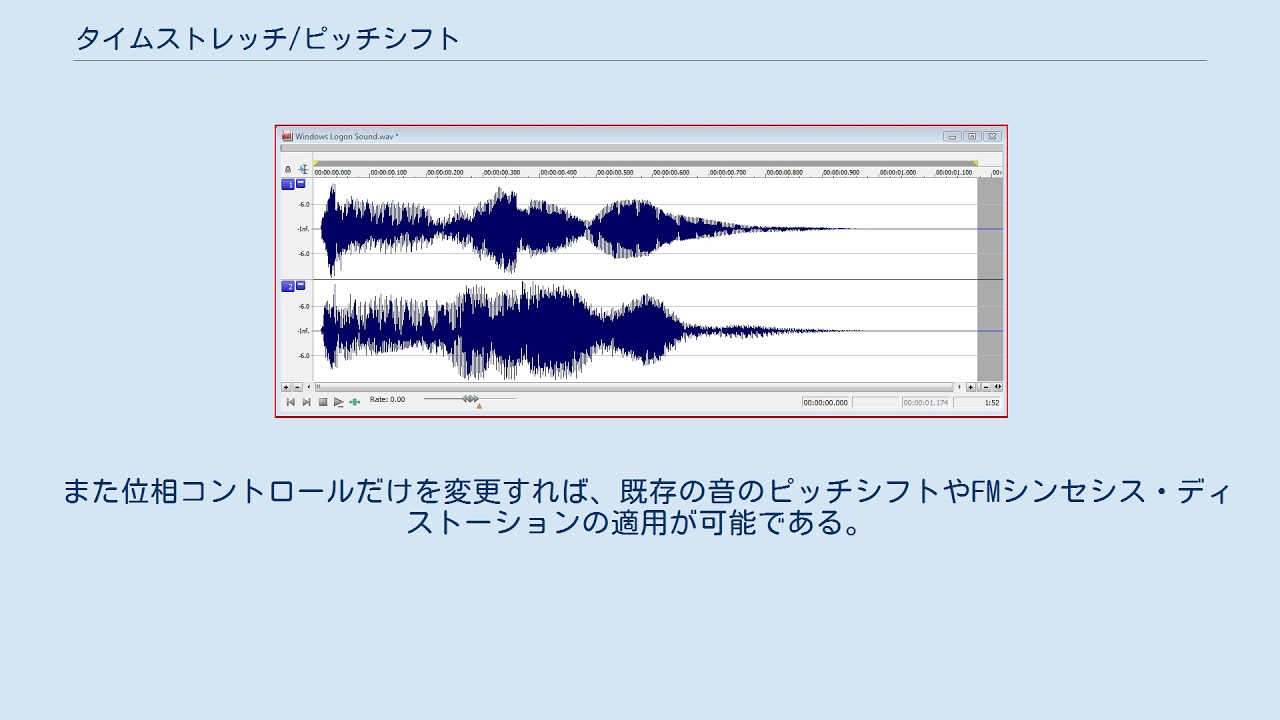
An introductory understanding of digital audio sampling, time-stretching, and pitch-shifting techniques.
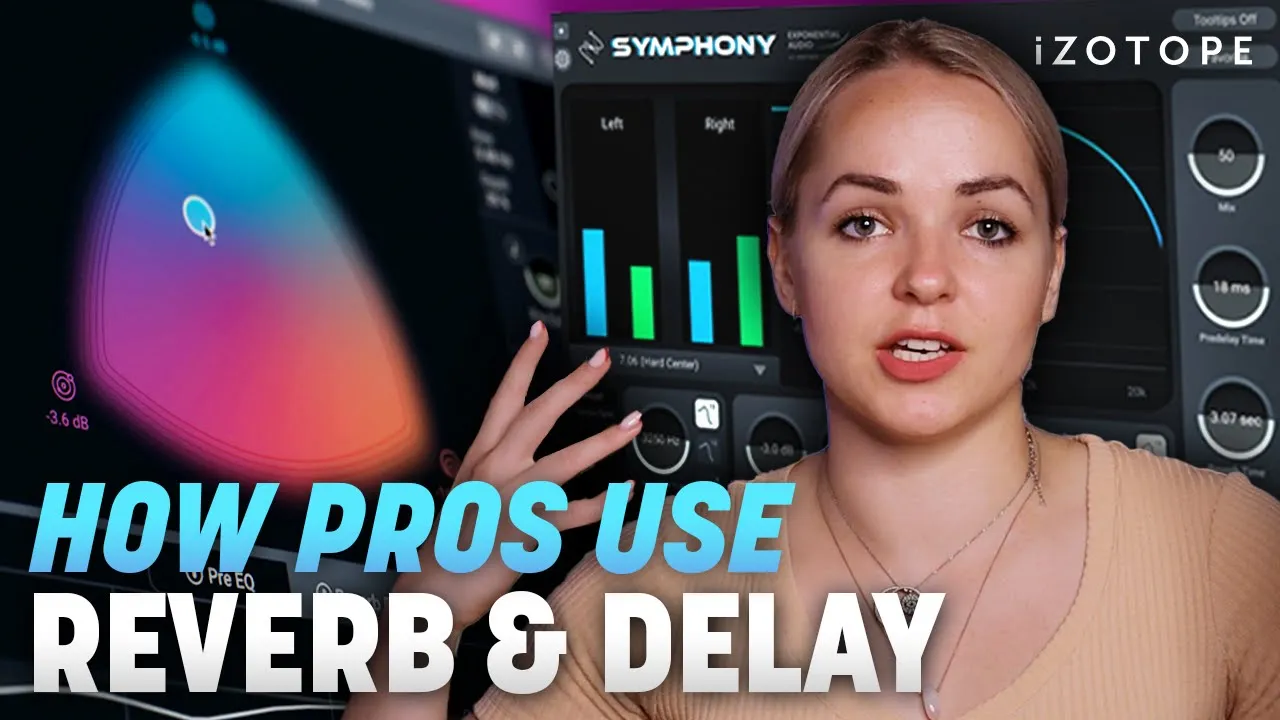
Basic familiarity with time-based audio effects such as reverb and delay, and how they alter spatial perception.
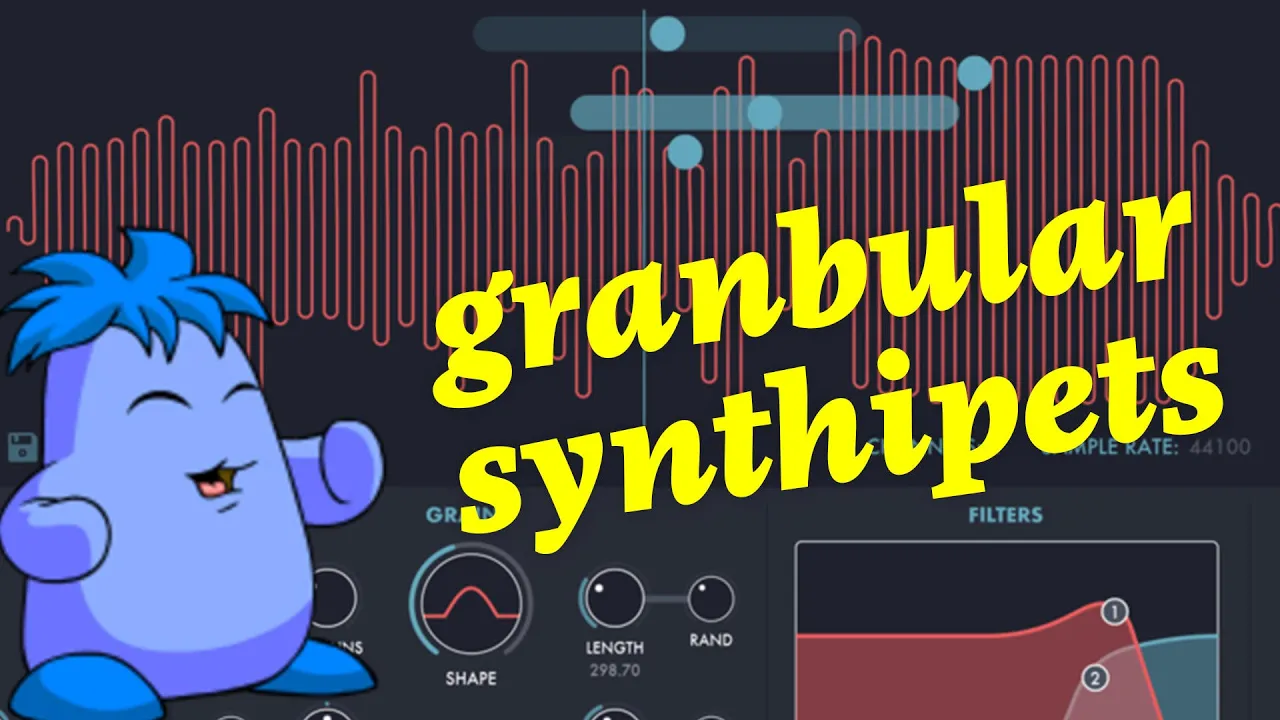
Exploring advanced granular synthesis using Ableton's Granulator II/III or Max for Live devices to create highly detailed micro-textures.
Designing generative ambient systems in Ableton using LFOs, expression control, and follow actions for self-evolving soundscapes.
Deep-diving into physical modeling synthesis and advanced tuning of resonators to generate melodic and harmonic content from noise.
Mapping macro controls and MIDI hardware to perform and improvise ambient drone sets live.
60.1K views2.3Klikes15:24Original Release: 2019-05-30
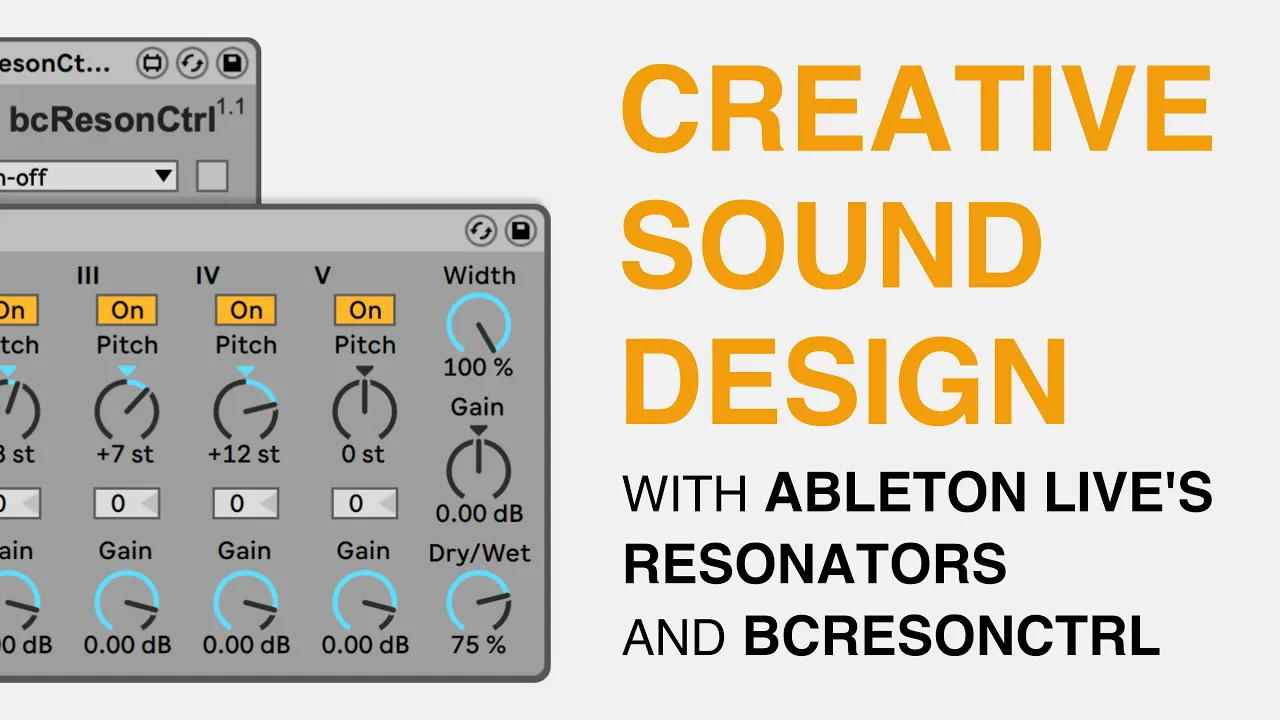
[Music] we have an early spring here in New England which generally means it's really wet now luckily I'm protected here by this porch but out here and as you can probably hear on the mic it just is a totally different soundscape out here when it rains I'm going to take my tasks MDR ko7 mark to put it in stereo mode and get a nice stereo recording of this whole soundscape traffic rain everything and turn it into an awesome ambient drone [Music] [Applause] I'm gonna go ahead and pull off that rain recording onto my computer but before we get too deep into it I'm gonna be grazing over a lot of the basic music production Ableton Live functions here and just get right into making the ambient drone so if you feel like you're missing a few things and you want to get a deeper dive into Ableton Live you should consider Skillshare the sponsor for today's video skill share is an online learning community for creators with over 25,000 classes in music design business and more if you're constantly learning and creating new things I definitely recommend you check it out it's under $10 a month for a Premium Membership and you get access to all of the classes so you can pick and choose exactly what classes you want to see if you just type in Ableton into the class selection you will get so many different options for types of courses you want they vary in length and you can see that some of them have thousands of students that have taken these classes Skillshare is not only gonna help you fulfill your creative curiosity but it's also gonna help you move your career forward so you can end up doing things like creating videos or creating music like I do for a living every single day an annual subscription is less than ten dollars a month which is pretty affordable but for the first 500 of my subscribers that sign up using the link in the description you'll get two months free think about how much you could learn with these classes in just two months highly recommend you take advantage of the two months free and see what you can learn from Skillshare don't forget to use my link in the description join the seven million other creators using skill share today now there's a couple things I want to do with this sample before we start working with it I definitely don't want to warp it I want it to just sound like it sounds normally no time warping or anything and then also a lot of these like big Peaks are wind distortion so I couldn't put the wind screen on the recorder because I was recording a wide stereo field and when you do that the wind screen doesn't fit on there so I'll have to account for that with EQ so just to listen to that real quick you can hear that really low Rumble so obviously it's not very loud like it looks like it is it's just a very low rumbling sound so what I want to do is figure out where that is and EQ it out I can do that throwing on a high-pass I'm just kind of figure out I can literally see in the EQ that it's right around a hundred a little higher still there I really just want the top-end I'm not really worried about getting any low end frequencies at all for this cool all right I think that's doable and what I'm gonna do now is just flatten it freeze it first and then I don't have to worry about that EQ anymore now you notice we have what looks like a very quiet recording so I'm gonna actually bring the volume of the whole thing up and I can do it now without it looking like all that low end is maxing out just like that so now we have a sort of normal looking waveform a nice rain atmosphere now it's all so cool about this is I live on a fairly busy street so this sample has some traffic noise isn't it as well have some birds so it's not strictly rain in this sample so when we process that those swells are actually going to be really cool but let's actually get into processing the sound now so we can go ahead and throw on a resonator click and drag it right onto the track and a resonator generates tones from some audio so right now if you load up as default it's just generating a C to hear that buzz kind of sounds like a bumble bee the dry/wet is set to 50% so if you put it all the way up you'll get a hundred percent just that tone and if you put a zero you'll get just the recording we're gonna play with that later on but I'm going to leave it at 50 for now so we can hear what we're doing now your root note knob you can choose any root note you want I'm gonna choose maybe something a little lower like I don't know this is just totally arbitrary but I guess we can choose D sharp and then you have two three four and five and you can set those to any pictures you want but their pitches in relation to your main pitch so we can move by semitones so if I want to put this one up twelve semitones which will be an octave they'll sound like this [Music] and each of these pitches has a gain so I can make this top octave come out a little more [Music] cool and then if I want to make a chord I can go ahead and add the fifth in so plus seven semitones for a fifth and then to fill out the chord I can put a third now if we want like a happy sounding ambient drone you might want to go for a major third which is plus four semitones here's a swell that I was talking about before Waring though [Music] plus three for a minor makes it sound much darker I'm gonna go with a happier one for now and say you wanted to add tones on top of these you have one more spot to maybe add a seventh or to put one of these other pitches an octave up or down I'm gonna go ahead and put the third on top so I'm just gonna plus 12 so 12 plus 4 is 16 go ahead and bring that up so not having the third button octave up playing as well right now it sounds kinda lame and we're gonna add some more effects to it to make it sound cooler but we can also play with this filter right here I'm gonna set it to a low pass [Music] that gives it sort of a warmer sound obviously [Music] I like a softer sound like it is with this lower pass filter so I'm gonna keep it at that I might want to boost this volume a bit more it's kind of maxed out there so I'm gonna throw a utility on it and just add some gain here another thing that I like to do with these samples too is to just shave off a little bit of the beginning and a little bit of the end like there's clearly something going on here but I don't want on the recording so I'm going to shave that off then we have like a nice undisturbed recording here [Music] and if you want to make something of a loop of it I would find a section that was pretty clean with no real traffic noises or anything and try to loop that but I think it's okay to have this solid just over six minute track here [Music] so now that I have a cord what I might do is throw a reverb on it of course I'm going to turn off the chorus and the diffusion network as well as the filtering put it on high instead of a pretty high decay time because I like a big reverb and let's see what that sounds like [Music] like to bring the decay up a little bit on the resonator and the tones blend together [Music] now it's fun to do with this especially if you were going to perform using this technique is to assign the dry/wet of the resonator to a MIDI controller so I have the Cayenne PK here I'm going to go ahead and assign that dry/wet knob and now I can actually just dial it in [Music] now the sweet spot for me is around 70% because you get a lot of the tone of the resonator but you still get a bit of the actual sound on top so you're still gonna be hearing some of that rain come through [Music] so a drone like this can be a really cool backdrop to different types of songs or beats you could even just export this drone by itself and maybe set it to loop and just have one long relaxing sound of looping rain but with a tone behind it [Music] we might even consider having different sections have different tones [Music] so this is [Music] another way you could perform with this is by turning tons on and off with a MIDI controller so I could assign the pads in CC mode to the on and off switches and now so they're all on [Music] and you could experiment with that and even change the tonality of the chord over time another thing I like to do is just put a synth over it and just improvise so I'll just throw an operator on here and I'll grab the same reverb that's on the field recording put it on here and even dial in some delay nice then if we let this run we have just a really fun drone to improvise over [Music] [Music] [Music] [Music] [Music] and you can see how that can actually be really fun and a certain type of meditation for electronic musicians so that's how I create an ambient drone out of field recordings like rain this is what I used in my rain performance which is one of the first videos that I put up on this channel if you enjoyed this video give it a thumbs up and if you haven't yet make sure you subscribe for more live electronic musical performances tutorials and content to make you a more productive producer my name is Tate roe [Music] [Music]
Up Next

22:16
Sulk Rooms: A Production Walkthrough of a Drone Track in Ableton
@sulkrooms
164 views•2023-10-14

12:54
Triumph of Orthodoxy Icon: Byzantine Art & History Explained
@BenCallan
2.1K views•2024-08-06

9:49
FastAPI vs Flask vs Django: Choosing the Right Python Web Framework
@TechWithTim
302.5K views•2024-05-26

1:42
Game of Thrones Opening Credits: A Cinematic Analysis
@gameofthrones
46.3M views•2011-04-18
Related Study Plans & Knowledge Roadmaps
Structured learning paths in General & Interdisciplinary Studies
general-studies
Elevator Engineering: History, Physics & Cities
01From Hoists to Safety Brakes: The Dawn of Vertical Lift
02Hydraulic vs. Traction: The Engineering Physics of Elevators
03Modern Speed, Safety, and Algorithms
+ 2 more learning modules
12h5 modules
Explore Roadmap
general-studies
Rubber: Material Science, History & Geopolitics
01Origins of Natural Rubber & Mesoamerican History
02The Chemistry of Natural Rubber & Vulcanization
03The Geopolitics of the Rubber Boom & Colonization
+ 2 more learning modules
12h5 modules
Explore Roadmap
general-studies
Containerization: Evolution, Logistics & Trade
01Ancient Trade & Bulk Cargo: Amphorae to Barrels
02The Industrial Revolution & Cardboard Packaging
03The Containerization Revolution: Malcom McLean
+ 2 more learning modules
12h5 modules
Explore Roadmap
general-studies
Textile Tech: Evolution, Labor & Global Impact
01Pre-Industrial Textiles: Handloom & Cottage Industry
02Mechanization: The Spinning Jenny to the Power Loom
03The Factory System & Global Labor Transformation
+ 2 more learning modules
10h5 modules
Explore Roadmap