


![Structure from motion and Bundle Adjustment [Kim Youwang]](https://i.ytimg.com/vi/WELGWyEqrAo/maxresdefault.jpg)








![[Seminar] 3D Gaussian Splatting for Real-Time Radiance Field Rendering](https://i.ytimg.com/vi/3dzBSUdOh4M/maxresdefault.jpg)

![[New] Blender To Unreal Plugin!](https://i.ytimg.com/vi_webp/PNGAoKhrBls/maxresdefault.webp)


To create custom datasets for Instant NGP (NeRF), you need a video, Python with ffmpeg, opencv, and colmap libraries installed, then run the colmap2nerf.py script by placing your video and script in a folder, navigating to that folder in command prompt, and executing the command with parameters for video input, FPS (aim for 50-150 images), and aabb_scale (default 16), which will extract frames, run COLMAP to calculate camera positions, and generate the transforms.json file needed for Instant NGP training.
Creating Custom Datasets for NVIDIA Instant NGP (NeRF) Tutorial
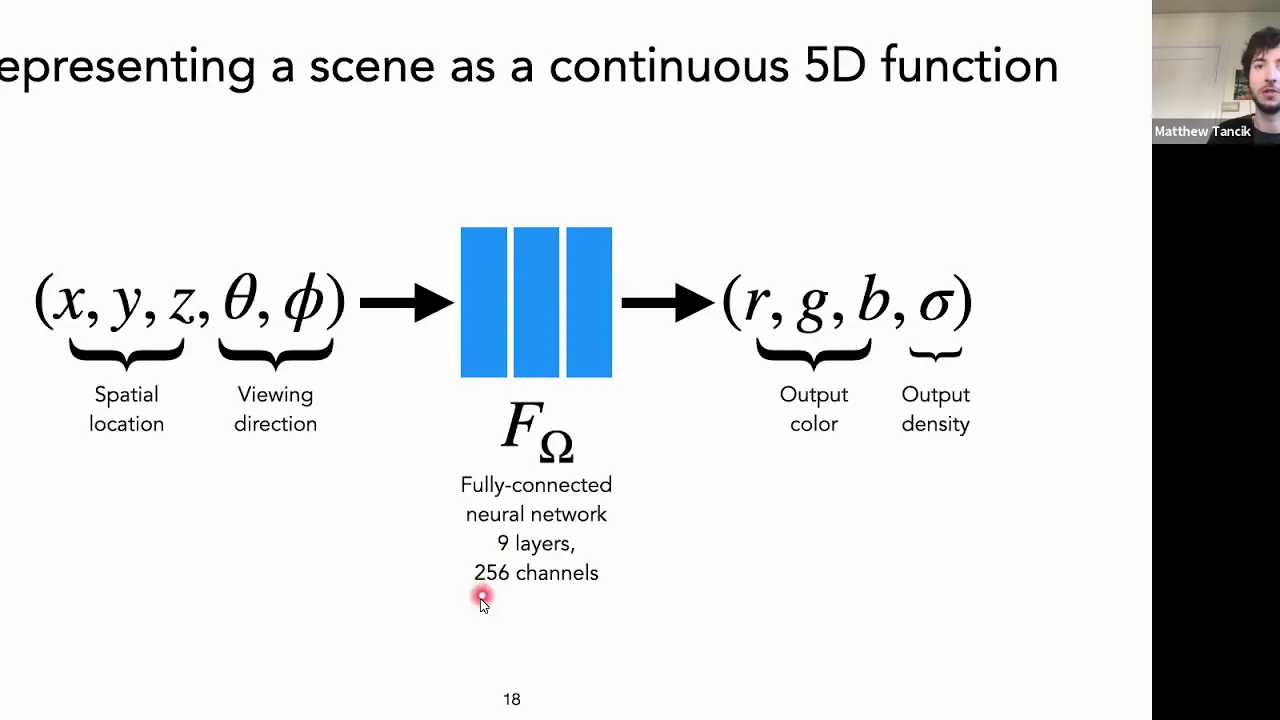
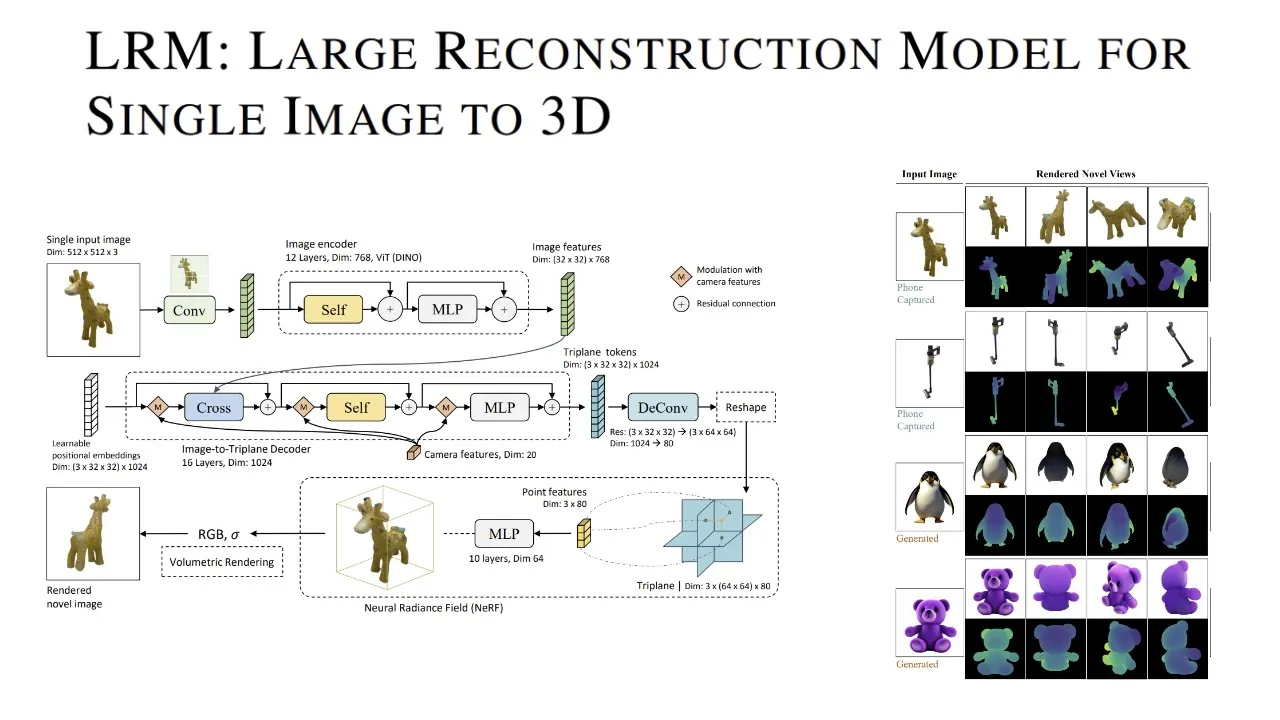
Added:Fundamental concepts of Neural Radiance Fields (NeRF), including how coordinate-based neural networks represent 3D scenes using volume rendering.
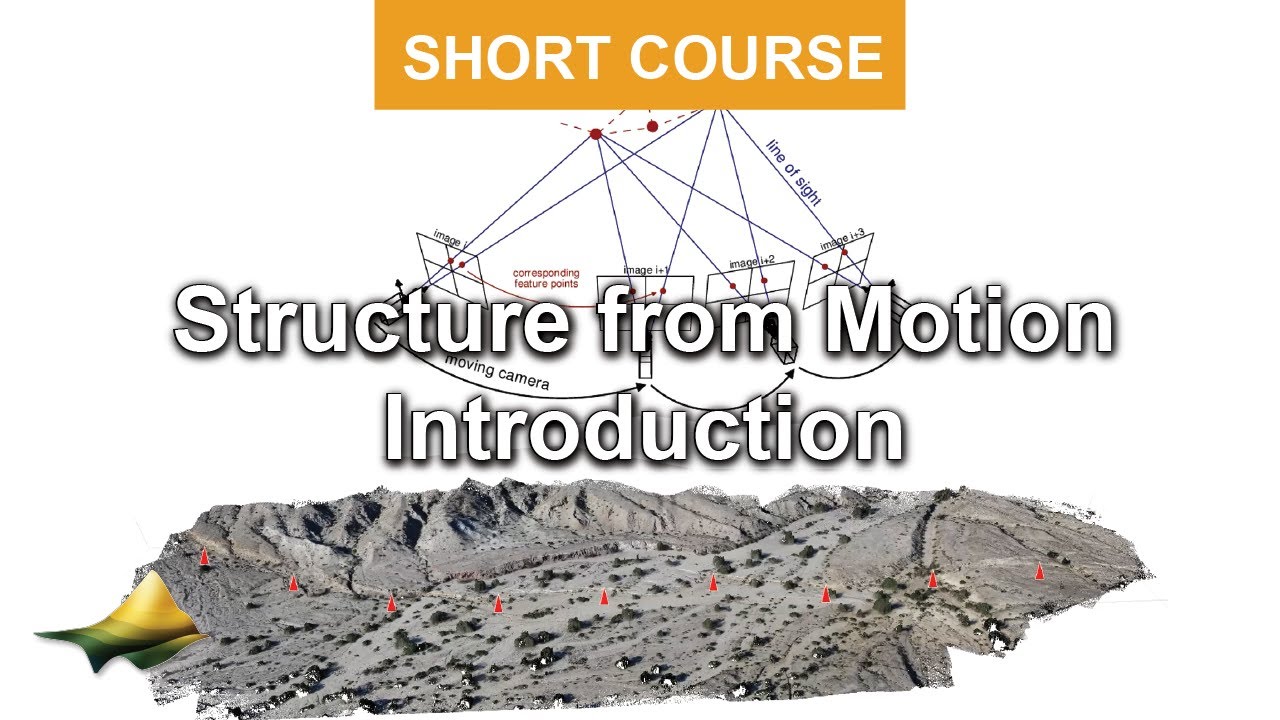
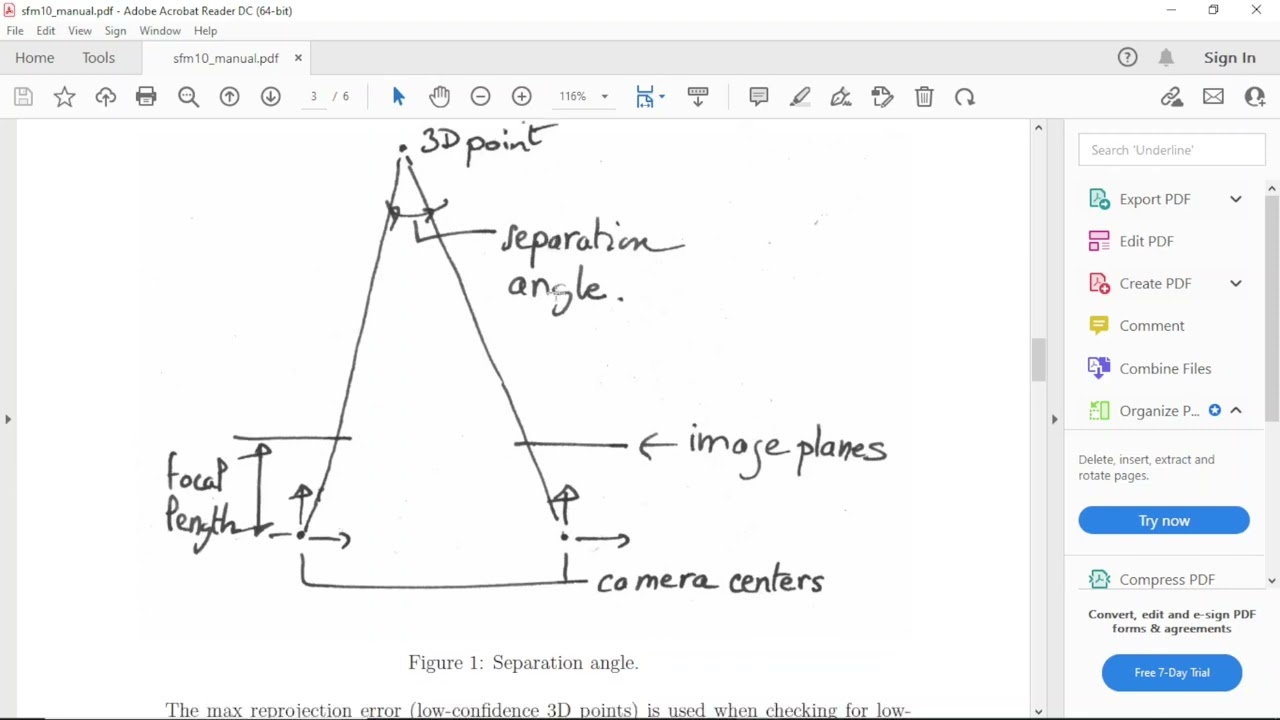
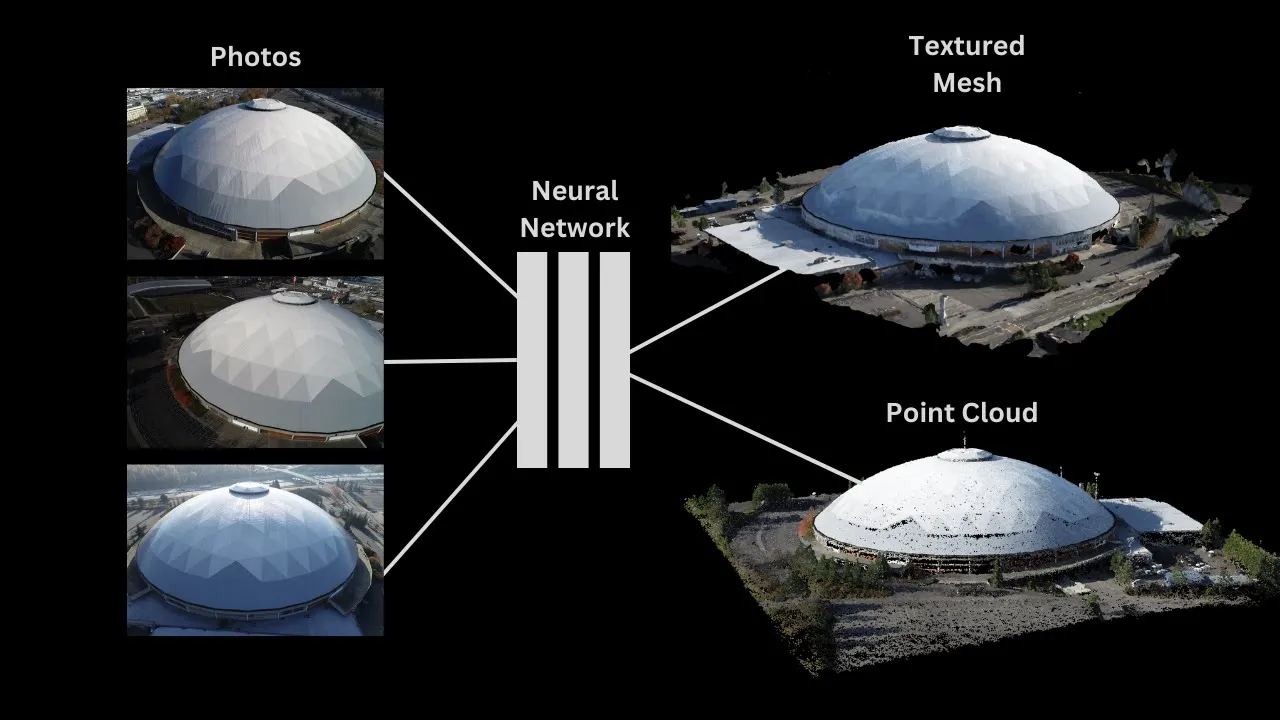
Basic principles of Structure-from-Motion (SfM) and photogrammetry, specifically how camera poses and 3D spatial points are reconstructed from overlapping 2D images.
Familiarity with Python programming and command-line interfaces (CLI) to execute scripts, manage file paths, and install package dependencies.
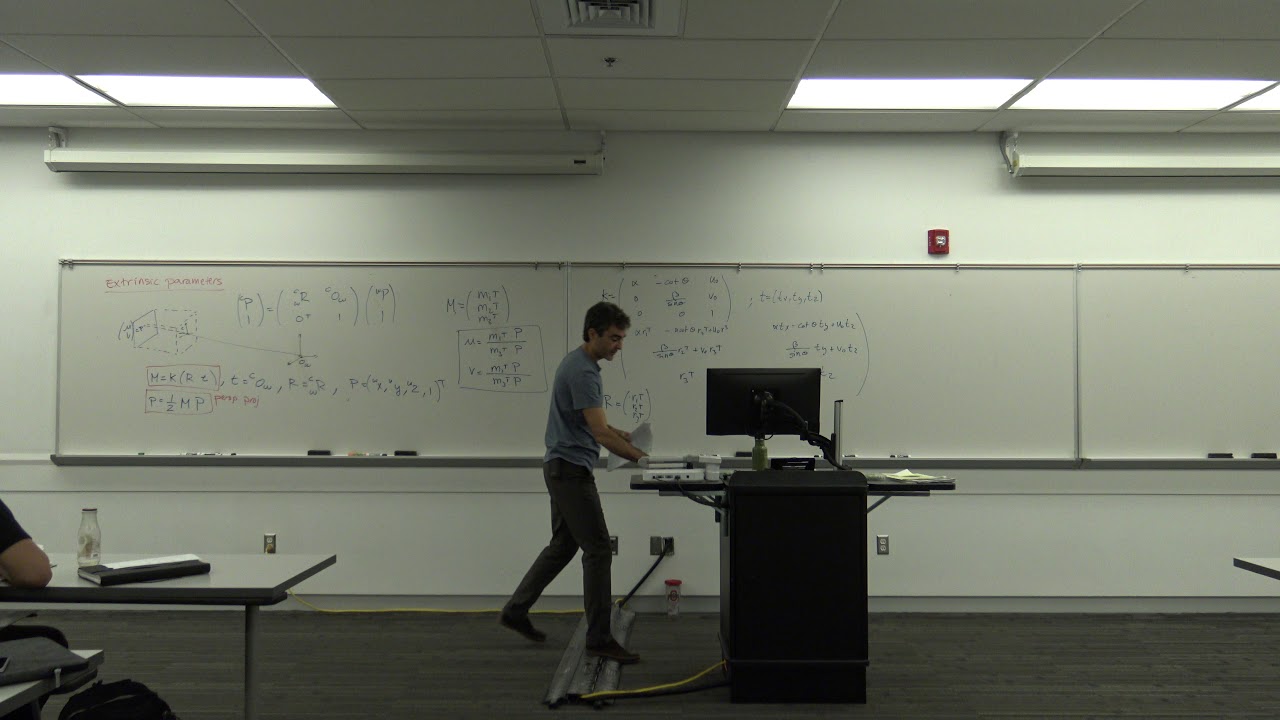
Understanding of camera projection models, including intrinsic parameters (focal length, principal point) and extrinsic matrices (rotation and translation in 3D space).
Optimizing Instant NGP training parameters, configuring hyperparameter files, and using marching cubes to export NeRF models as standard 3D meshes or point clouds.
Exploring 3D Gaussian Splatting as an alternative and modern real-time radiance field technique that circumvents traditional neural network training.
Integrating reconstructed 3D NeRF assets or exported meshes into external production pipelines, such as Blender, Unity, or Unreal Engine.
Studying advanced NeRF variants designed for challenging conditions, such as dynamic scene reconstruction (D-NeRF) or varying outdoor illumination (NeRF-in-the-Wild).
42.9K views0likes8:40Original Release: 2023-01-07
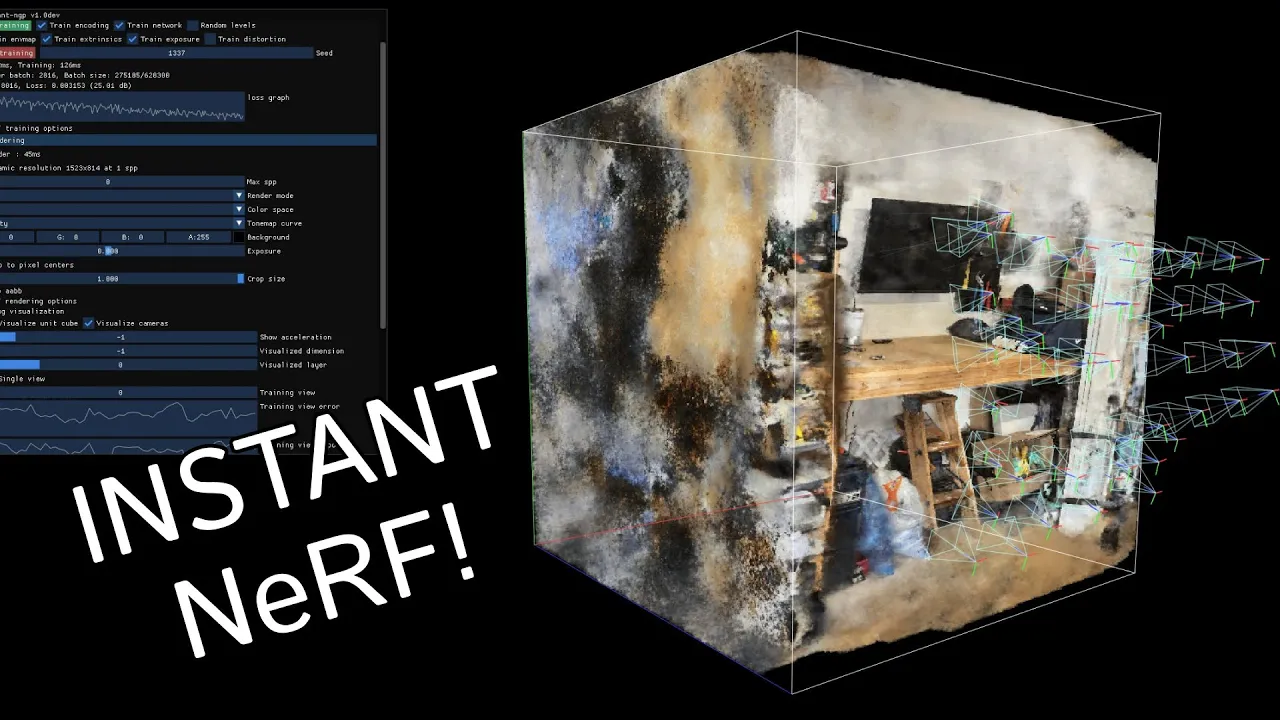
hey there everybody and welcome back to another tutorial and this one I'm going to show you how to make data sets for Nerfs so that you can use instant NGP with your own pictures with your own data sets so what is it that I'm talking about well if we launch instant NGP you're going to see the Cy that doesn't necessarily do anything until we throw some data at it so here is a custom data set I made it's not necessarily obvious how to make this so you can see it's a bunch of images and this transforms.json Json Json um you don't necessarily know how I made this but I clicked this I drag it and you can see it's starting to work on the Nerf and it really is just kind of like a small uh hallway scene in this case so the question is how did I create this and I will show you how to do that in this video um and I'll try to keep it very simple so basically I need you to have three things ready for this tutorial one I need you to have a sample video so this is the video that I took at my girlfriend's house didn't even film it at my own have a video ready you can kind of orbit an object go outside you know do whatever you probably should go outside it's good for you um take a video that's step one step two I want you to make sure that python is installed and you'll know it's installed and there's tutorials for this you'll know it's installed if you go to you know command prompt and you type in Python and it tells you the version number so I have 3.7.9 you can get a newer an older version whatever so make sure you have python installed um and and we want to make sure that once you have python installed you have certain libraries installed so you just run these three commands if you haven't already so pip install in other words python install the first one is ffmpeg there's a good chance you have this installed just run this mine is already installed so I'm going to get this message if yours is not installed you're going to get a whole bunch of code next I want you to install opencv if you haven't already I already have a version of it so that's fine and then finally pip install um call map and this one's very important for making Nerfs and again I have this one so again for each one of these it's going to install a bunch of stuff so make sure you have python make sure you have this make sure you have your video and finally step three make sure you have the script this is called call map color map to Nerf uh the way you get this is you just type online so literally I type in call map to Nerf go to the GitHub see a bunch of nonsense click here and here is the thing to actually look at it we can go to the raw file and then save as call map to Nerf as a python file and you can save that on the desktop basically what this is going to do is it's going to kind of batch process it's going to run our video turn it into a bunch of images run the color color map Etc and run it through instant MGP so here's what we do once we have those three things go to command prompt and what I want you to do is I want you to take these two things your script file and your video and put them in a folder so I'm going to call mine Nerf folder I know I'm winning Awards here take both of these put them in the folder what I want you to do is first of all tell your command prompt and in other words tell python to look into this folder so I'm just going to right click copy address so CD change directory to these to this address so really all I've done here is that if you don't know what any this means I've opened command prompt and I said hey command prompt look inside this folder change directory to inside this folder so you can see it changed from users Dominator to Dominator desktop Nerf folder so now we're inside the folder and now we are going to run the script but we're not just going to run it I'm going to run it with a custom command and this is something you can just copy and paste so I'll put this in the description what we're going to say is we're going to say python go to this file right here so make sure you have instant NGP installed obviously this is a tutorial about making data sets for nvidia's instant NGP so I assume you have that installed you want to go to this directory which is going to be slightly different for you so where you have instant NGP go to scripts and inside of here you can right click copy address and then paste that here so for me it's users Dominator desktop instant NGP scripts uh called map to Nerf py python for you this uh starting might be a bit different depending on where you have instant MGP next we say feed in the video and then the name of the video so in my case this is called video.mov right if I if the file was called something else like hallway in this case it's an mov file make sure you update that here so so far two things to edit one the file path of this command and two um the name of the video next the next thing we want to edit is the FPS in other words how many frames is it extracting per second the rule of thumb is you want 50 to 150 images so if you have a very short clip you need to extract a lot of frames if you have a very long clip only extract a couple per second right so that we don't get way over 150. in this case we have like a six second clip so I'm going to really export like 10 frames uh per second so that's going to be a lot um and then it's going to run call map and then this number you can edit I wouldn't play with this too much until you know what you're doing basically this is kind of like how far is it looking out in terms of the crop of the sum of this Nerf don't worry about it basically the smaller you make this you can kind of refine it but if you make it too small you run into issues so I'm just going to keep this at 16. once you have all this you can copy this entire command which again is a bit different for you and again we're inside the change directory thing you're going to type this in hit enter it's going to do a bunch of stuff it's going to say we're going to make a folder called images do you want this type in y for yes and what this is doing is it's extracting 10 frames per second of this video so you can see here we have this the next order business is we have the images we now need to run call map which is basically a library it's a program what it does is it tells you where your cameras are positioned in space and we use this uh to run uh what do we use this for we use this to run instant NGP so it already knows where the cameras are either way so we have all this and we want to say are you going to use call map say yes and now it's going to do a lot of calculation but you see in this folder it's created a whole bunch of stuff and really the golden grail is once this is done processing and it is going to take a while to process you're going to see two things you're going to see this image folder here and you're going to see something called transform.json that thing I was talking about before once you have both of these we're going to put them in a folder and that is the data sets for the thing um but do expect this to uh take a while so I'm just gonna speed forward or skip to when it's done okay so it's finished when it's done you're gonna see that it's going back to your folder directory you can close this down and again the important thing is when this is done you're going to get a transforms dot not Json but Json file uh what what you're going to do is you're going to make a folder and what you're gonna gonna do is I'm gonna call data you can call it whatever make sure your images and your transforms are in here so this is saying here are the list of images and here are where those cameras are oriented that's the transforms and this is the uh data model that you're trained with or you're going to train instant on GP with so now when I open Instant NGP if I can muster double click what we're going to do is I'm going to try to find the thing here we go you're going to go to data you're going to drop this in and it's going to start compiling now remember for me I took this video of a hallway so we just want to make sure that this is what it's creating and while it is taking you know a sweet while to do this you can definitely tell oh here's the hallway in fact I'm not going to go too much into instant NGP here but one thing you can do is in the debug visualization turn on visualized cameras and this is exactly the camera path I used to walk through here right Isn't that cool so this is literally the cameras I calculated um and what you can do is you can make a little animation to make a perfectly uh stable flight path uh either way that is the tutorial make your data sets and uh cool oh by the way I have a patreon check it out
Up Next

41:22
Camera Calibration with Zhang's Method | Computer Vision Tutorial
@CyrillStachniss
53.3K views•2020-04-20

87:26
Introduction to Secure Multiparty Computation with Yehuda Lindell
@fhe_org
7.7K views•2021-02-04

4:55
HTTP Requests Explained: GET, POST, PUT, DELETE
@codecademy
103.1K views•2021-10-07

19:25
Enigma Machine Mechanics: WWII Encryption Explained
@JaredOwen
13.2M views•2021-12-11
Related Study Plans & Knowledge Roadmaps
Structured learning paths in Computer Science
computer-science
Container Runtimes: Namespaces, Cgroups & Go
01Linux Systems & Go Programming Foundations
02The Core of Isolation: Chroot and Filesystems
03Linux Namespaces: Process Isolation
+ 3 more learning modules
32h6 modules
Explore Roadmap
computer-science
Building a CHIP-8 Emulator: Rust & CPU Basics
01Computer Architecture Foundations (Bits & Bytes)
02Rust Programming for Systems Development
03CHIP-8 Virtual Hardware Specifications
+ 2 more learning modules
32h5 modules
Explore Roadmap
computer-science
Building BitTorrent: Go, P2P & Concurrency
01Go Fundamentals & Concurrency
02Networking Foundations & P2P Architecture
03Bencode Parsing & Torrent Metadata
+ 3 more learning modules
26h6 modules
Explore Roadmap
computer-science
Actor Models (C++ Concurrency & Lock-Free)
01C++ Multi-Threading Foundations
02Thread Pools and Task Scheduling
03Atomics and Lock-Free Queue Design
+ 3 more learning modules
45h6 modules
Explore Roadmap