










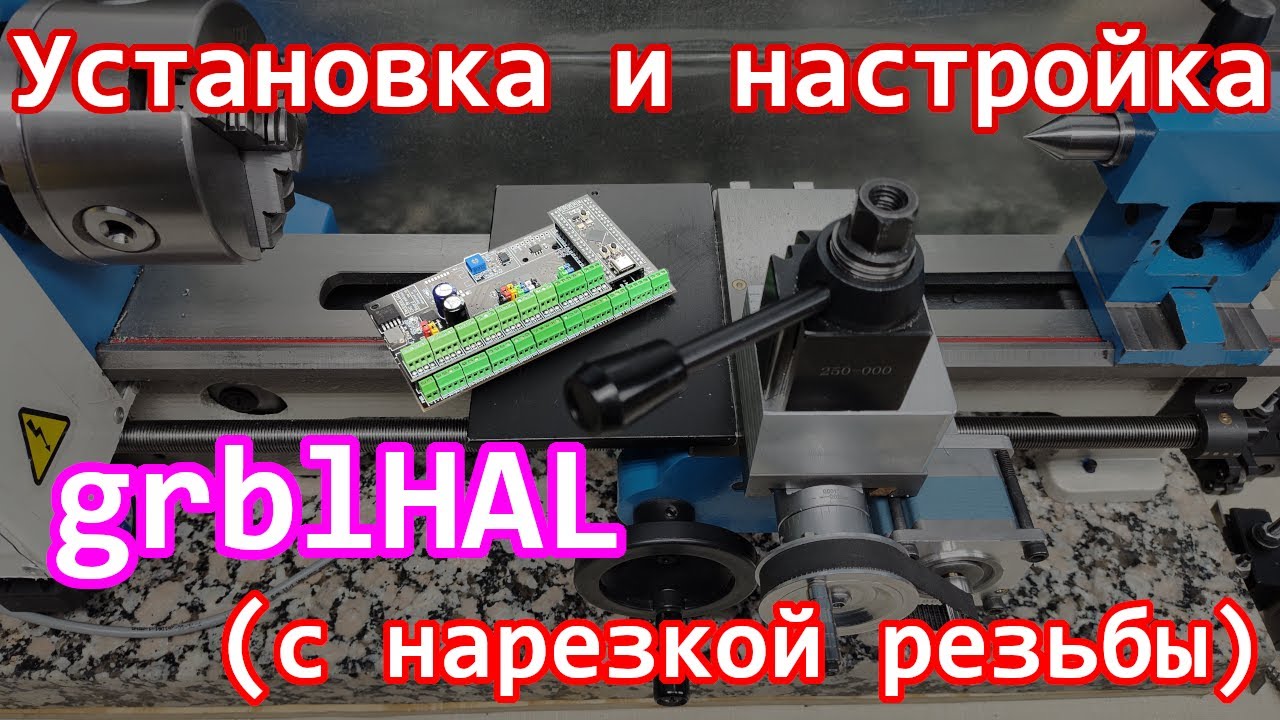




GRBL is a free open-source motion control software that enables Arduino boards to operate CNC machines by controlling stepper motors through the Arduino CNC Shield, which provides pre-wired connections for up to four stepper motor drivers and includes pins for limit switches, spindle control, and other machine functions; the system requires installing GRBL firmware on an Arduino Uno, configuring the CNC Shield according to the machine's axis configuration, and using G-code sender software like UGS to send commands and control the machine's movements.
GRBL and Arduino CNC Shield Setup Guide for Beginners
Added:Basic familiarity with the Arduino ecosystem, including how to use the Arduino IDE and upload firmware.
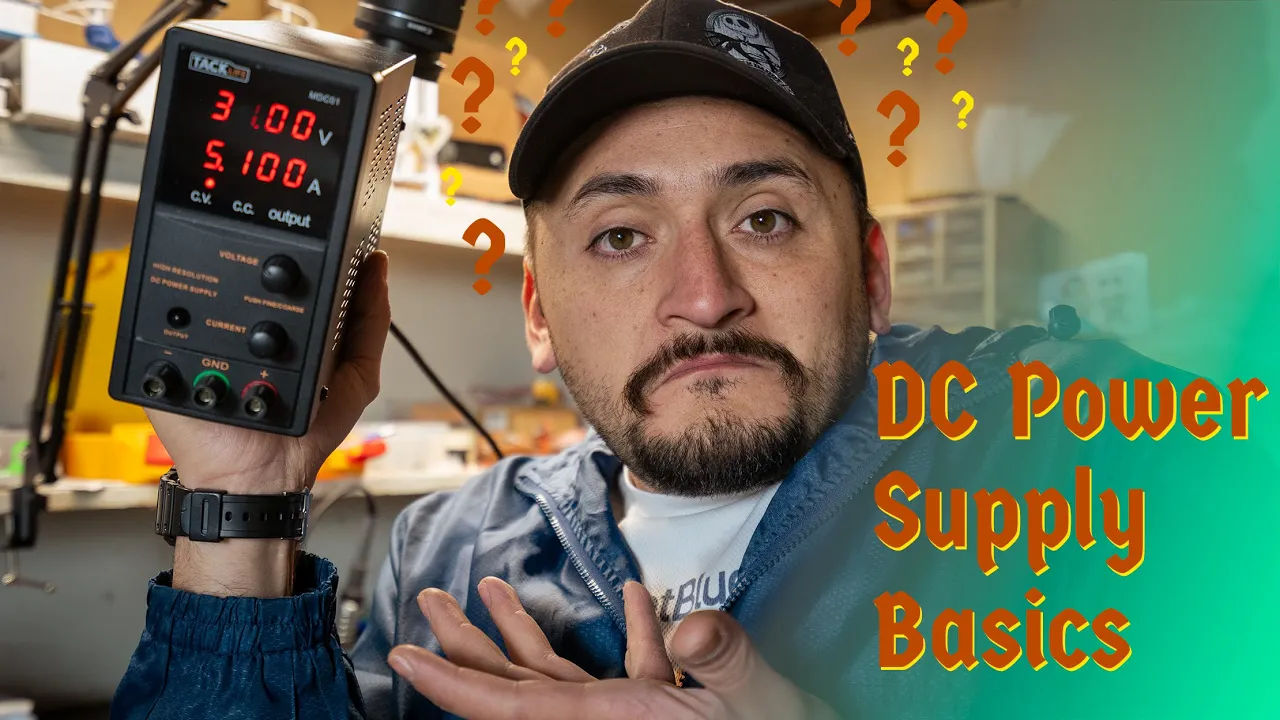
Fundamentals of DC electronics, particularly polarity, voltage limits, and how to safely connect external power supplies.
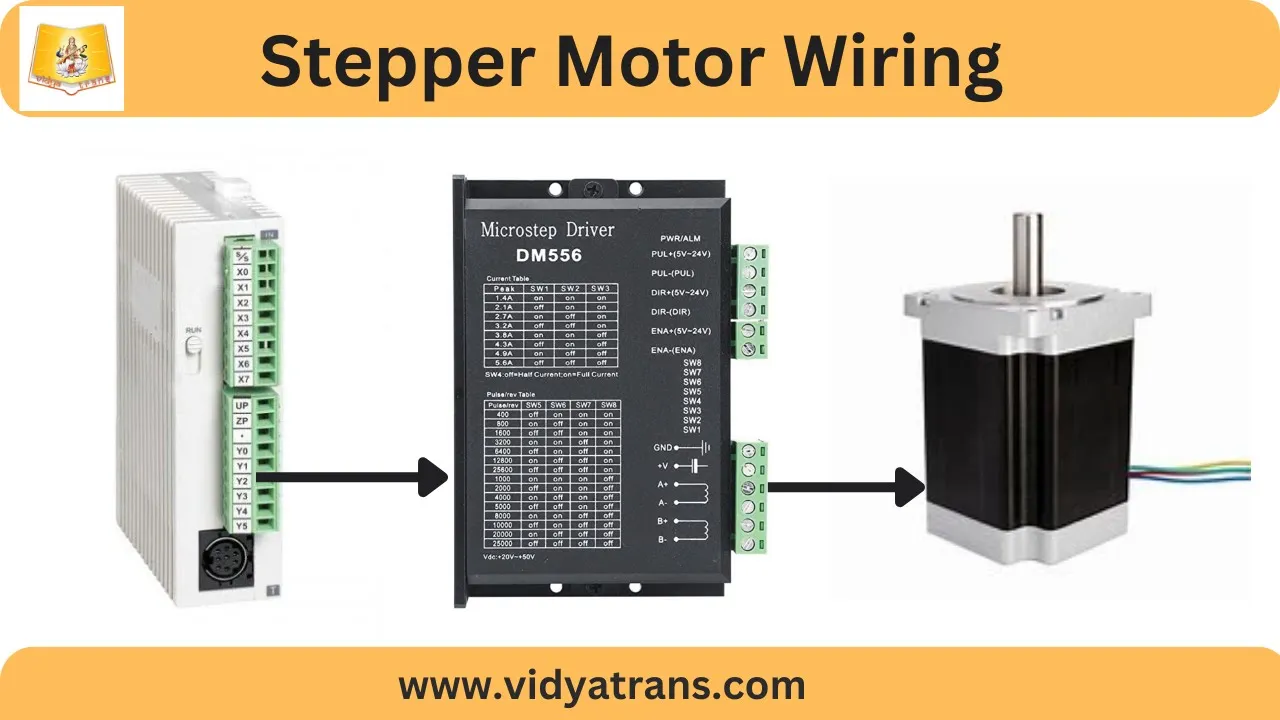
Understanding of stepper motor principles, including how step and direction signals control rotation.
An introductory concept of Cartesian coordinate systems (X, Y, Z axes) and the general purpose of G-code.
Fine-tuning GRBL configuration parameters, such as calibrating steps-per-millimeter, acceleration, and maximum velocity.
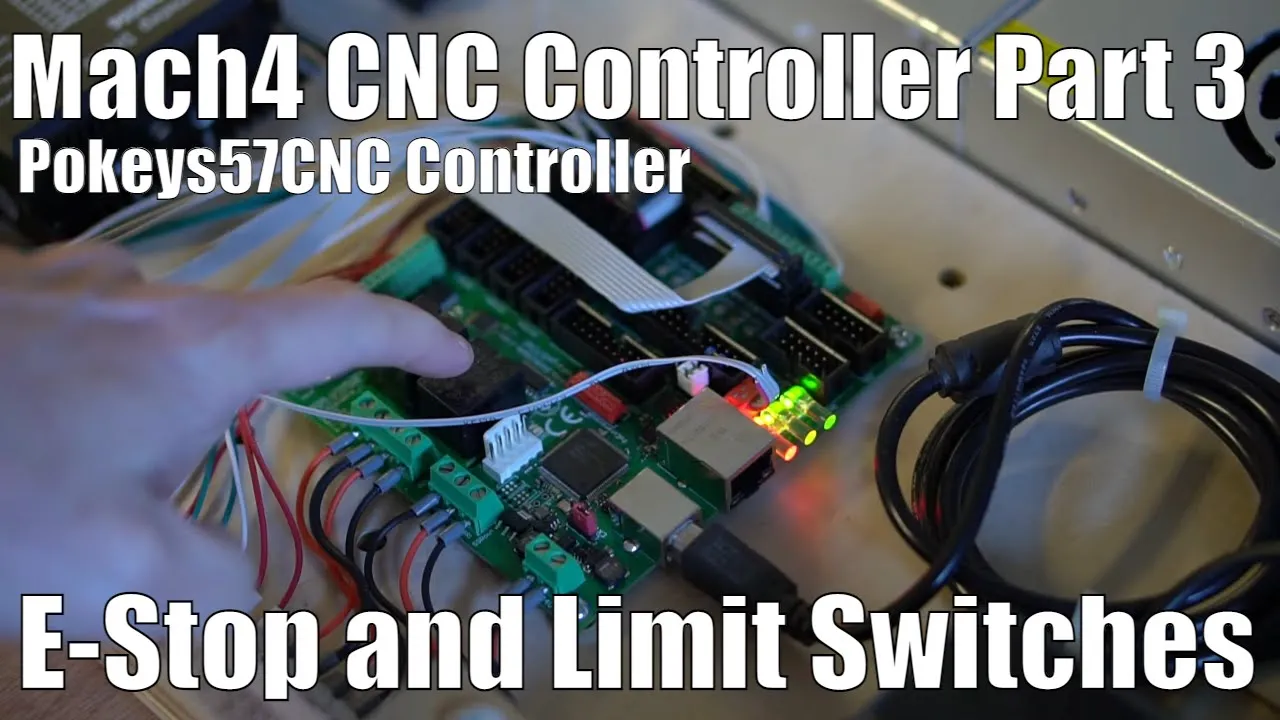
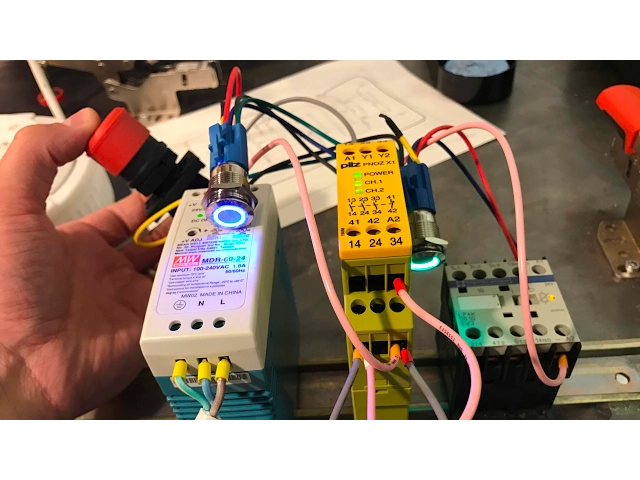
Integrating safety and control hardware, including limit switches, emergency stops (E-stops), and spindle control relays.
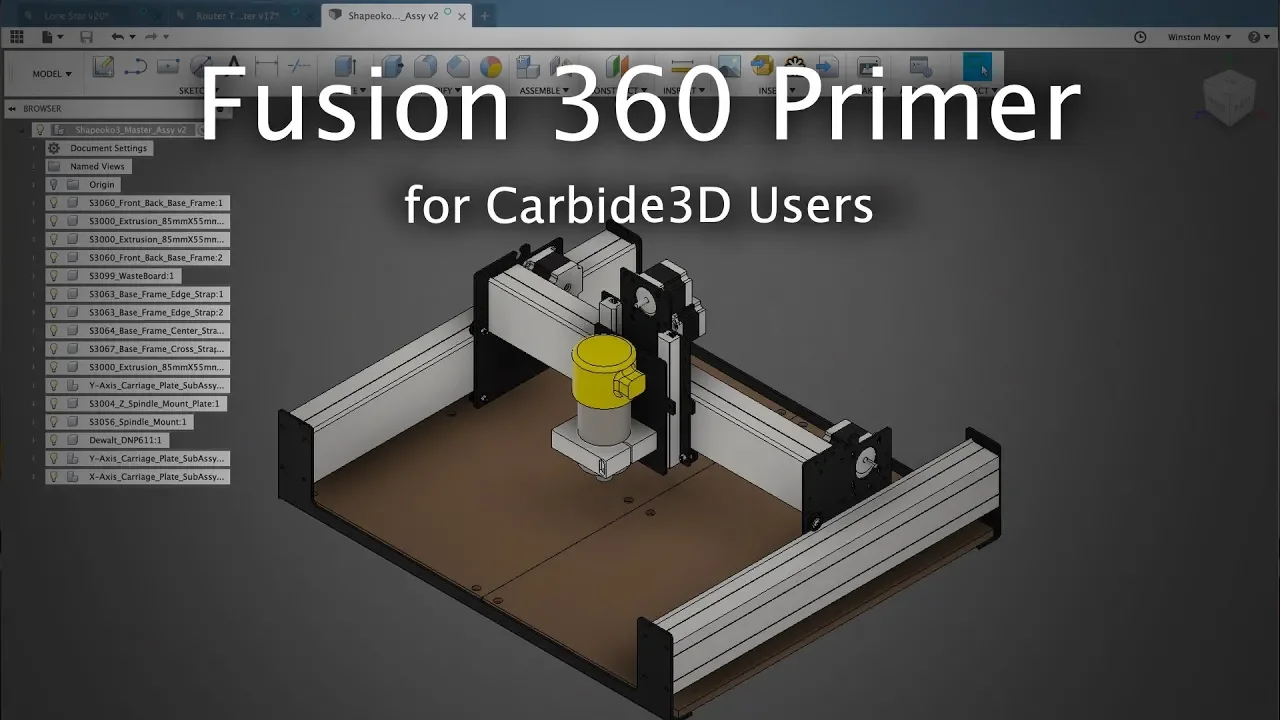
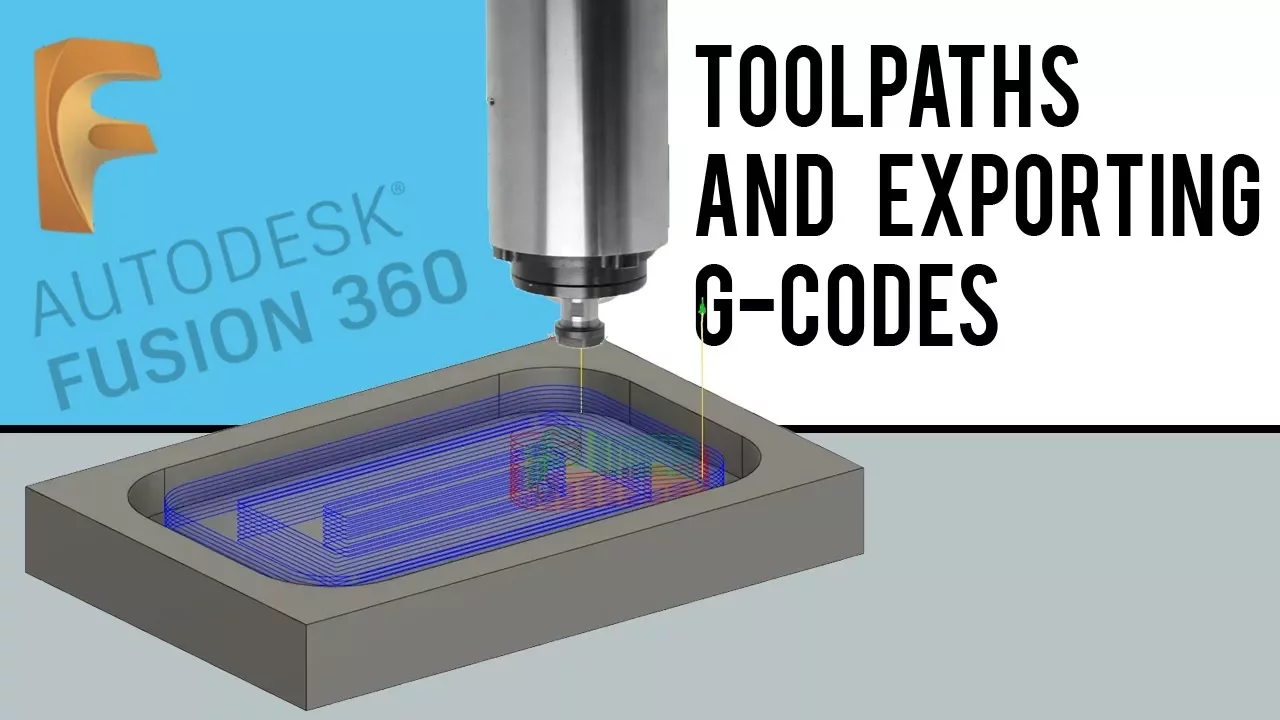
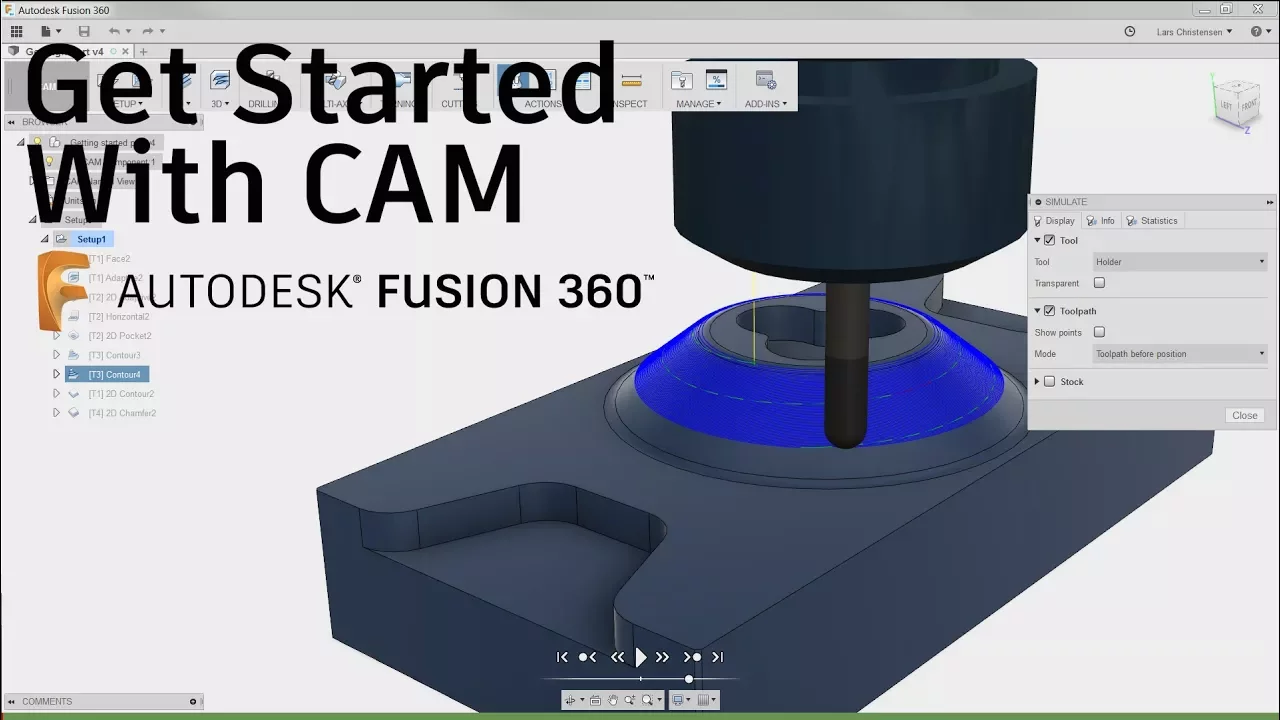
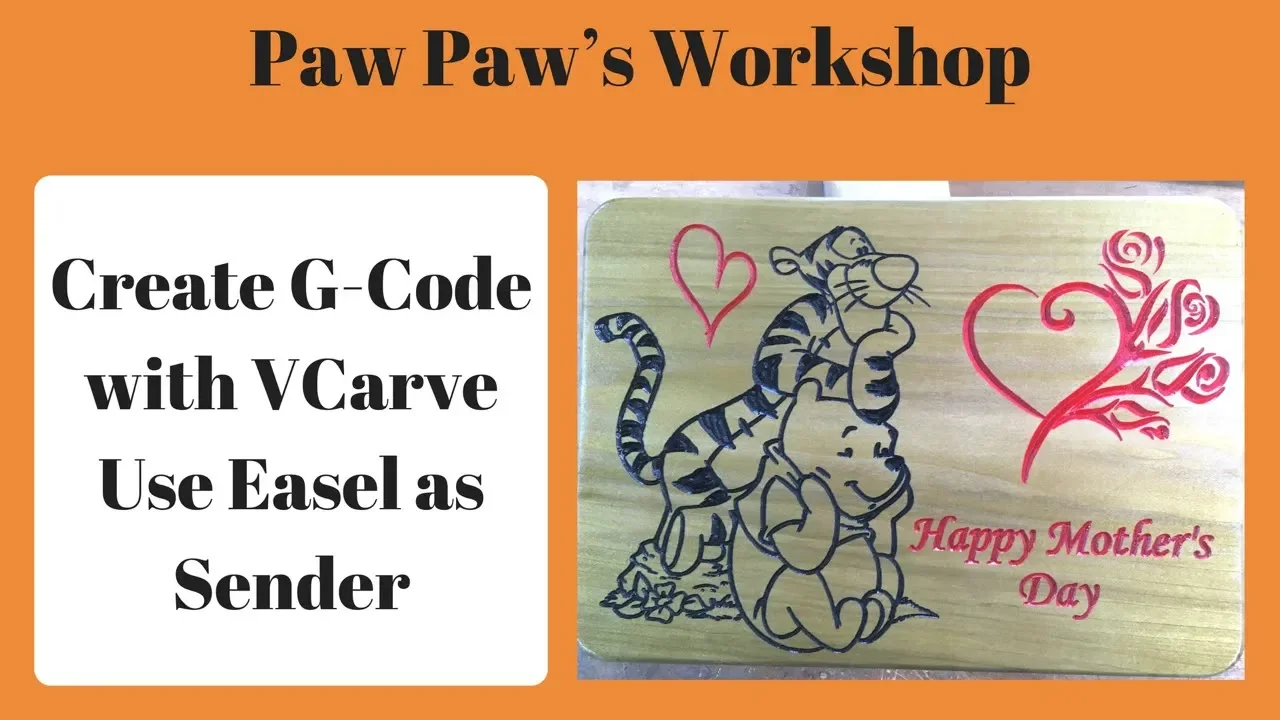
Mastering the CAD/CAM pipeline to design parts and generate custom G-code using software like Fusion 360 or Easel.
Troubleshooting mechanical and electrical issues such as signal noise (EMI), thermal throttling of stepper drivers, and physical backlash.
264.6K views3.6Klikes31:35Original Release: 2023-01-05
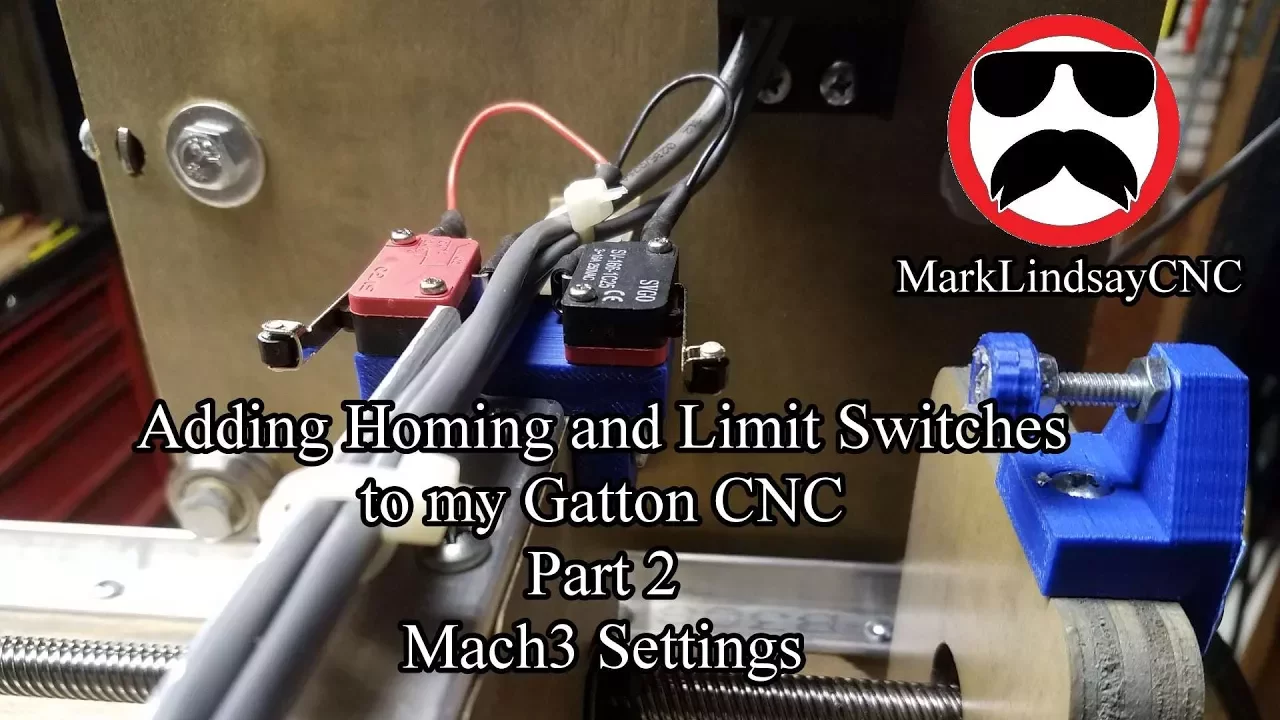
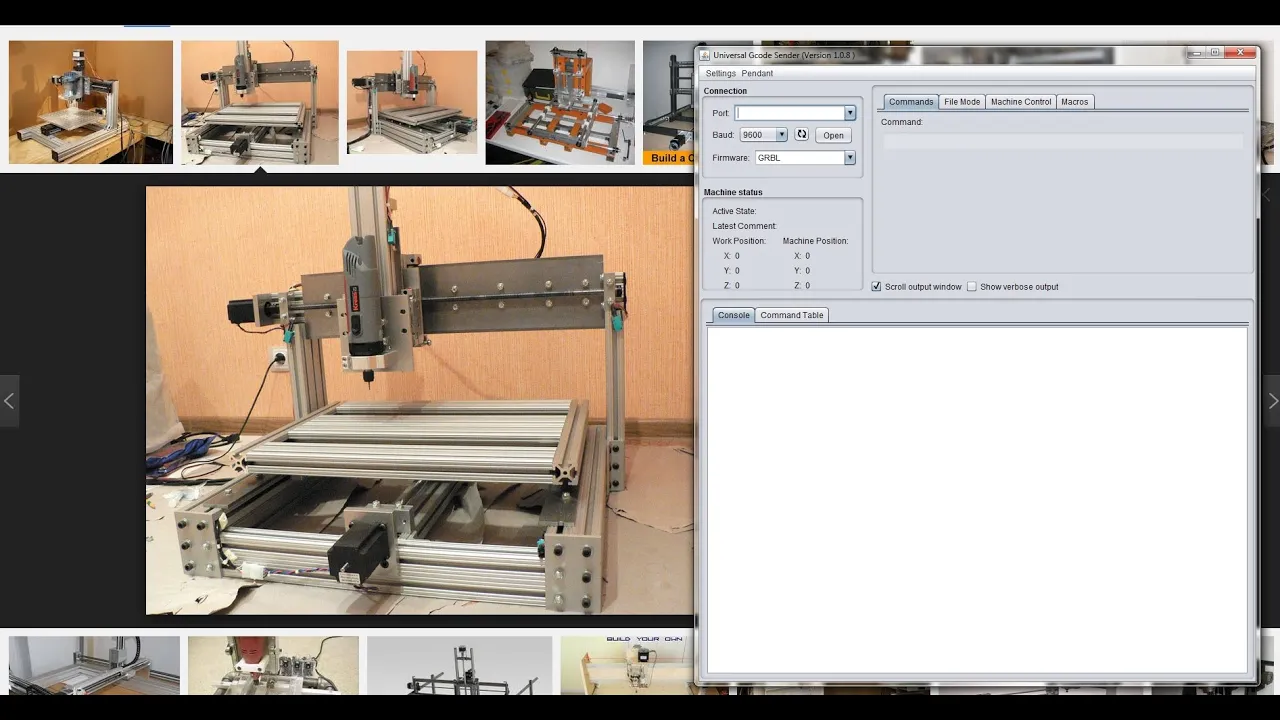
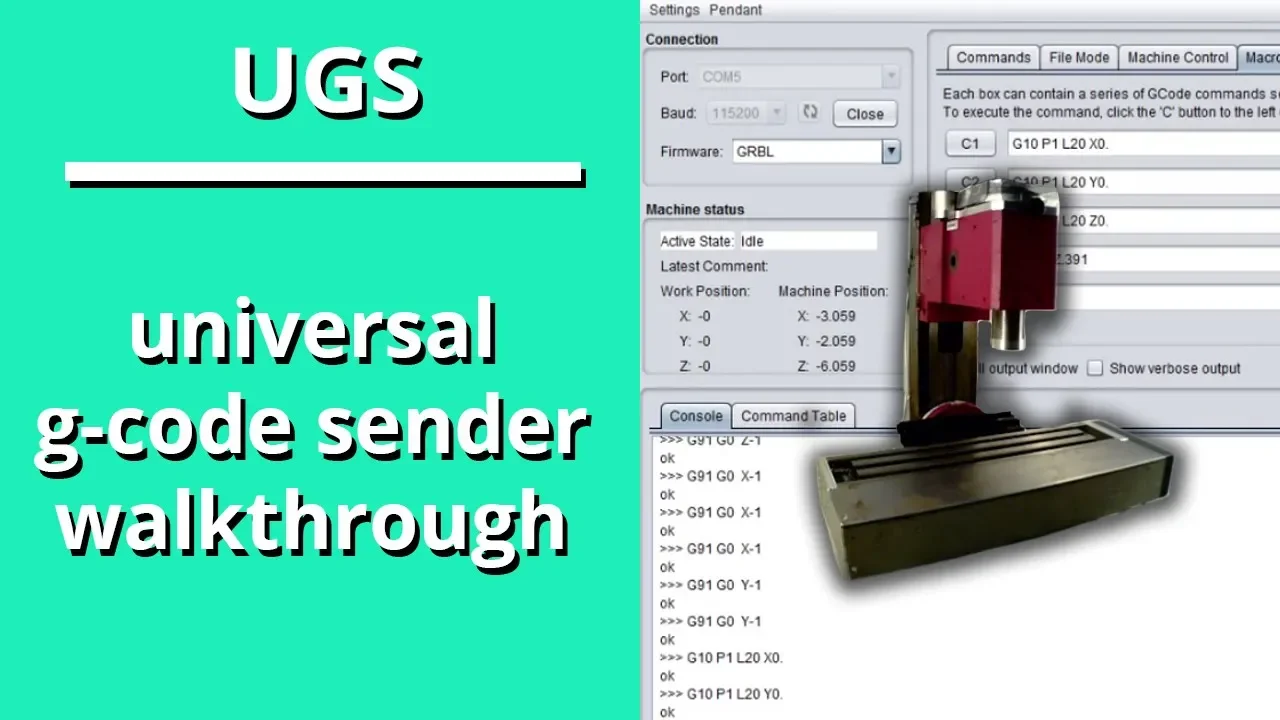
hello everyone and welcome to this new DIY Engineers video in this video I'll be covering grvl pronounced gerbil to be used along with your Arduino and Arduino CNC Shield module that way you'll be able to develop a machine like the one shown here in the video in the video I'll be covering everything in great detail including the CNC Shield module pins how to go ahead and connect it to your Arduino for your project and then even great examples on how to program G-Code to be used with grbl so let's go ahead and get started drbl or gerbil is a free open source software that's used for motion control with Arduino boards that use the atmega 328 this enables us to use an Arduino Uno to operate a CNC machine such as a laser cutter 3D printer Etc basically we can use Global and an Arduino not to operate any CNC machine with three axes such as the ones I just mentioned specifically you can make a custom CNC machine built from scratch to do this now let's talk about the Arduino CNC Shield the Arduino CNC Shield basically allows you to easily connect up to four stepper motor drivers and four stepper Motors to your Arduino project while connecting them to very specific pins in the Arduino Uno then the grbl software which basically you use with your Arduino Uno knows which pins each motor is connected to so that way you can use the gerbil software to control your stepper Motors in a very seamless way now what if you don't want to use gerbil technically you could use the Arduino CNC Shield without having to use Global so you simply want to go ahead and have a project with a few stepper Motors and you don't necessarily want to use it for a CNC application then you could you still use this device and you could control x y z axis a axis which are not necessarily have to be accessed by using this and referencing the correct pins on your Arduino Uno now as you can see they are doing a CNC Shield has very specific locations for each axis on your CNC machine there's also an a-axis which can be used to duplicate either the X Y or C axis by using the appropriate pins which we'll go over or you could operate a fourth independent axis if you're not using grvl by using pins D12 and D13 now let's go ahead and talk about the Arduino CNC Shield pins if you look at this image you will see that each of the access so X Y zna have their own spot to connect their stepper motor driver such as the a4988 and stepper motor wires on each of these spots you also see pins to define the stepper motor microstep in settings as shown here you can also see the ground pins on the right for details on the a49 super mode driver micro step in settings please see my earlier video now on the left side so over here you can also see the pins to control the steps and directions of the X Y and Z axis these are connected to the Arduino pins that are there if needed but you shouldn't need to use this if you're using the shield in Arduino via gerbil as the pencil you know if the output will come from the pins within the Arduino near the middle left you also see pins that can be used to enable the a-axis to mirror the X Y or Z which are these note that when using verbal you can only use the axis as mirror and cannot independently control a fourth axis without gerbil you could simply use all access through the Arduino pins as you know the ones shown here with a custom Arduino code on the right we have the pins for limit switches which allow for both positive and negative end of the switches and you also have pins to externally control the spindle which you have the enable in the direction note that if you're running Global 0.9 the PIN for the spindle pwm control is d11 and D12 is the Z Limit so these are flipped on gerbal 0.9 or as this board the one I'm showing here is intended to be used for 1.1 there are other pins such as D12 and D13 for external control of Direction and step of the axis you also have those other pins for enabling the coolant a board hold resume a stop as well as reset another ground pin serial and i2c communication and a 5 volt and 3.3 volt output now as I said before there are two basic ways to use the Arduino CNC Shield either you're running gerbal or you're using an Arduino with regular Arduino code on it and referencing the pins that I'm showing here if you're running a regular Arduino code You're simply using the Arduino Shield to benefit from the fact that it's very condensed and you don't have a bunch of wires going all over the place you could even control up to the four stepper Motors all within this board without having to mirror meaning independently controlled if you're running verbal basically you have to send comments externally from another device to their doing oh no which tell their Arduino what to do so they're doing on this running verbal and is waiting for the commence the simplest and most common way of doing this is connecting a USB cable to Arduino Uno and sending the commands from a computer running the software such as universal gcode sender now let's go ahead and talk about how to install gerbil on Arduino to do that go to the link in the description to the GitHub link to download the code next here where it says code go ahead and click it and download as a zip right click and extract after extracting the zip file go to Arduino IDE and we'll go to sketch Clute Library add zip so then once you're in the folder word you extracted the file go to the gerbal master again click the one that says grbl and click open I'm not going to do it because I have already imported it now the next step is to go ahead and install gerbil into your Arduino which you would do by connecting with the USB cable to your computer and going ahead and adding the code to the Arduino like you would for any other program however if you're going to be running a machine that only has two axes so call it the X and Y with no z-axis you would want to do an extra step so to do that let me first talk to you about my machine so this is my custom made CNC machine and as you can see I have an x-axis in the y-axis my origin is at zero and the Machine actually moves into the negative and y axis negative Y and negative x axis and I have that motor there that is for dispensing or Extrusion it's actually not a z-axis so if you have a set of setup like this where the spindle enable is going to activate uh you know a motor and then you have X and Y but you don't have a z-axis then you have to make an extra change into the code that goes into your Arduino before you deploy verbal specifically for the Homing sequence because otherwise when you start home it's gonna want to home a z-axis which doesn't exist and since it's not going to receive the signal on the z-axis limit switch it's just going to time out and you're going to have an error so let me show you how to do that now so again this change you only need to make if you're only operating two axes so if you if that's you go ahead into the grbl master folder then click on grvl and then open this config as a text file so what you'll want to do is find the following section these two rows you can see that once you start the Homing cycle you're gonna start with the z-axis so this is the default for a traditional three axis CNC machine where the z-axis is the first to clear followed by X and Y so what you want to do is edit this change to Z Y and X that way you know to say consistent you can change this to an X and say first move x-axis to clear then leave this thing in parentheses in this other character it links the extra parentheses then optional then move y so what this change would do is you're going to home the X then home y instead of having to home also the z-axis which doesn't exist in my example for my machine so I would then just save this close and then I would proceed to install gerbal into my Arduino so I will do that by going file examples in this case I didn't show an example but the one on my computer I went ahead and when I made the changes I called it Global XY only that way I know you know for future products that if I want a third axis I have to go ahead and get the original files and not the one with my change anyways after that I go ahead and click on verbal upload and that opens this you might know that it doesn't have much but I mean you saw all the files in the folder so that's really what matters do not edit this code all you would have to do is connect to your Arduino and click upload now before I proceed I want to talk to you about the electrical setup and connections of my system so that you have a complete picture as we proceed to show you some examples and the use of the universal G-Code sender so from an electrical standpoint my setup is the one shown in this image you know I drive the x-axis and the y-axis stepper Motors through the Arduino running the grvo such Arduino also receives signals from the limit switches for the X and Y axis as shown there the spindle enable and spindle Direction signals all are sent from the Arduino run grbl to the Arduino running a custom code which will then run a dispenser motor that I talked to you about before they're doing a run in the custom code then takes a signal to the dispenser motor now that I actually installed grbl 0.9 so my wiring is consistent with this as you can see the pwm signal from the spindle control coming out of v11 so here spindle enable on the other one and I'm taking another the one that normally would have been for the C plus limit switch had I been using grvl 1.1 so if you're using Google 1.1 you can adjust accordingly if you actually want to follow this example so now that you have Grable installed and you are doing now and you understand your electrical connections and you have it fully set up mechanically you need a software to send the G-Code to your Arduino running garble so as I mentioned before I use ugs Universal Genco Center that's one option you can go with that's what I'll be covering this video so to install it go to the link in the description and go to this following page once you get there you click on download and you go ahead and download I'm running this one might take a while to download Once the file is downloaded extract the contents and go to this folder then go to bin and then to open the the program just go ahead and double click this one here we are and ugs has opened so it looks like this and first thing we're going to do is go to machine we're going to go to the setup wizard so make sure you click on grvl for firmware Port rate 115200 and Port just make sure it's the one active for your connection at this point your Arduino running jrbl should be connected to your computer so click connect and let's just say connect and as you can see mine connected to grbl run in 0.9 but then I go to next if you had any import settings you would go ahead and import them from a machine that maybe wasn't custom made by yourself but from someone else and it has all those settings if not you have to do a head and proceed with the setup yourself so then click on next so then we're going to go ahead and we're going to make sure that the wiring is consistent um with the plus and minus directions so that when you click on plus the machine moves the way you want it to so I'll now press Negative X a bunch of times so you see what happens if you need to just go ahead and click on reverse direction for any of the axis as needed so that the CNC moves in Direction you want it to when it goes when you click on negative or positive for either axis so now let's go ahead and click next and the idea would be to you know press the minus or plus button to make the motor move the stepper motor measure the actual movement and calculate a calibration parameter so before I do that let me go ahead and measure the starting point [Music] I see about 10 and a half so now I'm going to move [Music] now let me go ahead and measure the total displacement and I see an actual moment of 10 millimeters and that's the number I get so I'll go ahead and plug this number in and update then I will do the same thing here I would do it after testing but I know the setup for mine is the same you should go ahead and test them and get a number and I'm going to skip the z-axis because well I don't have a z-axis and then I would click next next step we enable the limit switches my machine has limit switches for the X and Y axis I would enable them and enable homing so for homing basically it's going to take it uh as I've shown you if you had a three axis again at home Z and then x y at the same time for mine is going to do X and then y so this is how the Homing sequence works so I have an X and Y axis on this machine and I have an x-axis limit switch which is this one shown here and I also have a y axis limit switch which is this one shown here so when I press the homing button this will move that way first until it engages that limit switch right here and then we'll go ahead and move to the back until it engages this limit switch so let's go ahead and do it so now we go ahead and click try homing it starts the Homing sequence we see that it touches that button that's done and it's moving back until it is then we click on next and you can enable soft limits which will prevent the machine to move beyond the safe work area or not I have a disabled but you can turn it on if you want to then you click finish and then you're done setting it up now there are other settings that you could also edit for your CNC machine you might notice that once your machine starts it outputs this you know step poles step delay Etc uh there's one specifically which are the dollar signed followed by 100 101 and 102.
which are the x-step Y step and Z step these are the steps per millimeter and you might notice that has the numbers that we entered which kind of shows you that you could have on just enter these manually into here and change them but obviously the setup process makes it easier you could also edit your max rate meaning your speed in millimeters per minute for both X and Y and Z as well as acceleration and your max travel which this is just basically your your machine size you also have the dollar 27 which is the Homing pull-off so in my machine when I originally ran the helming sequence the limit switch would remain engaged so what this does is basically after it clicks the switch it pulls back 4.5 millimeters so this one dollar 27 and it then re-engages by approaching slowly the limit switch and then pulling back again the 4.5 so my machine when I helmet is always already at a x axis equals to 4.5 and Y equals to 4.5 you could change this number by just doing dollar 27 equal three and then if I reset everything you can see that now that's equal to that value of three I'm going to change it since I like my machine at 4.5 if I do a soft reset and I check it it has the 4.5 so you can do that with all the other settings that I just mentioned so now how do I get our jrbl CNC machine to move for this one will go ahead and start with a simple example so here in my screen I'm within Universal g code sender I have a existing text file with a G-Code that I already wrote in here we can see the visualization let's zoom in into this now let me first provide some context as to what's going on this is what's showing the code so first we do g21 which basically setting the units of what we're putting in here in millimeters then I run da90 which is setting the mode to Absolute programming what this means is that when I enter coordinates in this you know lines here that which I'll explain soon I'm putting the absolute coordinate the other option will be relative meaning when I go from this point to this point and I then reference the next one I would say hey go this much down versus saying hey go to this point right now we're saying absolute so we're going to specify the coordinates of this point this point this point this point and this point back rather than saying this point and then go so much down and so much to the left and so much up and so much right it's all going to be an absolute coordinate by setting g90 then we do g17 which is basically defining the current plane 17 is for the X Y if you wanted to define the plane as the Z x you would say G18 and if you wanted y z you would say g19 so we do g17.
now next we say g0 g0 is the command used for Rapid movements so we're going to go in a rapid movement from the origin down to x equals negative 50 and Y equals negative 50.
now if you remember from my earlier image my origin is at zero and then my machine expands into the negative X and Y so that's why I'm putting Negative X and Y coordinates so I just this is necessary depending on how you have set up your machine so once I get to negative 50 x negative 50y I'm gonna go and Define the speed of all subsequent G1 movements which are movements at a specified speed at 400.
and this 400 it's 400 millimeters per minute again since we said the units in g21 is millimeters this is millimeters per minute had we set it out for inches would have been inches per minute so we're gonna go we're gonna go from point one to this other movement over here and you can see we're at negative 15 we're still at negative 50. then we'll be from negative 50y to negative 100 y so we're going 50 down then from there we'll go to negative 100 negative 100 then up negative 100 negative 50 then movement number five negative 50 to negative 50. so where we started this coordinates are the same as these so then we do the last movement which is another rapid movement to zero zero and then we'll put M2 for the program to end so let's now go and test this on universal Deco Center now also for awareness if you want to show up your own code I went ahead and wrote this on a text file and then I just went ahead and click here open found the text file it shows up here and I drag that and docked it on the right so now I'm going to go ahead and click Send on this [Music] thank you [Music] [Music] and that's it for this first tip now let me go over a few of the commands that you can use in G-Code for your CNC machine we have the G commands starting with g0 which we just used which is a rapid movement we have G1 which is a linear movement basically a straight line movement that is the same as g0 except that you have to define the speed at which you want to do it for both U1 and g0 you define the X and Y and if you're running a z-axis also the Z coordinate you define the speed for J1 and GCR is a non-working movement so you cannot you know set a speed for a spindle or any for a laser cutter or anything like that first for G1 you could make you know do work while you're doing the movements you also have G2 which is a circular clockwise movement same as G1 and 0 you define the X and Y and Z coordinates the main difference is for G2 you define some parameters that will allow you to perform a curved motion so you can see here in the image that once we complete movement number two and we proceed to number movement number three that's the curve movement and this code is very similar to the one we just ran with the exception of that curve what we're going to do is Define I negative 25 and j25 this is the offset relative to the point that you are before you start your curve movement so if we're in this corner and we're about to curve out we want to know where that Center of rotation is so negative 25 is the offset on the x-axis so negative 25 this way and j25 being positive is up this way that defines the radius so we're going to rotate from this point and we're going to get to this point by rotating along the circle with Center over here so that's what you have to Define an i and J parameter we also have G3 for the same as G2 except it's counterclockwise then we have g17 18 and 19 which we talked earlier for defining the plane which you're working on we have G20 and 21 G20 to set the length units as inches or 21 to set it as millimeters which also will impact the feed rate or the speed of the movements whether there are in millimeters per minute or inches per minute and then you also have g90 or 91 to define the positioning style G9 is for absolute and g91 is for relative and we talked about that earlier so with g9e we're saying take me to this coordinate then take me to this coordinate then take me to this coordinate whereas with Gene 91 you would put the relative coordinates of the point you want to go to relative to where you are so then we have M commands we have MCR for unconditional stub so stop executing the g code M2 for ending the program which we used earlier M3 for turning on the spindle so running M3 activates the spindle and that will be basically a pwm output from this pins over here unless you're running grbl 0.9 in which you're going to get it from here and that will be a pwm signal from 0 to 5 volts where you define the output of that voltage by setting a speed from zero to a thousand or zero zero percent thousand is a hundred percent and a thousand would represent the five volts so m3s0 will be 0 volts and three s 500 will be 2.5 volts and M3 s1000 will be 5 volts so another important output that comes out of this will be the D13 pin which is the direction when running M3 this is a clockwise output so you're going to get a low output on D13 so 0 volts whereas if you use M4 which is in the other direction you get the same voltage if you put the same speed but then D13 will be high so I wouldn't worry too much about clockwise I'm counterclockwise depending on what is it that you're actually doing with your machine just think about what do you want to use D13 for because you're going to get low or high depending whether or not you use M3 or M4 you also have M5 first stopping the spindle and then there are other commands such as dollar sign H for homing the CNC machine and dollar sign X for unlocking it after a CNC unlock and after a soft reset now one more thing just because we tested a full code via running a file doesn't mean that's the only other way another way you can do it is just pressing g0 for example if I want to do a rapid movement and type in here in the command window or in the command line then I go ahead and press negative x50 y negative 50 and then press enter and that takes the machine to that point and it executed and let's say this just so you know that there are other ways of executing G-Code commands and you can don't have to do a whole code you can do just one line or two lines especially if you want to troubleshoot or test something real quick so now I'm here I'm showing the code with the example I showed earlier when I was discussing G2 you see I put the I negative 25 and j25 and that edits this curve right here so let me go ahead and run it you can see we're going on the card path [Music] and that completes this test now as I mentioned before if you want to go ahead and take a look at this code easily and copy and paste it you can go to my website at diyengineers.com I have the link in the description and you can check out the code one more thing earlier today I talked about the different commands that you can send within the command line in ugs for your CNC machine one of them were the m commands specifically M3 and 4 and M5 now here we have a multimeter that's going to read the output of the pwm spindle pin on the CNC shield and we're going to see what happens when I send an M3 command followed by S500 that gives us an output close to 2.5 volts if I do M3 s1000 that's close to 5 volts by doing five it turns off if I do M4 S500 again we get close to 2.5 and if I do M4 s1000 again almost 5 volts and if I do M5 zero volts so now I'm going to go ahead and take the measurements off of the direction pin so that you can see the output differences when they do M3 or an M4 so now we are on the other pin the direction pin and we're measuring close to 5 volts that's because the last command we ran was M4 so if I do M3 S100 we get zero volts if I do M4 s1000.5 volts if I do M4 that's zero we still get the Fireballs if I do I'm four that's 500 again seal five volts M3 is 500 if I do M5 0 if I do M4 that's 1000 it's 5 volts and if I do M5 stays in the 5 volts because the last I sent was the M4 and M5 turns off the spindle which will mean that the voltage on the pwm spindle output is zero volts but the direction is still set to the last which was import this conclude this video I really hope you liked it if you did please give us a thumbs up and subscribe thank you very much and see you in the next one bye
Up Next
13:12
UGS Setup Guide for CNC Milling Machines: G-Code Sender Tutorial
@Leadingedgeindustrial
25.2K views•2016-05-08

12:54
Triumph of Orthodoxy Icon: Byzantine Art & History Explained
@BenCallan
2.1K views•2024-08-06

8:40
MPU6050 Arduino GY-521 Sensor Tutorial: Wiring and Code Overview
@diyengineers
74K views•2021-05-06

1:42
Game of Thrones Opening Credits: A Cinematic Analysis
@gameofthrones
46.3M views•2011-04-18
Related Study Plans & Knowledge Roadmaps
Structured learning paths in General & Interdisciplinary Studies
general-studies
Elevator Engineering: History, Physics & Cities
01From Hoists to Safety Brakes: The Dawn of Vertical Lift
02Hydraulic vs. Traction: The Engineering Physics of Elevators
03Modern Speed, Safety, and Algorithms
+ 2 more learning modules
12h5 modules
Explore Roadmap
general-studies
Rubber: Material Science, History & Geopolitics
01Origins of Natural Rubber & Mesoamerican History
02The Chemistry of Natural Rubber & Vulcanization
03The Geopolitics of the Rubber Boom & Colonization
+ 2 more learning modules
12h5 modules
Explore Roadmap
general-studies
Containerization: Evolution, Logistics & Trade
01Ancient Trade & Bulk Cargo: Amphorae to Barrels
02The Industrial Revolution & Cardboard Packaging
03The Containerization Revolution: Malcom McLean
+ 2 more learning modules
12h5 modules
Explore Roadmap
general-studies
Textile Tech: Evolution, Labor & Global Impact
01Pre-Industrial Textiles: Handloom & Cottage Industry
02Mechanization: The Spinning Jenny to the Power Loom
03The Factory System & Global Labor Transformation
+ 2 more learning modules
10h5 modules
Explore Roadmap