









![Loi 25, Product management et conformité : décryptage [Replay]](https://i.ytimg.com/vi/SMRJEYBUP2w/maxresdefault.jpg)


![Watch the demo to implement the [GovStack] consent-building blocks | visit www.iGrant.io](https://i.ytimg.com/vi/UAiFvciYM34/maxresdefault.jpg)



A clickwrap is a digital consent mechanism where users must actively acknowledge and accept terms by clicking an agreement button, typically used to capture customer consent for standard terms in web applications; DocuSign Click provides an easy-to-deploy clickwrap solution that converts uploaded PDFs into responsive HTML iFrames, allowing developers to embed consent agreements directly into their websites with minimal implementation effort while maintaining security and compliance.
Implementing DocuSign Click: A Developer's Guide to Clickwrap APIs
Added:Fundamental understanding of RESTful APIs, HTTP request/response cycles, and JSON data structures.
Familiarity with web development basics (HTML, CSS, and JavaScript) to embed widgets into front-end interfaces.
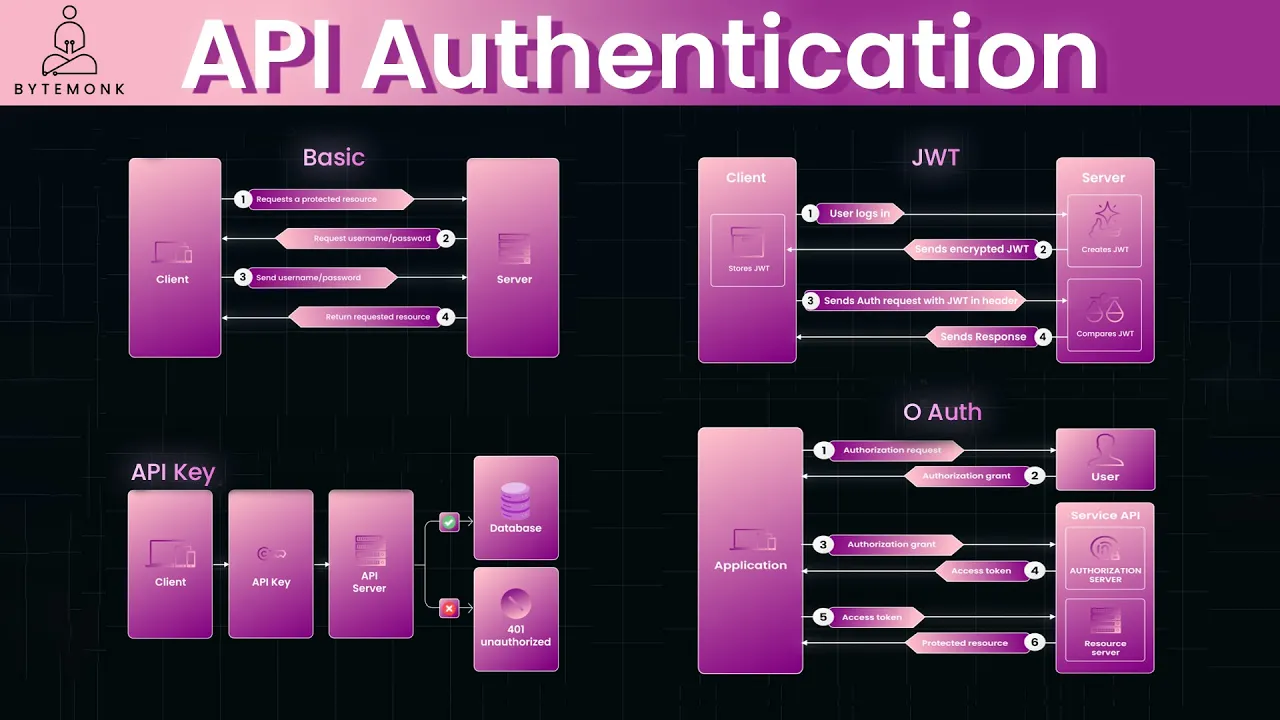
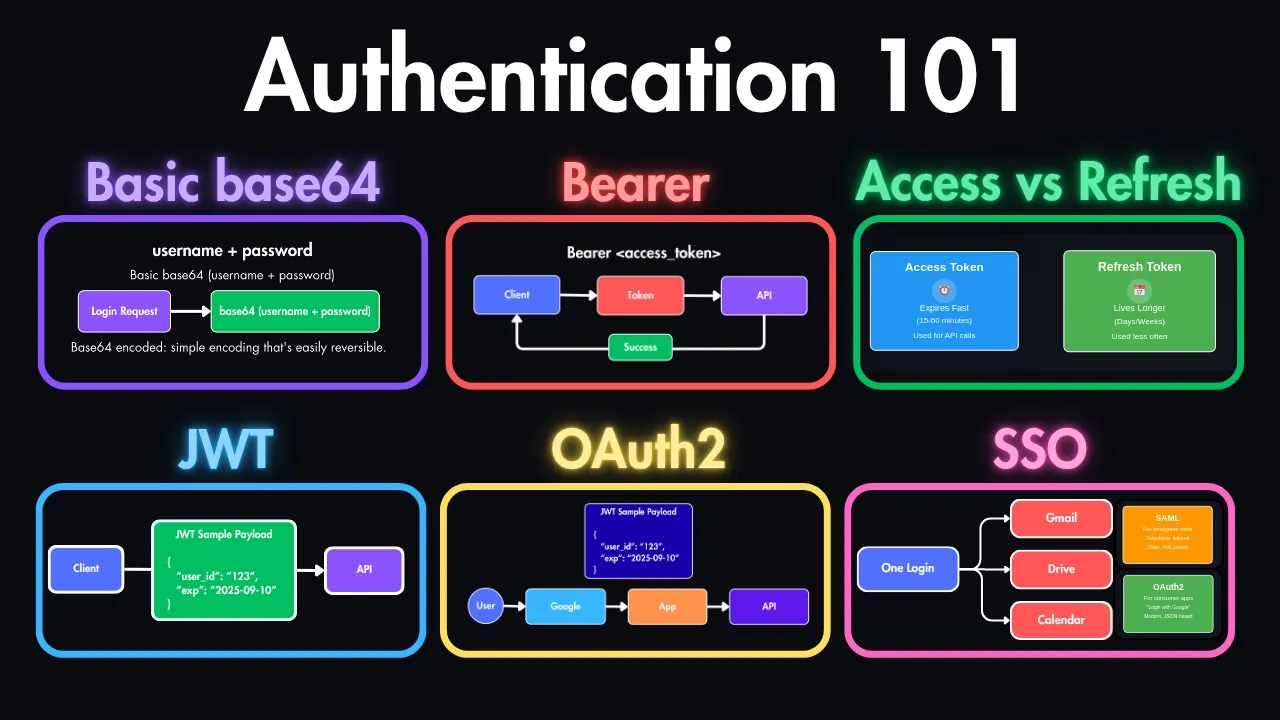
Basic knowledge of API authentication and authorization protocols, particularly OAuth 2.0 and JSON Web Tokens (JWT).
Conceptual awareness of electronic signature laws (such as the ESIGN Act and eIDAS) and digital consent requirements.
Exploring the broader DocuSign eSignature REST API to implement more complex, multi-recipient document routing workflows.
Implementing DocuSign Connect (webhooks) to automatically trigger downstream database updates or application logic once a clickwrap is accepted.
Designing and optimizing secure backend systems to store, audit, and retrieve proof of consent for legal compliance reviews.
Navigating the DocuSign developer portal to transition integrations from the Demo sandbox environment to full Production status.
45.2K views65likes5:01Original Release: 2019-05-01
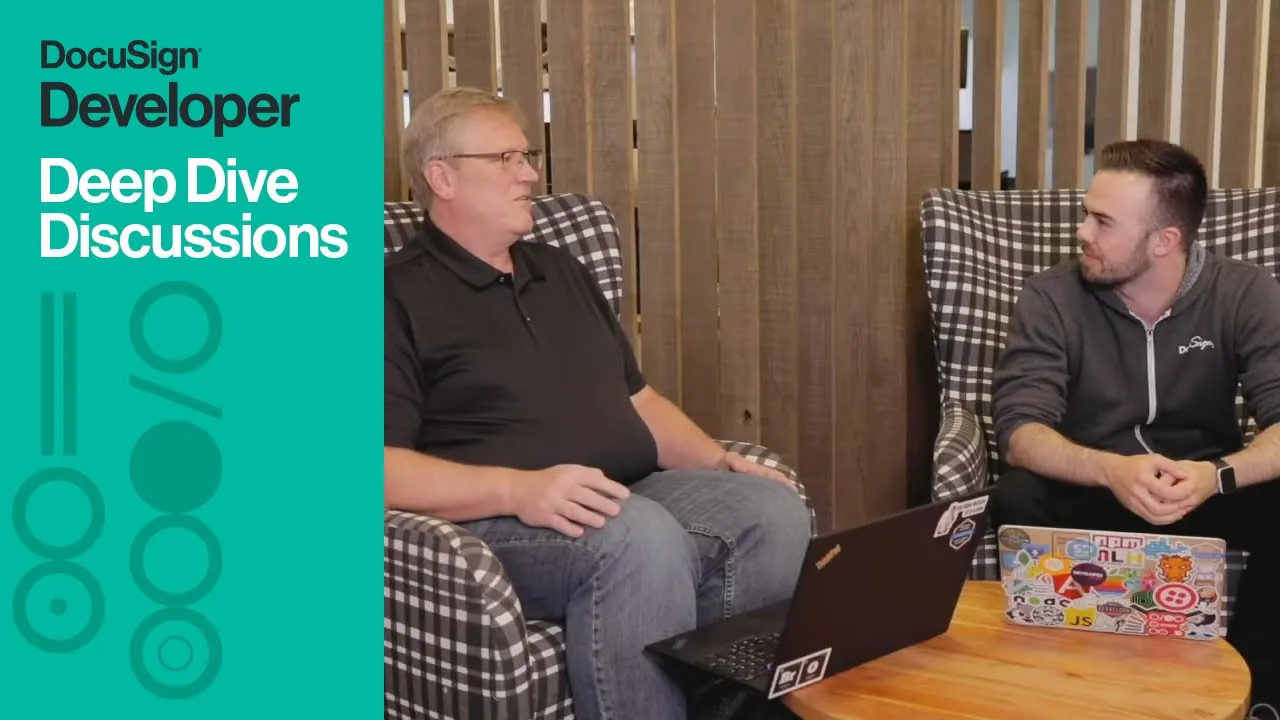
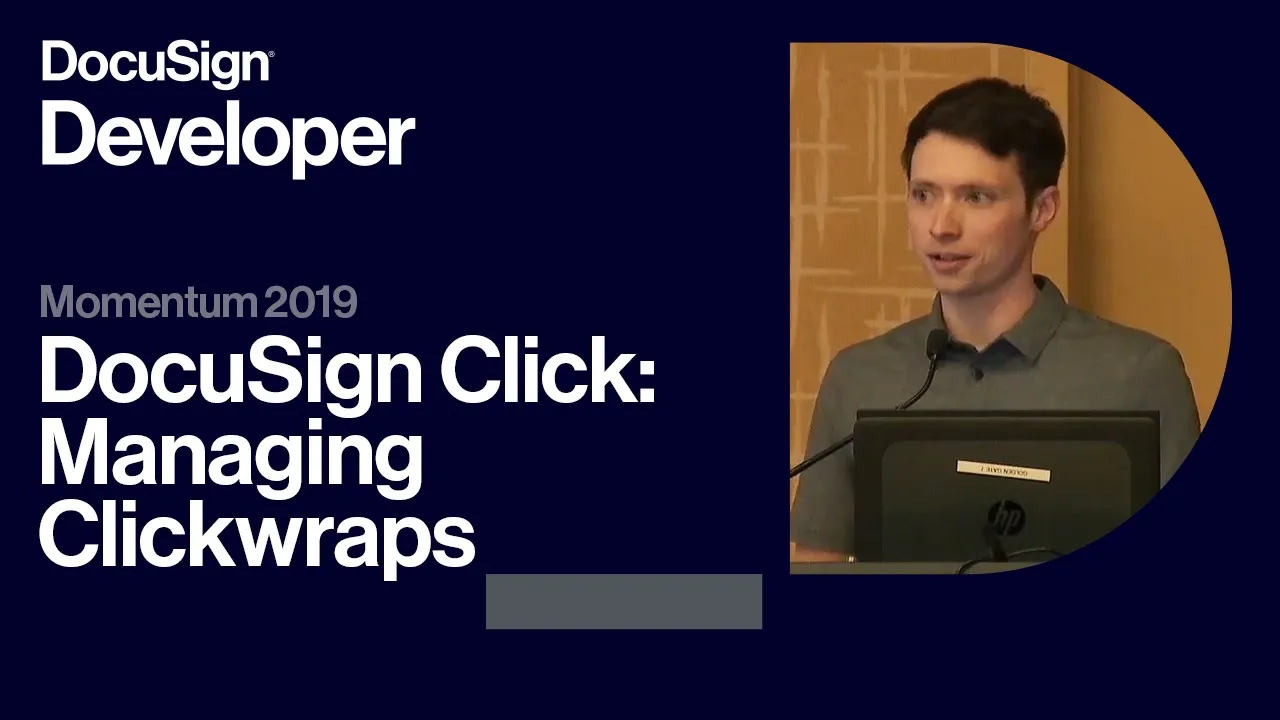
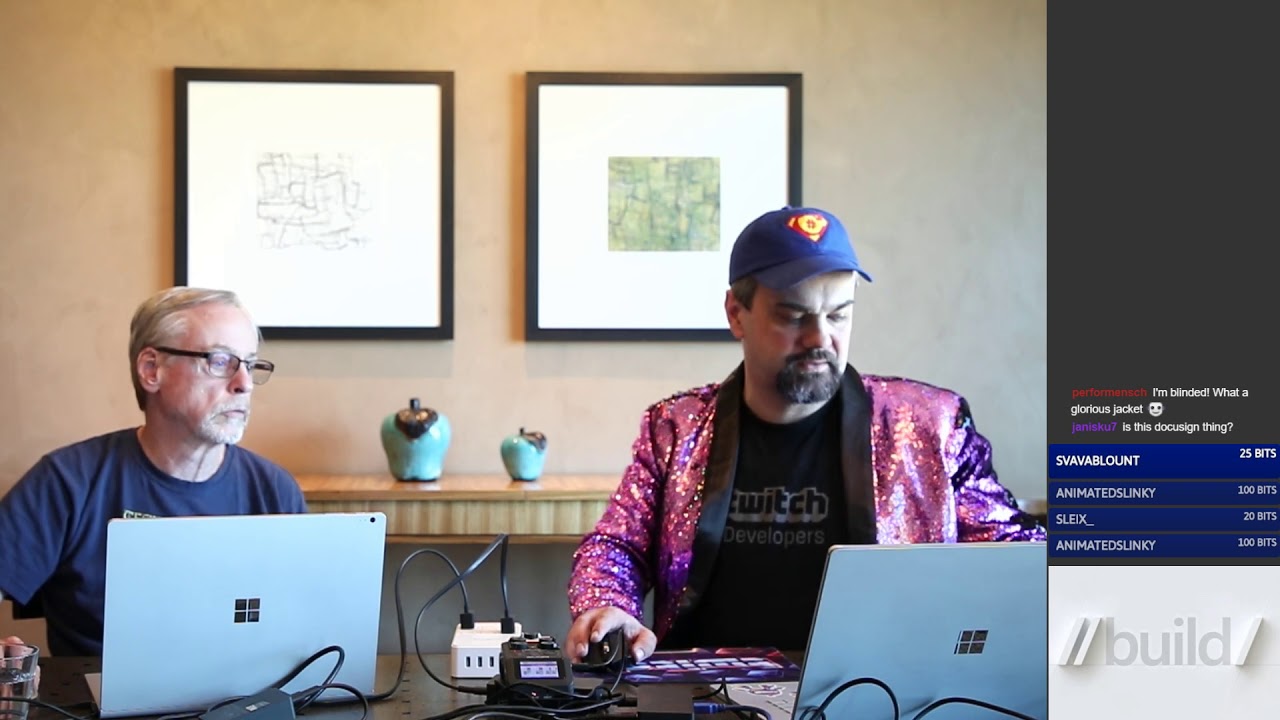
Hi my name is Matthew Roknich, I am a Developer Evangelist here at DocuSign.
I'm here today with Stevo Parish who was a Lead Software Developer. Stevo, thank you so much for being here today. >> Thank you for having me. >> So Stevo, how did you get your start in software engineering? >> Yeah I started here at DocuSign actually when I was about 20, like pretty much out of high school I started here working as like a web developer, then an Android and iOS developer, and sort of transitioned to leading our signing product. >> So did you have that classic drop out story? How'd did that all work? >> Not quite I sort of did a mix. I did part-time for a while and then ended up taking more of a full-time role here and now I'm actually just finishing up. >> So having been here for so long what's your favorite part about DocuSign?
>> My favorite part is the people I get to work with, first and foremost, and then I think secondary I've gotten to see a lot of use cases become real here. So I've got to see a lot of use cases become live in customer environments and see how they use the product and it's been pretty exciting. >> That's so cool.
>> Yeah. >> What's your current area of focus?
>> Current area focus for the last nine months we've been working on a new product that I'm really excited to show you guys today.
It's called DocuSign Click. >> Great let's jump in on that. DocuSign Click, very exciting new product. What exactly is it?
>> Yeah DocuSign Click is a click-wrap solution that's easy to use, simple to deploy, it helps you capture customer consent of standard terms, while lowering your costs and improving the customer experience. >> Great and for my understanding - there is a Click API as well - how does the Click API differ from our existing eSignature API? >> It differs in that Click doesn't use a lot of the advanced features you'd expect out of the eSignature API in that you can't use form fields, signatures, and any of the other advanced features. Instead, Click agreements are simply uploaded, you specify a few parameters, and DocuSign wraps this into an iFrame you can embed within your own websites and apps. This concept is known as a click-wrap and it only takes a few minutes to implement.
>> Incredible, can you show us how to actually use a click-wrap live?
>> Absolutely so I'm on the usual manage page you're used to seeing except for there's also a tab for click-wraps now.
So if you were jumping to here we have basically the high level of what your agreements and their versions are. So you can see v1, v2 if you have incremented versions and require users to re-accept. So I'm going to create a new one and this is the name that's internal so your users won't see this name, but your management team would. So I'm going to upload a new PDF agreement and this gets turned into HTML and basically makes a responsive version of the document you upload and then you'll see it here in the preview on the left. I'll then set this, the title for our users and then I can switch through the format. So modal being it will show over your entire webpage or inline being it shows within a webform if you have at the end of a completed form.
So then control, you can add a checkbox to prevent them from finishing before they agree. Require them to read the document as well and you can also allow them to download a copy at the end.
>> Gotcha. >> So I'm going to go ahead and create this version and then after that you can go ahead and hit the get code button, copy the code inside the modal, and bring it over to our implementation stage. So we have sort of a testbed here to try and show off different click-wraps.
So this is one that I have implemented and I'm pointing to my demo environment with that and then our current account where we have the click-wrap on and the click-wrap I may have just created, but those parts are pretty fixed for your click-wraps you need to implement. But the client user ID is really a unique ID that you have pointing to your user. So that's how we determine if the user has previously signed or not. So in this case I'm going to go ahead and provide it with something I know is unique. Then you can also provide at the end of the agreement any sort of callbacks of like when you know they have to agree when the agreements completed or if any errors happen during the agreement. >> Got it.
>> So we're going to go ahead and set a quick handler for when the agreement completes successfully and then I'm gonna go ahead and run my click-wrap. So as soon as I do this it's gonna call this click-wrap render its gonna show over my page and require this person to sign. So it's pretty quick I have to- >> You have to read it before you can sign it, excellent. >> Yes, yes as we set before and then I will go ahead and check the box and agree. And you'll see actually the code that I had set up. >> Here's the callback.
>> Yes, the callback.
So I'll click OK and my agreement is complete. >> Very cool. Very excited to see what our developers can do with our Click and Click API and the click-wraps. If you are ready to get started using Click head over to developers.docusign.com. We have documentation, getting started guides, etc. on there, but otherwise Stephen thank you so much being on the on the show today. >> Thank you for having me, Matt.
>> Have a good one.
Hi, thank you so much for watching the video.
If you'd like to learn the latest and greatest in DocuSign technology I would highly encourage you to attend our Momentum conference and hackathon in June in San Francisco. It's completely free for developers.
[Music]
Up Next
14:18
Urban Mining in Ghana: Innovation and Circular Economy | DK Osseo-Asare
@TED
73.7K views•2018-08-30

12:54
Triumph of Orthodoxy Icon: Byzantine Art & History Explained
@BenCallan
2.1K views•2024-08-06

9:49
FastAPI vs Flask vs Django: Choosing the Right Python Web Framework
@TechWithTim
302.5K views•2024-05-26

1:42
Game of Thrones Opening Credits: A Cinematic Analysis
@gameofthrones
46.3M views•2011-04-18
Related Study Plans & Knowledge Roadmaps
Structured learning paths in General & Interdisciplinary Studies
general-studies
Elevator Engineering: History, Physics & Cities
01From Hoists to Safety Brakes: The Dawn of Vertical Lift
02Hydraulic vs. Traction: The Engineering Physics of Elevators
03Modern Speed, Safety, and Algorithms
+ 2 more learning modules
12h5 modules
Explore Roadmap
general-studies
Rubber: Material Science, History & Geopolitics
01Origins of Natural Rubber & Mesoamerican History
02The Chemistry of Natural Rubber & Vulcanization
03The Geopolitics of the Rubber Boom & Colonization
+ 2 more learning modules
12h5 modules
Explore Roadmap
general-studies
Containerization: Evolution, Logistics & Trade
01Ancient Trade & Bulk Cargo: Amphorae to Barrels
02The Industrial Revolution & Cardboard Packaging
03The Containerization Revolution: Malcom McLean
+ 2 more learning modules
12h5 modules
Explore Roadmap
general-studies
Textile Tech: Evolution, Labor & Global Impact
01Pre-Industrial Textiles: Handloom & Cottage Industry
02Mechanization: The Spinning Jenny to the Power Loom
03The Factory System & Global Labor Transformation
+ 2 more learning modules
10h5 modules
Explore Roadmap