


















CDs store digital data as binary information (zeros and ones) encoded in microscopic bumps on an aluminum layer; a laser reads this data by detecting whether light reflects off flat areas (binary one) or scatters from bumps (binary zero), while the CD player compensates for varying rotational speeds by slowing the disc's rotation as the laser moves outward to maintain constant data read speed.
How Does a Compact Disc (CD) Work? Physics of Optical Storage
Added:Basic Binary Representation: Understanding how data is encoded using 1s and 0s (binary code).
Wave Optics and Interference: Familiarity with light reflection, constructive/destructive interference, and how coherent light (lasers) behaves.
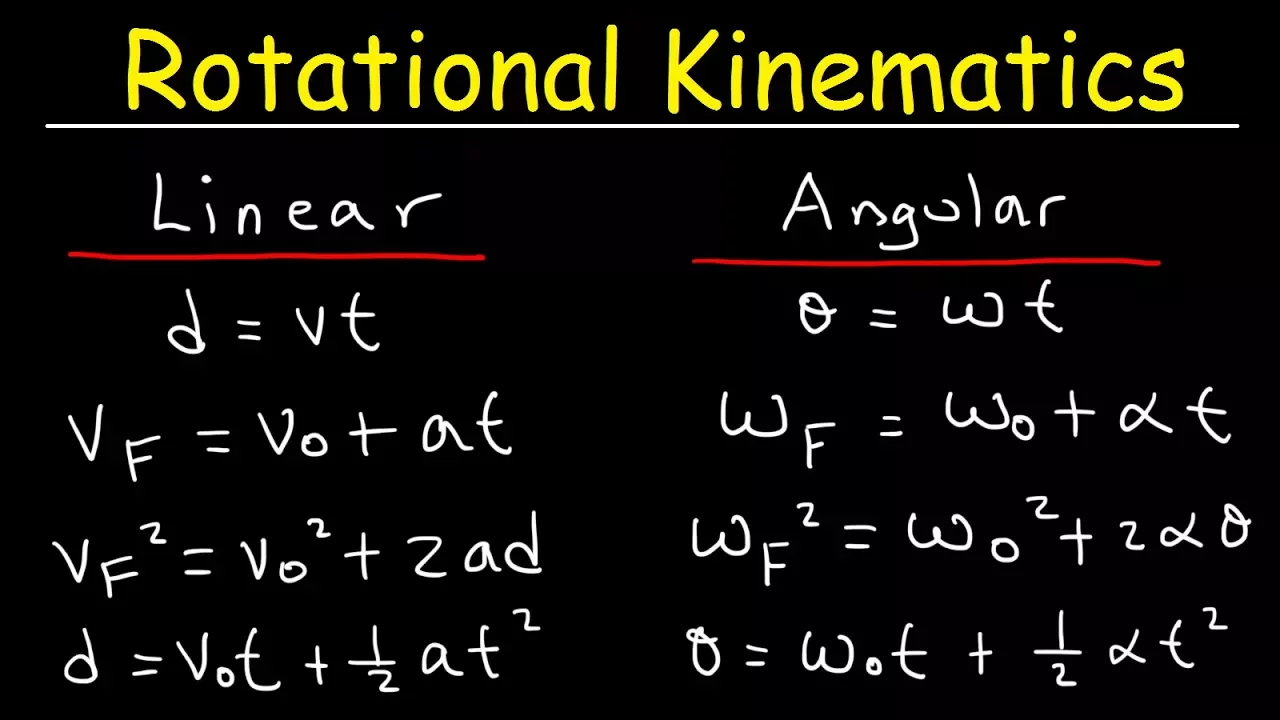
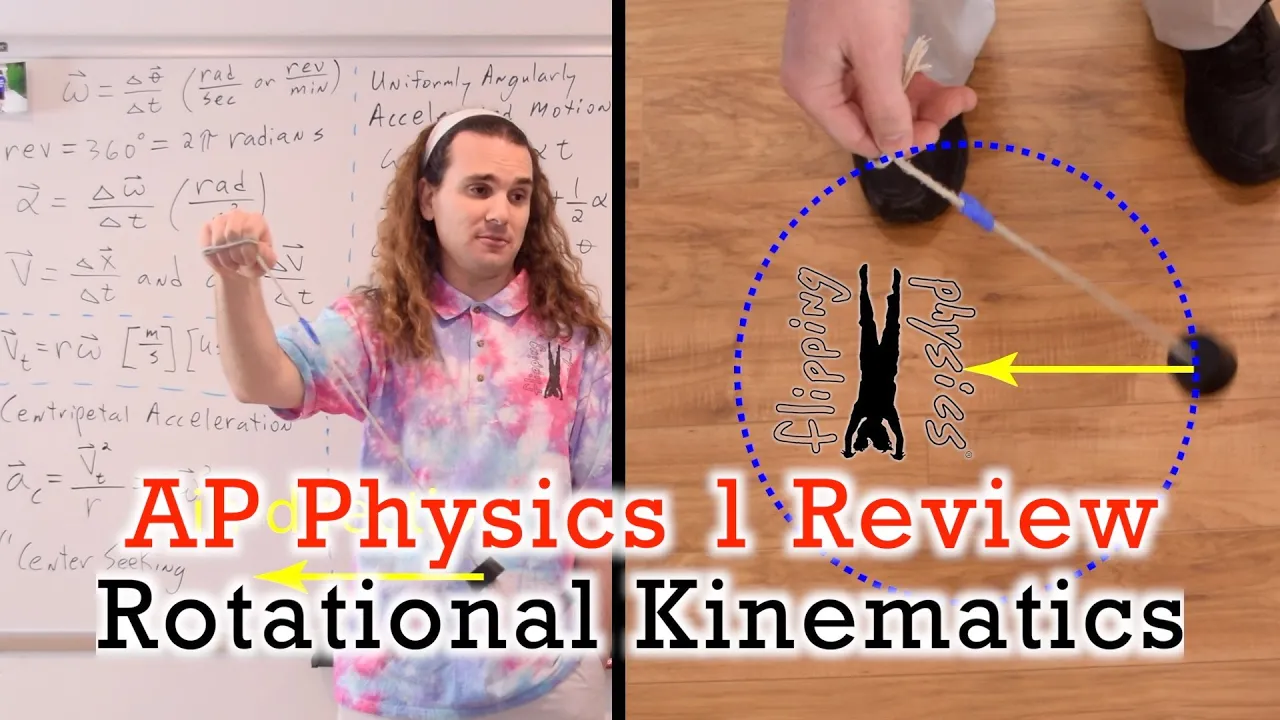
Rotational Kinematics: The difference between constant angular velocity (CAV) and constant linear velocity (CLV) in rotational motion.
Basic Photoelectric Effect: Understanding how light-sensitive sensors (photodetectors) convert reflected light into electrical signals.
Evolution of Optical Media (DVD & Blu-ray): How decreasing laser wavelength (from infrared to blue-violet) and increasing lens numerical aperture allowed for higher data density.
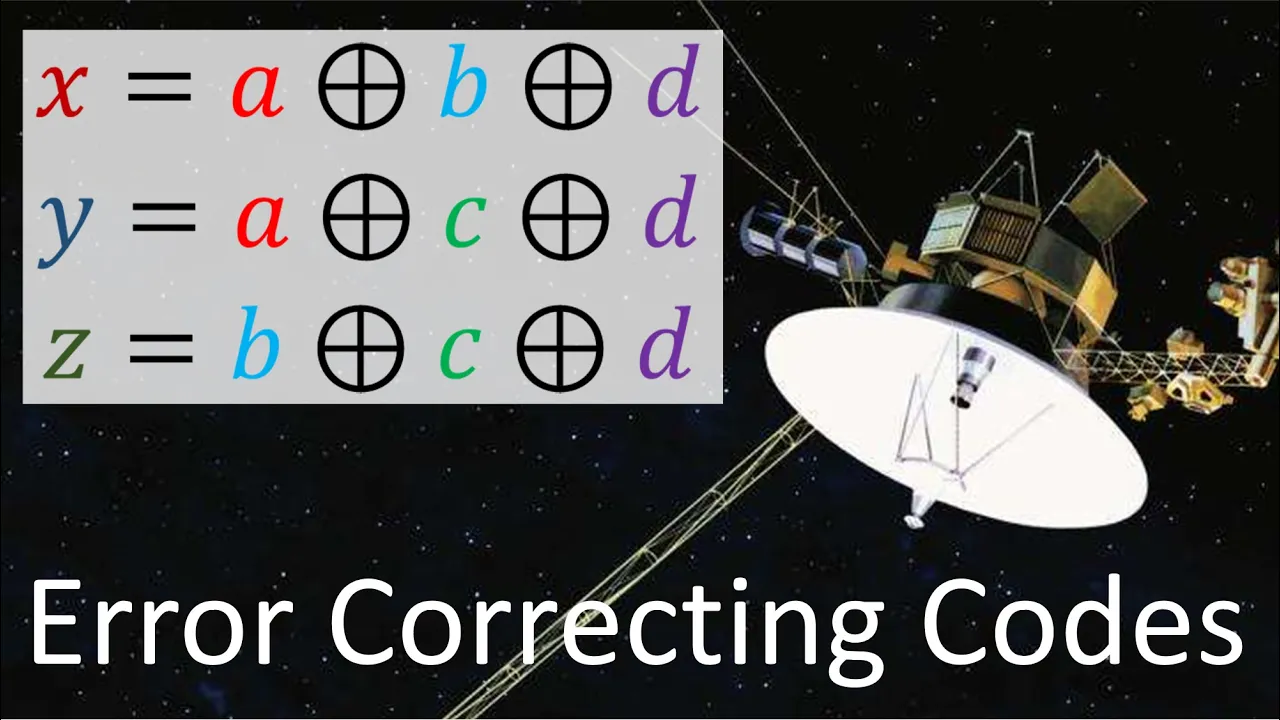
Error Correction Coding: Exploring Reed-Solomon codes and how optical drives interpolate and reconstruct missing data caused by scratches or dust.
Phase-Change and Recordable Technology (CD-R/CD-RW): Studying how heat-sensitive organic dyes and phase-changing metallic alloys enable writing and rewriting data instead of factory-pressing it.
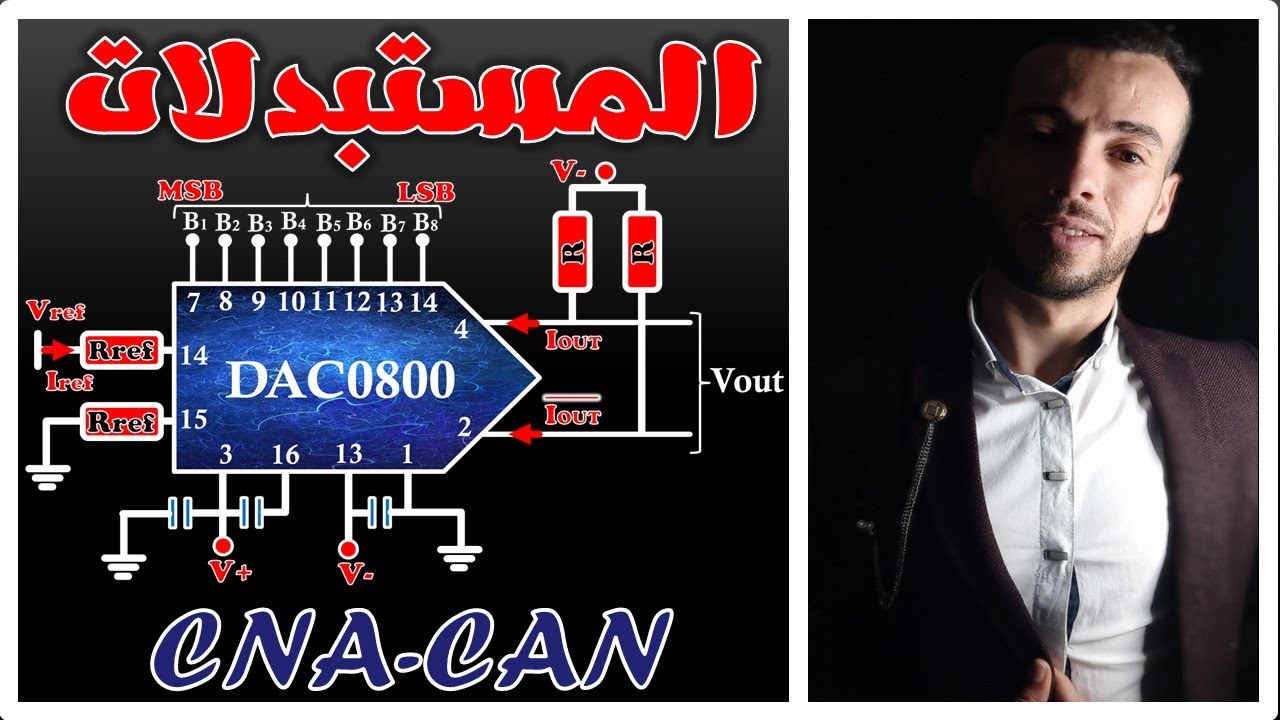
Digital-to-Analog Conversion (DAC): Investigating how the raw binary stream read by the laser is processed and converted into an analog audio or video signal.
319.6K views5.8Klikes4:23Original Release: 2017-01-08
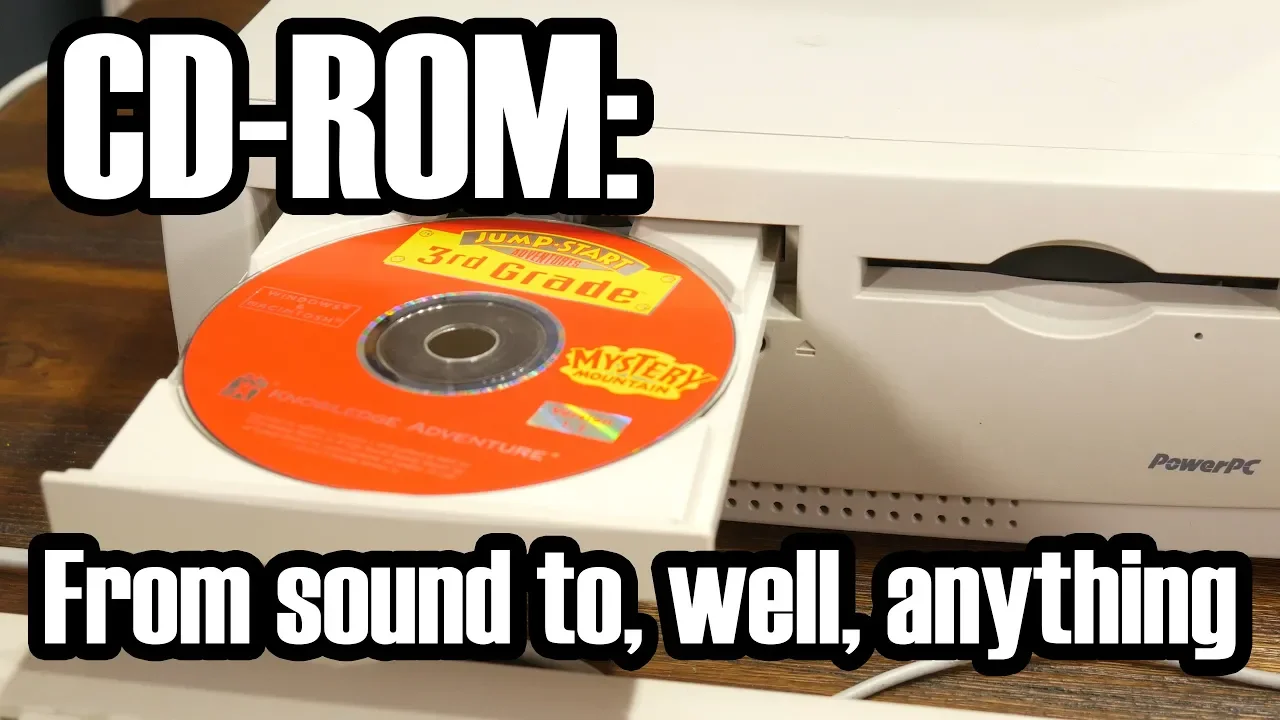
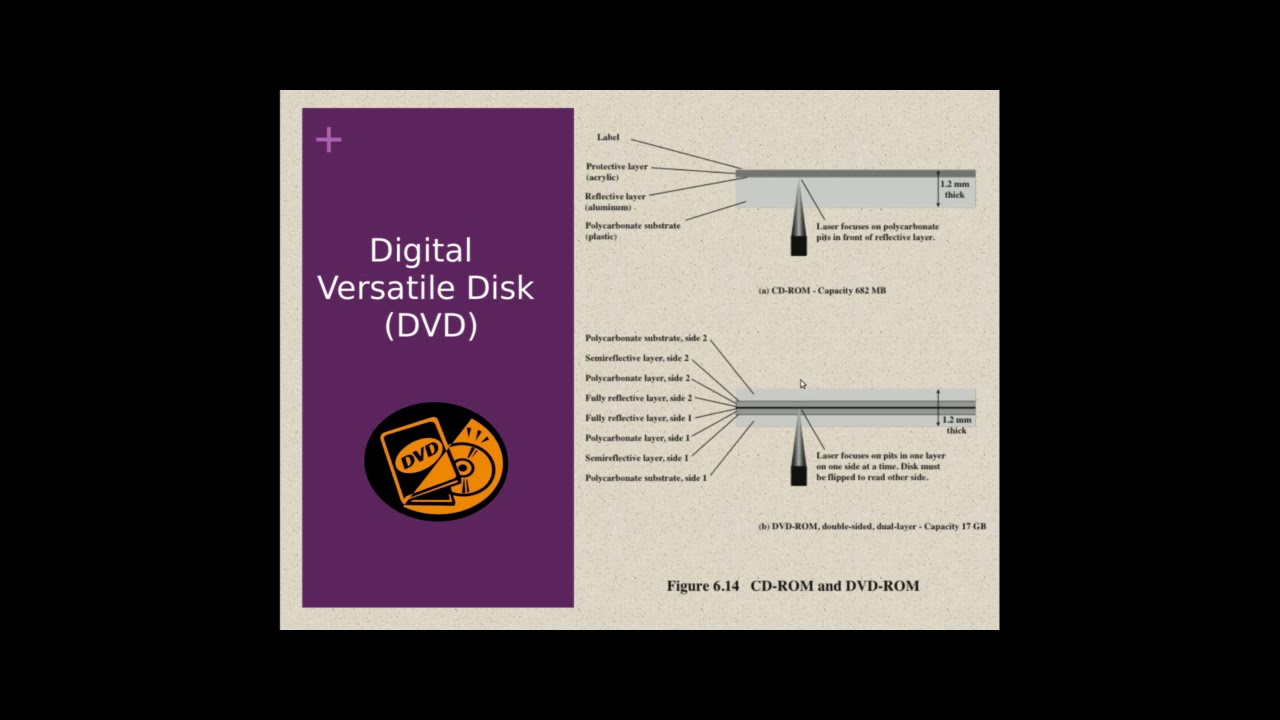
the compact disc or CD was introduced in the 1980s and it became very popular because it had excellent sound quality it was very convenient and it was much less fragile than its predecessors so how does a CD actually work let's find out so on a CD there is one single data track and that track goes from the center of the disc to the outside it's a spiral okay now the laser that is going to read this data this music or this video is not going to follow that spiral instead the dis is going to rotate so there's a little motor in your CD player which is going to spin the disc around and then the laser is slowly going to move to the outside of a disc since it needs to follow that spiral but now how does it actually read the data well a dis is constructed out of a couple of layers the top layer is the logo the label that is printed on the disc below that there is some acrylic below that there is some aluminium where the data is actually stored and below that there is some transparent plastic now the aluminum on the track of the disc is not completely flat there are little bumps in it each bump represents a binary zero and each area that is not a bump so for example this area represents a binary one and of course a comp computer system can store any kind of data whether it's music or video encoded in zeros and ones so that means we can store anything on this dis as long as we encode it into zeros and ones but now the question remains how does a laser read it how does a laser know how does the the read mechanism know if there is a bump or not well this is how it works on the read head of your CD player there is a laser and a sensor and when the laser shines onto an area on the disc where there is no bump so on the track of the disc and there is no bump the laser beam is reflected into a sensor which then generates an electric signal which is sent to a microprocessor that microprocessor can then figure out I just got an electric signal this is a binary one if the laser does hit a bump then the laser will ref back like this some something like this it won't go into the sensor this means that the sensor will not generate an electric signal so the microprocessor will not receive anything so it will then assume this must be a binary zero and that way the computer or the CD player can read the data of the dis but that's not all of it there is one final problem that needs to be solved in order to make a CD actually work and to illustrate that I drew two little black dots on the surface of this CD Now when I rotate it as you can see this dot is moving faster than this one as you can see it's moving at a much higher speed so stuff that is near the edge of a disc is moving faster than stuff that is right near the center of the disc this is a problem because let's say that our laser starts reading the disc right here but it's slowly moving towards the edge we just discussed that that means the data is flying by faster and faster it's accelerating which is not what we want we want the data to Fly Above That laser at a constant speed that is why CD players compensate for this so as the laser moves towards the edge the dis speed the speed of his motor that is spinning the disc is slowing down so as the laser moves to the edge of the disc it is decelerating so that is how a CD works also other Optical discs like DVDs and Blu-rays work the same way but with slight modifications anyway I hope you've enjoyed this video and thank you for watching
Up Next

76:31
Nonlinear Dynamics and Chaos: Course Introduction & Overview
@cornellmae1636
422.8K views•2014-05-27

12:53
21cm Hyperfine Transition in Neutral Hydrogen: Radio Astronomy Basics
@AaronRobertParsons
12.4K views•2011-10-13

32:32
NMR Spin Physics I: Zeeman Effect, Resonance Condition & Larmor Frequency
@nptel-indianinstituteofsci8064
2.3K views•2024-01-17

27:14
Entropy and the Second Law of Thermodynamics Explained
@veritasium
27.5M views•2023-07-01
Related Study Plans & Knowledge Roadmaps
Structured learning paths in Physics
physics
Nuclear Physics (Decay, Fission & Reactors)
01Atomic Structure and the Binding Force
02Radioactive Decay and Half-Life
03Nuclear Fission Mechanics and Chain Reactions
+ 2 more learning modules
12h5 modules
Explore Roadmap
physics
Soft Matter (Polymers, Colloids & Rheology)
01Foundations of Soft Matter & Thermal Forces
02Polymer Physics and Macromolecules
03Colloids, Surfactants, and Self-Assembly
+ 2 more learning modules
38h5 modules
Explore Roadmap
physics
Analytical Mechanics: Lagrangian & Hamiltonian
01Mathematical Foundations: Calculus of Variations
02From Newtonian Mechanics to Constraint Dynamics
03The Principle of Least Action & Lagrangian Mechanics
+ 3 more learning modules
28h6 modules
Explore Roadmap
physics
General Relativity (Spacetime & Cosmology)
01Foundations of Relativity: Special Relativity
02The Geometry of Spacetime: Equivalence Principle & Curvature
03Einstein's Field Equations: The Mathematics of Gravity
+ 2 more learning modules
55h5 modules
Explore Roadmap