

![情報セキュリティマネジメント その他分野273語[聞き流し] 令和8年度・シラバス4.1対応](https://i.ytimg.com/vi/M8U6De3H4co/maxresdefault.jpg)





![КС | 3.3. Смена текущего каталога [CD]](https://i.ytimg.com/vi_webp/35QKIxQXM-c/maxresdefault.webp)







![Docker tutorial for beginners | [In 2 Hours]](https://i.ytimg.com/vi/LNL0h66FXu0/maxresdefault.jpg)





Docker is an open-source platform that automates software deployment using containers, which are lightweight, standardized units that package applications with all their dependencies into a single, portable unit. Unlike virtual machines that virtualize hardware and require full operating system copies (taking gigabytes of space), containers virtualize the operating system layer, sharing the host OS kernel while maintaining isolation, making them more efficient and portable. A Docker container image is a read-only, stateless package containing code, runtime, system tools, and libraries, which transforms into a running container when executed on the Docker engine.
Docker Tutorial for Beginners: Introduction to Containerization
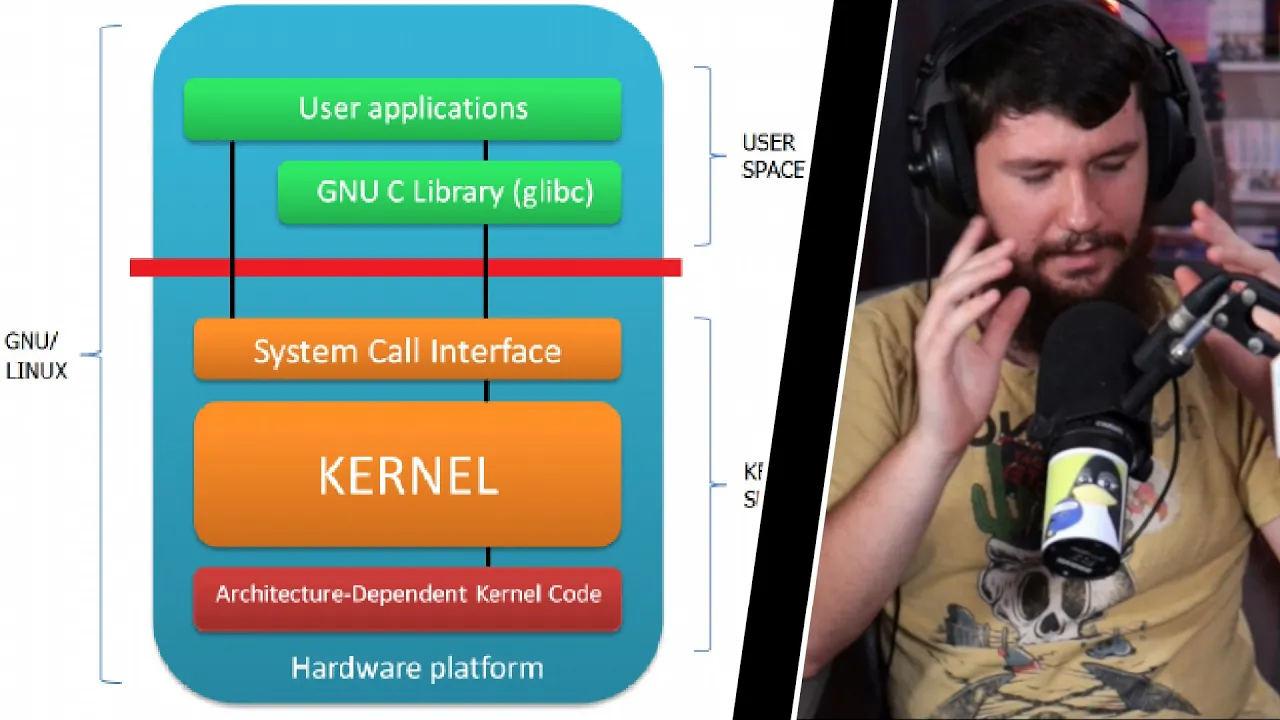
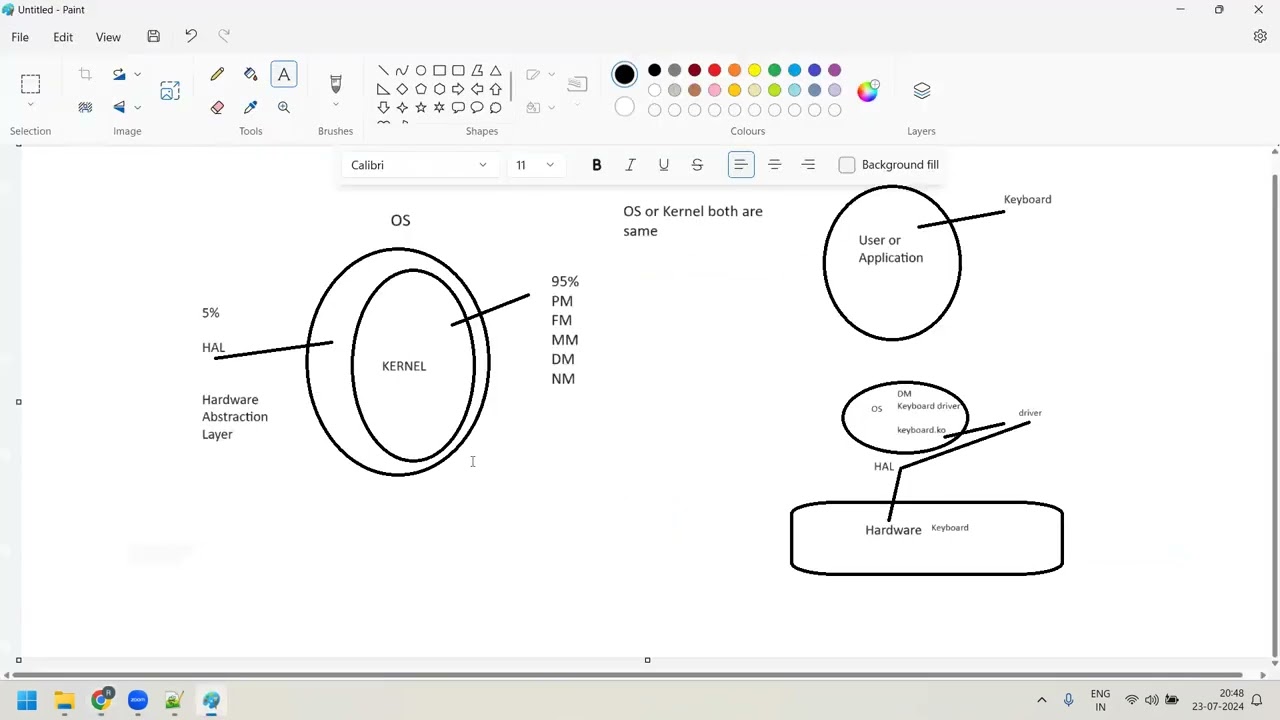
Added:Basic understanding of Operating System (OS) concepts, specifically the distinction between kernel space and user space.
Familiarity with Virtual Machines (VMs) and the concept of hardware virtualization.
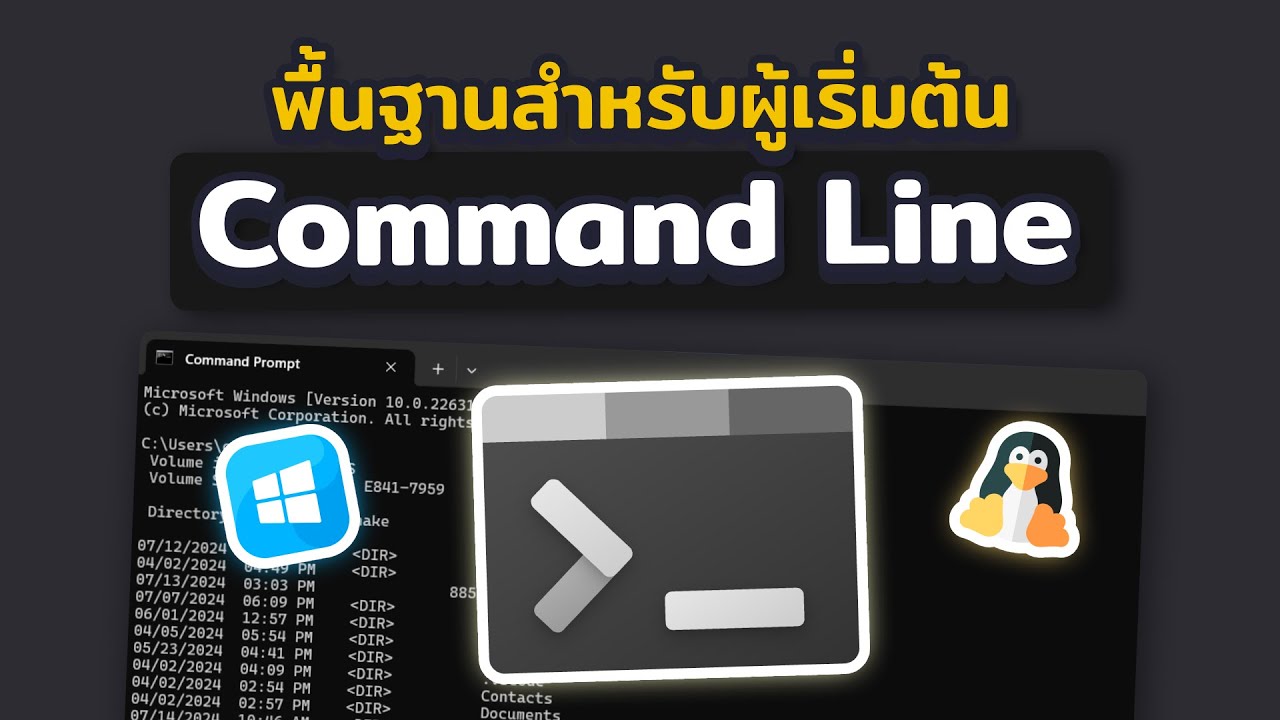
Fundamental command-line interface (CLI) skills, such as navigating directories and executing basic terminal commands.
Basic networking concepts, including IP addresses, ports, and client-server architecture.
Writing Dockerfiles to build, customize, and package your own container images.
Managing multi-container applications using Docker Compose.
Understanding Docker volume management and data persistence strategies.
Exploring container registries like Docker Hub for sharing and distributing images.
Introduction to container orchestration tools like Kubernetes or Docker Swarm for production deployments.
33.9K views422likes11:04Original Release: 2020-01-15
hey guys welcome to the first video on docker tutorial for beginners in this video I'm going to give you a brief introduction about docker so first of all what is docker so docker is an open source project that automates the deployment of applications inside software containers by providing an additional layer of abstraction and automation of operating system-level virtualization on Linux so that is the definition which is available on Wikipedia but really what is docker so docker provides a uniformed wrapper around a software package and this wrapper is called docker container which you can ship or build and inside these containers you can run any app anywhere now doctor containers are similar to shipping containers now as you all know in the shipping container the container size is always same regardless of the content inside the container so these container can fit on all trucks or ships or trains regardless of the content inside the container in a same way docker packages a software into standardized unit for development shipment and deployment so let me give you a real world example so let's say I developed a node.js application which depends upon some version of node.js and it uses some data base and it's dependent on some shared library let's say and I want to give this software to the DevOps guy or let's say to my colleague to run it on his computer or on the QA system or on the cloud by DevOps or in the production system so I don't really care where it runs I just care that it should run when somebody tries to run my software now if docker is not present or any containerized system is not present the normal procedure will be that I give my software to my colleague or the DevOps guys and he has to install all the dependencies and for example node.js version and the database system exactly like a system on which I have tested my software now if you will just use docker to containerize your system you just need to package your system into a docker container and you can just give this docker container to your colleague or the DevOps guys and he will just run this docker container on the cloud or a QA machine or any other production system wherever he wants to run it and he can just run your software without worrying about all the dependencies or the environment setup which your software depends upon so nowadays docker is becoming more or less a standard for the container izing systems and you can find docker containers everywhere on Linux operating system or Windows operating system or in the data center clouds serverless application and so on now let's compare docker container versus virtual machines so containers and virtual machine have similar resource isolation and allocation benefits but docker containers and virtual machine functions differently because containers virtualized the operating system instead of hardware and containers are more portable and efficient so when you talk about virtual machines you can see this diagram on the right hand side so virtual machines or VMs are an apps fraction of physical hardware turning one server into many servers and it is made possible by the hypervisor which allows virtual machines to run on a single machine so each virtual machine or VM includes full copy of operating system so let's say this is your server and on this server you have your hypervisor and on top of your hypervisor you can run different virtual machines so this is virtual machine one virtual machine two virtual machine 3 which have this operating system one operating system two and operating system 3 or you can have the similar operating system in all the 3 virtual machine let's say now the important thing to note here is each virtual machine includes full copy of operating system the application necessary binaries and the libraries which takes up to tens of jeebies of memory and that is the reason that virtual machines can be slower now on the other hand in the container and you can see on the left hand side this diagram so containers are an abstraction on the a player that packages the code and dependencies together so you have your server and then you have your host operating system and then on top of your host operating system you can run your docker engine and the containers are the abstraction at the a player that packages the code and dependencies together so multiple containers can run on the same machine and share the same OS kernel with other containers but each container runs as isolated process in the user space as a result container takes less space than what machine and usually container images typically takes tens of megabytes in size in comparison to the virtual machine which which can take up to let's say several GBS of memory also containers can handle more application and require fewer virtual machines and operating system now when we talk about docker containers versus virtual machines the idea is to use containers and virtual machines together so the containers and the virtual machines can be used together which provides a great deal of flexibility in deploying and managing your apps now let's talk about the docker architecture so whenever you will install docker the docker engine will be installed on your system so docker engine will contain docker CLI docker demon and the docker registry now there is something called docker hub which is a cloud-based service where you can share your applications automate the workflow and assemble apps for the components now when you talk about docker two things are really important and these are docker images and docker containers so first of all what is docker container so a container is a standard unit of software that packages up your code and it's all dependencies so the application runs quickly and reliably from one environment to the other environment now when you create your daughter container which is essentially a unit of your software it can run everywhere regardless of the kernel version regardless of the host distro the only condition is that the container and the host architecture must match and you can run anything inside your containerized solution so if it can run on your host then it can run on your container that is if it runs on a Linux kernel it can run now let's talk about docker container images so a docker container image is a lightweight standalone executable package of software that includes everything needed to run the application that is code your runtime your system tools and the system libraries and the settings so the container images becomes container at runtime and in case of docker containers images becomes containers when they run on docker engine so images turns into container when these images runs on your docker engine now it's important to note that your docker image is not a virtual hard disk or VHD it's not a file system it uses Union filesystem and it's only a read-only layer also the docker images doesn't have any state so when your docker images runs as docker container inside the docker engine and when you stop these running containers these images will not have or will not save any state so they are stateless so basically an image is a tar file which has a hierarchy and an arbitrary depth and that's how it fits into your docker registry for example docker hub or any private docker registry so this was a brief introduction about docker in the next video we will go further so stay tuned and I will see you in the next video you
Up Next
34:05
FastAPI User JWT Authentication: Create Token and Retrieve Current User
@iamrithmic
24.8K views•2021-06-17

12:54
Triumph of Orthodoxy Icon: Byzantine Art & History Explained
@BenCallan
2.1K views•2024-08-06
19:52
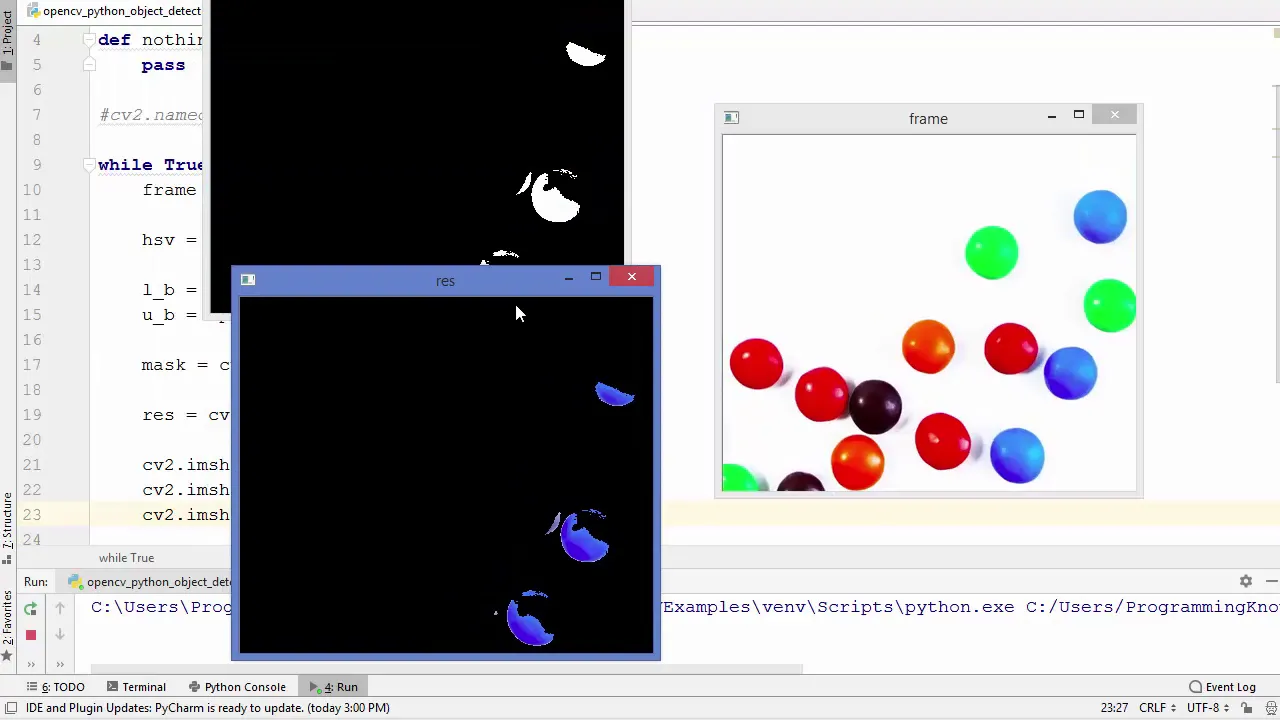
OpenCV Object Tracking with HSV Color Space | Python Tutorial
@ProgrammingKnowledge
152.5K views•2019-03-31

1:42
Game of Thrones Opening Credits: A Cinematic Analysis
@gameofthrones
46.3M views•2011-04-18
Related Study Plans & Knowledge Roadmaps
Structured learning paths in General & Interdisciplinary Studies
general-studies
Elevator Engineering: History, Physics & Cities
01From Hoists to Safety Brakes: The Dawn of Vertical Lift
02Hydraulic vs. Traction: The Engineering Physics of Elevators
03Modern Speed, Safety, and Algorithms
+ 2 more learning modules
12h5 modules
Explore Roadmap
general-studies
Rubber: Material Science, History & Geopolitics
01Origins of Natural Rubber & Mesoamerican History
02The Chemistry of Natural Rubber & Vulcanization
03The Geopolitics of the Rubber Boom & Colonization
+ 2 more learning modules
12h5 modules
Explore Roadmap
general-studies
Containerization: Evolution, Logistics & Trade
01Ancient Trade & Bulk Cargo: Amphorae to Barrels
02The Industrial Revolution & Cardboard Packaging
03The Containerization Revolution: Malcom McLean
+ 2 more learning modules
12h5 modules
Explore Roadmap
general-studies
Textile Tech: Evolution, Labor & Global Impact
01Pre-Industrial Textiles: Handloom & Cottage Industry
02Mechanization: The Spinning Jenny to the Power Loom
03The Factory System & Global Labor Transformation
+ 2 more learning modules
10h5 modules
Explore Roadmap