




![Diody LED | #4 [Podstawy]](https://i.ytimg.com/vi/LkdkVUZNorI/maxresdefault.jpg)

![[오픈소스]5-1. Index](https://i.ytimg.com/vi/4_aOQYAUr7k/maxresdefault.jpg)










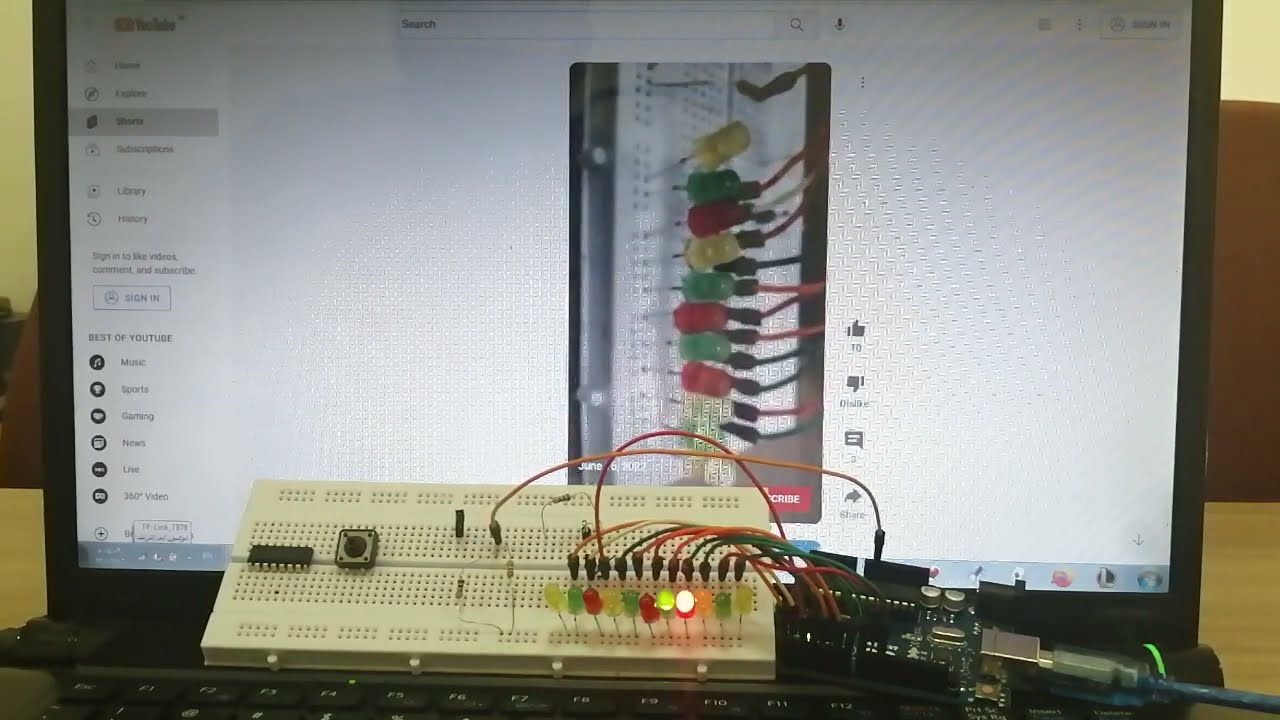
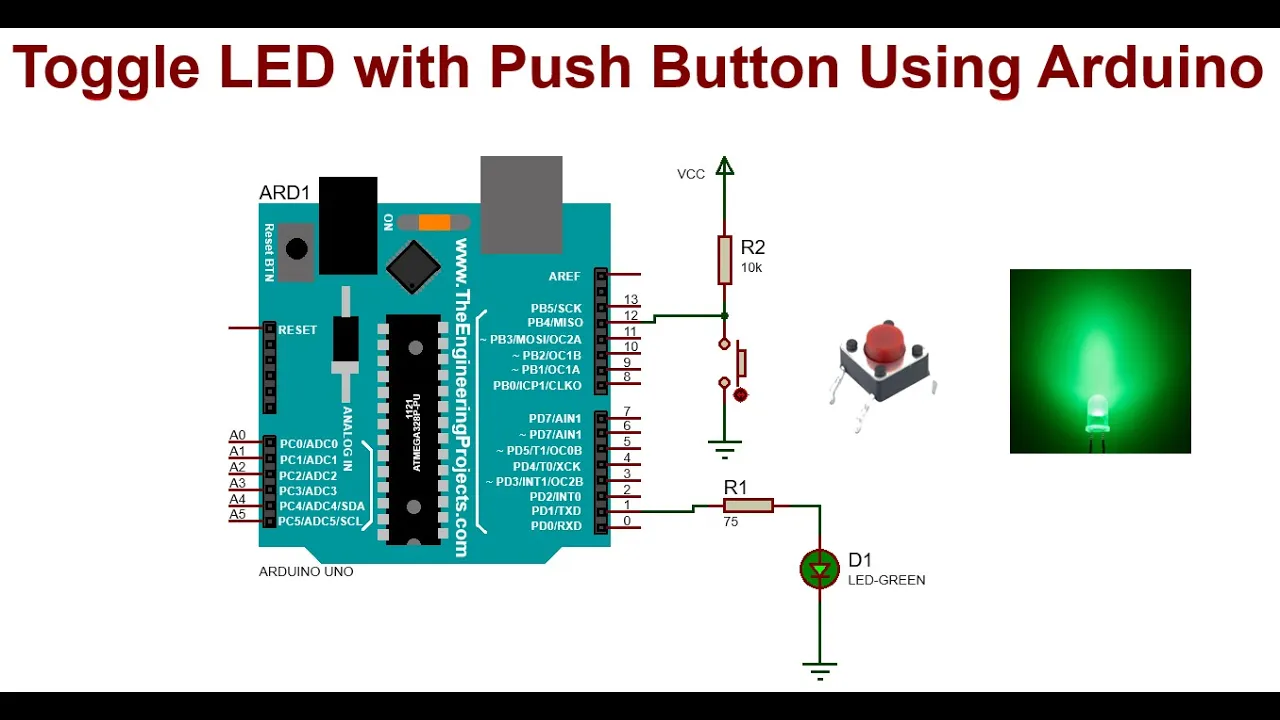


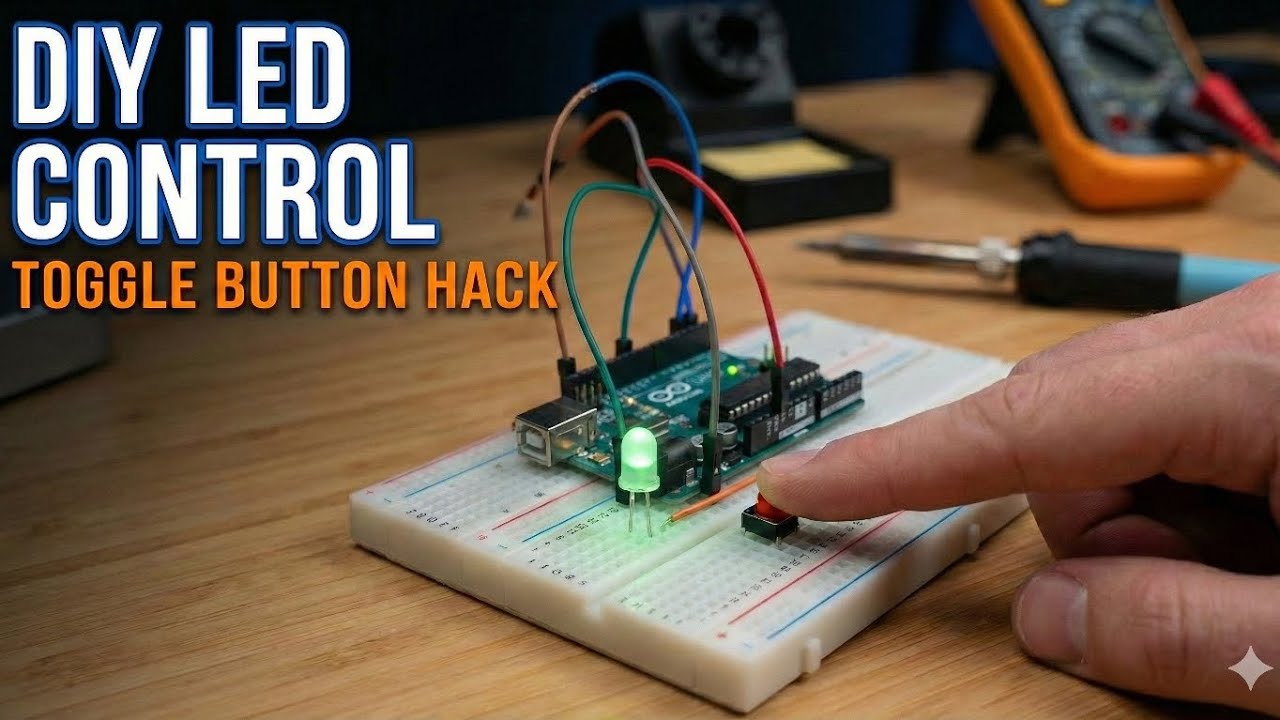

![[TUTORIAL] 03 - Obtener información de variables sobre Arduino en pantalla](https://i.ytimg.com/vi/7L5WwmsD71s/maxresdefault.jpg)


![[ Lập trình Arduino ] - Bài 6. Serial Monitor, giao tiếp vi điều khiển với máy tính](https://i.ytimg.com/vi/EmR8-YwFXiE/sddefault.jpg?sqp=-oaymwEmCIAFEOAD8quKqQMa8AEB-AH-CYAC0AWKAgwIABABGBMgZShdMA8=&rs=AOn4CLCDtZ7Wq2A1St251BXYe8guWxUe1w)

This tutorial introduces the Arduino microcontroller platform, teaching beginners how to write their first program by blinking an onboard LED. The Arduino uses a simple programming structure with two main functions: void setup() for one-time initialization (like setting pin modes) and void loop() for continuous operations. Key concepts include using pinMode(pin, OUTPUT) to configure pins as outputs, digitalWrite(pin, HIGH/LOW) to send voltage signals, and delay(milliseconds) to create timing intervals. Best practices emphasize using variables (declared at the top of the sketch) instead of hardcoding values, which makes code more maintainable and easier to modify. The Arduino environment provides syntax highlighting and error checking to help beginners learn effectively.
Arduino Tutorial for Beginners: Blink an LED Step by Step
Added:hello guys I am Palma quarter from top tech boy comm and what I will be doing today is I will be giving you your first introduction to the Arduino microcontroller I think programming programming and microcontroller is something that's intimidating to a lot of people but I will promise you by the end of this first tutorial you will have written your first program you will have downloaded it into the Arduino and it will have done something interesting I think that the Arduino is simple enough that a seventh or eighth grader could do it if you're a little smarter a little more advanced technologically maybe a third or fourth grader can do it so I'm going to take you through it step by step this first lesson we're gonna make a light blink and then we're going to go all the way to showing you how to build and in this instrument package based on the Arduino that you can send into space this is a picture that was taken by an Arduino based system that we developed and sent to one hundred twenty thousand feet so we're going to start by blinking an LED and we're gonna go all the way to being able to build a space probe not all in lesson 1 lesson one will be blinking the LED but what I want to do is I want you to know is I'm going to take you through this step by step I'm not going to assume that you have a degree in computer science I'm going to take you through it step by step it's not going to be anything harder than you know installing a printer or something like that so first of all we need a microcontroller the microcontroller we're going to be working with is the Arduino the reason I chose the Arduino is there is such an incredible amount of infrastructure out there almost anything that you want to do with the Arduino someone else has already done there's incredible resources incredible infrastructure and you can get the Arduino for about 20 bucks and so it's a very affordable platform to work on I've got some resources listed on my website top tech boy comm if you visit there I can help get you hooked up with one or I think you can find one in a number of different places the thing about this is is you can get the bare Arduino for about 25 20 25 bucks I show you down here one that's a set up and ready to go but what I'm really going to suggest is if you're gonna go through this I would suggest that you go ahead and buy the spark fun invent get the thing about the sparklin inventor kit it has all the wires and connectors it has all types of components to take you through about ten or fifteen different projects the Arduino inventor the sparklin inventor kit comes with a number of different sensors a number of different actuators and a lot of these subsequent lessons are going to be based on components in the smartphone inventor kit the Sparkfun inventor kit is about a hundred bucks to me it represents a really great value you could probably go out and try to buy all the different parts yourself just starting with a bare Arduino but I think in the end that you're probably gonna be better off if you go ahead and get the gift of spark fun and dinners kit spark fun is a great company had great luck with them and highly recommend their products okay but today we're just starting with the bare Arduino and we're gonna see how you would go about working with it first thing is you got to just take a couple of minutes to install some software really this is no harder than if you did something like install a printer the the best place to go to do this is you can go to this website which is called the arduino website and it is at arduino dot c c / en slash guide slash windows okay if you go there it has a quick overview of how to download the software the first thing you do is you download the in the arduino environment that is your integrated development environment that's the palette on which you will create your your your platforms you just click on the download page and i'm on windows so i downloaded the windows software then you click on it and it installs it very very simple and then basically what you got to do is plug the board in there's a USB cable over here you just plug it in with a standard USB cable nothing difficult there and the final thing is you have to show the arduino where the drivers are you can go through this but it's basically very simple you go to the device manager you right mouse click on that serial port and then you point to where the where the software is for the drivers this takes you through it in a little bit more detail i think that you could probably do this in about five or ten minutes so i'm not going to bore you by taking you through step by step that step-by-step with that but once that is installed then what you do is you launch your Arduino environment and it comes up looking like this the first thing that you're going to see is every RT Arduino program has two parts it has a void setup where you set the arduino up and then it has a void loop the things that you want to do one time like setting up your pins you will do in your void setup and the things that you want to do over and over and over you do in your void loop and so basically two parts of the program the void setup in the void loop but before you actually get going there's two things that you need to set in your environment the first thing is you have to tell your integrated development environment which Arduino board that you have chances are you have the Arduino Uno okay I have the uno rev three almost all arduino is out there are the arduino uno you tell it that that's what you have by going to tools and board and you can see here that mine is already set on arduino uno but you want to go ahead and do this to do that because if for some reason that is not set right you will have problems the second thing you have to do is you have to tell the environment which port which serial port your board is connected to and to do that you come down to tools port and you can see that mines on comm 11 you want to go ahead and check though because sometimes you have more than one option here and you've got to tell it with tell it which one it's on and if you see like it pop-up com4 and comm seven how do you know whether your board is on comm four or comm seven and I'll show you you come over here and you get the Arduino okay you see mine's already on the serial port and you unplug it when you unplug it you hear that all the sudden the USB is not happy because it you heard that dingdong because you've unplugged something from the USB that it doesn't like if I come back now you see that that point that comm 11 that port 11 is no longer there it is disappeared because comm 11 disappeared that tells me that in fact my Arduino on Comm 11 news so let's come back to this back and now we are going to be pretty sure get that nice and neat there we're gonna be pretty sure when we come back to port comm 11 is back so that tells us yes in fact our Arduino is on comm port 11 now the reason I go through all that is a lot of times when you plug it in there's more than one choice and that's how you can absolutely positively make sure that you've got it set on the right choice okay now let's see if we can make this do something and so basically if we if we look down here at the Arduino we can see that there's all types of different pins on this side there are basically 13 different pins starting at pin 0 all the way up to pin 13 after pin 13 there's a ground and so if you want to use an external circuit if you want to do something you can connect to the Arduino ground through that one but right now we're gonna be talking about 10 0 through 13 if you have an external breadboard which will turn it talked about in the next Arduino tutorial you can bring those pins out and you can start turning LEDs on and off but today we want to make it where you brought your first program and we want it to be as simple as possible and so to make it as simple as possible there's a little thing here and that is let me see if I can focus this a little better there's a little thing here and that is that on 10 13 there is an LED on the board already hooked up this little LED is hooked up to pin 13 and so if we do something to pin 13 that connects to that LED and so let's see if we can turn that LED on as our first program ok our very first program well if you're gonna talk to pin 13 you have to tell the LT Arduino what pin 13 is and you do that as a pin mode you set your pin modes of all pins you're gonna use you have to set your pin modes you set them one time so you do it inside the void setup one of the things about this programming language is that the clauses begin with an open curly bracket and they end with a close curly bracket so we say void setup okay that's gonna be kind of like my claws that's gonna be kind of like my paragraph it begins with the open curly braket and it ends with the closed curly bracket everything you do in Arduino anytime you have any type of Clause it will begin with an open curly bracket and it will end with the close curly bracket everything that you do between those two curly brackets will be that Clause of the set up well what do we want to do we want to do our pin modes how many pins are we working with this time only one we're only working with one because we're only working with ten thirteen so we have to set our pin modes so we have to go pin mode you have to do it exactly like I'm showing you here notice that it's P I am and then capital M OD e that's actually called bumpy text and it's used a lot in programming and that is you don't want to put spaces between words but the way you sort of show one word from another is you make capital the first letter of the next words you can see this is the word pen mode and it has to be capitalized like this that is case sensetive now you open up your parentheses and you put your arguments inside of these parentheses and the arguments that you want is you're going to set up in mode you have to tell it which pen are you setting up I'm setting up 13 and it can be either an input or an output if you're going to be reading from pin 13 it's an input if you're going to be writing to pin 13 sending an output to it it's an output we are writing to it so we're gonna say that it's an output also notice that output is case-sensitive it is all in capital notice to pay attention to the colors that because pin mode turned orange because the Arduino recognized that that was a command it's like hey I recognize pin mode I know what you're talking about so when I see this pin mode turn orange it kind of gives me a warm fuzzy feeling that the Arduino or environment recognizes what I just said also when I typed in output it kind of turned blue that's telling me that that Arduino recognize that word and so what we have here is we have now told the Arduino that 10 number 13 is going to be an output we're going to be sending information to it so now that we've done that we can come down here in our void loop and we can do our first command and what we are going to do is we are going to do a digital write and so what we are going to do is we're gonna turn thirteen pin 13 on or send pin 13 high or basically what you're doing is you're sending a seven volt signal to pin 13 when I send a I'm sorry I'm sending a five volt signal to pin 13 when I send a five volt signal to pin 13 and that should turn this little LED on so what we're gonna do is we're gonna do additional right we got to tell it which pin are we writing to we are writing to pin 13 and what are we doing are we sending it high are we sending it low we are sending it high okay and then all lines just about in the arduino end with a semicolon so when I did my pin mode I ended with a semicolon when I do my digital right 10 13 high we end in a semicolon now just because I write it on this screen does not mean that it automatically goes down into the Arduino to get it into the Arduino it's got to be compiled and then the code has to be downloaded and we can do that with the click of one button this is this button what this button does is it compiles the code and it sends it on down to the Arduino so if I click this and I've done everything right I usually hold my breath because I make lots of mistakes you see that it's compiling everything's green that means it's happy and it has gone down in there and look what happened we sent that pin 13 high and that turn that LED on if we brought a wire off of this pin 13 and externally hooked it to an LED that would turn the LED on well that's kind of exciting if I can turn this LED on that's on board I could bring a wire out and I could jump jumper it over to something else and I could turn an external LED on and the cool thing is is that if I can turn an LED on I could turn a motor on it if I could turn a motor on I could open a door open a window and so even though this is a very very simple command it's very very powerful because now programmatically I just sent a voltage to a pin I turned an LED on it could be a motor or it could be a servo or it could be any number of different things but we've written our first program and we downloaded it so I hope you follow along with me and I hope that you've been able to write your first program now I'm gonna do one more thing in this video because I think that it's it's you know we've made some good we made some good progress and I just want to show you one more little thing and that is is that really it's a good programming practice not to come down here in the program and say sin you know make pin 13 an output and then write pin 13 really late let's play around with this a little more before I do before I introduce that let me let me just go ahead and say what do you think that we could turn that LED off what do you think I would want to set this to if I wanted to turn the LED off I turned it to high and it went on what would you do if you wanted to turn it off well how about we make it low that's probably what you would have guessed but wait a minute the LED didn't go off why did the LED did not go off because I have not sent this code down into the Arduino yet remember we got to compile it and send it down there so I click this it's compiling it's sending it down and it turned that off okay it turned it off let's see if we can turn it back on we're gonna go high again make it high and you have to spill it right okay and watch this over here if we're watching ok the LED comes back on so you see we can turn it on we can turn it off from our program now one of the things I want to introduce here in this first lesson is it's really a very poor programming practice to come in and say turn pin make tenth the pin mode of 13 an output in then digital right 13 because your program gets more and more and more complicated you get more and more and more stuff hooked up it's harder to keep track up so what you want to do is you want to set variables and so we're gonna set a global variable which means we're going to do it up here at the top before we do anything else and what we're going to do is we're going to declare a variable and the type of variable that you can have is an int which would be an integer a float which would be like a real number or a string which would be like words like groups of characters well you always remember having to learn in math class about integers and reels and and this is where you're actually going to use it and so you think if we're going to use a variable that's going to declare a pin in the the numbers could be 0 1 2 3 up through 13 because our pins go 0 to 13 what type of variable would you need you wouldn't need it to be a real number you wouldn't need it to be a floating-point number or a float you would just need it to be an integer because pins are always pin 1 pin to pin 3 or up to pin 13 you would never have a pin two and a half so what we need to do is we need to declare our variable and we're going to say our variable is an int int and look at that it turns orange it recognizes that word and said hey man I know what an int so that's good it recognizes what we're trying to do and now we got to give that variable a name okay you can name it anything you want you can name it anything that you want I'm going to name mine LED pin okay you could have called it a gazebo if you want to but what's important is you want to name your variables so that when you come back and look at your code later it sort of makes sense what you were trying to do so led pin that tells me that I'm going to set a pin to something and now I can go ahead and tell it which it is what number do I want to put in LED pin well we're working with pin 13 so now I have a variable a variable is like a bucket the bucket is labeled LED pen now I've put a value in that bucket the value that I put in that bucket is 13 so down here now I don't have to type in 13 I can put the variable name and I put in LED pin and I come down here instead of saying 13 I say LED okay and the good thing about this is now if I ever want to change it I just change it in one place and it changes throughout the program and if you go in and keep putting 13 3 18 13 13 13 down here 50 different times in your program every time you use it then if you want to go to pin 12 for some reason you want to change to 10 12 you got to change it everywhere and I guarantee you're gonna miss one and you're gonna have a problem that takes you a few days to figure out where it is so therefore we declare variables we declare our variables up at the top and then we use variables instead of using constants in the program so here we've declared the variable led pin it's an integer and we put a value of 13 into it then anywhere that we want to use this number we use the variable so pinmode is now LED pen and digital right is now LED pin what's LED pin it's an integer with of that variable with a value 13 that we set up here so let's click on this and you can see that it's still happy it downloads and then the light comes on so everything is working well we've seen that we can turn the light on we can turn the light off what if we try to blink the light well to blink the light we would want to turn it on digital right LED pen high and then we would want to do another command digital write LED pen again and this time set it what low okay so this will turn that and off so now it's going to go on it's going to go off and we should see it blink so let's download the code and then let's look over here it downloads and wait a minute it doesn't look like it's blinking it's sort of isn't it's kind of like the brightness went down it's kind of on constantly but it is just very dim so what happens there well what happened is is that the Arduino can execute thousands and thousands of code of lines of code a second and so that's turning that LED on and off so quickly that you I can't even perceive it what your eye perceives as a dim LED like it's on half the time and it's off half the time and so it's going so fast that you can't even see it so let's come in and let's put a delay in here to slow it down let's say we want to do a delay that's another command that we can do in the delay parameter or the argument that goes on delay is in milliseconds so there are a thousand milliseconds in a second so if we want it to stay on for a second that would be how many milliseconds that would be 1000 milliseconds okay and then if we come over here we can say we want it to be off for a thousand milliseconds so let's look at our code we tell it turn the LED on wait a second turn the LED off wait a second and then because this is in a loop it's going to keep going back and forth over and over and over this void loop is going to execute over and over and over so we say digital right LED pin-high that turns it on delay a thousand milliseconds that's 1 milliseconds so turn it on wait a second turn it off wait a second and let's see what happens here okay now if we look you can see it's on off on off on off it's blinking exactly the way that we told it to okay now what did I do that was not real good here again I started using constants I shouldn't use a constant down there okay because now if I want to change it I'm going to change it everywhere let's create a new variable this can be an integer too and why don't we call this wait time and why don't we set it to a thousand okay now when we come down here instead of bring a number in put our variable in in wait I'm okay then we come here wait do it exactly right that's case sensitive wait time again I could have called this variable anything I wanted that's just the label that I'm putting on the bucket a variable is like a bucket and the label that I put on it is the name of the variable the label I put on this variable is wait time the value that I put in the bucket is a thousand so if I come down here look at that now if I want it let's look everybody's happy it's tan green and everybody's happy and now if I look down here it's on for a second off on off on off on just like I told it to do up here but now the cool thing is is that if I want to change the amount of time it's on let's say we want it on for a quarter second off for a quarter second that'd be what's the fourth of a thousand milliseconds that would be two hundred and fifty so if I change that to two hundred and fifty this shouldn't clink faster okay let's download it and look at that on off on off on off you see how it's run a lot faster now on off on off on off on off if what if I want it to just blink and then stay off for a long time and blink and stay off for a long time well there I wouldn't want like two variables I wouldn't want to wait time on and I would want a second variable integer wait time off and then this would be let's say that we wanted on for just a tenth of a second so let's go 100 milliseconds and then we want it off for 900 milliseconds and so what this is going to be it's going to be on for a tenth of a second off for nine tenths of a second and then it's inside this void loop so it's going to keep looping so let's come down here and look at this Oh Oh remember I've got to change it down here so this would be on delay wait I'm on and then here it would be delay wait time off somebody should have warned me about that when I made that mistake okay so let's look here downloading it it's happy and then look you see it's on for a tenth and then it's off most of the time it's on for a tenth and it's off for most of the time what if we wanted it on most of the time and off the other way okay we could come up here to make this 900 and then we can make this 100 okay and then let's download this okay if you see it's run most of the time and it's off on was the time it's off okay so this is showing you what we have we learned in this first in this first lesson you've written your first program you've learned how to declare variables you learn that it's a lot better to use variables than it is to just plug numbers down in here because then we can just do our changes up here and it makes it work a lot better and you've written your first program and you've made this like do things what I want you to do is I want you to play with this that you could come in and do more than just these rights you could turn it on and off fast and then on and off slow just sit and do some creative things where you make this light do what you want it to do and that's your assignment for tomorrow then the next thing that we're gonna do in the next lesson is in lesson number two we're gonna go in and start actually building a circuit building a circuit separately where that circuit is going to be controlled by this what I will promise you is if you will stick with these lessons I will take you through things step by step by step you've written your first program in tomorrow's lesson lesson number two you will build your first circuit that will be controlled by this and little by little will build until you get all the way to the point that you can start building your own instrumentation to send this space okay I will take you through we will start by blinking an LED which we will do today which we did today and you will go all the way to be able to go to space like we did here in send pictures back so again my name is Palma Corner I am from top tech boy comm and hope you will Cannell and continue to tune into these let lessons take it easy guys
Up Next

Arduino analogRead() and Serial Monitor Tutorial for Beginners (A0 Pin Reading)
@programmingelectronics
207.9K views•2013-10-02

Triumph of Orthodoxy Icon: Byzantine Art & History Explained
@BenCallan
2.1K views•2024-08-06

FastAPI vs Flask vs Django: Choosing the Right Python Web Framework
@TechWithTim
302.5K views•2024-05-26

Game of Thrones Opening Credits: A Cinematic Analysis
@gameofthrones
46.3M views•2011-04-18
Related Study Plans & Knowledge Roadmaps
Structured learning paths in General & Interdisciplinary Studies