


![[Tin Học Đại Cương Bách Khoa Hà Nội]: Chữa SBT Tin học Đại Cương câu 170 - 190](https://i.ytimg.com/vi/AEn837bbdEQ/maxresdefault.jpg)


![Visualizing memory layout of Rust's data types [See description/first comment]](https://i.ytimg.com/vi_webp/rDoqT-a6UFg/maxresdefault.webp)





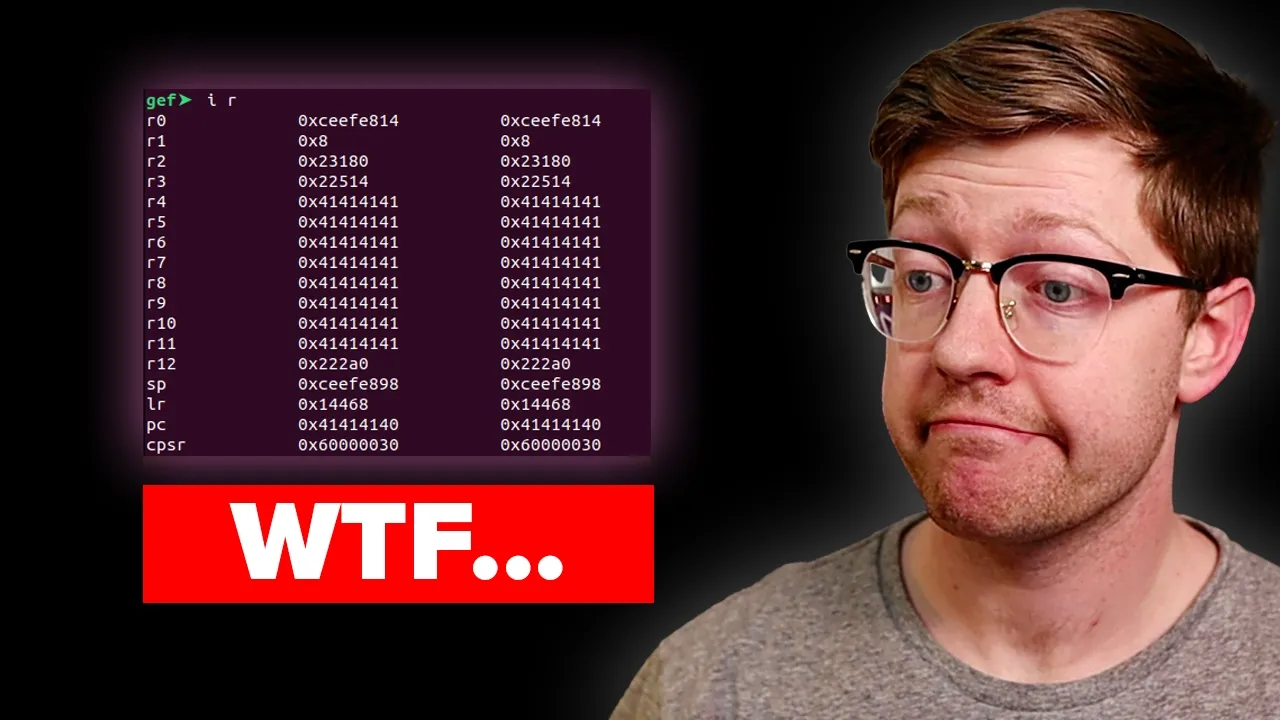
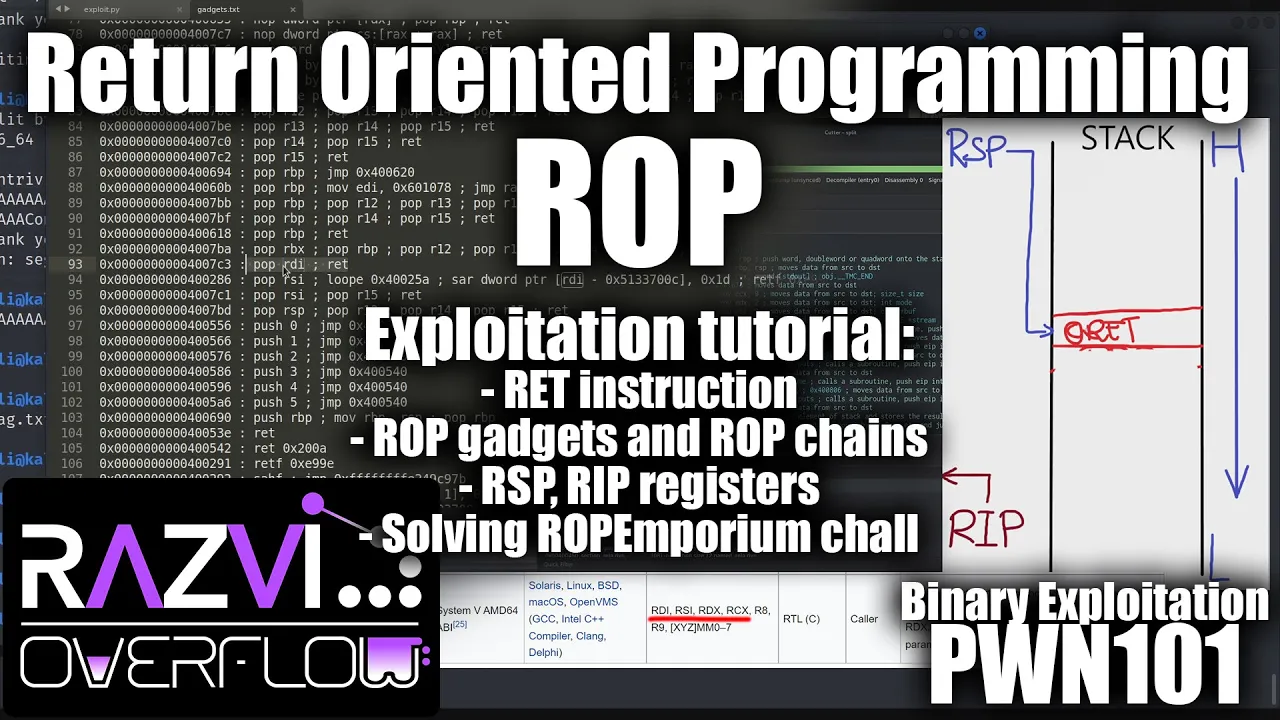

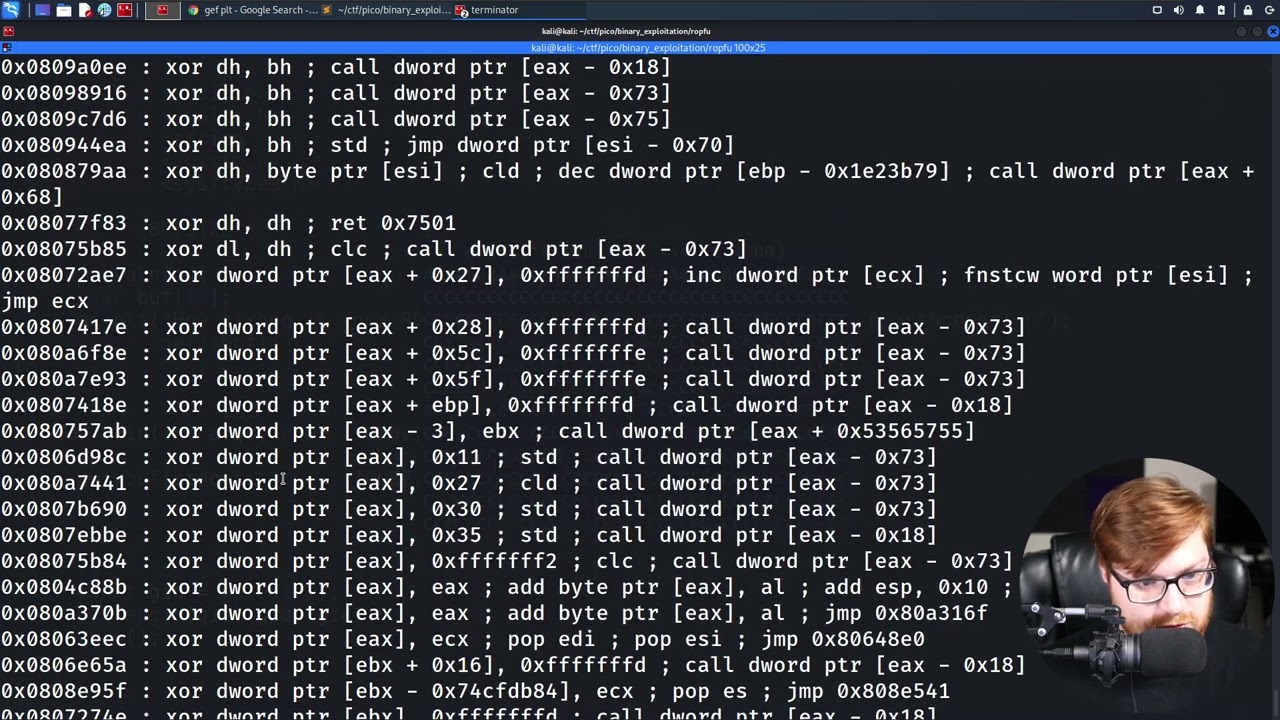



ELF (Executable and Linkable Format) is the standard binary format for Unix-like systems, containing a header with magic bytes (0x7F ELF), class (32/64-bit), endianness (little/big), entry point, and program/section headers that define how the binary is loaded into memory; understanding this structure is essential for developers, penetration testers, and security professionals to analyze, exploit, and create binaries effectively.
ELF Binary Structure: A Comprehensive Guide for Cybersecurity Analysis and Reverse Engineering
Added:Basic familiarity with Unix/Linux operating system architecture and command-line interfaces.
Fundamental understanding of the C programming language and how source code is compiled into machine code.
Concepts of computer memory layout, including the stack, the heap, and virtual memory addressing.
Introduction to CPU registers and basic Assembly language instructions (x86/x64 or ARM).
Practical reverse engineering of Linux binaries using disassembly and decompiler tools like Ghidra, IDA Pro, or Radare2.
Understanding binary exploitation techniques, such as Buffer Overflows, Return-Oriented Programming (ROP), and bypassing security mitigations (ASLR, DEP/NX).
Analyzing Linux malware and understanding evasion techniques such as packing, obfuscation, and anti-debugging.
Development of custom ELF parsers, injectors, or runtime binary patchers for security research.
12.1K views399likes25:05Original Release: 2021-02-19
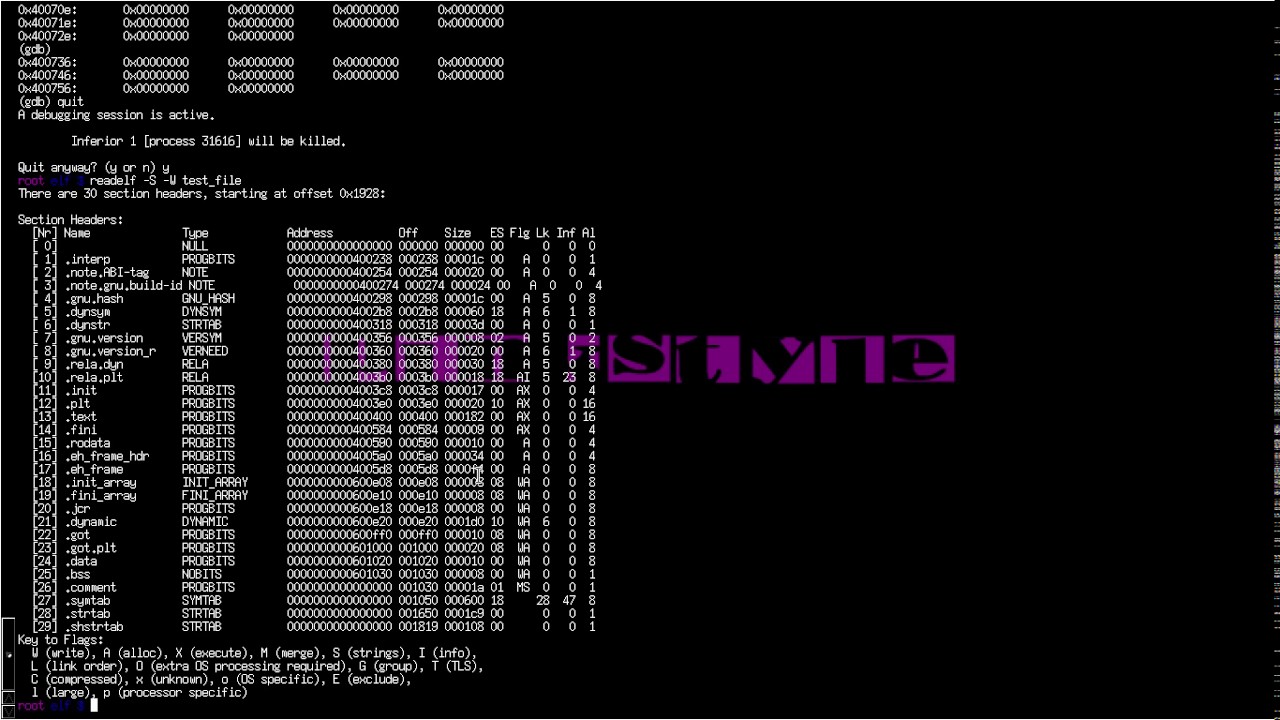
hello everybody and welcome back to this new video and today we're going we are going to be talking about something a little different um we are going to be doing a talk about elf binaries we're going to take a deep dive into alf binaries to see what they really are and what they could mean to us in our lives so without further ado let's get started so first of a little overview we're going to be doing a short introduction we're going to be talking about what an l file actually is why we should know about them why they're interesting to us and what we can learn from them we're going to take a tour and see how does source code become a binary what happens with that we're then going to take a deep dive into the actual structure of an elf binary and we'll see what happens when if binary gets executed what are the steps that the operating system is going to take and lastly a short detour to talk about static versus dynamic binaries all right so let's get started with this introduction so i am pink draconian um i have a youtube channel i do twit i have a twitter account so follow me subscribe i make videos usually solving challenges and boxes from hack the box from cyber cycle apps from all different kind of kinds of websites and showing how they work and i usually try to incorporate a education thing into it so it's not just showing what the solution is but also showing how do you get to the solution how do you what does every step mean and how does that work so if you're interested in that go check that out i'm also very into penetration testing so i have professional experience as a presentation penetration tester and software developer i am really into cyber security and this year i am finishing my degree in ai so that's who i am but let's get into the elf binaries so first of all what is an alpha file so over 20 years ago before i was even alive in 1999 elf was chosen to be the standard file format for binaries for unix and unix-like systems so l stands for executable and linkable format and it kind of defines a structure for binaries but also libraries in core files so so when i talk about an elf binary that's not always the same as an alpha file but this talk is mainly going to focus on the binary part so i kind of interchange them but so it defines a structure a structure saying okay every binary is going to look like this so this specification kind of allows the operating system to interpret these files and to interpret the underlying machine instructions because in a binary contains machine instructions that the operating system needs to interpret needs to execute so they need to know how that works and then elf binary kind of says this is a specification as to how they should be formatted and how they should be used so elf binaries are the output of a compiler and usually when you talk about kind of kinds of files you can say okay this extension fits with that file however for elf binaries you can see there's a long list of ones that could apply and even none can apply so yeah that's pretty much like a little overview about elf binaries and what they are and now we can go in deeper and analyze them but first of all i want to tell you about why you should be interested in this why should you know that and pretty much everybody should notice why well first of all general knowledge you are using a computer you are doing something with security something with computers so it's always good to know at a low level how something works because if you know at a low level how something works then then you can abstract that to higher levels and you can apply that to different kinds of things because in the end everything kind of comes down to the same thing so so it's it's important to know about as many things as possible so i think just for general knowledge it's good to notice however also if you're a developer it's very good to notice why well if you write code your computer is going to execute your code but there's a lot of steps between them and if you can kind of know what happens in between them and what actually happens with the code that you write you obviously get a better understanding of what you're writing making you a better programmer then we also have the standpoint of a blue teamer incident response and this is pretty much well you're working for a company or you're working for something and uh you have to protect that and attackers are going to use binaries to attack attackers are going to exploit binaries you have and what if an attack happens and you need to see what happened what went wrong how did they get in well then knowing about these files and about what these files do is obviously very important then same goes for digital forensics and malware researcher it's very obvious why they would need this and then also red teamers and penetration testers because we are obviously going to use these binaries to breach to to exploit them but we're also going to create them to do something so we're going to create binaries but we're also going to exploit existing binaries and in this video i'm going to mainly focus on the red teaming and the penetration testing part of it because that that's what i'm most interested in but first of all some more general knowledge we're going to see what happens to source code to become a binary uh so for this let's take seizing seasons as an example so we have source code written in c what do we do well we use gcc obviously to get a binary and what's gcc going to do well it's going to first compile our source code into assembly code that assembly code is something that we can see for example in um in radare or in ghidra and it's something that we can still kind of understand but then an assembler is going to take that assembly code and it's going to convert that into object code and object code is kind of the lowest level and it's what your computer understands and then lastly uh you can have a linker that's pretty much going to link your object code to the reference libraries so all the libraries it uses it's going to link all of that together so it knows where everything is found stuff like that and that's how you end up with a binary so it's kind of important to notice uh so you're aware of what is happening and then you also this is also interesting because when you are going to be decompiling or disassembling a binary for example g-dragon decompile which is going to disassembly is going to go from object code to your binary itself to assembly code assembly code is still hard to read but then if you've used gedra before for reverse engineering you will know that that is able to kind of generate back pseudo c code again so that's going to be decompiling then so it's going to be going from assembly code back into source code so there are some terms that are quite important in the reverse engineering and binary exploitation fields so moving along the biggest part of this is going to be the structure of an l file and the main structure is we have a header and we have some file data and file data can be very extensible because the alph by the elf file format is very extensible can be used for various different kinds of things but we're going to focus on binaries and for binaries with enough program headers or segments section headers or sections and then the actual data of the binary and we're going to go into these a little bit deeper now so first of all the elf header so we can view the elf header with read alph dash h and then it's going to show us what that header looks like and the first thing that we'll see is some magic bytes and the magic bytes at the bottom here as well you can see that we have 7f and then the letters elf so those are the magic bytes used by the operating system to verify that this is a an l file we then have the class and the class is going to define whether whether it's 32 or 64 bit so in this case it's 64 bit and we can see that that byte is o2 so that is 64 bit then we have the data field here and the data field is very interesting also for binary exploitation because this is going to define whether it's the binary is using little or big endianness so whether it's little or big endian if you don't know what that mean maybe you've heard of least significant bit and most significant bit so the endiness is pretty much going to describe uh how your data is actually being stored and i have this little graph here that's going to better show that so for example if we use little endian that means that the least significant bit is going to be stored first so in this data or 102 or 304 the least significant bit here is o4 so we're going to put o4 in the in the first address then we're going to put o3 so from the least significant bit up to the most significant bit and then big endian is the opposite of that and this can be a little bit confusing at first because you would think like why is this the case why would this be a thing and two be and to be fair this is the thing that was first used a long time ago uh why because it was more performant for some systems to use little engine for some to use big engine so different creators of different uh manufacturers use different kind of stuff and in the end well you need when you want to bring all of that together in one format you need to be able to support everything so that's why this is the case but this is very important for binary exploitation because as you could imagine if you get back for example a leaked stack address you need to know well is my binary little endian or big endian because if you for example think your binary is little and in but it's actually big endian the address you're going to get back you're going to process that wrongly and it's not going to make sense in your exploit it's not going to work and that's why for example in pawn tools when we unpack some data we supply whether it's little or big anyone so it knows how it's actually how it has to handle them and the difference between engineers is very simple in that if you look at the source code for pawn tools you'll see that this is the code that deals with any so if any of this is little it's literally going to reverse the data where data is uh bytes say an array of bytes so it's literally going to just reverse that so it's it's incredibly simple but very important because it can make a script not work and you might not know why well it might be because of endiness so now you know where to find engines in your in your binary next up we move along to version and there's only one version of elf at the moment with no real plans to get another one so this is always going to be one uh moving on we also have the operating system abi so os operating system and then abi stands for application binary interface now if you hear that and you think what is that but you may have heard of api which is application programming interface well it's kind of the same as that however an api works at a lower level so an abi is a way for your operating system and the application to know what to expect from each other to interface between each other so to better understand this we can obviously think about an api which is also going to interface between software at a higher level however as a programmer as a red teamer as a penetration tester this is not something that you're usually concerned with because this is something that's really only the compiler the operating system those are really the only if you're writing compilers or operating systems you're going to going to have to deal with that but usually you're not going to get into contact with that unless you try to compile in different programming languages or for multiple compilers stuff like that however that's incredibly rare so usually that's that's really not something to be concerned about then moving on we also have the type the type of the file this can either be a core file a shared object file which is dynamic and it's for libraries then we have exec for executable files and rel rel for relocatable files and then moving on we also see the entry point address also very interesting because that is where the actual where your program is going to jump to after it's done all of its preparation stuff so that's where your actual program your code is actually going to be executed that is the entry point of your binary and this is also obviously interesting when doing reverse engineering to know the entry point to know where it's going to start and then the rest of this is all information concerning the other program and section headers which we are going to jump into in now so okay next up we have the program headers or segments and the program headers uh show what kind of segments are used at runtime and it kind of tell the system how to process this file and and what to do with it and for example we see this interp here this is going to tell say the location of the interpreter that is to be used with this and a path name to it we have this load here and this load is going to specify a segment from the file from the l file that needs to be loaded into uh into a virtual address so um what's going to be what's going to be happening is this is going to define the length that needs to be allocated so it's going to allocate that length of space and then move a certain part from the file into that space so it's going to specify what needs to be loaded into memory so that's also very interesting to know about what parts are being loaded into memory moving on then i'm not going to go into everything but then we have the gnu exception handler frame this is also interesting because this is going to specify a sorted queue used for storing exception handlers so when your program breaks down when you have an exception this is where these handlers are being stored and used so i found that interesting and then lastly here i'm going to talk about the new stack so this is going to pretty much define the stack so where the stack is going to be stored stuff like that basic stack information and if you don't know what the stack is at a very high level it's a last in last out kind of data structure used for storing variables storing everything your binary needs to use everything that changes uh during runtime so imagine a stack as a at a restaurant a stack of plates that's going to so if you take a plate from a stack of plates you're going to take the top plate if you put one back you're going to put it back on top so that's kind of how a stack works so it grows and shrinks however in in this case we have to turn it around upside down because that's how it works here um and that's a stack but there's something even more interesting here for us as pen testers or as binary exploitation people and that is the fact that we see a small difference here so um right here we see that it says read write execute and on the other side here if this pop-up would go away yeah we see that it only says read write so what's the difference here why is the stack on the right executable and stack on the left not executable and why is it important well if you think about the kind of protections that you can have on a binary when you're doing binary exploitation you might come up with the answer here yourself and it has to do with the nx bit the no execute protection what is that going to mean well if a binary has no execute enabled that means that of all your memory it memory can either be readable writeable or executable so for example the stack in this case the stack always has to be writable because that's where you're going to be storing variables and reading variables from if an x is enabled then you cannot execute anything on a stack your program itself the actual code is obviously going to be executable because that's what you're executing why is it important well what if we have a buffer overflow and we can write what we want onto the stack and we can overflow return addresses on the stack if this nx bit is not enabled we could put some shell code on the stack and then jump to that child code and execute it because we can write there an executor however if we enable nx then we can write that child code still but we will not be able to jump to that because the stack is not executable and that's what we see here the binary on the left here has nx enabled so the stack is not executable and on the right that's not the case so that's very important to know about definitely when you're doing binary exploitation you will have come into play with this so it's very interesting to know how this actually works at a program header level and then we're going to be moving on to the section headers of the sections so these are pretty much going to define sections used for like linking and relocating so i'm going to talk about a couple here so we see dot text where do we see it there dot text and that text contains the executable code so the actual code that is being executed we then also have dot data the data right here the data contains initialized data with read and write access here you have the row data which is read only data so that's data that you can't write to and then then.bss is uninitialized data and then lastly one more important thing or one more interesting thing here that you as a doing binary exploitation may have come across is the got the global offset table this is a table in a binary it's pretty much going to contain an offset for every variable so if you need to know the location of a variable you can go to the global offset table and it's going to tell you the offset of that variable inside the binary so for example if you need to find where put is a put function so i said it wrong when i said variables it's mainly as symbols so functions and stuff like that if you need offsets to those you can find them there um you will have come across this while doing binary exploitation when you want to for example leak a libc address stuff like that you will have probably come across this so that's something that you that's also just a segment that you can find in your segment header um and that's pretty much all for the structure so past that we also have the data of our actual binary of course but that's uh something that lies outside of the elf structure so that's that's the whole structure and i think for the structure what you should take away from it is that a binary in el finery is just a file and it's built by actual people and it's pretty easy to understand and we'll go into that a little more here because let's say we wanted to write our own operating system what would we need to do to be able to execute an elf binary well let's see first of all we obviously need to check the magic number is it actually an elf binary then we are going to read the header uh to get all of that information to know information about little and about endianness and all that kind of stuff next up is the program header and from the program header we are going to be determining what segments need to be loaded and we need to load the load segments and for them we need to allocate space so some allocate some virtual memory space and then copy that segment from our file into that allocated space because that's data that is needed and then lastly all that's left to do is to actually jump to the entry point that we can find in the header that we saw earlier and that's pretty much in very crude lines what needs to happen in order to execute an elf binary so you can see it's not that difficult it's a very extensible file format so that's very the specification is over 100 pages it's really long but when you look at it and when you kind of abstract it a little bit you can see that it's not that difficult to understand and what i learned from making this and from researching this is that i actually came across a lot of things that i already knew but i could put in a kind of new light i could understand more deeply and from understanding it more deeply i'm not going to remember that in the next six months but that concept that that higher level concept is still going to be better understood by me because i researched that deeper and that's why i also think it's very important to go and do this research something that you think you might never use and see what you can learn from that and maybe you might not learn nothing but you might learn a lot and is that the risk you're willing to take well i think so and lastly to finish this all off i wanted to talk about static versus dynamic binaries because as a penetration tester this is something that you will come across most likely so binaries can either be statically or dynamically compiled what does it mean it all has to do with kind of the the libraries that they contain why well dynamic libraries they require external components at the operating system so they need to use things that are already present on a machine so if you move a binary a dynamic binary from one machine to another it's going to use a different resource and it's going to have to find that different resource on that machine that is not the case for static binaries because static binaries they self-contain everything so everything they need they have in them which means that the files are going to be way bigger because they have to have all of these external libraries reference libraries in them but they're also going to be way more portable meaning that you won't getting into a dll or a dependency hell when moving them between machines and this is interesting for penetration testers because as a penetration tester you're going to want to compile maybe an exploit something locally and run that on your victim but your victim might not have the newest libraries available or might not have something available that you need in your exploit well if you statically combine compile them that's not going to be an issue so this is something to take note if your binary doesn't work check is it statically compiled or dynamically compiled and what happens if i try statically compiling it and see if that makes a difference and then the difference can be viewed with the ldd command on linux just thought i'd ask at that um and that's pretty much it for this um for this talk i hope you enjoyed it i hope you learned something or at least gained some new way of looking at these binaries that you're running every day um and i want to end off with this slide again and say that this is not usually the type of videos that i make usually i make walkthroughs through challenges so if you're interested in that check it out i try to always go into depth for some of them and i'm also going to in my introduction to binary exploitation series so where i explain binary exploitation by doing actual challenges starting from very easy going more difficult more difficult i will be referencing this and some of the stuff i talked to here i talked about here in those videos as well because for people that want to take that deeper dive so yeah follow me on tw on twitter subscribe on youtube send me a dm if you want to talk to me and uh yeah i hope you enjoyed this video this talk and i hope to see you back for another talk in the future so take care good bye
Up Next

93:13
Top Rust Crates for Error Handling, Parsing, and More
@oxidecomputercompany
1.7K views•2025-01-14

11:23
Solving the Heat Equation with DeepXDE and PINNs
@Dr.Mohammad_Samara
8.5K views•2023-07-17

4:55
HTTP Requests Explained: GET, POST, PUT, DELETE
@codecademy
103.1K views•2021-10-07

19:25
Enigma Machine Mechanics: WWII Encryption Explained
@JaredOwen
13.2M views•2021-12-11
Related Study Plans & Knowledge Roadmaps
Structured learning paths in Computer Science
computer-science
Building a Rust Debugger: ptrace, ELF & DWARF
01Systems Programming Foundations & Rust
02Process Control and the Linux Ptrace API
03ELF Layout: Inside Linux Executables
+ 3 more learning modules
38h6 modules
Explore Roadmap
computer-science
Container Runtimes: Namespaces, Cgroups & Go
01Linux Systems & Go Programming Foundations
02The Core of Isolation: Chroot and Filesystems
03Linux Namespaces: Process Isolation
+ 3 more learning modules
32h6 modules
Explore Roadmap
computer-science
Building a CHIP-8 Emulator: Rust & CPU Basics
01Computer Architecture Foundations (Bits & Bytes)
02Rust Programming for Systems Development
03CHIP-8 Virtual Hardware Specifications
+ 2 more learning modules
32h5 modules
Explore Roadmap
computer-science
Building BitTorrent: Go, P2P & Concurrency
01Go Fundamentals & Concurrency
02Networking Foundations & P2P Architecture
03Bencode Parsing & Torrent Metadata
+ 3 more learning modules
26h6 modules
Explore Roadmap