






























Productized agencies should separate their order forms from intake forms to reduce client friction during sign-up; order forms should only collect essential information for quick checkout, while detailed project information should be gathered through a separate intake form sent after the client has committed, as research shows that more form fields, especially text areas, significantly lower conversion rates.
Optimizing Agency Client Onboarding Processes: A Practical Walkthrough
Added:Basic understanding of the agency business model and the typical client lifecycle (from acquisition to service delivery).
The concept of user experience (UX) friction and how form design affects completion and conversion rates.
Fundamental principles of lead generation, checkout forms, and digital data collection.
An overview of Customer Relationship Management (CRM) systems and how client data is structured.
Advanced workflow automation to sync intake form data with project management tools using platforms like Zapier or Make.
Developing Standard Operating Procedures (SOPs) to scale the onboarding process across an expanding agency team.
Measuring and analyzing onboarding-specific key performance indicators (KPIs), such as Time-to-Value (TTV) and initial client churn.
Strategies for balancing automation with high-touch, personalized communication for premium-tier agency clients.
430 views5likes3:44Original Release: 2024-03-13
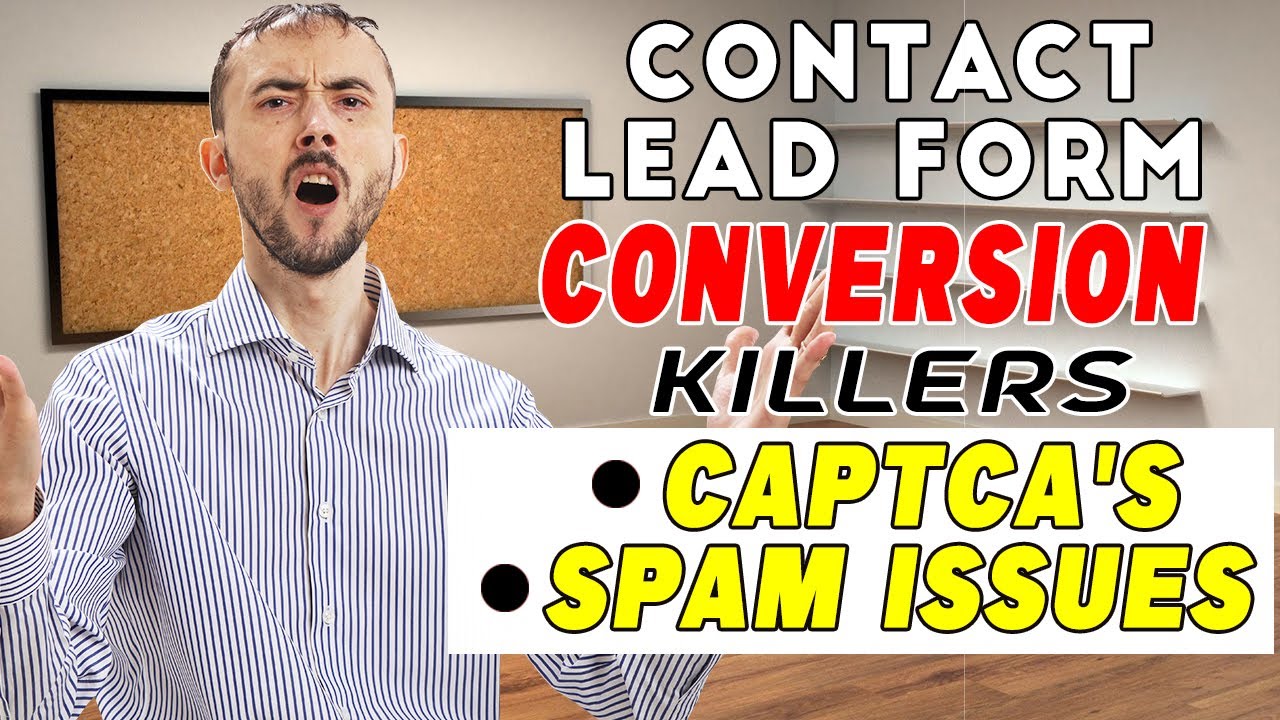
many agencies drop the ball by asking their clients too many questions too soon this leads to a client second guessing themselves not onboarding properly or even fully churning before a project has even started in this video I'm going to show you a full walkthr on how to onboard your clients as a productized agency product agencies usually opt to send their clients an invoice or an order form blank so they can sign online pay up front where there are no contract negotiations and less back and forth that saves everybody time and speeds up the sign up process the purpose of order forms is to get a client signed up with as little friction as possible many agencies back their order forms with way too many questions that are not required at the stage as a result clients who would have otherwise been ready to sign up see a large number of fields that they have to fill out and abandon the form altogether here's an example of a badly set up order form with too many questions too soon instead what you should do is use the order form to get the client signed up and then send a separate intake form to get all the nitty-gritty details about their project here's the same form that we just looked at except I've removed all the fields that are not strictly necessary at this stage as you can see the form is much easier to complete according to a study by hopspot the more Fields you have on your form especially if they are difficult Fields like text areas the lower the conversion rates of your form now here's my intake form with the questions that I've removed from the previous step by this point clients are already bought in so I can gather all the information I need for my team to get to work now let me show you the full flow from the client's point of view for the first step the client lands on your sales page where they can see all of your services and compare them to decide which one they want you're going to link your order for forms to the purchase buttons on your sales page so once the client decides they would like the basic plan for example they would just click on sign up and be redirected to the order form in my previous video I talked about order forms and how to set them up so if you'd like more information you can check that out VI the description down below for now I'm just going to fill this order form with some dummy data once the clients filled out all of the information on the order form they would just click on complete purchase this would take them to a thank you screen while the payment processes and then they end up on a receipt page now it's important to note that each different service can have its own intake form So based on what the client purchased the system is going to redirect them to the relevant form so if we click on continue to client portal we land on the intake form for the basic plan once the clients filled out their intake form they click on review to double check their data and click on start order now let me show you how my team sees this information on the admin side of the portal this is what the order looks like on the admin side of the portal as you can see all the information is directly at your finger tips by the way the software that I'm showing you here is service provider Pro however you can do this kind of flow with pretty much any form Builder by linking up where the client is redirected after their purchase the main thing to watch out for is you've got to make sure your intake form doesn't get shared around and only paying clients can fill it if you want to automate this you can use S as you've seen in the video so far and let me show you how to set this up first you're going to set up the services that you're going to sell to your clients give it a name give it an image a price what happens when payment is received and make sure that all these settings are as you want once that's done and saved we can move on to the intake form that we were looking at ear earlier as I explained earlier every service is going to have its own intake form you can set one up and then copy it over to other services if you'd like or you can set each service up from scratch you have all these fields down here to choose from and add into your form based on what you need to collect from your client once you have all of your services set up and configured with their own intake forms you're going to set up your order form here's an example of what the order form editor looks like from the admin side this is the example form that we were looking at earlier from the client perspective as you can see there are a few more Fields avail able here as you may need to collect different type of information from the client before they check out for more information on how to improve your agency with software check out our YouTube channel and for the client portal I was showing you and the form automations check out our website in the description down below
Up Next

7:59
How Client Portals Optimize Website Agency Operations
@dave-swift
9.8K views•2022-09-15

12:54
Triumph of Orthodoxy Icon: Byzantine Art & History Explained
@BenCallan
2.1K views•2024-08-06

9:49
FastAPI vs Flask vs Django: Choosing the Right Python Web Framework
@TechWithTim
302.5K views•2024-05-26

1:42
Game of Thrones Opening Credits: A Cinematic Analysis
@gameofthrones
46.3M views•2011-04-18
Related Study Plans & Knowledge Roadmaps
Structured learning paths in General & Interdisciplinary Studies
general-studies
Elevator Engineering: History, Physics & Cities
01From Hoists to Safety Brakes: The Dawn of Vertical Lift
02Hydraulic vs. Traction: The Engineering Physics of Elevators
03Modern Speed, Safety, and Algorithms
+ 2 more learning modules
12h5 modules
Explore Roadmap
general-studies
Rubber: Material Science, History & Geopolitics
01Origins of Natural Rubber & Mesoamerican History
02The Chemistry of Natural Rubber & Vulcanization
03The Geopolitics of the Rubber Boom & Colonization
+ 2 more learning modules
12h5 modules
Explore Roadmap
general-studies
Containerization: Evolution, Logistics & Trade
01Ancient Trade & Bulk Cargo: Amphorae to Barrels
02The Industrial Revolution & Cardboard Packaging
03The Containerization Revolution: Malcom McLean
+ 2 more learning modules
12h5 modules
Explore Roadmap
general-studies
Textile Tech: Evolution, Labor & Global Impact
01Pre-Industrial Textiles: Handloom & Cottage Industry
02Mechanization: The Spinning Jenny to the Power Loom
03The Factory System & Global Labor Transformation
+ 2 more learning modules
10h5 modules
Explore Roadmap