

















![이학민토목직 - [2026.6.20 시행] 지방직 응용역학 해설강의 & 총평|출제경향·난이도 분석](https://i.ytimg.com/vi/67N4RF8t8sY/maxresdefault.jpg)
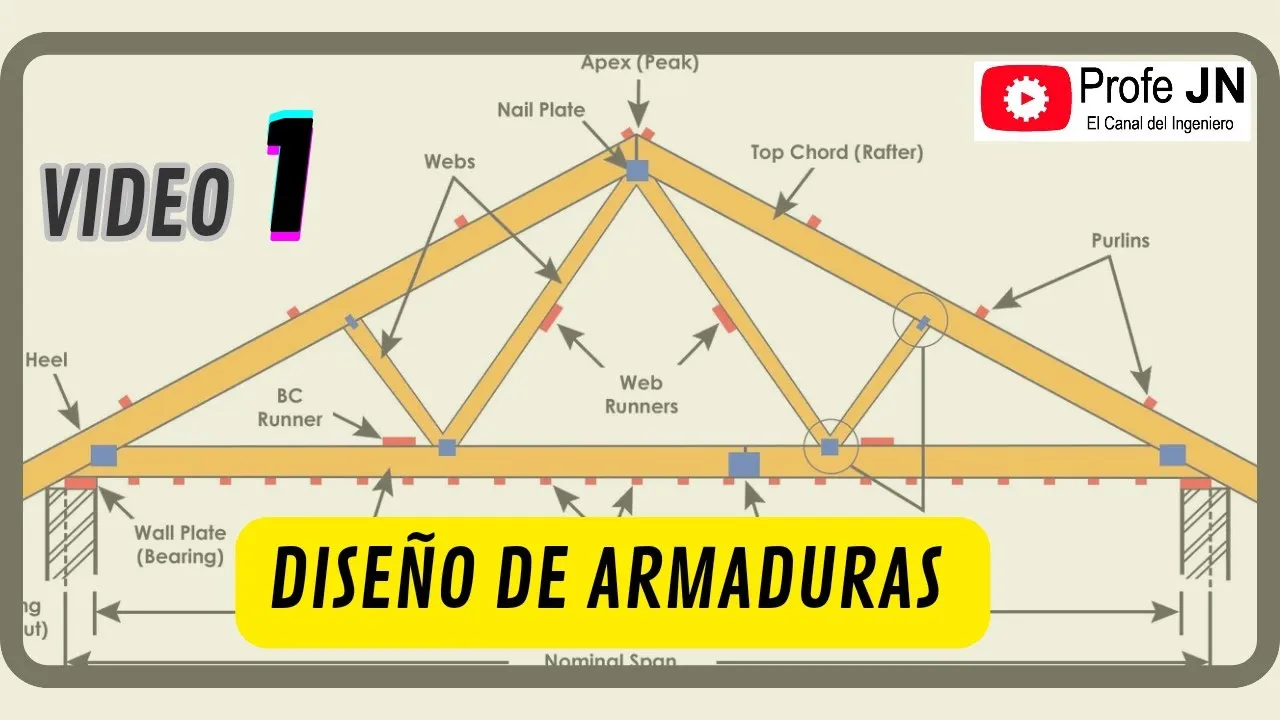
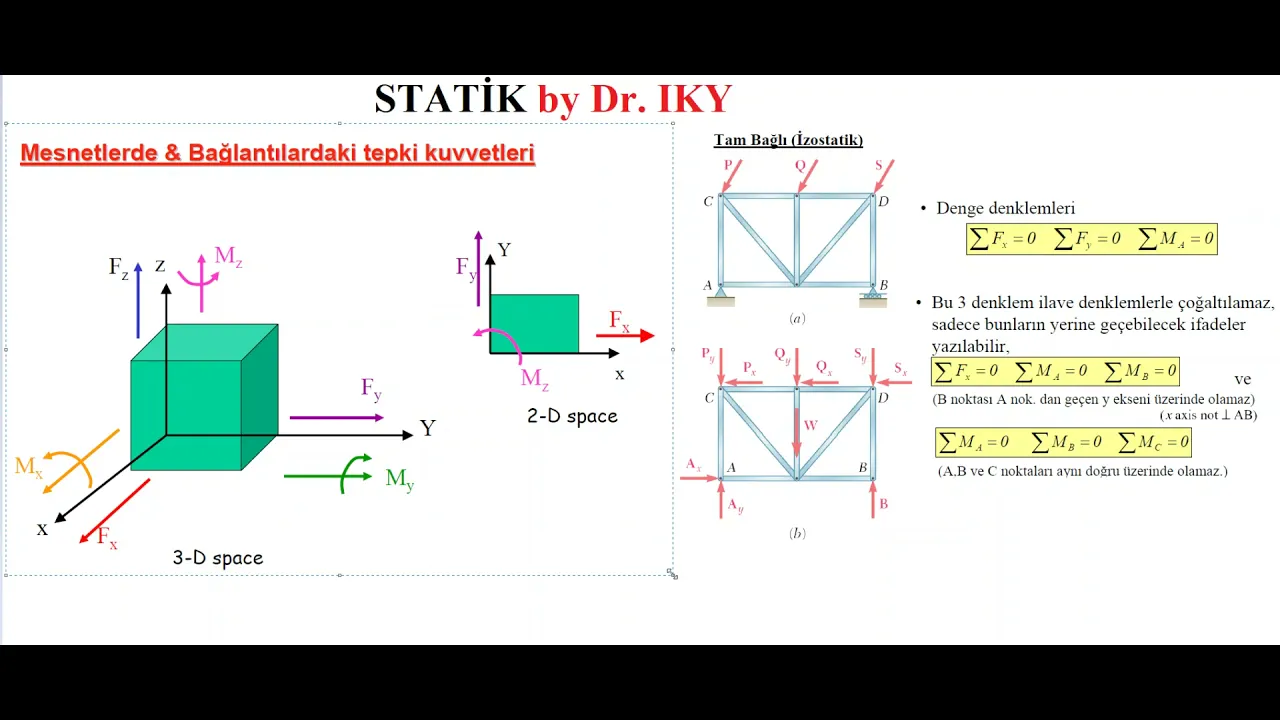
This tutorial demonstrates how to use SkyCiv software for truss analysis by setting up nodes using Cartesian coordinates, adding members by connecting nodes, applying pin and roller supports, and adding point loads; the software then solves the truss to calculate reaction forces and member axial forces (tension/compression), with the free edition providing access to these essential analysis results.
SkyCiv Truss Tutorial: Analyze Structures Step by Step
Added:Fundamental principles of static equilibrium (sum of forces and moments equal zero).
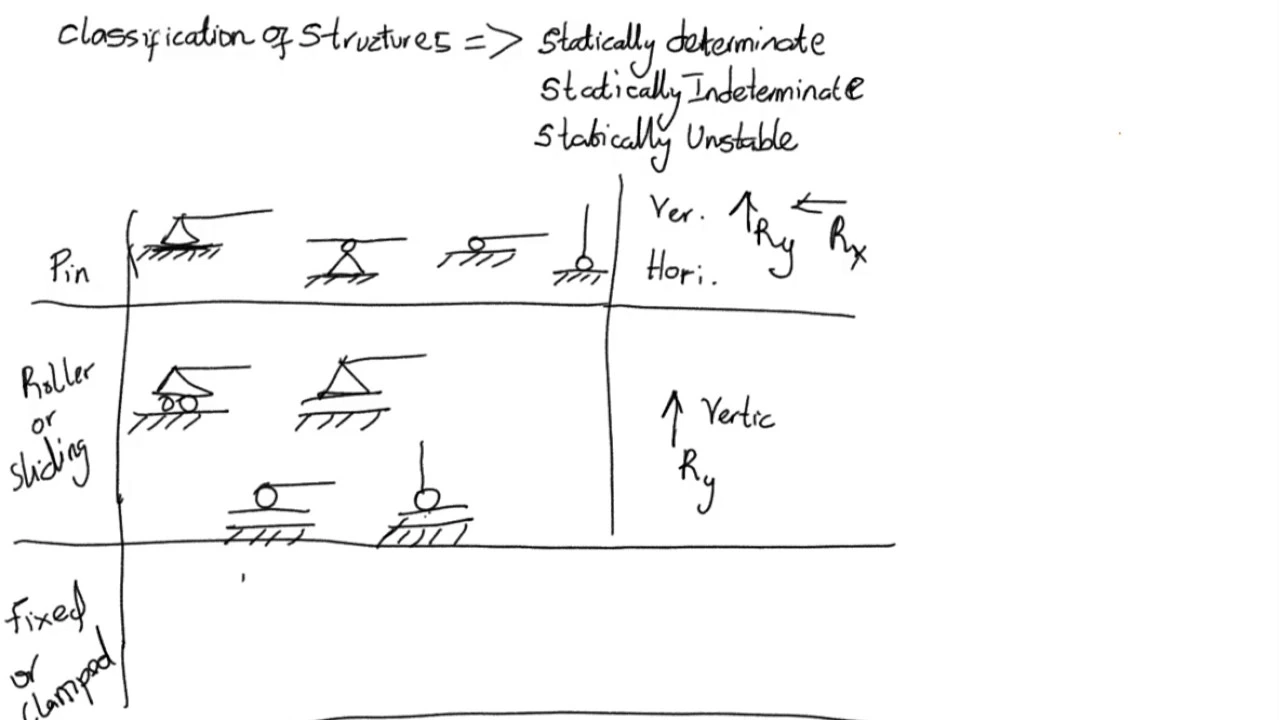
Understanding of structural support types, such as pin, roller, and fixed supports, and their corresponding reaction forces.
Basic definitions of truss components (joints, members) and the assumption of axial-only loading.
Trigonometry and vector decomposition for resolving oblique point loads into vertical and horizontal components.
Manual verification of computer-generated results using the Method of Joints and Method of Sections.
Analysis of zero-force members and understanding determinacy versus indeterminacy in truss structures.
Design optimization of truss members based on material properties, tension, and buckling limits.
Transitioning from 2D plane trusses to 3D space trusses and frame analysis with bending moments.
3.4K views20likes5:20Original Release: 2022-05-09
in this video i am going to show you how to use the sky sieve software so um you can just google sky sieve and if you haven't already you'll have to create a an account and if you already have an account then obviously just go to login okay once you're here you're gonna go to truss slash frame and hit launch so the way this works is every joint is going to be classified as a node so you're going to start inserting nodes before we do that let's actually change our settings because i like to have things in imperial so not meters but feet and then k is um or kip is a thousand pounds but i didn't really teach that in poe i don't believe so i'm gonna change things to pound although we're not really doing any of these pressure moments anyway all i care about is that the length is actually in feet okay and now we're going to go ahead and add some nodes or joints uh it goes by like a cartesian coordinate system so you're identifying the x coordinate and a y coordinate and everything's relative to each other so i always start with node one being at zero zero and then node two you can do uh five and five i'm just kind of doing this little randomly and i'm gonna put another node here so that would be five zero then we'll do another one at a 10-0 okay now we have our four joints or nodes as they're called i'm going to go ahead and add members and you have to drag it from point a to point b and i like to actually lock this so you don't uh mess up your graphic window which is kind of a good habit all right let's add our keep adding the rest of our members good go back and now we're going to have to add a support we're going to need a always a pin and a roller so node id sometimes it lets you click there we go okay so you have to i don't know why that doesn't work all right sorry about that so for supports there's a way to make it click i find it sometimes easier to actually just type in the node number because clicking is kind of fickle so i want a pin right here pin at node one and hit apply and then at node four i want a roller and hit apply again there's a way to click but it gets a little fickle i find it easier just type in the node and now we have our nodes our members and our support now we're going to add our point loads so we're going to have to add it directly on a node so let's add it on node two and we'll call it zero in the x and negative five thousand and the y negative is just to have to be pointing down because positive will be pointing upward and that's pretty much it um obviously you can add more if you want but that's good enough just to show you how to make this work then once you're done you can hit solve and it'll check to make sure that it can't be solved so that you have what's called a determinant trust there's not too many variables it usually doesn't take this long so hopefully it goes quickly okay there it goes um and then once you're here there's different information that you're able to extract once you've solved their trust only a few things are free the rest you have to pay for but fortunately the things that we want for this class are part of the free edition of this software so i'm going to turn on reactions and that'll give you your x and your y um reactionary forces now for the pin you could have an x but because we only had something in the y we don't have anything in the x just to show you what i mean let's go ahead and add another point load at node 2 for um 1000 and then when you go to reactions you'll see your x your y1 and your y2 and you can also go ahead and hit axial and then that will let you know your how much tension or compression is being applied to every single member of your truss and that's pretty much it that concludes how to use sky sieve
Up Next
3:44
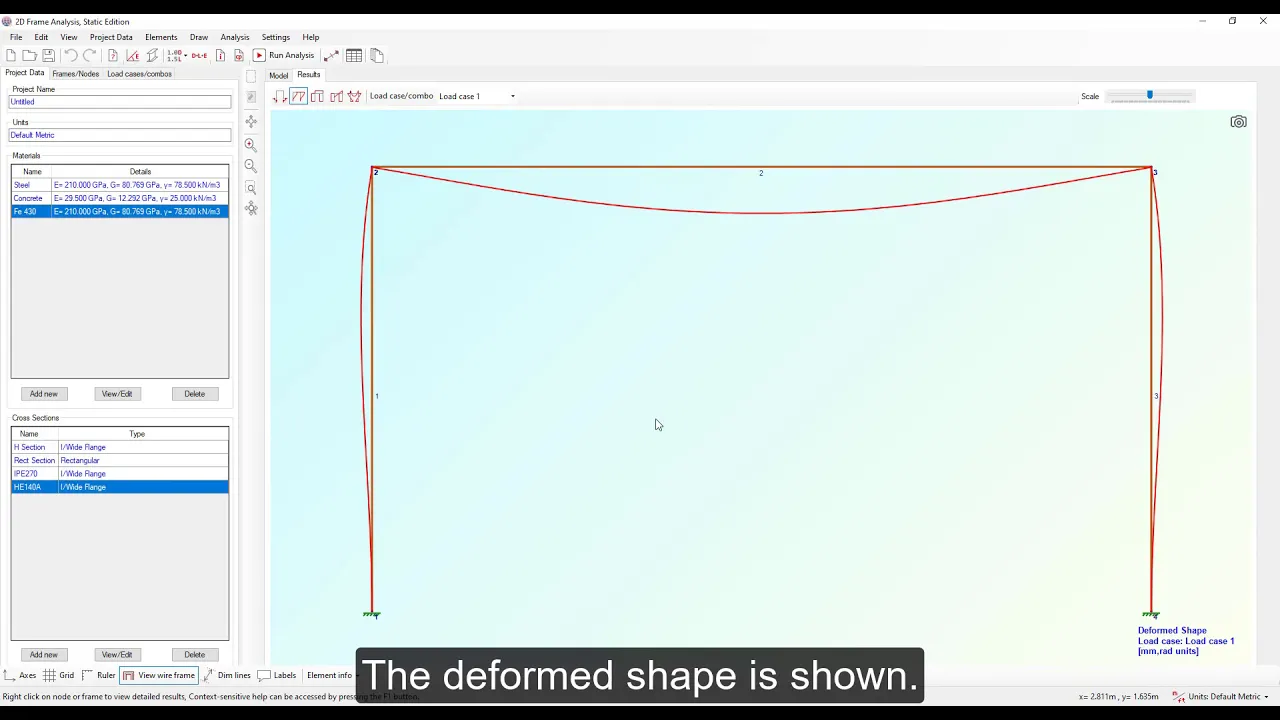
2D Frame Analysis Tutorial: Portal Frame Under Distributed Load
@engissol
8.1K views•2020-03-25
30:32
Ultrasonic Transducers: Resonant Frequency Measurement and Horn Design
@imajeenyus42
229.9K views•2017-02-22
54:16
Polymer Environmental Degradation: Mechanisms & Stabilization
@iit
1.8K views•2012-07-10
33:39
How a Student's Question Saved a NYC Skyscraper from Collapse
@veritasium
22.8M views•2025-04-26
Related Study Plans & Knowledge Roadmaps
Structured learning paths in Engineering
engineering
Building Acoustic Levitators: Physics & Arduino
01The Physics of Sound and Standing Waves
02Piezoelectric Transducers and H-Bridge Drivers
03Arduino Programming: Generating 40 kHz Signals
+ 2 more learning modules
14h5 modules
Explore Roadmap
engineering
Building Peltier Cloud Chambers: Particle Tracks
01Cosmic Rays & Cloud Chamber Physics
02Thermoelectric Cooling (TEC) Fundamentals
03Custom Liquid-Cooling Loop Design
+ 2 more learning modules
18h5 modules
Explore Roadmap
engineering
Yagi-Uda Antennas: Modeling, Build & VNA Test
01Introduction to RF and Antenna Fundamentals
02Yagi-Uda Antenna Design Principles
03Antenna Modeling and Simulation in 4NEC2
+ 2 more learning modules
18h5 modules
Explore Roadmap
engineering
ECG Monitor Design: Op-Amps, Filters & Noise
01Electronics & Breadboard Basics
02Op-Amps and Instrumentation Amplifiers
03Bioelectricity and ECG Fundamentals
+ 2 more learning modules
18h5 modules
Explore Roadmap