





![Эффективное коммерческое предложение. Исчерпывающее руководство [Саммари на книгу]](https://i.ytimg.com/vi/VVWk-6dva5g/maxresdefault.jpg)













![[2025] Software RFP Templates & FREE Samples | Software Selection](https://i.ytimg.com/vi_webp/Yxl9-JN7gis/maxresdefault.webp)
![How Will Your Business or Government Proposal Be Evaluated? [Winning Proposal Writing Series]](https://i.ytimg.com/vi/4mwLLMHi3QA/maxresdefault.jpg)
A comprehensive RFP response template should include a cover page with RFP number and title, a personalized cover letter, an automatically generated table of contents using heading styles, consistent section formatting for questions and requirements, and editable callout boxes for key differentiators; using evaluation criteria as the layout structure ensures alignment with how proposals will be scored, while maintaining a professional design with company branding throughout the document.
RFP Response Template Guide: Key Components in Microsoft Word
Added:Understanding of the Request for Proposal (RFP) process, including why organizations issue RFPs and how vendors respond to them.
Intermediate proficiency in Microsoft Word, specifically involving formatting styles, section breaks, headers, footers, and page numbering.
Familiarity with the standard structural elements of a business proposal, such as executive summaries, scope of work, and pricing models.
Basic knowledge of professional business communication standards, including formal letter writing and document layout principles.
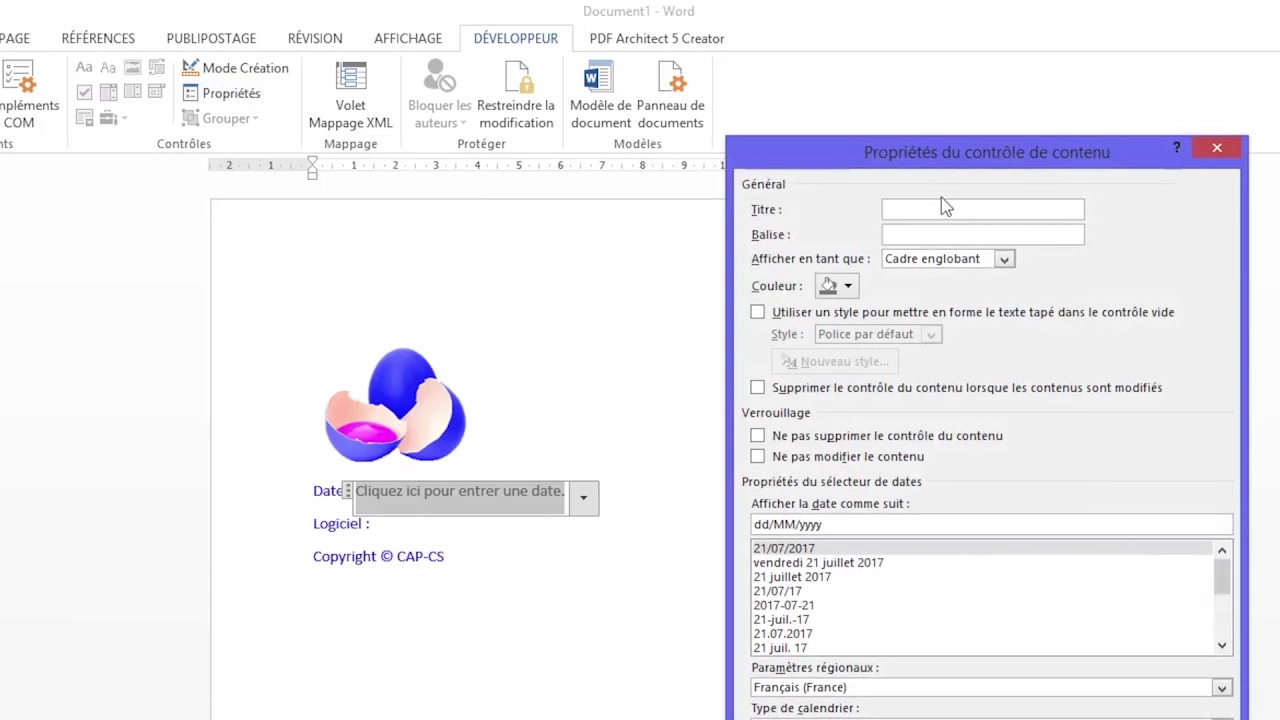
Advanced document automation in Microsoft Word, such as utilizing Quick Parts, XML schemas, and developer fields for dynamic content insertion.
Strategies for content management and creating a modular 'proposal library' to quickly customize boilerplate text for different clients.
Integration of RFP templates with dedicated proposal management software (e.g., Loopio, Responsive) to streamline team collaboration.
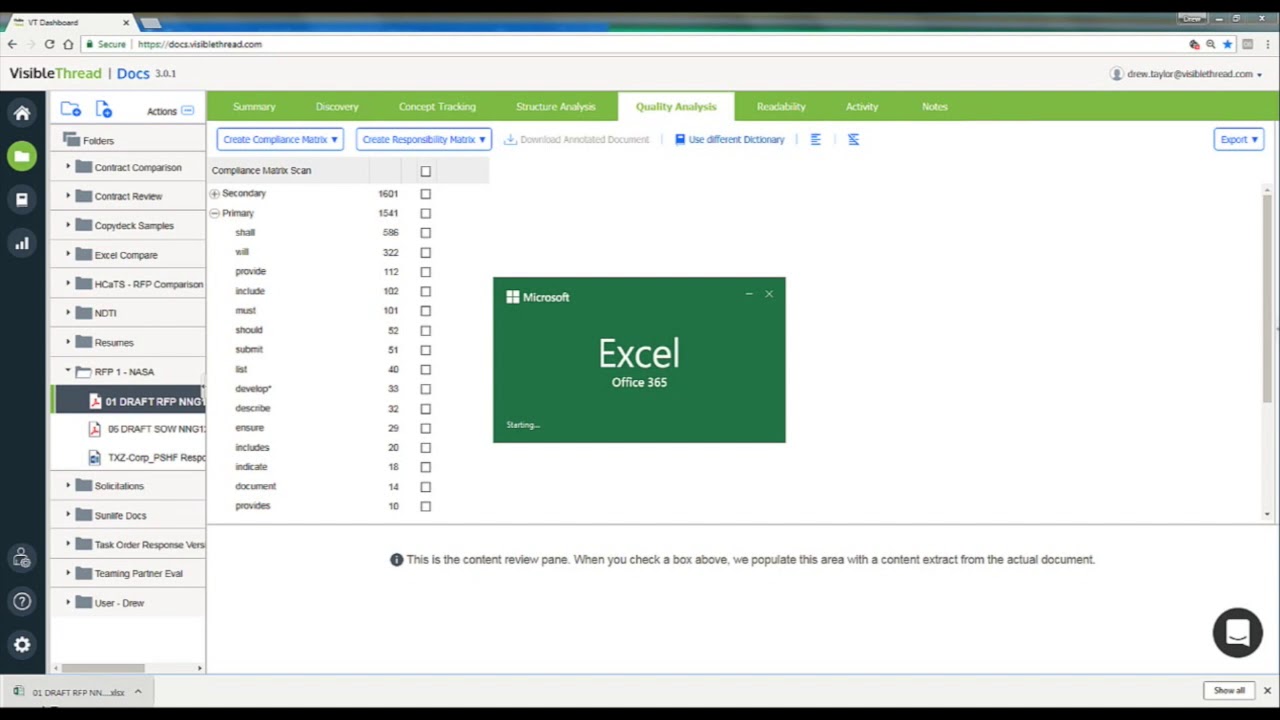
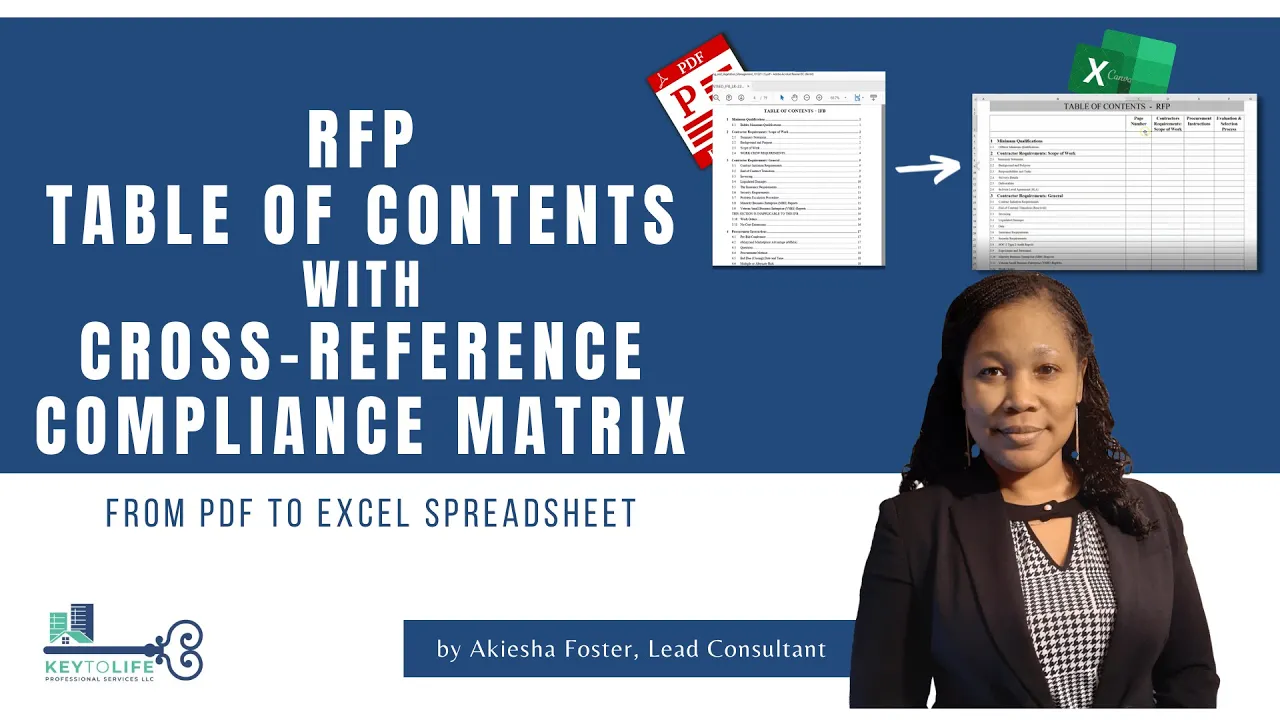
Techniques for creating a compliance matrix to ensure the customized template aligns perfectly with specific RFP evaluation criteria.
13.8K views164likes8:00Original Release: 2021-11-10
okay so in today's video we are going to cover how you can create your rfp response template and what all you should include within it and how you can do this in word which is probably something that you already have on hand so the document here i have pulled up is an example of one of our templates that you can actually purchase i will link to it below um and i'm just going to go through what the different elements are and why you should include them within your rfp response template so the first page here this is your cover page if you're responding to an rfp sometimes they will say exactly what they want on the cover page other times they won't and then this is a good just kind of standard cover page that you can use so on the front you want to make sure you include the rfp number because this is something that they they will use you know for internal purposes and then always include the title in in pretty large fonts so it's easy for them to see as soon as they open it what rfp you're responding to i also like to put at the top so this company name here would be your company name then you just say response to you know this rfp down here you would list who you are submitting it to so most rfps will have a contact person and that's the person who you would list here along with the name and their address here would be your information so this would probably be the same for all rfps with the exception of maybe the contact person so in your actual template you would just update this to your company information so that's the cover page i do recommend having a bit of an interesting design something that has like your brand colors or something like that so they know immediately that it's your company and this is your proposal and it looks inviting for them to open and continue to read so moving on the next page will typically be your cover letter so here and you can see this again is our template so this has some boilerplate content here but so you can use whatever your letterhead is if you have it to include in your cover letter um some rfps will say that you need to include certain information in your cover letter some will have call it a transmittal letter some won't even mention it at all if there's not a page limit and they don't call for a cover letter i still recommend including it because it's the perfect place to show you know that you're human and you you care about them and kind of speak to your company in a more familiar and less formal way which is really you know gives that personalized touch so here i won't spend too much time on this because this is just the template but this is where you can really show you know the key benefits of working with you and why they would choose you over the competition so continuing to scroll through we have the table of contents um sometimes rfps will say they're required even if they're not required it's still best practice to include a table of contents so they can navigate the document easily in your template if you're using word these larger titles here are typically your section titles and you would use the heading one style which you can see over here to make it automatically appear in your table of contents so if you use headings and have them built into your template throughout which you can see over here in our template we do have these built in then all you have to do i'll show you an example is you just click on the text and then i can change it to that style so it's pretty easy to update and once you let me undo that once you have all of your text in your document everything updated in your table of contents you just right click do update field and then you can update the entire table it'll automatically pull in the section titles and the pages and everything so you don't have to do anything manually so i would recommend including this in your template because it makes it significantly easier when you're creating your proposal the other thing that i like to do is have the logo somewhere whether it's in the header or the footer and then the rfp number again and the title so that way throughout the document they always know what response they're reading and you know what rfp it's for so continuing on this is where it starts to get pretty specific to the rfp so a lot of this is just boilerplate you know placeholder text but in the rfp most of the time they will have a format section that you need to follow and that's what you will do here throughout the rest of your proposal so let's say if the section one was company information you would just replace this with company information like that and then you would paste in any questions they ask so i'll just say like question one and what most organizations do is for the questions you just change it to a different type of text so this would be the question one and your response below it and then you might have question two down here and so on and so forth so i'm just gonna undo those and what you'll do is you'll go through and do this for all of the sections that they indicate that they want in the rfp so there might be 10 sections i'd say on average normally like five or six and you just go through and paste it throughout the proposal so that was section one so in section two might be something like bios or you know team overview or something like that so you just keep doing that and then once you have all of the information from the rfp in your proposal template then you can go through and actually start creating your response another thing that you can do is instead of having that just the question you might have something like requirement and then the text below so this would be an example of a requirement and then here you could change this to response and then this is your actually response to that requirement so if it's not a specific question or even if it is a question you can just change requirement to question you can do that so that way it's easy for evaluators to navigate your proposal and you know know what specific requirement you're addressing with this content so that way they can like more easily evaluate their you know the different sections that they have one thing to note if the rfp doesn't have a specific format i would recommend using the evaluation criteria as your layout if they do have evaluation criteria because that's how they're going to be scoring your proposal and you want to make sure that it's easy for them to match up your content with how they're actually evaluating so if say they have your background and references as the first section and the evaluation criteria then that will be your section one and so on so that just makes it easier for everyone to make sure that you're you're following their process and it's easy for them to evaluate and the other thing that i would recommend including in your rfp response template is some sort of easy to edit call out like this here so you can highlight key stats or differentiators that you want them to remember when they read through your proposal because these will stand out you know as you're scrolling through you probably read this first rather than looking at this detailed text so here this is just something that you can click into and actually you know type i can just change this to like you know you can just type and edit it easily so i would recommend in your template if you don't have a designer on staff to make sure that you have something that's easy to customize like this here and i think yeah we have another example up here too so these are all editable and customizable based on each rfp response and it makes it easier to tailor your information to the customer when you're actually creating your proposal and you'll just want to pepper those throughout your response and that's it for a very quick overview of creating your rfp response template and what you should make sure you include if you have any questions please comment below or let me know and feel free to take a look at our templates and see if they would be good for what you need stay tuned for more tips for our fees and proposals
Up Next

57:25
Mastering Negotiation: A Framework for Effective Deals
@Entrepreneurshiporg
47.9K views•2013-08-28
46:36
Retention Habits of Top DTC Ecommerce Brands Revealed
@SendItPodcast
44K views•2026-03-03

15:23
Decoy Effect: How Pricing Psychology Influences Consumer Spending
@bobinvestsUS
90K views•2026-01-05

17:30
The Planned Obsolescence of Light Bulbs and Tech
@veritasium
25.3M views•2021-03-26
Related Study Plans & Knowledge Roadmaps
Structured learning paths in Business
business
Pop-Up Retail: Strategy, Design & Execution
01Introduction to Pop-Up Retail & Strategic Goal Setting
02Budgeting, Site Selection, and Legal Essentials
03Experiential Retail Design & Visual Merchandising
+ 2 more learning modules
15h5 modules
Explore Roadmap
business
Reg CF: Startup Funding, Marketing & Launch
01Introduction to Equity Crowdfunding & Reg CF
02Platform Selection & Legal Preparation
03Crafting High-Converting Campaign Assets
+ 2 more learning modules
14h5 modules
Explore Roadmap
business
Productized Services: Scaling Solo Freelance
01Foundations of Productized Services
02Packaging and Scope Definition
03Pricing and Subscription Models
+ 2 more learning modules
15h5 modules
Explore Roadmap
business
Gov Procurement: Find, Bid & Win Contracts
01Introduction to Government Procurement & Business Setup
02Small Business Certifications & Set-Asides
03Finding and Analyzing Contract Opportunities
+ 2 more learning modules
14h5 modules
Explore Roadmap