











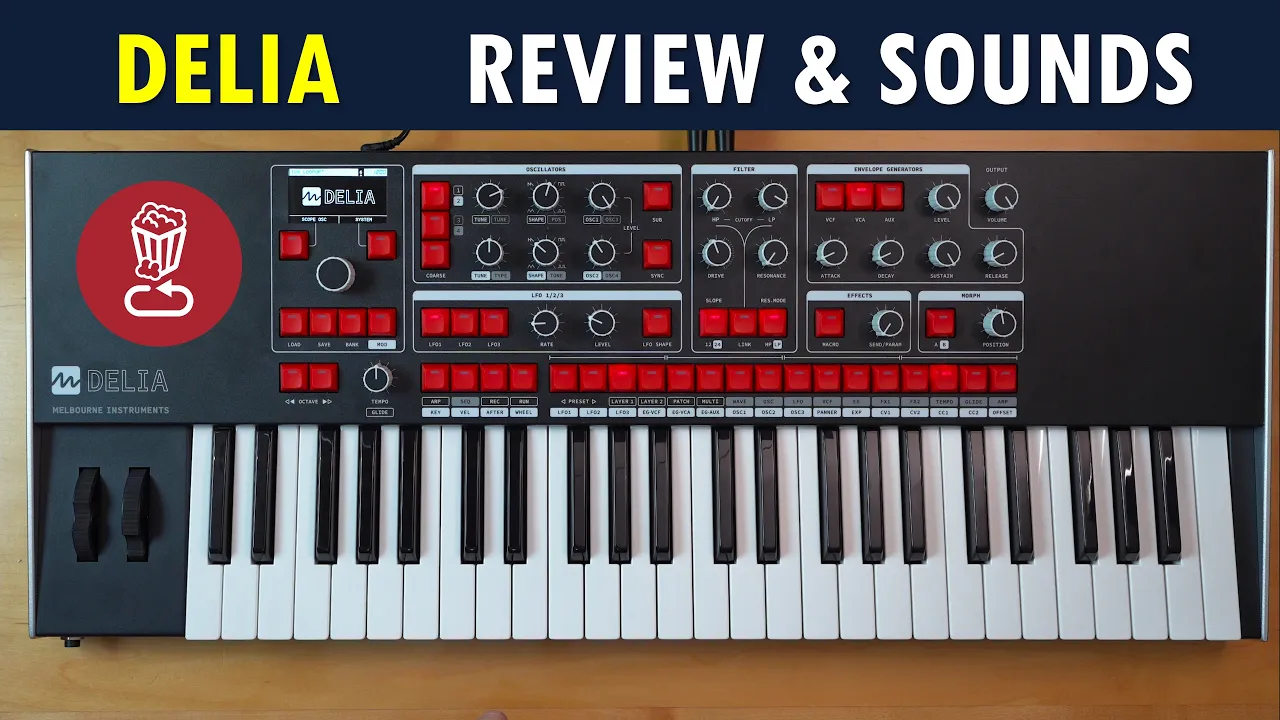
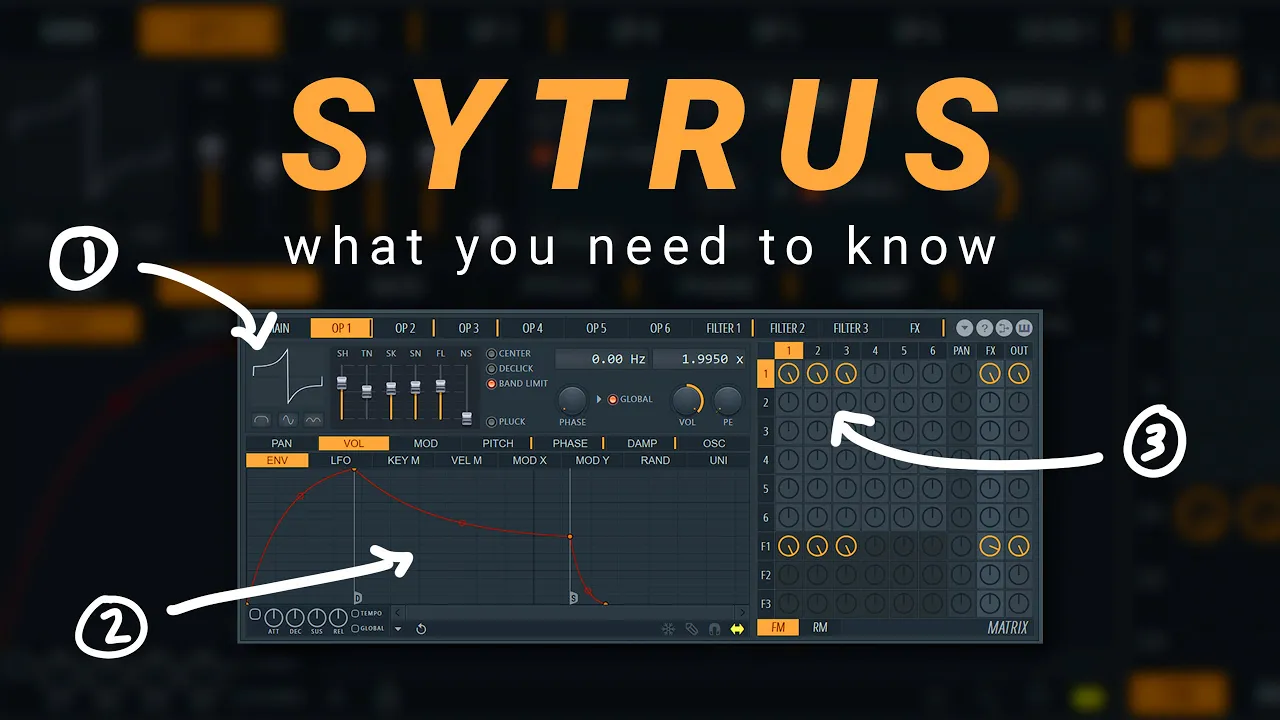


Synthesizers generate sounds through three core components: oscillators (which create basic waveforms like sawtooth, square, triangle, and sine), filters (which sculpt tones by removing harmonics via cut-off frequency and resonance controls), and envelopes (which shape how sounds evolve over time using ADSR parameters—attack, decay, sustain, and release—for both amplitude and filter modulation).
Synthesizer Basics: Understanding Filters, Envelopes, and Oscillators
Added:Basic understanding of the physics of sound, specifically concepts of frequency (pitch) and amplitude (volume).
Familiarity with the concept of timbre (tone color) and how different acoustic instruments produce unique sound signatures.
A general awareness of what a Digital Audio Workstation (DAW) or a keyboard controller is, as these are primary environments for hosting synths.
Understanding Low-Frequency Oscillators (LFOs) and how to use modulation to create vibrato, tremolo, and evolving textures.
Exploration of alternative synthesis types beyond subtractive, such as Frequency Modulation (FM), Wavetable, and Physical Modeling synthesis.
Practical sound design exercises to recreate specific classic patches, including synth basses, lead sounds, pads, and synthetic drum hits.
Advanced signal routing, including the use of modulation matrices and integrating external audio effects (like delay, reverb, and chorus) to enhance synthesized sounds.
2.1K views86likes17:09Original Release: 2025-01-24
[Music] today folks today we are going back to synthesizer Basics I'm going to run you through how to use the filter the envelopes and the oscillators on just about any synth out there and if you don't know what any of that means totally fine you're in the right place I will explain everything I'm using the micr Cog 2 today these have just arrived the original microcore was of course kind of the go-to first synth for years and years and years that we would recommends but if you are in the market I would definitely recommend checking out the two it's been improved in just about every way but very importantly it now has a great big full color screen on it and it is much easier to keep track of what you're doing but if you've got a different synth or you're using a software synth plugin don't worry everything that I'm going through applies to just about every Sy out there so let's get into it the first thing we're going to cover is the all important [Music] filter so the filter is arguably the most important part of the synthesizer is what everyone reaches for first when they're trying out a new synth but to properly explain the filter we need a backpedal a little here so the method of synthesis that we're talking about today is called subtractive synthesis it's important to understand that a synthesizer does not trigger samples it generates tones from scratch that you can sculpt using the various components of a synthesizer now what subtractive synthesis actually means is we take a basic tone like this one and we sculpt it with the filter by removing harmonics from that original tone you can hear as I turn down or close this filter it's removing that those highend harmonics from that basic tone what I'm actually tweaking here is called the filter cut off frequency this can change names depending on what brand and what model of synthesizer that you're using you can see here it says filter cut off on the screen some synthesizes will have this control labeled as just filter some will label it as cut off some will label it as frequency some will label it as just freak they're all referring to the same thing it's the filter cut off frequency now the other key parameter that we can tweak on a filter is called the resonance some Brands actually call this emphasis which might be a little bit easier to understand because if I turn this up what you can hear is that it has a bit of a sharpness to the sound now and it's kind of putting an emphasis on where the cut off frequency controller is so turning it down you can hear it's soft turn the resonance up can hear that sharpness and that emphasis on where the cuto frequency is [Music] set and if I turn it up high enough you can actually hear that it starts to resonate it generates its own [Music] tone without the resonance with [Music] residence with lots of [Music] residents now the cool thing is this actually different filter types so this one right here is currently set to low pass because as you can hear as I close this filter I'm turning down the cuto off frequency it's still allowing the low harmonics to pass through so low pass and if I open the filter I turn the cut off frequency all the way up then we've got the full Buzzy sound the signal turning it down cutting out some of the highs and letting the low frequencies pass [Music] still so some other filters out there are high pass it does the exact opposite it Scoops out the bottom end and lets the high frequencies pass through there's also band pass there's Notch filters there's comb filters there's lots of weird wonderful filters out there but low pass is easily the most widely used I think it's on basically every synthesizer from the last 50 years so we'll just stick with that one today all right cool hopefully that gives you an understanding of how we can manipulate the filter with the cutof frequency control and the resonance control to really sculpt your sounds but they're only part of the story so let's move on to the envelopes so the envelope generators are an extremely important part of a synthesizer but they have a ridiculously confusing name they're nothing to do with male sometimes they're called Contours sometimes they're actually called function generators which is even more confusing and intimidating but I promise you they are easy to use once you sort of understand the basics now the implementation of envelopes does tend to change depending on the synthesizer but probably the most common implementation is having two envelope generators one for the amplitude or volume and one for the filter so let's jump over to the ab EG screen over here which means amplitude envelope generator and you can see we have attack Decay sustain and release controls now when I push this key note what happens as soon as I press the key it comes in at full volume soon as I release the key it stops immediately but check out what happens if I turn this Release Control up we get a more piano like sound the note rings out check out what happens if I turn the attack [Music] up you can hear that notes coming in gradually now now check out what happens if I turn the sustain down and the Decay up you can hear that once it hits that Peak volume it actually starts to dip and it dips to wherever I set the sustain to so it could be full volume or it could be lower it can increase the Decay for a more natural sound [Music] now these envelopes are referred to as adsr envelopes for attack Decay sustain release and generally that's how you'll find envelopes implemented you will occasionally see simpler envelopes uh attack Decay envelopes or even like five stage envelopes that have an extra stage in there so they do vary in their complexity but adsr is definitely the most common okay so let's jump over to the filter envelope generator now with this filter button here and this is where things start to get fun because what a filter envelope does well it's like an invisible hand that is tweaking the filter cut off frequency for you as you play so check out what happens as I turn up this envelope on the microG they've actually called this control intensity that's a little weird I don't think I've seen it called intensity before usually you'll see a control called envelope depth but regardless they all do the same thing so standard no filter modulation here turning it [Music] up so you can hear that filter cut off frequency opening and closing dictated by this envelope let's just give it some resonance so it's even [Music] clearer so back to our filter [Music] envelope so exactly the same as the other envelope can set this a stain Point going add some [Music] attack can be really slow [Music] [Applause] so understanding the envelopes is really key for telling the synthesizer that how you want your sounds to twist and evolve over time and they can be really effective things to tweak on the fly in a live or production scenario as well let me fire up the arpeggiator and I'll give you a quick demo [Music] so as you can hear tweaking those envelope controls in a live sort of scenario can be just as effective as tweaking the filter cutter frequency and the resonance for changing the tber and character of your sound but enough about envelopes let's move on to the final thing we're going to cover today the [Music] oscillators so the oscillators are the parts of the synth that actually generate the tones so right here all we're hearing is one single oscillator there's no filtering there's no envelopes in play it's just the oscillator by itself and it's a really basic sound if we jump over to the oscillator screen here you can see we have a section called wave here and it says so underneath that's talking about the wave shape traditionally on since we have a few basic wave shapes to use as our starting points a Sawtooth wave is a very Buzzy sound as you can hear but if we change this around to square we have a more kind of hollow sound it's kind of like an old school arcade game and it actually really suits Bas sell so let's quickly make it Bas cell maybe a little less filter cut off [Music] so it's got that fundamental low-end frequency coming through nice and clear but you still got a bit of that kind of highend character to it moving the wave shape around again you can see we have triangle and sign these two shapes are very very similar the triangle wave shape just has a little bit of extra buzziness to it if I open up this filter again oh it's still pretty subtle isn't it there's not much buzziness to that wave shape at all but if I turn it around to sign it's even softer SC up an octave and you'll notice on S Wave and triangle wave if we close the filter it really doesn't do much at all because it's not till you're almost all the way closed that you can really hear it doing anything and that's because the S Wave doesn't have any High and harmonics for it to filter [Music] out so those are your traditional wave shapes that you'd find on most synthesizers analog and digital the micr cor actually has a lot of other wave shapes as [Music] well it's got all these Bell shap [Music] apes and the Buzzy ones some based on [Music] organs and all sorts of things in there now this whole time we've just been using one oscillator but your sound design possibilities really open up when you add more oscillators the microG features three different oscillators and we can mix them together in the mix the screen so let's bring up another oscillator and let's set all three to sway that one is now that doesn't sound amazing just with all three in play and at their default settings but where they kind of come alive is when you detune some oscillators you get a bit of mve happening in your signal let's Dune the other [Music] one so you can hear now that that signal has a bit of life and character to it there's a bit of movement there so let's make this into a pad sound again bring that filter d [Music] adding a little bit of [Music] [Applause] [Music] resonance yeah so that's a pretty nice sound and all it took was to mix in a couple more oscillators and we have this sort of signal that has a lot more life to it and even if you're not looking to create your own sounds and get into the sound design side of synthesizers and still good to know a bit about oscillators because you can dramatically alter the character of any preset just by changing the wave shape of the oscillators like take for instance this uh wobble base it's pretty in yourf face if we uh change the oscillator shapes to something more mellow like a triangle then it will really chill it [Music] out so so that's it today just a little crush course and some of the main building blocks within the architecture of a synthesizer like the microG 2 the filter the envelopes the oscillators arming yourself with a little bit of knowledge about these components really help you elevate your performances and your Productions there's definitely more we could go into we didn't cover the lfos at all and there's a lot of tonal possibilities and manipulation we can do with the oscillators as well if you are interested in a more in-depth followup feel free to let me know in the comments but for now thanks for tuning in my name is Mike this is St DJ's YouTube channel I'll catch you in the next one
Up Next

6:13
Cubase Music Production Basics: A1 Synth Bassline
@sonicacademy
166.9K views•2008-07-23

12:54
Triumph of Orthodoxy Icon: Byzantine Art & History Explained
@BenCallan
2.1K views•2024-08-06

9:49
FastAPI vs Flask vs Django: Choosing the Right Python Web Framework
@TechWithTim
302.5K views•2024-05-26

1:42
Game of Thrones Opening Credits: A Cinematic Analysis
@gameofthrones
46.3M views•2011-04-18
Related Study Plans & Knowledge Roadmaps
Structured learning paths in General & Interdisciplinary Studies
general-studies
Elevator Engineering: History, Physics & Cities
01From Hoists to Safety Brakes: The Dawn of Vertical Lift
02Hydraulic vs. Traction: The Engineering Physics of Elevators
03Modern Speed, Safety, and Algorithms
+ 2 more learning modules
12h5 modules
Explore Roadmap
general-studies
Rubber: Material Science, History & Geopolitics
01Origins of Natural Rubber & Mesoamerican History
02The Chemistry of Natural Rubber & Vulcanization
03The Geopolitics of the Rubber Boom & Colonization
+ 2 more learning modules
12h5 modules
Explore Roadmap
general-studies
Containerization: Evolution, Logistics & Trade
01Ancient Trade & Bulk Cargo: Amphorae to Barrels
02The Industrial Revolution & Cardboard Packaging
03The Containerization Revolution: Malcom McLean
+ 2 more learning modules
12h5 modules
Explore Roadmap
general-studies
Textile Tech: Evolution, Labor & Global Impact
01Pre-Industrial Textiles: Handloom & Cottage Industry
02Mechanization: The Spinning Jenny to the Power Loom
03The Factory System & Global Labor Transformation
+ 2 more learning modules
10h5 modules
Explore Roadmap