
![[CUBASE] 주요 기능 빠르게 살펴보기](https://i.ytimg.com/vi/DDBIUHx7QGA/maxresdefault.jpg)











![[큐베이스 강좌] 고급 오토메이션 강좌! (Cubase Automation)](https://i.ytimg.com/vi_webp/3pNmwsInQf0/maxresdefault.webp)


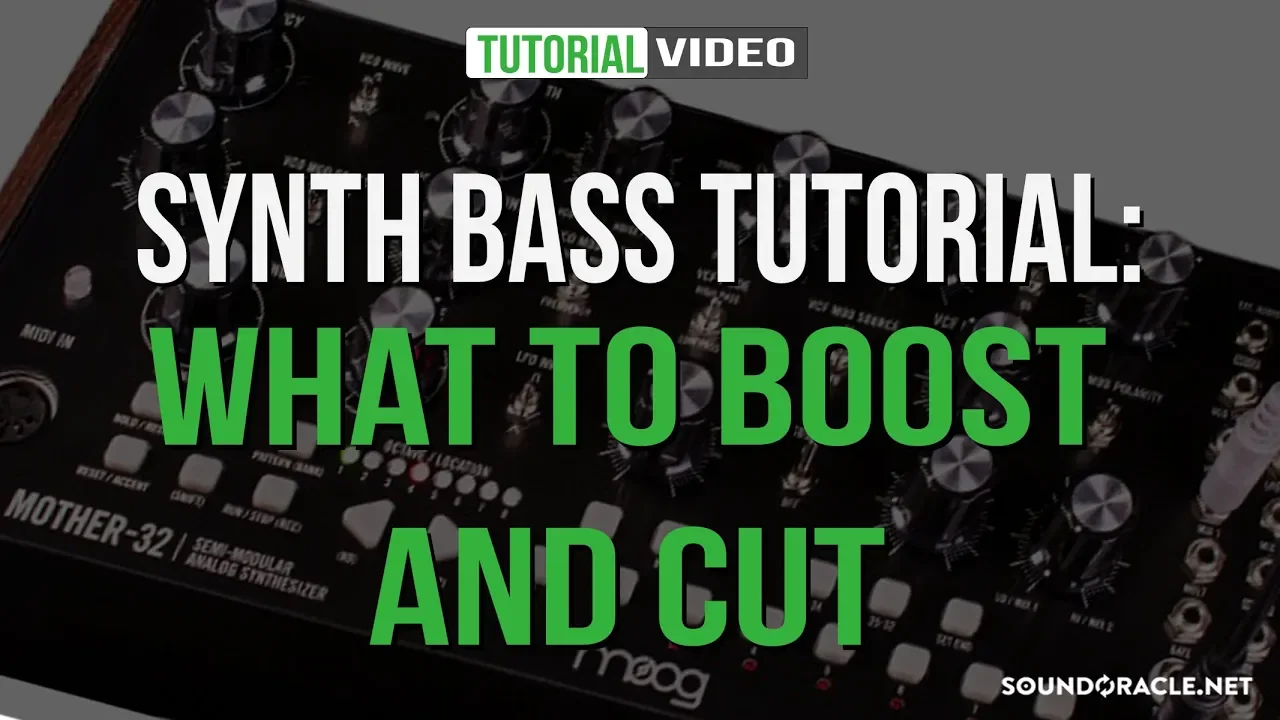


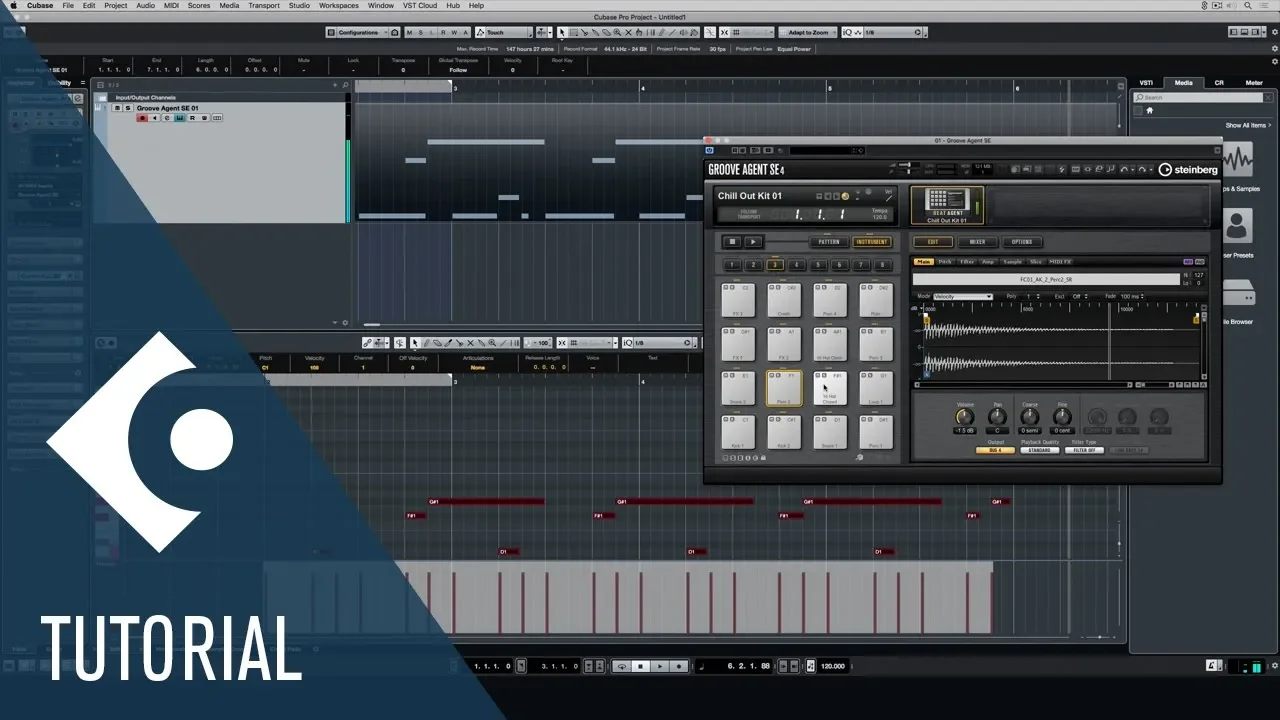
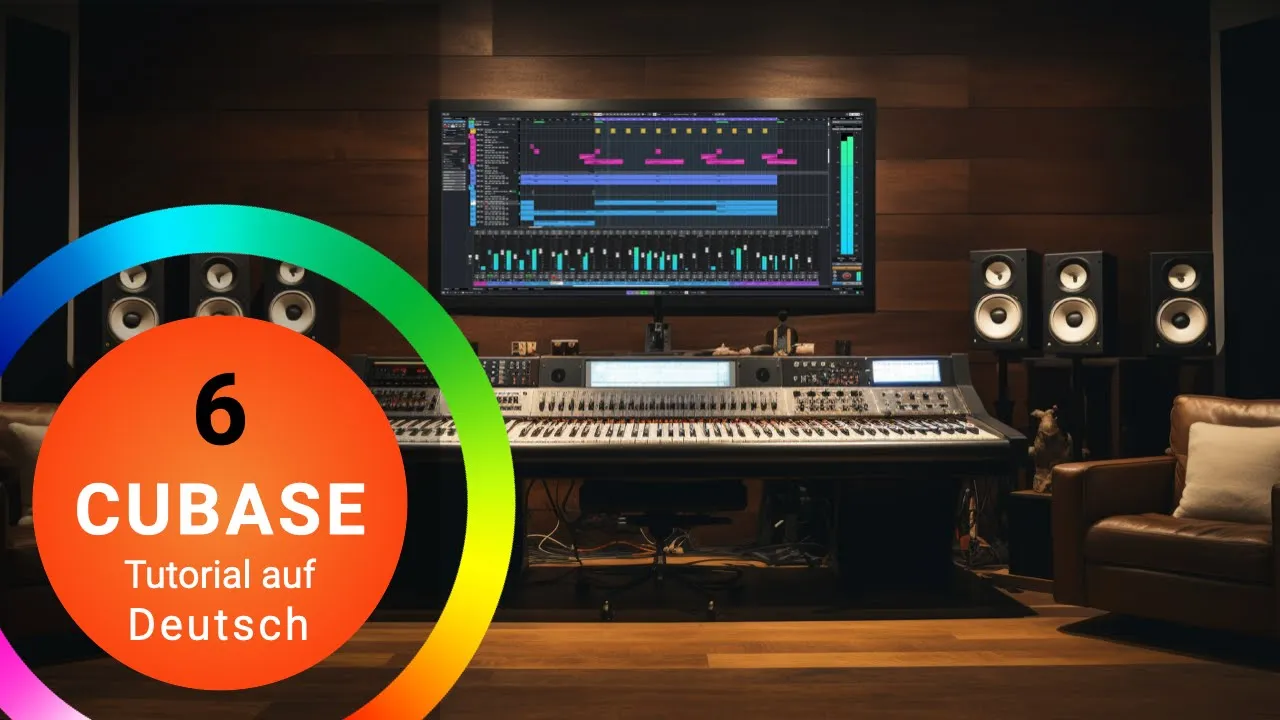
This tutorial demonstrates how to create a bassline in Cubase by loading the A1 Synth VST plugin, programming a bass sound using saw and pulse waveforms with specific filter and envelope settings, and composing a two-bar bassline using the Key Editor with consistent rhythmic patterns to create a solid groove.
Cubase Music Production Basics: A1 Synth Bassline
Added:Familiarity with the Cubase user interface, including navigating the project window, creating tracks, and using basic transport controls.
Basic understanding of MIDI concepts, including the difference between MIDI data (notes, velocity) and actual audio signals.
Fundamental knowledge of rhythm and timing in electronic dance music, particularly the 4/4 time signature, bars, and beats.
An introductory understanding of subtractive synthesis components, specifically oscillators, filters, and amplifiers.
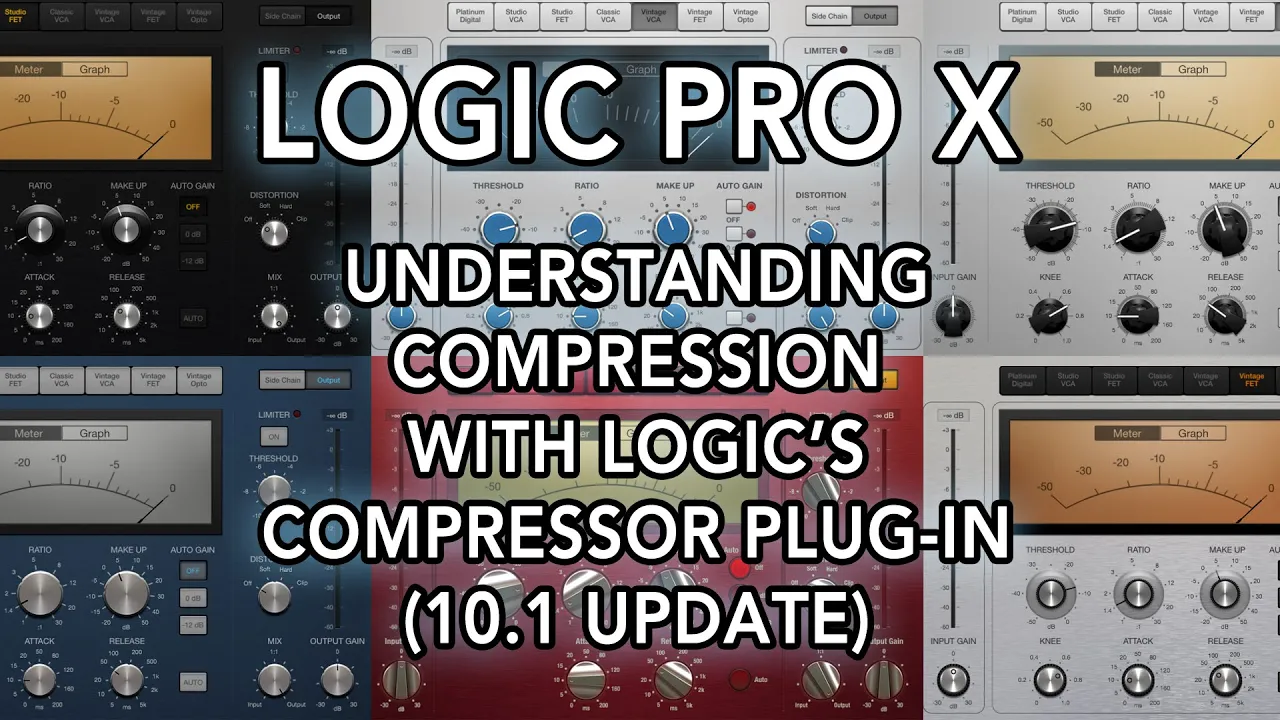
Implementing sidechain compression in Cubase to duck the bassline volume when the kick drum hits, creating the classic dance music pump.
Using automation lanes in Cubase to dynamically modulate synth parameters like filter cutoff and envelope decay over time.
Advanced MIDI programming techniques, such as applying swing, groove templates, and micro-timing adjustments to humanize the bassline.
Mixing and processing the synth bass using EQ, saturation, and limiting to ensure it sits cleanly and powerfully in a full music production.
166.9K views180likes6:13Original Release: 2008-07-23
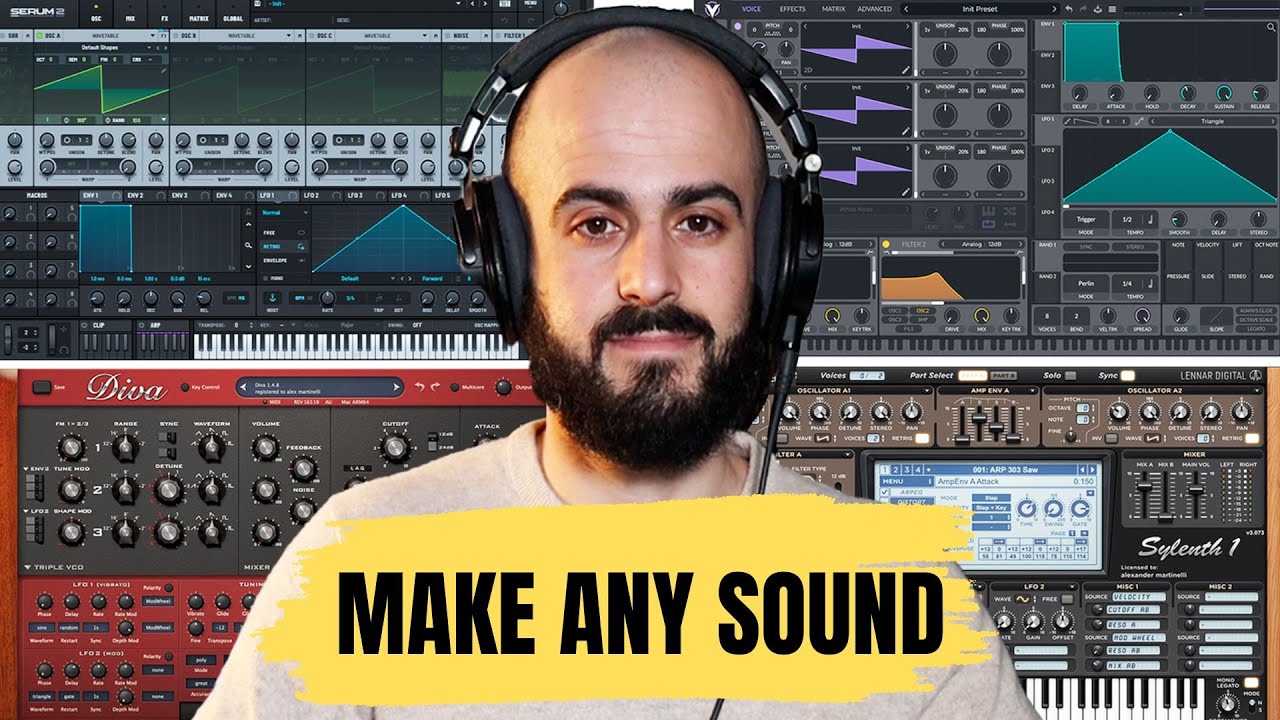
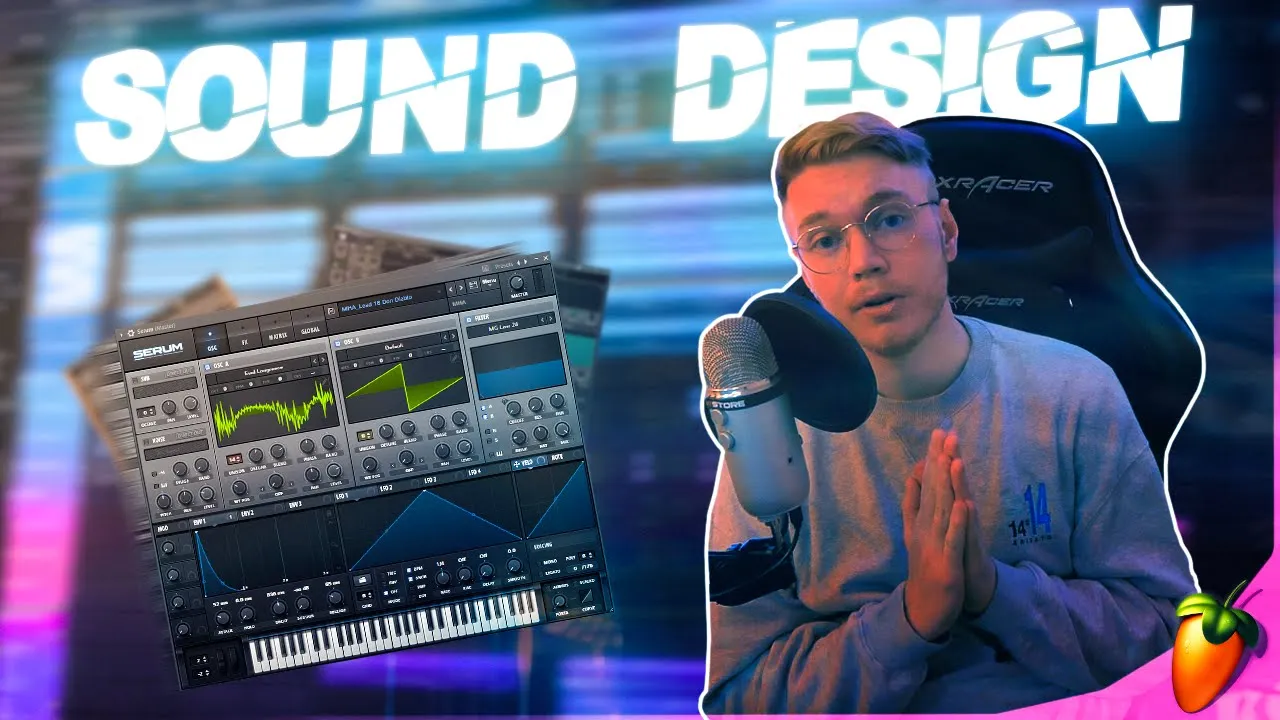
[Music] hello and welcome to module two of dance music production for beginners using QBs in this module we will be showing you how to program an A1 synth and create a baseline to go with our drums let's get started first we need to load up the module 2 project file that you downloaded from the Sonic Academy website next we're going to load the A1 synth VST plugin to do this we go up to devices select VST Instruments click in the next available slot and load in the A1 synth when the A1 synth is loaded if you go down to just below your last track and double click in the track display it'll create a new midi track we want to name this track Base by double clicking in the black name area then we need to assign our midi track to our A1 synth we do this by going to our output and selecting a A1 from the drop- down menu this connects our midi track to our A1 synth next we want to click on the edit VST instrument button to bring up a A1 synth it's also a good idea at this time to right click on this top bar and select always on top this will make sure if you click on any other areas of your screen that your A1 syn is still on top and it's a good idea to have it like this while you're editing the Sounds in the synth now we need to program the synth to make a base sound now I'm going to switch the first oscillator to a saw wave and the second one to a pulse wave saw wave has quite a harsh sound and the pulse wave has a sort of more full bodied sound I am now going to drop down the pitch of the second oscillator by two octaves and turn the volume up [Music] this helps to give the synth sound a lot more bottom and base next I'm going to set my filters up to give the sound a bit more punch I'm going to select my envelope and turn it up to about 70% then I'm going to turn my filter down to about 20 20 Herz next I'm going to bring my sustain down to around 30% we can now here that we've got a quite tight sounding base sound once we're happy with higher basis sounding we can close down the A1 synth the Bas line that we're going to put in is going to be two bars long so we need to copy our drums to two bars also we can do this by drawing a box around them holding down our ALT key and dragging the next thing we need to do is extend our right locator so it's at the start of bar three and the end of bar two once we've done that we can double click in the space adjacent to the Bas tract to create a new base part to create our Baseline we need to double click on the base part to add our notes into the key editor going to do this using the pen tool next I'm going to press play and have the drums loop around so I can hear what the base sounds like along with the drums [Music] once we're happy with our Baseline we can go up and close down our key editor it's a good idea to have consistent rhythms in your baselines if you notice in the one I have drawn in the first half has the same rhythmical structure as the second half this helps give your base a solid rolling Groove it's also a good idea to have a listen to some baselines in songs you like and try to pick out the different types of sounds and rhythms this will give you some useful ideas for creating your own baselines now that you finished your Baseline it's a good idea to save your work simply go up to file and select save in this module we showed you how to program the A1 synth to make a Bas sound and also how to program in a good Baseline in the next module we will be creating a lead line using the A1 synth on the quarter midi effect
Up Next
93:50
Market Open Analysis: Tesla Bitcoin, IPOs, Fed Hearing & Stock Picks
@MeetKevin
159.1K views•2021-03-24

12:54
Triumph of Orthodoxy Icon: Byzantine Art & History Explained
@BenCallan
2.1K views•2024-08-06

9:49
FastAPI vs Flask vs Django: Choosing the Right Python Web Framework
@TechWithTim
302.5K views•2024-05-26

1:42
Game of Thrones Opening Credits: A Cinematic Analysis
@gameofthrones
46.3M views•2011-04-18
Related Study Plans & Knowledge Roadmaps
Structured learning paths in General & Interdisciplinary Studies
general-studies
Elevator Engineering: History, Physics & Cities
01From Hoists to Safety Brakes: The Dawn of Vertical Lift
02Hydraulic vs. Traction: The Engineering Physics of Elevators
03Modern Speed, Safety, and Algorithms
+ 2 more learning modules
12h5 modules
Explore Roadmap
general-studies
Rubber: Material Science, History & Geopolitics
01Origins of Natural Rubber & Mesoamerican History
02The Chemistry of Natural Rubber & Vulcanization
03The Geopolitics of the Rubber Boom & Colonization
+ 2 more learning modules
12h5 modules
Explore Roadmap
general-studies
Containerization: Evolution, Logistics & Trade
01Ancient Trade & Bulk Cargo: Amphorae to Barrels
02The Industrial Revolution & Cardboard Packaging
03The Containerization Revolution: Malcom McLean
+ 2 more learning modules
12h5 modules
Explore Roadmap
general-studies
Textile Tech: Evolution, Labor & Global Impact
01Pre-Industrial Textiles: Handloom & Cottage Industry
02Mechanization: The Spinning Jenny to the Power Loom
03The Factory System & Global Labor Transformation
+ 2 more learning modules
10h5 modules
Explore Roadmap