![Integers Data Structure [كود مصري]](https://i.ytimg.com/vi/RwKmMK4rP3U/maxresdefault.jpg)





![พื้นฐานภาษา C++ [Ver. สอวน] EP.1](https://i.ytimg.com/vi/1wb6W6HDNMk/hqdefault.jpg)






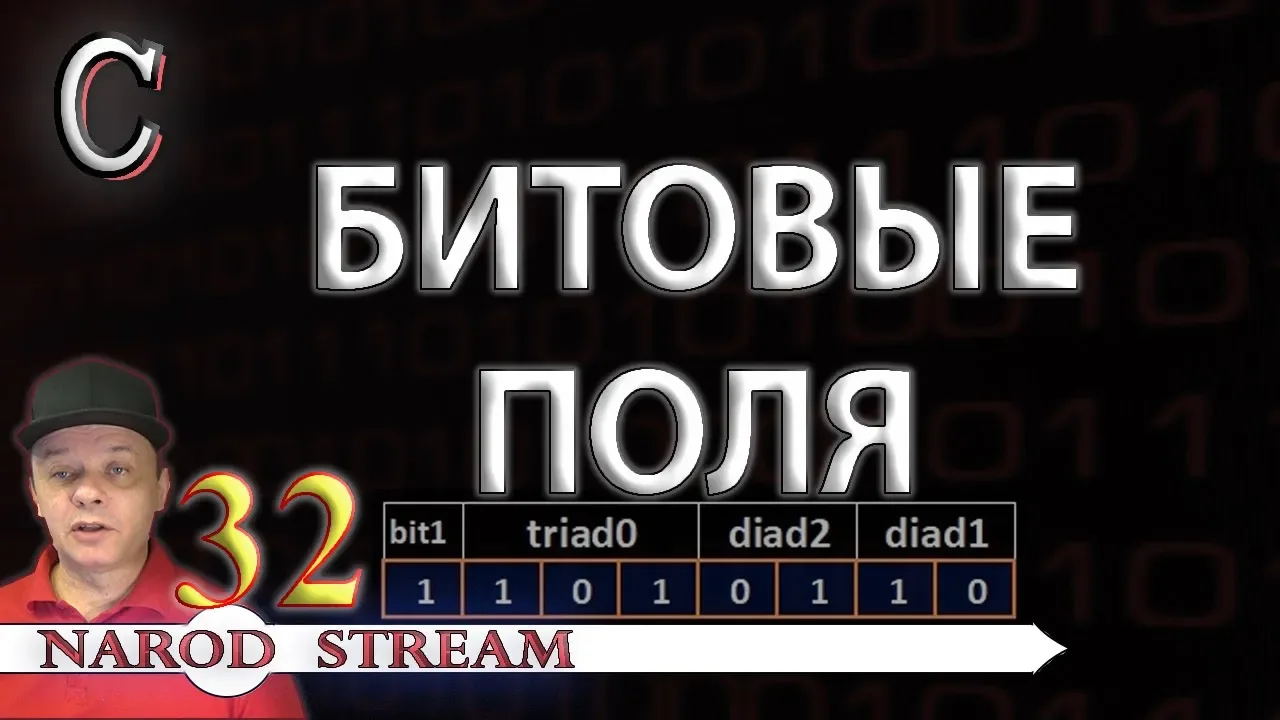






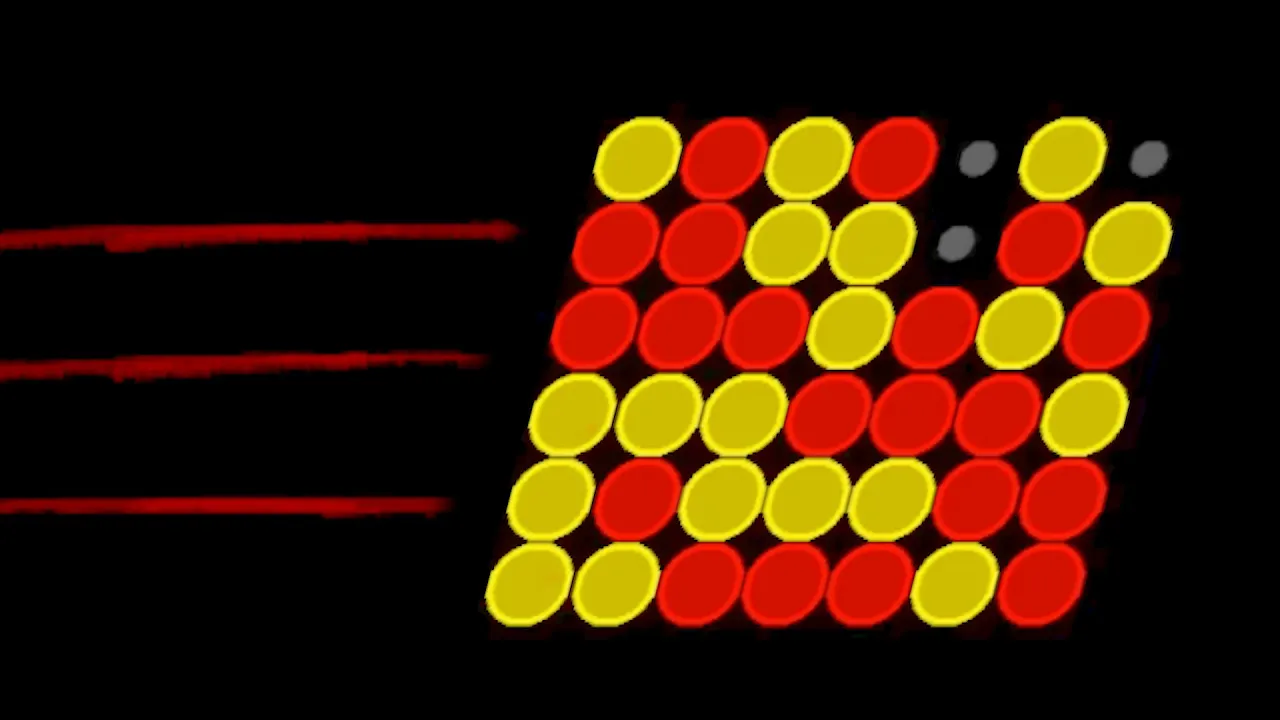
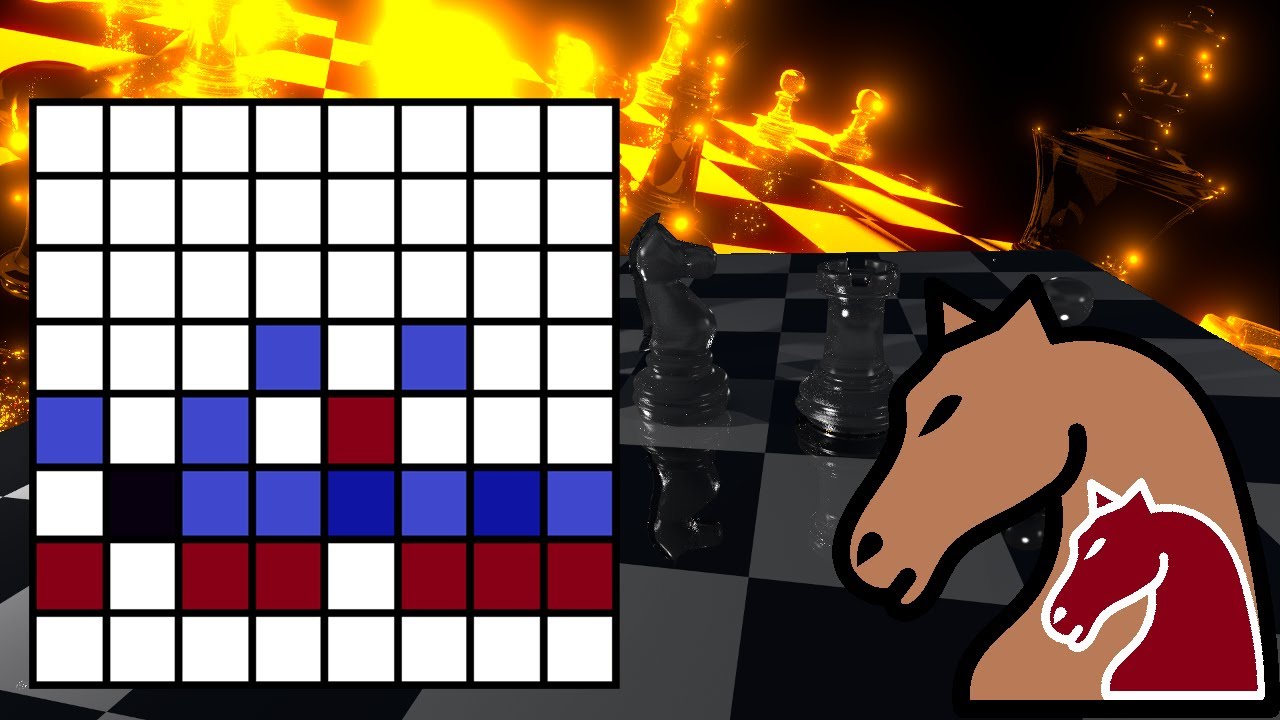


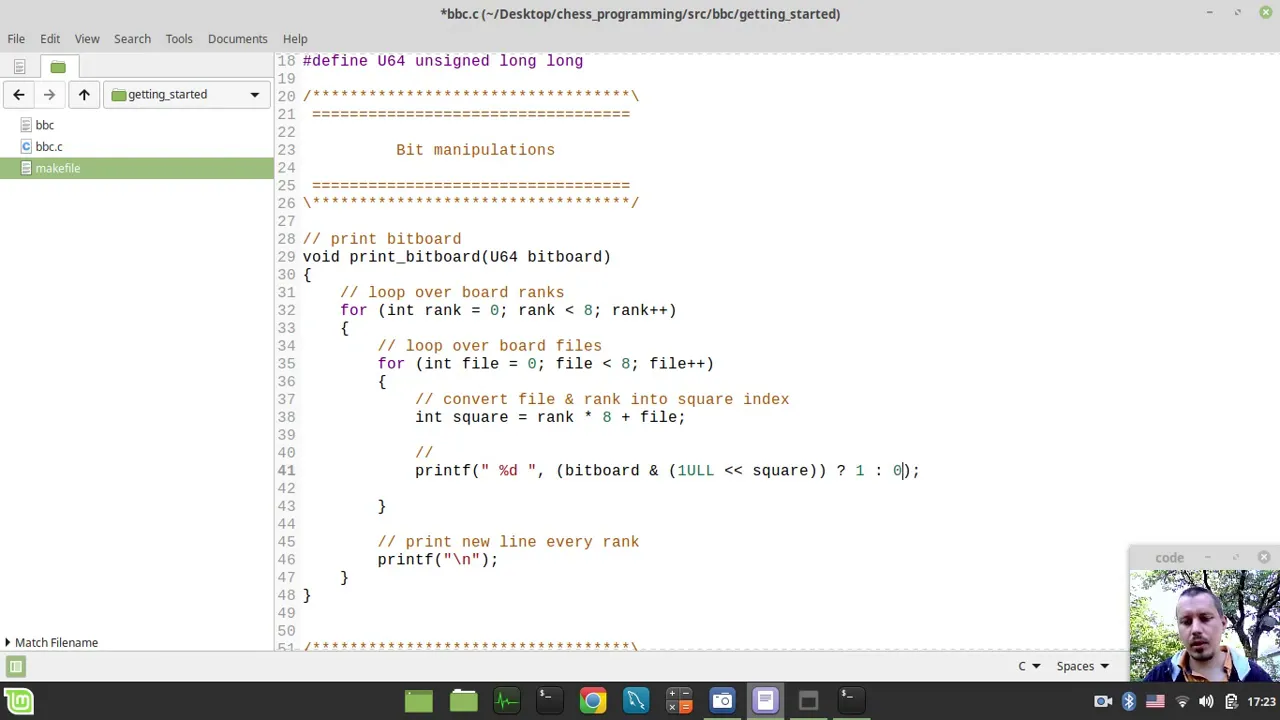
Bit masking is a technique that allows programmers to manipulate individual bits within a number using bitwise operations: setting a bit to 1 (OR operation with a shifted mask), toggling a bit (XOR operation with a shifted mask), setting a bit to 0 (AND operation with NOT of a shifted mask), and querying a bit (AND operation to check its value). This technique enables efficient storage of multiple boolean values in a single integer and has practical applications in data compression and graphics transparency.
Bit Masking in C/C++: Operations and Applications
Added:Basic understanding of the binary numbering system, including how integers are represented in base-2.
Familiarity with foundational C/C++ syntax, particularly primitive data types and variable declarations.
Knowledge of fundamental bitwise operators, such as AND (&), OR (|), XOR (^), NOT (~), and bit shifts (<<, >>).
Understanding of signed integer representations in memory, specifically Two's Complement notation.
Implementation of bit fields within C/C++ structures to optimize memory usage in embedded systems.
Advanced bit manipulation algorithms, such as Brian Kernighan's algorithm for counting set bits.
Application of bit masking in graphics programming, such as extracting, altering, or packing RGB color channels.
Usage of bitboards in game development and AI for highly efficient board state representation (e.g., in chess engines).
96.1K views1.5Klikes10:28Original Release: 2013-12-12
this is it the final episode of the bit manipulation Series today we're going to take a look at bit masking I'm not going to waste any more time on this intro so let us Jump Right In after the break this is 0612 TV welcome aboard hello and welcome to the last episode episode 4 of bit manipulation essentially what we're going to do is we're going to use the tools we've discussed these past three episodes to actually use an entire number like it was a bunch of bits there of course many ways you can do this you can use a loop and go in and get you know messy but the process we're going to use today is going to be a lot more elegant now essentially the idea for bit masking is that we're going to use a number and we're going to actually talk about its individual bits and you know check to see if they're true or false we can set them true or false and things like that for all the operations we're going to discuss essentially we're going to be using bit shifts to point out individual bits what this means of course is essentially we're going to have two numbers the first number is your actual data which means it's the actual number you're going to use to talk about its individual bits and then for each action we're going to create a new number that we can actually use to point out individual bits so let's Jump Right In first let's talk about turning a bit on that means regardless of its original value we want to turn it on now if we look at it in terms of a single bit obviously all you have to do is to do an all operation with one and that will guarantee you that regardless of its original value we will be able to turn a bit into one essentially for string of bits that's exactly what we do except for that string of bits we only want to change one particular bit let's say in the string of bits we want to change this particular bit all we have to do is to introduce a new number we're going to set the value of this number to one what this means of course is that in binary form it's going to be all zeros except the rightmost digit which is going to be one then we're going to bitshift it however many times until it lines up with the bit we want to change now the one lines up with the bit I want to change and everything else is zero so now I do an all operation between these two numbers the result of this is a string of bits that looks almost like the original except now I've set that bit to one and remember that no matter what the selected bit was originally it's going to be set to one because of the all operation now I hope you can kind of grasp that idea because we essentially going to do this again and again for everything else so what do I do with this new number obviously I want this change to apply and of course what I have to do is this answer actually becomes the new number so now instead of holding that previous number I'm going to use this new one instead and of course that will reflect the bit that has been changed now there is another operation let's say we want to actually toggle the value of a bit that means if it was Zero we want it to become one if it was one we want it to become zero to do this you X all it with one take a look at y this is the XR truth table 0 xr1 the value is one this means that the original value zero has been changed to one 1 X one will give you zero that is one has been changed to zero how do we do this practically to a string of bits obviously we just give it one bit shift it however many times and do an XR operation whatever the bit was at that point of time it will turn from True to false or false to true so now that we've actually looked at switching a bit on and toggling the value of a bit let us now take a look at switching a bit off this one actually requires an extra step now you see to switch a bit off all you have to do is to end it with zero obviously the end trof table guarantees that the answer will be zero however as you can see the normal steps we use to actually you know set to one and then bit shift isn't going to give you the correct value to do this operation with because obviously if you just did it like this what happens is you wipe out all these values and only keep the value you've selected which is not what you want what this means is that we actually have to notot our new value value before we perform an N operation doing the N operation after you've done not to the new number will actually guarantee that the value you've selected will be set to zero everything else is going to be reflected exactly now for all these operations we've seen they only work with one bit as in they only modify the values of one bit obviously if the input variable you give it is something more complex like this then of course the effect will happen everywhere we have one instead of zero in the new number as mentioned this applies for the previous three operations we've looked at that is setting to zero setting to one and toggling so now that we've taken a look at three operations that actually change the actual value you realize it's not very useful in the sense that just being able to write to a number isn't useful if you can't read it back which is why we're going to take a look at the last operation that is to query essentially the difference between this operation and the rest is that the answer from this operation will not be written back into the original number the answer of this operation is going to be used for our own reference once we're done with that we'll try it away and of course the way you query is very simple this is your original number you introduce a new number like you always would use a bit shift to select which bit you want to look at and then you perform an end operation if the bit you are quering is zero essentially what happens is you will get a number that is all zeros if that bit you are querying was one then you'll get all zeros with a one at that position so how is this a query you see what you have to do is you take the new number and you actually look at its value if its value is zero essentially what that means is the value you were querying was false but what if the bit you are trying to query was true essentially what happens is for any bit string that looks anything like this its numerical form will be non zero it can be any value as small as 2 48 two huge values like one24 2048 but you don't have to worry about the exact value because you're guaranteed that it is non zero what this means is that at the end of a query operation if you get a value that is non zero it means that the bit you queried was said to True essentially that's it that's all there is to bit masking essentially we've taken a number and we've turned it into a bunch of bits that we can individually address individually change and individually query now before I actually wrap up this episode I want to talk a little bit more about motivations of bit masking because I don't feel I did an amazing job in the first episode I also had some back and forth in the comments and there are some applications that I never covered so first of all thank you to YouTube user fudge bison he mentioned compression as an application of bit mask you see if I have a bunch of true or false values there are many ways in which I can store it to dis now if I were to stall it like this yes it works but it takes up a lot more space than it has to I could stall it as once and zeros but that is still taking out a lot of space because of course each number is at least eight bits so instead I could store a huge number this might look like a lot of digits to you but it's in fact just one number which in this case only takes up four bytes and I can use that to store 32 different Boolean values another interesting application is in graphics for those of you who do image editing you notice things like mask in fact you know the same name is actually used here a simple mask is essentially another image that is only black and white so what happens is let's say now I want to layer one image on top of another and I want the top image to have a certain amount of transparency what I can do is I can actually use a mask whatever is black on a mask will essentially mean transparent whatever that is white on a mask will essentially mean opaque essentially you do an end operation between the mask and the top layer image what happens then is that all parts of the top layer image that is ended with a black pixel must turn to black since of course that's how end works every white pixel on a mask that gets ended with the top layer image will then turn out you know essentially exactly the same as the pixel on the top layer image then now what we do is we grab the mask and we do a not operation to the mask essentially inverting its colors then we take the mask and perform an N operation with the lower layer now essentially what you've done is you've cut out a hole in the shape of the Mask all parts of the mask that are now set to Black will then actually turn the pixels on the lower layer to Black what you can do now is you can now do an all operation between all the pixels of the top and the bottom layer you see it's always black on one layer and colored on the other the layer what that means then is that you'll always get the color from the layer that actually has the color what this means is basically what we've done is we've defined transparent layers for two originally opaque layers and then we have actually stuck them together into one image using nothing but bitwise operations so there you have it essentially that's all with bit masking that I've wanted to cover with you hopefully you've learned something hopefully especially this example that I just showed you hopefully was interesting but yeah that's really all there is for this episode on bit manipulation I hope you've learned something I hope you found this fun if you have any comments qus or suggestions feel free to leave a comment in the comment section below don't forget to check out the official Twitter account for this Channel at twitter.com 612 TV as always I appreciate every like favorite and subscription you give me but until next time you're watching 0612 TV
Up Next

24:22
Rust RAII Memory Management Explained | Computerphile
@Computerphile
271.2K views•2023-02-23

87:26
Introduction to Secure Multiparty Computation with Yehuda Lindell
@fhe_org
7.7K views•2021-02-04

4:55
HTTP Requests Explained: GET, POST, PUT, DELETE
@codecademy
103.1K views•2021-10-07

19:25
Enigma Machine Mechanics: WWII Encryption Explained
@JaredOwen
13.2M views•2021-12-11
Related Study Plans & Knowledge Roadmaps
Structured learning paths in Computer Science
computer-science
Container Runtimes: Namespaces, Cgroups & Go
01Linux Systems & Go Programming Foundations
02The Core of Isolation: Chroot and Filesystems
03Linux Namespaces: Process Isolation
+ 3 more learning modules
32h6 modules
Explore Roadmap
computer-science
Building a CHIP-8 Emulator: Rust & CPU Basics
01Computer Architecture Foundations (Bits & Bytes)
02Rust Programming for Systems Development
03CHIP-8 Virtual Hardware Specifications
+ 2 more learning modules
32h5 modules
Explore Roadmap
computer-science
Building BitTorrent: Go, P2P & Concurrency
01Go Fundamentals & Concurrency
02Networking Foundations & P2P Architecture
03Bencode Parsing & Torrent Metadata
+ 3 more learning modules
26h6 modules
Explore Roadmap
computer-science
Actor Models (C++ Concurrency & Lock-Free)
01C++ Multi-Threading Foundations
02Thread Pools and Task Scheduling
03Atomics and Lock-Free Queue Design
+ 3 more learning modules
45h6 modules
Explore Roadmap