




















To register for government contracts through SAM.gov, businesses must first create a login.gov user account, then register their entity by providing legal business name, physical address, start year, and state of incorporation, followed by uploading documentation for entity validation; after validation approval, businesses must complete additional sections including entering NAICS codes (which determine small business classification and competition), providing annual receipts and employee data, submitting bank information, and optionally creating an SBA profile to appear in the Dynamic Small Business Search.
SAM.gov Registration: Step-by-Step Guide for Federal Contracts
Added:Basic understanding of the US federal procurement system and how government agencies acquire goods and services.
Familiarity with business legal structures (e.g., LLC, Corporation) and essential corporate identifiers like the Employer Identification Number (EIN).
An introductory understanding of NAICS (North American Industry Classification System) codes and how businesses are categorized by industry.
Knowledge of the transition from DUNS numbers to the Unique Entity ID (UEI) generated directly by SAM.gov.
How to search, filter, and identify active federal contract solicitations and sources sought notices on SAM.gov.
Strategies for applying to federal small business set-aside certifications, such as 8(a), HUBZone, WOSB, and SDVOSB.
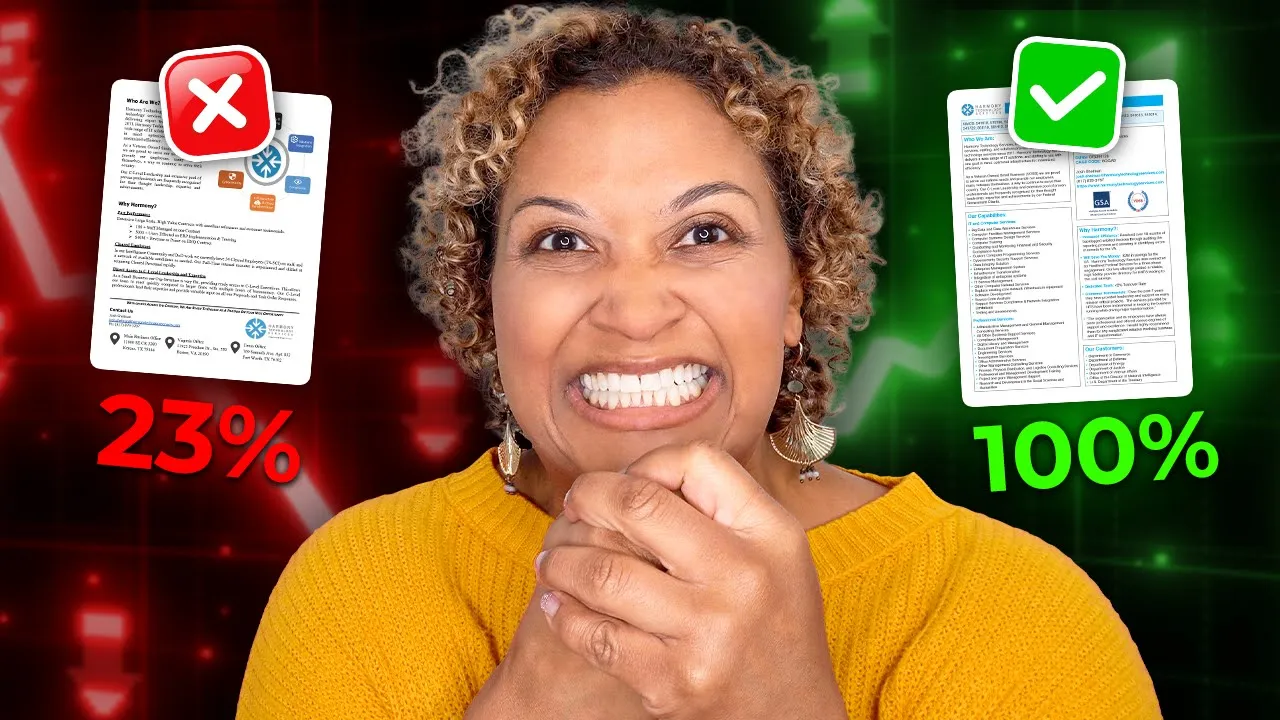
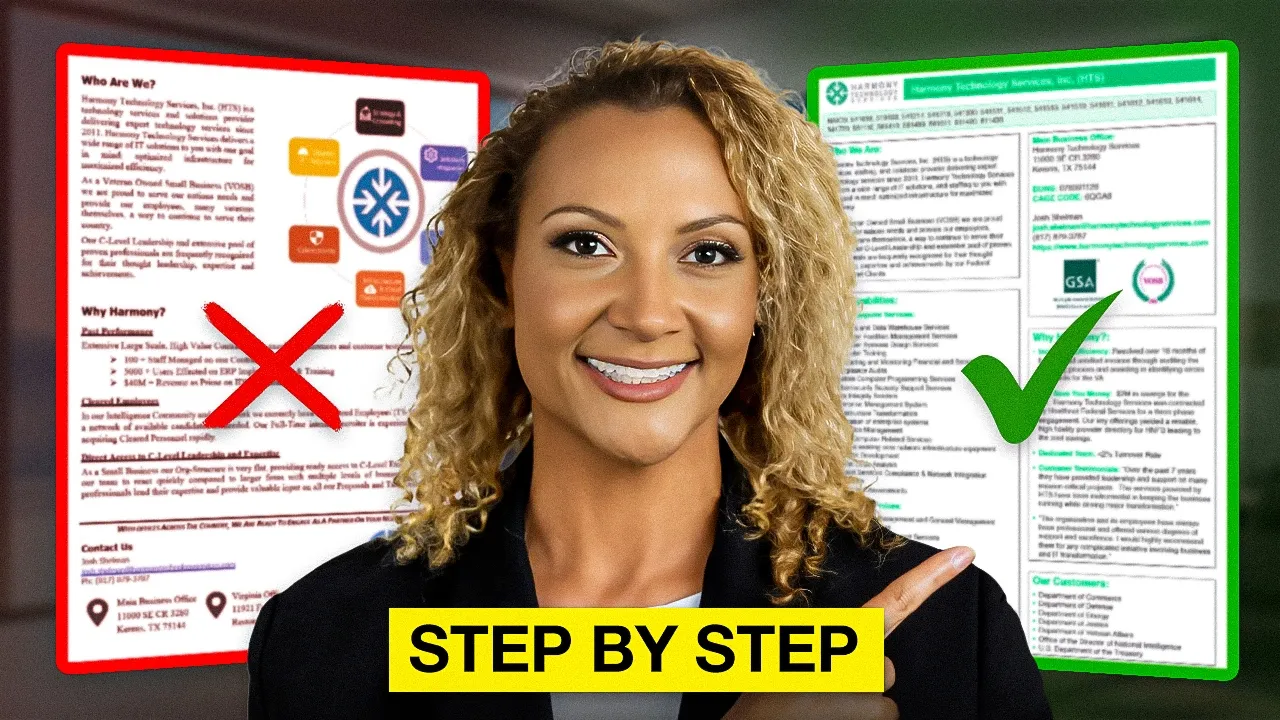
Developing a professional Capability Statement and marketing directly to federal agency small business liaisons (OSDBUs).
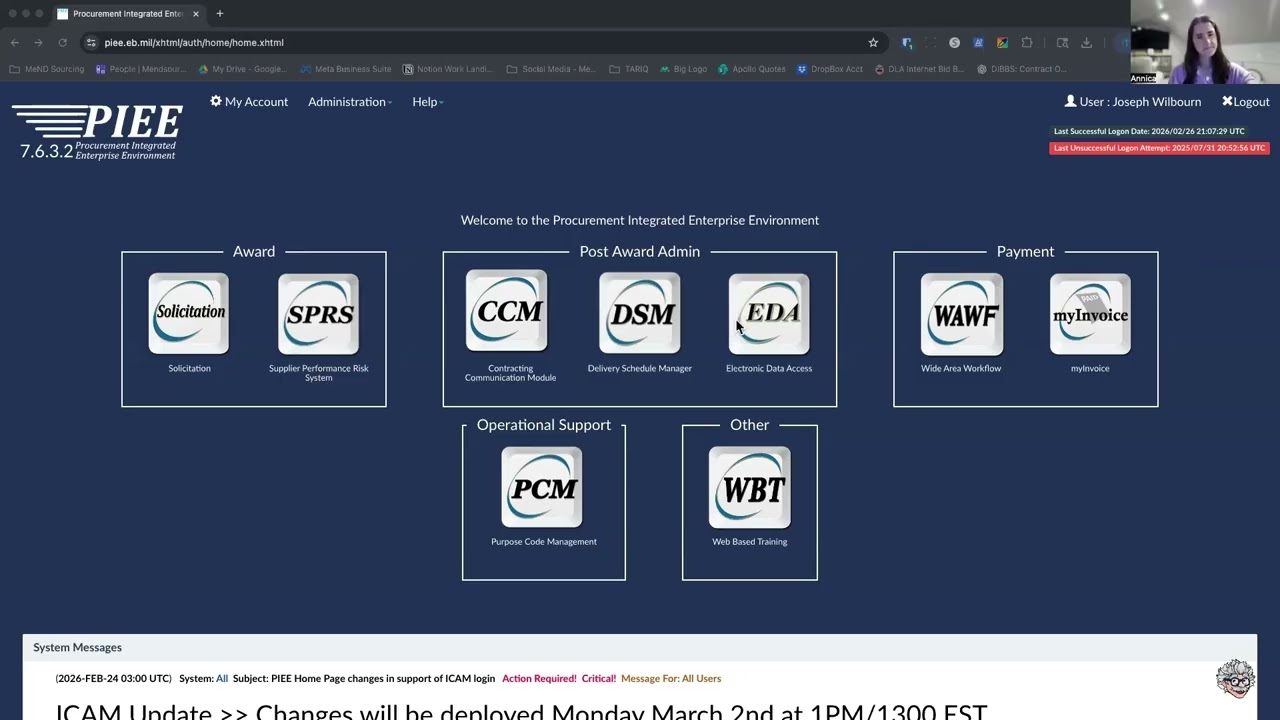
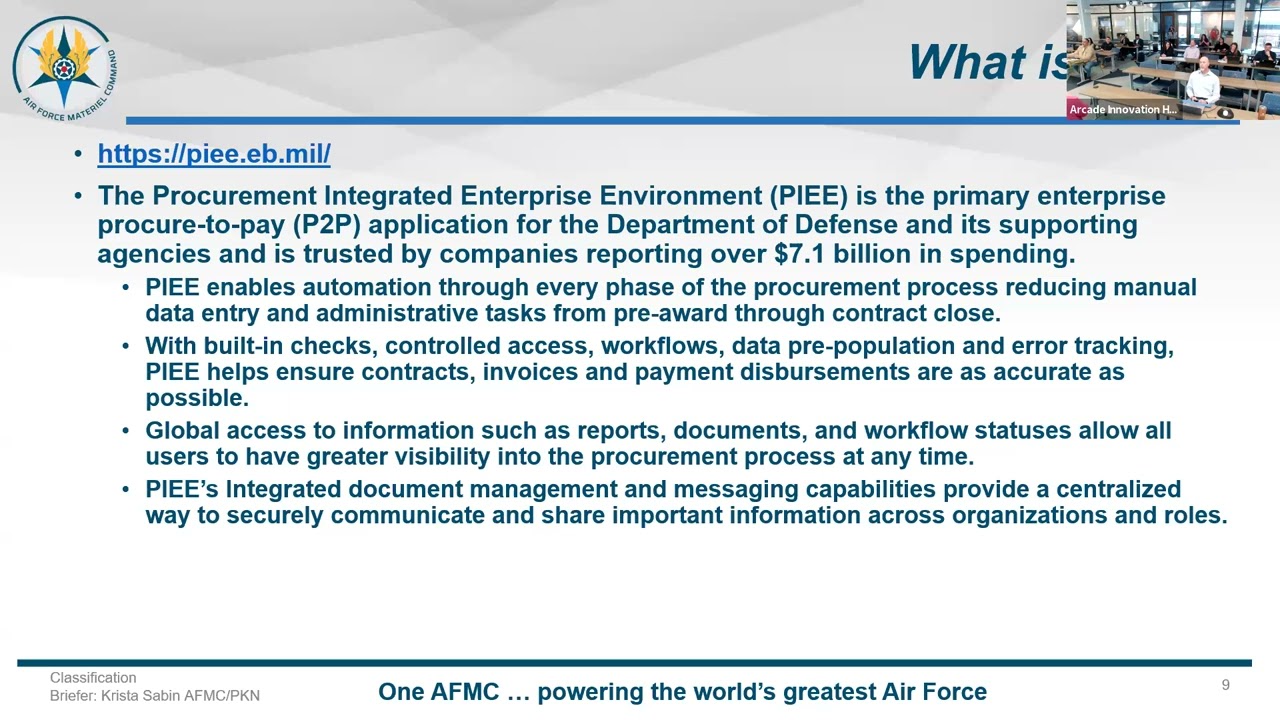
Understanding post-award compliance, including the Federal Acquisition Regulation (FAR) guidelines and invoicing via the PIEE/WAWF system.
76.1K views2Klikes28:56Original Release: 2023-03-11
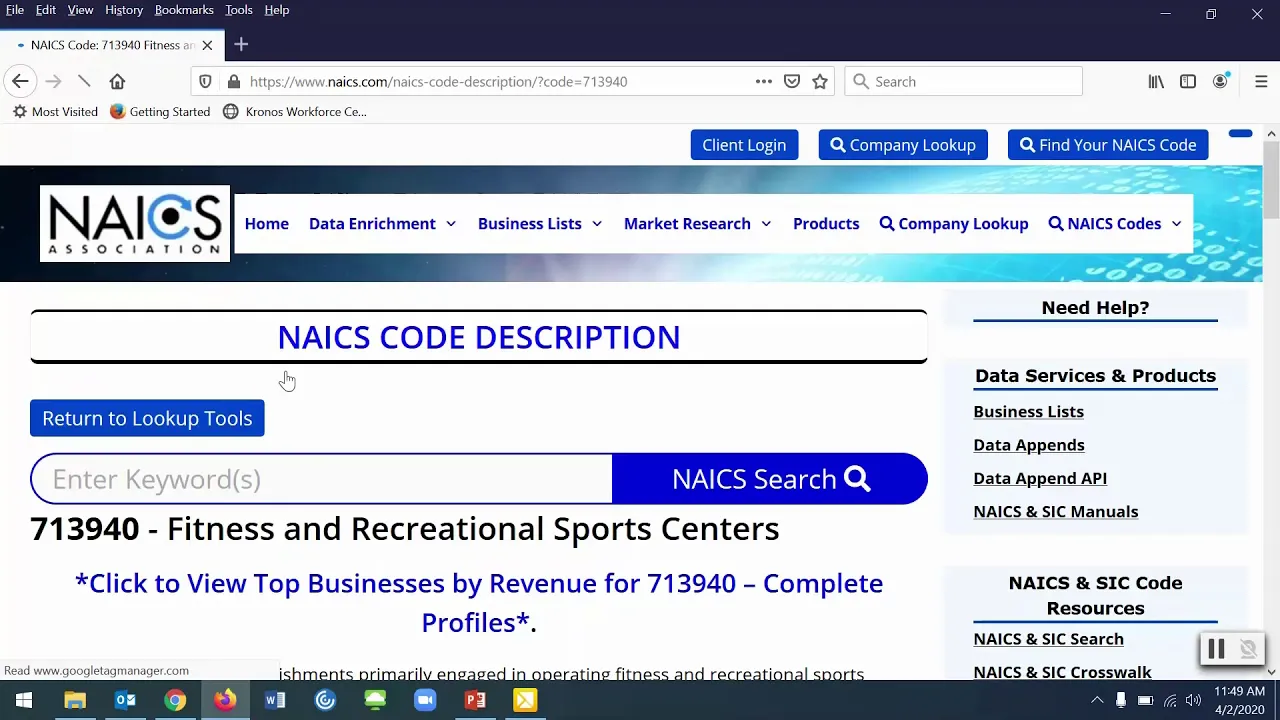
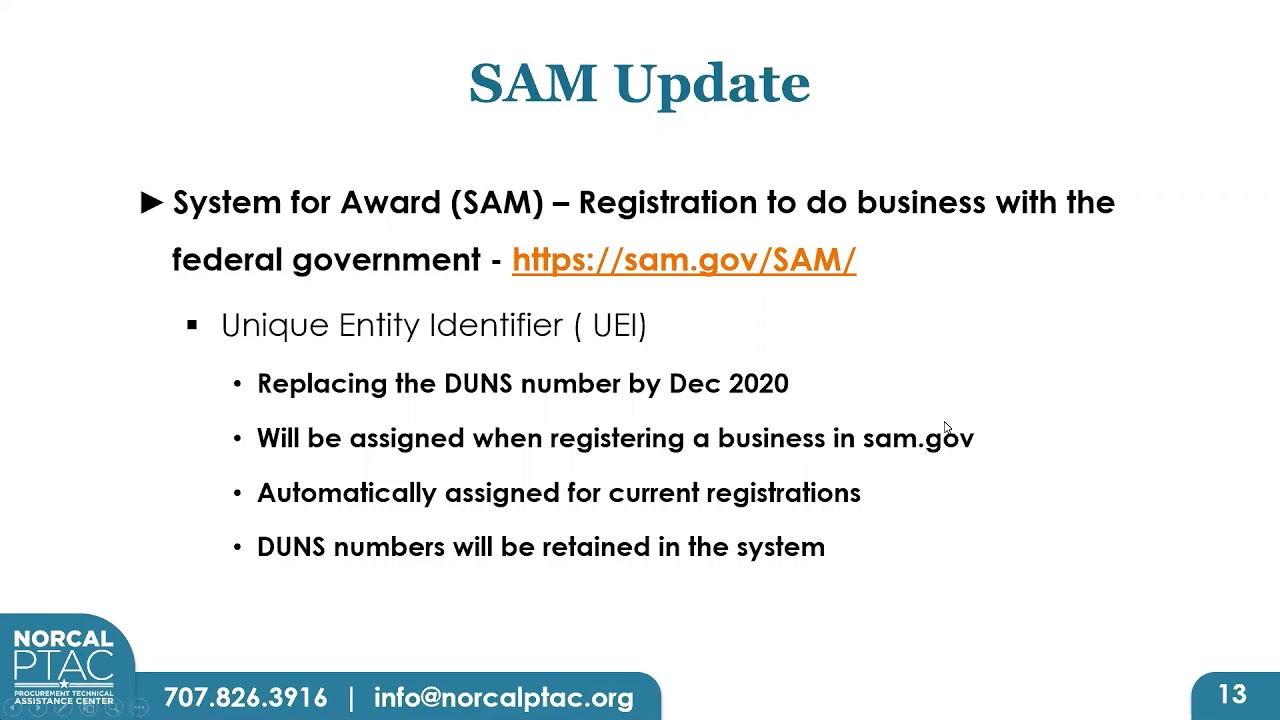
bid on government contracts you need to be registered in Sam and I'm not going to lie to you they have made registration a lot harder than it should be but don't worry you are not alone I am here with you and together we're gonna walk through it step by step to get you registered so you can start bidding on government contracts and here's the thing I keep hearing from people that it's taking over a month to get registered that's because you have to wait for the government to do things at various steps but you need to be registered before you can submit a proposal so let's say you find an RFP you want a bid on and the proposal is due in two weeks well you don't have time to get registered and prepare and submit your proposal by the due date that's why you want to register in advance so let's walk through how you get registered stirred let's start at the beginning we go to the website sam.gov and we're greeted by this pop-up what this is telling us is that the government assigns a number to each business and that's what they use to identify the business they call this number the unique entity identifier or UEI and when you register your business and Sam they'll assign a UEI to your business in the old days the government used the duns number for this so if you registered a business in the past you used your company's duns number this pop-up is just letting you know they've switched from the duns number to the UEI okay we close the pop-up and here we are in the sam.gov home page the first thing I want you to notice is that it says here at the top this is an official website of the US government there are some fake websites out there and they do fool some people so do be careful that you're on the official government website when it comes to using this website there are two separate things you're signing up which means creating a user account that will allow you to use all the features of Sam and then there's registering your business which will allow you to bid on contracts or apply for Grants from the federal government some people people sign up and think they've registered so please don't make that mistake they're two separate things first we sign up click here on the top right of the website where it says sign in read and accept these terms and it takes us to this login.gov page if you already have a login.gov account you'll use that to sign in and if you don't already have one then click on create an account and you can create one now here's what you have to know about this the same user account you're setting up and the login.gov account are for you personally this is not for your business the government is using login.gov as a single login to access lots of different government websites for example you can use your login.gov account to apply for federal jobs or to view your social security statement so in case you're wondering about giving your login.gov password to someone else to do this in your place please don't do that or they might get access to your personal information at other government websites okay now I've gotten my user account and I've signed in and you can tell because at the top right corner it says sign out I'm on the home page so now we can move on to getting your business registered find the spots where it says register your entity Sam uses the word entity but you should understand that to mean your business and click on the Bots that says get started and it takes you to this page and we again see the Bots for register your entity and so again we click on get started and now it asks what you want to do click on the second box labeled register for all Awards that's the way to register to bid on federal contracts and also to be able to apply for Grants and loans if you're just wanting to apply for Grants you can you can click on that first spot in the registration process is a lot easier but if you're one of my viewers wanting to win contracts with the government then click on the Bots labeled register for all Awards and then scroll down to the bottom of the page and click on the next button next it asks if we're registering a government entity since you're registering your business you click no then it wants to know whether your business is located in the US and by the way you can register a business located outside the US if you're in the US click the first button then hit next at the bottom Nets they ask whether you already have a page code basically the deal here is that the government assigns businesses two different IDs and the way to tell them apart is that the UEI is 12 characters and the page code is five characters but both the UEI and the cage code are assigned by the government your business already has a page code and click yes but if you're registering your business for the first time you probably don't have one so click the second button no the business doesn't have a page code and that was sign one to you as part of the registration process quick let's in this page just summarizes what you're doing the next page explains the steps involved to complete your registration the first step is to get a unique entity ID and the government refers to this step as entity validation after the government has validated your entity you're gonna come back to Sam and complete the remaining sections this is really important I've seen some videos that made it sound like once you've completed validation you're done well you're not done you have to come back to Sam and enter a bunch more information about your business like your Nate's codes and we're going to walk through how to find that information but before we can even get into those parts of the registration we first have to go through entity validation and that's what the net several screens are for on this screen they're asking for your legal business name and your physical address you're into these legal business name is the name you registered with your state filing office or the name used on legal documents and your tax returns and Bank documents for those of you operating a sole proprietorship your legal business name is your own name and it's optional but you can also enter a doing business as name that's Any Other Name you use for your business for example if you use a trade name that's different from your legal business name you can enter it here and they ask for your physical address and a lot of people get rejected because they list a post office box for the physical address I'll tell you right now they won't accept that but those of you who work at more than one location they want you to enter the address where you keep the boards in records for your business and these days I know lots of people are operating their businesses from a home office and initially fine to list your home address in that case the Nets pave says you are about to validate your entity and it tells you the information you provide here will be used throughout the federal government and it tells you to be sure your information is current and correct and they also explain that they're going to ask us to submit documentation to prove the legal business name physical address State and start year of the business check the Bots that says I can provide official documentation to validate my entity and then click next now on this screen they show you a list of potential matches and there are two different options here check the first one if you see your business listed but most of you are here because you're registering your business for the first time so you probably won't see your business in the list so you'll select the second option which says I don't recognize my entity in this list and it'll take you to this screen this page is titled enter incorporation information I think that's kind of confusing language because I know for some of you your business isn't Incorporated but they still want you to enter your information here on this page first they asked you to enter your start year if your entity is incorporated enter the year of your incorporation if your entity is not Incorporated provide the year you opened your business the next question is state of incorporation we're Incorporated entities select the state where you were Incorporated for non-incorporated entities this could be where your organization was located at the time you started your business or where you filed your certificate or articles of formation or where you filed taxes at the time you started doing business okay the net screen as you confirm your information and pay screen which has an us on the page there are different kind of upload documents to prove this information and the documents you upload must show your information exactly as it appears on this screen lots of people are running into validation delays due to mismatched information so do yourself a favor save yourself time and aggravation by paying attention to this screen and making sure the documents you upload match what's shown here okay now here we are in the page where we can upload our documentation click where it says add document and then from the drop down menu select the type of document you're attaching and it's showing you here the types of documents you can upload for example are the tools of incorporation or articles of formation from your state a recent bank statement your certificate of formation from your State Certified tax returns a recent utility bill and for you sole Proprietors you can upload your driver's license I think a good one to attach would be the letter you received from the IRS that assigns your employer identification number that's your EIN and you can upload other types of documents as well select other document if you're submitting something different so select your document type and then be sure to check the box answers to indicate the information that's contained in the document for example legal business name and physical address in the same document or legal business name and U.S state of incorporation in the same document if the document contains multiple pieces of information then be sure to check multiple boxes then you can drag your document into the Bots and click submit attach as many documents as you need to verify all your information that could be one document or it could be multiple documents you just go through this add document process for each one and be sure you check the boxes because I'll tell you right now the website is not going to let you go on to the next page until the boxes are checked and then in section three there's this text box here that says provide details and it's listed as optional but I want you to get validated fast so I would use that Bots to spell out which documents validate which pieces of information try to make it Crystal Clear help the reviewer find the information they need to validate you quickly when you're done click the next button and the system will give you a reference number and you'll also receive an email from the general Services Administration it will come from the email address fsdsupport gsa.gov I'm showing you here the email I received and it says an incident has been opened on your behalf and there's a link to see the incident I don't know about you but I find their language really confusing in their language you create an incident in sam.gov and they also create a ticket in fsd.gov the incident is managed through the fsd.gov ticket I know that's really confusing so let me show you how it works this is the website fsd.gov and you can see here it's an official US Government website you use your login.gov credentials to sign into this website and then you can click on this my incidents button and there you'll be able to view the status of your incident and also to send and receive messages about your incident okay so what happens next well the validation agents are going to review your documentation and then they'll send you an email I'm showing you here the email that I received either they'll ask you to answer some questions they have or to submit additional documentation or they'll tell you you're good to go and you can move on to the next step in my case I pass the validation step in the email I received tells me the specific steps that I need to take to go back into Sam and complete delete my registration okay let's move on and cover the remaining infamous to wrap this up starting with your Nate's codes which are super important in Government Contracting because they are going to determine who your competition is for contracts who you continue contracts contracts you can bid on your Net score identifies what your business sells in other words what industry you're in and one of the reasons Nate's codes are so important is that the small business size standards are based on Nate's codes so let me show you exactly how this works to find your Nate's codes you go to the website census.gov nates and this website allows us to do a keyword search so let's walk through some examples together let's say you're a janitorial company the first two results we see here are for wholesalers and the third is for equipment and supplies stores so if you're providing janitorial services then the next code is five six one seven two zero now let's try landscaping and here it tells us the Nate's code is five six one seven three zero maybe your company provides administrative support so let's search for that the first four don't look like a match but I see two of them that are for services code 541611 is for administrative management consulting services in code five six one one zero is for administrative Management Services so if you're an administrative firm you just found two Nate's codes and say it requires that you enter a primary Nate's code but it also gives you the option to enter one or more secondary codes and here's a tip for you most of you are gonna want to list multiple codes in Sam because the work your company does could be put out for bid under a number of different codes so maybe you find four or five different codes that are a fit for your business I recommend you list all of them Sam now you know you want to qualify as a small business because there are contracts that are set aside for small businesses and the thing the government uses to determine whether your business qualifies as a small business is called the small business size standard so what does that mean size standard well the size standard defines the largest size a business can be to remain classified as a small business and the thing to understand is that each Nate's code has its own size standard so each industry has its own definition of what is a small business now the size standards are stated either in terms of the maximum number of employees or the maximum average annual receipts of the business you'll see that manufacturing typically uses number of employees while Services typically uses average annual receipts but the key thing here is that size standards are specified by Nate's code and can vary widely from industry to Industry that means that your business may qualify as a small business under one Nate's code but not under a different Nate's code let's walk through some examples to make this clearer we start by downloading the SBA table of small business size standards I'm showing it here to find it I just Googled SBA size standards table and by the way you may also want to use this table to stand for additional nades codes that might apply to your business so now I'm in a page down in the document and find the Nate's codes for administrative and support services and we see them here the way this table works the Nate's code is listed in the left hand column and for each code there's a size standard listed on the right so for example let's look at Nate's code 561110 her office administrative Services it has a size standard of twelve and a half million dollars in other words to qualify as a small business under a solicitation issued under Nate's code 561110 your average annual receipts must be under 12 and a half million dollars if your company's average annual receipts total 12.6 million dollars it wouldn't be eligible to bid on a small business solicitation issued under Nate's toad 561110 but it would be eligible to bid on a small business solicitation under Nate's code 561210 that's the Nate's code for facilities support services and we see that the size standard for that code is 47 million dollars okay now let's take a look at some manufacturing needs codes where the size standard is specified in terms of number of employees rather than annual receipts you see that in the right hand column of this table here we see if your Nate's code is 325520 for adhesive manufacturing the size standard is 500 employees but if your nades code is 325-992 the size standard is 1500 employees so if you're in the business of photographic film manufacturing and you have fewer than 1500 employees and your business qualifies as a small business for federal contracts and let me give you two more tips on Nate's codes first you know you want to qualify as a small business and maybe your business is small under some Nate's codes and not small under other Nate's codes in that case for what you list as your primary nates code use a code where your business qualifies as a small business second let me insert question I get asked a lot you can come back and update your Sam registration at any time to add more Nate's codes so maybe you initially register with just your primary nates code then you find an RFP you want to bid on it uses a different nates code you can always update your Sam registration to add that Nate's code so now that you know how the government determines whether your business qualifies as a small business you'll understand why Sam asks you to click enter your annual receipts and your number of employees and Sam requires you to submit worldwide data and they use that word worldwide what they mean by that is they want you to enter the receipts and number of employees for the entire entity for example if you have different divisions different locations numbers you're entering are for the entire organization not just the numbers for a single location for receipts the number to enter in Sam is your average annual receipts and note that there's been a recent change to this Rule now registrants that have five or more years of receipts will use a five-year averaging period for number of employees and number to enter is the average number of people employed over the entities last 12 months including people employed by the parent organization all branches and all affiliates moving on Sam also asked you to enter PSC codes but entering your PSC codes is optional so I'm not going to cover them here but if you want to enter PSC codes I have a video on how to find them and I've put a link in the notes below now all of the information I'm showing you next is required in order to complete your registration you'll need to enter your taxpayer identification number this is either your employer identification number the Ein that's the number the IRS assigned to your business or it's your social security number now I know some of you have sole proprietorships and you report your taxes under your social security number you can use your social security number here however let me just say that getting an EIN from the IRS is real easy it's a lot easier than what you're going through right now with this Sam registration you just go to the I IRS website request in the in and they'll give you one next you're required to enter your bank information and if you're wondering what they do with this information they're asking for this so they can pay you electronically they ask for your bank's routing number your account number and you also have to provide the bank phone number and if you're wondering why I always talk so much about security this is one of the reasons you really don't want someone else going into your Sam record and changing your banking information to steal your payments from the government you'll also have to enter an M pin this is a code you create make sure you write it down and Safeguard it because you'll need your M pin when you want to come back and update your registration in the future let's say it requires you to enter points of contact for your business and there are three that you're required to enter there's the contacts for accounts receivable electronic business and government business and for each one you'll enter the first and last name email phone number and address but this doesn't mean you need to have three people so maybe today it's just you and you list yourself for each of the three required pocs and then as your business grows you can come back and add more people and change contact information whenever you want so after you step through all the pages and answer all their questions you'll get to the end and you'll submit your registration and then you'll get a message in Sam confirming that the registration has been submitted and you'll also receive a confirmation email then you may receive another email asking you for additional information if you do please respond promptly because I don't want them to reject your registration and then you have to submit all over again they may instruct you to submit a notarized letter formally designating the authorized administrator for your business and you submit that letter through the FSD website not the Sam website let me show you how you do that go to fsd.gov and sign in using your login.gov credentials now you want to create an incident and to find where to do that I had to scroll down to the bottom of the page and then click where it says create an incident now under system name select Sam and under issue type select entity administrator appointment letter then complete the remainder of the form and attach your letter you'll want to put the letter on your company letterhead and be sure to get it notarized and there is a template for you to download and use to submit your notarized letter and I've put a link to that template in the notes below once your registration is active you'll be able to bid on contracts from the federal government so watch for an email confirming that your registration is active and you can also check the status of your registration in Sam which is what I'm showing you here and one last thing when you're entering all your information in Sam the very end you'll be given the option to create or update your SBA profile and that will add your business to the sba's dynamic small business search which I'm showing you here for most of us at the time we get to the end we're exhausted and we just want to submit our registration and fill out this information is optional so you can go ahead and submit your registration without it but you may want to come back later and submit this information it will allow Contracting officers to find your business when they're conducting a search I've got a whole video on how to add your business to the SBA small business search check out the link to that video in the notes below hey friends I hope now you have the confidence to go do this yourself so get registered and watch the rest of my complete course on Government Contracting because I've spent thousands of hours learning this stuff so you don't have to and I've distilled it all down in my course so you can learn the very missed actions you can take to grow your business with government contracts thanks for joining me today see you next time
Up Next

49:40
SBA 8(a) Certification: A Guide to Federal Contracting Eligibility
@jenniferschaus
11.9K views•2013-04-30
46:36
Retention Habits of Top DTC Ecommerce Brands Revealed
@SendItPodcast
44K views•2026-03-03

15:23
Decoy Effect: How Pricing Psychology Influences Consumer Spending
@bobinvestsUS
90K views•2026-01-05

17:30
The Planned Obsolescence of Light Bulbs and Tech
@veritasium
25.3M views•2021-03-26
Related Study Plans & Knowledge Roadmaps
Structured learning paths in Business
business
Pop-Up Retail: Strategy, Design & Execution
01Introduction to Pop-Up Retail & Strategic Goal Setting
02Budgeting, Site Selection, and Legal Essentials
03Experiential Retail Design & Visual Merchandising
+ 2 more learning modules
15h5 modules
Explore Roadmap
business
Reg CF: Startup Funding, Marketing & Launch
01Introduction to Equity Crowdfunding & Reg CF
02Platform Selection & Legal Preparation
03Crafting High-Converting Campaign Assets
+ 2 more learning modules
14h5 modules
Explore Roadmap
business
Productized Services: Scaling Solo Freelance
01Foundations of Productized Services
02Packaging and Scope Definition
03Pricing and Subscription Models
+ 2 more learning modules
15h5 modules
Explore Roadmap
business
Gov Procurement: Find, Bid & Win Contracts
01Introduction to Government Procurement & Business Setup
02Small Business Certifications & Set-Asides
03Finding and Analyzing Contract Opportunities
+ 2 more learning modules
14h5 modules
Explore Roadmap