


















SAM.gov is the official government website for finding federal contract opportunities, replacing the discontinued beta.sam.gov; users can search contracts by NAICS codes, geographic location, and other filters, save searches for future reference, set up email notifications for new opportunities, and join the Interested Vendors List to find subcontracting opportunities by contacting other companies listed for specific contracts.
How to Search SAM.gov for Federal Contract Opportunities
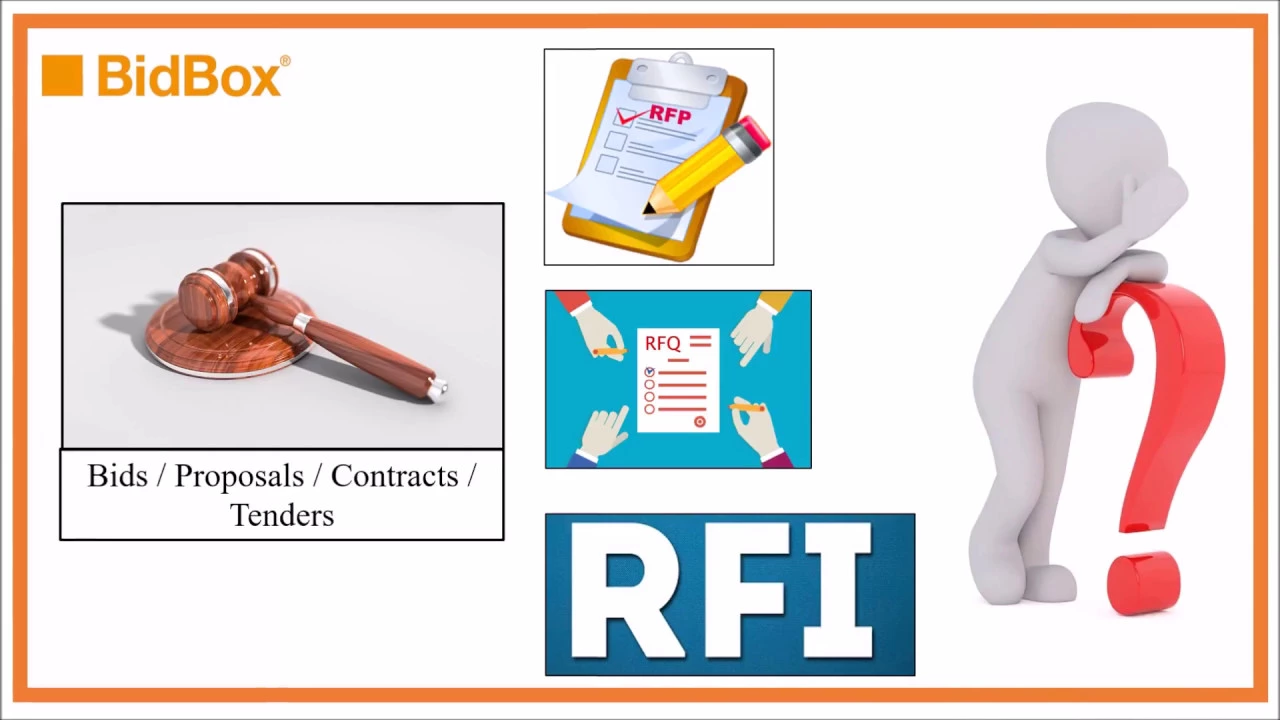
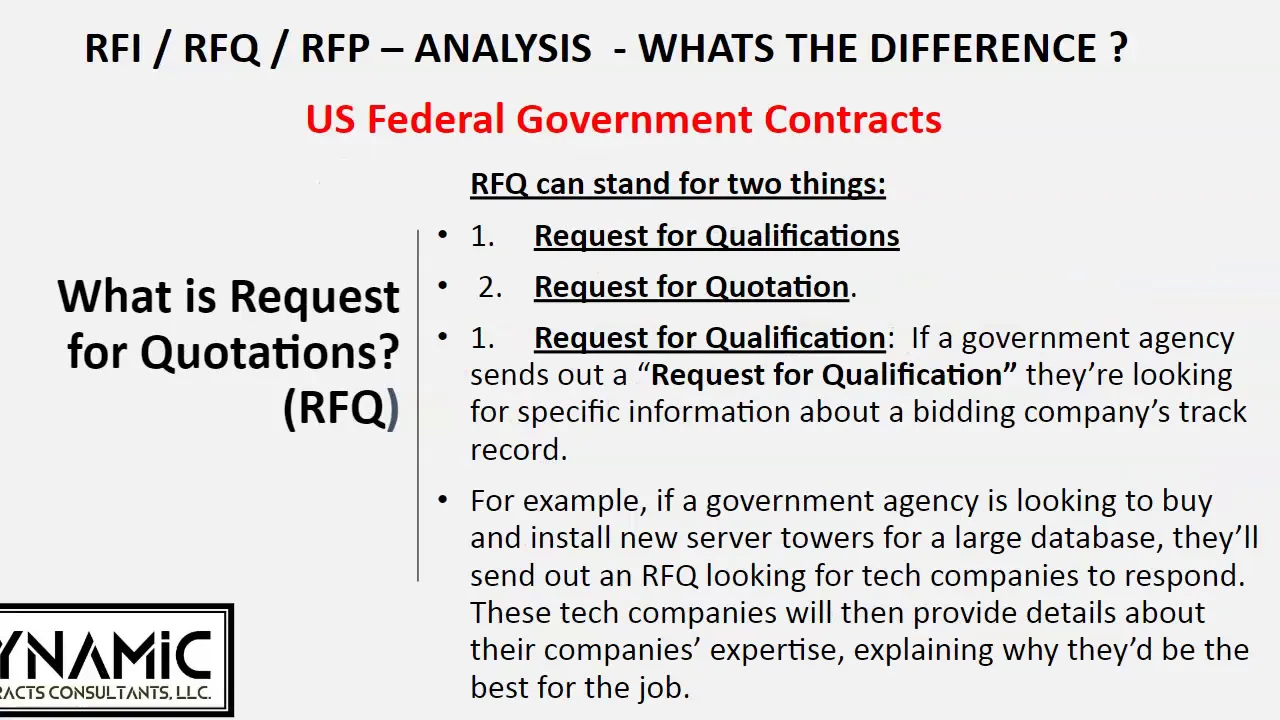
Added:Basic understanding of federal procurement terminology, including RFPs (Request for Proposals), RFQs (Request for Quotes), and solicitations.
Familiarity with business classification systems, specifically NAICS (North American Industry Classification System) codes and PSC (Product and Service Codes).
Understanding of the role of SAM.gov (System for Award Management) as the central hub for U.S. federal government contracting.
Awareness of government-specific business identifiers, such as the Unique Entity Identifier (UEI) and CAGE codes.
How to analyze solicitation documents (such as Section L and M of an RFP) to determine bidding viability and compliance.
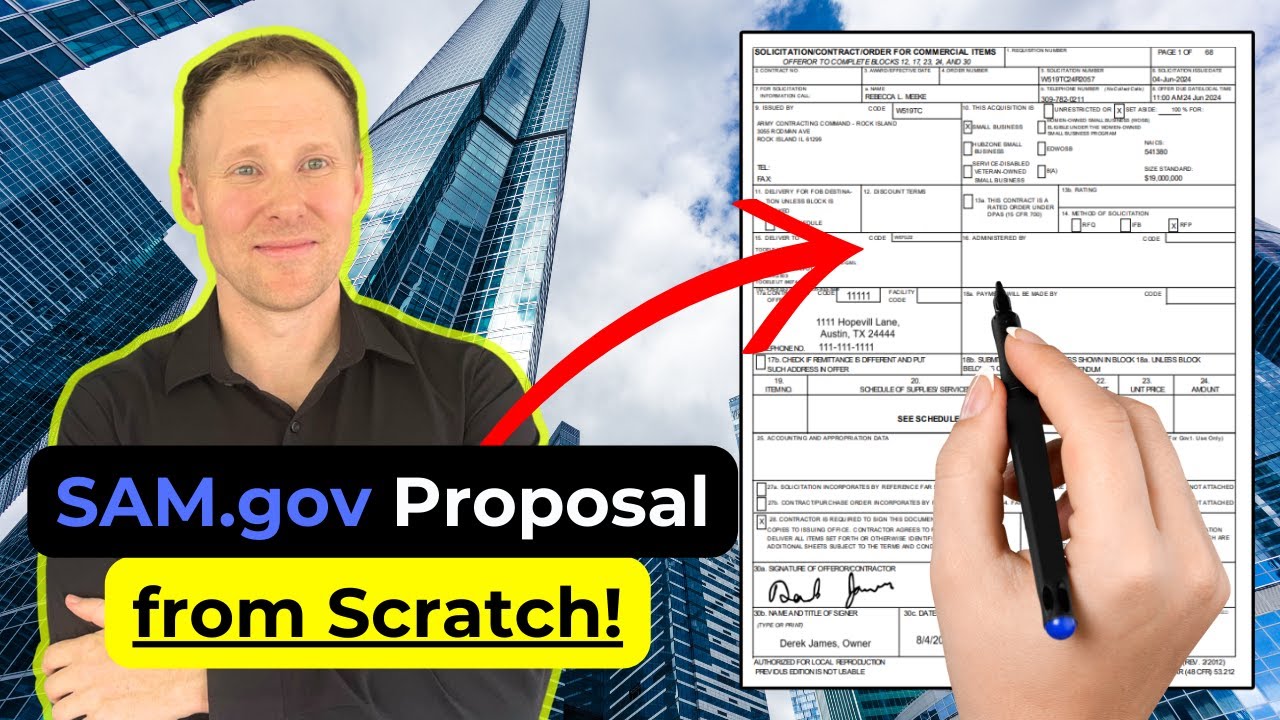
Developing a structured response proposal and navigating the submission process on federal portal systems.
Strategies for subcontracting and establishing teaming agreements with prime federal contractors.
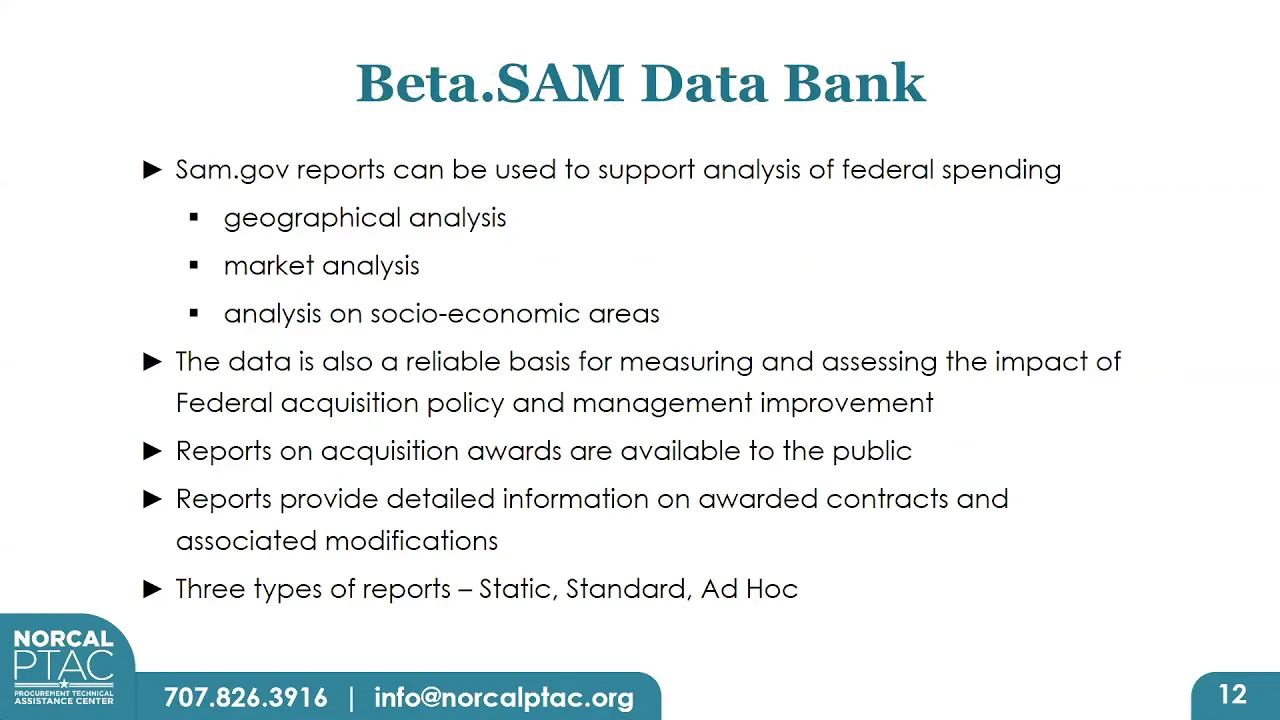
Using historical federal spending databases like FPDS (Federal Procurement Data System) and USAspending.gov for competitive market intelligence.
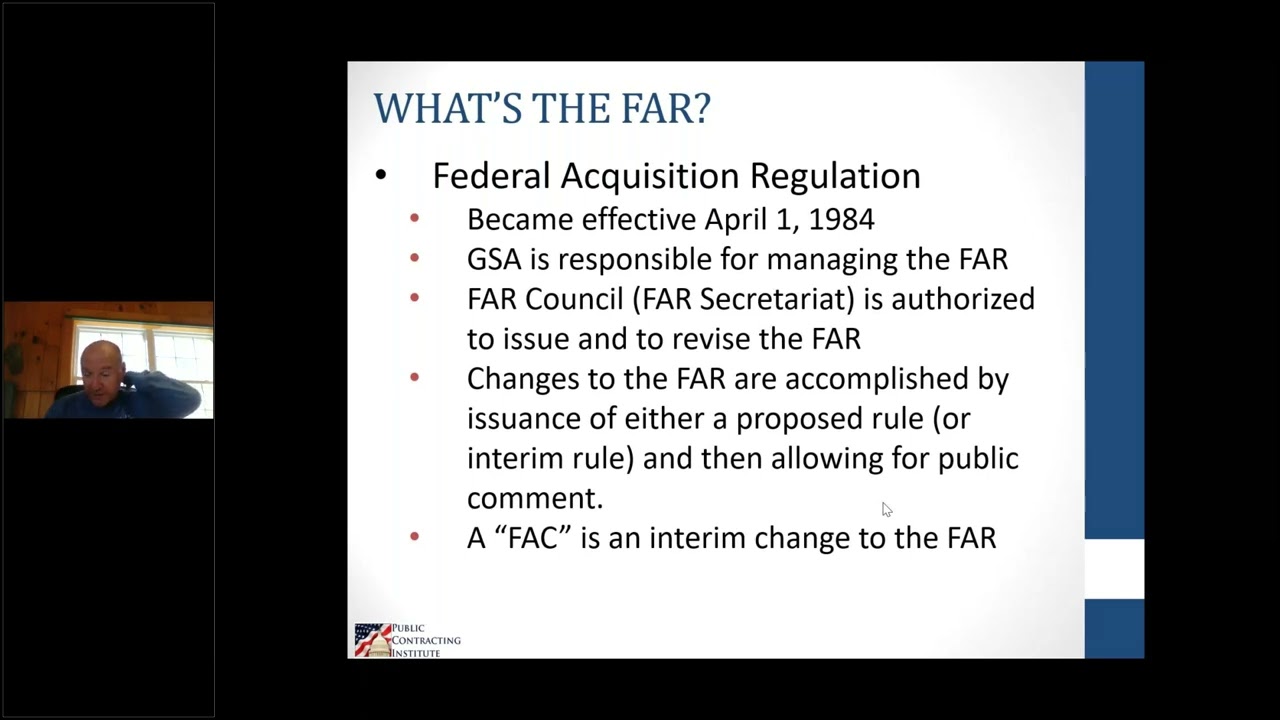
Understanding FAR (Federal Acquisition Regulation) compliance requirements and post-award contract administration.
120.1K views3.1Klikes5:46Original Release: 2021-06-19
hey friends the website beta.sam.gov doesn't exist anymore in this video i'm going to show you the new way to find government contracts for your [Music] business this is fed access and i help businesses grow with federal contracts the government has taken down the beta.sam.gov website and moved all its functionality over to this sam.gov website in this video i show you how to search for contracts in sam.gov and be sure to stick with me to the end because i'm going to explain how you can use the interested vendors list to get subcontracts first i have signed into the site you can do a search without signing in but you won't be able to do a bunch of useful things like download your results or save your search or follow an opportunity or join the interested vendors list so i recommend go ahead and sign in to start your search come up here and click search and then under domain click contract opportunities now you can search by a whole bunch of different things the government agency issuing the contract the set aside status the response due date but i'm going to start by entering a nate's code i come here and i'm going to enter two different nates codes and that's going to give me all contracts in either one of these two nates codes and you see i have over twelve thousand results next i'm gonna sort by place of performance you can do that by either zip code or state and you can enter more than one state i'm going to sort by washington and alabama that's going to give me contracts performed in either one of those states and you can see i've now got it narrowed down to 173 results if you want to add additional filters you can do that by clicking here more filters i'm going to add published date and now i am going to search for things published in the past month and you can see i've now got it narrowed down to 50 results to download your results come up here and click actions download and that will allow you to download a file with the results of your search to save the search click actions here and then save and give it a descriptive name because you can set up lots of different searches hit save searches here to see a list of all your saved searches so maybe you're going to have one search with a construction nate's code that's 23 by the way and in a specific zip code and then another search that is nationwide or maybe you want to have one search for all small business construction projects and another search for only eight a set-aside construction projects okay you get the idea you can set up and save lots of searches now you'll want to receive an email notification when a new result is available for your saved search so under actions hit notify now i'm in saved searches and i want to go back to my search results and they're gone and things disappear pretty easily on this website which is one of the reasons i recommend that you save your searches so i click on save searches and then i can click on the search and it'll take me back to the results now see this search box up here you need to be really careful about this box let's say i go up here and i enter staffing what it did it deleted all of the previous filters i had set up and started an entirely new search so don't use this box if you're trying to modify your current search use this filter menu on the left side to add additional filters to a current search this box up here deletes everything and starts an entirely new search now what about keyword searches well keyword searches can be tricky if you provide services but if you provide something like say pumps then i would definitely go ahead and do a keyword search here i'm doing a keyword search for pumps and i'm going to search for things with a response due date in the next three months to learn more about an opportunity uh just click on it and this page will tell you all about it if it looks like it's something that you're interested in click on this follow button here that way you'll be notified of any changes or updates and click here to add your name to the interested vendors list now not every opportunity has an interested vendors list so you may not see this button but if you do see it take a look at the other companies on the list because you may want to contact some of those companies if you're looking for subcontracting opportunities the list will contain their contact information so you can reach out to them send them your capability statement and you can say i saw that you're interested in the contract that's currently out in sam.gov i supply pumps or whatever it is you do i would be interested in being your supplier hey friends thanks for watching as always if you have questions about any aspect of federal contracting post in the comments below and i'll respond as soon as i can see you next time [Music]
Up Next
77:26
Reading and Responding to RFPs in Government Contracting
@GovKidMethod
22.3K views•2019-10-09

12:54
Triumph of Orthodoxy Icon: Byzantine Art & History Explained
@BenCallan
2.1K views•2024-08-06

8:56
How to Find Past Contract Prices for Government Bids
@FedAccess
26.6K views•2024-09-03

1:42
Game of Thrones Opening Credits: A Cinematic Analysis
@gameofthrones
46.3M views•2011-04-18
Related Study Plans & Knowledge Roadmaps
Structured learning paths in General & Interdisciplinary Studies
general-studies
Elevator Engineering: History, Physics & Cities
01From Hoists to Safety Brakes: The Dawn of Vertical Lift
02Hydraulic vs. Traction: The Engineering Physics of Elevators
03Modern Speed, Safety, and Algorithms
+ 2 more learning modules
12h5 modules
Explore Roadmap
general-studies
Rubber: Material Science, History & Geopolitics
01Origins of Natural Rubber & Mesoamerican History
02The Chemistry of Natural Rubber & Vulcanization
03The Geopolitics of the Rubber Boom & Colonization
+ 2 more learning modules
12h5 modules
Explore Roadmap
general-studies
Containerization: Evolution, Logistics & Trade
01Ancient Trade & Bulk Cargo: Amphorae to Barrels
02The Industrial Revolution & Cardboard Packaging
03The Containerization Revolution: Malcom McLean
+ 2 more learning modules
12h5 modules
Explore Roadmap
general-studies
Textile Tech: Evolution, Labor & Global Impact
01Pre-Industrial Textiles: Handloom & Cottage Industry
02Mechanization: The Spinning Jenny to the Power Loom
03The Factory System & Global Labor Transformation
+ 2 more learning modules
10h5 modules
Explore Roadmap