















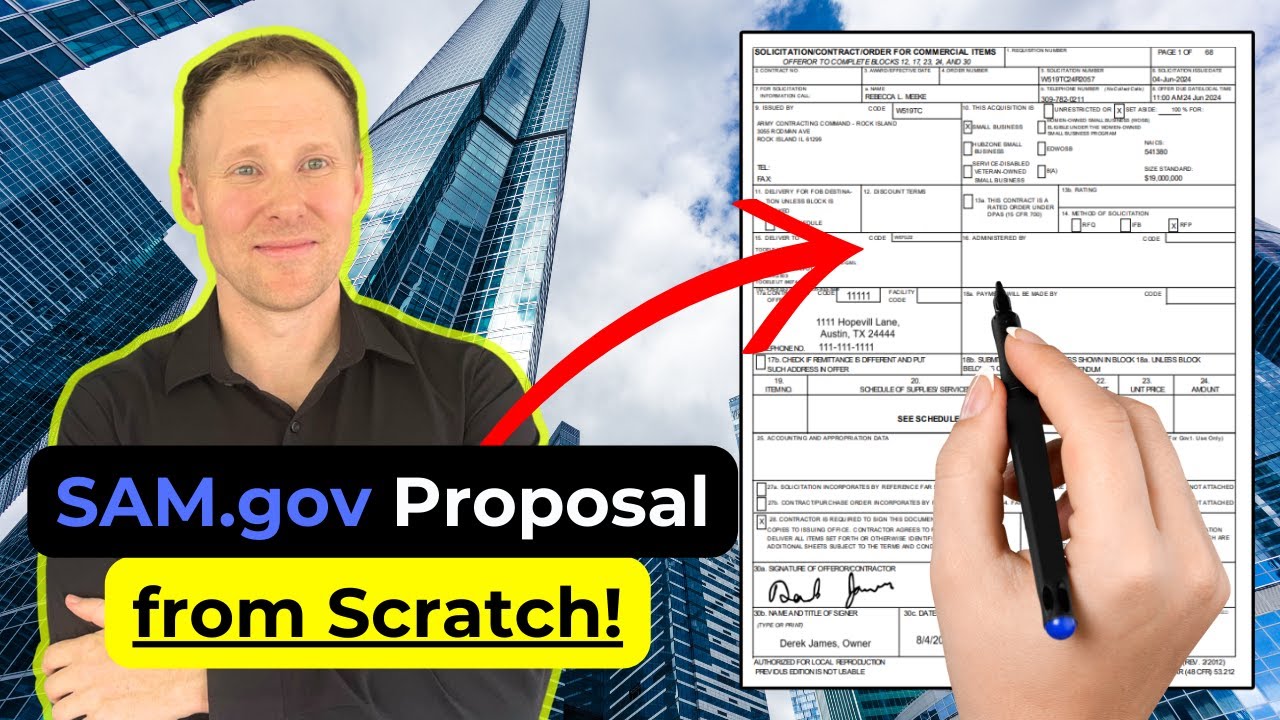




To find past government contract prices for better bidding, use SAM.gov to search for open contract opportunities using filters like NAICS codes and set-aside categories, then use FPDS.gov to search for the current contract performing the same work by entering the contract title and sorting by date signed to find the most recent award, which reveals the current contract value and contractor details; additionally, search SAM.gov for inactive solicitations to find the original scope of work that the current contractor bid on, enabling accurate pricing research for your own bid.
How to Find Past Contract Prices for Government Bids
Added:Understanding the basics of the federal procurement lifecycle, including how the U.S. government solicits and awards contracts.
Familiarity with standard government contracting terminology, such as solicitations, RFPs (Requests for Proposal), and NAICS codes.
A foundational overview of the purposes of key federal portals, specifically SAM.gov and the Federal Procurement Data System (FPDS).
Basic knowledge of commercial pricing strategies and contract types, such as Firm-Fixed-Price (FFP) versus Cost-Plus contracts.
Conducting Price-to-Win (PTW) analysis to strategically position future bids against identified competitor pricing thresholds.
Navigating the Federal Acquisition Regulation (FAR) guidelines regarding pricing justification, cost realism, and truth in negotiations.
Developing a structured cost proposal and pricing narrative that aligns with government solicitation requirements.
Utilizing advanced data analysis tools or APIs to aggregate FPDS data for long-term agency spending trends and pipeline forecasting.
26.6K views1.5Klikes8:56Original Release: 2024-09-03
today I'm going to show you how to find pricing information and you don't want to miss this because pricing is the most important part of your bid and this info could be the difference between winning or losing your next bid for a government contract see the key thing is that most government contracts are Reid every few years which means the work you're interested in is probably already happening right now under a curring contract that's going to expire soon so if we can find that current contract then you'll know how much the government is paying right now for the work you want to bid on let me share with you a quick story to show you just how critical this is I had dinner with an experienced business owner who was pouring a ton of money into a bid for a government contract he was flying across the country and paying proposal writers and you should have seen his face when I told him the current contract was only worth a couple hundred th000 not the millions that he thought it was worth if he had followed the steps that I'm going to show you here he would have saved himself thousands of dollars and a ton of wasting time okay let's walk through all the steps first we'll find a contract to bid on and then we'll find the current contract that's performing that same work and we'll find the dollar value of that current contract to find a contract to bid on we go to sam.gov this is where the government posts contracts that are open for bid we'll click on search then select domain and then choose contract opportunities now we'll use the filters on the left to find contracts that are relevant for your business so let's say your business provides administrative support services here's what we do click on the filter for product or service information and then in the Box labeled Nate's code we'll type in 506s Nate's codes are used to describe what industry you're in and 506s is the code for administrative support services if you don't know your NES codes you can go to this website and look them up using a keyword search NS will use another filter called set aside this lets us search for contracts that are reserved for certain types of businesses like small businesses I'm selecting total small business set aside now the words can be a bit confusing but but what it means is that only small businesses can bid on these contracts so you're not competing against big companies now over on the right we have a list of contracts that match our search criteria so let's scan through these and pick one to use as an example and how about this one USDA Forest Service cely late janitorial services when we click on the title we're taken to the contract page where we see a description of the contract and below that we see links to download the relevant documents and you'll want to download all of the documents provided but I want to show you this document the performance work statement this describes what work is to be performed in the contract and when we scroll down in the document we see it says that this contract is for a base she and four option years in other words it's a fiveyear contract so chances are this contract is currently being performed by some company and their contract is about to expire which is why the government's rebidding the work so now that we found a contract to bid on let's move on to finding the current contracts details and this is where some detective work comes in we're going to use another free government website fpds the government's database of awarded contracts and we'll use this search bar here to search for cely late janitorial services now we have a list of contracts but we want to see the most recent contract so over on the right there's this box for sort order and let's click on date signed now let's take a look at the first contract listed and to see the contract info click where it says View and now we see the details on on this contract we see that the contract start date was March 10th 2020 and the contract completion date is September 30th 2024 and we see that the total contract value is $ 47,3 42 we can also scroll down and see a bunch of other useful information about this contract we see the name address and phone number of the company that currently has this contract and if you scroll further down you see even more information about this contract you'll see a description so you know you're looking at the right contract and you'll even see the number of bins they received on the contract so now we know that the current contract which goes from March 2020 through September 2024 has a value of $7,350 now you might think you're done but there's one more important step and that's finding the scope of work for the current contract now why is that because the work might have changed since the last time the contract was bid for instance the current contract might be for two people but going forward the government needs 10 people word scope sometimes changes and these changes could drastically affect the price you bid in our example we want to see what word scope they were bidding on when they bid $4 47,3 to find this we going to go back into Sam to find the old solicitation and review its word scope here at sam.gov click on search and then select domain and then contract opportunities now in this keyword search box I'm going to click on exact phrase and then enter the phrase I want to search for I'm going to search for sely Lake and I'm also going to search for janitor this will give me a list of contracts that contain both the word c Lake and also the word janitorial the results are here on the right and we're always seeing the current solicitation because we need to do one more thing we scroll down to the bottom of the filter list where it says status and we need to change the status from active to inactive because we're searching for an old solicitation and now we see a list of 12 contracts that match our search criteria note that on this first result the contract offers the bids were due on February 13th 20120 so that looks like the contract we're looking for the other 11 results are all older contracts so let's click on the name for the first result to see its details and then when we scroll down we see a link to download the solicitation that's this document here so now we know the current contractor bid 4 $7,000 and we can read the solicitation to see the word sto that they base that price on and there you have it you now know how to find out what the government is currently paying for the work you want to bid on so go ahead and add finding the current contract to your bidding workflow and if you're having trouble finding the predecessor contract it's also okay to ask the government directly every solicitation includes an email address where you can submit questions directly to the government we went through this fast and we've always scratched the surface on what fpds can do for you you can use it to find who's buying what they're buying how much they're buying how often they're buying so for the next step in how to use information to gain a real competitive advantage and win more contracts watch my complete fpds tutorial Nets it's a detailed diet that watch you through how to find buyers research competitors find potential teaming partners and uncover data that's going to give you a real advantage in your bins so go ahead click on that video and take the next step thanks for watching and I'll see you in the next video
Up Next

124:14
Government Contracting Pricing Guide for Beginners
@KizzyParks
39.8K views•2024-04-08

12:54
Triumph of Orthodoxy Icon: Byzantine Art & History Explained
@BenCallan
2.1K views•2024-08-06

5:46
How to Search SAM.gov for Federal Contract Opportunities
@FedAccess
120.1K views•2021-06-19

1:42
Game of Thrones Opening Credits: A Cinematic Analysis
@gameofthrones
46.3M views•2011-04-18
Related Study Plans & Knowledge Roadmaps
Structured learning paths in General & Interdisciplinary Studies
general-studies
Elevator Engineering: History, Physics & Cities
01From Hoists to Safety Brakes: The Dawn of Vertical Lift
02Hydraulic vs. Traction: The Engineering Physics of Elevators
03Modern Speed, Safety, and Algorithms
+ 2 more learning modules
12h5 modules
Explore Roadmap
general-studies
Rubber: Material Science, History & Geopolitics
01Origins of Natural Rubber & Mesoamerican History
02The Chemistry of Natural Rubber & Vulcanization
03The Geopolitics of the Rubber Boom & Colonization
+ 2 more learning modules
12h5 modules
Explore Roadmap
general-studies
Containerization: Evolution, Logistics & Trade
01Ancient Trade & Bulk Cargo: Amphorae to Barrels
02The Industrial Revolution & Cardboard Packaging
03The Containerization Revolution: Malcom McLean
+ 2 more learning modules
12h5 modules
Explore Roadmap
general-studies
Textile Tech: Evolution, Labor & Global Impact
01Pre-Industrial Textiles: Handloom & Cottage Industry
02Mechanization: The Spinning Jenny to the Power Loom
03The Factory System & Global Labor Transformation
+ 2 more learning modules
10h5 modules
Explore Roadmap