








![How To Animate Travel Map and Tell Better Story [Free Davinci Resolve 18.5] #tutorial #stepbystep](https://i.ytimg.com/vi_webp/MWWR4O8k88U/maxresdefault.webp)


![[영상 편집] 매치컷, 크로스컷, 사운드컷, 제로컷](https://i.ytimg.com/vi/hFuleWg_BuI/maxresdefault.jpg)
![[TF2] 10 Tips to Improve Your Audio for TF2 Content](https://i.ytimg.com/vi_webp/Z1kZ67Gq2YM/maxresdefault.webp)
![Ultimate Guide to Scene Transitions – Every Editing Transition Explained [The Shot List, Ep 9]](https://i.ytimg.com/vi/TKXBAaQB03U/maxresdefault.jpg)
![영화 편집의 정석...을 깬 편집 [영화학개론5화]](https://i.ytimg.com/vi/OHgoCqPZ6K0/maxresdefault.jpg)



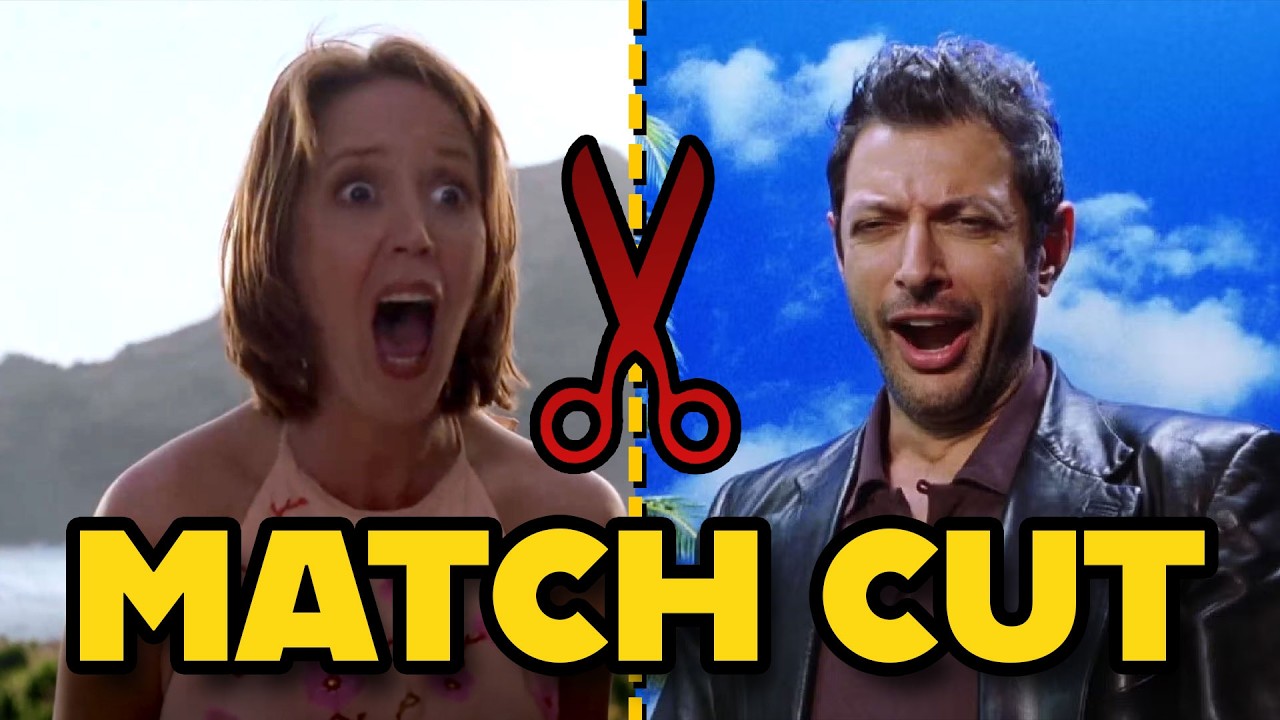
A match cut is a film editing technique that connects two shots by aligning at least one similar visual attribute such as shape, momentum, or color, creating seamless transitions that enhance storytelling; this technique can be applied across various media formats including digital animation and physical stop-motion, demonstrating how creators can bridge different artistic approaches to achieve cohesive visual narratives.
Mastering Match Cuts: Animation Meets Physical Media
Added:Fundamentals of continuity editing, specifically the definition and visual mechanics of a standard match cut, including graphic and action matches.
Basic digital animation workflows, including keyframing, timeline manipulation, and frame-rate synchronization.
Core video compositing principles, such as working with layers, masks, alpha channels, and basic color grading to unify different media types.
The fundamentals of capturing physical media, including camera alignment, lighting consistency, and digitization workflows.
Advanced planar tracking and matchmoving techniques to seamlessly attach digital animations to moving physical objects in 3D space.
Sound design strategies for transitions, learning how to use J-cuts, L-cuts, and spatial audio to sonically reinforce physical-digital match cuts.
Thematic and narrative applications of mixed-media transitions, studying how match cuts can represent psychological shifts or temporal jumps in a script.
Exploration of complex hybrid-media pipelines, such as integrating 3D CGI with stop-motion animation or physical puppetry.
377.9K views28Klikes6:03Original Release: 2024-03-06
there's a special trick as old this video itself that has always fascinated me the match cut tying two shots together with a visual anchor so simply yet so potent for storytelling I've been trying to reinvent this for myself when it hit me what if I combine digital animation with my love for physical media while infusing in the match cut what if I create my own visual anchors well now I really have something to work with the first step making the digital animation I started with an idea I had in After Effects but despite my efforts I hated it fine regroup and go again this time in Cinema 4 4 days of trial there later and there you go render finished and would you look at that the animation itself even has two match Cuts in it I now had 54 frames to convert to the physical initially I thought it would be easiest to order pre-cut stickers but after speaking with a few companies and getting some quotes yeah not in the budget so I took it into my own hands at my local print shop I had them produced an array of frames on vinyl the sticker cutting was then up to me so I got to [Music] work [Music] has this been done before definitely it's essentially a type of stop motion animation right but have I done this before no and that's the reason I'm doing it with all of these prepared it was time for the fun part temporarily vandalizing the city I needed help documenting this process so I recruited this guy to come all all the way from France who also happens to be my brother as we progress something peculiar happened though I found myself conflicted between being excited to finally be at this stage and the worried that I was just free falling through this project towards a mediocre result I mean how could I know how it would turn out besides just having faith the further I went into this Rabbit Hole of the project the more questions came up is this a waste of time will this even turn out how I imagine yeah that's that'll hold to okay imp Perfections a part of little animation can't keep up with them always a new texture new surface this man at The Cutting Edge of the mixed medium format so far so good it's taking a little bit longer than I thought I really hope this works Bridging the Gap from initial idea to final product is my Holy Grail of creativity each project I'm proving to myself that I can build that bridge in a new way every single time every piece I do is a descendant of all the projects I've ever done each one built on what I've learned from trial's past and just like every generation of humans wants to improve on the last I see my projects no different look I have taken off most of the sick but I've left a few yeah you know I'm just casually admitting to Crime yes this is just a sticker animation but the bridge I built for this project the one that you don't directly see in the final result is a silent Testament to my growth and Mastery and if you treat everything you do in this way whether it's personal or client work or really anything else there is inevitable Improvement this took a lot longer than I thought and I still have to do all the processing I think super excited to see it come together me too I hope this works I'm seeing all the photos in here and I'm like I think it works literally already looks good with you scrolling through the Stills yeah well we'll find out I'll leave this section with a line from The Sopranos that has stuck with me since first hearing it I think it's worth mulling over as we continue on this video's Journey Feel the fear and do it anyway that'll be [ __ ] kidding me all right let's pause for a moment and talk the match cut itself now everything I've done so far is in pursuit of a pretty complicated final result but in actuality the match cut itself is pretty simple all it requires is taking at least one similar attribute from two different sources and lining them up that's kind of it this isn't a full in-depth lesson but I'm pointing this out as a way to help you see there are always more ways to incorporate different types of visual shots in both your editing and animations with that said my favorite three match cut types are with shape momentum and color but it'll just be easier if I show you some actual examples lights please thank you let's get right into the first example as you can see here for my bubble animation this paint like bubble transitioning into this macro shot is an example of a match cut we know this because the end of the first shot syncs up with the beginning of the second shot specifically centering around the shape of the bubble you could even say that the cut happening when the bubble is moving at its fastest is an example of a momentum match cut on to the next example for my summer travel edit I used a few match Cuts in this video the first one is a classic momentum match cut by taking the motion of the camera moving to the left and scking it up with the motion blur outside the bus you get a seamless match cut this is actually very similar to a shot I used earlier in this edit when making the Montage also from the same summer edit is the use of a color match cut as we can see here the cyclist has a red jacket and then the following cut has a woman with a very similar colored umbrella now I didn't know this going into it it was pure coincidence that this happened but by looking at my footage with a certain eye looking for matching traits I found these two and synced it up in the final edit thank you this just scratches the surface one major one that we didn't even get to is the audio match cut but we'll save that for another time enough with the mini lesson for now though let's get back to the main project after finishing the day of captures around the city with only one minor hiccup what just happened we got stopped by uh armed guards pretty sure they did a police background check but they let us go cuz they realized we're fine not a problem but yeah they didn't like what we were doing all that was left was to process everything I captured this part was actually pretty straightforward split twofold run the photos through Lightroom for basic color adjustments and then take the frames into after effects for final placement using the original animation as an overlay reference made this pretty easy the final color grade was then just done in resolve and with all of that done I'm here now telling you about it I'm glad I did this piece not only for how it turned out but for the sake of building one more bridge for the bloodline that is my creative career there isn't anything more to say except thanks for watching and enjoy the final [Music] piece wh
Up Next
15:36
Understanding Christopher Nolan's Crosscut Technique in Film
@LessonsfromtheScreenplay
392.4K views•2020-08-31

23:14
Visual Analysis Essay: How to Analyze Graphic Novels in College Writing
@nataliepleimann5941
1K views•2020-10-14
4:55
Film Blocking Techniques for Directors: Space, Shapes, Lines
@StudioBinder
1.9M views•2018-07-23

4:00
Evolution of Darth Vader: Anakin Skywalker's Animated Journey Across Star Wars Films
@TellItAnimated
13.4M views•2019-03-30
Related Study Plans & Knowledge Roadmaps
Structured learning paths in Film Analysis
film-analysis
Sensory Cinema: Foley, Haptic Sound & Texture
01Introduction to Film Sound and Foley Artistry
02Micro-Sounds, Textures, and Extreme Amplification
03Haptic Audition and Film Phenomenology
+ 1 more learning modules
12h4 modules
Explore Roadmap
film-analysis
Breaking the Fourth Wall: Mockumentary & Satire
01The Invisible Wall: Basics of Cinematic Illusion
02Looking at the Lens: Direct Address & Character Glances
03The Mockumentary: Satire, Realism, and Complicity
+ 2 more learning modules
12h5 modules
Explore Roadmap
film-analysis
Analyzing the Long Take: Cinema, Space & Ethics
01Foundations of Film Grammar: Montage vs. The Long Take
02Choreography and Mechanics of the Simulated One-Shot
03Phenomenology of Film: Real-Time Spatial Continuity
+ 1 more learning modules
14h4 modules
Explore Roadmap
film-analysis
Anachronistic Music: Period Drama & Subversion
01Foundations of Film Sound and the 'Needle Drop'
02Traditional Authenticity vs. Revisionist History
03The Rise of the Anachronistic Soundtrack
+ 2 more learning modules
12h5 modules
Explore Roadmap