




![[15] Nhịp trong âm nhạc là gì, vì sao phải biết nhịp - Nhạc lý Part 2](https://i.ytimg.com/vi/y_6u45oJrjc/maxresdefault.jpg)



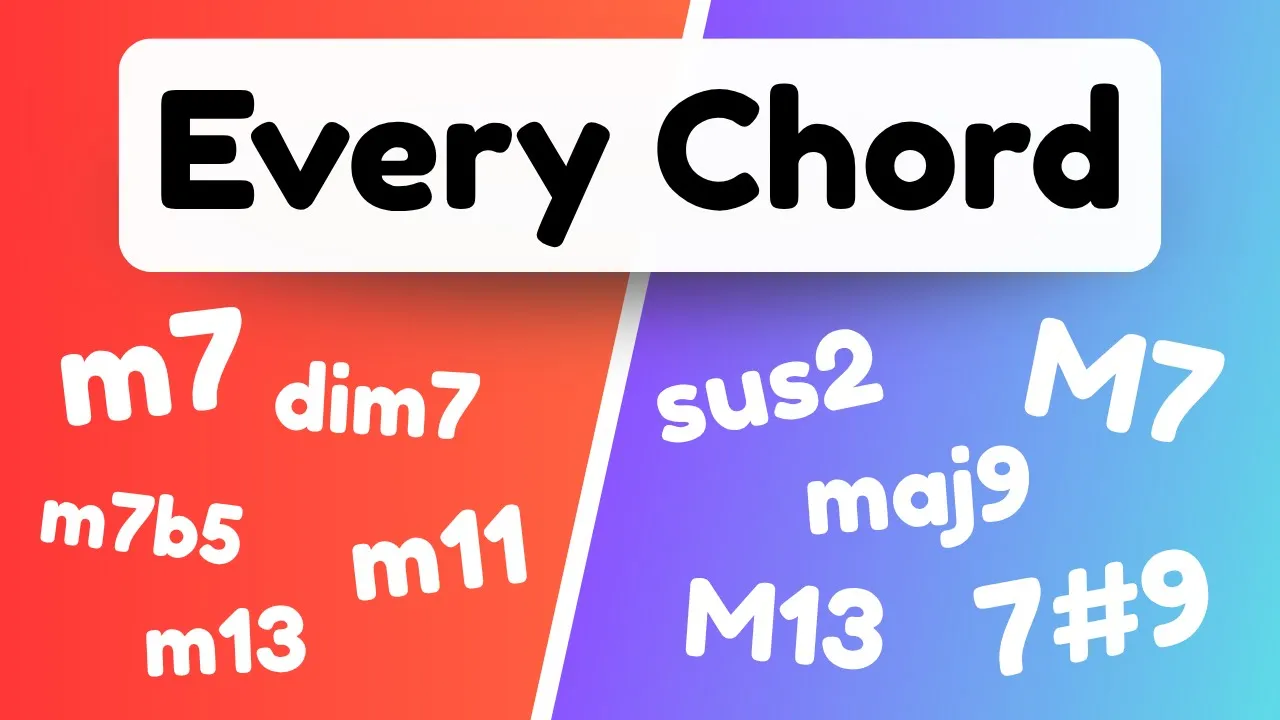
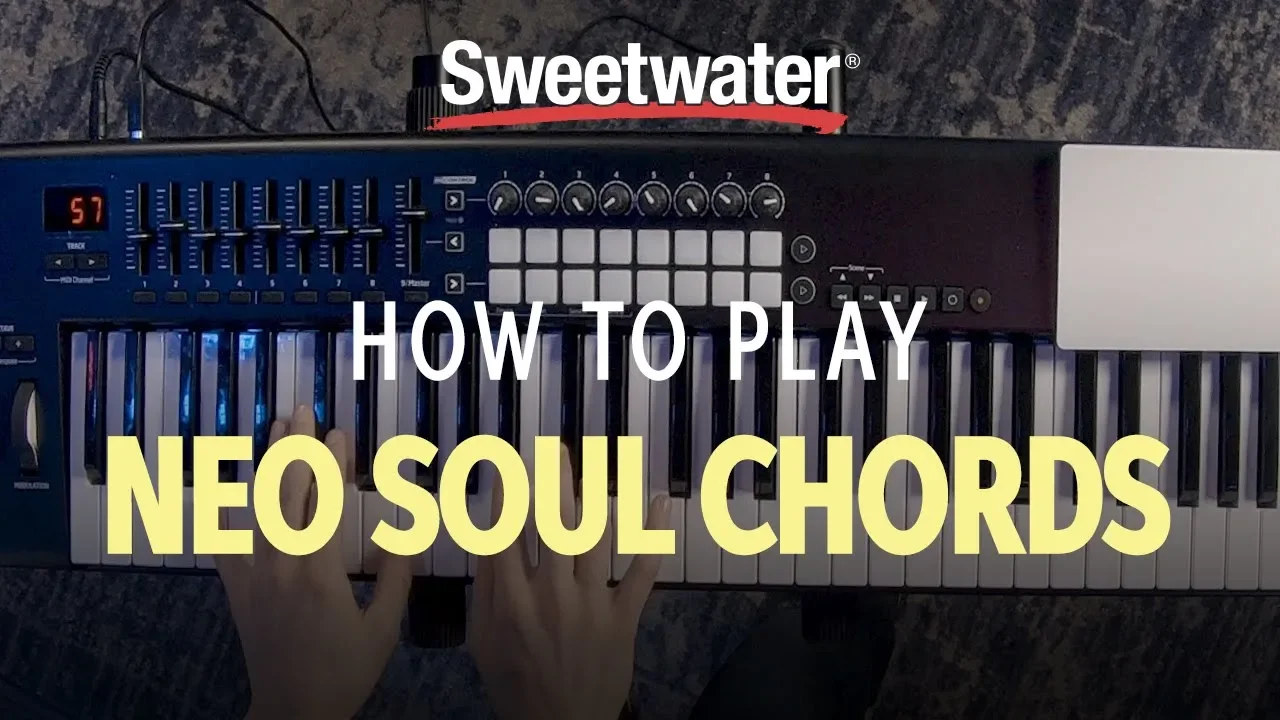
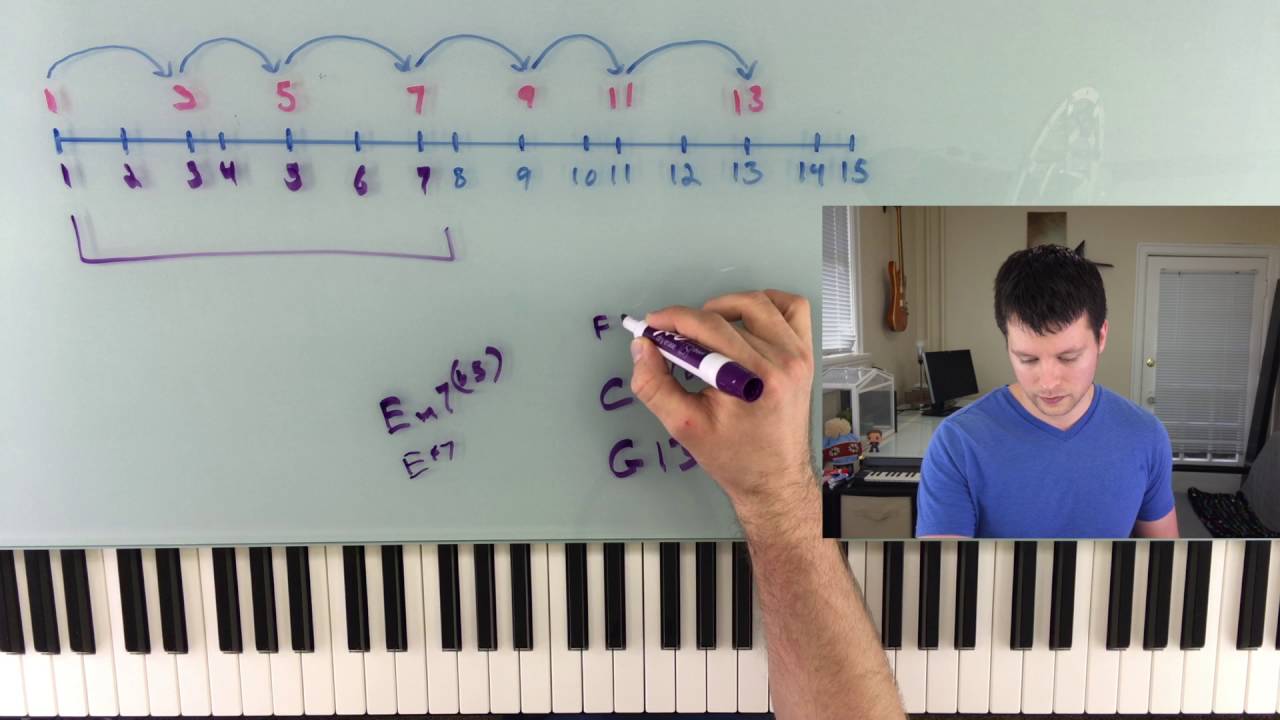


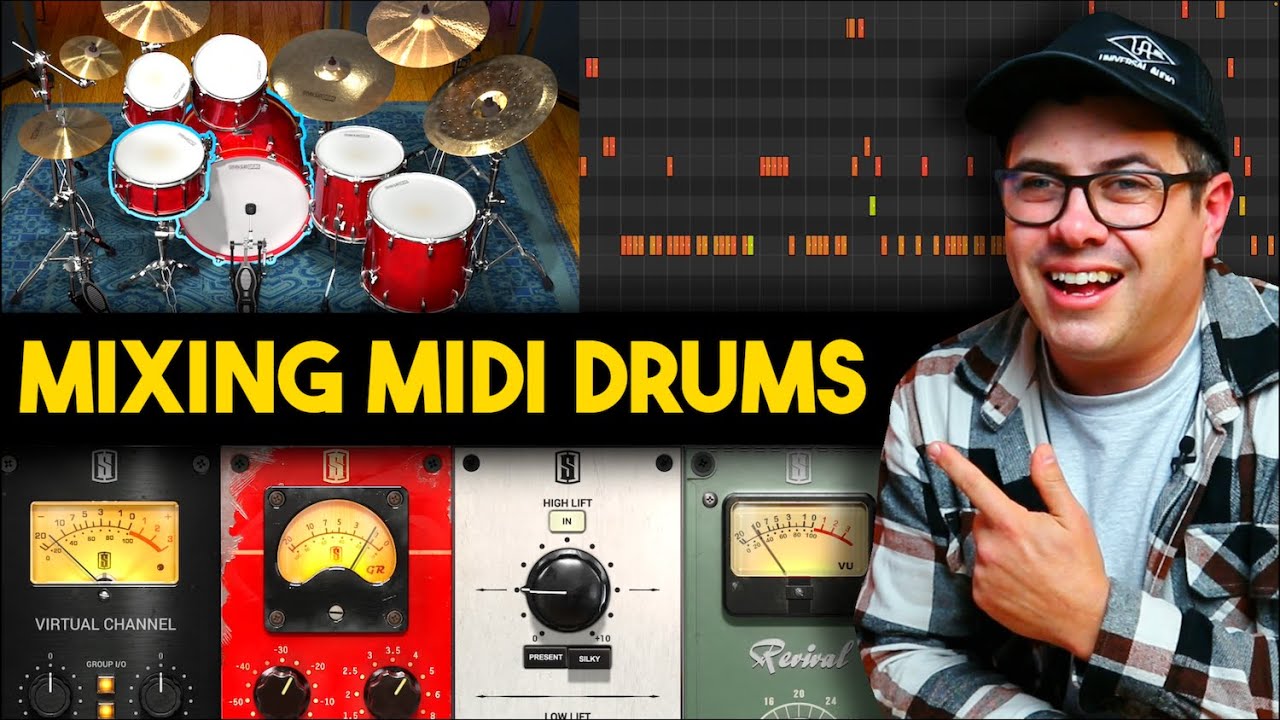




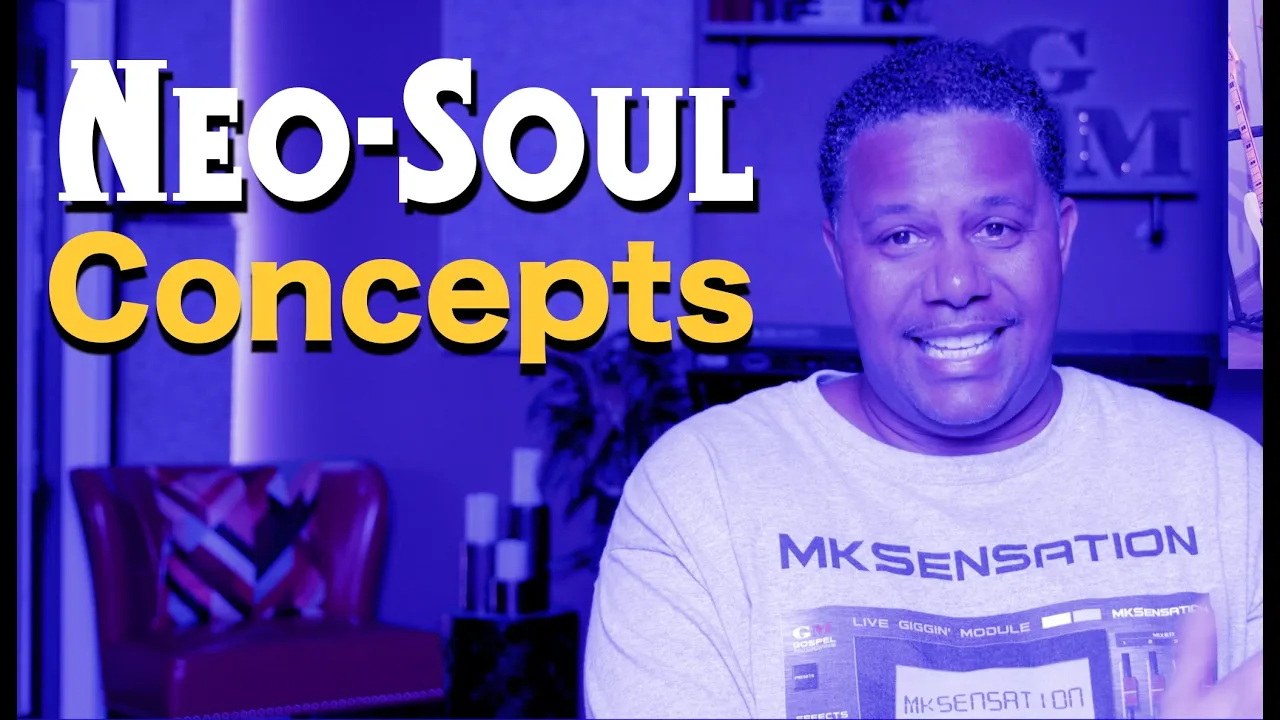


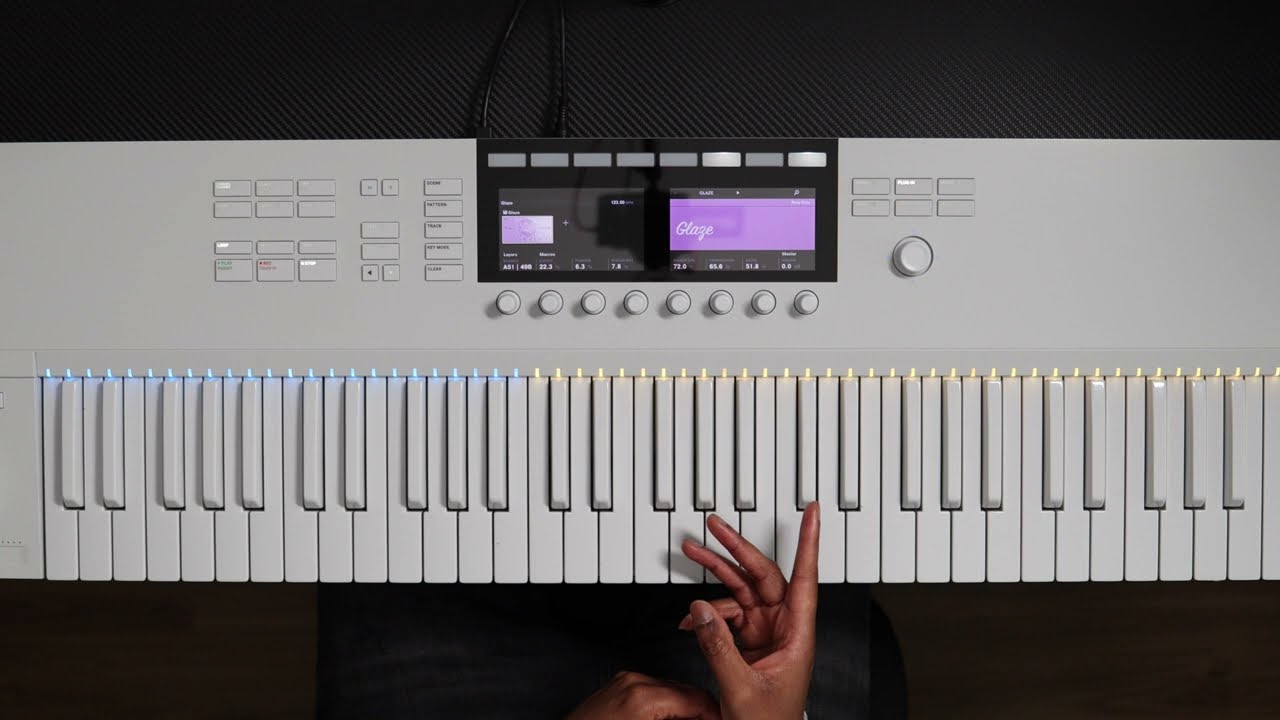

To create neo soul chords, place a note on the root, then create chords both above and below that note, combine them, and pull the middle notes up to create the characteristic dreamy, half-step intervals that define the neo soul sound.
How to Make Neo Soul Chord Progressions in FL Studio: A Beginner's Guide
Added:Basic navigation of the FL Studio interface, specifically how to use the Channel Rack, Playlist, and the Piano Roll.
Fundamental music theory concepts, including major and minor scales, and how to construct basic three-note triads.
Basic rhythm concepts, such as tempo (BPM), grid snapping, and the standard division of beats in a 4/4 time signature.
The concept of MIDI and how virtual instruments (VSTs) are loaded and triggered within a digital audio workstation.
Advanced music theory for Neo Soul, focusing on extended chords (9ths, 11ths, 13ths), alterations, and diminished passing chords.
MIDI humanization techniques, such as adjusting velocity and micro-timing (swing) to replicate the feel of a live drummer and keyboardist.
Mixing and sound design strategies for Neo Soul, including tape saturation, sidechain compression, and selecting warm, vintage-style virtual instruments (like Rhodes or electric basses).
Arrangement and structuring techniques to transform a basic loop into a fully realized, dynamic R&B or Neo Soul track.
29.6K views1.2Klikes12:01Original Release: 2021-04-01
[Music] what's up guys we're going to real beast today i'm going to be showing you guys how to use nail soul course to make beats if you guys haven't subbed already the term spawn you should do so because it does have it a lot let's stop right into it so my bpm is 96 any anything like around you know 90 really you could just tempo tap and get the vpn you like um for the actual scale i'm just using a minor um so we can go with like a c minor and we can always transpose later um so the point of this video is a follow along so i so if you want to follow along and copy everything i do you can um but we're preparing for a mixing tutorial so um in that video i'm gonna show you like a new way to mix your you know your beats and stuff um but we need to beat and i don't want the video to be like hour long so this is why i'm making this video alright so let's go ahead and get started with our first chords all right so i'm going to be showing you guys a super simple way you can build neo-soul chords whenever you want i'll probably make a more in-depth video on this later but for now i think this will get a lot of y'all by so what we need to do is just put a note on our root or any note and then you make a chord up and make a chord down so i'm gonna double this so you can see what i mean so we're going to make a chord skip that note that no make a chord all right so now we do this same thing down though right like this all right so let's combine these right and then we could delete this midnote so now the next thing what you want to do is take these middle these middle notes right and how do i know that they're middle notes it's because in this chord the middle note here is the d sharp and same if we go down right so take these and pull these up and now you have some neosol cords right and you don't have to do those steps like you could take stuff away um but what you want to pay attention to is these like half steps here right this is going to give you that like kind of dreamy vibe um so we could do another one let's try with the f and you don't have to do it exactly like that every single time all right so let's make one backwards and then maybe let me see let's pull this one down an octave delete this and pull this f down [Music] all right and let's take this g and i'm just however i mean it sounded good so far but i'm just um just placing whatever at this point let's take this g do the same thing right so let's do the same thing here go up and then let's go down and then take these mid notes pull those up and let's play the whole thing [Music] [Music] all right and now you have some neosol chords all right so we're just going to use this and i'm going to make a counter melody let's get started um with the beat and everything alright okay so all i did was just layer this and i probably should use this sound first but you know it is what it is so here's what both of them sound like [Music] all right pretty smooth so i do want to keep that vibe so for the counter i don't want to go crazy i just want to kind of add little frequencies in there sprinkle some stuff in so to start what we could do real quick is just pick any notes from in between right because somewhere in here is a melody right um so i'm gonna take these two copy those right you can start anywhere you want that's just what i decided to do hold shift d and then we could just offset these lightly split down an octave and then we could go up we can start to make a chord like this and then just take use this note which is the root note anyway so let's do that and we could take this low note here then i'll just copy this and let's take this up an octave like this and pull this over let's play the whole thing [Music] all right so that's the counter so let's move on to the next part all right so let's just get started with the base and i'm gonna just take this baseline right here copy it and then we can paste it right here now since this melody is super like simple i want to cut it up and just kind of fill in the gaps with the drums and the base so we can just start cutting stuff up we could do like some cuts like this maybe do one here then let's offset this one see what this sounds like [Music] then we could do like a little i do the same pattern but over here just so it's like so you can kind of know it's the end [Music] all right so i think that's good so let's just copy this to the 808 go here and then we're just gonna kind of fill in some stuff probably turn this up an octave [Music] [Music] all right so i think that's good for the base it's a little bit more interesting just than just a you know normal pattern let's go ahead and get started with our drums all right so let's get started with the drums and i don't want to do a lot but i also don't want to not do enough because this beats pretty smooth where the melody is so i want to keep that vibe so um let's just throw this in real quick get a basic little [Music] okay now when i'm placing these i'm looking up here as well for my like uh bases so i could play off of one another so i'm gonna put this right directly on and when you're doing like slow beats like this you want to offset things what i mean by that is you see how this is like completely on the grid all right you want to offset like somewhere here to give like that delayed effect and then we could throw in like a symbol here too so let's let's keep this going [Music] all right just to give it a little bit more punch again i'm gonna have that mixing tutorial in the next video with the same beat um so let's keep this going real quick and i might fast forward just a little bit um let's do these high hats real quick so we can just zoom in [Music] [Music] let's play with the velocity [Music] i'm gonna change the grid and maybe we could [Music] [Music] [Music] then let's stop this right before the clap hits [Music] okay and i think that's good i don't know if i fast forwarded through that part i probably did a little bit but for the most part i think we're done so i'm gonna play it with the synbase and then with the 808 so here we go and again remember this will be for the mixing tutorial as well so [Music] all right and that's the beat so remember again this this video or the purpose of this is for the mixing tutorial i'm gonna show y'all and i will provide all of these files in here anyway but um if you just want to have your own beat to work on i would suggest following along in this video and then we can kind of mix it together in the next video and i'm gonna show y'all like some little secret things you could do all right but that's it for this video hopefully you enjoyed make sure you guys like and subscribe if you're new and i'll see you in the next one peace [Music] you
Up Next
17:40
Triad Guitar Chords: 3 Rhythm Applications for Improvisation
@acousticguitarlessons
61.4K views•2022-05-30

12:54
Triumph of Orthodoxy Icon: Byzantine Art & History Explained
@BenCallan
2.1K views•2024-08-06

9:49
FastAPI vs Flask vs Django: Choosing the Right Python Web Framework
@TechWithTim
302.5K views•2024-05-26

1:42
Game of Thrones Opening Credits: A Cinematic Analysis
@gameofthrones
46.3M views•2011-04-18
Related Study Plans & Knowledge Roadmaps
Structured learning paths in General & Interdisciplinary Studies
general-studies
Elevator Engineering: History, Physics & Cities
01From Hoists to Safety Brakes: The Dawn of Vertical Lift
02Hydraulic vs. Traction: The Engineering Physics of Elevators
03Modern Speed, Safety, and Algorithms
+ 2 more learning modules
12h5 modules
Explore Roadmap
general-studies
Rubber: Material Science, History & Geopolitics
01Origins of Natural Rubber & Mesoamerican History
02The Chemistry of Natural Rubber & Vulcanization
03The Geopolitics of the Rubber Boom & Colonization
+ 2 more learning modules
12h5 modules
Explore Roadmap
general-studies
Containerization: Evolution, Logistics & Trade
01Ancient Trade & Bulk Cargo: Amphorae to Barrels
02The Industrial Revolution & Cardboard Packaging
03The Containerization Revolution: Malcom McLean
+ 2 more learning modules
12h5 modules
Explore Roadmap
general-studies
Textile Tech: Evolution, Labor & Global Impact
01Pre-Industrial Textiles: Handloom & Cottage Industry
02Mechanization: The Spinning Jenny to the Power Loom
03The Factory System & Global Labor Transformation
+ 2 more learning modules
10h5 modules
Explore Roadmap