













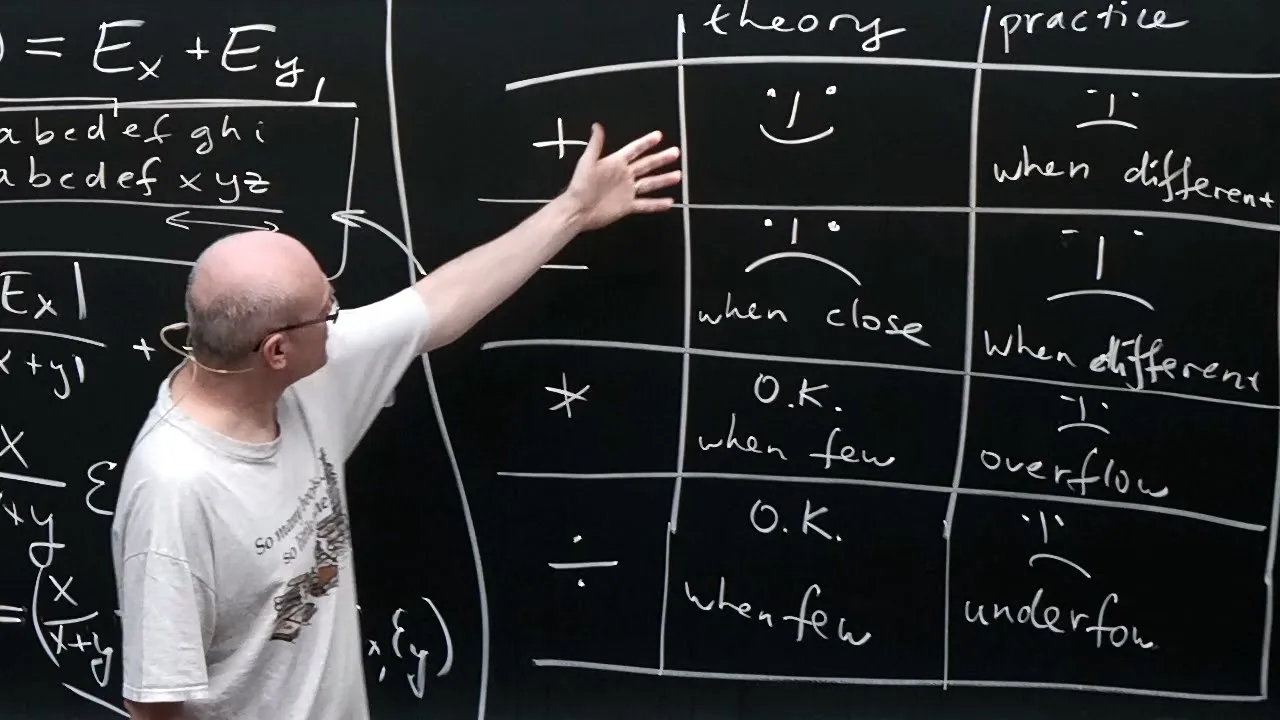

![[CS61C FA20] Lecture 06.3 - Floating Point: Special Numbers](https://i.ytimg.com/vi/Gs0ARZzY-gM/hqdefault.jpg)


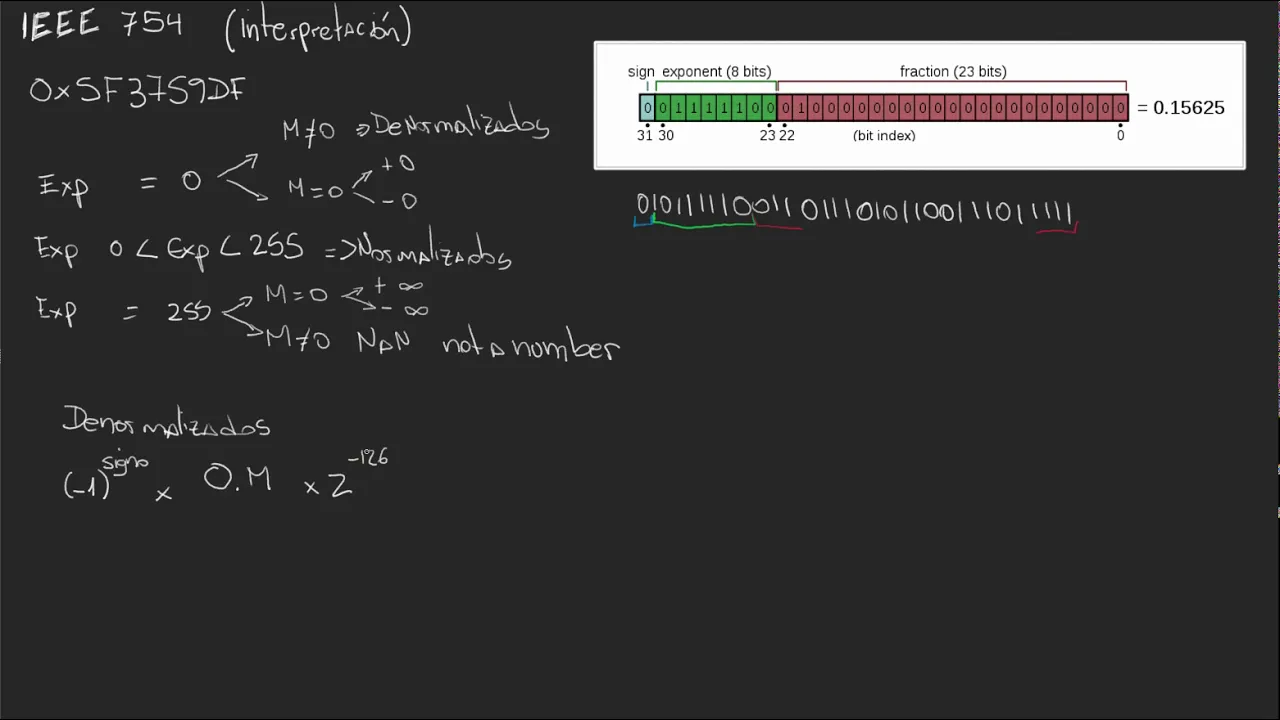








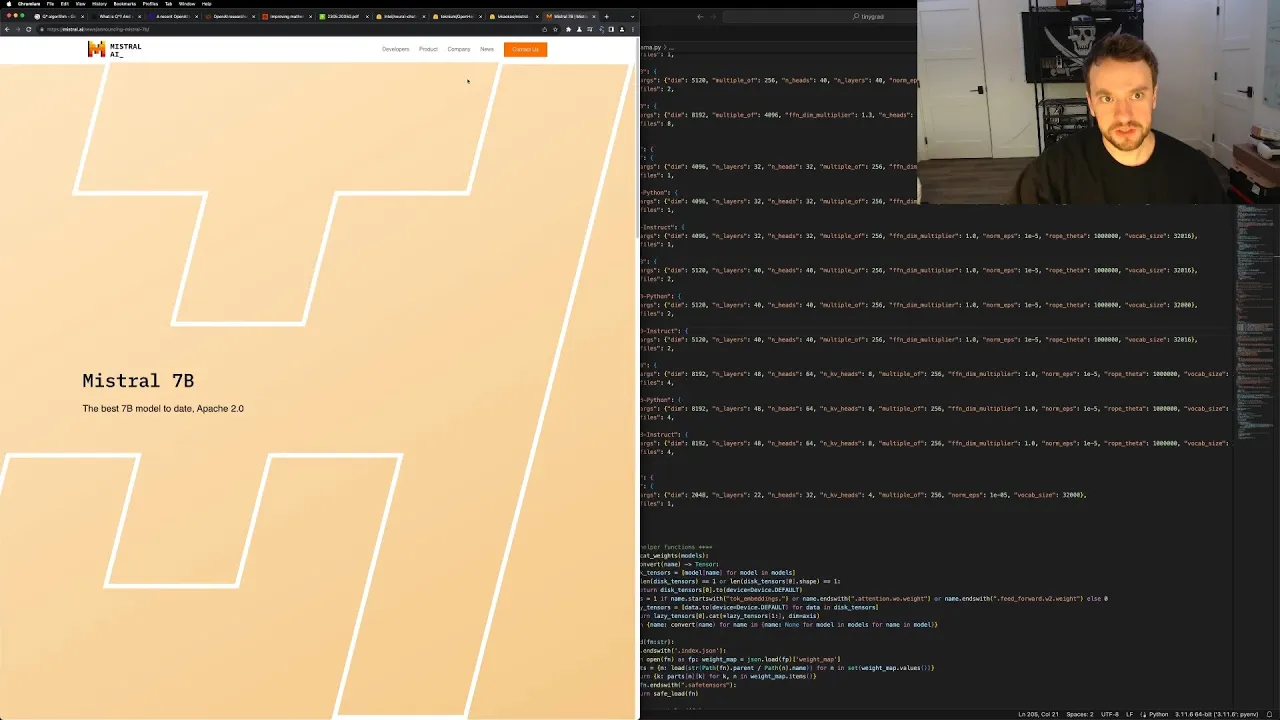

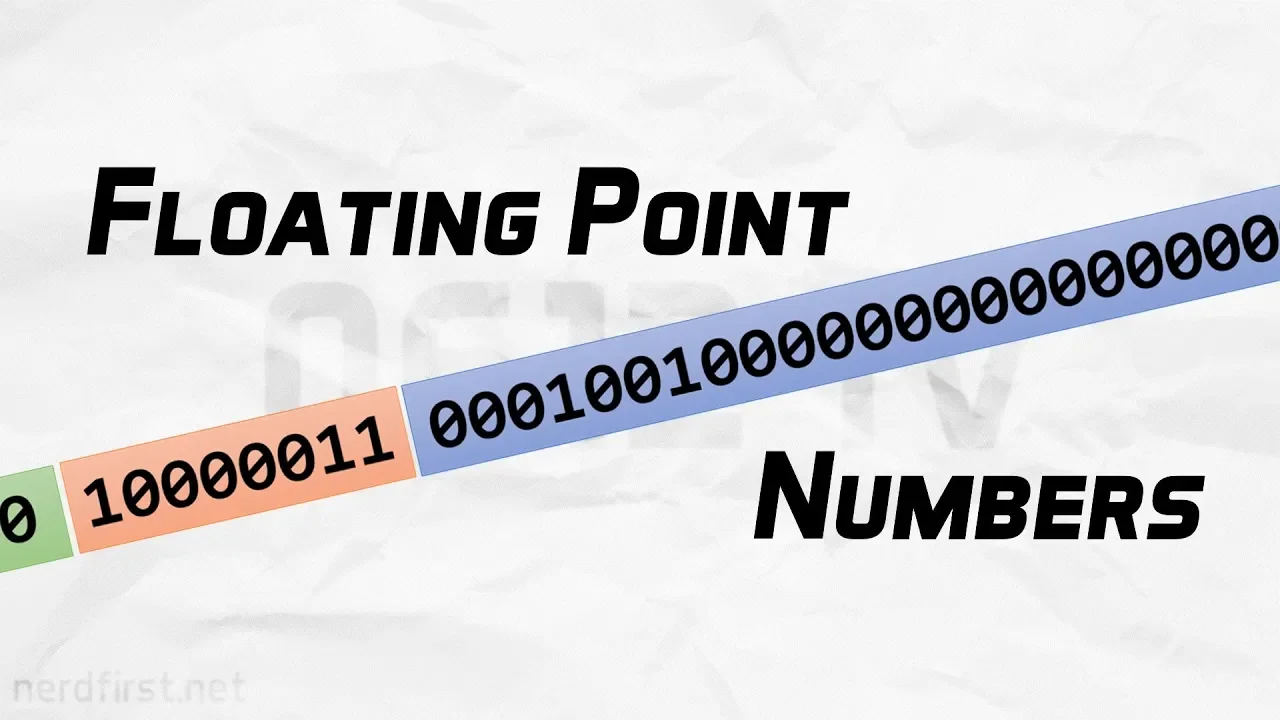
Computers represent real numbers using the IEEE 754 floating-point standard, which stores numbers in the form ±1.xxxx × 2^exponent with a sign bit, exponent field, and mantissa; in double precision, this uses 1 sign bit, 11 exponent bits (with a bias of 1023 allowing exponents from -1022 to +1023), and 52 mantissa bits, where the leading 1 is implied and not stored, and rounding occurs using nearest-neighbor rounding (with ties rounded to even) to minimize cumulative errors, resulting in machine epsilon of approximately 2^-52 (about 10^-16) representing the distance between 1 and the next representable number.
Floating Point Representation and Rounding Error in Computing
Added:Understanding of the binary number system (base-2) and how to convert integers between binary and decimal formats.
Concept of scientific notation in mathematics, including significand (mantissa), base, and exponent.
Basic computer organization concepts, specifically how data is represented in memory using fixed-size bits and bytes.
Limitations of fixed-point number representation in computing for handling extremely large or small values.
Numerical analysis and the propagation of rounding errors in iterative algorithms (such as catastrophic cancellation).
Advanced IEEE 754 concepts, including subnormal (denormal) numbers, NaN (Not a Number), infinity representations, and signed zero.
Practical software engineering techniques for handling floating-point precision, such as epsilon comparisons and arbitrary-precision libraries.
Alternative and modern numerical representations used in deep learning and high-performance computing, such as bfloat16, FP8, and Posits.
96K views0likes16:27Original Release: 2017-08-23
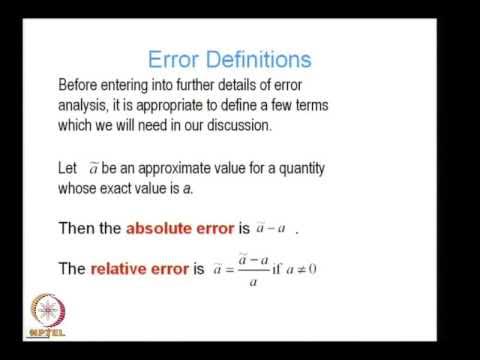
all right this lesson is all about how computers store numbers now there are a lot of details in here that might at first seem weird to you and my best advice for this topic is to really just pause the video work through examples make sure you understand every single little step that's done and it will become more comfortable and less strange to you the more you practice so the way computers store numbers is based on the standard of the I Triple E that stands for the Institute of Electrical and Electronics Engineers which is I think the world's largest technical organization and so most computers may be all computers are built on this standard and I'm gonna walk you through how numbers are stored in steps so the first step is to just think about what we'll call a normalized number and the normalized number has the form plus or minus so we say if it's positive or negative then one point and then a kind of part of the number that comes after the decimal that's called the mantissa and it's gonna be in binary and then times two to an exponent okay so here's a quick example of how we think about this take the base ten number twenty three point one seven one eight seven five if you were to convert that to a base two number it would be written 1 0 1 1 1 dot 0 0 1 0 1 1 ok and so in normalized form that would be a plus because it's a positive number and then a 1 dot and then all of these numbers here that's the mantissa and then this number here the the 4 and the 2 to the fourth that's the exponent ok this leading one right here we never store that ok and the reason you never store it is that it's it's implied it's like a built in part of the that's always there there are different levels of precision that a computer might use to store numbers so there's something called the single precision where the exponent has eight binary digits and the mantissa has 23 there's double precision where the exponent has 11 and the mentis it has 52 and then there's this thing called long double we're almost always going to be using double maybe exclusively that's what we'll be thinking of and so again the way to think about double precision I Triple E standard floating-point representation is that there's one bit one binary digit that represents the sign positive or negative so zero means positive and one means negative and then the exponent is made up of 11 bits so 11 binary digits and then the mantissa is made up of 52 bits and of course don't forget there's that one dot part that goes before the mantissa but we don't store that that's implied so let's go back to this example from before we had the number 23 point one seven one eight seven five the sign is zero because it's a positive number and then the mantissa is all this stuff here so there's the things I've underlined right which appear here and then the rest we fill in all with zeros because we go out to 52 places and in case it helps you see that long mantissa better here it is separated into four bit chunks let's talk about the exponent for a minute the exponent is made up of 11 bits right so that's like 11 spaces 1 2 3 4 5 6 7 8 9 10 11 and each one can be a 0 or a 1 so that's 2 to the 11th or 2048 different integers that it can represent now we don't only want to represent large numbers with our floating-point representation we want to have both positive and negative exponents okay so of these 248 2048 different integers that we can represent to we're going to save okay and I'll tell you what we're saving them for later and that leaves 2046 leftover and we want to be as unbiased as possible okay so we're gonna let these 2,046 integers that we have actually represent negative 1022 to positive 1023 and if you add those two numbers ignoring the minus sign you get 2045 but of course there's zero is the 2046 so this range is 2046 integers and so there's this thing called the exponential bias okay and what that is is the number that you add to the actual exponent to store okay so in other words if you want it to store the exponent minus 1022 what you would do is you would add 1,000 23 to it that equals 1 and then the exponent that you would store is zero zero zero zero zero zero zero zero zero zero one that's an 11-bit exponent that represents the number one but you can go backwards if you see this exponent you subtract that bias of 1023 and you get minus one that was in 22 okay so again here as an example this number in normalized form the plus turns into the zero this stuff here this stuff turns into the mantissa over here are those 52 bits and then there's this 2 to the fourth and since 4 plus the bias 1023 is 1027 then that's what these 11 bits represent this is the binary representation of 1027 this one is in the 1,024 place this is plus two and this is plus one so that's a thousand 27 and again the reason for this exponential bias is that we want to have a way of representing positive and negative exponents without having to keep track of another sign and this is the way that it's done okay so I told you that of the 2048 integers we could represent in the exponent two of them we were saving for special cases we're not gonna obsess about these but this is just so you know what they are if the exponent is 2047 then it's equal to infinity the number is set to represent infinity if the mantissa is all zeroes if the mantissa is not all zeroes but the exponent is 2047 then it represents this thing called not a number okay then the other choice is if the exponent is zero that's the other exponent that's saved these are used to represent numbers called subnormal numbers which are very small they're mentioned in the book we're not going to worry about these here okay so it you can do a few more examples if you want we could take this binary number and in floating-point form this would have one as the sign because it's negative and then it would have the mantissa needs to capture these digits here so that's why you see 0 1 1 0 1 0 0 1 1 1 0 1 that's these digits ok and then you have to count how far over we have to shift those and we have to shift it over 1 2 3 4 5 decimal places ok so that's gonna be times 2 to the fifth so if you want to have an exponent of 5 you have to worry about that exponential bias so we want to represent the number 1028 and that's what you have here this is in the 1,024 place this is in the forest' place so these 11 digits represent 1028 ok so you should do the practice and you can pause this video and just see what these numbers here represent in binary it's worth doing the exercise so it may be that you have a number which when you try to put it in the format we've been discussing requires more than 52 bits in the mantissa and so there's various ways you can approximate write to get down to just 52 bits in the mantissa what is called chopping which means you ignore all the digits after bit 52 but that's not what's done because that systematically rounds things downwards right and this can result in undesirable computational consequences so instead we use something called grounding and in particular something called nearest neighbor rounding so what you do is you put the number in this form and if what's left after the 52 bits and the mantissa starts with a zero then you drop them if it starts with a 1 like here then what you do is you get rid of all that stuff but you add 1 to the bit in position 52 and of course that may cause you to have to carry other bits over you know about caring when you do addition so that's a that's the thing that can happen and then of course there's a special case where you have something that's a 1 followed by all zeros and that's all following the fifty-second bit and that's exactly the borderline between the two previous cases and this is going to seem really weird but what you do in this case is that if the fifty-second bit is 1 then you take this one and you add it here and if the fifty-second bit is 0 then you do nothing right you just chop it off so that you're basically rounding down and it turns out those two cases are equally likely to happen so this is a way of a computer trying to like make errors that will hopefully cancel each other out while you're doing lots of calculations there's an important number called machine Epsilon and we write it this way or this way and what it represents is the distance between the number one and the next smallest number that your computer can represent okay so in I Triple E double precision representation that next smallest number is 1 plus 51 zeroes followed by a 1 so that's 1 plus 2 to the minus 52nd power and the difference between that number and 1 is just this bit here so this machine epsilon is 2 to the minus 52nd power and if you just try to translate that you can do it approximately or exactly with a calculator it's equal to about 10 to the minus 16 okay and if you type dot machine dollar sign weps just at the prompt in R then you'll see what machine Epsilon on your machine is a good exercise for you to do would be to repeat this but instead of starting with the number 1 see what the distance is between 2 to the 20th and the next smallest number that you can represent in I Triple E double precision and so the first thing you need to do is just take 2 to the 20th and write that in the standard format and then see what's the smallest thing you can add on so let's talk more about rounding when you round numbers on a computer using this floating point representation you're changing your actual intended number and we have to be able to figure out what the error is in that so to make a concrete example let's take the base 10 number nine point four which in binary is one zero zero one dot zero one one zero repeating infinitely so the four tenths in the nine point four translates into this business here and if you put this in floating-point format you get a plus and a 1 dot and then a zero zero one zero that's these four bits here and then you have to worry about the repeating stuff so you get one one zero and then you go back to the start of your repeating part zero so that's where this one one zero zero comes from and then it repeats over and over again but when you do your rounding at the 52nd bit because the repeating part starts with a 1 what's gonna happen is the trailing zero that you've seen in the repeating part gets rounded up to a 1 here in the 52nd bit so what did we actually do we truncated the tail by this one one zero zero infinitely repeating pattern starting out after the 52nd bit right except that the whole thing was multiplied by two to the third right that was the exponential term here so in short you truncate firt when you did the rounding process you threw away all this repeating stuff which if you calculate it out turns out to be point eight times two to the minus forty ninth power but then you didn't just truncate you added because you turned the zero that was supposed to be here into a 1 due to rounding so what you did there was you added 1 in the 2 to the minus 50 second place but the overall exponent was 2 to the third so what you did was you added 1 times to the minus forty ninth power and so you can compute a negative sign on this stuff right then you threw away and you can compute a plus sign on this stuff and if you calculate that out the 1 minus the point 8 gives you a point 2 times 2 to the minus 49th so the floating point representation of 9.4 is actually 9 point 4 plus 0.2 times 2 to the minus 40 ninth power we can talk about the absolute error is just the the magnitude of the difference between the actual number and the floating point representation so that's this bit here that's point two times two to the minus forty ninth and we can talk about the relative rounding error which is just the absolute error / the true number so it's like what fraction of the true number is the error and here that turns out to be 847 times to the minus 52nd we won't show this but it's it's not too bad to show that this relative rounding error is always less than or equal to Machine epsilon divided by two I'll just say a few words without doing the details we're not going to do him but we'll say a few words about the addition and subtraction of floating-point numbers there is a register or a part of your computer that's dedicated to doing computations so that addition itself can be done with higher precision so what you do is you take your numbers that you want to add and you kind of line up the decimals and you do the addition and subtraction and for now you can imagine that when you're doing that addition and subtraction you don't have to worry about rounding yet but then once the arithmetic is complete then you have to round it back into floating-point form so we're not going to delve too deeply into that but in case you were in case you were wondering all right thanks for listening
Up Next
91:07
Floating Point Data & Numerical Analysis | Lecture 1.1
@drewmacha
133 views•2025-08-29

87:26
Introduction to Secure Multiparty Computation with Yehuda Lindell
@fhe_org
7.7K views•2021-02-04

4:55
HTTP Requests Explained: GET, POST, PUT, DELETE
@codecademy
103.1K views•2021-10-07

19:25
Enigma Machine Mechanics: WWII Encryption Explained
@JaredOwen
13.2M views•2021-12-11
Related Study Plans & Knowledge Roadmaps
Structured learning paths in Computer Science
computer-science
Container Runtimes: Namespaces, Cgroups & Go
01Linux Systems & Go Programming Foundations
02The Core of Isolation: Chroot and Filesystems
03Linux Namespaces: Process Isolation
+ 3 more learning modules
32h6 modules
Explore Roadmap
computer-science
Building a CHIP-8 Emulator: Rust & CPU Basics
01Computer Architecture Foundations (Bits & Bytes)
02Rust Programming for Systems Development
03CHIP-8 Virtual Hardware Specifications
+ 2 more learning modules
32h5 modules
Explore Roadmap
computer-science
Building BitTorrent: Go, P2P & Concurrency
01Go Fundamentals & Concurrency
02Networking Foundations & P2P Architecture
03Bencode Parsing & Torrent Metadata
+ 3 more learning modules
26h6 modules
Explore Roadmap
computer-science
Actor Models (C++ Concurrency & Lock-Free)
01C++ Multi-Threading Foundations
02Thread Pools and Task Scheduling
03Atomics and Lock-Free Queue Design
+ 3 more learning modules
45h6 modules
Explore Roadmap