








![Realistic Collision Response - Let's Make a Physics Engine [09]](https://i.ytimg.com/vi/vQO_hPOE-1Y/maxresdefault.jpg)







![Broad Phase & Narrow Phase - Let's Make a Physics Engine [22]](https://i.ytimg.com/vi_webp/2tS-3C8ty1I/maxresdefault.webp)
![Physics Engine Development - Collisions Phases Pt 1[Theory]](https://i.ytimg.com/vi/L_LQ9c3RxHs/maxresdefault.jpg)
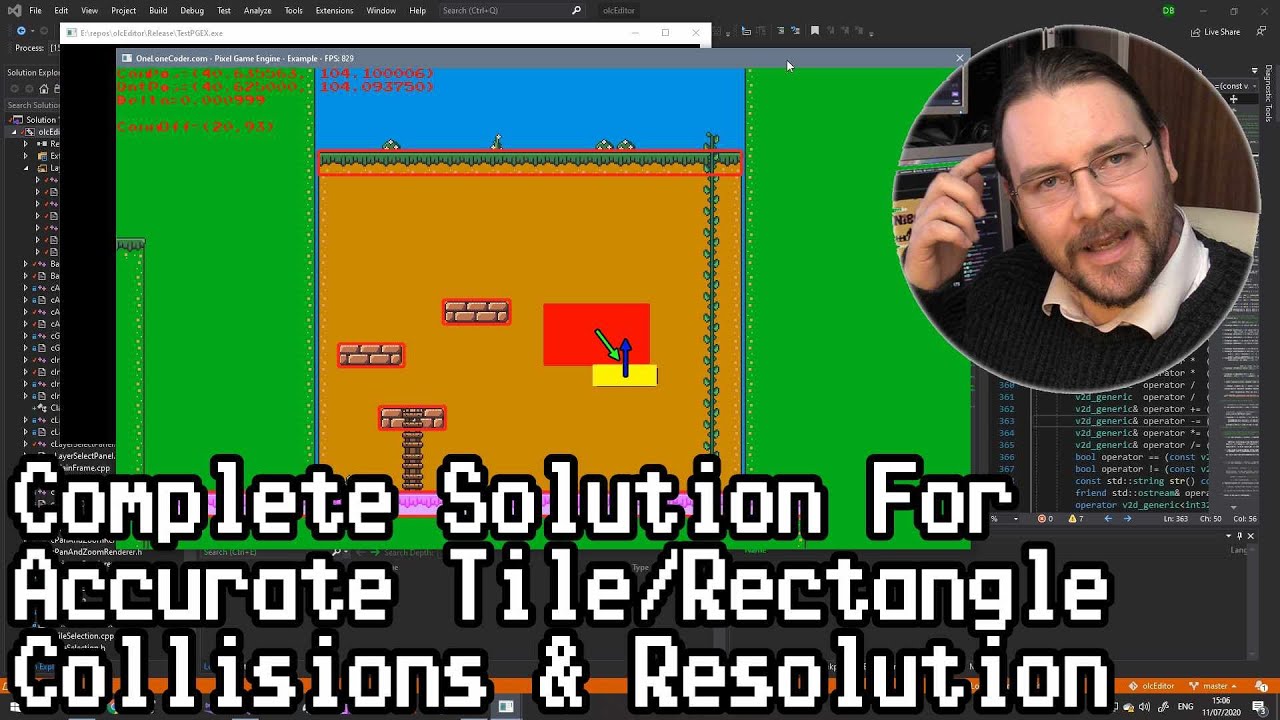






Positional correction is a technique in physics engines that resolves overlapping objects by calculating a correction vector based on collision depth and mass ratios, then applying this vector to push objects apart proportionally to their inverse masses, preventing them from sliding into each other during simulation.
Physics Engine Tutorial: Positional Correction for Collision Resolution
Added:Basic vector mathematics, including dot products, vector addition, and calculation of normal vectors.
Fundamentals of collision detection, specifically how to identify penetration depth and collision normals between geometric shapes.
Rigid body kinematics and Newtonian mechanics, including concepts of mass, velocity, acceleration, and forces.
Impulse-based collision resolution and how velocity is modified during elastic or inelastic collisions.
Implementing static and dynamic friction models along the contact tangent to simulate realistic surface sliding.
Integrating Continuous Collision Detection (CCD) to prevent 'tunneling' (fast-moving objects passing through thin boundaries).
Developing a broadphase collision detection system, such as Quadtrees or Sweep and Prune, to optimize engine performance.
Exploring advanced constraint solvers, like Sequential Impulses, to handle complex multi-contact scenarios and stable object stacking.
Implementing joints and constraints, such as distance joints, hinges, and springs, using the established correction framework.
288 views10likes8:53Original Release: 2024-01-11
welcome back everyone in the last episode um we implemented our borders um added the gravit at the gravitation back and change the calculation of the bounciness in our cision resolution but we still have a problem um which we encounter um quite a lot last episodes and this is this sliding into each other and we're going to tackle that today um but first I want to change something to the imulation glass again and this time we're going to um again change our shapes so we have kind of a stacking of objects and for this one um I think I can leave the circle that's okay um I'm going to add a new rectangle so I'm just going to copy this line add it here um then I'm going to change the coordinates again from the first one the coordinate is now 300 by 300 um everything else is okay then the other rectangle will be 400 and 150 and the other rectangle again the third one will be 200 and z um the width of the second rectangle will be 200 by 100 and the width of the bird rect angle will be 200 also by 100 okay both of them will have like yeah this Mass 60 20 20 and the circle well I I think it's it's it's not really important but I'm going to set it to 100 all right also uh let's make it a little bit bigger all right um I think that's everything for the simulation class um yeah looks good um now I'm going to change or I'm going to add the positional correction right here and the positional correction um here we just going to move out a shape out of each other right simple um we need to set a variable and this will be the correction percentage and this will determine how much the body will be pushed out every um every time we call this method uh in this example everybody will be pushed out by 20% and in the next iteration it will be pushed out again 20% if you set it to one it will be pushed out immediately um but this will this can uh lead to instability to the simulation and that's why um it's probably better to have it a yeah between like five six% uh sorry 60% to 20% I leave it to 20 CU we don't have much objects um and the simulation still runs pretty fast so I guess that should be a good number for that one but of course you can also you can try different values and see what's happening okay then we have to calculate the well the amount to correct and this is a calculation from the depth we divide the depth by the invert Mass so if we have a body which has more math than a mass I mean Mass if a body has more mass then the other one will be pushed out um well more than and the one with the big Mass okay um and we can calculate this by this Rich a do invert Mass plus this do rich B invert mass times the correction percentage all right then we're going to create a correction Vector this will be the vector where we're going to move um our object and the correction a let's say movement is the is the um oh one second oh I forgot something oops uh yeah the correction Vector sorry um well we need to first um make a correction vector and the correction Vector is um the amount to correct times the normal of the Collision so this will be um the normal as I said this.
normal times the amount to correct okay um then we're going to calculate our specific uh movement Vector for every body for the richet body a will be uh I'm going to call this Rich a movement move M uh will be again um the correction Vector but this time scaled um by minus one like in the in the uh Collision resolving method and also scaled again with the invert Mass so WI a do invert Mass * minus1 and the same for the rigid body B here we go and there we go also remove the minus one and then we need to check if one body is a kinematic so we don't need to do this if this if that body will be a kinematic body if Richie a is a kinematic body then well if Rich a is a is not a kinematic body then we're going to say this.
rich. shape. move or we can say let's use the get shape method get shape.
move and here we're going to add the rich a movement vector and the same for the other one I think I can just copy that again there we go uh Rich a will be RB this will be GB and there we go um yeah and I think that's everything for our positional correction um I think we can try that right now so let's go back to the browser refresh there we go we have our shapes and let's see what's happening okay mhm hey yeah that looks pretty nice there is no sliding anymore the other shapes were bouncing a bit but that's because of our material um values here I'm going to move the other shape from the other one of course we don't have a rotational impulse that's why the shape looks kind of weird on this other one come on there we go we go all right pretty cool so far really really nice all right um yeah that's already everything for this episode [Music] um in the next one um I'm going to show how we can calculate the inertia of any conve polygon cuz we need this one to um finally rotate really you know by torque uh we need that to rotate objects by torque and also to do rotational impulses all right then see you there bye-bye
Up Next
30:54
Introduction to Unity Physics: API and Core Concepts
@brianwill5478
1.5K views•2025-03-13

58:25
MathWorks Virtual RoboSub Simulation Environment | Webinar 2026
@RoboNationInc
209 views•2026-03-10

11:04
How to Build a Self-Balancing Robot: Arduino Nano & MPU6050
@easytechzones
16.8K views•2022-03-09
25:22
Micromouse: The Fastest Maze-Solving Robots on Earth
@veritasium
23.5M views•2023-05-24
Related Study Plans & Knowledge Roadmaps
Structured learning paths in Robotics
robotics
Building Delta Robots: Kinematics & Pico
01Foundations of Delta Robots & Mechanical Design
02Electronics and Microcontroller Setup with Pi Pico
03Delta Robot Kinematics and Coordinate Math
+ 3 more learning modules
65h6 modules
Explore Roadmap
robotics
Building Ballbots: Dynamics, Kalman & LQR
01Embedded Electronics & Omniwheel Actuation
02Ballbot Kinematics & Rigid Body Dynamics
03IMU Sensors & Kalman Filter State Estimation
+ 2 more learning modules
42h5 modules
Explore Roadmap
robotics
Micromouse: Hardware, PID Control & Flood-Fill
01Electronics & Teensy Microcontroller Basics
02Sensors and Actuators: Motors, Encoders & IR
03Precision Movement: Implementing PID Control
+ 2 more learning modules
35h5 modules
Explore Roadmap
robotics
CDPR: Kinematics, Arduino & Winch Control
01Foundations of Arduino & Basic Electronics
02Stepper Motors and Winch Mechanics
03Kinematics of 2D Cable-Driven Robots
+ 2 more learning modules
28h5 modules
Explore Roadmap