AI Code Assistant: Ollama, LangChain & VS Code
Learning Goal: Construct a local, offline code-completion and refactoring assistant using Ollama, LangChain, and VS Code extension APIs.
Prerequisites
- Basic familiarity with programming in JavaScript or Python.
- A computer capable of running local models (recommended: 8GB+ RAM, though 16GB+ or Apple Silicon/NVIDIA GPU is preferred for smooth performance).
- Visual Studio Code and Node.js (LTS version) installed on your system.
Estimated Total Study Time
- 18 Hours (including video lectures, supplemental independent reading, and active hands-on coding exercises).
Module 1: TypeScript and Node.js Foundations
Modern editor extensions require a highly robust, asynchronously driven environment. This module builds the fundamentals of static typing in TypeScript, configures Node.js and the Node Package Manager (NPM), and explores the inner workings of the JavaScript event loop to ensure your code-assistant doesn't lock up the active editor UI during LLM inference.
Recommended Videos

Why this video
This crash course introduces the core value proposition of static typing over JavaScript. By establishing how TypeScript compiles down to standard JavaScript while catching structural type mismatches early, it prepares you to handle the complex VS Code workspace and editor context models without risking unpredictable runtime errors.
Why this video
Jack Herrington provides a granular, no-nonsense setup guide to getting your first TypeScript compiler config (tsconfig.json) running correctly. It illustrates standard primitives, array types, and object interfaces that you will directly apply when parsing payloads between your extension client and the Ollama server.
Why this video
To develop VS Code extensions, you must work comfortably within the Node.js runtime. This fast-paced tutorial demystifies how Node handles modules, scripts, and dependencies (via package managers), providing a clear pathway for utilizing third-party SDKs like LangChain.js.
Why this video
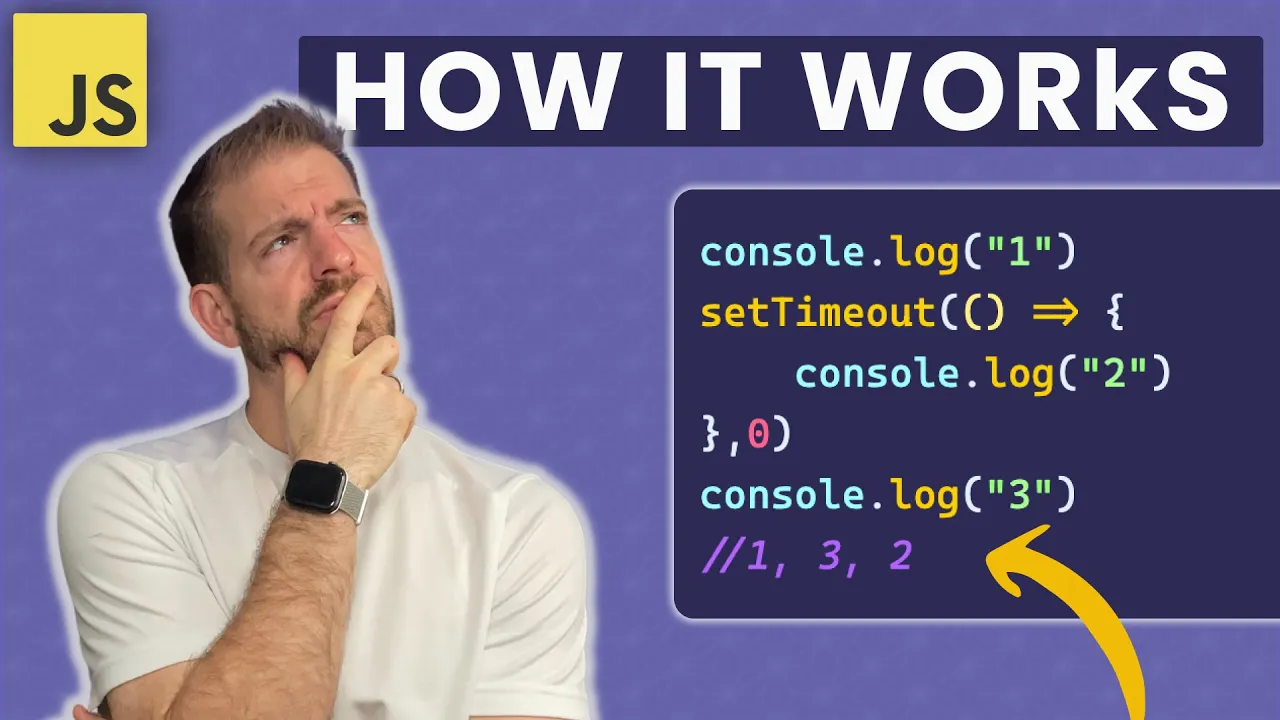
Your extension will make heavy network calls to a local LLM server. Without an absolute grasp of the call stack, task queues, and the single-threaded event loop, it is easy to accidentally block the UI thread. This video equips you with the visual theory behind non-blocking asynchronous calls.
Knowledge Checkpoint
- Initialize a new Node.js project using
npm initand configure basic project scripts. - Set up a working
tsconfig.jsonfile for Node.js-focused TypeScript compiling. - Explain the difference between synchronous execution and microtasks (such as Promises and async/await blocks) in the JavaScript event loop.
- Define custom TypeScript interfaces to handle structured JSON payloads.
Module 2: Local LLMs and Ollama Operations
Taking your generative AI workloads offline provides complete data privacy and removes operational API costs. This module covers installing and running open-source models like Llama 3 or DeepSeek-Coder locally using Ollama, executing standard prompt instructions, and interacting directly with Ollama's REST API endpoint.
Recommended Videos
Why this video
Tim walks you through setting up Ollama on local hardware step-by-step. You will learn how to pull, manage, run, and communicate with local models such as Llama 3 through your machine’s shell. This is a foundational step to validating that your system has the proper hardware orchestration setup.

Why this video
Jeremy focuses extensively on programmatic operations using Ollama’s default REST endpoints. This video highlights how Ollama spins up a persistent background API on localhost:11434 and demonstrates structured JSON schema requirements for both simple generations (/api/generate) and chats (/api/chat).

Why this video
Running Ollama natively is fantastic, but deploying containerized environments offers maximum consistency across dev environments. This guide explains how to pull and configure the Docker-based image for Ollama, exposing network ports and enabling hardware (GPU) pass-throughs cleanly.
Knowledge Checkpoint
- Successfully install Ollama and execute a local model (e.g.,
ollama run deepseek-coder) via the terminal. - Send a successful raw POST request to
http://localhost:11434/api/generatewith a JSON payload usingcurlor Postman, retrieving a streamed response. - Describe the performance trade-offs (inference speed, token-per-second rate, memory footprints) when selecting a small 1B/3B model versus a larger 7B/8B model for code tasks.
- Configure environment variables such as
OLLAMA_BASE_URLto point to containerized, Dockerized, or external system endpoints.
Module 3: VS Code Extension API Basics
To build an interactive coding tool, you must interface directly with VS Code’s extension host. In this module, you will learn the security sandboxing of VS Code extensions, bootstrap initial boilerplates with the Yeoman generator (yo code), register system commands, and manipulation of basic text selections in the active text editor.
⚠️ Curriculum Note: The video pool has limited architectural deep-dives for custom inline auto-completions, which are highly specialized. To supplement these videos, we highly recommend researching the VS Code Extension API Documentation on Workspace Commands directly alongside this content.
Recommended Videos

Why this video
This session covers how VS Code abstracts its process boundaries. It explains how the separate Extension Host process acts as a secure sandbox, preventing running extensions from hanging or crashing the core editor UI. This is critical theoretical grounding for understanding why certain APIs require special callback interfaces.

Why this video
This video demonstrates using the official Yeoman scaffolding tool (yo code generator) to create structured extensions. You will learn about key configuration files, defining commands within package.json (contributes.commands), and executing them dynamically in the editor lifecycle.
Why this video
This comprehensive, step-by-step tutorial details how to manipulate code selected by users in the editor. You will see how to access the activeTextEditor object, read the content inside vscode.Selection, and run programmatic modifications on code files.
Knowledge Checkpoint
- Scaffold a basic extension with Yeoman using
yo codeand launch the debugging utility within the "Extension Development Host" environment. - Identify the function of the
package.jsonfile'sactivationEventsandcontributesfields. - Use
vscode.window.activeTextEditorto fetch the current active document and the exact range/string of a user's selection. - Register a command using
vscode.commands.registerCommandand test its execution using the command palette (Ctrl+Shift+P/Cmd+Shift+P).
Module 4: AI Orchestration with LangChain.js
To make our assistant effective, we cannot just throw raw code directly at the LLM. We must format our instructions cleanly. This module covers using LangChain.js to build modular PromptTemplates, orchestrate structural pipelines, manage memory history context, and handle output parsing using JavaScript.
Recommended Videos

Why this video
This is a highly structured introduction to LangChain’s modern JavaScript framework. It systematically covers how to structure chains, build custom templates, parse unstructured outputs into stable formats, and hook up LLMs in clean, reusable object modules.

Why this video
This extensive crash course goes deeper into complex execution structures. It guides you through prompt-injection patterns, combining contextual data alongside raw system templates, and utilizing LangChain wrappers specifically tuned for processing raw code blocks.
Knowledge Checkpoint
- Define a
PromptTemplatethat accepts input code variables, structural programming languages, and clear directives, returning a formatted prompt string. - Set up a LangChain
Ollamaclass instance pointed at your local port, and invoke it programmatically in Node.js. - Implement a system context template that enforces the LLM to output only functional code, omitting chatty natural language explanations.
- Chain together multiple operations where the generated output of a general refactoring chain feeds into an automated code-review or unit-test-generation pipeline.
Module 5: Building Code Completion and Refactoring Tools
With foundational APIs, local LLM control, and LangChain orchestration in place, you are ready to construct your custom code assistant. This module focuses on using VS Code's inline completion structures to offer ghost-text completions while the developer types, alongside targeted context-menu refactoring.
⚠️ Curriculum Note: This module sits in a high-demand, bleeding-edge category with weak public coverage of raw custom boilerplate coding. Most YouTube content utilizes pre-built packages (such as Continue.dev). To fulfill the core goals of this module, use the recommended videos to bridge structural concepts, and execute the suggested independent search queries to guide your final project development.
Supplemental Search Strategy for Gaps
- Search Query:
vscode.languages.registerInlineCompletionItemProvider TypeScript tutorial(Target: Learn to implement the native ghost-text provider interface.) - Search Query:
LangChain JS stream event listener Node.js(Target: Connect an active token stream from LangChain's Ollama integration to the VS Code editor range buffer.)
Recommended Videos

Why this video
This video establishes the baseline workflow: bridging VS Code and an active local model runner like Ollama. It proves how highly responsive offline workflows perform when properly wired together, serving as an outstanding functional blueprint for what your custom plugin will do.
Why this video
Before writing completion algorithms, you must understand how the front-end user experience functions. This video showcases "ghost text"—how VS Code handles and presents inline suggestions in a non-intrusive way, highlighting how completions look when suggested programmatically.

Why this video
Teej breaks down the underlying interaction loop between code editors and completion providers. This provides you with crucial architectural insights into how completion requests are triggered and processed during active coding sessions.
Knowledge Checkpoint
- Register an inline completion provider using
vscode.languages.registerInlineCompletionItemProvider. - Capture the cursor position and context prefix/suffix (FIM - Fill-In-the-Middle) using
vscode.TextDocumentAPIs to pass to the local model. - Bind a custom refactoring command (e.g., "Refactor Code Structure") to the VS Code editor context menu (
editor/context). - Connect a live LangChain token stream to a command execution, inserting text progressively at the active editor's cursor position.
Course Map
This flowchart maps the recommended path through the modules. Complete Module 1 to establish coding primitives and Module 2 to set up your local AI engine. These converge into Module 3 and 4, building the skills needed to construct your completion tool in Module 5.
Key People Index
- Ryan Dahl: Original creator of the Node.js runtime and Deno, foundational to server-side asynchronous JavaScript engines.
- Tim Ruscica (TechWithTim): Prominent educator specializing in local software structures, open-source programming tools, and LLM automation.
- Jack Herrington: Creator of "No BS TS", widely recognized for producing clean, production-grade TypeScript engineering tutorials.
- James Q. Quick: Experienced developer educator focused on the inner mechanics of modern JavaScript features, developer tools, and API patterns.
Final Self-Assessment
Execute this final testing checklist to verify your complete assistant operates offline, safely, and cleanly.
- Extension Initialization: The extension successfully boots and registers command activations without errors in the Extension Development Host.
- Local Model Autonomy: The tool works flawlessly with your internet connection disabled (verifying 100% offline security).
- API Connectivity: The custom extension correctly connects to
http://localhost:11434and fires warnings if Ollama is not active. - Inline Ghost Text: Typing triggers your custom
InlineCompletionItemProviderto display suggestions as inline ghost text. - Context Selection: Running the "Refactor Selected Code" command successfully extracts selected blocks from the active window.
- Clean LLM Injection: Code returned from Ollama overrides selections or inserts at the cursor without trailing conversational chat text.
- Stream-to-Editor Handling: Generation responses utilize asynchronous iteration to stream tokens to the editor line buffer rather than making the user wait for complete generations.
- Robust Error Boundary Handling: If local models crash, timing out or exceeding context window allocations, the extension host surfaces user notifications rather than crashing the editor session.