

![[Part 1] What are NFTs? A Simple Explanation + Why Future Multiverse NFTs Are Special](https://i.ytimg.com/vi/RrL7uupAS6Q/maxresdefault.jpg)











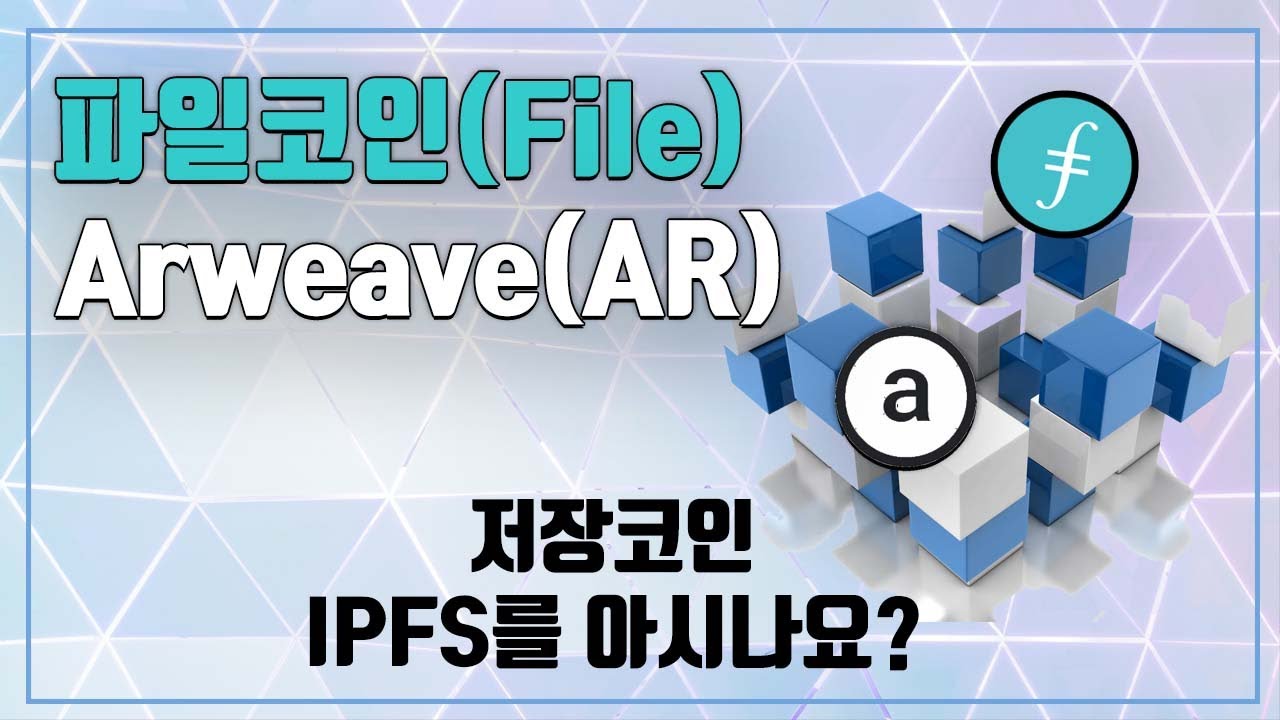


IPFS (InterPlanetary File System) is a peer-to-peer protocol that decentralizes file hosting by distributing files across multiple network nodes, making content resistant to takedowns and censorship; unlike traditional centralized servers where companies control file access, IPFS ensures files remain accessible as long as nodes maintain copies, though it may be slower for website hosting.
IPFS Hosting for NFT Collections: A Step-by-Step Guide
Added:Basic understanding of NFTs (Non-Fungible Tokens) and how blockchain smart contracts reference digital assets via metadata.
The fundamental differences between centralized web hosting (location-addressing with URLs) and decentralized hosting (content-addressing).
An introductory concept of IPFS (InterPlanetary File System) and how Content Identifiers (CIDs) uniquely identify files.
Familiarity with digital asset organization and standard JSON metadata schemas (e.g., ERC-721 standards).
Writing and deploying ERC-721 or ERC-1155 smart contracts that point to the IPFS directory CID.
Configuring dedicated IPFS gateways to optimize content delivery speeds and prevent rate-limiting in decentralized applications (dApps).
Building a front-end minting website that dynamically interacts with the smart contract and displays IPFS-hosted media.
Comparing IPFS/Pinata with alternative decentralized storage solutions like Arweave (permaweb) or Filecoin for long-term data persistence.
31.3K views491likes8:11Original Release: 2021-11-02
hello guys this your boy lisa lanky and today in this video we'll be talking about hosting nfts on ipfs now this is the third episode on the series of the stripes nft the stripes nft is going to be dropped on 8th november so stay tuned for that and uh follow its twitter account follow everything or down in the description box below also i had a doubt so should i deploy the stripes nft on polygon or ethereum network this is something that i was thinking about because ethereum has a lot of gas fees uh that you need to pay if you want to buy the stripes nft or sell it or do whatever with it so i was thinking of going with polygon so let me know what your thoughts are on this and let me know in the comment section below so uh in this particular video we'll be talking about what ipfs is why ipfs uh is better uh as compared to the traditional hosting it on the central server and we'll be doing all of our things we have already created our nfts in episode one of the series so we'll be uploading those nfts on pinata and uh i'll be talking about all of these things don't worry and uh by the way the next video is uh about the erc 721 contract i know a lot of people are waiting for this particular video uh i have already created the contract everything is done i just need to record the video of deploying it so the next video would be on erc721 contract i've already made one for erc1155 which is the second episode so check it out if you haven't already so let's get into this video and talk about what ipfs is so ipfs is actually a protocol so it's a protocol and it's a peer to peer protocol if you've ever used torrents uh you might already know how torrents work so essentially when you upload a file on the torrent uh it gets distributed to everyone and everyone kind of becomes a server so they start uploading the files as well uh for other people to download it so no one can actually take down the network and it's really difficult uh to even block a file or to even block uh something on that network so uh that is what uh ipfs does uh it actually removes the central authority of a server and uh it essentially gives it out to a lot of people a lot of nodes uh to upload and download and do things with it so basically it decentralizes uh the entire file hosting process now uh if you ever host your files uh anywhere say if you've used google photos if you've used dropbox if you've used any of these things your files are actually backed by these companies so they are the ones who are hosting your files on their servers and they have the complete authority to remove your files to do whatever with it uh that they want but here on ipfs uh you're not limited to that you can actually distribute it to a lot of people so that everyone has a copy of it and they can directly upload it to other people who are coming uh on the network so that's what uh ipfs is uh what's the use of adding files on ipfs instead of hosting it through a server the major use is that your files can never be taken down it's really difficult to take your files down because it's on the network and the second thing is that uh it's decentralized uh there's no central server that you're hosting your files onto however when you host your files on ipfs it becomes a bit slow as compared to the traditional servers so uh yeah don't uh try to upload your websites or try to host your websites through ipfs it's quite slow i've tried it so yeah let's uh actually go on hosting our nfts our uh pictures on ipfs so the first step is uh create a pinata account now what is pinata pinata essentially makes it uh easier for us to uh host our files and everything on ipfs it's just an interface for the ipfs so let's go over to pinata and create our own account so i've already created an account but um i want to do everything from scratch so i'll be doing it all over again um my email um and um let me put this so once you've done that you can do a developer and uh yeah just register over uh the account so let's just go over to our mail and uh finish the verification so let me just do that so i've got the um odp over here let me just paste it so i've finally created my account and once you've created your account you will see a dashboard of something like this now here you can upload your files or you can have everything set up and uh yeah that's exactly what we'll be doing uh we'll be uploading the nfts that we had created in the first video so we had created i think on 962 images or something uh so yeah i'll be uploading these uh 992 uh images uh onto our ipfs so let me just do that upload folder folder so let's just go over to i don't remember where it was um so uh the first thing is you will be uploading the images and then you'll be uploading the json files for it as well so let's just name it all those types images and now once it gets uploaded all of the networks that everyone has so once you've uploaded your file you'll see it over here itself it will have a unique uh cid that you can use uh to actually view your uh files and folders and uh let's just click over here and see our files so uh here are all of our files uh you can see that there are there should be like 992 images because that's how many we had uh uploaded so yeah there are 992 images over here and everything's done now uh your folder is actually on the decentralized network so no one can actually uh take it down so uh the first step is done creating the account we have also done this particular step which is uploading nfts on pinata now uh this is uh the step three which is using your cid uh this is the cid that you'll have this is a unique cid that you should always keep with yourself and we'll be using it in our contract so um afterwards in the next video when i show you uh the initial base uri we'll be using it over there so when we deploy our contract we'll be needing uh that base uri over here so uh we'll be using that uh in order to host in order to view our nfts uh with our smart contract by the way one more thing is that uh if you want to see your files using the cid itself uh what you can do is copy this cid uh then just go over to this uh gateway.pinata.cloud slash ipfs and then paste your cid over here and then slash uh the name of the file that you want to see so say for example you want to see the 10th um file that we have uploaded so 10 dot png and then just press enter and you will be able to see the 10th nft that you had uploaded over here so uh yeah that's it uh for this video and if you like this video then do press the like button do share it with your friends and uh subscribe to this channel for more such content the next video would be on erc 721 contract wherein we'll be using the cid for our smart contracts so stay tuned for that
Up Next
10:55
Planetary Gearbox Final Assembly in SolidWorks: Complete Guide
@Cadelics
901 views•2025-05-11

12:54
Triumph of Orthodoxy Icon: Byzantine Art & History Explained
@BenCallan
2.1K views•2024-08-06

9:49
FastAPI vs Flask vs Django: Choosing the Right Python Web Framework
@TechWithTim
302.5K views•2024-05-26

1:42
Game of Thrones Opening Credits: A Cinematic Analysis
@gameofthrones
46.3M views•2011-04-18
Related Study Plans & Knowledge Roadmaps
Structured learning paths in General & Interdisciplinary Studies
general-studies
Elevator Engineering: History, Physics & Cities
01From Hoists to Safety Brakes: The Dawn of Vertical Lift
02Hydraulic vs. Traction: The Engineering Physics of Elevators
03Modern Speed, Safety, and Algorithms
+ 2 more learning modules
12h5 modules
Explore Roadmap
general-studies
Rubber: Material Science, History & Geopolitics
01Origins of Natural Rubber & Mesoamerican History
02The Chemistry of Natural Rubber & Vulcanization
03The Geopolitics of the Rubber Boom & Colonization
+ 2 more learning modules
12h5 modules
Explore Roadmap
general-studies
Containerization: Evolution, Logistics & Trade
01Ancient Trade & Bulk Cargo: Amphorae to Barrels
02The Industrial Revolution & Cardboard Packaging
03The Containerization Revolution: Malcom McLean
+ 2 more learning modules
12h5 modules
Explore Roadmap
general-studies
Textile Tech: Evolution, Labor & Global Impact
01Pre-Industrial Textiles: Handloom & Cottage Industry
02Mechanization: The Spinning Jenny to the Power Loom
03The Factory System & Global Labor Transformation
+ 2 more learning modules
10h5 modules
Explore Roadmap