



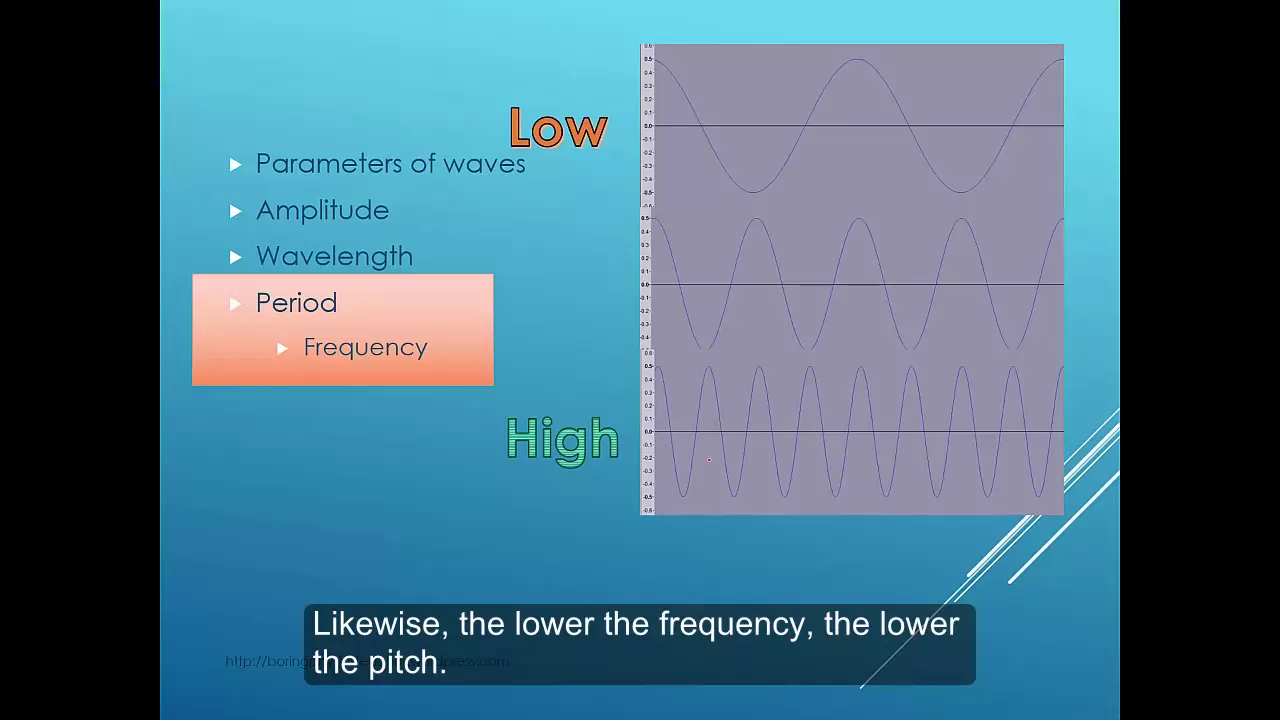










![[음향기술] 주파수와 파장](https://i.ytimg.com/vi/5lVLULIL8lk/maxresdefault.jpg)












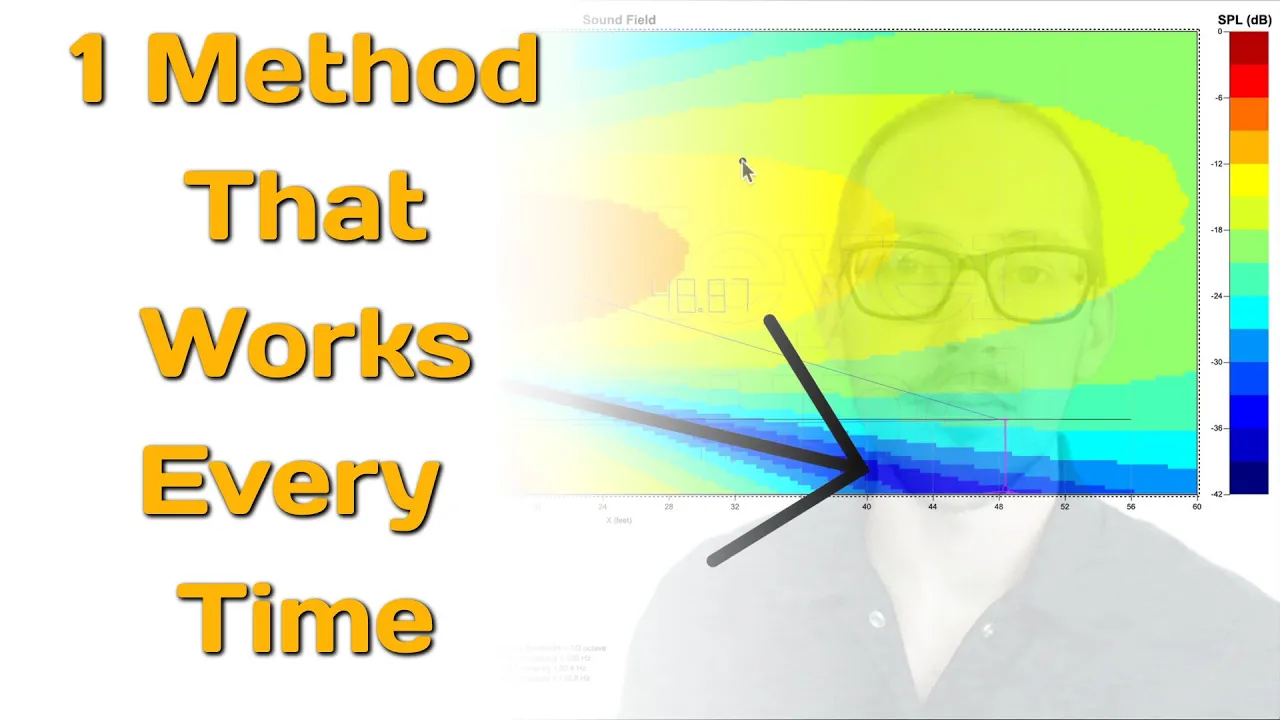
Comb filtering occurs when two or more identical audio signals interact at a slight delay, causing some frequencies to cancel out while others reinforce, resulting in a distinctive 'comb' pattern in the frequency response; this phenomenon commonly arises from digital signal processing latency, acoustic reflections, multiple microphones on a single source, or multiple speakers, and can be mitigated by ensuring proper signal alignment, increasing distance between signal paths to reduce level differences, or using acoustic treatment to absorb early reflections.
Understanding Comb Filtering: Causes and Audio Examples
Added:The physics of sound waves, including frequency, wavelength, and amplitude.
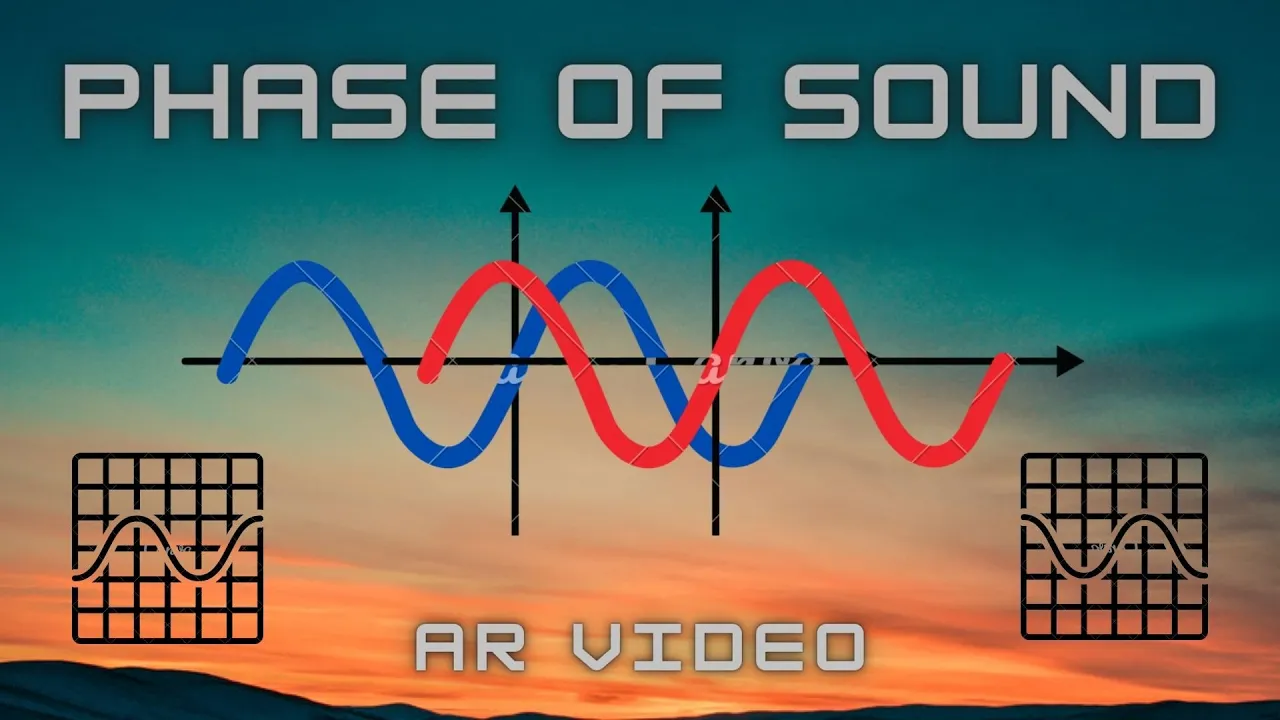
The concept of phase, specifically constructive and destructive interference when two sound waves combine.
Basic principles of signal propagation and delay (how time-of-arrival differences occur in audio recording).
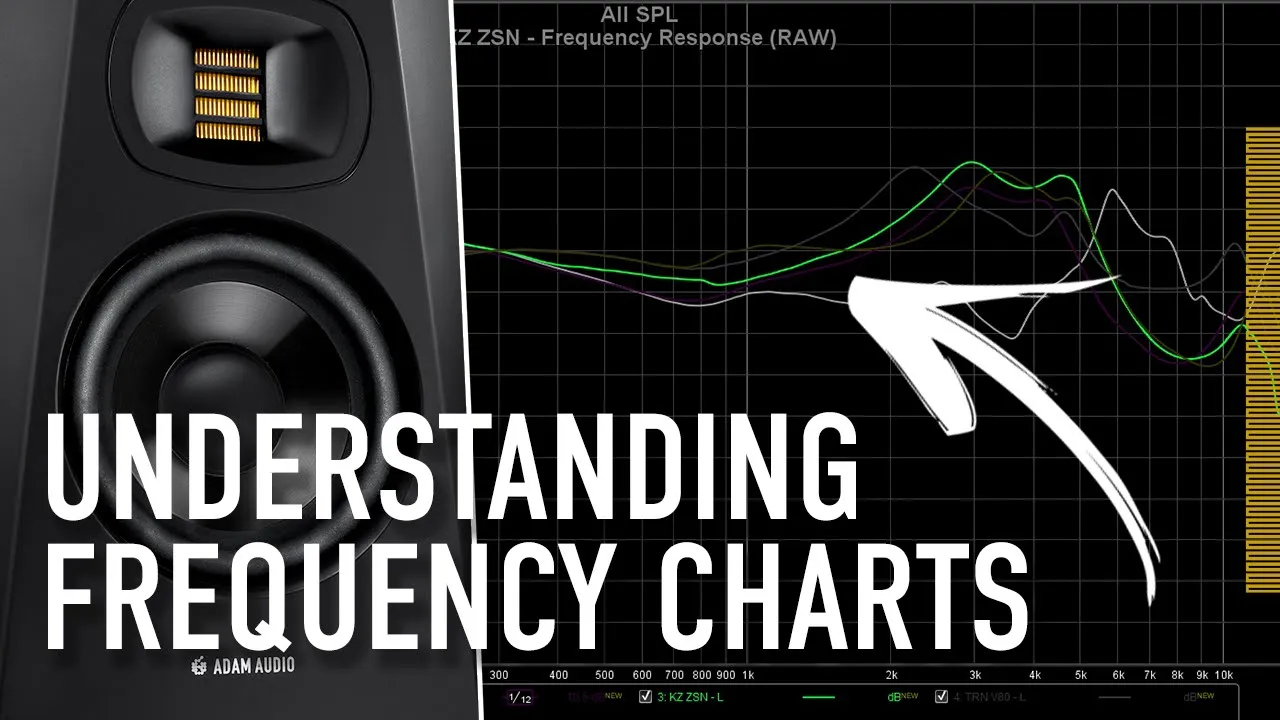
Understanding of frequency response charts and the standard audio spectrum (20 Hz to 20,000 Hz).
Advanced microphone techniques, such as the 3:1 rule and stereo miking configurations (XY, ORTF), to prevent phase cancellation.
Acoustic treatment strategies to mitigate boundary-induced comb filtering and early reflections in listening spaces.
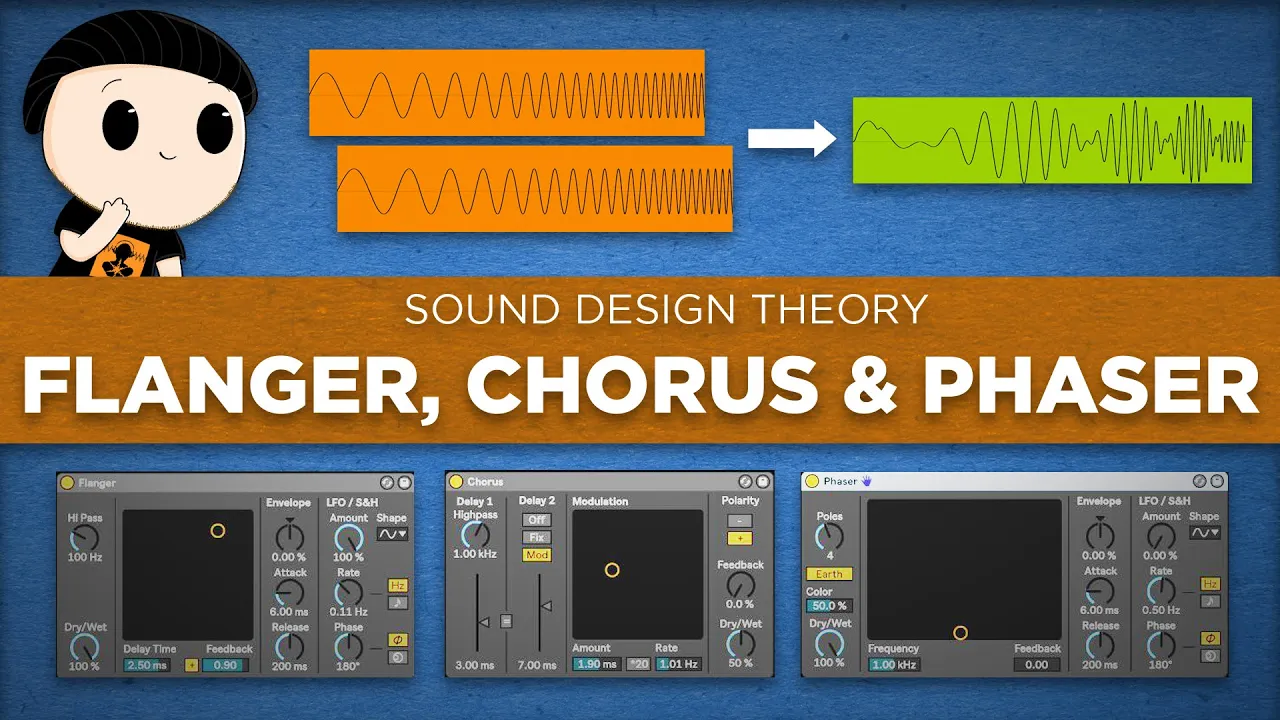
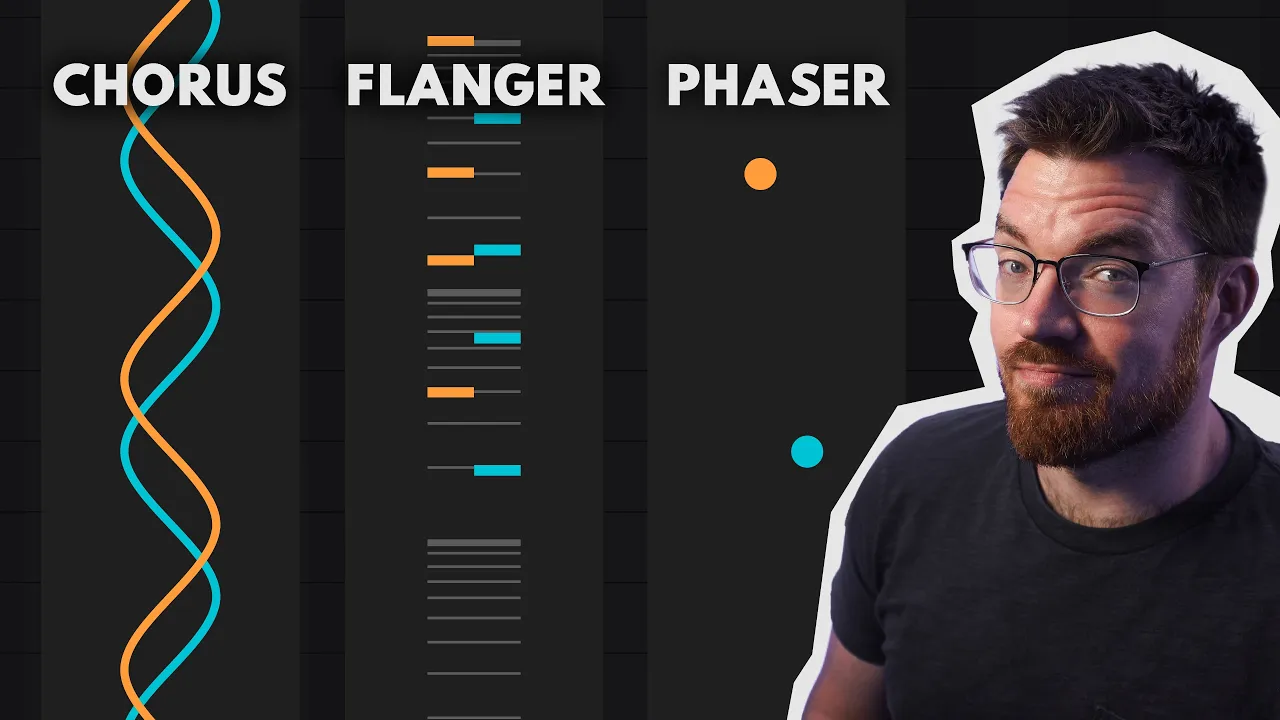
Creative applications of comb filtering in digital signal processing (DSP) and sound design, such as flangers, phasers, and chorus effects.
Live sound system tuning and time-alignment, focusing on phase-coherence between main speakers and subwoofers at the crossover point.
182.1K views11.9Klikes14:14Original Release: 2021-04-08
Comb filtering is the result of two or more identical signals interacting at a slight delay. Each signal contains many frequencies, each frequency with a different wavelength.
When the signals are aligned in time every frequency lines up perfectly and the two sounds add together to create a louder sound. When the signals are slightly shifted in time some frequencies add together and some cancel out. The resulting graph resembles a comb. Hence the name, comb filter. In this video you'll hear for yourself what a comb filter sounds like, you'll learn the common causes of comb filtering, and how to eliminate comb filtering. But if you're new to this channel, my name is Kyle. Welcome to Audio University.
You've certainly heard the effects of comb filtering in the past.
Maybe you didn't notice it or maybe you didn't know what to call it, but severe comb filtering can ruin the quality of a recording so it's really important to learn to identify it by listening.
To learn what comb filtering sounds like, let's start with a very extreme example. In addition to the fundamental frequency of my voice, my voice is also made up of many other frequencies.
So what does comb filtering sound like? If I copy this recording of my voice to another track, the two copies will work together and the overall level will increase by six decibels.
So what does comb filtering sound like? However, listen to what happens when I delay one copy.
So what does comb filtering sound like? Due to the fact that the two copies of the signal are equal in level, this example is very extreme. The closer in level the two signals are, the more extreme the interference will be. If I turn down the delayed copy of the signal by six decibels, the comb filter effect becomes much more subtle. So what does comb filtering sound like?
As I said before, comb filtering occurs when two or more identical signals interact at a slight delay. In this section, I want to go through the four most common scenarios in which comb filtering occurs in the real world. The first cause of comb filtering is latency or delay caused by digital signal processing. All digital systems add some bit of latency to the signal and this could be a big problem. Imagine a situation where you want to add parallel compression to the snare drum.
In a parallel compression setup, there are two copies of the original signal.
The dry snare signal passes through from input to output with no additional processing.
The wet snare signal passes from the input to a compressor and then mixes with the dry signal at the output. Because the wet signal is processed by the compressor and the dry signal isn't the dry signal could reach the output before the wet signal, which would result in comb filtering. Fortunately, most modern digital audio systems have delay compensation which ensures a fixed latency across all audio channels. In an effort to keep all signals aligned, the system will intentionally delay each signal so that the latency is constant across the board.
Another cause of comb filtering is reflections.
Right now you're mostly hearing the direct sound of my voice to the microphone.
However, when I bring a barrier closer there are now two pathways that my voice can take one directly to the microphone and another from my voice, to the barrier, to the microphone. Now of course the distance that the reflected path takes is longer than the distance that the direct sound takes, meaning that there are two copies of my voice reaching the microphone, one at a slight delay. If you listen closely you can hear that the frequencies affected most by the comb filter shift depending on the distance away from the barrier. This problem can occur any time that a sound takes multiple pathways from the source to our ear or from the source to a microphone.
For example, the sound from a guitar amp cabinet takes a direct path from the speaker to the microphone and also takes a reflected path from the speaker, to the floor, to the microphone. The sound from your speakers might be perfectly accurate at the source but by the time it reaches your ear, it could be wildly inaccurate. Not only do you need to consider the sound reflecting off of the walls, but also the desk, the ceiling, and any other nearby sources.
To avoid comb filtering from reflections it's important to remember what I said earlier.
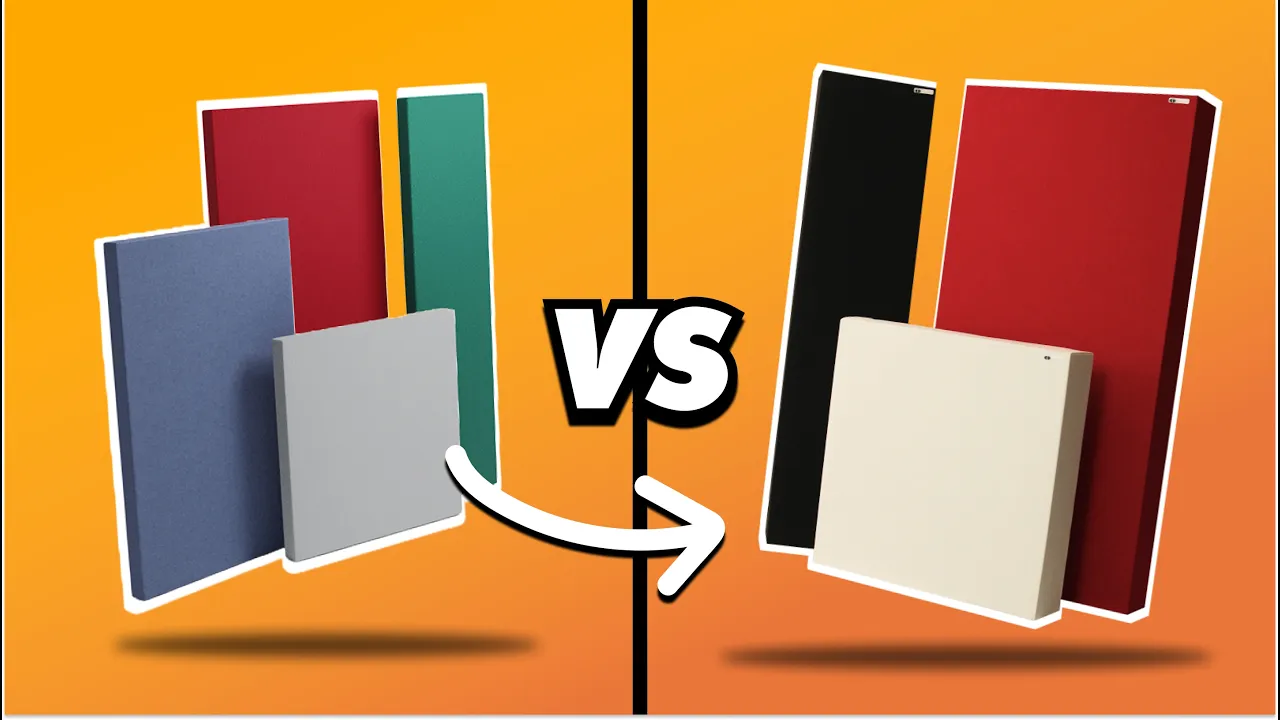
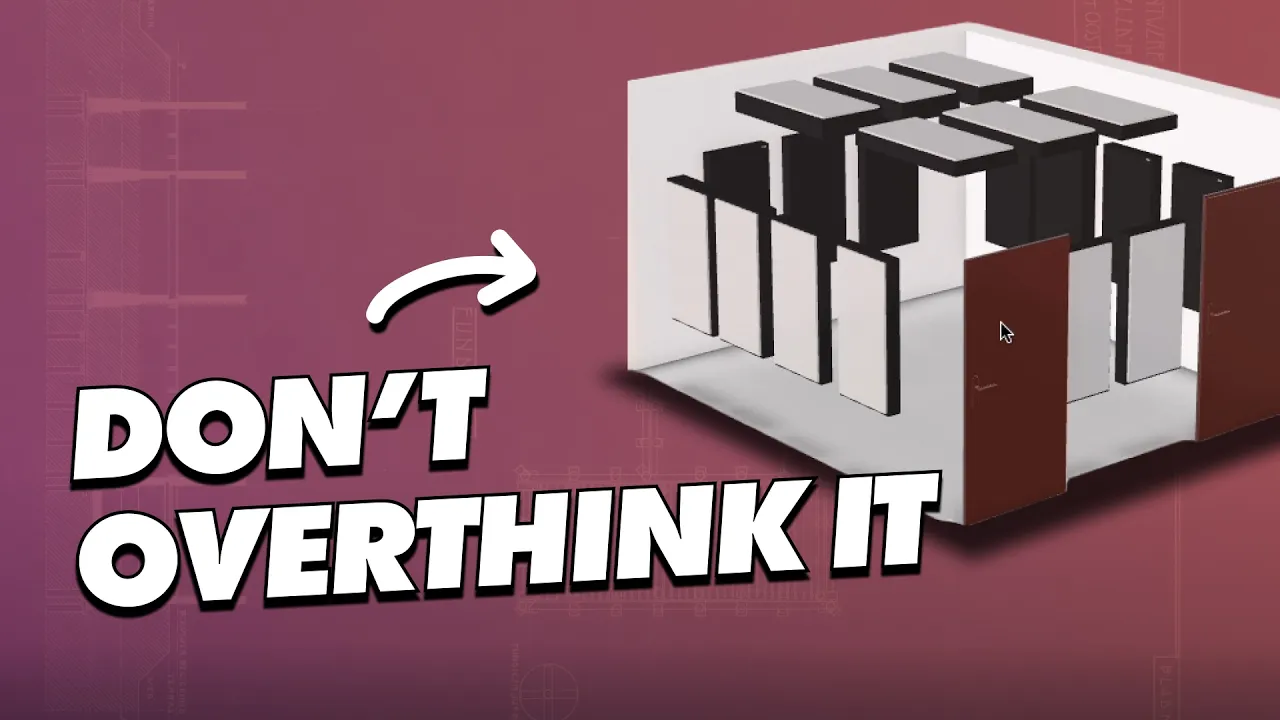
The closer in level the two copies of the signal are, the more extreme the interference between those signals will be. One way we can widen the difference in level between the two signals is to add distance to the reflected path. The further the reflected sound has to travel, the quieter it will be by the time it reaches the listener. One of the most effective ways to improve the sound quality of your speaker setup is to use absorption panels to break up the early reflections from the speakers. To do this, you'll determine the shortest indirect pathways from each speaker to the listening position and place absorption panels in those spots.
Comb filtering can also occur when placing multiple microphones on a single sound source.
Right now both of these microphones are about the same distance away from me, so it takes the sound of my voice about the same time to reach each microphone.
However, if I start to move one mic further away, now the sound of my voice has to travel further to reach that microphone than it does to the closer mic and so, when these two signals are mixed together in your headphones, there will be some interference which will result in comb filtering.
The same thing can happen when you place multiple microphones on a single instrument.
Let's take a guitar amp for example. I'll record a short bit of playing.
Now let's take a look at the waveforms from the two mics inside the DAW.
You can see that the sound from one mic is a little behind the other mic.
To fix this, I'll adjust the distance of the mics until the waveforms are aligned.
Now you can see that the waveforms from both mics are more closely aligned.
Another scenario where this might be a problem is when you're recording two nearby sound sources with separate microphones. The sound from the trombone reaches the trombone microphone but it also bleeds into the trumpet microphone, and vice versa. Of course, it takes longer for the sound from the trombone to reach the trumpet mic than it takes for it to reach the trombone mic.
When both of these mics are mixed together in your final mix, you'll hear some bit of comb filtering. You may have heard of the 3:1 rule in audio. In this situation, the 3:1 rule would tell us that the distance from the trombone to the nearest mic (in this case the trumpet mic) should be at least three times the distance of the trombone to the trombone mic. The idea is that by the time the sound from the trombone reaches the trumpet mic, it will be so quiet that it won't cause too much interference. Remember - the closer in level the two signals are, the more extreme the interference will be and therefore the more extreme the comb filtering will be.
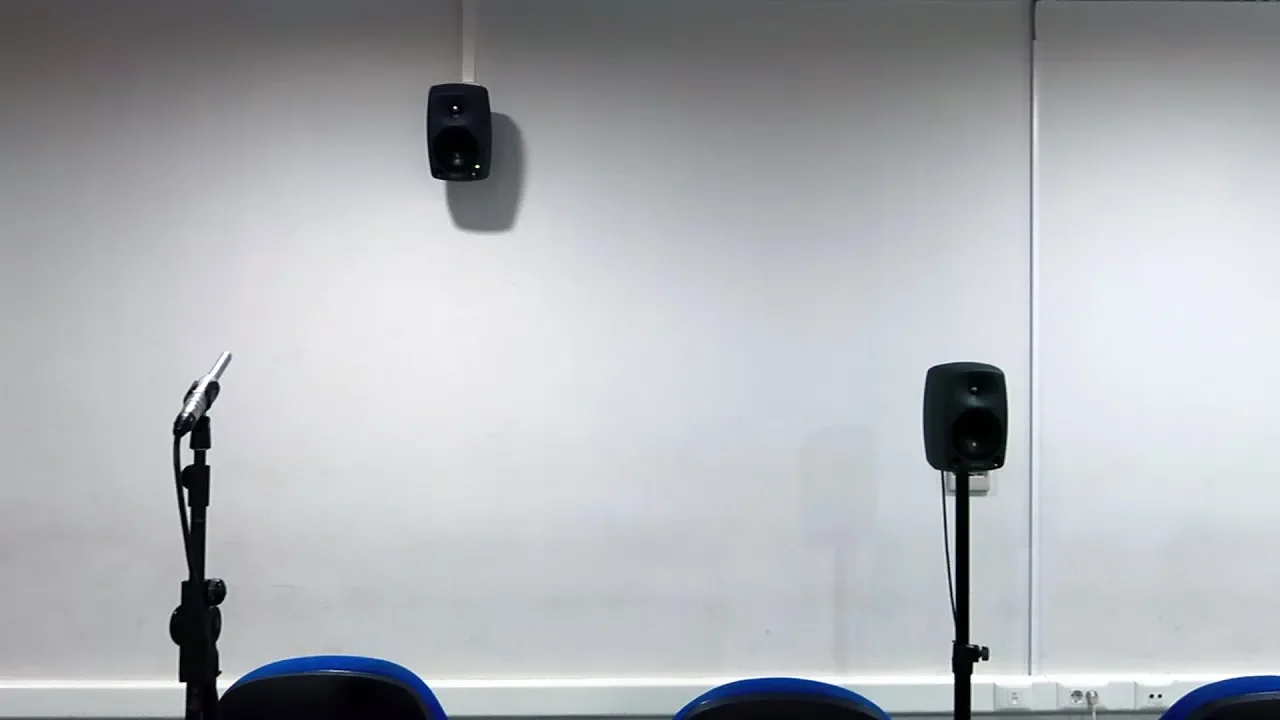
The last cause of comb filtering I want to show you is multiple speakers. This one is also extremely common because we almost always use two or more speakers in a sound system.
In a mixing studio environment, as long as the listener is in the right position the sound from the left and right speaker will reach the listener at the same time. However, what happens when the mixing engineer steps over to the equipment rack to make some adjustments?
Now the sound from the left speaker takes a longer path than the sound from the right speaker. I want to offer you a speaker placement guide to make sure that you get this right in your listening space. You can download that for free at audiouniversityonline.com/speaker-placement-guide/. This is even a bigger problem in live sound reinforcement. You've got a left speaker, a right speaker, and maybe some front fill speakers at the front of the stage. You can do your best to align all of these speakers, but you can really only align them at one point in space. Taking one step to the side will change the distance between the listener and each speaker. The experience can't be the same for every listener because they're each in a different position. Unfortunately, the best you can do is try to direct the speakers so that their dispersion patterns overlap as little as necessary.
If you're enjoying this video so far, please do me a favor by hitting the "Like" button to help the video reach more viewers. I really appreciate your support.
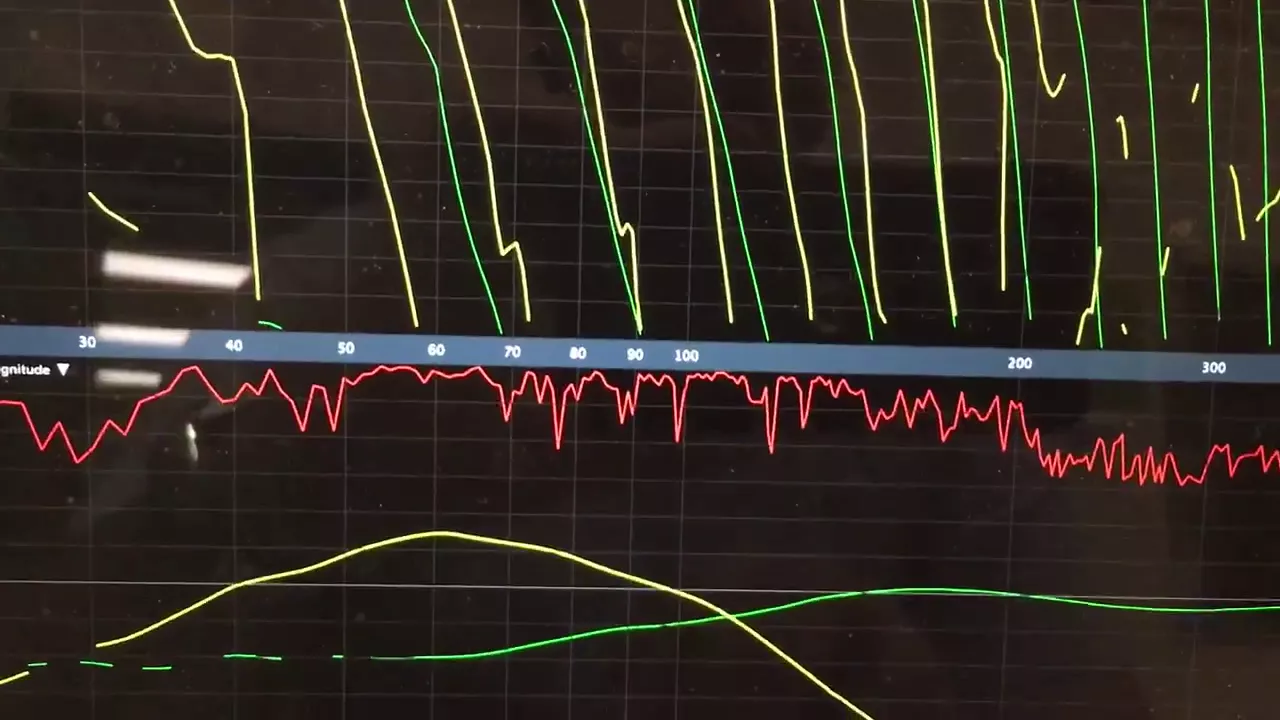
Before you go, I want to help you better understand what exactly happens within a comb filter. To demonstrate this for you, I'm going to use some test signals. The first signal I'll use is called white noise, which is made up of equal energy per frequency. When you play white noise, the frequency graph shows a more or less straight line from the lowest frequencies we can hear to the highest frequencies we can hear. I'm also going to add another copy of the white noise, but I'll delay it by 5 milliseconds.
When I play those two copies of the white noise together, we'll get a comb filter.
That's because white noise is made up of all frequencies and, based on the amount of delay between the two copies, certain frequencies will be cancelled and certain frequencies will be summed together. The second test signal I want to use is called a sine sweep. It sounds like this.
This sine sweep test signal sweeps from 20 hertz to 20 kilohertz. Again, I'm going to copy this sine sweep and place it on the next track. I'm also going to delay this by 5 milliseconds. Let's hear what happens.
That was a little fast. Let's slow it down a little bit.
These two signals are the same sine sweep, but they're over 30 seconds rather than just 1 second.
Let's take a closer look at the sign sweep signal to get a better understanding of why comb filtering is happening. You can see that at the beginning, the peaks and troughs of both copies of the signal line up.
When we get to our first dip at 1 kilohertz you can see that the peak and the trough are lined up, which makes a complete cancellation.
Again, the peaks and troughs are more or less lined up, and then again we get to the point where a peak and a trough are lined up. This pattern continues, notching a frequency at each octave. You'll notice that because the delay between the two signals is still five milliseconds, the frequencies that are notched by the comb filter are the same as we saw with the white noise demonstration. Check this out. So as we can see when there's 5 milliseconds of delay between the two signals, the first frequency that is notched is just over 1 kilohertz. Let's see what happens if we increase the amount of delay to 10 milliseconds.
With 10 milliseconds of delay rather than 5 milliseconds of delay between the two signals, we can see that the first frequency to be notched by the comb filter has gone down a full octave, now to just over 500 hertz. With that logic, if we move the delay to about 2.5 milliseconds we should see that the first notched frequency will be an octave higher than 1 kilohertz. Let's see.
If you enjoyed this video, make sure to check out the video that's on your screen now. I'll see you there.
Up Next

4:17
How Spectroscopy Reveals the Chemical Composition of Stars
@BBC
320.9K views•2011-03-11

12:53
21cm Hyperfine Transition in Neutral Hydrogen: Radio Astronomy Basics
@AaronRobertParsons
12.4K views•2011-10-13

32:32
NMR Spin Physics I: Zeeman Effect, Resonance Condition & Larmor Frequency
@nptel-indianinstituteofsci8064
2.3K views•2024-01-17

27:14
Entropy and the Second Law of Thermodynamics Explained
@veritasium
27.5M views•2023-07-01
Related Study Plans & Knowledge Roadmaps
Structured learning paths in Physics
physics
Nuclear Physics (Decay, Fission & Reactors)
01Atomic Structure and the Binding Force
02Radioactive Decay and Half-Life
03Nuclear Fission Mechanics and Chain Reactions
+ 2 more learning modules
12h5 modules
Explore Roadmap
physics
Soft Matter (Polymers, Colloids & Rheology)
01Foundations of Soft Matter & Thermal Forces
02Polymer Physics and Macromolecules
03Colloids, Surfactants, and Self-Assembly
+ 2 more learning modules
38h5 modules
Explore Roadmap
physics
Analytical Mechanics: Lagrangian & Hamiltonian
01Mathematical Foundations: Calculus of Variations
02From Newtonian Mechanics to Constraint Dynamics
03The Principle of Least Action & Lagrangian Mechanics
+ 3 more learning modules
28h6 modules
Explore Roadmap
physics
General Relativity (Spacetime & Cosmology)
01Foundations of Relativity: Special Relativity
02The Geometry of Spacetime: Equivalence Principle & Curvature
03Einstein's Field Equations: The Mathematics of Gravity
+ 2 more learning modules
55h5 modules
Explore Roadmap