





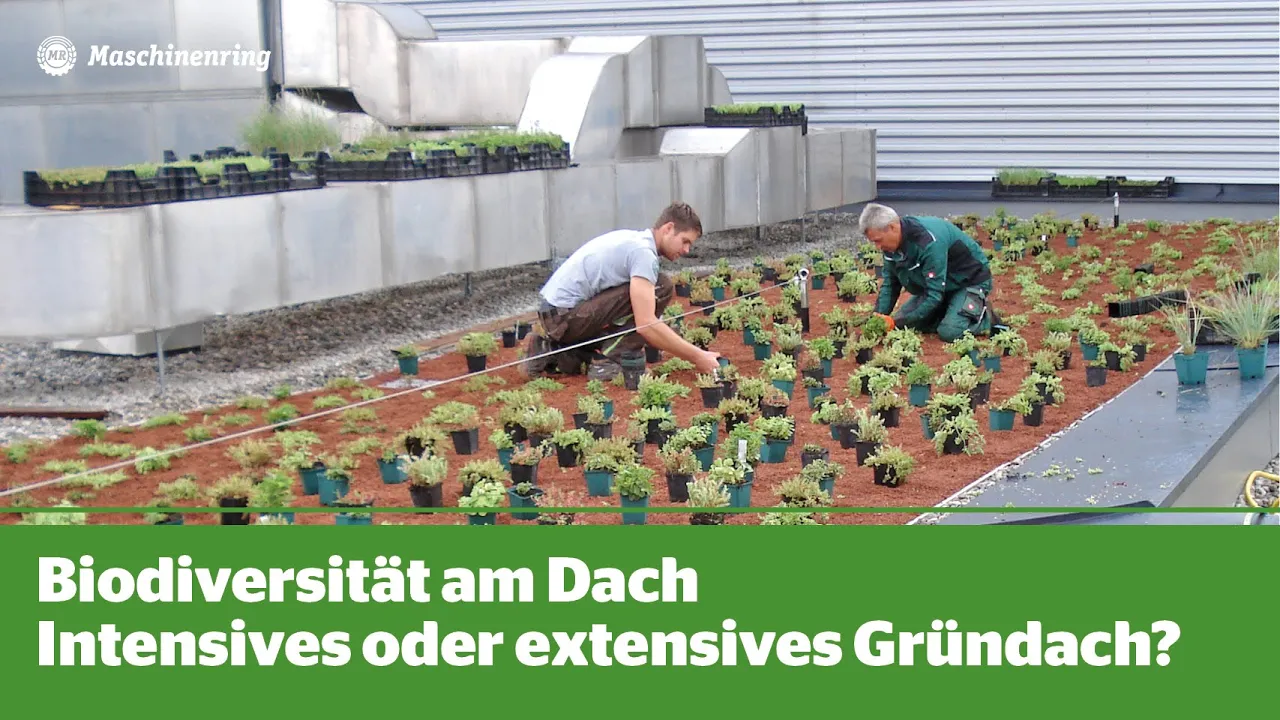
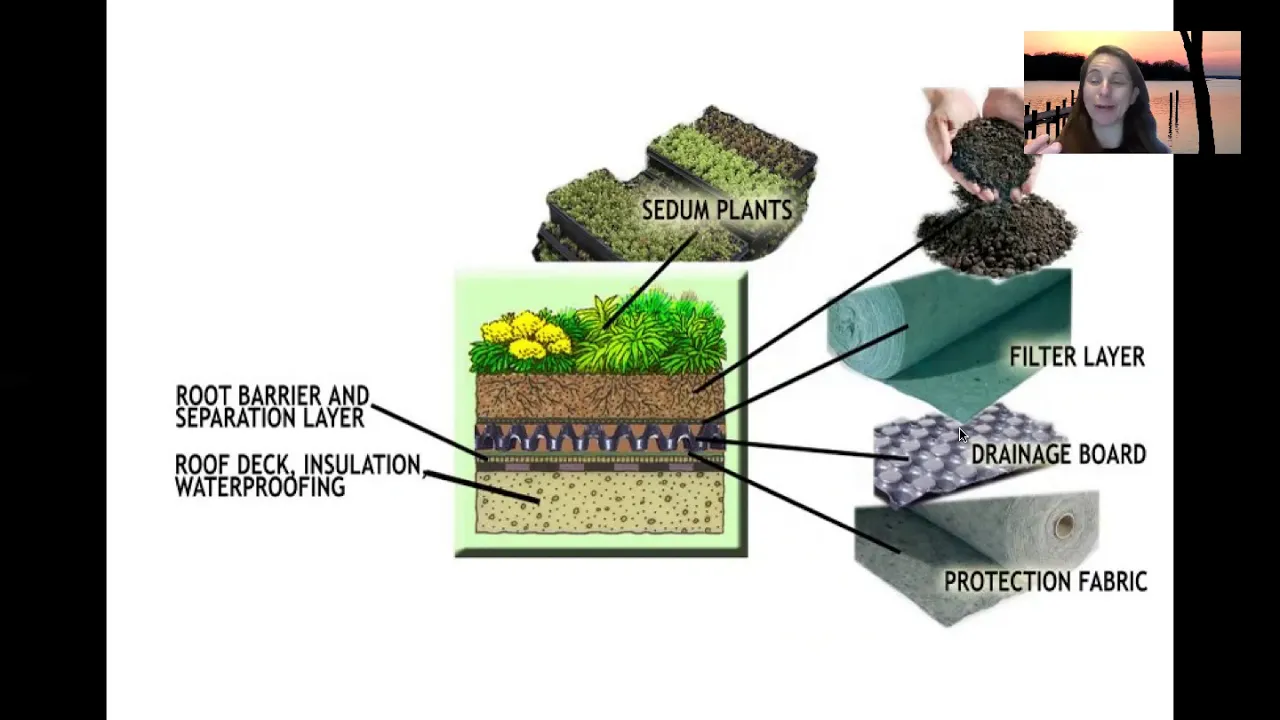












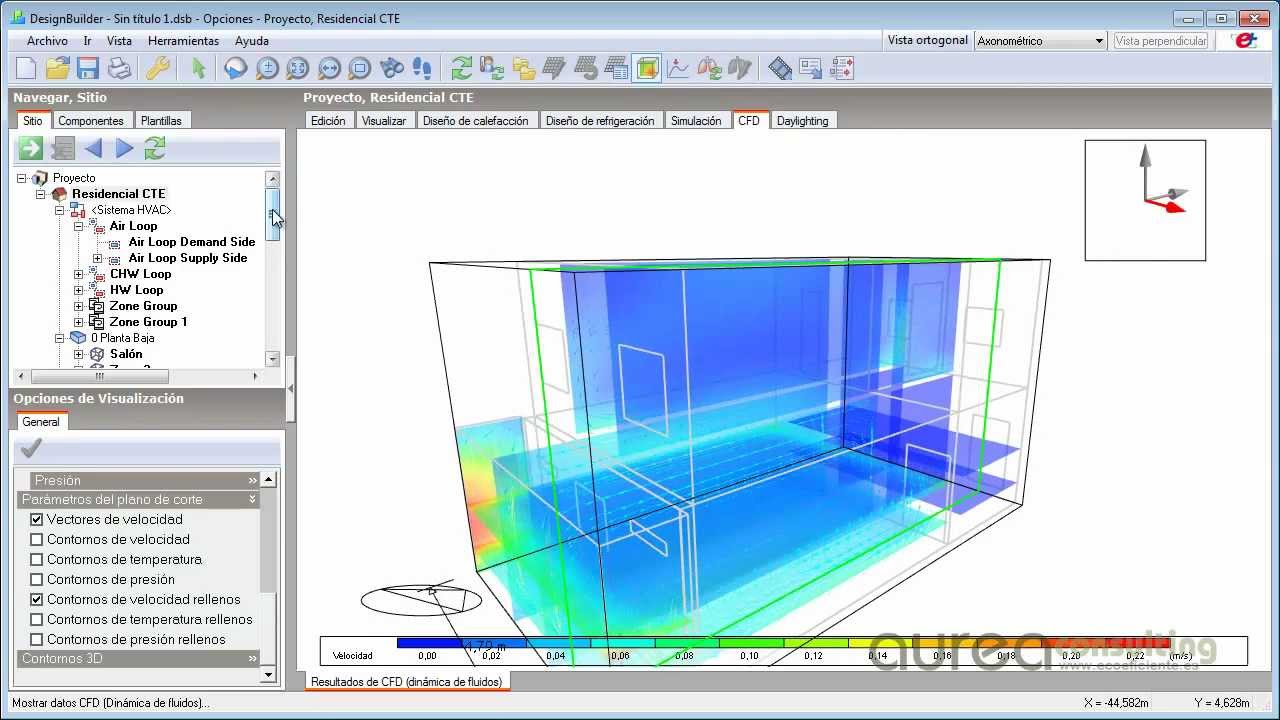


This tutorial explains how to model green roofs in Design Builder software, covering the two main types (extensive with ~12cm soil for low-maintenance plants and intensive with ~30cm+ soil for accessible garden spaces), the process of adding soil layers to roof constructions, and accessing plant characteristic databases (via designbuilder.co.uk/helpv3.0/Content/GreenRoof.htm) to input specific parameters like leaf area index, reflectivity, and emissivity for accurate simulation.
How to Simulate Green Roofs in DesignBuilder: Plant Data & Properties
Added:Basic proficiency in DesignBuilder interface navigation and thermal zone definition.
Fundamentals of heat transfer (conduction, convection, and radiation) through building envelopes.
General understanding of green roof systems, specifically the core differences between intensive and extensive types.
Familiarity with standard material thermal properties (such as U-value, thermal conductivity, and density) in building energy simulation.
Analyzing the impact of evapotranspiration, soil moisture, and irrigation schedules on building energy performance.
Conducting comparative cost-benefit and thermal performance analyses between green roofs, cool roofs, and standard roofs using EnergyPlus output data.
Modeling biosolar roofs (integrating photovoltaic systems with green roofs) to study synergistic energy-generation and cooling effects.
Evaluating the role of green roofs in mitigating the Urban Heat Island (UHI) effect using microclimate simulation tools coupled with DesignBuilder.
2.8K views51likes7:47Original Release: 2022-06-20
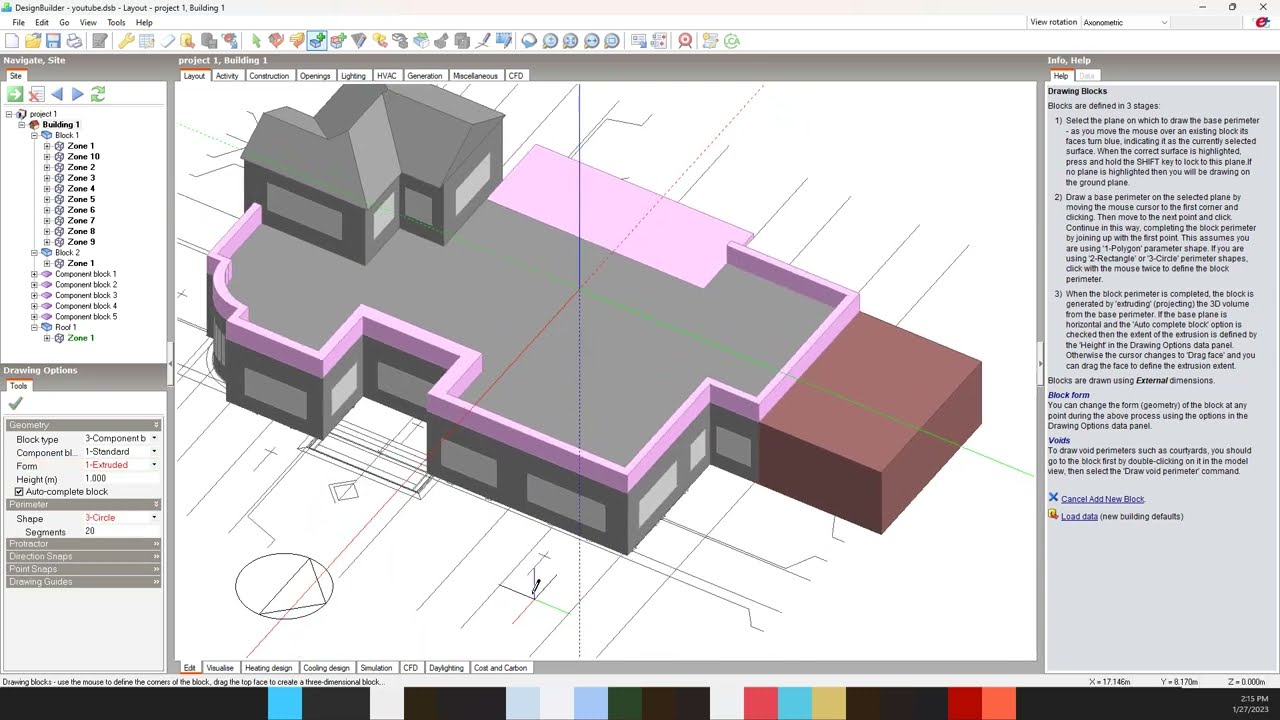
hello everyone i hope you are well i've been i'm busy a little bit with my journal and publications recently i've been working on a journal article about green roof and its optimization so i was thinking of making a tutorial i couldn't find a lot i only found one which was in german so i decided to do one tutorial on how to do a green roof in a design builder application so before i show you design builder um application i want to just tell you in general uh as you might know we have like two type of green roof either is intensive or extensive so extensive means the type of groove that um they don't have some so much variety of plants like maybe only um the one with um tinier roots that um they don't need so much soil and then intensive green uh roof is the type that um like maybe trees the bigger shops that they need more um higher level of um green roof space so usually intensive uh roofs um have around 12 almost like 12 cm thickness of soil whereas for intensive green roof because they are heavier plants you can do ultimately any type of plants on top of them at least they must be 30 cm so it's quite thick if you want to do different type of plants then you go for instagram and they eat extensive plants they are not usually accessible means you have it and maybe with rain and everything they will work out but for intensive care roof means you have access to the green roof maybe if you are having like a bbq and a green roof on top so you definitely need to go for intensive so it depends on what is the roof um usages and what kind of plants you're gonna do up there and also one more thing that is um good to know is for intensive since it's very thick you don't really need much of insulation because it works as an insulation the soil but for extensive roof you still need to apply insulation to the roof okay so now let's go to our um billy model okay so i have my my building here really modeled here we will go to construction and then we'll go to our roof okay you can choose any kind of roof that is typical in your building okay i'm just gonna amend the one i have here if yours is not near you need to copy it first okay okay for example here i have a pcm and uh and also formula insulation on top of my concrete i'm gonna insert a layer which is the soil okay so i'm gonna change this okay i'm gonna keep this because i have to make changes as you know we can't edit this unless we copied so i'm gonna make a copy okay sorry my computer is a little bit slow okay where did i copy let's just edit okay i'm gonna call it green roof example see where did it go okay here okay now we need to change its properties first thing first this cannot just need to be under okay i think i cook it in a wrong group we need to go in the soil it's not concrete we need to go in sand and soil yes here we go okay it's a soil i copy that okay so here you see by default is uh 36 centimeters so this means this is for an intensive roof you can change it if you have extensive roof and the most important part here is that you have to [Music] say this is a green roof okay now you need to know what kind of plants you're using here right so different type of plants have different type of heights different type of leafy area index where can you find it okay so design builder actually has a website you can go here design builder health content green roof okay so you can choose what kind of plant you're to do for example if it's a white flower spider lily pink flowers you can see you want if you want to do palm tree like like it's a little bit bigger it's kind of a tree or even a palm tree okay so you can find the characteristic here so this one you can see the main leaf area index and also there is other uh parameters like uh liquid left like reflectivity or emissivity so you can change it on this part you can come to the website and change it on this part and then you're good to go okay okay then i press okay and then tata this is your green roof is ready and if you want to take a picture or if you want to also if you want the look to go green you can change its look as well for example surface properties okay now brush flat concrete you can change it here you can chain for example plants okay then you will have the look of it into green as well okay maybe it's not showing but it is green okay so that was a short tutorial for today i hope you learned and thank you for watching again and i see you next time
Up Next

4:14
NASA Expert Explains Las Vegas Heat Wave and Climate Impacts
@News3LasVegas
16.5K views•2024-07-12

12:54
Triumph of Orthodoxy Icon: Byzantine Art & History Explained
@BenCallan
2.1K views•2024-08-06

9:49
FastAPI vs Flask vs Django: Choosing the Right Python Web Framework
@TechWithTim
302.5K views•2024-05-26

1:42
Game of Thrones Opening Credits: A Cinematic Analysis
@gameofthrones
46.3M views•2011-04-18
Related Study Plans & Knowledge Roadmaps
Structured learning paths in General & Interdisciplinary Studies
general-studies
Elevator Engineering: History, Physics & Cities
01From Hoists to Safety Brakes: The Dawn of Vertical Lift
02Hydraulic vs. Traction: The Engineering Physics of Elevators
03Modern Speed, Safety, and Algorithms
+ 2 more learning modules
12h5 modules
Explore Roadmap
general-studies
Rubber: Material Science, History & Geopolitics
01Origins of Natural Rubber & Mesoamerican History
02The Chemistry of Natural Rubber & Vulcanization
03The Geopolitics of the Rubber Boom & Colonization
+ 2 more learning modules
12h5 modules
Explore Roadmap
general-studies
Containerization: Evolution, Logistics & Trade
01Ancient Trade & Bulk Cargo: Amphorae to Barrels
02The Industrial Revolution & Cardboard Packaging
03The Containerization Revolution: Malcom McLean
+ 2 more learning modules
12h5 modules
Explore Roadmap
general-studies
Textile Tech: Evolution, Labor & Global Impact
01Pre-Industrial Textiles: Handloom & Cottage Industry
02Mechanization: The Spinning Jenny to the Power Loom
03The Factory System & Global Labor Transformation
+ 2 more learning modules
10h5 modules
Explore Roadmap