





![[주식] 세계 최초 암 완치 '이 기업' 항암 신약 美 FDA 임상 승인 기다리면 큰 돈 됩니다.[제약주, 알테오젠목표가, 펩트론전망, 셀트리온주가전망, HLB목표가]](https://i.ytimg.com/vi/ONZbaxk0A5E/hqdefault.jpg)








![[Webinar] Tantangan Proses Hulu dan Hilir dalam Produksi Obat Biologi | Sciencewerke Talks](https://i.ytimg.com/vi/pLF5E5hz810/maxresdefault.jpg)






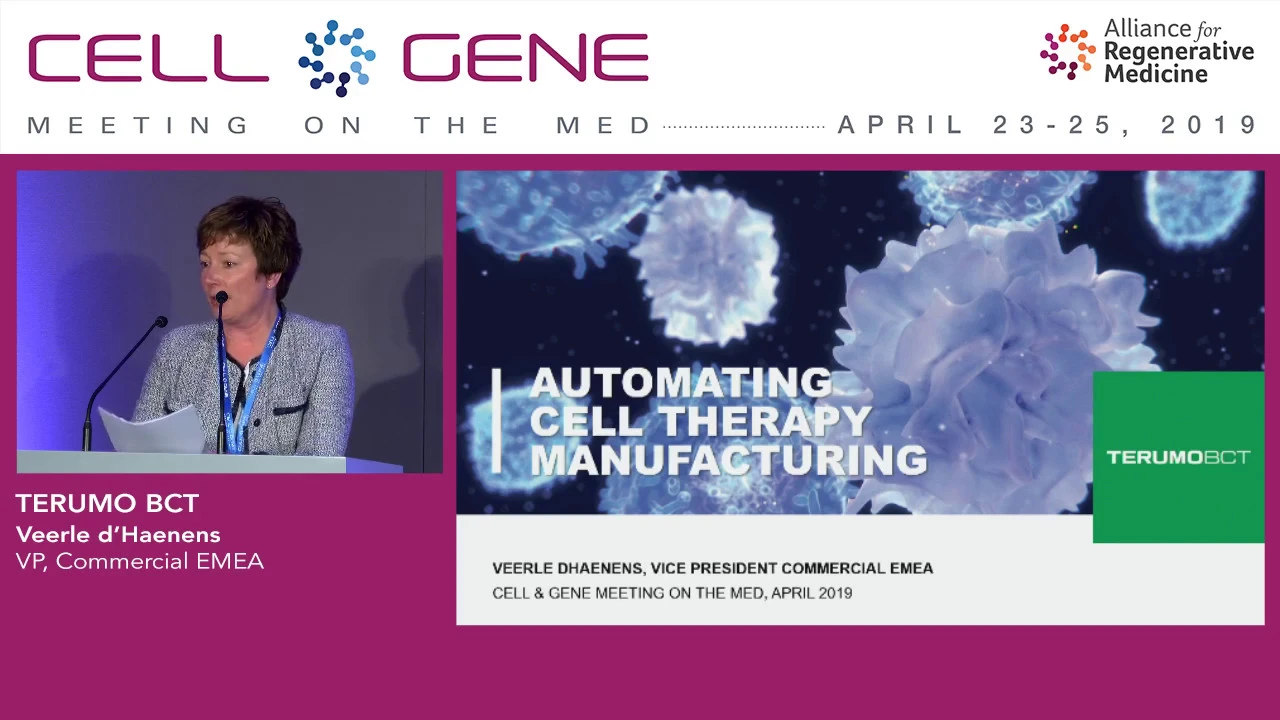



The Xuri™ W25 cell expansion system provides an automated, controlled environment for growing cell therapies in volumes up to 25 liters using a single-use bioreactor cell bag on a rocking platform; the complete workflow includes unboxing and inspecting the cell bag (checking lure connections loosened during gamma radiation), installing the bag on the rocking platform with pH and DO sensors, connecting gas lines and peristaltic pumps, using UNICORN™ software to perform gas flow operations, media addition via weight-based control, and temperature-controlled rocking to prepare the cell culture environment before cell seeding.
Xuri W25 Cell Expansion System: Product Overview and Demo
Added:Fundamental principles of mammalian cell culture, including aseptic techniques, cell growth phases, and media formulation.
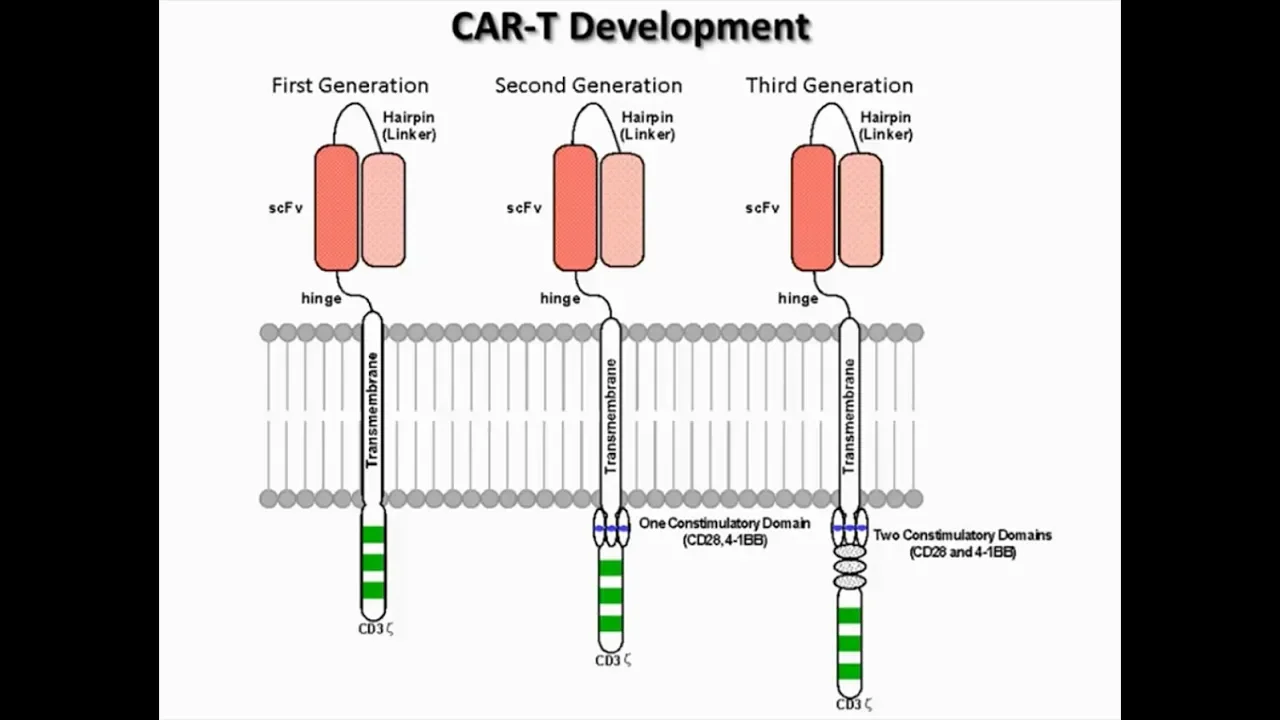
An understanding of cell therapy applications, specifically the critical role of ex vivo cell expansion in treatments like CAR-T therapy.
Basic concepts of bioreactor systems, specifically the difference between static culture (e.g., T-flasks) and dynamic culture (e.g., wave-mixed or rocking motion bioreactors).
Key physiological parameters governing cell health, such as pH, dissolved oxygen (DO), temperature, and perfusion rates.
Process development and optimization strategies to maximize cell yield, viability, and specific metabolic profiles within automated systems.
Downstream processing steps in cell therapy manufacturing, such as cell harvesting, washing, concentration, formulation, and cryopreservation.
Good Manufacturing Practice (GMP) standards, regulatory compliance, and validation procedures for automated cell therapy production equipment.
Scale-up and scale-out methodologies to transition from laboratory-scale systems to commercial-scale clinical manufacturing.
11.1K views68likes9:46Original Release: 2021-01-08
the zuri cell expansion system w25 delivers an automated controlled expansion environment for the growth of cell therapies in volumes up to 25 liters across research process development and manufacturing operations a single-use bioreactor cell bag can be used on the rocking platform to produce those cell therapies i'll show you how to unpackage and set up this cell bag to unpackage the zuri cell bag disposable bioreactor you'll cut open the bag and this is the inner packaging you'll take off the outer packaging outside of the bsc you'll unload and discard your bag you'll then check all of your lure connections as they may become loosened during gamma radiation you'll then remove the bubble wrap around the two filters and around the port on the waste bag you'll then also want to check those lure connections as well you also have a do sensor and a ph sensor and we'll leave those bubble wraps on until we get outside of the vsc your cell bag is now ready to be installed on the w25 rocking platform so now we'll connect the ph and the do sensors to the bag this is on the back of the cell bag you'll have a sensor that looks like this and you'll remove the bubble wrap and connect the sensor then you can fully remove all the bubble wrap and you'll do the same for the do sensor as well [Applause] you can now connect the cell bag to the rocking platform to install the cell bag you'll first remove the cover off the w25 and then connect the cell bag onto the rocking platform by putting the rods into the upper and lower clips you'll then want to connect the filter heater onto the filter with the check valve on it there's two parts there's a base and then the actual filter heater connect the base first and then open by clipping and insert onto the filter heater you'll then connect your gas mix outline into your air inlet port filter you'll then connect the ph and do sensors to the front of the cbcu next connect the pump tubing on the feed and the waistlines into the peristaltic pump be mindful of the way that the arrows direction uh so that if you're going to connect the feed line to this pump here you would actually connect it so that it would feed from the left-hand side and then into the bag this way and then close for the waistline you're going to directly connect it left to right so it goes from the cell bag into the waste bag next you'll place the cover back onto the rocker and engage with unicorn to fill the cell bag with co2 in air to start a manual run within unicorn you can click on any of the buttons listed we're going to click on gas flow and this will prompt you to name your run and define the bag size we're just going to call this manual run and we have a 2 liter cell bag once you hit ok the prompt that you want to start will turn on and you'll see that the gas flow will start you can tell because it's green you'll also want to enable fast fill which will go from the 0.1 liter per minute set point to a 3 liter per minute set point for the gas flow into the cell bag you can now set your co2 to whatever set point you would like once fast fill is enabled it will fill the bag with your mix of air in co2 it will only last for 30 minutes and then it will automatically switch off to your designated set point of however many liters per minute you want fast fill will also automatically crack the check valve so there is no need to press on the bag before adding any media to the bag you'll click on the weight button and tear the weight so the net weight equals zero once that shows zero here you can click media control where you'll have your control set to media edition and set point to however much volume of media you would like to add into the bag right now we're saying it's 0.5 kilograms which equals 500 mils we're showing deviation alarms and a flow rate of 75 liters per day to start that you'll click on here and this will turn green and you'll see the pumps turn on and that will show that the feed pump here this line is or this triangle is going in a circle and that tells you that the feed pump is on and the media will start flowing into the cell bag once the cell bag has filled with the set point value of media you can go back into unicorn and turn on the rocking and temperature control so that your cell bag will the media will warm up in the cell bag and you will be ready to add your cells into the bag once media control has reached its target weight which can be seen here you can turn rocking on by clicking on the play button here as well as the temperature here you can have your set points to whatever you would prefer once media control has completed the pumps will turn off and you'll see that your weight set point is correct on unicorn you can then go ahead and turn off media control by clicking on the circle you then want to close your cover and enable rocking by clicking the play button and turn on the temperature you want to have your media rock back and forth at about 37 degrees for at least two hours to infiltrate that media with co2 and to get it up to temperature during your cell culture process after you've added your cells into your cell bag you'll want to sample that cell bag the first part of that process is to click sampling on unicorn this will have the rocker stop rocking you can then go over and grabbing on the top you'll put the rocker into sampling position you'll open the cover and you're going to sample from the clave port you'll take a pre-saturated ethanol wipe and wipe the cover and then remove the cover you then take another pre-saturated ethanol wipe and do a quarter turn four times with a new wipe every time you'll then take another wipe and wipe the top of the clave port you'll now unpack your syringe connect it to the clay port and draw up the desired volume of sample you can then tilt the tray back down and purge the line by pulling up the rest of the sample out of that silicone line now remove the syringe wipe the top of the clay port once more and put the cap back on close the cover and then click the pause button on sampling to continue rocking you
Up Next
113:16
FlowJo Cell Cycle & Proliferation Analysis Tutorial (MSKCC)
@flowMSKCC
5.2K views•2020-04-10

12:54
Triumph of Orthodoxy Icon: Byzantine Art & History Explained
@BenCallan
2.1K views•2024-08-06

9:49
FastAPI vs Flask vs Django: Choosing the Right Python Web Framework
@TechWithTim
302.5K views•2024-05-26

1:42
Game of Thrones Opening Credits: A Cinematic Analysis
@gameofthrones
46.3M views•2011-04-18
Related Study Plans & Knowledge Roadmaps
Structured learning paths in General & Interdisciplinary Studies
general-studies
Elevator Engineering: History, Physics & Cities
01From Hoists to Safety Brakes: The Dawn of Vertical Lift
02Hydraulic vs. Traction: The Engineering Physics of Elevators
03Modern Speed, Safety, and Algorithms
+ 2 more learning modules
12h5 modules
Explore Roadmap
general-studies
Rubber: Material Science, History & Geopolitics
01Origins of Natural Rubber & Mesoamerican History
02The Chemistry of Natural Rubber & Vulcanization
03The Geopolitics of the Rubber Boom & Colonization
+ 2 more learning modules
12h5 modules
Explore Roadmap
general-studies
Containerization: Evolution, Logistics & Trade
01Ancient Trade & Bulk Cargo: Amphorae to Barrels
02The Industrial Revolution & Cardboard Packaging
03The Containerization Revolution: Malcom McLean
+ 2 more learning modules
12h5 modules
Explore Roadmap
general-studies
Textile Tech: Evolution, Labor & Global Impact
01Pre-Industrial Textiles: Handloom & Cottage Industry
02Mechanization: The Spinning Jenny to the Power Loom
03The Factory System & Global Labor Transformation
+ 2 more learning modules
10h5 modules
Explore Roadmap