














![[TUTO] Arduino | Apprendre le langage](https://i.ytimg.com/vi/GMteyoJ92j0/maxresdefault.jpg)
![[MASTERING ARDUINO] 6 - Programming the Arduino: The Basics](https://i.ytimg.com/vi/FWKnTXO9yOA/maxresdefault.jpg)

![아두이노 마스터하기 [4강 제어문] (코딩하는아이들 기초 강의)](https://i.ytimg.com/vi/AcYhc0aerYI/maxresdefault.jpg)
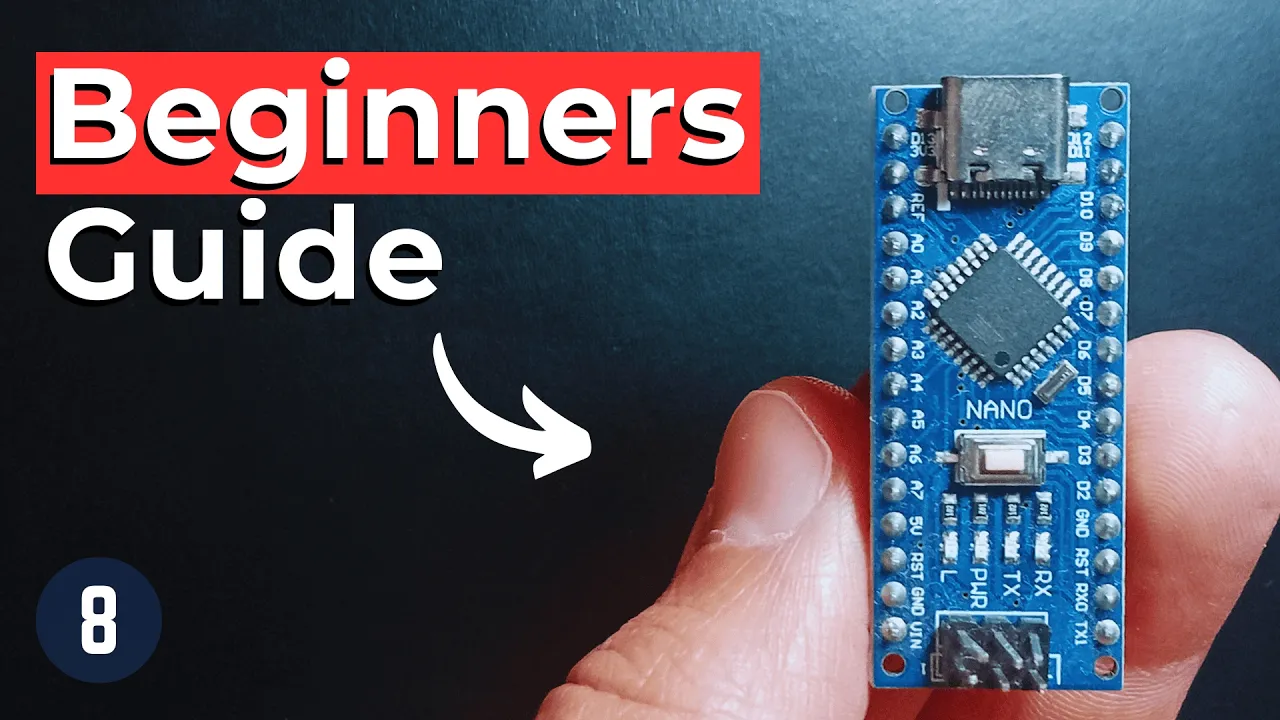


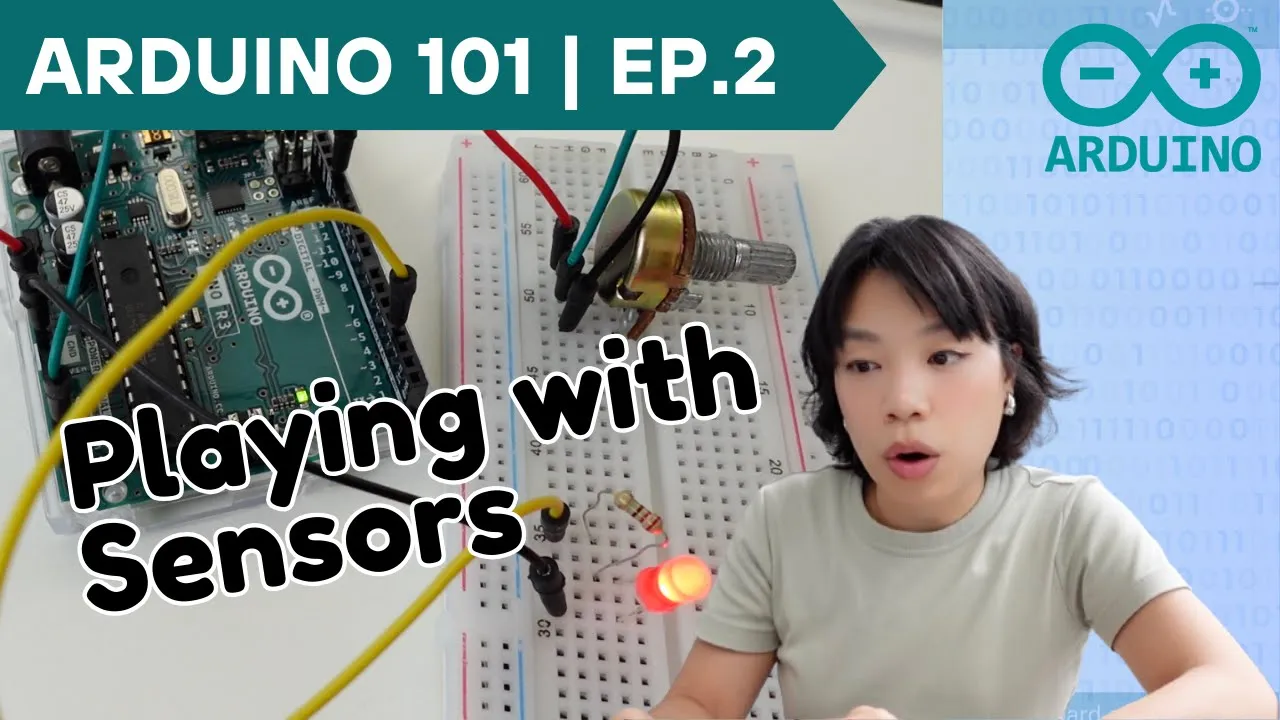

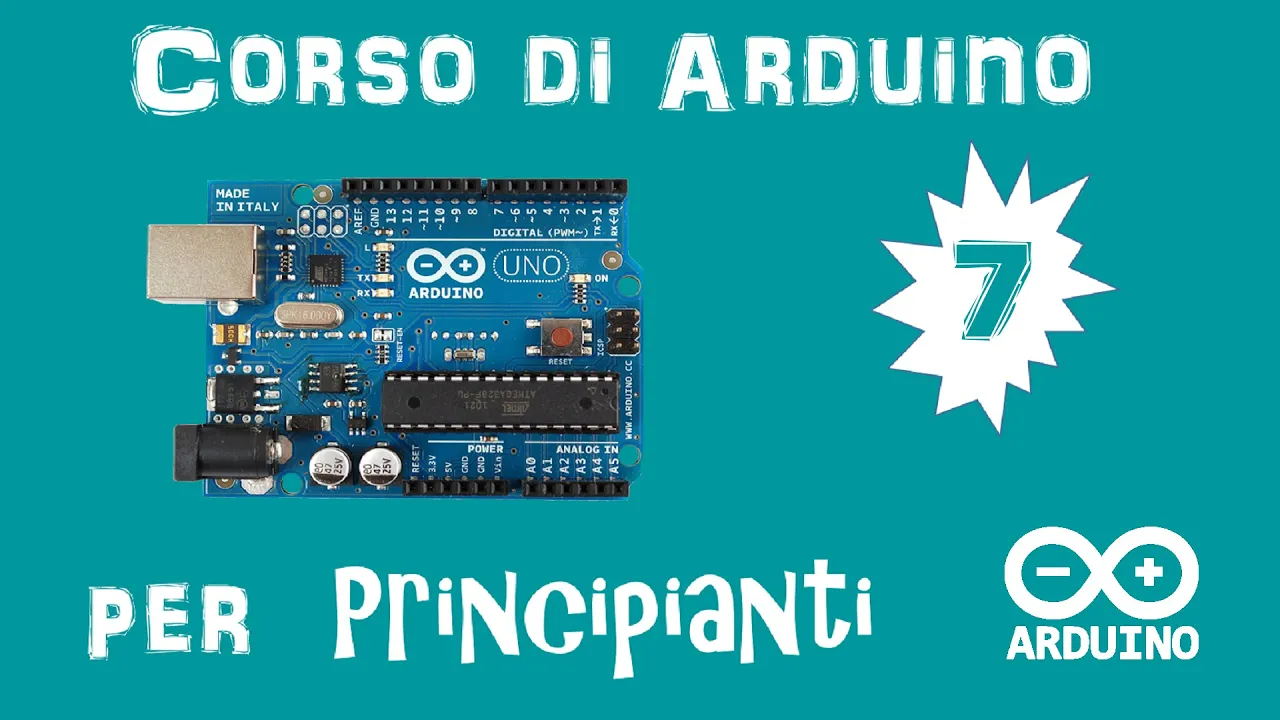
![Arduino Programming Series - Tutorial 08 | Digital Input/Output Functions [in Hindi]](https://i.ytimg.com/vi/vuIWHFFzSHg/maxresdefault.jpg)




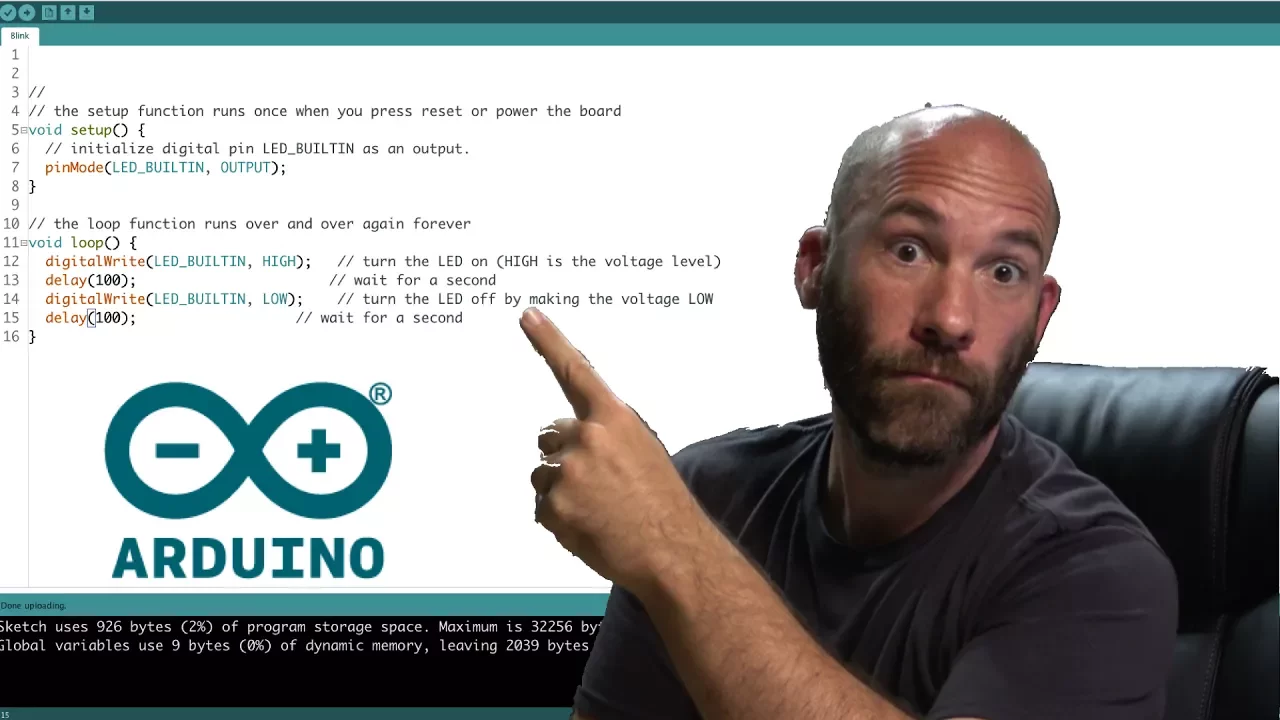
This tutorial guides absolute beginners through the complete process of setting up Arduino programming, including downloading and installing the Arduino software, connecting the Arduino board via USB, configuring board type and COM port settings, and uploading the first program to blink the onboard LED, demonstrating fundamental concepts like digital output control and timing functions.
Arduino Programming for Absolute Beginners: First Project
Added:Basic understanding of what a microcontroller is and how it differs from a standard desktop computer.
Elementary concepts of electricity, specifically the flow of current, voltage, and the basic function of a Light Emitting Diode (LED).
General computer literacy, including how to download and install software, and manage USB peripheral connections.
Conceptual familiarity with computer programming, specifically the idea that code is a sequential set of instructions executed by a processor.
How to prototype external circuits using a breadboard, jumper wires, and current-limiting resistors.
Deep dive into Arduino C/C++ syntax, focusing on variables, data types, and control structures like 'if' statements and 'for' loops.
Using the Arduino Serial Monitor to print debugging messages and read real-time data from the board.
Interacting with inputs by reading digital signals (e.g., from a pushbutton) and analog signals (e.g., from a potentiometer).
Understanding Pulse Width Modulation (PWM) to control components gradually, such as fading an LED or controlling a servo motor.
399.7K views1Klikes8:25Original Release: 2010-05-31
this video is for people who have never programmed an Ardo arduo Arduino anyway if you've never programmed one of these it's a um open source Electronics prototyping platform based on flexible easy it's a programmable board that you can make it do stuff all right let's get the Arduino software first open the web browser can search for it if you like Arduino there they are right on the top there's download I'm on Windows and it starts downloading this is where we pause and what do you know we're done so we need to navigate to the folder where we downloaded the zip pile I'm going to extract it I think we're going to pause again okay so it's finishing up here it took about 10 minutes there's a lot of little files so we extracted this ZIP file we can delete the zip if we'd like let's open it up here and there's actually nothing to install so this folder you can drag it onto C or your documents whatever you like just execute and we're running our dreno for the first time so here's our board all we have to do is plug in the USB cable because it can be powered from USB it's up and running when you first plug in the USB cable to the ardino board um Windows should automatically install drivers and assign a comp port to your Arduino there are example projects uh that come with the uino software let's go ahead and open one file open open and let me go back up here so you can see where here's our base adreno folder examples let's do digital and then we'll do some of these blink ones there's a LED built into to the ardino Dr No so we can just throw one of these on there it it will blink the onboard LED let's grab it open and it opens in another little window so basically all we do is hit upload we got an error what happened well there are two things we need to configure that we didn't think to do if we go up here you have to select which board you have mine happens to be the second one down it's a n Mega 168 the second thing you have to do is select the serial Port I'm actually on com 4 I'll show you in a minute how to figure out which Comm Port your board is on so now if we hit the upload button what you can see down here it says done uploading and voila the light is flashing so the light is usually flashing flashing on the Arduino board so how do you really know that this worked well let me show you something really quick that will give you a little insight into how these programs are written right here it says set the on it waits for a second sets it off and waits for a second so it should be blinking on for a second and off for a second and this number is actually in milliseconds so 1,000 equals a second well let's change it to something so we can see if it's really working let's say we want it to be on for two seconds and then off for a quarter of a second upload looks like our program worked it's staying on for 2 seconds and blinking off for a quarter or uh yeah a quarter of a second so works so how do we figure out which comport um or uino was installed at when we plugged it in well let's go start control panel and then let's just do a search for device there's the device manager down here we should see USB controllers [Music] and oh ports sorry here we go us serial Port come for and if you want to double check you can unplug your uh aduino and it will go away of course we refreshes you can see that uh com 4 went away plug it back in voila just because I'm nice here's how you can find the comport in XP go to control panel there's the control panel um your control panel may look like this I suggest going to classic view going down to system hardware and then device manager and comports
Up Next
9:46
L298N Dual H-Bridge Motor Driver for DC and Stepper Motors
@eye-on-stuff5248
207.2K views•2020-05-09

12:54
Triumph of Orthodoxy Icon: Byzantine Art & History Explained
@BenCallan
2.1K views•2024-08-06

9:49
FastAPI vs Flask vs Django: Choosing the Right Python Web Framework
@TechWithTim
302.5K views•2024-05-26

1:42
Game of Thrones Opening Credits: A Cinematic Analysis
@gameofthrones
46.3M views•2011-04-18
Related Study Plans & Knowledge Roadmaps
Structured learning paths in General & Interdisciplinary Studies
general-studies
Elevator Engineering: History, Physics & Cities
01From Hoists to Safety Brakes: The Dawn of Vertical Lift
02Hydraulic vs. Traction: The Engineering Physics of Elevators
03Modern Speed, Safety, and Algorithms
+ 2 more learning modules
12h5 modules
Explore Roadmap
general-studies
Rubber: Material Science, History & Geopolitics
01Origins of Natural Rubber & Mesoamerican History
02The Chemistry of Natural Rubber & Vulcanization
03The Geopolitics of the Rubber Boom & Colonization
+ 2 more learning modules
12h5 modules
Explore Roadmap
general-studies
Containerization: Evolution, Logistics & Trade
01Ancient Trade & Bulk Cargo: Amphorae to Barrels
02The Industrial Revolution & Cardboard Packaging
03The Containerization Revolution: Malcom McLean
+ 2 more learning modules
12h5 modules
Explore Roadmap
general-studies
Textile Tech: Evolution, Labor & Global Impact
01Pre-Industrial Textiles: Handloom & Cottage Industry
02Mechanization: The Spinning Jenny to the Power Loom
03The Factory System & Global Labor Transformation
+ 2 more learning modules
10h5 modules
Explore Roadmap