







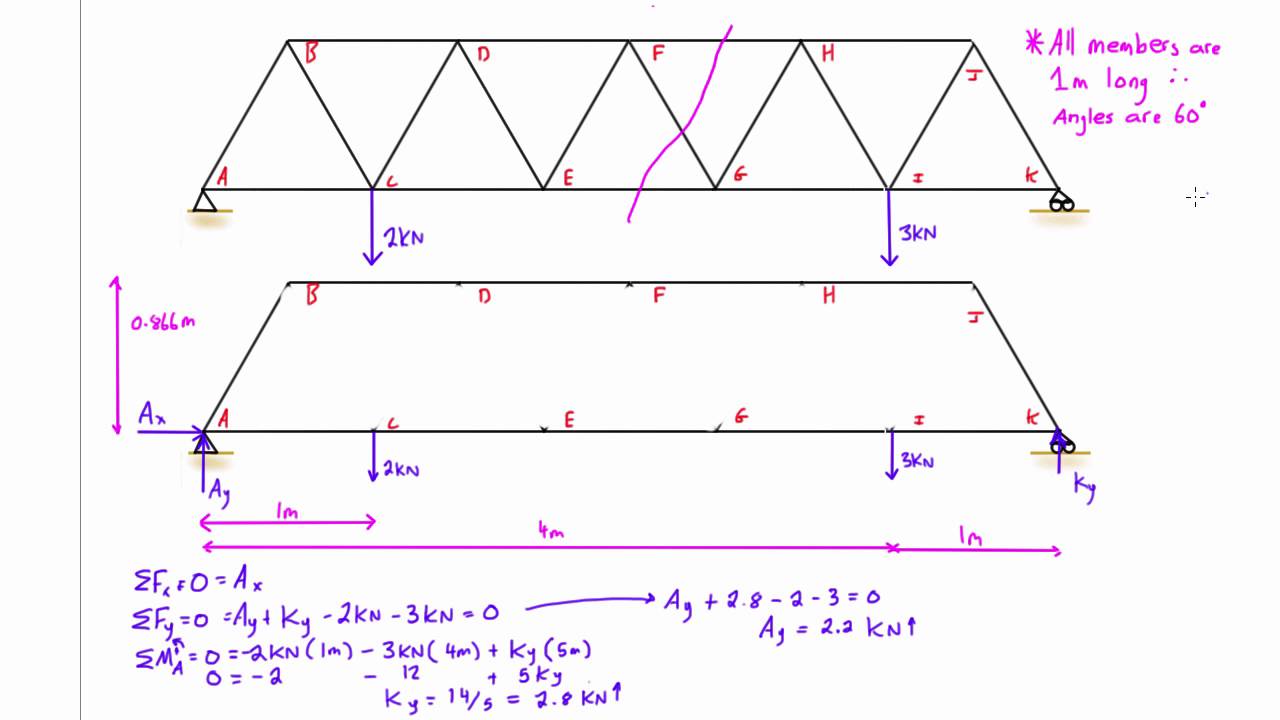


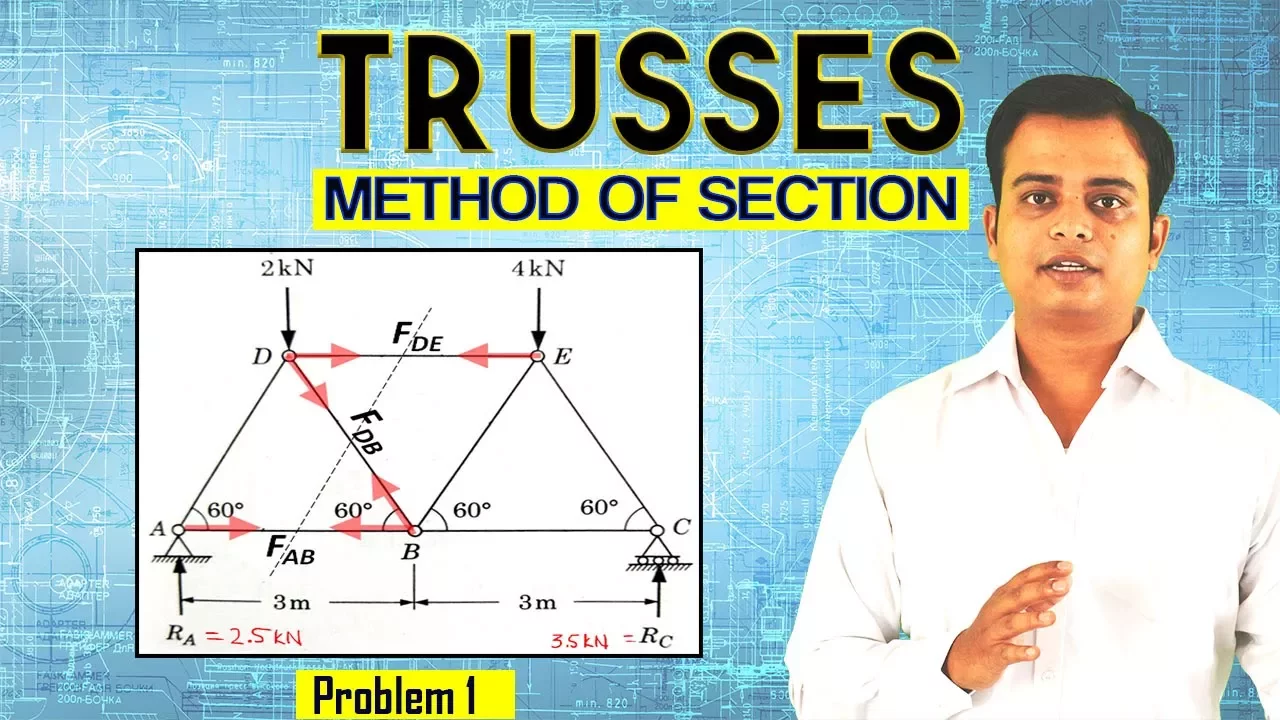











This tutorial demonstrates how to use SkyCiv's free online truss calculator to analyze 2D truss structures by adding nodes with X and Y coordinates, connecting members between nodes, adding support conditions (pin, fixed, roller), applying point loads, and solving to obtain reactions and axial forces (red for compression, green for tension).
SkyCiv Truss Calculator Tutorial: Solve 2D Truss Structures
Added:Understanding the principles of static equilibrium, specifically how the sum of forces and moments must equal zero.
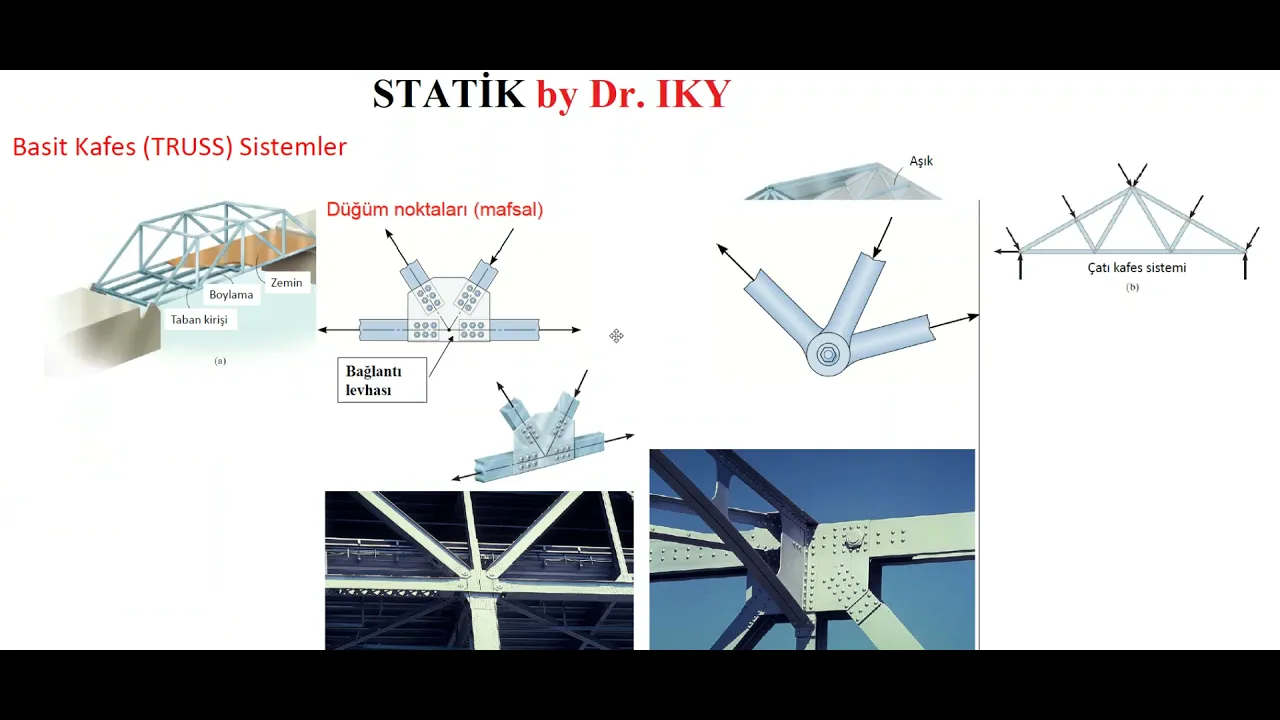
Familiarity with the structural definition of a truss, including the concepts of members, joints, and axial (tension and compression) forces.
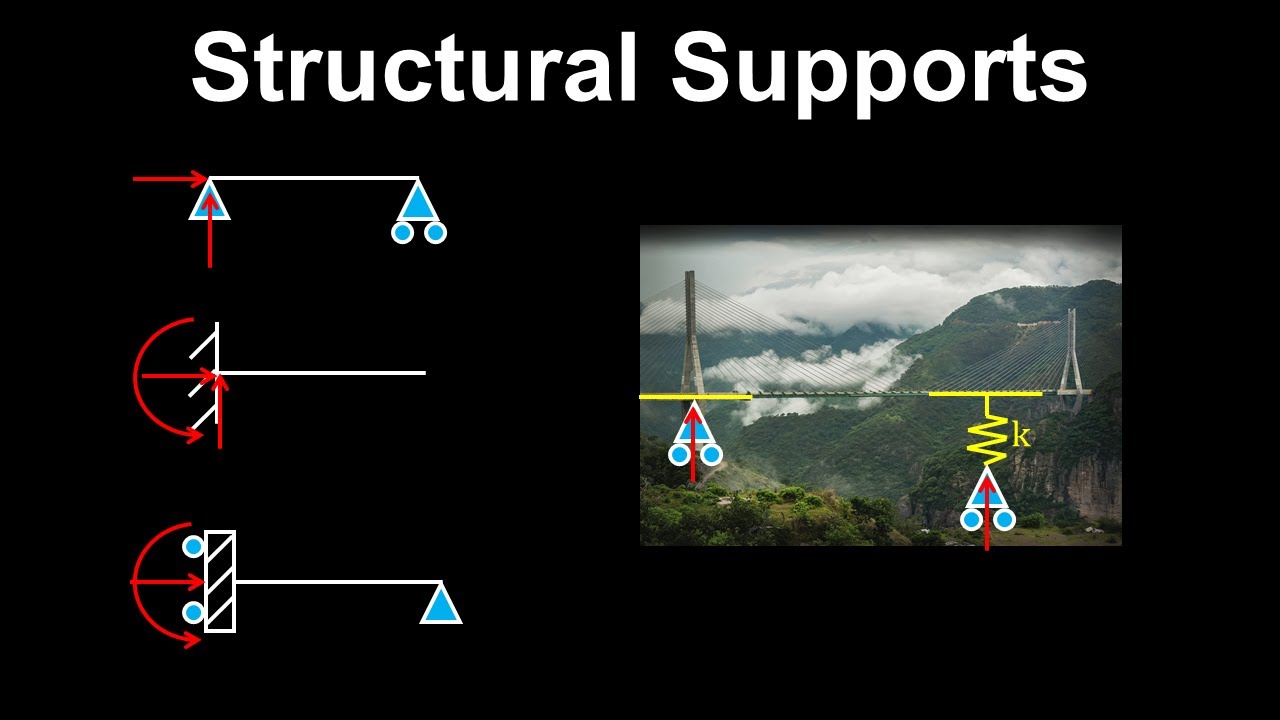
Knowledge of different structural support types, such as pins (hinges) and rollers, and how they generate reaction forces.
Prior exposure to manual truss analysis techniques, such as the Method of Joints and the Method of Sections, to contextualize the software's outputs.
Exploring 3D space trusses to understand how loads are distributed in three-dimensional structural systems.
Learning the Matrix Stiffness Method and Finite Element Analysis (FEA), which form the mathematical foundation of modern structural analysis software.
Studying structural design codes (e.g., AISC, Eurocode) to size truss members based on material limits and buckling prevention.
Analyzing statically indeterminate trusses, where equations of static equilibrium alone are insufficient to find internal forces.
106.3K views160likes3:55Original Release: 2017-02-22
[Music] welcome everybody to another tutorial on SkyV uh today I'm going to take you through a simple example of how to use the free online trust calculator on Skyes website um so to get access to this you just go sky.com and then under free tools tab there's just a little button a little uh menu there option called trust calculator so this is the actual calculator itself uh so it's quite a simple interface and I'm just going to take you through a simple 2D trust structure example so we're going to start by adding nodes and the nodes are going to be basically the start and end position of all of our members and it's just built in uh 2D space so it's just a matter of entering the X and Y coordinates of your nodes and you can see as I'm entering them they're showing up on that diagram on the right and you can see I've got my nodes there all taking shape and you can see what kind of shape I'm going for there for my trust structure the next thing is we obviously want to add is members so just go members and then it's got node a to node B so I'm just going to go 1 to four and you can see them highlighting and then it shows up once you commit those changes uh another way you can do it is actually just by clicking and dragging between the nodes and you can see that highlight orange again to let you know that that that's linking up so that's another quick way to to add your members to your structure and what what I can also do is edit really quickly so if I want to Chang this node um you'll and I'll just change up to 17.5 you'll just notice that that will shift across but the members are still connected to that node there so you make changes quite quickly and easily uh next thing I want to do is just add some support so this is where the structure is going to be restrained and I'm just going to add a pin support at one and three so I'll just go one comma 3 so I can do this All in One Step and I'll choose a pin support for this case but I could choose fixed roller pinned or another roller as well and I can see uh the green squares are shown there just to show that there it's been supported from the base and finally I'm just going to add a point load so I'll add a point load at node four and I'll give it a little bit of an X magnitude but mainly it's going to be in the Y so -20 kons I can see that's showing up there so finally I've built my structure I've uh supported it and I've loaded it it's ready to be solved so I just hit this green solve button down here and once that's solved you'll notice that the buttons turned red on the left and I can view my reactions so these are my reactions at supports which I can see there is an X and Y proportion to that um and I can also view my axial forces as well so red being in compression Green in tension um I can see all the magnitudes of the uh compressive or tension forces in these members um and the rest of the results of displacement stresses they all they're all locked but they are available under one of paid options which is student professional uh options that actually gives you access to full 3d structural analysis program um otherwise I can just go back and maybe I want to change this load or add another load I can I can simply just click that load maybe change up to minus 40 um go back and solve so makes iteration really quickly no that was prompting me there is a limit to how many um solves you can do in a day so um if if you hit this limit simply sign up to a a free version of our software and it will allow you to save and load files you can have as many soles as you like so it is uh an easy way so it is a better way to use a program because it's uh it gives you more functionality but that's a simple case of how to use the trust calculator uh feel free to email us if you have any questions otherwise uh visit us at www.sky.com and try it for yourself thanks
Up Next
12:24
Balsa Wood Bridge Truss Construction Tutorial
@MRLONGCTE
5.9K views•2021-01-13

12:54
Triumph of Orthodoxy Icon: Byzantine Art & History Explained
@BenCallan
2.1K views•2024-08-06

9:49
FastAPI vs Flask vs Django: Choosing the Right Python Web Framework
@TechWithTim
302.5K views•2024-05-26

1:42
Game of Thrones Opening Credits: A Cinematic Analysis
@gameofthrones
46.3M views•2011-04-18
Related Study Plans & Knowledge Roadmaps
Structured learning paths in General & Interdisciplinary Studies
general-studies
Elevator Engineering: History, Physics & Cities
01From Hoists to Safety Brakes: The Dawn of Vertical Lift
02Hydraulic vs. Traction: The Engineering Physics of Elevators
03Modern Speed, Safety, and Algorithms
+ 2 more learning modules
12h5 modules
Explore Roadmap
general-studies
Rubber: Material Science, History & Geopolitics
01Origins of Natural Rubber & Mesoamerican History
02The Chemistry of Natural Rubber & Vulcanization
03The Geopolitics of the Rubber Boom & Colonization
+ 2 more learning modules
12h5 modules
Explore Roadmap
general-studies
Containerization: Evolution, Logistics & Trade
01Ancient Trade & Bulk Cargo: Amphorae to Barrels
02The Industrial Revolution & Cardboard Packaging
03The Containerization Revolution: Malcom McLean
+ 2 more learning modules
12h5 modules
Explore Roadmap
general-studies
Textile Tech: Evolution, Labor & Global Impact
01Pre-Industrial Textiles: Handloom & Cottage Industry
02Mechanization: The Spinning Jenny to the Power Loom
03The Factory System & Global Labor Transformation
+ 2 more learning modules
10h5 modules
Explore Roadmap