




![Форматы файлов и не только [GeekBrains]](https://i.ytimg.com/vi/3eTUtd8hqrc/hqdefault.jpg)




![[SMPC 2022#01] Nos meandros da escrita acadêmica: dicas para a confecção de textos acadêmicos](https://i.ytimg.com/vi/KfVM9uGXbnw/maxresdefault.jpg)


![Regex Tool In Antconc | How To Search Words By Boundaries | [ English ]](https://i.ytimg.com/vi_webp/GD00E7UfbPc/maxresdefault.webp)



![Penelusuran korpus beranotasi POS tags [LK 107]](https://i.ytimg.com/vi/Y9wTSX_KWas/maxresdefault.jpg)





![NLP Full Course 2026 [FREE] | NLP Tutorial For Beginners | Learn NLP With Python | Simplilearn](https://i.ytimg.com/vi/9LOyEYJsy6k/maxresdefault.jpg)



Building your own corpus allows academic researchers to analyze discipline-specific language patterns that general corpora may miss, as academic languages are formulaic but vary significantly across fields; the process involves three key steps: selecting relevant texts (typically 10+ articles of 5,000-7,000 words each), converting PDFs to readable text format using tools like PDF to TXT converters, and organizing files systematically; researchers can then use free software like AntConc to analyze their corpus through word lists, concordances, collocations, and n-grams to identify specialized terminology and language patterns unique to their field.
How to Create Your Own Academic Corpus with AntConc
Added:Basic concepts of Corpus Linguistics, including definitions of a corpus, tokens, types, and concordance.
Understanding of text file formats (especially plain text/TXT) and character encoding standards like UTF-8.
Fundamental statistical concepts in text analysis, such as frequency counts and the general concept of word co-occurrence.
Familiarity with the structure of academic writing and genres (e.g., research articles, abstracts) to guide representative text selection.
Using Regular Expressions (Regex) for advanced pattern matching and complex queries within AntConc.
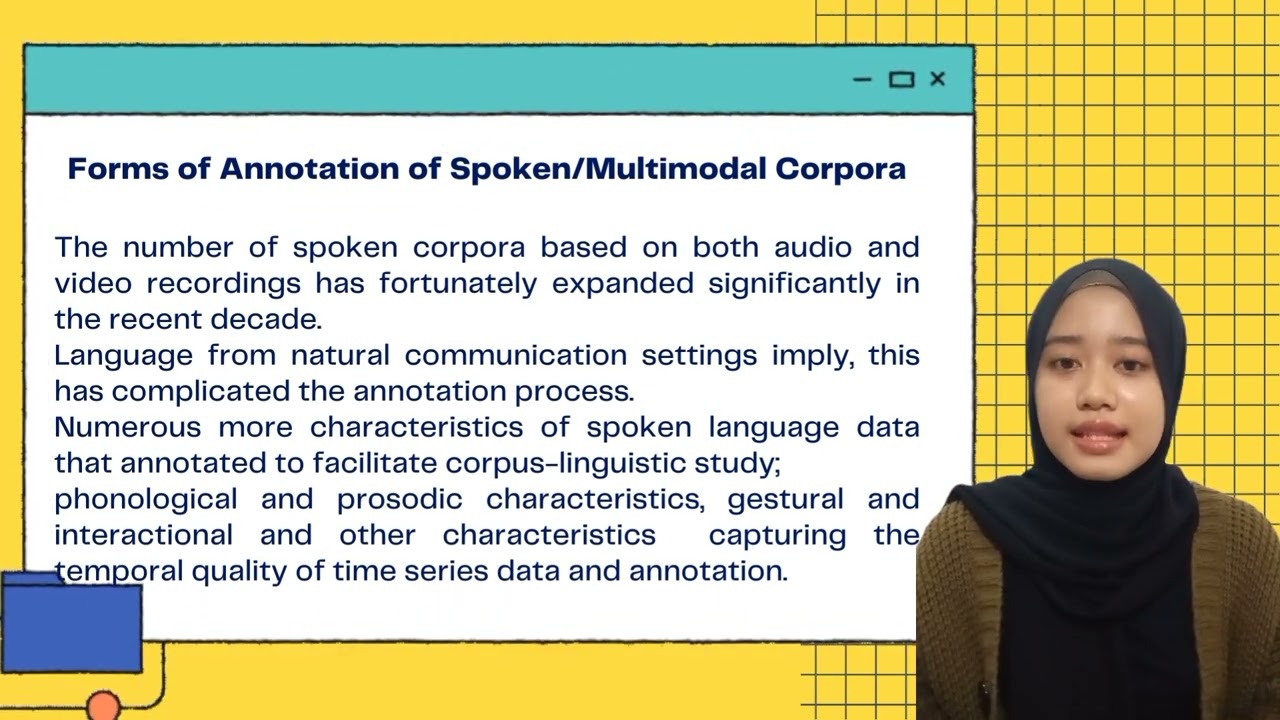
Applying Part-of-Speech (POS) tagging and semantic annotation to a custom corpus for deeper grammatical analysis.
Comparing specialized corpora against larger reference corpora (like COCA or BNC) to identify statistically significant keywords.
Understanding and applying association measures (e.g., Mutual Information, t-score, log-likelihood) to evaluate collocation strength.
Transitioning from GUI-based tools to programmatic text analysis using Python libraries like NLTK or SpaCy.
146 views3likes20:53Original Release: 2020-06-12
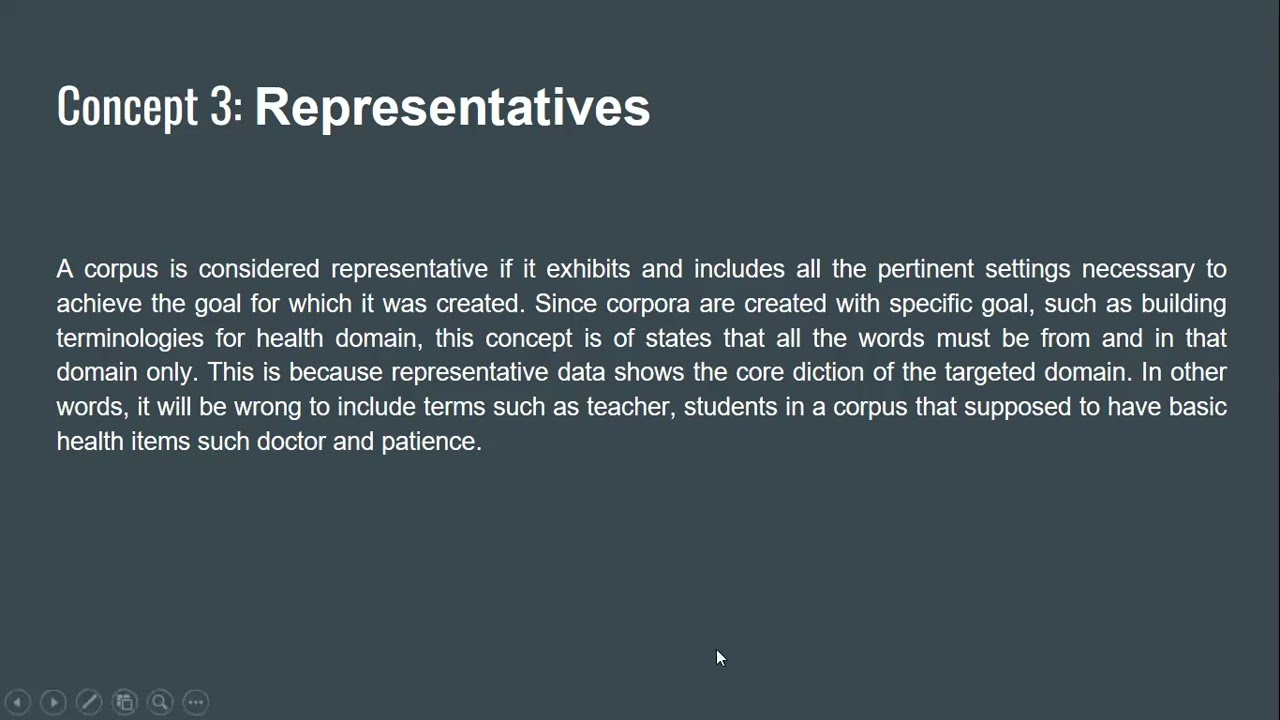
[Music] all right last but not least in this module we're gonna show you how you can build your own corpus perhaps more important is why it's a good idea to build your own corpus then we'll talk about how to build your corpus and how to equals call the concordance err so why build your own corpus why why is that something that is useful well with the previous corpora and the tools that I've shown you it's stuff that other people have prepared they they have used general corpora that the people who design these tools hope will serve a plethora of different users and what happens with academic languages as I mentioned in the in the first video is it's very formulaic but those formulae tend to also be very discipline specific and so what may be useful or commonplace or frequent formulations um lexical or crazy illogical formulations in my particular discipline may not be this as useful in another discipline academic discipline and so if you can create your own corpus you create your own collection of text then you can explore language that is especially useful and used in your particular discipline and that's what we're gonna do right now is talk about how to build your own corpus and we'll start with these three steps which is first selecting your text that's very important then simply converting those texts into the format that's readable by the typical software and then I'm I'm worried about organizing those so first with respect to selecting your text let me just say that there is no consensus about how big a corpus should be some would argue that the bigger the better the more text the more data and therefore the more patterns you can see but another argument can be made that the more specific your discipline more specific the lexical field that you're investigating the less actual information you need so one just a kind of general rule of thumb probably anything less than 50,000 is less than ideal but you don't need to go into hundreds of millions of texts having said that I'm going to show you in a minute how easy it is to collect those texts you so closes here so most of you already have lots of articles in the form of PDF if you're if you've done your master's degree if you're working your PhD there's no question that you've collected you have in your personal library sometimes you have a you have a virtual library through a system like Mendeley which i can talk about in another video but today I'll just look at simply Google Scholar and so if I want to find look into a particular area [Music] within my discipline for example collocation in collocation use for learners of English and then what I see here is a nice collection of articles I mean they'll be in the thousands and I can narrow this down I want to the articles that are more recent if you are logged into the UC system you can generally download those PDFs and then it's just a matter of clicking on on those and then and then downloading those there is a problem is that if you download this this PDF it's not readable by the software that we'll use later so the first step is to collect the the text that I that are there the facts that are most relevant to your discipline most articles are in the range of between five and seven thousand words so try to collect at least at least ten of those articles to get some meaningful data I would say but the more not the more the better but larger text a larger corpus size would be even better and once you've downloaded those you're going to do the followings okay so here is a collection of PDFs that I've organized I do recommend putting when you do download your videos organize them and label them in ways that will be interpretable by you but that way when you when you see lines corpus lines in your corpus tool later you'll be able to understand where where they came from and in my case I've I've ordered these PDFs by the Year publication volume number issue number and because I was looking at different English varieties I have them labeled by country but whatever label if you find it useful for you just you know create a system that works for you but keep them keep it organized as my tip at the moment these PDFs are it will look pretty much like what you're what you're familiar with and so in this format they are not readable by the corpus software that you're going to see what I like to do is convert them to txt if you google PDF to txt which is sort of raw text that's the format that you want there's lots of free tools I like to use this one because you can drag and drop a lot of mail at once and that's my favorite one that's my go-to one so I'll just grab a bunch of these and drag them over here and you can see that it does a really good job of converting it really quickly how many I dragged over there that was probably more than ten you and then once it's converted then you can download all of them all into one zip file and then pretty easily put them into a file that you can retrieve later what you'll see is the that you have I've created a folder here for this corpus which you'll see here is that your your files will be in txt forum if I open this like this all you see is this raw text this is what you need in order to have it be read by the software we're going to download in just a minute all right so we've looked at selecting the text converting them into txt and organized you know now we're going to talk about how to analyze your corpus and we're going to use something called a concordance sir what you're gonna do is you're gonna download piece of software it's free called ant conk then we're gonna load our files we're going to generate and we'll show you how to generate a frequency list and why that's useful we'll look at collocation then we're look at what I call engrams okay so let's move to the software this is software that's been written by a researcher named Lawrence Anthony and so that AMT and ant is the reason why it's called and conch Anthony concordance or Anthony's concordance or and clunk it's a freeware tool and we're going to go to that home page now to find that page I just Google and conch usually the first hit here click on that and you just choose which platform you're going to use so Windows or Mac or Linux and you can with I think was with Mac sometimes you have to you have to authorize um you have to unlock or give administrative administrators or administrators access to unlock its youth but it's pretty straightforward all right so I've already downloaded this software alright when you open it it launches very quickly and this is what the the Concordat sure looks like you just get this empty box at first I'm gonna make it nice and big you and here you have a several options concordance concordance plot file view clauses and engrams polychaetes word list and keyword lists we're gonna focus today I'm generating word list we'll look at collar kits and accordance and engrams first thing you got to do is load your files so you go here to file and you choose which file you want to open [Music] I go to my [Music] I have my corpus and then you can control all or select all the wires would you can select individual ones whatever you want to do and then open once you have that I have here what I can see at all every single file that's that's been loaded into the concordance err and if I click on it I don't see anything here I see the total number of files only okay so what do I do now well the first thing you want to do is go to word list and I'm just gonna simply hit start and here is what this tells me tells me how many word types I haven't hear so how many different words not how many words total but how many different individual word types I'm told the word the appears 54,000 times but it only counts as one word type so I have thirty six thousand eight hundred twenty two different words and these 191 files and many one research articles and I have over a million word token so that is that word how many individual how many total words are in all of those files is over a million okay so that's a decent sized corpus it's fine this is a food science corpus so it's quite specific so it should be okay and then over here you see the most common words and in any corpus of English first first word is always going to be the and then you have all these words when you might think well that's not very useful but what you notice is that and number 10 unsurprisingly for this corpus is the word food now that is not what you would expect in a general corpus like the ones that we saw in the in the past in the previous videos if I click on this word food what's generated is a quick concordance a keyword in the context concordance and this is why I told you it was important to organize your files I can see with each one I can see where each one came from each line moreover I can click on that node word and each line that I am interested in and I can find what it is in the source text that is not something that you can do very easily in the other tool tools that I showed you earlier in the previous video with the corpora that not come from you but from from others okay so we're getting back to the word list keep scrolling down I see that I start getting to the less and less common words that even though these are still quite common um and I begin to see maybe more specific words words that are more useful for my particular discipline and I can export that word list if I want I can just save the output you and I can name it word list or whatever I want and save it wherever I want and I can of course convert that into a a Word document or whatever I want later okay now getting back to the word list so get back to the word food again we saw that we can generate a concordance I want to show you what you can do to search for a collocation so for that I click on color cut and hit start and here you see that I have this is this is kind of important the spanned to show me only words that come to the right so if I want to see only the word that immediately most frequently follows is sort by frequency most frequently follow the word food in this corpus just immediately to its right I see that food science is the number one thing in food chemistry food quality food policy if I wanted to change that to see what comes to the left and nothing to the right I would see a lot of different things in food out food but also processed food household food global food and so on now the the the nouns or the words that immediately followed alright finally um we're gonna look at what are called in grams so for this I'm gonna click on engrams and I'm gonna look for engrams that are just to two words long they're called by grams and this little show me something a little bit different so I'm going to click on that you you you takes a little bit longer all right and what you see here is a list of the most common co-occurring lexical items so just like with collocation you want to be careful to make sure you have it sorted by frequency there are other options with probability and things which kind of more advanced and not really within the scope of what we're talking about today and just like with the word list you you find that there are a lot of words at the top that may not be that interesting but if you keep going down you see that you get more and more specialized so you see food science and food chemistry food quality and if you just keep going down you get more and more specific specific terminology that that might be useful and it at any point if any of these if you want to click and see more information of how for example added to is used or how [Music] another good example here close to the top you right the fatty you can see here that um fatty most commonly occurs with fatty acid and then you can click on that whoops well if you get the idea beef burgers makes me hungry you can see how that collocates with other items and you can see the source file as well now if you went back and you change the settings to three or four you can get different options here but anyway you get the general idea so that's um that's how you use a concordance err and we'll have a few exercises for you to to play around with your own and it all comes down to you becoming fully fledged language detectives so hopefully the tools that we presented in this module will help you get you on your way
Up Next

19:35
COCA Tutorial: Introduction to Corpus of Contemporary American English
@TheGrammarLab
91.2K views•2012-07-12
178:38
Whole Brain Architecture: First International Workshop 2024
@thewholebrainarchitecturei9784
640 views•2024-07-22

9:49
FastAPI vs Flask vs Django: Choosing the Right Python Web Framework
@TechWithTim
302.5K views•2024-05-26

1:42
Game of Thrones Opening Credits: A Cinematic Analysis
@gameofthrones
46.3M views•2011-04-18
Related Study Plans & Knowledge Roadmaps
Structured learning paths in General & Interdisciplinary Studies
general-studies
Artificial Light: History, Tech & Human Impact
01The Pre-Electric Era: Fire, Oil, and Gas Lighting
02The Incandescent Revolution and Grid Electrification
03Gas Discharge and Fluorescent Illumination
+ 3 more learning modules
14h6 modules
Explore Roadmap
general-studies
Elevator Engineering: History, Physics & Cities
01From Hoists to Safety Brakes: The Dawn of Vertical Lift
02Hydraulic vs. Traction: The Engineering Physics of Elevators
03Modern Speed, Safety, and Algorithms
+ 2 more learning modules
12h5 modules
Explore Roadmap
general-studies
Rubber: Material Science, History & Geopolitics
01Origins of Natural Rubber & Mesoamerican History
02The Chemistry of Natural Rubber & Vulcanization
03The Geopolitics of the Rubber Boom & Colonization
+ 2 more learning modules
12h5 modules
Explore Roadmap
general-studies
Containerization: Evolution, Logistics & Trade
01Ancient Trade & Bulk Cargo: Amphorae to Barrels
02The Industrial Revolution & Cardboard Packaging
03The Containerization Revolution: Malcom McLean
+ 2 more learning modules
12h5 modules
Explore Roadmap