


![[НОВОСТИ] Apple обновили правила для приложений](https://i.ytimg.com/vi/1-wLQN254uk/maxresdefault.jpg)



![Video Editing Basic Concepts [FPS, Resolution, Aspect Ratios] Class#1](https://i.ytimg.com/vi_webp/YSjo5xhM0bo/maxresdefault.webp)




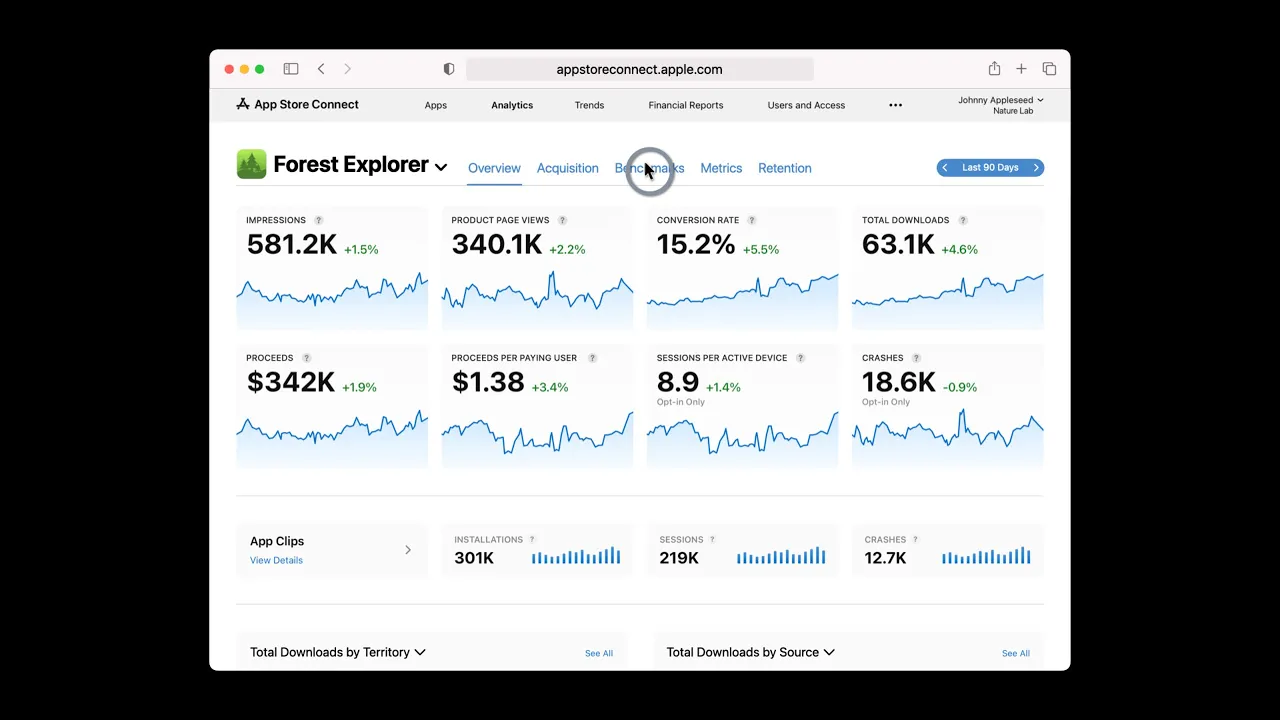


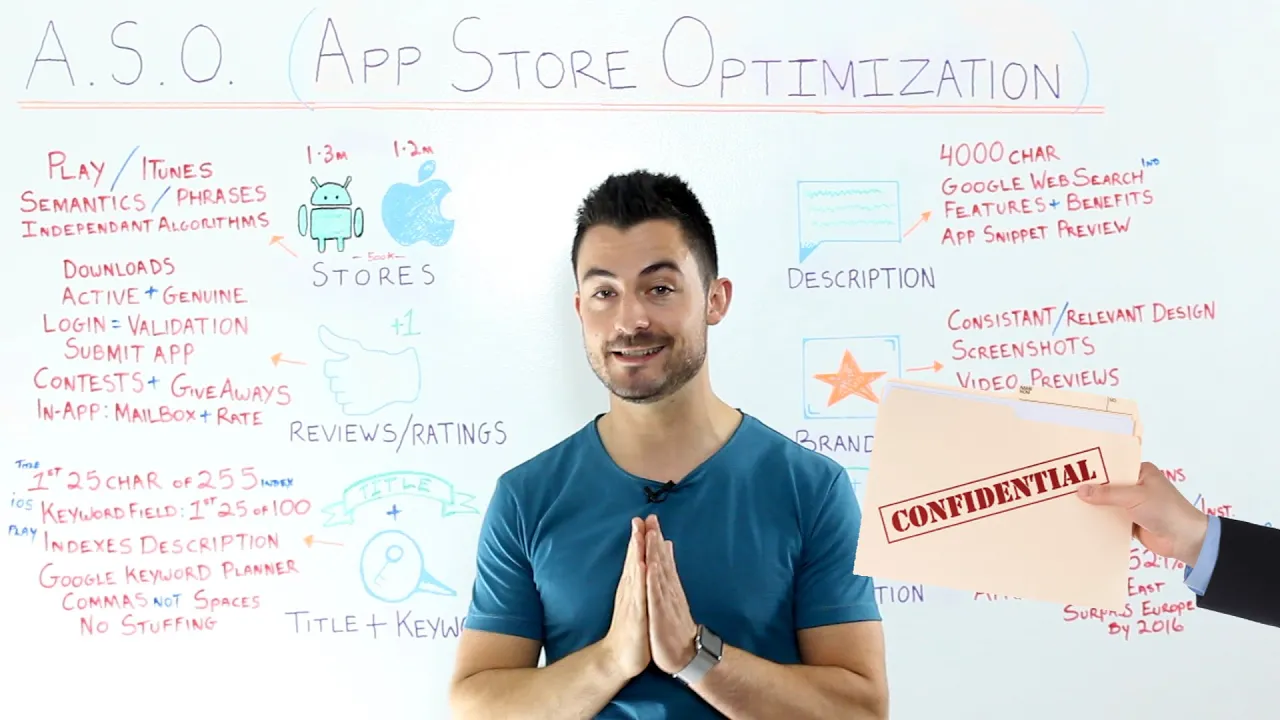







An iOS app preview video is a 30-second screen recording that showcases your app's features to potential users in the App Store. Apple requires that videos must be actual screen recordings of your app (no filmed people or overlays), should be understandable when muted with text overlays, and must comply with device resolution requirements. Best practices include engaging viewers within the first 5 seconds, highlighting unique features that differentiate your app from competitors, and considering small screen sizes. For paid apps, videos are especially important to demonstrate value and justify the purchase price.
App Preview Videos for iOS: Optimize App Store Listings
Added:Fundamentals of App Store Optimization (ASO), including the role of metadata, keywords, and screenshots in driving organic downloads.
Familiarity with Apple's App Store Review Guidelines, specifically regarding content standards and intellectual property rights.
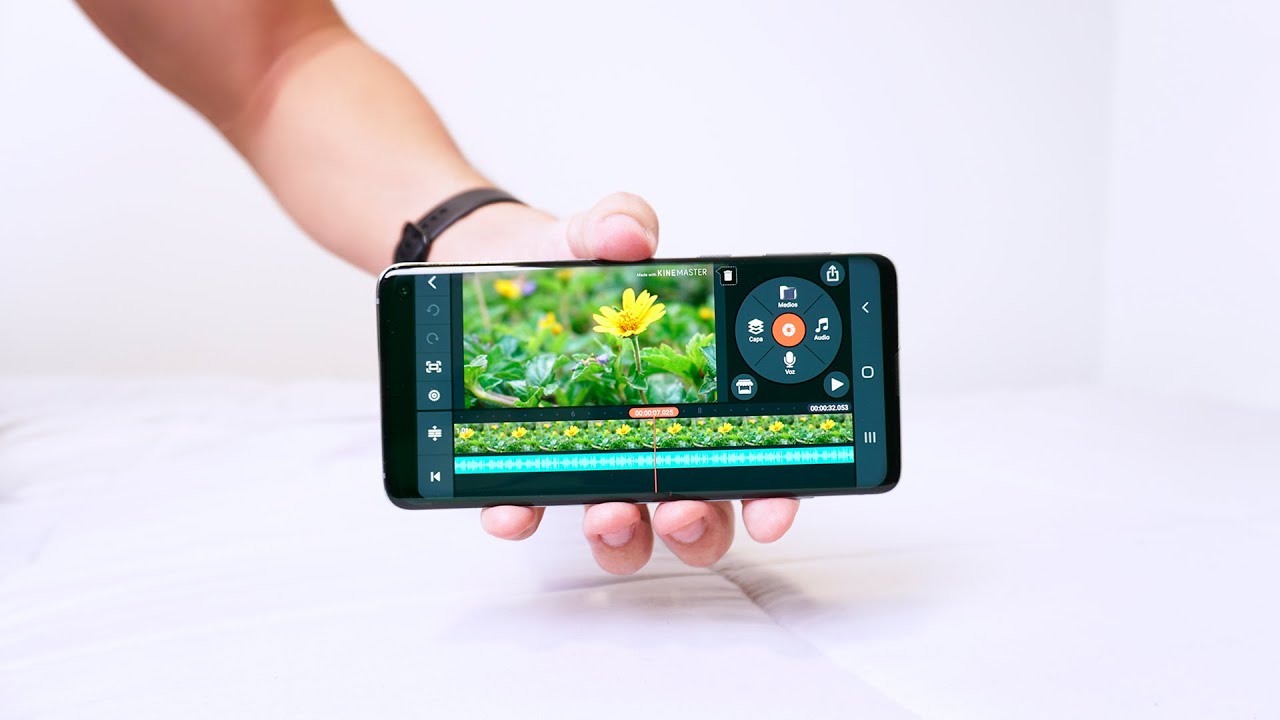
Basic video editing principles, including understanding aspect ratios, frame rates, and standard video resolutions required for mobile devices.
An understanding of your app's core value proposition and key user flows that need to be highlighted to potential users.
Designing and running A/B tests using Apple's Product Page Optimization (PPO) tool to measure the conversion rate impact of different app previews.
Localization strategies for app preview videos to effectively appeal to diverse global markets and different cultural expectations.
Integrating App Store assets with paid acquisition channels, such as aligning video previews with Apple Search Ads (ASA) custom product pages.
Analyzing post-download user retention metrics to evaluate if the video preview set accurate expectations and attracted high-quality users.
10K views147likes10:04Original Release: 2021-03-02
hi everyone elisa here and welcome to this app store academy video lesson so today we're talking about ios and more specifically the preview video what is a preview video basically is a 30 second video that you can upload to your app store listing and why should you do that well that's a great way to showcase your app to your potential user so if you have a game then you're going to showcase how to play your game or what can you do in your game or if you have a paid app it's a great way to convince the potential user you can pay for this app you're going to find what you want so this video we're going to split up in three parts the first part is guidelines second part best practices some tips and the third part good examples to inspire you to create your own video welcome to the first part of this lesson about the apple's guidelines first thing is screen recording well you have to screen record your app that's it you cannot film a person running on the nature and no you have to showcase your app and that's basically screen recording how you can use it which takes me to overlay you cannot overlay a lot of stuff so you have a screen recording of your app don't overlay like a hand uh touching and opening stuff on your app because it's not allowed really stay with that gameplay seems exactly the same so don't jump around with a lot of cuts because then it's also a little complicated to understand how you can play how does it work so maybe choose an engage engaging level of your game or maybe a very colorful and pretty uh part of your game and then you really show how to play this part or something like that and you can also add tags actually should add text because usually the video is going to play muted so it's a great way to talk to put some keywords or some sentences related to your game engaging ones that people be like oh that's awesome i want to download it but mine localization because if you have your store listed in different locales you should also translate the text and adapt for this local okay then we go over here to the voiceover you can add as voice over it's not a problem at all but remember this video is going to auto play muted i don't know how many people will listen to the voice over so if it's too complicated for you to do a voiceover if you don't have time if you don't have a person to do it don't do it i would skip it but you can definitely add right this is so important apple is very strict with that it's very important that you only show things that are related to your brand to your app things that you have rights don't put a song that you don't have the rights on it uh resolution yeah there's so many uh devices and specific devices and app was very strict about that you can have the whole list in our app preview app screenshots articles and you're gonna find the list there so fine uh this is very important very tricky you should bear this in mind in-app purchases so if in your video you're showing you're showcasing some um in-app purchases so a character that you have to buy to play with it or a subscription uh so to use this feature you have to subscribe to your to your app to pay a subscription fee you have to disclaim you can use the text and write there but you have to an app really specifically tells you about that and last but not least is the poster frame that's basically a thumbnail of course you want to have a thumbnail because maybe the video is not going to go on autoplay and then you want to have an image and a nice one and a very engaging one is going to be your first screenshot in related to the other ones so you can of course select one part of your video an image of your video if it's engaging in a nice one but you can also upload a different one but bear in mind that if you have your new version live and you just want to change the poster frame you're gonna have to submit a new version of your app so we cover everything and we are ready for our next part moving on for our second part of the video here are some tips and best practices for you [Music] and the first thing is get straight to the point you know attention spam people don't pay a lot of attention it's still like a promotional video so some people are not very interested about so really for the first five seconds make something really engaging the people are gonna be like okay i wanna watch this video until the end mind the autoplay function you know it's gonna start playing automatically so you have to know that maybe people are going to lose like miss the first one second of your video until they oh there's something here but at the same time since it's auto playing you have to engage the attention of the person okay there's something playing here oh you're gonna catch with your eye and you're gonna stop and you're gonna really want to watch it show actual footage of your app as we said apple only allows you to do that so you should show actual footage of app and you should really select what you want to show your main features what is really different what makes you different from the other apps from your competitors make your video understandable when muted that's very important as we said it's going to autoplay and it's going to be muted so and most other people are not going to put the sound on so you really have to do something that people will understand without following the audio consider small screen sizes not everybody has a really big ipod ipad pro and a lot of people are going to watch maybe in smaller phones and if you have a lot of details or small details these people aren't going to see it and this could be a a disadvantage for you use your video to stand out and remember i'm going to make a search at the app store and i'm going to have the results and your video is going to be there and going to start autoplaying this is so good for you because these stand out so much this is already a really good way to stand out from the crowd just research what our competitors are doing into something different so this is the last part of our video and we're gonna check out some preview videos and check it out why they're good and why they could inspire you for creating your own preview video first of all what we talk about it right the video starts playing out of playing that's why it has to stand out it can make your app stand out and you're gonna you see like i look for it this is the only video with the only app with the video which already catch my attention right the videos are auto playing without sound as you expect and i see exactly what i do your challenge seven minutes a day seven month challenge skip a day and lose your heart so it's almost like a gaming uh way of dealing with the seven with the seven minute workout or like workouts as you progress so you understand this motivates you and then how you can do you have to do these exercises in this 24 seconds um time i got seven i don't know quick fun and effective and then you can do full body and you can choose so i don't know if i consider it pretty for instance i don't think so but also it's exactly straight to the point it shows me exactly i started watching it without um paying attention for the first second but i still got okay now i can see how to use that i can see the users their colors their their branding and there are some texts written there for you to to guide you through what the screenshots show screen recording is showing you so this is a really good example simple it's this is not hard to do it so if you don't have a lot of time a lot of resources you can definitely do something simple but still stands out because if you see the competitors didn't have videos so this catches the attention of you of the potential user and also really shows what how you can use the app moving over to our next app it's called that already show the right though they're doing great with their search ads because yeah it shows when i look for it this is a paid app so for paid apps i would say that it's even more important for you to have video because you really have to convince the person why they should pay to have to use your app right and this is a program so it's a photo and video editing or app so it has to be pretty you expect it to be pretty and honestly the visuals are very pretty and it's very if you're into photography i think it's very understandable or if you're if you're not it's really easy to use so if you're new to that you can okay i can understand that i can learn how to use it and then the show about focus about how you can focus the editing tools that you can use and how many filters you have is so straight to the point the text that you see is really guiding you you have 30 seconds but then there is written much more which is important because i mean i'm paying for this app i don't only i don't only want that i want to know that i can discover and unlock more features thanks for watching we i hope this was a very inspiring class for you to really create your own preview video if you want to have more content or maybe you want to see more app reviews you can check our youtube channel so i'm looking forward to our next lesson and i see you next time goodbye
Up Next

41:46
How to Create App Store Screenshots with Figma: A Step-by-Step Guide
@RobertoJuarez
27K views•2020-03-15

12:54
Triumph of Orthodoxy Icon: Byzantine Art & History Explained
@BenCallan
2.1K views•2024-08-06

9:49
FastAPI vs Flask vs Django: Choosing the Right Python Web Framework
@TechWithTim
302.5K views•2024-05-26

1:42
Game of Thrones Opening Credits: A Cinematic Analysis
@gameofthrones
46.3M views•2011-04-18
Related Study Plans & Knowledge Roadmaps
Structured learning paths in General & Interdisciplinary Studies
general-studies
Elevator Engineering: History, Physics & Cities
01From Hoists to Safety Brakes: The Dawn of Vertical Lift
02Hydraulic vs. Traction: The Engineering Physics of Elevators
03Modern Speed, Safety, and Algorithms
+ 2 more learning modules
12h5 modules
Explore Roadmap
general-studies
Rubber: Material Science, History & Geopolitics
01Origins of Natural Rubber & Mesoamerican History
02The Chemistry of Natural Rubber & Vulcanization
03The Geopolitics of the Rubber Boom & Colonization
+ 2 more learning modules
12h5 modules
Explore Roadmap
general-studies
Containerization: Evolution, Logistics & Trade
01Ancient Trade & Bulk Cargo: Amphorae to Barrels
02The Industrial Revolution & Cardboard Packaging
03The Containerization Revolution: Malcom McLean
+ 2 more learning modules
12h5 modules
Explore Roadmap
general-studies
Textile Tech: Evolution, Labor & Global Impact
01Pre-Industrial Textiles: Handloom & Cottage Industry
02Mechanization: The Spinning Jenny to the Power Loom
03The Factory System & Global Labor Transformation
+ 2 more learning modules
10h5 modules
Explore Roadmap