



![[Imersão IA] Masterclass: Primeiros Passos com Python para Usar IA no Dia a Dia](https://i.ytimg.com/vi/Ez80tsAUCMo/maxresdefault.jpg)



![[EEML'24] Chris Dyer - Fine-tuning Language Models](https://i.ytimg.com/vi/1fEqfYpIGHE/maxresdefault.jpg)

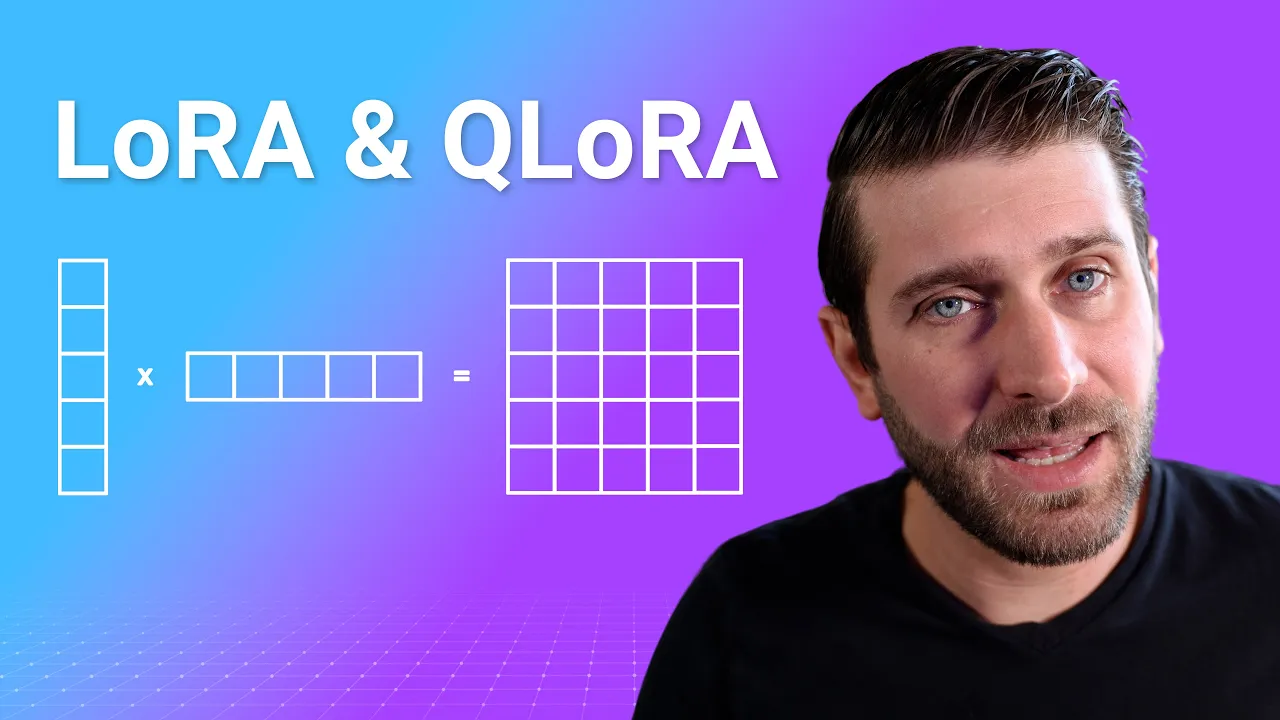








This tutorial demonstrates how to fine-tune the Llama 3 model (8B or 70B parameter variants) on custom datasets using Google Colab, leveraging the unslot library for efficient 4-bit model loading and the Hugging Face TRL library for parameter-efficient fine-tuning with LoRA adapters that update only 1-10% of model parameters.
How to Fine-Tune Llama 3 on Custom Data with Unsloth
Added:Basic understanding of Transformer-based Large Language Models (LLMs) and tokenization.
Familiarity with Python programming and navigating Jupyter notebooks, specifically Google Colab.
Conceptual knowledge of Supervised Fine-Tuning (SFT) and how it differs from pre-training.
Awareness of Parameter-Efficient Fine-Tuning (PEFT) methods, specifically Low-Rank Adaptation (LoRA) and QLoRA.
Advanced alignment methods such as Direct Preference Optimization (DPO) and Reinforcement Learning from Human Feedback (RLHF).
Model evaluation techniques, including the use of LLM-as-a-judge frameworks and standard benchmark evaluations.
Model quantization (converting weights to GGUF, AWQ, or EXL2 formats) and serving models efficiently using inference engines like vLLM or Ollama.
Advanced dataset curation strategies, including synthetic instruction generation and data cleaning pipelines.
30.6K views324likes8:31Original Release: 2024-04-18
hello guys a very exciting day as meta has released the much awaited Lama 3 model in this video I am going to show you how you can fine-tune this Lama 3 Model on your own custom data set I will be using Google collab for this purpose but you can use any other local system wherever you have Python and other prerequisites installed before I show you what exactly this uh finetuning of Lama 3 model involves let me give you a quick overview of this Lama 3 Model if you're interested in installing it on your local system then I already have done couple of videos as you can see you can install this Lama 3 locally on Windows I just did it like few minutes ago and also the whole overview in detail as what llama 3 Model is you can search it out on the channel now coming back to this llama 3 Model this has been just released like few hours ago and this comes in two variant 8 billion and 70 billion models and this is just a text only model Lama will meta is also going to release a 400 billion model very soon this comes in base and instruct model at the moment the context length is 8k it has been trained on 15 trillion tokens and it has been trained on eight times more code in the Lama 2 model it uses 48,000 gpus for training and it has already beaten mixol and a few other like Gemma clot on various Benchmark the knowledge cut of date for this model is December 2023 and there is a community community license and then there is a commercial license all in all I think one of the most capable open source model in the wild in the open source these days give it a try and see how you go now let's go to my Google collab as you can see this is my Google cab where I'm going to get it installed cancel these release notes let's go to runtime change the runtime to T4 GPU and now let's check out the Cuda version First and the tool which I'm going to use by the way is this unslot this is the unslot so really heads off to the creator of UNS slau I'm a big fan I also have done the interview of its founder so if you're not aware of what unslot is I have done few videos on unslot so please check them out okay so let's try it out and know credit goes to the creator of un sloth who has created this go app so let's wait for it to finish and then we are going to start our model and tokenizer [Music] download your first prerequisite installation is done and now let's specify our unslot import and then our models which we are going to do so for this one we just going to do the Lama 3 one as you can see here in 4bit let's try to run it it is going to use a fast language model to load everything here and it is going to take bit of a time as you can see the model size in 4bit is just 5.7 G let's wait for it to finish model is almost download it and tokenizer has also been loaded here shouldn't be long now that is done and now let's also add the Laura adapter so that we would only update 1 to 10% of the parameters that is also done and now we'll be using our own custom data set for the purpose of this I'm just going to use the alpaca one but of course if you have your own uh data set in the similar format for instruction input and output you can use that one but as you can see this is the usual alpaca format which I'm going to use with all the bells and bells of formatting The Prompt just defining this function and then you can see that this has already been loaded because I'm not loading the all of it just few of it now let's use hugging pH TRL library to for the F tuning there you go so I'm just importing it from the sft trainer and then I'm defining the trainer for all these parameters and I have already explained them in few other videos so if you don't know what these are please feel free to check those videos out let it Define will take long because you can see that it is just going through num procs at the moment it is almost there and that is done now let's start our trainer and this is going to take bit of a time and unsl slau actually makes it bit faster if and I would highly suggest you that if you regularly find tune your model then I would uh highly recommend this unslot in order for your F tuning job speci now this is going to take bit of a time and interesting thing is that as it fine tunes it is going to show you the training loss and you will see that this training loss starts coming down as it is making more and more passes so let's wait for it to proceed you see that it is coming down now it is going to take bit of a time so I will let it run and then once it is near completion or complete we will resume the training is still running and you can see that the loss has come Fair bit down I think it should be nearing to completion now so that is I think almost done now if you think about it what we have done is we have just loaded the model we have loaded our data set and all we have done is we have just run that training Point tuning job there that's about it Point tuning is done eventually and now let's do the inference of on this model so all I'm doing it I'm just copying the alpaca prompt from the top then using the first language model for entrance inputting my PR which is simply asking the instruction is continue the FI sequence this is input and we have kept the output blank so that it will be filled by the model and then I am putting the py to the Cuda which is a GPU T4 which we are using and then we are using tokenizer to decode the output so let's run it wait don't take too long and that is done and you can see that it has produced that FCI sequence and you can use any um prompt of your choice so this is how easy it is to get this model use your own custom data set and just find you not fine tune it on any of the data set if you want to save this model locally all you need to do is to use this command model. save pre-train and if you want to uh push this model to hugging phase just log to hugging phas by using hugging phas login and then push to HUB that's all you need so that's it guys I hope that you en enjoyed it so I will be doing more and more videos in the coming days and uh because I think Lama 3 is not going to stop they also have a 400 billion parameter model which is coming soon plus there are a lot of feature which are still needs to be explored so stay tuned and I will drop the link to my other videos of Lamas in the videoos description and in the comments so please watch them out if you like the content please consider subscribing to the channel and if you're already subscribed then please share it among your network as it helps a lot thanks for watching
Up Next
29:42
Ultra-High-Throughput Screening for Oxidase Engineering
@narayanlabuniversityofmich7888
536 views•2020-07-08

12:54
Triumph of Orthodoxy Icon: Byzantine Art & History Explained
@BenCallan
2.1K views•2024-08-06

9:49
FastAPI vs Flask vs Django: Choosing the Right Python Web Framework
@TechWithTim
302.5K views•2024-05-26

1:42
Game of Thrones Opening Credits: A Cinematic Analysis
@gameofthrones
46.3M views•2011-04-18
Related Study Plans & Knowledge Roadmaps
Structured learning paths in General & Interdisciplinary Studies
general-studies
Elevator Engineering: History, Physics & Cities
01From Hoists to Safety Brakes: The Dawn of Vertical Lift
02Hydraulic vs. Traction: The Engineering Physics of Elevators
03Modern Speed, Safety, and Algorithms
+ 2 more learning modules
12h5 modules
Explore Roadmap
general-studies
Rubber: Material Science, History & Geopolitics
01Origins of Natural Rubber & Mesoamerican History
02The Chemistry of Natural Rubber & Vulcanization
03The Geopolitics of the Rubber Boom & Colonization
+ 2 more learning modules
12h5 modules
Explore Roadmap
general-studies
Containerization: Evolution, Logistics & Trade
01Ancient Trade & Bulk Cargo: Amphorae to Barrels
02The Industrial Revolution & Cardboard Packaging
03The Containerization Revolution: Malcom McLean
+ 2 more learning modules
12h5 modules
Explore Roadmap
general-studies
Textile Tech: Evolution, Labor & Global Impact
01Pre-Industrial Textiles: Handloom & Cottage Industry
02Mechanization: The Spinning Jenny to the Power Loom
03The Factory System & Global Labor Transformation
+ 2 more learning modules
10h5 modules
Explore Roadmap