

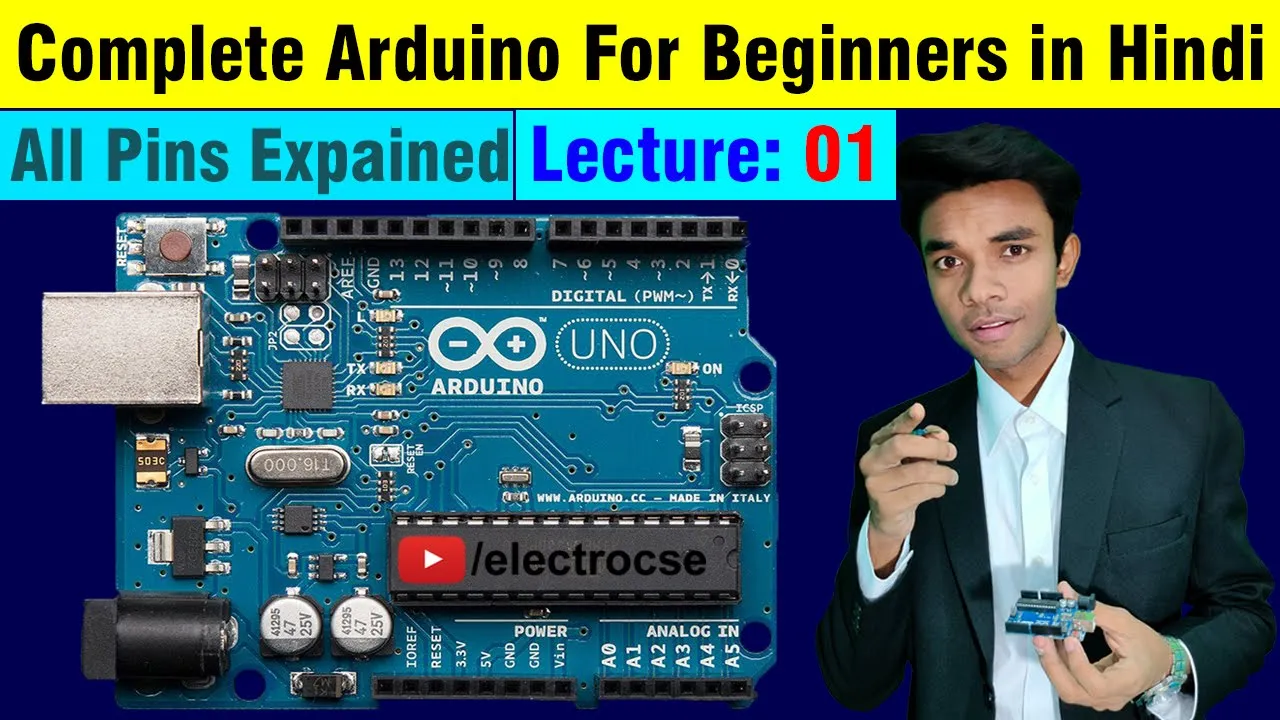

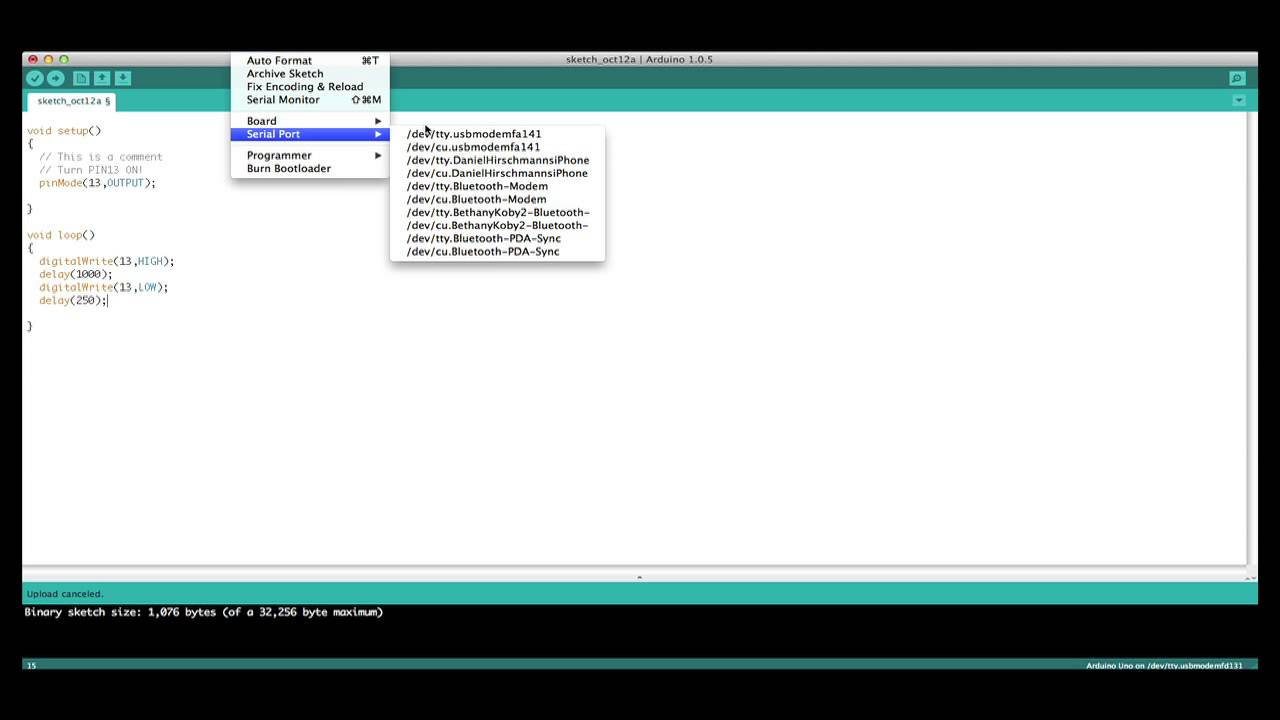



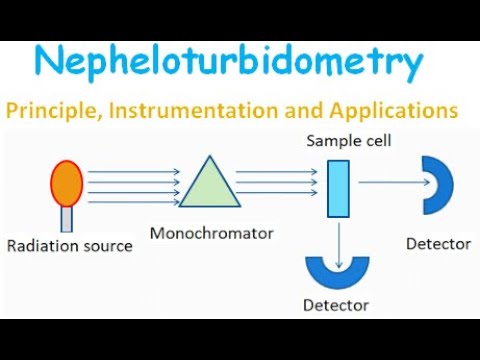





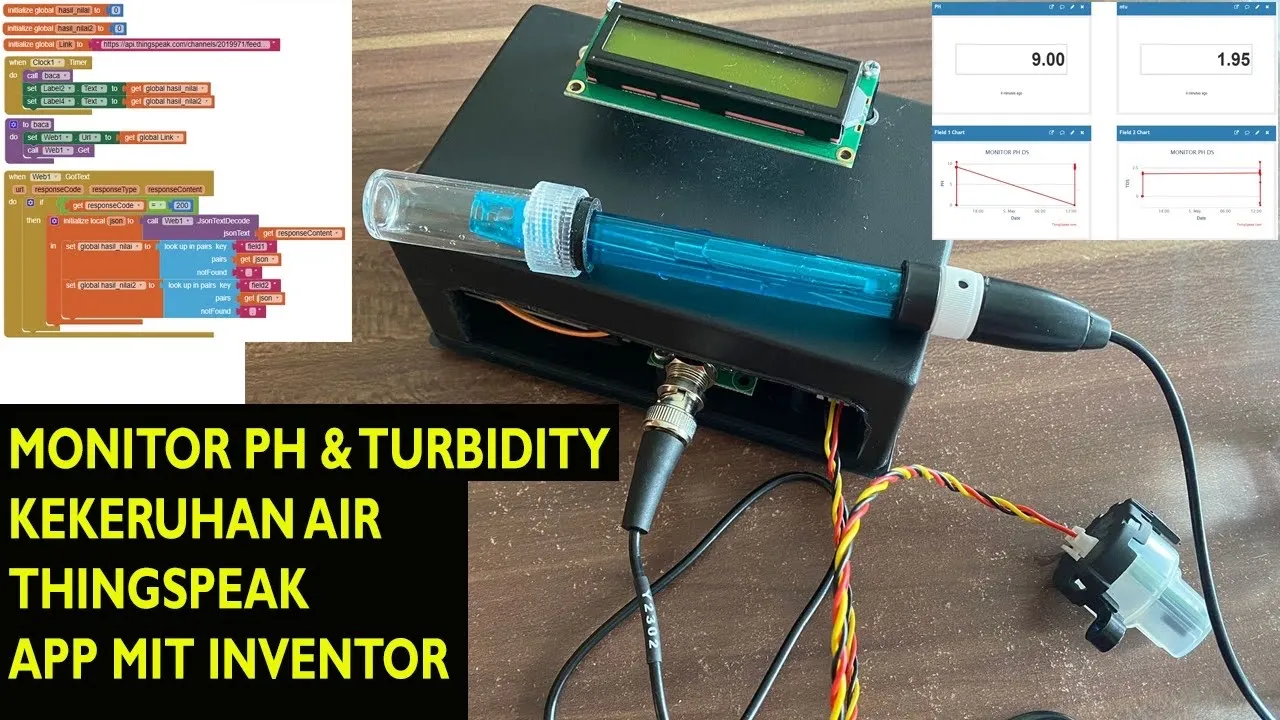



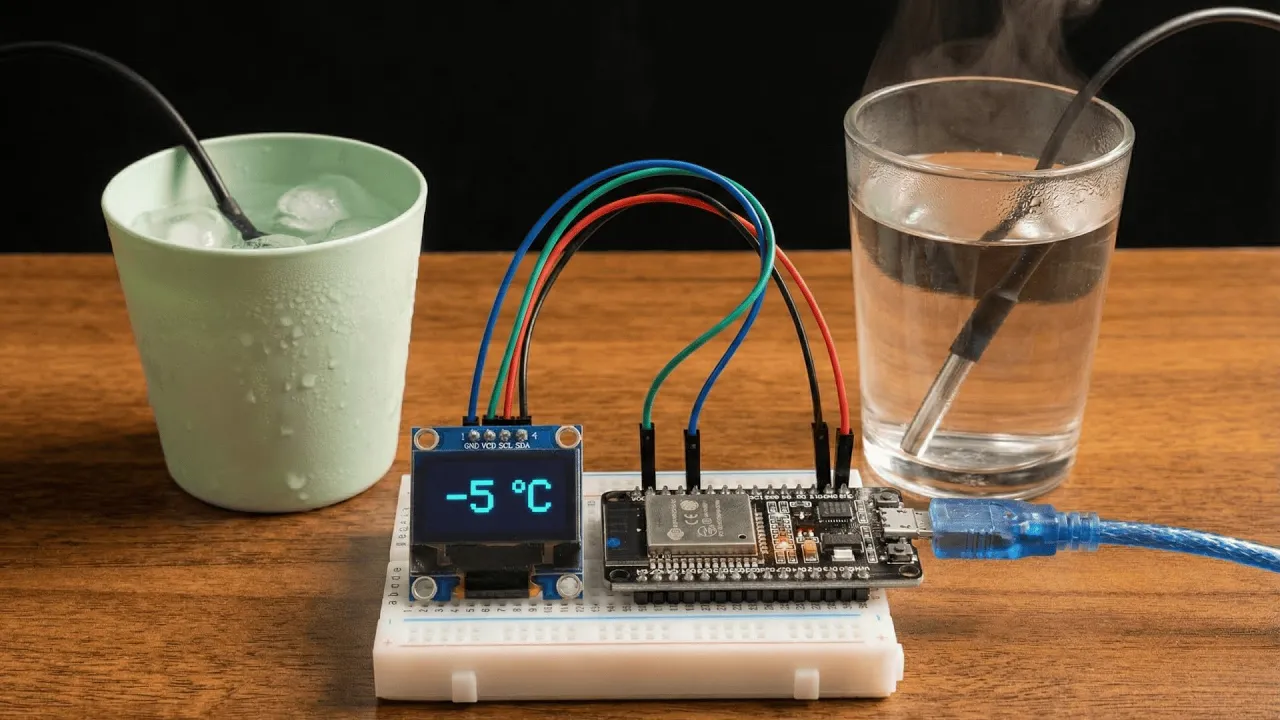



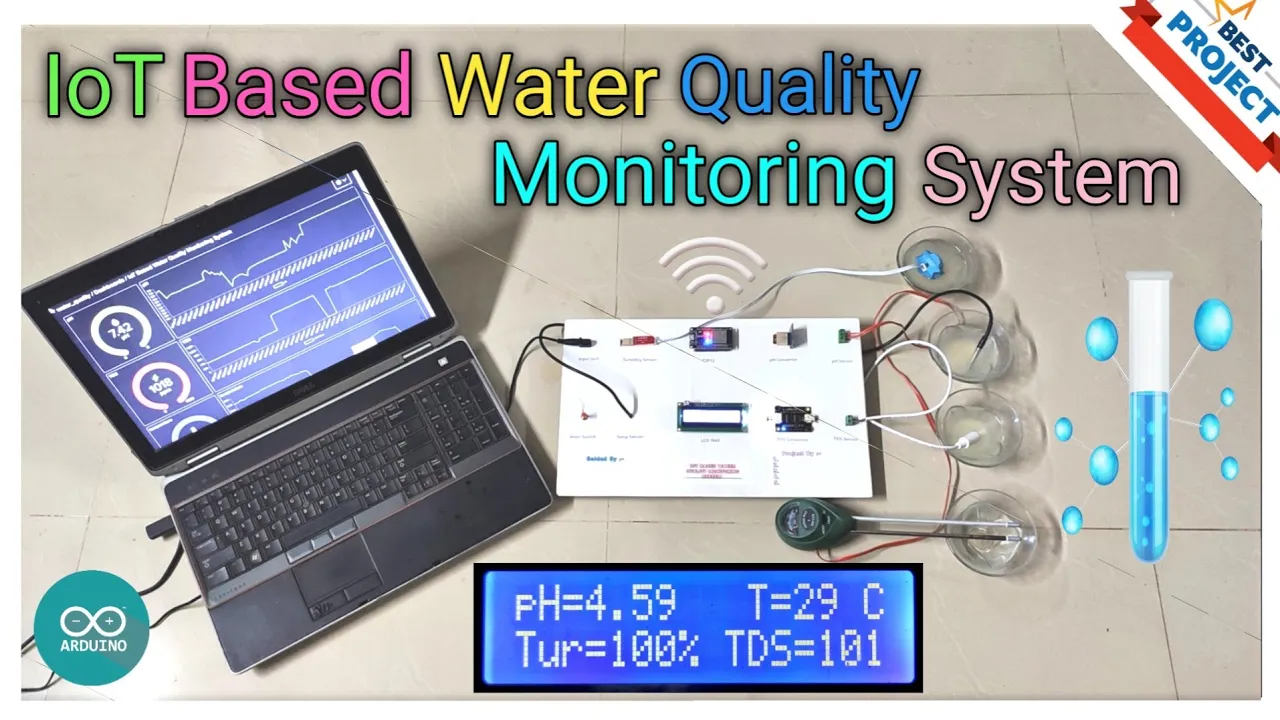
A turbidity sensor measures the cloudiness of a liquid by detecting how much visible or infrared light is scattered by suspended particles; the sensor consists of a transmitter that emits light and a receiver that detects the transmitted light, with the intensity of received light being inversely proportional to turbidity levels, allowing for quantitative measurement of water clarity.
Arduino Turbidity Meter: Complete DIY Sensor Tutorial
Added:Basic Arduino programming concepts, including using the Arduino IDE, writing setup/loop structures, and utilizing functions like analogRead() and digitalWrite().
Fundamental electronics and circuit prototyping skills, specifically how to use a breadboard, read schematics, and wire basic components like resistors and LEDs.
The physical concept of turbidity, including how light scattering and absorption (Nephelometry) are used to measure suspended solids and water clarity.
The working principles of optoelectronic components, such as how photodiodes, phototransistors, and LEDs interact to measure light intensity.
Sensor calibration methodologies, specifically learning how to use calibration standards (like Formazin) to convert raw analog voltage readings into standard Nephelometric Turbidity Units (NTU).
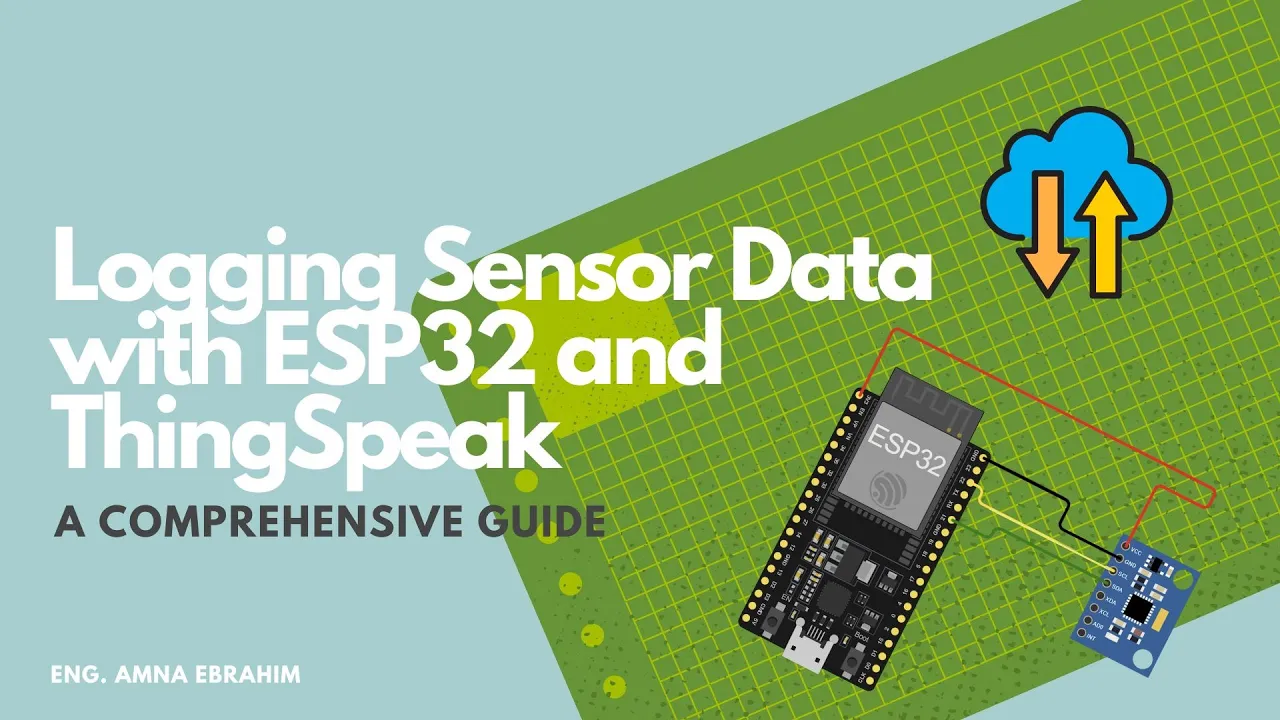
Integrating data logging and visualization tools, such as writing turbidity data to an SD card or transmitting it via Wi-Fi/Bluetooth to an IoT dashboard like ThingSpeak.
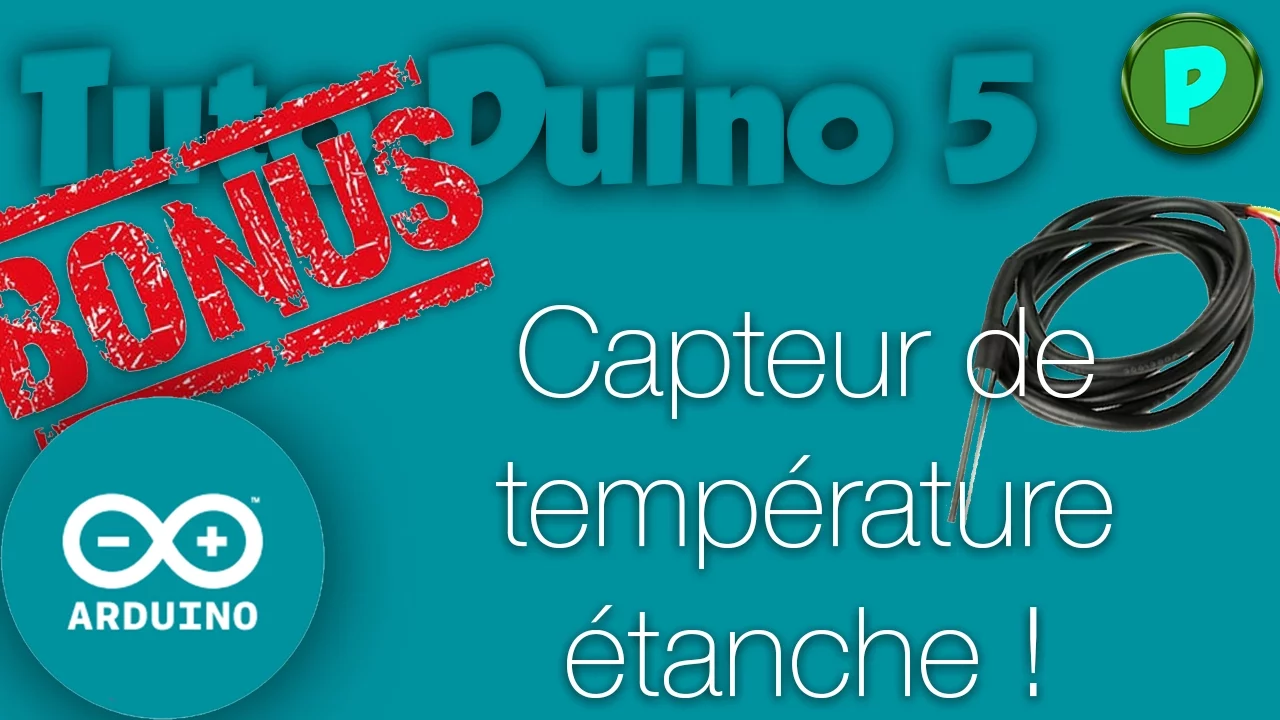
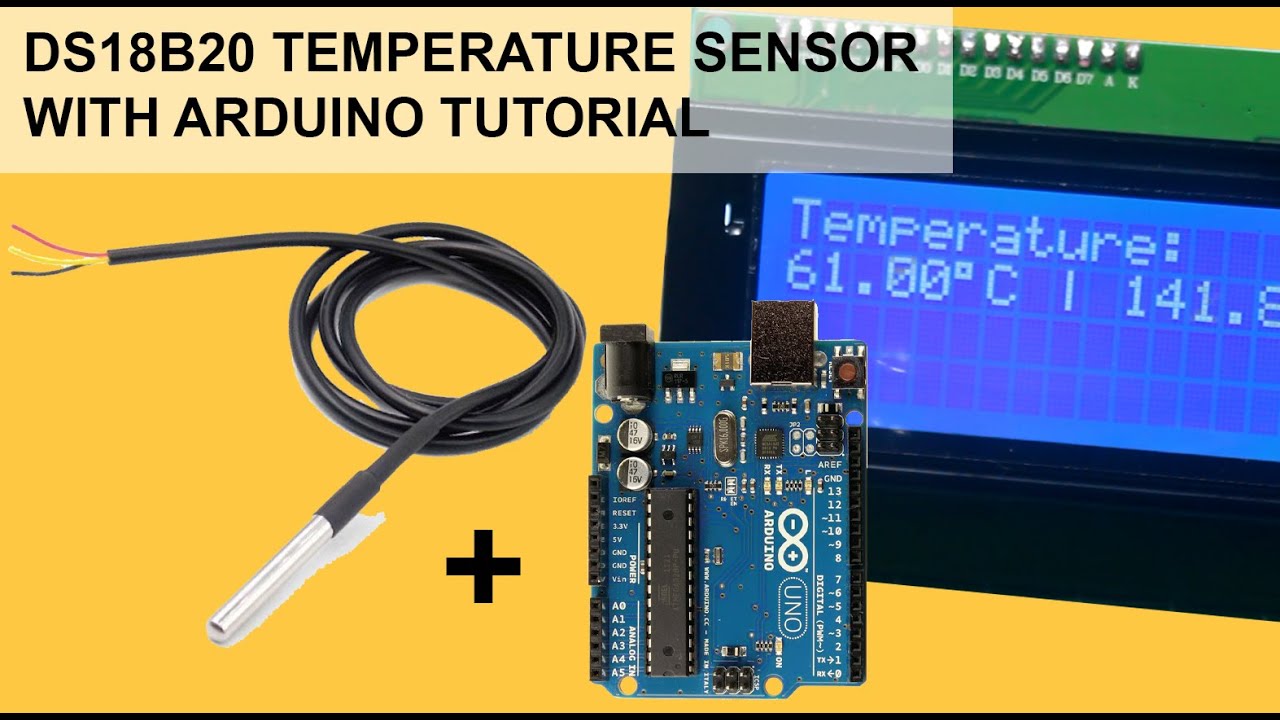
Implementing temperature compensation algorithms, as temperature affects liquid density and sensor accuracy, using a DS18B20 waterproof temperature sensor.
Designing field-ready environmental monitoring systems, including waterproof enclosures, battery power management, and combining turbidity with pH and electrical conductivity (EC) sensors for comprehensive water quality indexing.
58.1K views759likes6:42Original Release: 2020-09-01
hello there in this video tutorial i'm going to show you the details of turbidity sensor that includes what's inside a turbidity sensor how weightability sense work and finally how to make a turbidity meter using arduino let's get started so first of all the turbidity temp simply means the cloudiness of a liquid it occurs by the scattering of visible light due to the presence of suspended particle in the liquid so now let's see the working principle of a durability sensor a stability sensor has two parts one transmitter and one receiver or detector transmitter simply transmit the visible light or any kind of light and detector detects that light when we place a sample in between transmitter and detector the transmitter light pass through the liquid and the intensity changes the change in intensity of the light is directly proportional to the turbidity if the liquid is more turbid the intensity is very low so we can simply measure turbidity by measuring the intensity at the resistance we can use photodiode or ldr to detect the light intensity so that's the working principle so now let's have a look at our sensor it has two parts one is the sensor part and second one is the driver part in the driver part there is a ic to amplify the signal i don't know the number now let's open the sensor [Music] and you can see a u-shaped structure and that's the transmitter and the receiver we place samples in between the transmitter and receiver this sensor uses ir light and detector now let's build a turbidity meter using this sensor for that we need a arduino a 16 by 2 lcd display a rgb led a turbidity sensor has three pins ground vcc and a analog output first connect ground to ground then vcc to 5v and the analog out to s0 pin and now let's check the values i connected the arduino to computer and open arduino ide this code is for checking the values on serial monitor this is a very simple sketch first i read the analog values using analog rate function then i printed that values to serial [Music] monitor [Music] after uploading code to arduino i opened the serial monitor and you can see the values changes from 650 to 0 650 means no intensity and 0 means maximum intensity now let's connect the lcd display this is it to 5v ground to ground sdi to a4 and scl2 f5 because i am using i square c lcd finally connect rgb led to arduino first connect ground to ground [Music] then green to pin 7 bluetooth pin 8 and red 2 pin 10 after completing the connections i connected the arduino to computer and opened the code you can download this code from my blog link is in the description first i include the liquid crystal library for controlling the lcd then in the setup section i defined the pin modes and in the loop section first i read the analog value then i mapped that value to 0 to 100 then i gave different conditions and the different conditions are like this if the turbidity is below 20 print it's clear and also light up the green led and if the turbidity is between 20 and 15 print it's cloudy and also light up the blue led and finally if the turbidity is greater than 15 print it's dirty and also light up the red led after uploading code to arduino now let's check for demonstration first i took a glass of clear water [Music] then a glass of sedimented muddy water [Music] and a glass of hard mud water [Music] now let's check first i place the turbidity sensor on clear water and you can see the lcd shows it's clear and also the green led lights up and in this second it shows it's cloudy and also the blue led and finally in the muddy water you can see lcd shows it's dirty and the red led so everything is working well so you can download schematics code from my vlog or link is in the description so that's all about today hope you got some ideas about turbidity sensor if so like share maybe subscribe all up to you thanks for watching i will see you next time
Up Next

11:06
DIY 6-Gallon Ceramic Gravity Water Filter System Guide
@StevenParente
82.6K views•2012-11-23

12:54
Triumph of Orthodoxy Icon: Byzantine Art & History Explained
@BenCallan
2.1K views•2024-08-06
3:09
Turbidity Meter with Arduino Uno: DIY Calibration & Build Guide
@EDISON_SCIENCE_CORNER
31.6K views•2023-01-08

1:42
Game of Thrones Opening Credits: A Cinematic Analysis
@gameofthrones
46.3M views•2011-04-18
Related Study Plans & Knowledge Roadmaps
Structured learning paths in General & Interdisciplinary Studies
general-studies
Elevator Engineering: History, Physics & Cities
01From Hoists to Safety Brakes: The Dawn of Vertical Lift
02Hydraulic vs. Traction: The Engineering Physics of Elevators
03Modern Speed, Safety, and Algorithms
+ 2 more learning modules
12h5 modules
Explore Roadmap
general-studies
Rubber: Material Science, History & Geopolitics
01Origins of Natural Rubber & Mesoamerican History
02The Chemistry of Natural Rubber & Vulcanization
03The Geopolitics of the Rubber Boom & Colonization
+ 2 more learning modules
12h5 modules
Explore Roadmap
general-studies
Containerization: Evolution, Logistics & Trade
01Ancient Trade & Bulk Cargo: Amphorae to Barrels
02The Industrial Revolution & Cardboard Packaging
03The Containerization Revolution: Malcom McLean
+ 2 more learning modules
12h5 modules
Explore Roadmap
general-studies
Textile Tech: Evolution, Labor & Global Impact
01Pre-Industrial Textiles: Handloom & Cottage Industry
02Mechanization: The Spinning Jenny to the Power Loom
03The Factory System & Global Labor Transformation
+ 2 more learning modules
10h5 modules
Explore Roadmap