








![Débuter en FPV [partie 1]](https://i.ytimg.com/vi/XdKPxDKcj3c/maxresdefault.jpg)
![[TUTO] Modes de vol | Acro Angle Horizon | Drone FPV](https://i.ytimg.com/vi_webp/-7KqAC4BtW8/maxresdefault.webp)




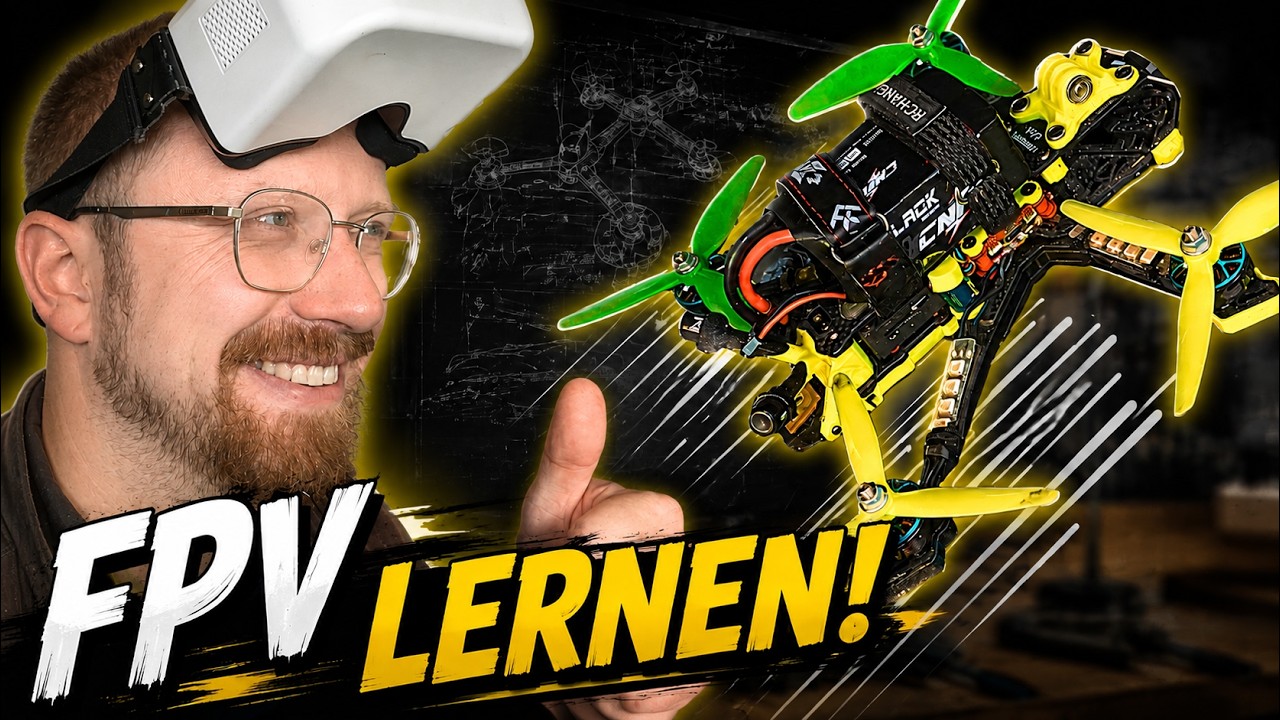




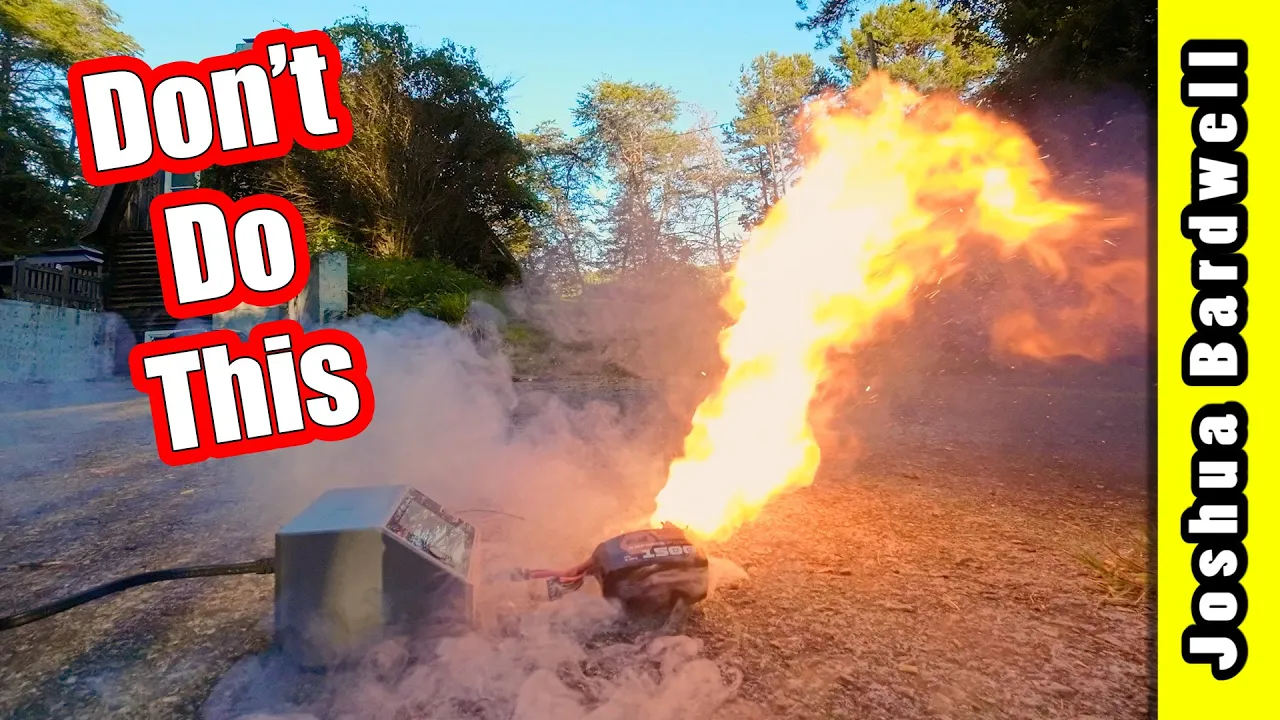
When performing your first hover test (hover maiden) with a newly built FPV quadcopter, always verify motor direction by bumping the pitch and roll sticks to ensure the quad rocks in the correct directions; implement critical safety measures including raising the throttle slightly before arming to prevent accidental activation, unplugging the battery before handling the drone, and carrying the quad with the battery unplugged to avoid dangerous situations if the arm switch is accidentally triggered.
FPV Drone Build Tutorial: First Hover Explained
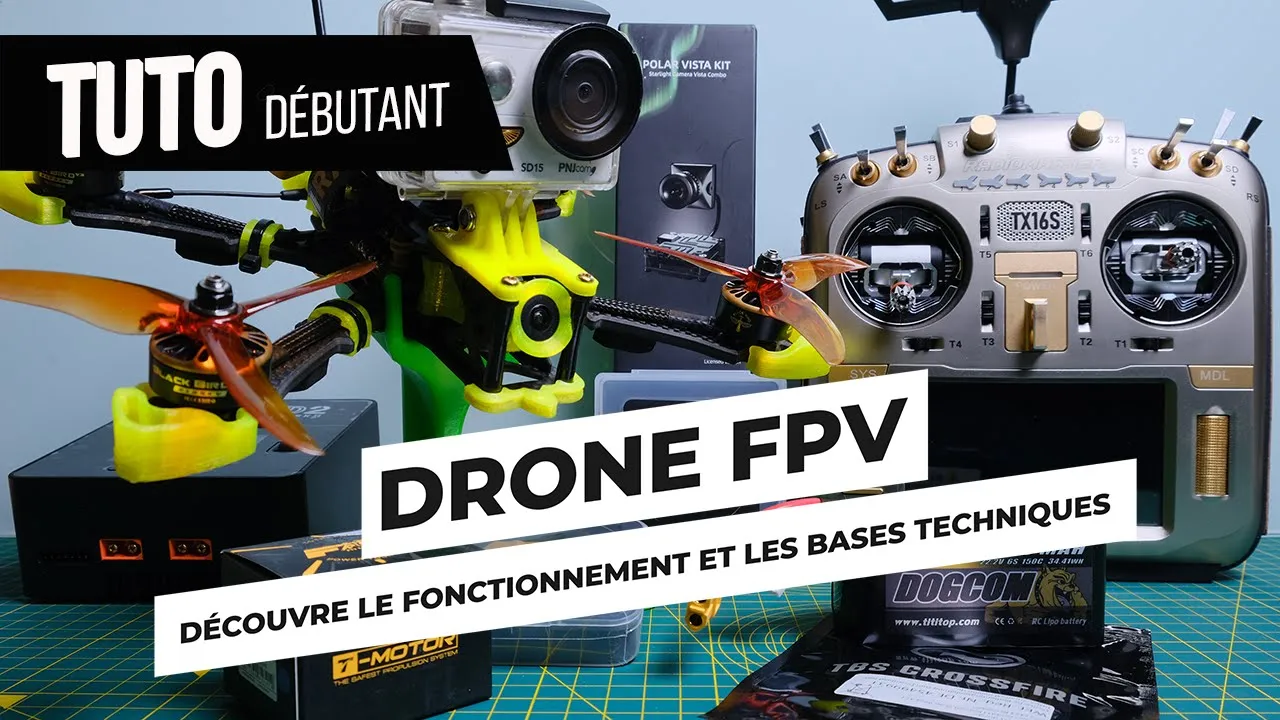
Added:Understanding the basic hardware components of an FPV drone, including the Flight Controller (FC), Electronic Speed Controller (ESC), motors, receiver, and how they communicate.
Familiarity with drone configuration software (such as Betaflight) for motor direction mapping, receiver binding, and configuring channel endpoints.
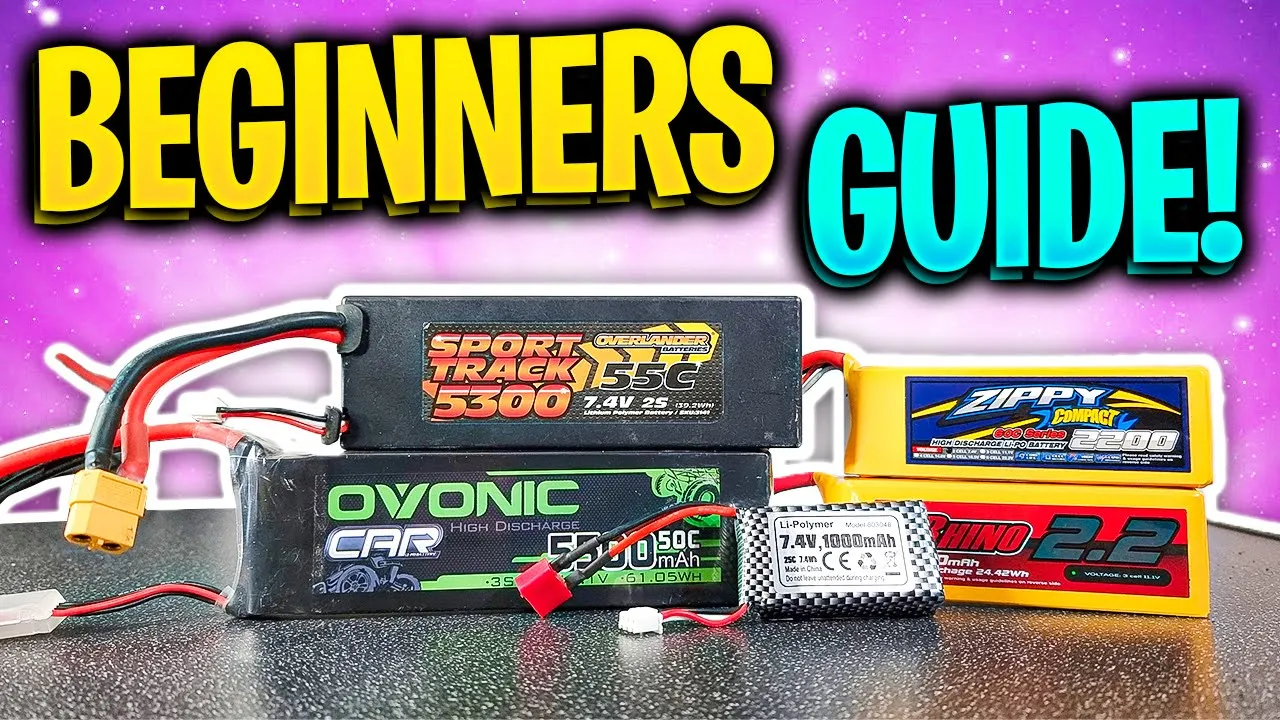
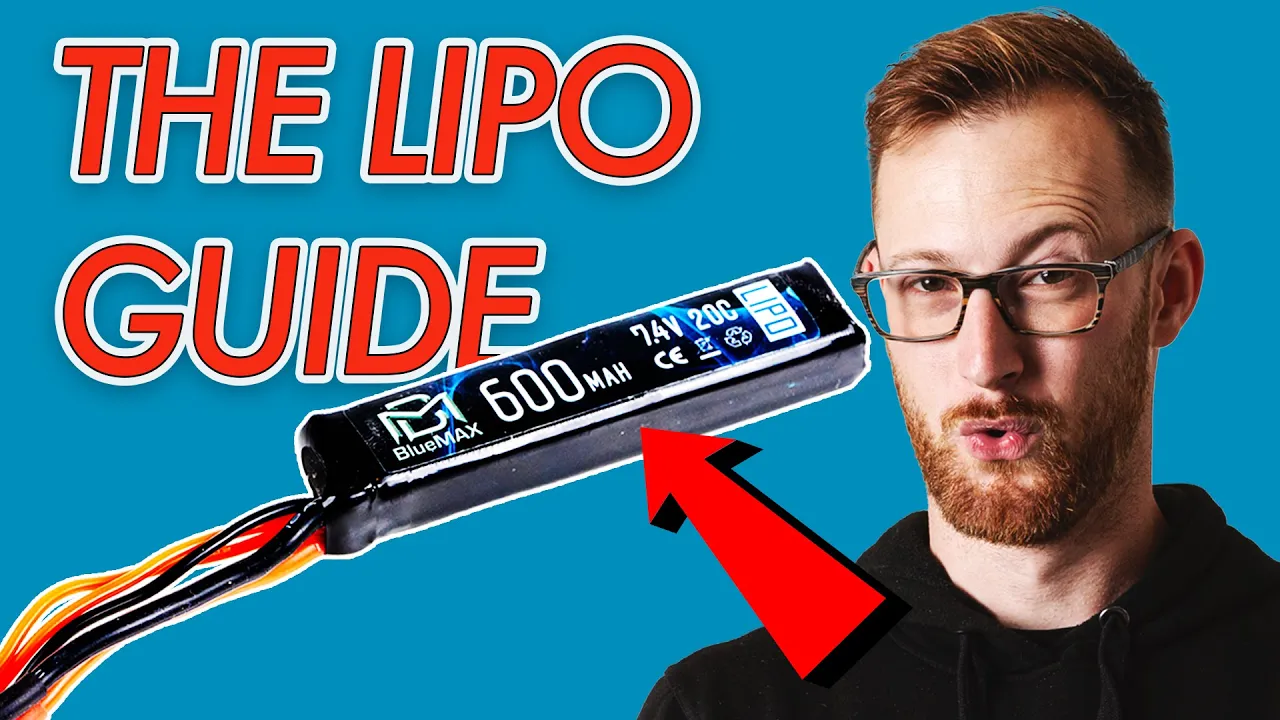
LiPo battery safety protocols, including correct charging, discharging, storage, and the vital use of a 'smoke stopper' during the first battery plug-in.
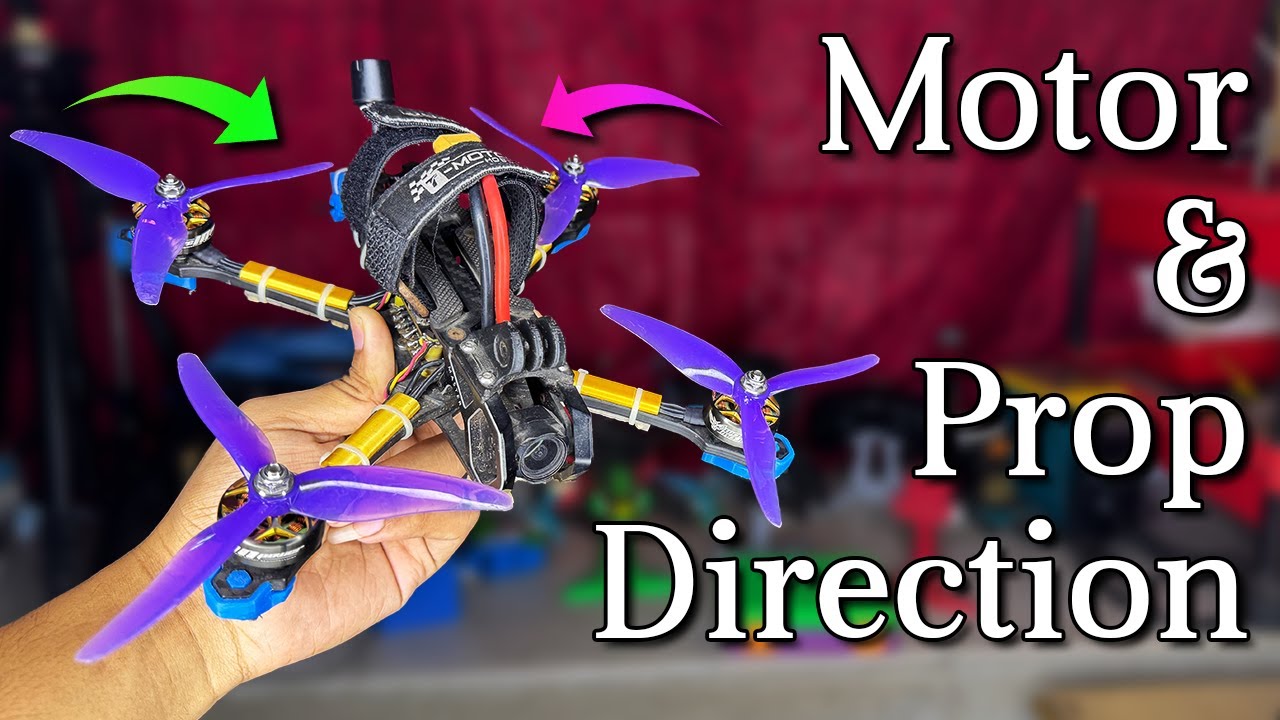
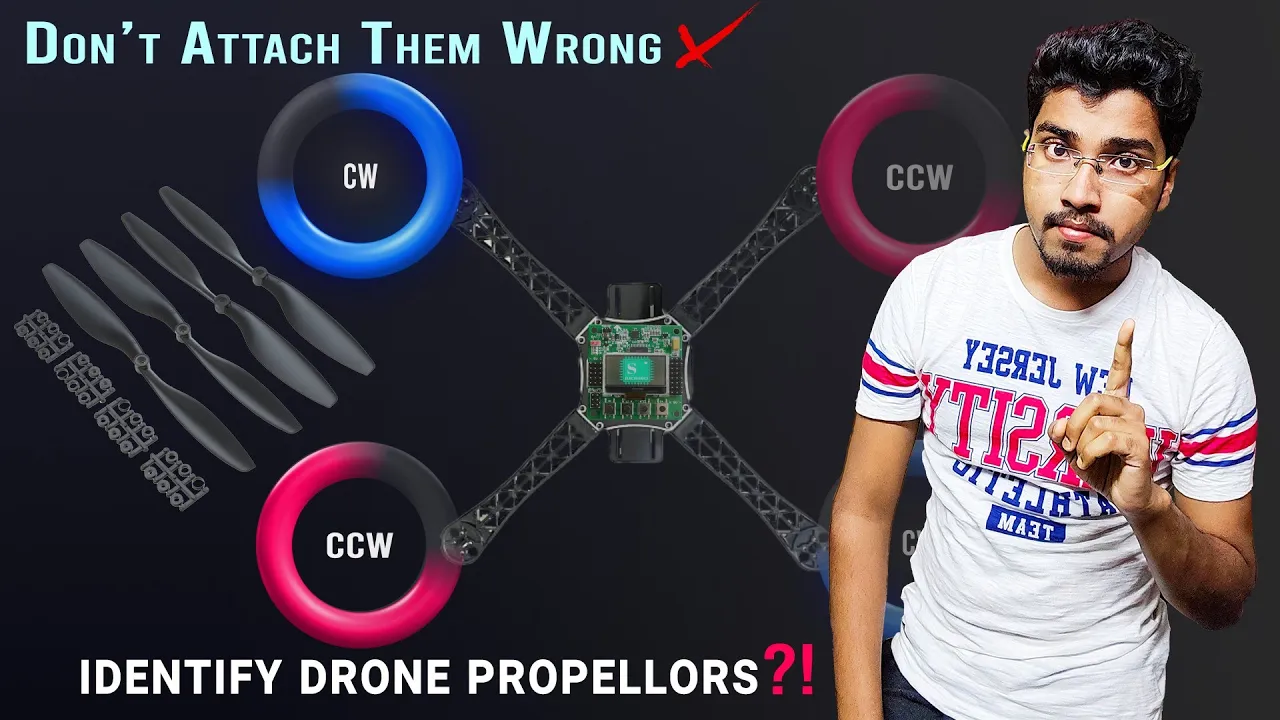
An understanding of propeller physics, specifically identifying CW (clockwise) versus CCW (counter-clockwise) propellers and correct orientation on the motors.
Transitioning flight modes from self-stabilizing modes (Angle/Horizon) to Acro (Manual) mode for full FPV flight control.
Setting up and optimizing the FPV video system, including camera settings, Video Transmitter (VTX) power levels, and On-Screen Display (OSD) customization.
An introduction to PID tuning and Rates configuration to customize the stick sensitivity and flight characteristics of the quadcopter.
Practicing basic flight maneuvers (such as figures-of-eight, coordinated turns, and altitude management) in an FPV simulator before flying in open real-world spaces.
Troubleshooting common maiden flight anomalies, such as motor desyncs, high-frequency oscillations, or sensor calibration errors.
15.8K views357likes6:55Original Release: 2018-10-11
hey there I'm Joshua Bardwell and I just want to take 30 seconds of your time before we get into the video in case someone has stumbled across this video randomly and doesn't realize what the context is this is a playlist of videos teaching you how to build a fpv firstperson view free style or racing drone from start to finish if you've stumbled in in the middle go down to the video description there's a playlist link start at the beginning of the playlist and work your way through if you are working your way through this video I want to remind you that there is a Discord server a Discord chat server for quad camp online there's a channel over there where we provide support uh for the people who are working through this project if you have any questions you can ask them down in the YouTube comments absolutely but if you need a little bit more real time help you maybe will get better luck over in the Discord server Link in the video description I also want to remind you thanks to rotor Riot for helping make this project a reality and if you are thinking of working your way through this project you can get all of the equipment for to build the quadcopter in just one credit card swipe from the rotor Riot store yeah you can buy the stuff elsewhere as well one piece here one piece there pay too much for shipping accidentally buy the wrong thing you get it all and there's a link to that down in the video description on with the video now we're going to take this guy outside and we're going to do a what I like to call a hover Maiden let's check the antenna there Mak sure the prop isn't going to hit that antenna like that see just have it up and out of the way a little bit it should be fine and and I don't even have my fpv goggles right now this is just a hover Maiden to make sure the quad takes off and gets into the air if you don't know how to hover line of sight it's a good skill to learn I don't think line of sight flying is is absolutely essential to fly fpv but it's not bad to at least be able to hover I'm going to turn my tyrannis on by the way are you tired of getting these switch warnings let me show you how to fix that real quick I'm going to hit the exit key to skip and what I'm going to do is I'm going to hit page or menu and then page one time and here in the model setup screen I'm going to go to where it says switch positions right here I'm going to put all my switches in their neutral position so I'm going to push all the other switches up except the arm switch I'm going to put in the disarm position and then I'm going to just hold down the enter key and now that'll set the current switch positions as the default and it'll no longer uh yell at me when I turn when I start up so I'm going to go ahead and plug the quad in just like I showed you a little half twist there and okay and then I'm going to walk away and I'm not going to walk very far away because I want you guys to be able to see what the quad does but normally I would stand a little far away because again if anything goes wrong it can flip out now to arm the quad I'm just going to hit my arm switch and the props should begin to spin fantastic and we see the props begin to spin no Motors are bound up all of them are spinning smoothly I want to give you a a heads up that this is actually pretty dangerous having your arming on just a switch like this it is real easy you go over to pick your quad up and as you're picking it up you haven't unplugged the battery yet and W you hit the arm switch and it flips out in your hand it's real dangerous now there's a thing in beta flake that you can do called The prearm Switch which I haven't set up because I cuz I want to get you in the air and there's only so many things I want to have time to show you but a good uh thing to do is when you disarm the quad raise the throttle raise the throttle not all the way just to like the mid position and then the quad will not arm you see how it's refusing to arm right now cuz if the throttle's raised it won't arm and that's a nice little safety to protect you from accidentally flipping that arm switch see you have to lower the throttle and then arm and it'll arm as soon as you disarm just raise the throttle slightly and now you're safe that's your little extra safety to prevent you from accidentally taking off or hurting yourself so so what I'm going to do is I'm going to lower the throttle then I'm going to arm the quad and don't take off yet just with the pitch and roll stick bump the pitch and roll stick side to side and front and back and you should see the Quad Rock front back left right and that's just your final confirmation that everything's going correctly nothing's misconfigured your Motors are all mapped correctly and so on if that all goes correctly then you're ready to hover if that if the quad suddenly disarms itself spontaneously you have a problem your Motors is going the wrong direction your Motors are mismapped you shouldn't have that problem at this point if you've been following along but you never know and uh that's a check I do on every new build though um cuz you know I'm not always going to be here to hold your hands so arm bump the throttle just a little and everything looks good and now we're going to raise the throttle and congratulations you did it you built a quadcopter now it's flying and you are ready to [Music] proceed now did you see what I did there you see what I did there get in the habit as soon as you disarm raise the throttle slightly put the throttle to Center get in the habit so that if you accidentally bump that switch you'd be okay and I'm going to go over and the first thing I'm going to do is I'm going to unplug the freaking battery I'm not going to pick the quad up and carry it with the battery plugged in in my hands and if for some reason you do decide you want to carry it with the battery plugged in carry it like this so that if the motor spin up it will fly away from you don't carry it like this hey guys I don't know if my Motors are working right okay [Music] [Music]
Up Next

64:35
2022 Budget FPV Drone Build: Full Assembly Tutorial for Beginners
@JoshuaBardwell
346K views•2022-06-07

12:54
Triumph of Orthodoxy Icon: Byzantine Art & History Explained
@BenCallan
2.1K views•2024-08-06
22:35
Lithium Polymer Battery Safety: Safe Charging and Storage
@JoshuaBardwell
800.4K views•2022-06-21

1:42
Game of Thrones Opening Credits: A Cinematic Analysis
@gameofthrones
46.3M views•2011-04-18
Related Study Plans & Knowledge Roadmaps
Structured learning paths in General & Interdisciplinary Studies
general-studies
Elevator Engineering: History, Physics & Cities
01From Hoists to Safety Brakes: The Dawn of Vertical Lift
02Hydraulic vs. Traction: The Engineering Physics of Elevators
03Modern Speed, Safety, and Algorithms
+ 2 more learning modules
12h5 modules
Explore Roadmap
general-studies
Rubber: Material Science, History & Geopolitics
01Origins of Natural Rubber & Mesoamerican History
02The Chemistry of Natural Rubber & Vulcanization
03The Geopolitics of the Rubber Boom & Colonization
+ 2 more learning modules
12h5 modules
Explore Roadmap
general-studies
Containerization: Evolution, Logistics & Trade
01Ancient Trade & Bulk Cargo: Amphorae to Barrels
02The Industrial Revolution & Cardboard Packaging
03The Containerization Revolution: Malcom McLean
+ 2 more learning modules
12h5 modules
Explore Roadmap
general-studies
Textile Tech: Evolution, Labor & Global Impact
01Pre-Industrial Textiles: Handloom & Cottage Industry
02Mechanization: The Spinning Jenny to the Power Loom
03The Factory System & Global Labor Transformation
+ 2 more learning modules
10h5 modules
Explore Roadmap