










![[SecurityInShort]How Software and Hardware Breakpoints Work? Explained in 5 mins Sec. Professionals](https://i.ytimg.com/vi/29j7AQUj38g/maxresdefault.jpg)



![[DEFCON 19] Runtime Process Insemination](https://i.ytimg.com/vi/NuFcKehWZJM/maxresdefault.jpg)




![Process Sandboxing in Linux [PER]](https://i.ytimg.com/vi/g8fuUag7oA8/maxresdefault.jpg)


The ptrace system call enables one process to attach to another, observe its system calls, and read its memory and registers, which is the fundamental mechanism behind debugging tools like GDB and the strace utility; this video demonstrates implementing ptrace functionality in Rust by directly calling the ptrace syscall (number 101) and wait4 syscall (number 61) using inline assembly to trace Python's console I/O operations.
Implementing Ptrace in Rust from Scratch: Syscall Tracing Guide
Added:Fundamental understanding of Linux system calls (syscalls) and the boundary transition between user space and kernel space.
Intermediate knowledge of Rust programming, particularly the use of 'unsafe' Rust and FFI (Foreign Function Interface) to interact with C libraries.
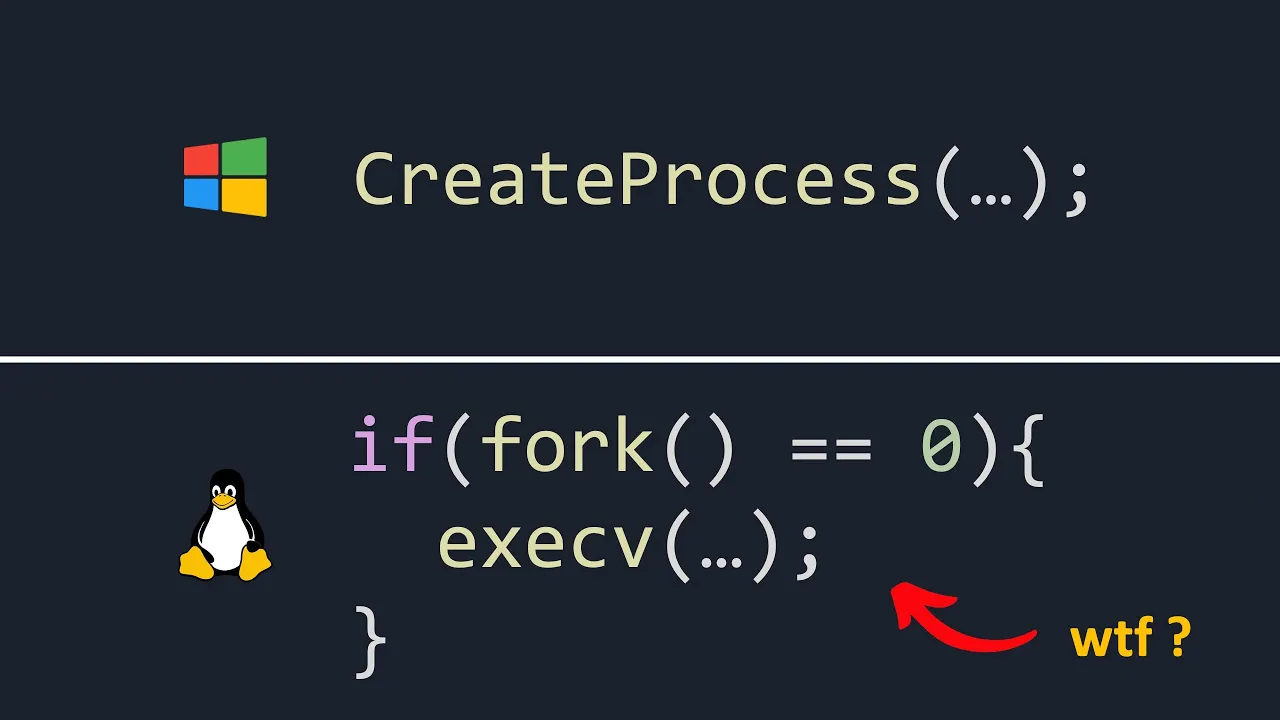
Concepts of Unix process management, specifically process creation (fork/exec), process states, and signal handling.
Basic familiarity with CPU registers (such as RAX/orig_rax on x86_64 architectures) and how they store syscall numbers and arguments.
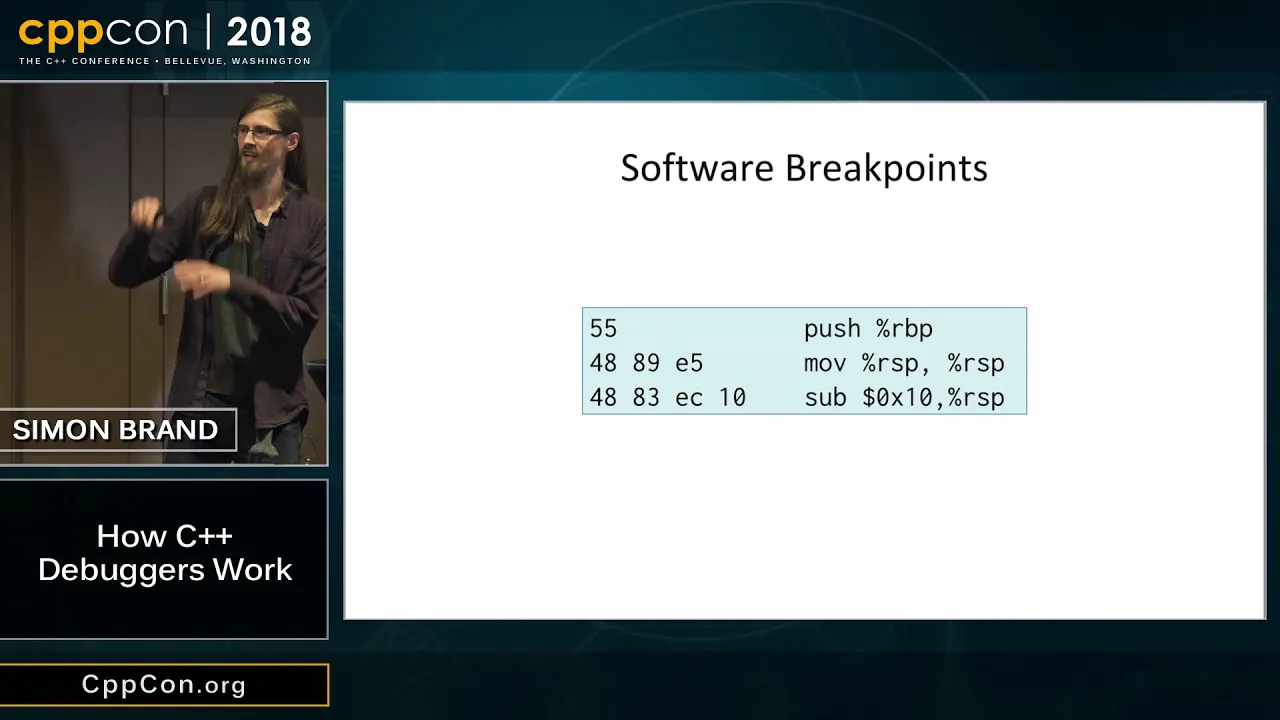
Building a fully featured debugger from scratch, incorporating software breakpoints, instruction stepping, and reading DWARF debugging symbols.
Implementing process manipulation techniques, such as system call argument modification or dynamic code injection into a target process's memory space.
Transitioning to modern, low-overhead Linux observability tools, specifically using eBPF (Extended Berkeley Packet Filter) with Rust frameworks like Aya.
Exploring system call filtering and sandboxing mechanisms, such as seccomp (Secure Computing Mode), to restrict process privileges.
4.8K views335likes32:50Original Release: 2025-01-07
Su folks Alex here so today for no particular reason I decided to play a little bit with um process tracing on Linux right and the aim for today uh will be to kind of understand what uh the S Trace utility does and maybe um like reimplement like some small part of it in Rust right of course uh you know there is uh a lot of work can put into a Stace in order to make it like nice and actually useful and all that we're not going to do that so the aim will be to just figure out what it does and maybe like try to P the same strings from rust right so what is EST Trace so EST Trace is a kind of fuser land utility right that somehow can attach to an external process right and read uh it's like and and basically subscribe to the stream of uh that extern processes system calls right so the way it looks usually something like this so imagine you have some kind of external process right um so let's get the console spit right so pseudo as Trace minus p with this right and watch closely what will happen here as I type stuff here right so JJJ and each time I type you can see that a lot of uh you know a bunch of new lines appear in that log right and those lines are basically our cisal so cisal that being uh issued by that process and csols are you know kernel invocation from userland into the kernel right uh so here you for example can see that uh at some particular Point uh this process is trying to re from fd0 uh a buffer with uh you know a particular L which is one here and the contents of that buffer uh appeared to be J right exactly what we entered and also in order to like draw it back to the user right to just show it back to the user we actually need to write it somehow so this is exactly what's happening here right so it appears that somehow even though the S Trace is a normal uh you know userland program somehow it can you know interact with any external process and kind of Snee out the you know inner working inner kind of behavior of that process which is kind of interesting so we'll see how it uh Works in a minute so in order to see how it works right we could have just EST Tred the EST Trace like what the hell estra is doing let's see um now when I type stuff here you will will see like each time I type uh you will see not the system CA that being invoked by the python console here but the ones that been invoked by the as Trace itself right and turns out that basically what it does it uh you know invokes a couple of uh system calls uh one of which is pit trace and the other one is weit four and basically does it in a loop so you know like P Trace like weight wait right P Trace um weight weight and so on right so basically it looks like we only need to know how to poke into these two system calls from rust and by the virtue of doing that we could have implemented something similar to astray ourselves right and thankfully uh there is a good manual on P trace and actually for or weight four I guess right so let's see the pit Race So pit race pit race system call provides means by which one process uh the Tracer May observe and control the execution of another process called Tracy and examine and change the traces memory and registers so not only it can like read the stream of um cisal uh that Tracy produce right but it can also like modify the state of Tracy which is very important and actually uh the uh like all the um the buggers on Linux actually use pit Trace to do that like GDB uses pit Trace right so the actual um you know uh signature of that pit trace this is not exactly how pit Trace um you know how pit Trace is in Linux right this is like lip kind of wer around it but this is kind of close enough for us to understand how it works so uh uh as a kind of first argument it would uh accept the request argument right whatever this is and turns out that request is basically like a mode in which betra operates right then it takes the pit of the process like process ID basically right uh and also like two additional arguments to void pointers to address and data and this semantics of these two will depend on the request that is actually being issued right so what kind of requests are available so the first one of course will be attach right so we need to attach from our process to an external process by using this pit uh which would make the this external process a Tracy right and by the virtue of attaching uh the Tracy will receive the six stop signal and basically like freeze in place right in order for us to kind of start modifying it uh reading it State all that kind of stuff uh the other thing is uh of course sis call so we try ciso right so this is another request that is uh available for our disposal right and it basically like uh sets up a kind of listener for a new cisal basically right so let's go ahead and try to implement something like that let's try to like utilize those CIS calls uh from our R program right and of course in order to be able to utilize C calls you will be needing like any reasonable person would imagine that um we would have used something like Lipsy right and specifically because it actually has a pit race implementation not imp mentation but the rer rather right uh and for uh the weight syal as well right so that's that so as I said any reasonable person would do that so this is exactly why we not going to do that I don't know why I feel unreasonable today so if we are not going to be using this uh how how would one you know poke into the kernel then so the way you do this uh you can do this like using inline assembly in Rust right but then you actually need to know the kind of lowlevel interface between the user L and the kernel l so Linux uh just call table is the one we need right so this is a searchable table uh let's see pach Race For example right so each CIS call actually has its own number and a bunch of like AR and as you can as you can probably tell there is a structure to that right so every single one has some kind of structure to it right so the structure is actually called Linux called callink convention I guess right so let's see yeah so for IMD 64 the machine I'm in um the userland convention is usually like this right uh and the kind of userland to Kernel land uh coin convention is this it's basically the same uh except for rcx and r10 right so in kernel land uh that argument is supposed to go here so basically how it's supposed to work so if you need to call the kernel first you put the kernel number uh within the the accumulator registry and all other arguments go in that order in that registers right so for example request which is along goes here uh pit goes here and you know uh the other uh go here right and the same for weight for right so it's like exactly the same pit and some other stuff go here so let's go ahead and try implementing something like that right so since our implementation of s Trace will be as s Trace so I'm willing to call [Music] it as as Trace so s Trace okay so code this okay yeah so our hell project compiles oh this is way too huge all right so let's maybe try to imagine the basic structure that we are uh looking for uh I'll add um clap um drive I guess I need so struct options and like pit is i32 and let's say use clap parser and drive parser and capture long right so let options is options part and let save and save function Trace process right and pit this and who knows how it's implemented so something like something like this I cannot type to the an no so unsave Trace process rep so this is basically like the overall structure that we are aiming for but as I said we don't really know how to uh how to call CIS calls from br right so let's go ahead and try to implement um the P trace and weight forces sces right so let's see the men P tray so we will be needing to provide this request pits address and data and this is the mapping right and uh P Trace so this is the mapping okay so uh const uh P Trace uh sis like CIS number right and I believe it's 101 yes and we will be needing uh wait for Cal number which is 61 I think wait for yeah 61 cool so and save function uh betray this call right so it will take the pit it will also take we trace it will also take the request uh which is BET tray requests it would also take um so address and data which are void pointers right so address is a kind of mute pointer to void let's call it and data is the same mute pointer to void basically i32 and who knows how it's implemented so P Trace request uh struct P Trace uh request and it's not struct it's inum and what kind of requests we have so uh oops okay attach the trace attach and P tray csol so attach csol right and we need numbers for those so uh P Trace attach minus r user source so attach would be 16 and uh so SK would be 24 right so P TR ciso and let's see so let's uh results okay and now we need to implement the okay so now we need to implement what's inside okay um s SC in out uh kind of like that but not exactly so in rocks we put the P Trace Cal number right then RDI goes requests right request as U size then RSI goes PID pit then and RDX is uh the address and data RDX so address uh RDX and r10 is data um r10 is data and yes slid out rocks think like that um results and this is basically uh STD Arch ASM yeah and of course that whole thing is unsafe I wonder why cool uh and let's go ahead and do the same thing for the weit for so unve um function weit for SS call which takes the pit i32 returns i32 as well and let's see okay so rocks weight for number pit pit let's see wait four so pit goes to RDI and then it does this okay RDI 00 0 yeah I'm satisfied with that cool um cool so basically our main Loop will be something like this say so first we need to attach right so that will be P Trace say call um yeah P trce this called ped and request will be uh P trce requests attach right and for addressing data we don't really use those so STD p uh no mute right something like that oops cool so we are attaching and we need to wait for this pit right and then we are tracing cisal and we do it by invoking the P tray cisal with this cisal request which is 24 and these are not used as well well as far as I remember um let's see this is called P Cisco yeah it's about to be executed specified data address argument ignored and um yeah I think we can ignore it for now so let's just uh tracing process and attach to process and waiting for Cisco just called deed okay let's go ahead and just try out what we have so far right so cargo build right Python 3 import o o get pids right so let's go ahead and take this uh sud sudo Target um debug and um estr right play with this okay waiting for CIS call and as I type here you can see that this log is start to populate cool so it kind of works somewhat at least right uh um so I'm willing to actually Trace all the output cisal here for demonstration purposes right so the right CIS the right cisal number is one right so let's go ahead and um do this so it's like right cisal number is one right and in order to even know what kind of cisal is being invoked we actually need uh something else so rust lipy so how it's been implemented in lipy I think it's like user something something re struct right so basically what we can do we can user oops user re struct uh we can try to like populate that structure re struct um type c you want is u64 of course and like rags and I believe we need like rapper C and derrive the buug and uh the buug and clone and copy something like that right so let's see and in order to actually read out that structure from the process I think we need something like Rex bet tr get Rex right so read the traces registers address specified an architecture dependent way BL BL Yeah so basically like we are reading uh the Rex into that structure and we need to provide that structure within the within the data uh argument right so first we need to know what number um get RS so number 12 RS 12 right so now when we have a stopped process uh P Trace is called pits so P Trace uh request Rags address will be uh sttp TR no mute right and data H data is actually something like um re and stt m zero and zero Watts like RS right uh zero zero yeah so mute re as mute this as this okay so technically now we know that we've we've detected Cisco and now hopefully we've read the state um of the machine or of the processor basically before the CIS call right so let's go ahead and print it out so maybe I don't know this is called the texted and maybe like re [Music] are Rex right and let's do maybe this um so cargo build and PSE sudo let's go ahead and attach right so each time I type now I should be getting a new record here right so these are different right which is cool so the cisal number is actually located within the uh rocks original right because as we know um in order to call the kernel we first need to like put a number of that cisal into the U accumulator registry right but then the actual cisal uh itself within the kernel will modify the accumulator so we need to like um we need to see what was the original value of that uh accumul accumulator right so let's go ahead and do that um so if Rex um like Rock's original is Right CIS actually right let's do this so say called detected right detected okay writing W one yeah let's maybe clean up some noise here waiting waiting builds and uh sud sudo and I don't really want those detected okay so now I can see that it's actually detecting only right CIS calls so the thing is that I think it actually detects it twice and the reason for that is that for Cisco um tracing uh what's available is like two hooks and instead of one right which both are invoked by the speed Trace Cy and the first hook will be um kind of when the CIS uh you know is entering like before it's uh it's entering and uh the other one is like when the cull is exiting so we actually need to like distinguish these two maybe like PL mute um is I don't know is entering CIS like false right and [Music] here is entering uh yeah so we're toggling it and let's see so if not is entering uh we'll do that okay so now I I only get to get just a single uh notification on the right CIS call right not two notifications which is which is good which is what I want so the goal here is now to be able to read out the contents of that right so here as you can see we actually have a pointer to a buffer right uh which is being filled by the right CIS and we also have the uh size of that buffer in bytes here right which means that technically uh I could have just read out a traces memory within that boundary and see uh what is like what what I actually does right so see the data that been written to a particular file right so in order to do that I think think I need something else so pick okay so we Trace uh I think this right pick text and pick data read a word at the address address of trac's memory returning the word as the result of betray call so um let's grab it um it's like big data so big data is two okay data is two right okay so now when we are here I can actually do this so it will be like betray cisal but you know what it's not even that I know that the size of that thing is located in RDX right so what I could have done is Rex r DX map and like shift right and here I could have actually done something interesting so mute data Maybe see um so mute data and we are pushing the pit Big Data um yeah so the pointer to a buffer is located in RSI which is correct uh shift right okay and then we can actually collect it into a string hopefully let's buffer right as Char okay buffers this and FD was so FD actually located in RDI signed into I RDI okay so uh D and I don't really need that so like buffer and FD yeah fine whatever RDI cool so to just recap right uh when we're detecting a right cisal here we will be reading the traces memory using the um using the uh pointer to a buffer that is being used by the CIS itself right and as we know the size of that buffer that should not be a problem right and that's correct right cool I mean sure so let's see how it works let's see let's the build and let's uh connect to our python process yeah so now oh you know what actually I want to it's a little bit different I want it to be like buffer but you know in debug mode it just easier to see in debug modes so yeah so now when I type stuff I can see what's actually being printed out right so you can see you know individual letters here you can see the error message like Trace back most recent call uh blah blah blah which is being printed to the second FD which is standard um error right and if I did something like I don't know like print right so hello world been printed to the fd1 right so looks good and what about something like I don't know with how it works in Python I don't even remember uh some file txt wres as F right F uh wres uh hello world from the file so yeah we've uh written a bunch of bytes to a file right right and here as you can see the FD for that file was three so it's not one not two but three so it looks like we can actually like Snee uh the processes um IO basically right using this technique which is kind of cool I think so again as I said I'm not going to like turn it into a kind of full-fledged um uh estrace implementation I just want it to poke into kind of the um you know inerts of estray basically into P tray so I think we've succeeded with that and um that's that I'm pretty happy with what I have and if you have any questions post those into comments and I guess I'll see you on the next time see you folks
Up Next

34:44
A Go Programmer's Guide to Syscalls: Windows, Linux & Security
@GopherAcademy
22.1K views•2017-07-24

11:23
Solving the Heat Equation with DeepXDE and PINNs
@Dr.Mohammad_Samara
8.5K views•2023-07-17

4:55
HTTP Requests Explained: GET, POST, PUT, DELETE
@codecademy
103.1K views•2021-10-07

19:25
Enigma Machine Mechanics: WWII Encryption Explained
@JaredOwen
13.2M views•2021-12-11
Related Study Plans & Knowledge Roadmaps
Structured learning paths in Computer Science
computer-science
Building a Rust Debugger: ptrace, ELF & DWARF
01Systems Programming Foundations & Rust
02Process Control and the Linux Ptrace API
03ELF Layout: Inside Linux Executables
+ 3 more learning modules
38h6 modules
Explore Roadmap
computer-science
Container Runtimes: Namespaces, Cgroups & Go
01Linux Systems & Go Programming Foundations
02The Core of Isolation: Chroot and Filesystems
03Linux Namespaces: Process Isolation
+ 3 more learning modules
32h6 modules
Explore Roadmap
computer-science
Building a CHIP-8 Emulator: Rust & CPU Basics
01Computer Architecture Foundations (Bits & Bytes)
02Rust Programming for Systems Development
03CHIP-8 Virtual Hardware Specifications
+ 2 more learning modules
32h5 modules
Explore Roadmap
computer-science
Building BitTorrent: Go, P2P & Concurrency
01Go Fundamentals & Concurrency
02Networking Foundations & P2P Architecture
03Bencode Parsing & Torrent Metadata
+ 3 more learning modules
26h6 modules
Explore Roadmap