






![GarageBand Tutorial - Complete Course - [Everything You Need To Know For The SUPER Beginner]](https://i.ytimg.com/vi_webp/RpOfou3K-L8/maxresdefault.webp)
![Complete Beginner's Guide to Cubase 12 in 60 Minutes [Pro // Artist // Elements]](https://i.ytimg.com/vi_webp/nGneJZFMFdc/maxresdefault.webp)


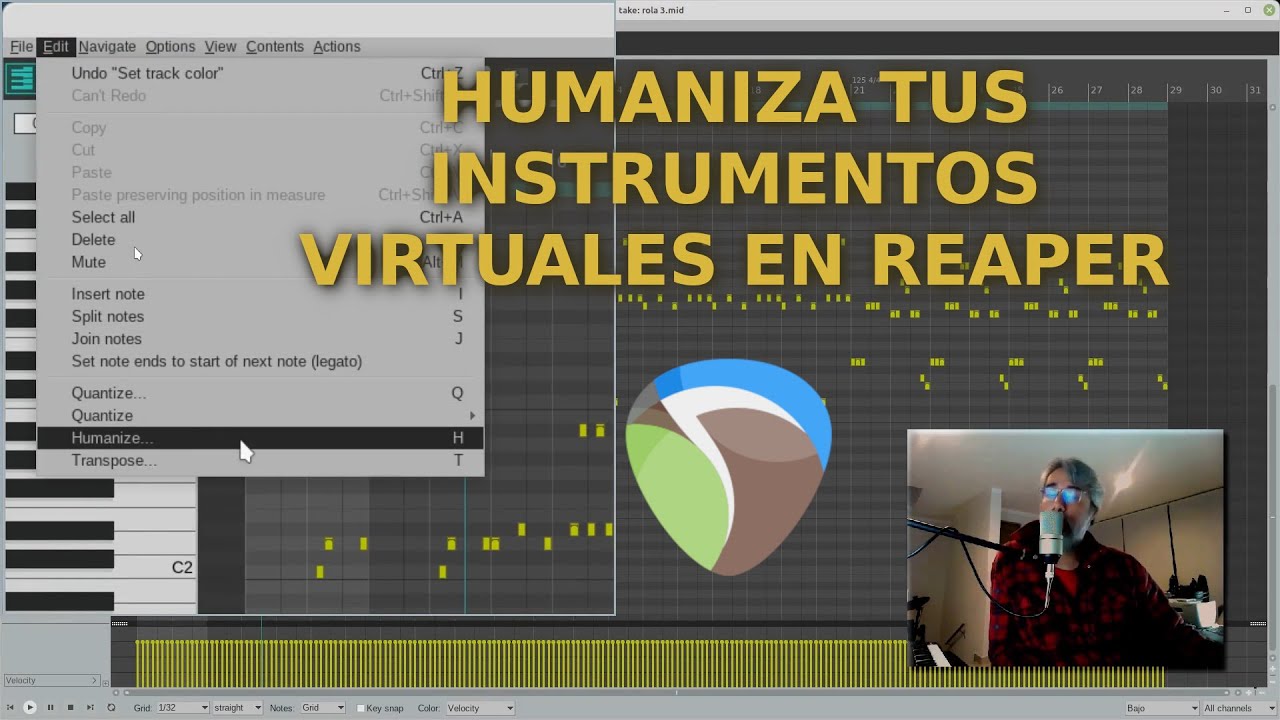











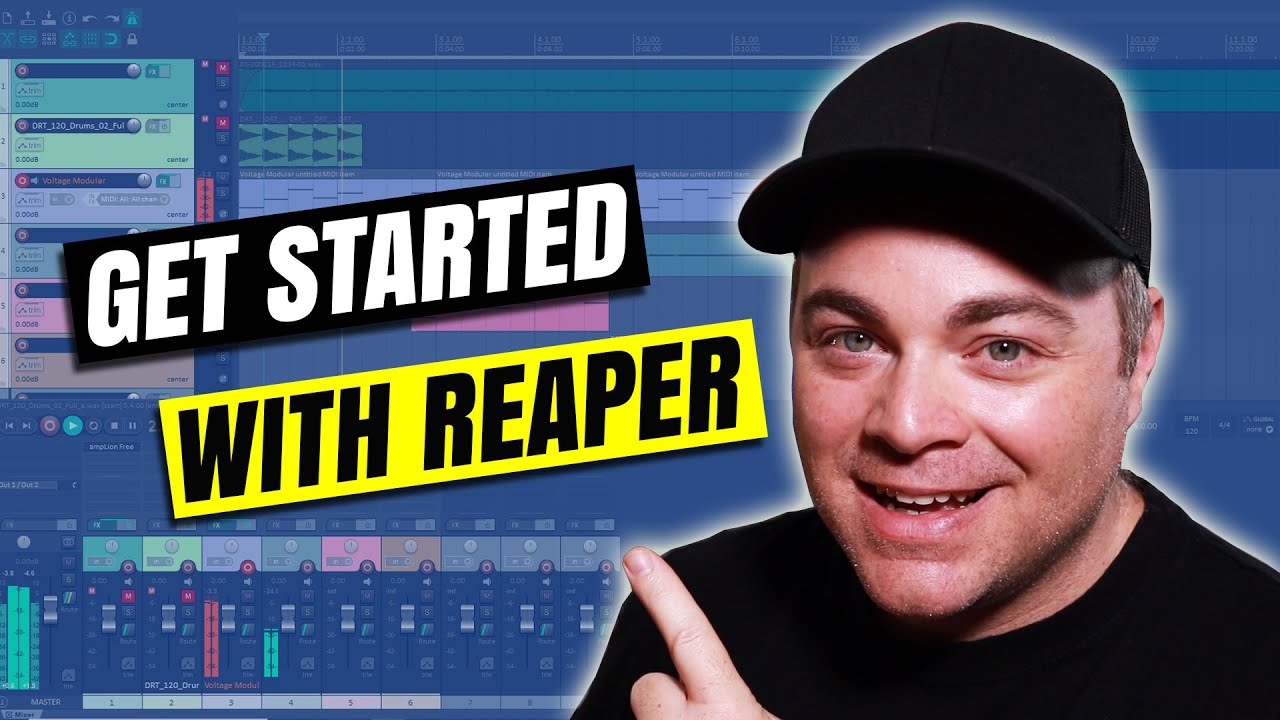
In Reaper DAW, you can add groove and swing to MIDI drum patterns by selecting all notes, accessing the quantize advanced function (via the cue icon or Q key), and selecting 'swing' from the manual menu; the algorithm intelligently preserves key beats (like kicks and snares) while moving incidental notes (like high hats) to create a more interesting feel, with swing strength controlling the intensity and direction (left for rushed feel, right for lazy feel) of the groove.
Reaper Tutorial: Adding Groove and Swing to MIDI Drum Patterns
Added:Basic navigation of the REAPER DAW, including track creation and loading virtual drum instruments (VSTis).
Fundamental MIDI editing skills, specifically navigating the MIDI editor piano roll and entering notes manually.
An understanding of musical meter, tempo (BPM), and grid subdivisions such as quarter, eighth, and sixteenth notes.
The core concept of grid quantization, which is the process of aligning MIDI notes precisely to musical grid lines.
Utilizing REAPER's 'Humanize' dialog box to introduce subtle, random variations in velocity and timing for enhanced realism.
Extracting groove profiles from existing audio loops (Groove Templates) and applying those specific timing maps to MIDI tracks.
Multi-channel routing of MIDI drums in REAPER to process individual kit pieces (kick, snare, overheads) with dedicated EQ, compression, and reverb.
Advanced MIDI programming techniques, including the use of ghost notes, polyrhythms, and velocity layering to emulate a live drummer's performance.
10.9K views191likes3:31Original Release: 2015-11-03
although everyone Markinson audio here with a quick of Reaper tutorial about how to add a little bit of Swing and groove to a very boring MIDI programmed drumbeat let's listen to the boring drum beat okay very dull very uninteresting if I select all these notes and click on this cue icon in the toolbar or hit the Q key on my keyboard where of your short case you'll get the quantize advanced thing it might look like this where it says use grid we click on the start there manual menu in selected manual and you will get a few more options manual is where we want to be this bit specifically this drop down menu here by default is set to straight if we click on it we can choose swing and you can see straight away that things have started moving around if we set the swing strength to zero it will have no effect but as we swing it to the right you will see some notes start to move to the right some sort to move to the left so I swing it to the right hit play have a quick listen okay so you might be thinking that all of the notes are moving but they're not if you actually look at some of these notes here these kicks and snares a lot of them are still on the original grid it's mostly these high hats up here that are moving and this like this kick drum down here and this snare over here so basically this algorithm tell can bypass lists or see before and after the algorithm here is basically identifying very key beats which are these kind of beginning of these bars or these quarter divisions and leaving those where they are they are important to the beat in there and making sure we stay on the metronome or not whereas a lot of these high hats are there the the algorithm detects them is incidental and they're for flavor and therefore can move them around and is happy move them ready to give things about the group so you can see it move things to the left a few of the notes stay where they are and mostly a high hats in a I think one kick and once near beat move as well so you can move it to the left to get a bit of a rushed fuel you can move things to the right get a nice lazy shot feel cool or you can do things just a little bit just a little bit to get things a little off the beat a little bit less quantized but still with your important notes where they need to be so you can see very quickly you can change the change are very boring beat and make it a lot more interesting without completely destroying the important beats of your of your sequence and we hope you find this tutorial useful if you did please like rate and comment subscribe all that fun stuff my name is marques and audial adios
Up Next

1:56
Tristan Tzara Explains Dada: Art, Anti-Art, & the Cut-Up Method
@OrestePius
124K views•2012-07-01

12:54
Triumph of Orthodoxy Icon: Byzantine Art & History Explained
@BenCallan
2.1K views•2024-08-06

9:49
FastAPI vs Flask vs Django: Choosing the Right Python Web Framework
@TechWithTim
302.5K views•2024-05-26

1:42
Game of Thrones Opening Credits: A Cinematic Analysis
@gameofthrones
46.3M views•2011-04-18
Related Study Plans & Knowledge Roadmaps
Structured learning paths in General & Interdisciplinary Studies
general-studies
Elevator Engineering: History, Physics & Cities
01From Hoists to Safety Brakes: The Dawn of Vertical Lift
02Hydraulic vs. Traction: The Engineering Physics of Elevators
03Modern Speed, Safety, and Algorithms
+ 2 more learning modules
12h5 modules
Explore Roadmap
general-studies
Rubber: Material Science, History & Geopolitics
01Origins of Natural Rubber & Mesoamerican History
02The Chemistry of Natural Rubber & Vulcanization
03The Geopolitics of the Rubber Boom & Colonization
+ 2 more learning modules
12h5 modules
Explore Roadmap
general-studies
Containerization: Evolution, Logistics & Trade
01Ancient Trade & Bulk Cargo: Amphorae to Barrels
02The Industrial Revolution & Cardboard Packaging
03The Containerization Revolution: Malcom McLean
+ 2 more learning modules
12h5 modules
Explore Roadmap
general-studies
Textile Tech: Evolution, Labor & Global Impact
01Pre-Industrial Textiles: Handloom & Cottage Industry
02Mechanization: The Spinning Jenny to the Power Loom
03The Factory System & Global Labor Transformation
+ 2 more learning modules
10h5 modules
Explore Roadmap