














![How to perform Molecular Geometry Optimization using RIPER and JOBEX of TURBOMOLE? [TUTORIAL]](https://i.ytimg.com/vi/-Io3hpYVs84/maxresdefault.jpg)


This tutorial demonstrates the complete workflow for running a geometry optimization calculation in ORCA 5.0, including drawing a solvated molecule in Chemcraft, creating an input file with proper solvent parameters (using THF instead of dioxin due to solvent name restrictions), preparing a shell script for cluster submission, and submitting the job using SLURM commands; the key insight is that solvent names must match exactly what the software expects, requiring consultation of the manual when encountering errors.
Geometry Optimization in Orca 5.0: Complete Workflow Tutorial
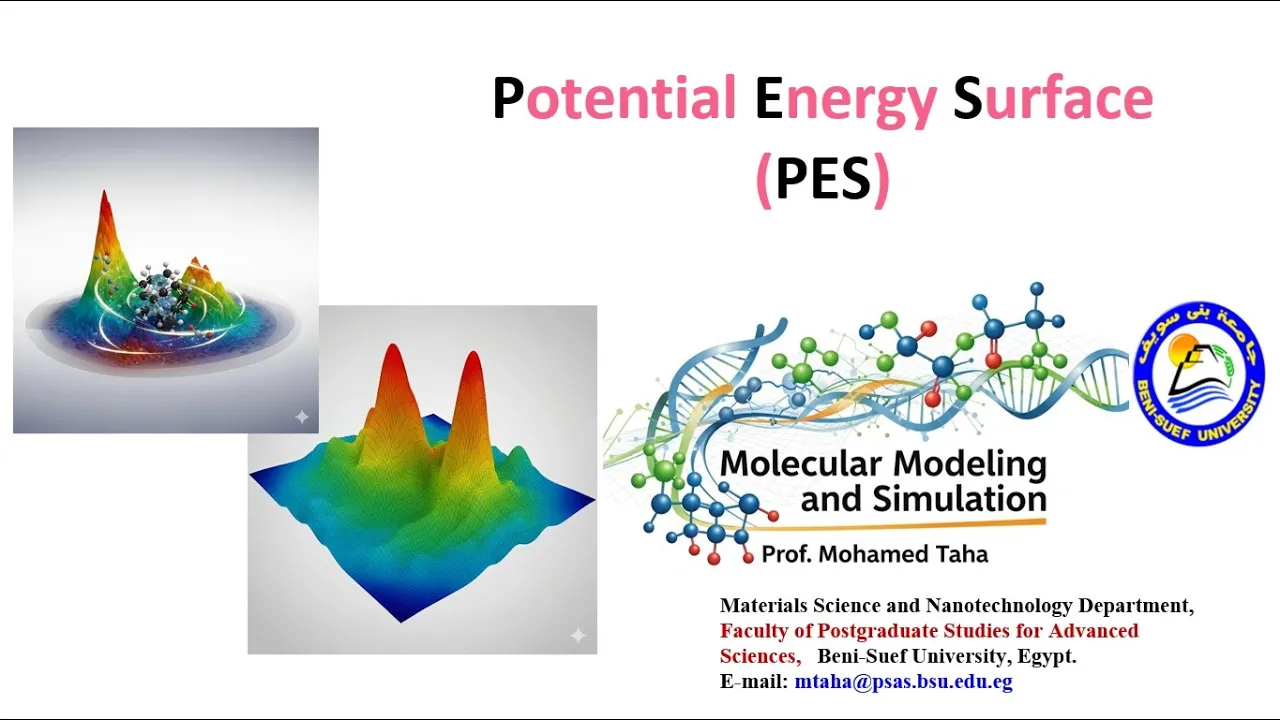
Added:Fundamentals of Potential Energy Surfaces (PES), including the concepts of local minima, global minima, and transition states.
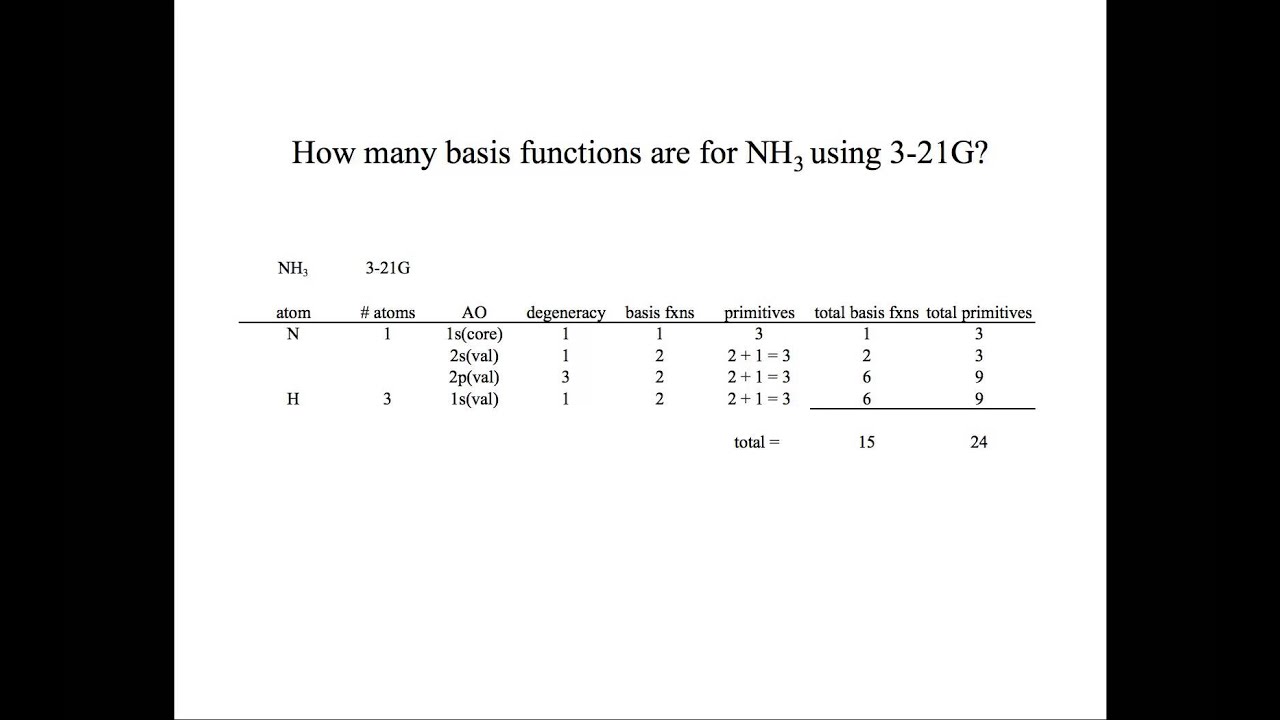
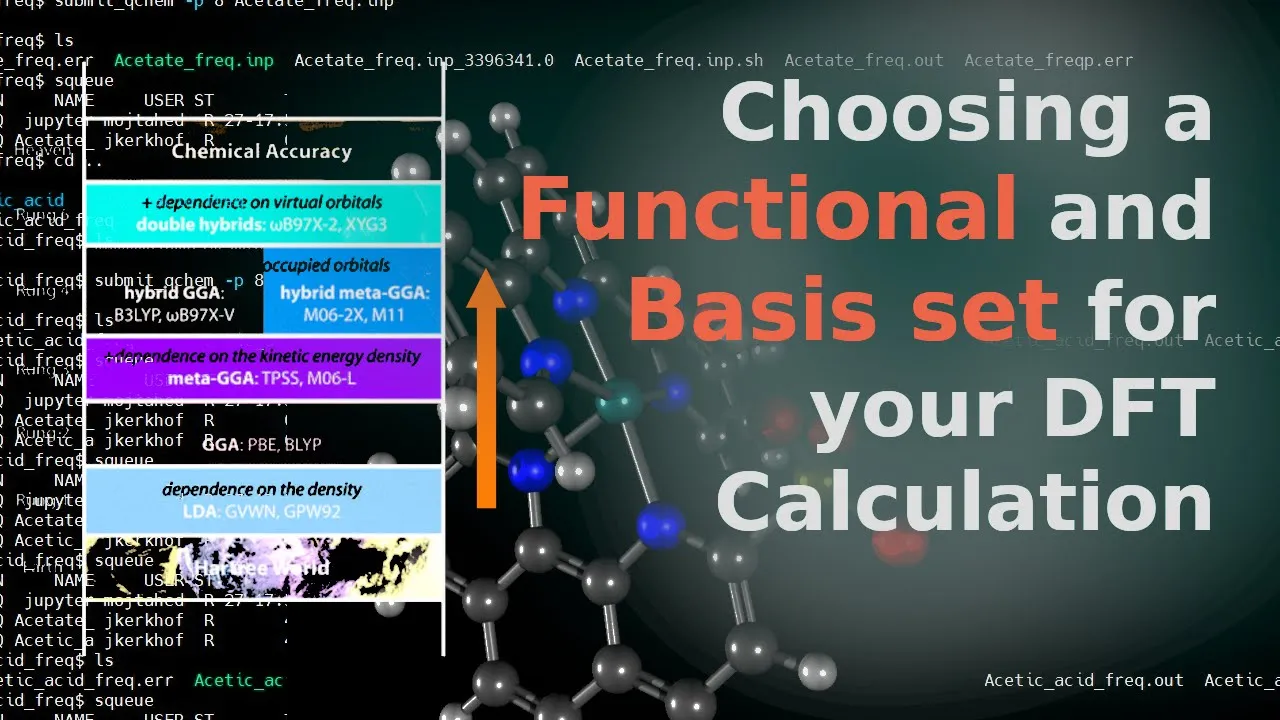
Basic principles of Quantum Chemistry, specifically Density Functional Theory (DFT), Hartree-Fock theory, and the selection of basis sets.
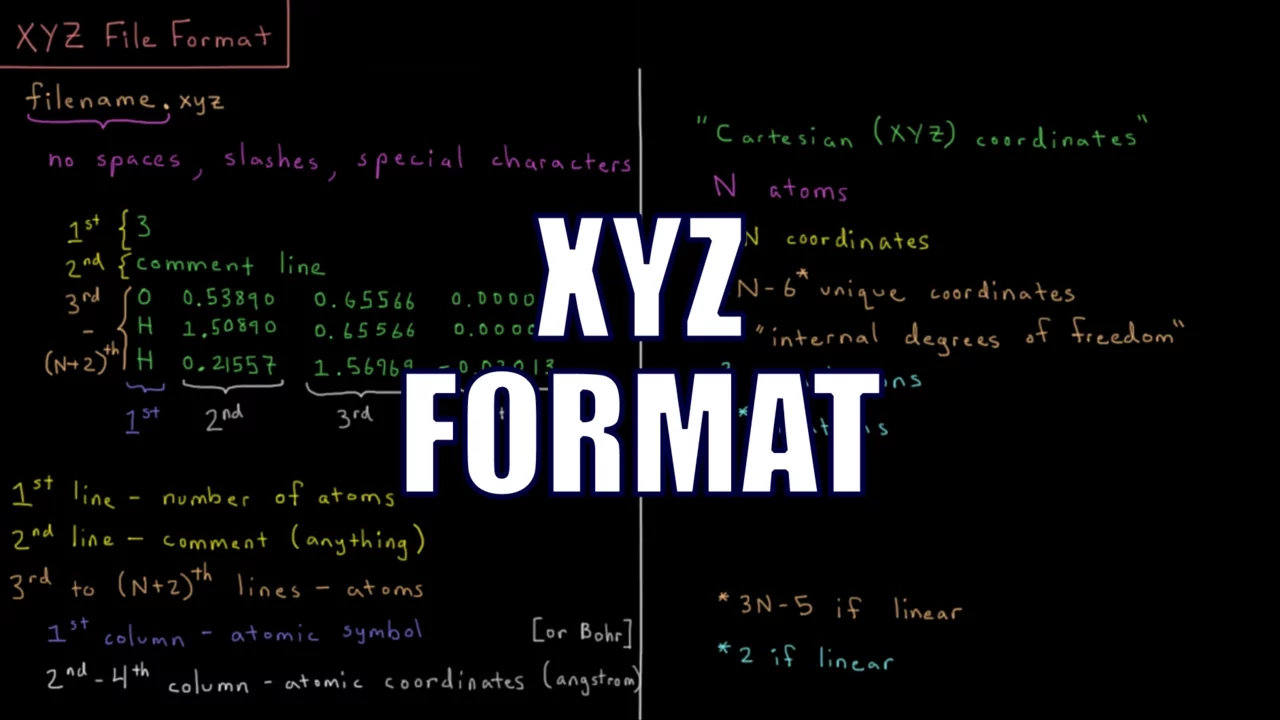
Familiarity with molecular structure representation, such as Cartesian coordinates (XYZ files) and internal coordinates.
Basic knowledge of command-line interfaces (Linux/Unix terminal) and cluster queue submission systems (like SLURM or PBS).
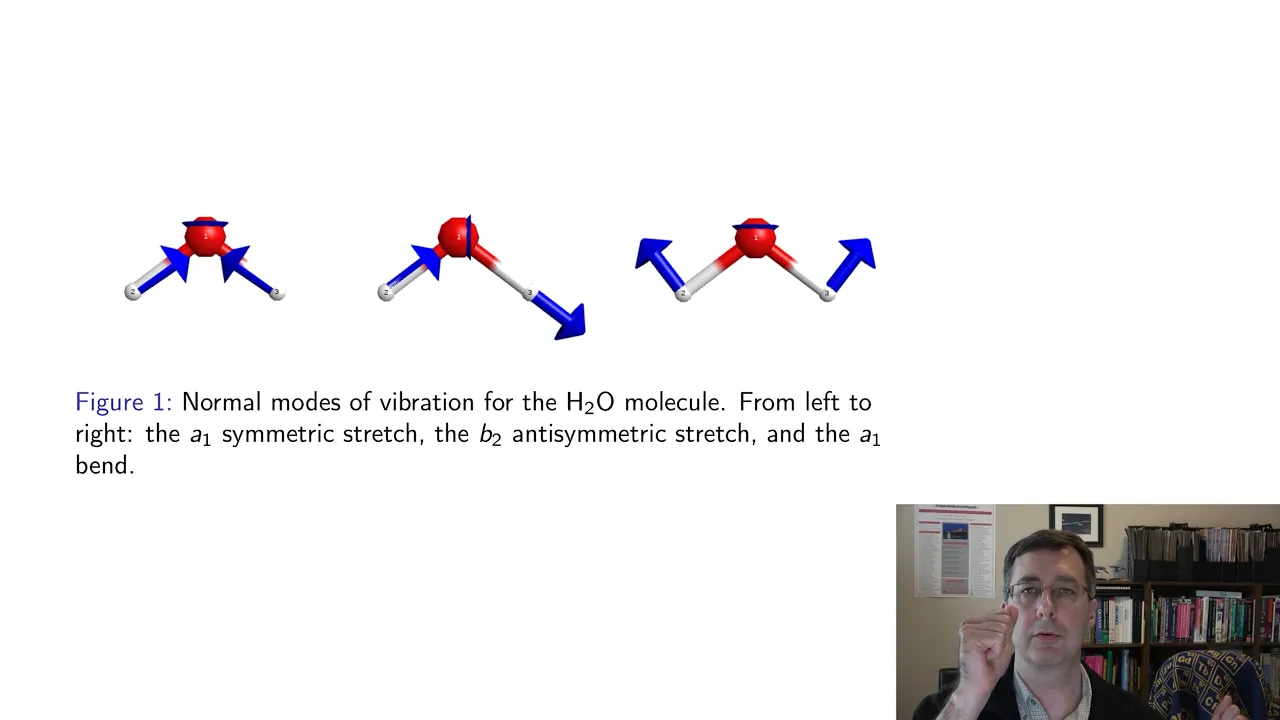
Performing vibrational frequency calculations to verify that the optimized structures are true minima and to compute thermodynamic properties.
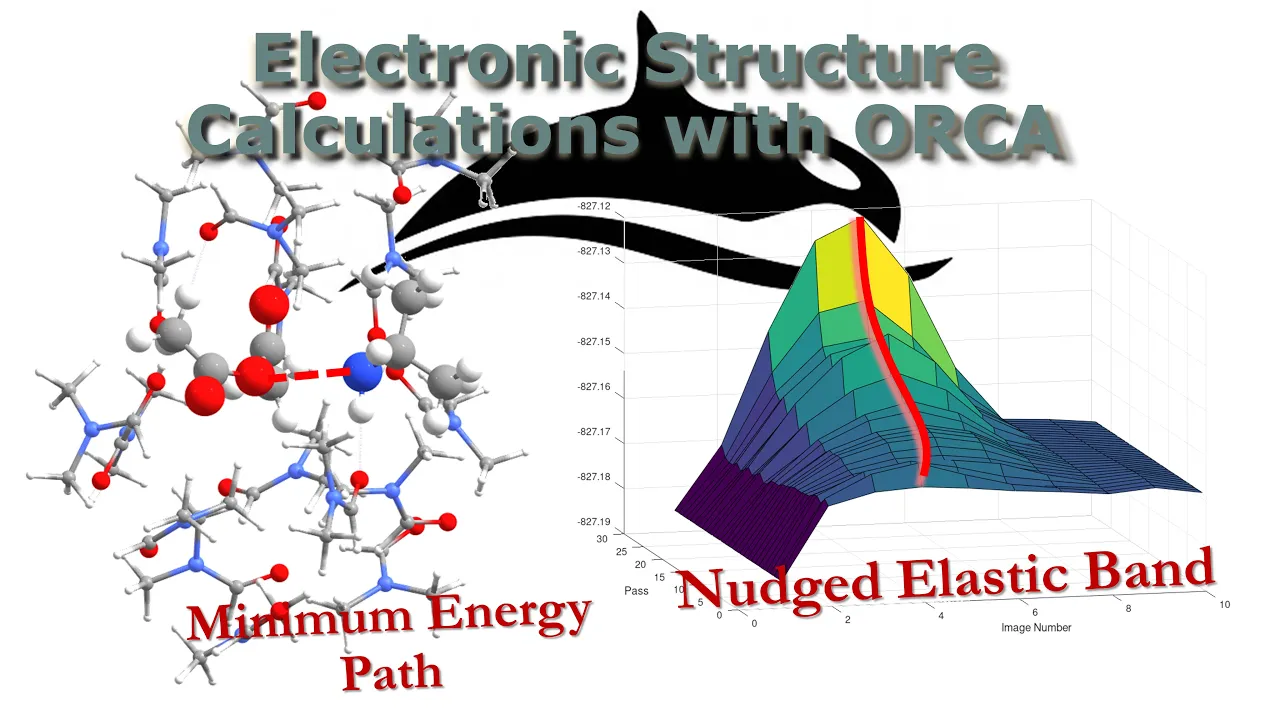
Transition State (TS) optimization and reaction pathway mapping (e.g., using the Nudged Elastic Band or NEB method).
Running high-level single-point energy calculations, such as DLPNO-CCSD(T), on the optimized geometries for precise chemical accuracy.
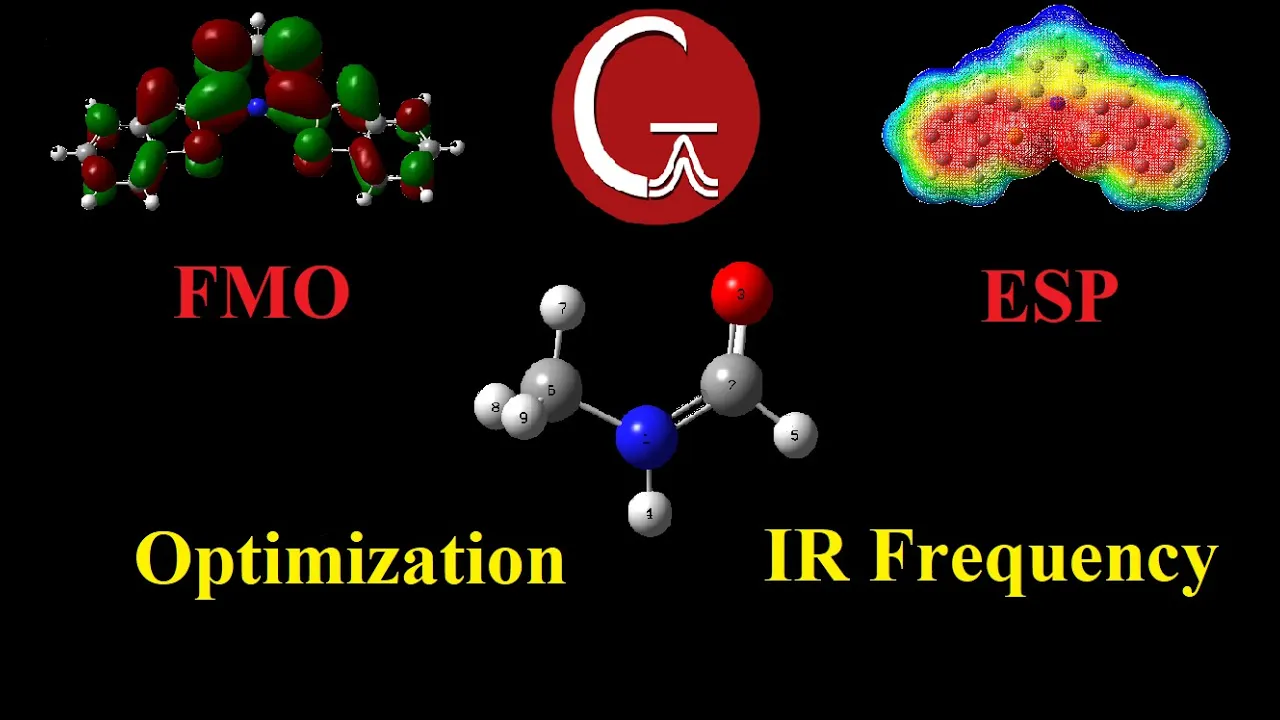
Simulating molecular properties and spectra (such as TD-DFT for UV-Vis, NMR chemical shifts, or IR/Raman spectra) based on the optimized coordinates.
3.6K views43likes5:59Original Release: 2023-05-31
today what I'm going to show you is how to submit a calculation it's a very simple calculation and I will show how to draw the molecule that I want and how to make the input file the shell file and submit that to a cluster so I'm starting with this Benzene alcohol molecule and what I want to do is to solvate it with dioxin so I'm going to edit add fragment molecules and I can search for simple compounds and I can choose dioxin here without closing this window I can click in several places I can zoom out and I can add several molecules the molecules have all the same orientation so maybe I can move them around slightly I choose these drag atoms button and the whole molecule option and then I move the molecule and I rotate it with these buttons on the right in random directions what I can do now is choose a van der waals type visualization in display I choose big atoms and I can see if any molecules are really touching I don't want them to touch because that could lead to weird behavior in initial optimizations I'm going to optimize the structure so this has only to be a approximate guess and we'll see nothing is really touching no different molecules I go back to my usual display and I will copy this into an input file so I go to coordinates these coordinates have numbers so I choose coordinates format 12 digits I put copy that copies all the atoms and I will go to notepad so here this is another previous file that I have what I'm going to do is erase all the coordinates I am going to paste the coordinates here and I will change some names and annotations I save this all this I don't really need it for this calculation this is a very standard calculation this is some annotation dioxin and this is going to be again the name of the file this is a three letter code that I use to distinguish between calculations my previous calculation was in tolvin but this would be in dioxin here I have a shell script that contains a series of options I'm using 12 cores on the Node in the cluster that I will be using these are different options this doesn't matter too much because it's going to be different or specific to the computer you use or the University or Research Center cluster you use so don't pay too much attention this will not work for you but it's just an example of how I submit the calculations what I'm going to call is orca 5.02 and give the input file that I made and it will produce an output file of the same name so now I go to win SCP which is the program that I use for moving files around so I have the files here what I'm going to do is go back to one folder and I will make a new folder with the same name as my calculation I prefer to do that in order to keep all my files well classified so then I copy these two files here and in the terminal I have the different calculations so what I do is s batch and submit the shell file if I now write sqa I actually see that my file did not run the previous file is running so what's going on there has been an error so it did not recognize dioxin as a world for the polarized continue model so I'm going to check in the manual what is the actual correct name for the solvent okay so in this table this is for the cpcm options the list of solvents it's kind of small I thought that there would be more solvents so dioxin is not to be found here I could Define it by defining the dielectric constant and the refractive index but I'm going to choose actually thf which I think it's similar enough for these purposes as I already will have an explicit solution layer of dioxin molecules and I'm only interested in the effect of those molecules in the central benzyl alcohol I would say that dhf is good enough for this so I go back to the file and I will just change this for thf I will copy again the files and I will submit the calculation again it will overwrite all previous calculations so now it is running so that's it for today thank you
Up Next

59:52
Driving Retail Velocity: Data-Driven Strategies for Emerging CPG Brands
@startupcpg
419 views•2025-04-24

12:54
Triumph of Orthodoxy Icon: Byzantine Art & History Explained
@BenCallan
2.1K views•2024-08-06

9:49
FastAPI vs Flask vs Django: Choosing the Right Python Web Framework
@TechWithTim
302.5K views•2024-05-26

1:42
Game of Thrones Opening Credits: A Cinematic Analysis
@gameofthrones
46.3M views•2011-04-18
Related Study Plans & Knowledge Roadmaps
Structured learning paths in General & Interdisciplinary Studies
general-studies
Elevator Engineering: History, Physics & Cities
01From Hoists to Safety Brakes: The Dawn of Vertical Lift
02Hydraulic vs. Traction: The Engineering Physics of Elevators
03Modern Speed, Safety, and Algorithms
+ 2 more learning modules
12h5 modules
Explore Roadmap
general-studies
Rubber: Material Science, History & Geopolitics
01Origins of Natural Rubber & Mesoamerican History
02The Chemistry of Natural Rubber & Vulcanization
03The Geopolitics of the Rubber Boom & Colonization
+ 2 more learning modules
12h5 modules
Explore Roadmap
general-studies
Containerization: Evolution, Logistics & Trade
01Ancient Trade & Bulk Cargo: Amphorae to Barrels
02The Industrial Revolution & Cardboard Packaging
03The Containerization Revolution: Malcom McLean
+ 2 more learning modules
12h5 modules
Explore Roadmap
general-studies
Textile Tech: Evolution, Labor & Global Impact
01Pre-Industrial Textiles: Handloom & Cottage Industry
02Mechanization: The Spinning Jenny to the Power Loom
03The Factory System & Global Labor Transformation
+ 2 more learning modules
10h5 modules
Explore Roadmap