

























Adding multiple radiators in series to a water cooling system does not necessarily improve cooling efficiency because the air passing through subsequent radiators becomes heated by internal components, reducing its ability to absorb additional heat; however, practical testing shows that in real-world scenarios with proper airflow management, stacking radiators can still provide significant temperature reductions (up to 20°C) compared to single-radiator setups, demonstrating that simulation results may not always translate directly to actual system performance.
Radiator Stacking in Water Cooling: A Comparative Test
Added:Basic components of a liquid cooling loop (pump, water block, radiator, reservoir) and how fluid flows through them.
Fundamental principles of heat transfer, specifically conduction (solid to liquid) and convection (liquid to air).
The role of static pressure and airflow in cooling fans, especially when pushing air through restrictive radiator fins.
The concept of thermal equilibrium in a closed-loop system, explaining how coolant temperature stabilizes over time.
Analyzing loop order (parallel vs. series flow) and its actual impact on component temperatures.
Calculating Delta T (the difference between coolant temperature and ambient air temperature) to measure cooling efficiency.
Optimizing the noise-to-performance ratio through custom fan curves and radiator thickness choices.
Exploring advanced heat dissipation technologies, such as external radiator setups (e.g., MO-RA3) or phase-change cooling.
2.2M views82Klikes8:20Original Release: 2020-05-13
- I always thought that when it comes to water cooling more is automatically better.
That is to say, if one radiator's not enough, you can just add another one or another two to get better performance.
Well, it seems that I've been water cooling incorrectly for years, or at least, that's what Corsair leads me to believe.
Like what?
How could that possibly be, that adding more radiators wouldn't help?
I just can't believe that to find out exactly what they said to me you're gonna have to sit through this segue to.
XSplit makes powerful streaming PC apps for streamers, vloggers and more.
Check out their VCam software to change your background without a green screen.
Whoa.
Learn more at the end of the video.
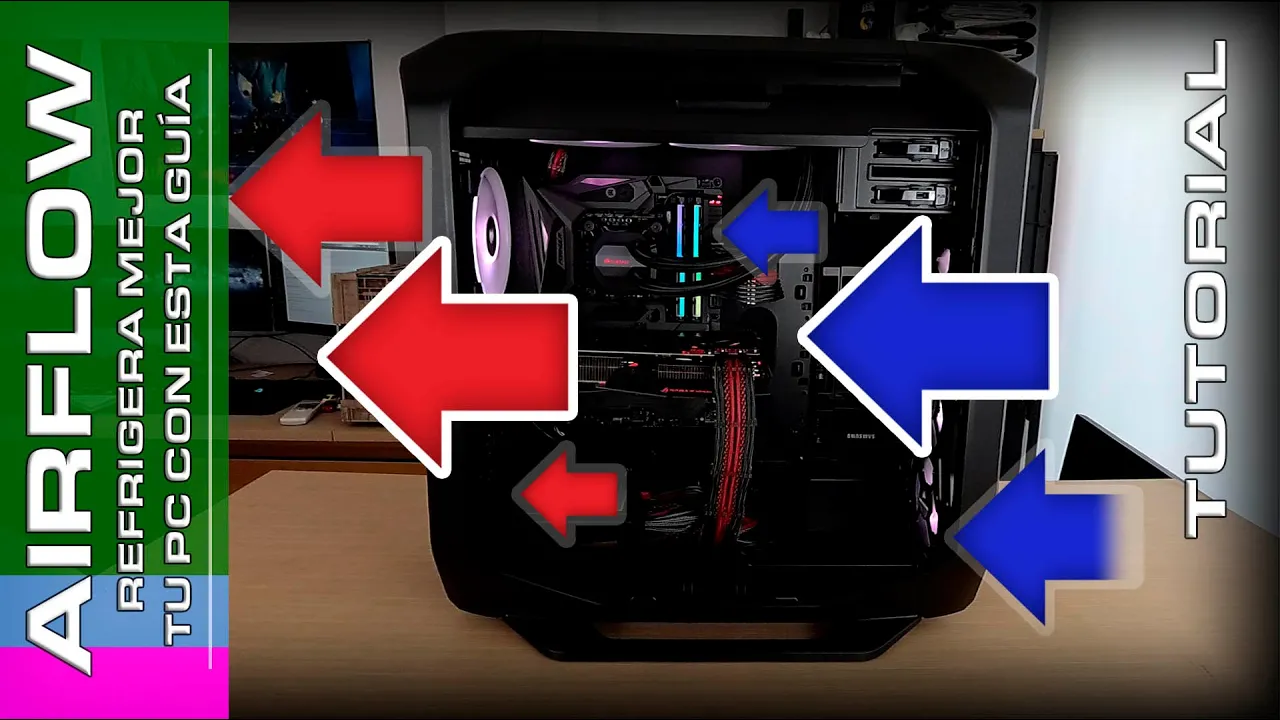
(rousing upbeat music) When we showed our concept cooling system for our Hack Pro 2019 with a front intake radiator and a rear exhaust radiator, Corsair emailed me to say that, according to their simulation data, that second radiator would be at best pointless, and could even make our cooling worse because it adds more air flow resistance, and because, I mean if you think about it, the second radiator can't cool water with hot air from inside the case.
I ignored them.
And then, when we showed off Jake's custom Minecraft server that used not one, not two, but three thick Alphacool radiators stacked against each other with layers of Noctua 80mm fans in between, Corsair reached out again to admonish me for water cooling wrong.
The problem is, like, guys, my experience tells me that stacking radiators works great.
Or at least, I thought it did.
I've never done a side-by-side comparison.
It makes sense though.
Like you would think that doubling the surface area radiating heat away from the system must lead to, if not double, then at least significantly better performance.
But, guys, turns out it's not that simple.
In order to dissipate heat in a water cooling system there needs to be a difference in temperature across the materials in your heat exchanger.
In this case, that's the ambient air which is cool and the water which is warm from your components.
And then, this is really important, the greater that difference in temperature the more heat can be exchanged.
And the thing is, "Because modern radiators are so efficient", says Corsair, if the water temperature is let's say 40 degrees under load, we can bet that the air coming out of that rad is gonna be just below that.
Meaning that by the time it picks up some extra heat from air-cooled components like motherboard VRMs, it's not gonna have any heat capacity left to pull heat from a second radiator that it's going through.
That kind of makes sense.
But I wasn't ready to give up yet.
So to determine once and for all if adding a second rad is useless, we decided to build a test rig.
So Colin got to work and pieced together.
Where is it? Ah, there it is.
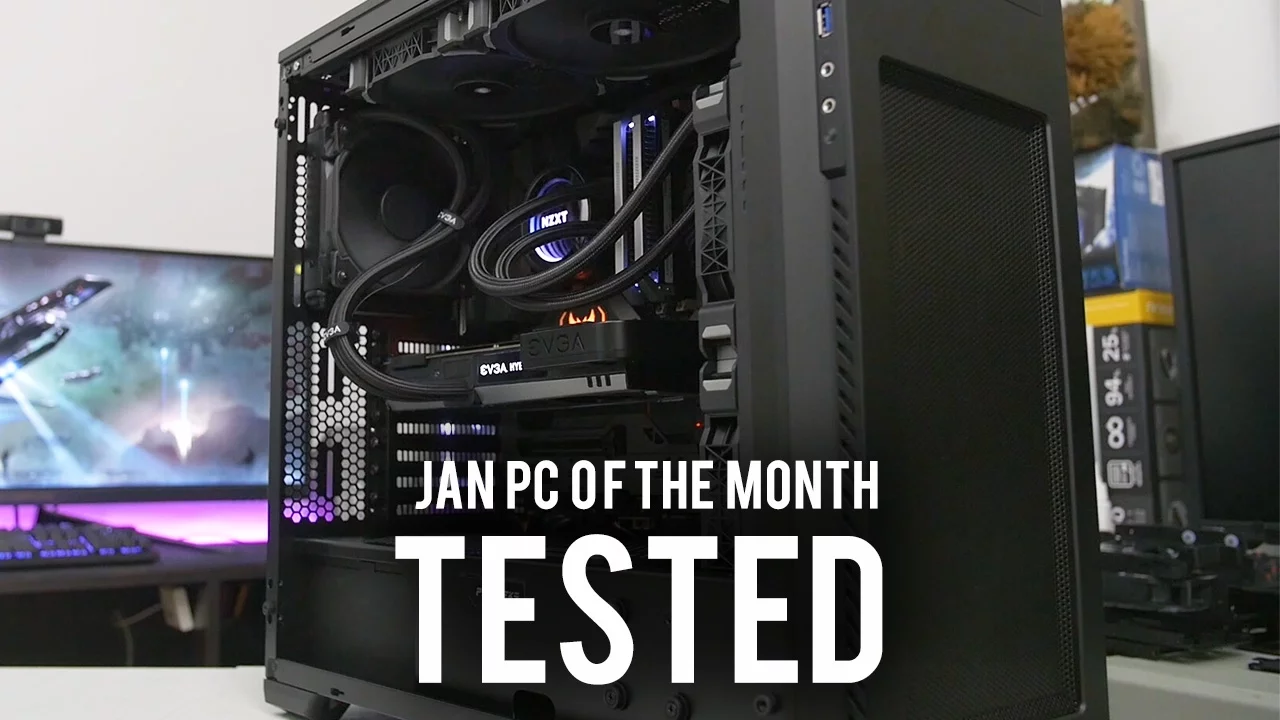
That little tower sporting an RTX 2080 Ti and Intel's 9900KS.
Or as I like to call it, my little furnace.
Together, this pair can draw a little over 400 watts of power under a synthetic load, and all that heat is going right into our water.
Btdubs, guys, if you like water loops, get subscribed.
We're planning to water cool a gaming chair, and you're not gonna wanna miss that if you get warm in the summer.
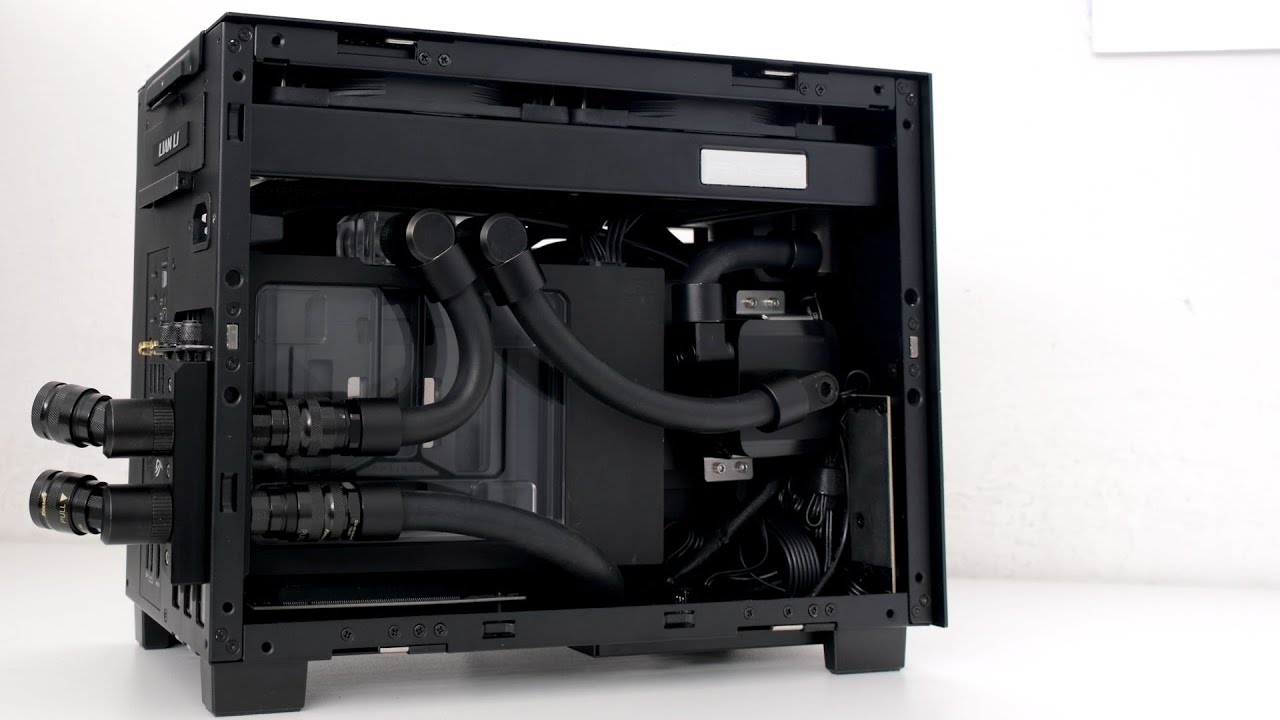
So, our first test is to establish a baseline with a single 240mm rad up front pulling air in to be exhausted out of the top of the case with a second pair of matching fans.
The system stays cool enough not to thermal throttle, but it's also obvious that our radiator is up against its limit.
So, according to my common-sense PC building wisdom, this system would have looked like a perfect candidate for just throwing another radiator at the problem.
With that out of the way then, it's time to plumb up our second rad in series and put it in the top of the case, with more or less the same fan configuration.
Now, we did end up having some RAM clearance issues, requiring us to put the fans on top of the case, but that should not negatively impact our data.
The important thing is that the radiator is still inside the case, exposed to all the other heat sources that are in there.
Now, for the moment of truth.
Our stress test was designed to hit both the CPU and graphics card with FurMark, while logging all the pertinent data using HWiNFO.
That means, not just temperatures, but also power consumption and clock speeds.
In each scenario, the system was allowed to hit a steady state, and then we stopped the loads and let the system cool back down to our idle temperatures.
Let's look at the numbers.
Hopping right into the GPU temps, the red line is with the single rad and the green line is with our dual-rad setup.
Not only did our dual-rad setup take way longer to reach its max temperature, it also ran way cooler.
About 20 degrees cooler in fact.
So that's it, Corsair, your myth is busted.
End of video, I'm out.
Just kidding.
We did our due diligence, and checked the CPU as well, to make sure that both loops were actually experiencing the same thermal load, and they were.
Both scenarios had the CPU clock between 4.5 and 4.6.
Nothing out of the ordinary there.
And our power usage looked nearly identical as well.
So then, why didn't our results match Corsair's claims?
To be clear, guys, I'm not saying that their CFD analysis or their real-world testing is wrong, or that what they said doesn't make sense.
And let's remember as well, they didn't actually critique this exact build.
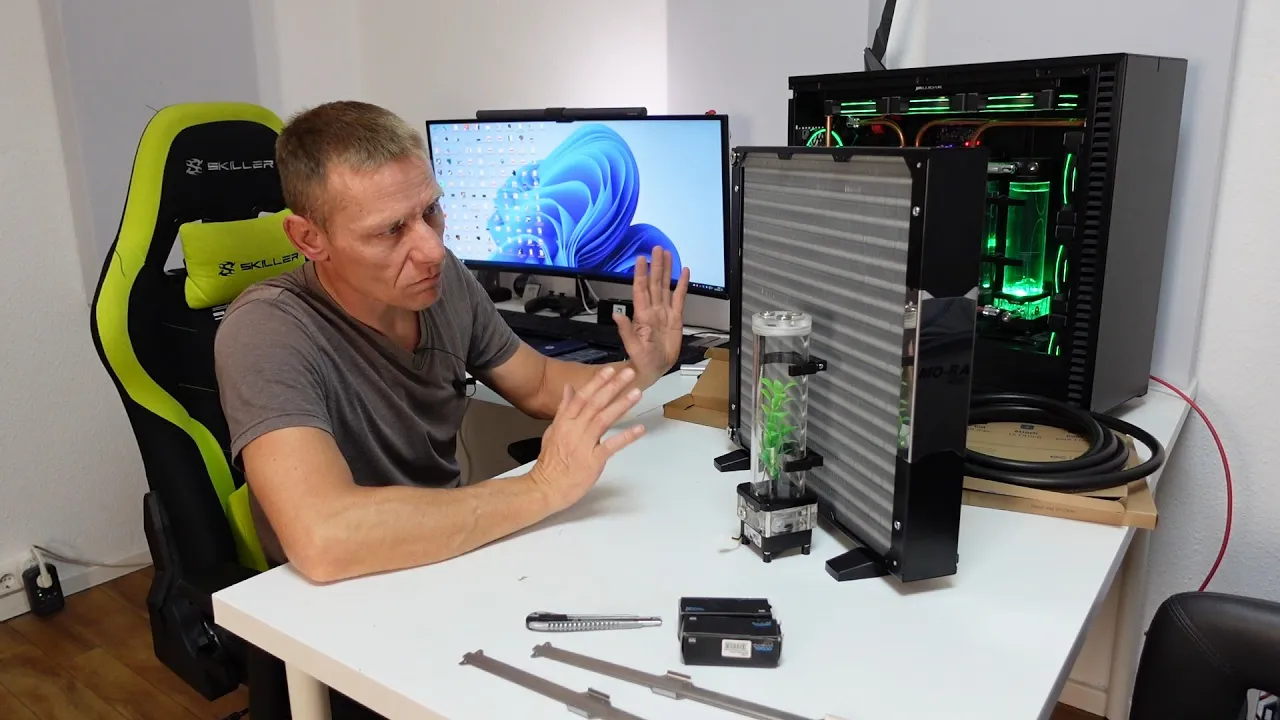
All I'm trying to say is that this kind of simulation rarely translates perfectly to the real world, and also, that you should go to lttstore.com.
Okay no, that was an aside.
So, our working theory is that the openings in the case at both the back and the bottom allowed for some fresh ambient air to come in and mix with the hot air before being pulled up through the second rad.
Now, if we had sealed off every potential air leak, it's possible we would've seen something closer to Corsair's simulation.
But, as far as we can tell, that's just not a true representation of the real world.
I mean, nobody would do that.
Another thing to consider is that every system is a little different.
Fan orientations, fan speeds, radiator placement, pump flow rates, case designs, all these things will affect how a cooling system works.
As we've seen with the Minecraft server, and the Hack Pro, sometimes the truth of the matter is, you've just gotta work with the space you've got.
And we also did another sanity check.
We had Jake remove one of his stacked radiators, which ended up resulting in a five degree increase in temps under load.
That's another proverbial nail in this coffin.
Now, I'm sure that in some rare cases it could actually be a negligible or a bad thing to add a second radiator, but a blanket statement saying that stacking rads is bad just isn't even nearly true, and you should really look at your particular use case and evaluate for yourself if you can.
So the moral of the story here is take everything with a grain of salt, including what I'm saying right now.
Do your own research and do a little benchmarking on your phone.
On your phone? On your own.
It's easy, free, fun, and can tell you loads about how to make your system work best for you.
So that's it.
If you guys wanna check out some more benchmark-related videos, why not take a look at the video we did last year about finding out if your gaming rig is bottlenecked.
We're gonna have that linked in the end screen for you.
Thanks to XSplit for sponsoring today's video.
With XSplit VCam, you can remove, replace, and blur your background without a green screen.
It works with any webcam and there's no need for complicated lighting setups.
It uses AI to automatically tell the difference between you and the background, and you can customize the background to be anything you want.
VCam works with other XSplit broadcast tools, but also Slack, Hangouts, Skype and more, and they've got 24/7 support and lifetime updates, and you can check it out at the link in the video description.
Wow, I already kinda threw to another video, so.
(upbeat music) (faint popping)
Up Next

30:51
Watercooling Your PC: A Beginner's Guide to Custom Loops
@Jayztwocents
539.2K views•2013-10-14

12:54
Triumph of Orthodoxy Icon: Byzantine Art & History Explained
@BenCallan
2.1K views•2024-08-06

27:37
Evaluating the iPhone Ecosystem: A Comparative Case Study of Android Migrants
@LinusTechTips
2.4M views•2025-07-08

1:42
Game of Thrones Opening Credits: A Cinematic Analysis
@gameofthrones
46.3M views•2011-04-18
Related Study Plans & Knowledge Roadmaps
Structured learning paths in General & Interdisciplinary Studies
general-studies
Elevator Engineering: History, Physics & Cities
01From Hoists to Safety Brakes: The Dawn of Vertical Lift
02Hydraulic vs. Traction: The Engineering Physics of Elevators
03Modern Speed, Safety, and Algorithms
+ 2 more learning modules
12h5 modules
Explore Roadmap
general-studies
Rubber: Material Science, History & Geopolitics
01Origins of Natural Rubber & Mesoamerican History
02The Chemistry of Natural Rubber & Vulcanization
03The Geopolitics of the Rubber Boom & Colonization
+ 2 more learning modules
12h5 modules
Explore Roadmap
general-studies
Containerization: Evolution, Logistics & Trade
01Ancient Trade & Bulk Cargo: Amphorae to Barrels
02The Industrial Revolution & Cardboard Packaging
03The Containerization Revolution: Malcom McLean
+ 2 more learning modules
12h5 modules
Explore Roadmap
general-studies
Textile Tech: Evolution, Labor & Global Impact
01Pre-Industrial Textiles: Handloom & Cottage Industry
02Mechanization: The Spinning Jenny to the Power Loom
03The Factory System & Global Labor Transformation
+ 2 more learning modules
10h5 modules
Explore Roadmap