















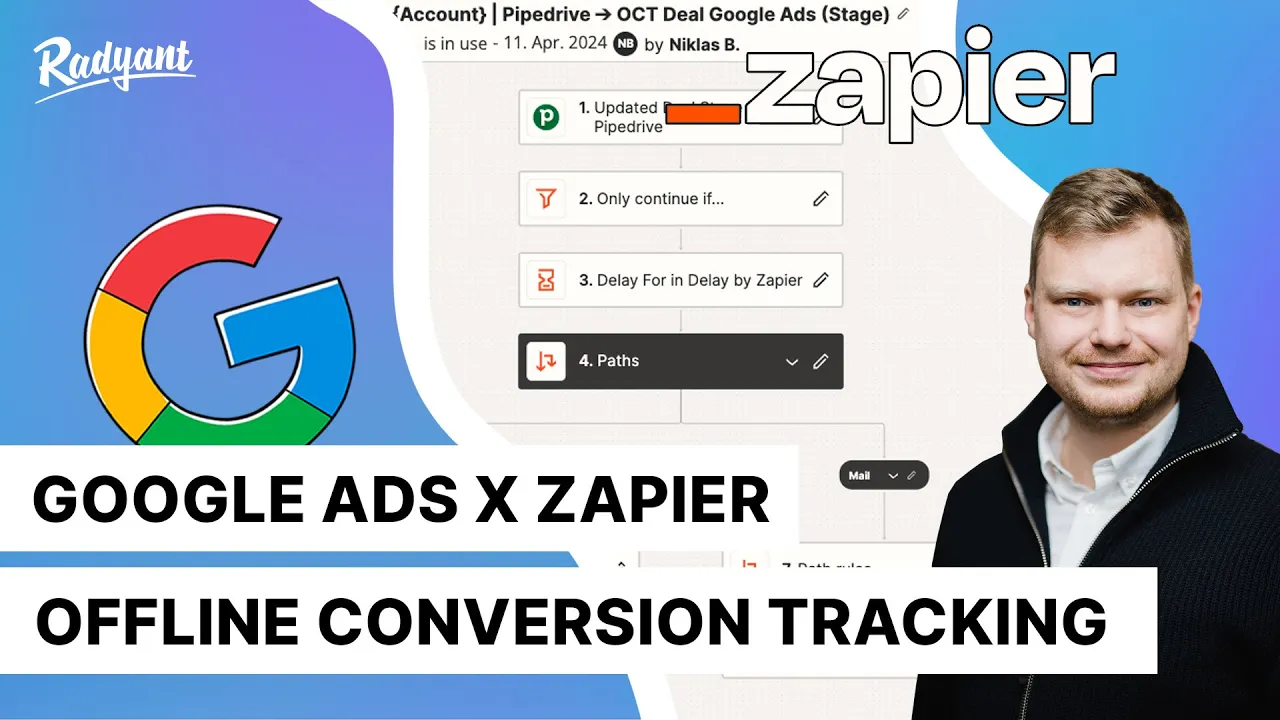












Enhanced Conversions for Leads is a Google Ads feature that tracks offline conversions by capturing user data (email or phone) from lead forms using Google Tag Manager, eliminating the need to modify lead forms or CRM systems to capture Google Click IDs; the implementation involves setting up a conversion action in Google Ads, creating CSS selector variables in GTM to capture user data, configuring a Google Ads User Provided Data Event tag, setting up form submission triggers, enabling Conversion Linker, and uploading hashed conversion data (using SHA 256 encryption) from a Google Sheet template to attribute offline purchases to online ad clicks.
Google Ads Enhanced Conversions for Leads: Setup Guide
Added:Fundamental understanding of standard Google Ads conversion tracking and tag implementation.
Basic proficiency with Google Tag Manager (GTM), including tags, triggers, variables, and the data layer.
The concept of the lead lifecycle, differentiating online form submissions from offline CRM conversions (sales, SQLs).
Awareness of first-party data collection and the role of hashing (SHA-256) for user privacy.
Integrating Google Ads with CRM platforms (e.g., Salesforce, HubSpot) to automate offline conversion uploads.
Implementing Value-Based Bidding (VBB) strategies, such as Target ROAS, leveraging qualified lead values.
Troubleshooting and validating offline conversions using the Google Ads Diagnostics tab and API upload logs.
Advanced implementation of Google Consent Mode to maintain measurement compliance with data privacy regulations.
38.1K views827likes14:24Original Release: 2022-09-14
Hey there, measure geeks.
Today I will explore a relatively new feature that is called Enhanced Conversions for leads.
I'm super excited.
So let's dive into implementation.
Not all conversions are made directly online.
In some some cases, people might go to your web page, submit a lead form and then later go to the actual store and buy a product or get the services delivered.
And it's called offline conversion tracking.
An example could be purchasing a car or getting some beauty services and you might know already the tracking method with the help of Google Click ID.
And recently Google introduced a new feature that is called Enhanced Conversions for leads.
And I don't say that the method with Click ID is not valid anymore.
No, it's just a second way of tracking offline conversions.
And I think it's pretty cool because you don't have to modify your Lead form or CRM system to receive a Google Click ID.
Which means you can set up everything on your own without asking a developer for help.
And it's nice.
How does it work?
Technically, a user clicks your ad, goes to your web page and submits a lead form.
This is exactly where Magic happens.
We are sending user data to the Ads account.
Later this user goes to your store and buys a product or service.
But how can system know that this is exactly this user?
Because we have to upload the user data to the Ads account and then the user data is matched and the conversion can be recorded.
So this is the technical overview.
In order to implement this, we would need your web page with the lead form.
You can see mine.
And this is a demo shop built with WordPress.
We would also need the tag manager.
And please make sure that the tag manager is implemented on your web page as well as Google Ads account.
And the first step is to set up a conversion in the Ads account.
Let's go and click tools and Settings measurement Conversions and we have to create a new conversion action.
And let's click Import here.
Other data sources and we want to track conversion from clicks.
Let's click continue.
Here we have the settings and we should select the goal category for this action.
We have qualified lead and converted lead.
So what's the difference?
Qualified leads are so called interested leads and they help track Google generated leads that have also been further qualified offline in your CRM.
Whereas converted leads are the leads that have completed a chosen step in the lead conversion process.
So this could be a close deal or a sale.
In my case it's a sale because we are offering in house traing.
This is why I select converted lead.
Let's provide the conversion name and you should provide all the settings here and click Create and Continue.
And you can also select the import method.
In my case I want to use Uploads.
Let's click finish.
Well, done.
We have configured the Conversion in the Ads account.
The second step is to set up a tag in Google Tag Manager.
Before doing that, let's go to our web page and let's have a look at the form that we want to track.
So for enhanced conversions we should grab user data and specifically email or Phone.
Email is the preferred way.
Or you can grab both.
How can we do that?
There are multiple ways to do that.
So you can go with CSS selectors or with a Data layer variable or with the custom JavaScript variable.
In my case, I'll go with CSS selectors.
So what do we have to do?
Let's fill in this form and our task is to capture this user data.
How can we do that?
Let's click here, right click and then inspect.
And you can see this highlighted area.
Let's right click one more time copy, copy selector.
In this way we can capture this value.
And we have to go to the Tag Manager and create a variable that would store this value.
Let's click variables.
And here.
User defined variables.
New Variable Configuration and what kind of variable should we choose here?
What do you think? Yeah, it should be DOM element because we are working with a CSS selector and you should also select CSS selector here.
And let's paste our selector.
And you can see that this is a form and this is the input of the form.
But we want to grab the value.
This is why we should also specify an attribute name here value.
Let's provide a proper name and let's save our variable.
And we should do the same for the email.
Let's go back.
And what do we have to do exactly?
Right click copy, copy selector.
Let's click new variable configuration.
You already know which variable type we should choose.
And this is DOM element.
CSS selector.
Paste it here.
Add Value.
We should also provide a name.
Let's save our variable.
And now we can set up our tag.
Let's go to tags and click new, tag Configuration.
And I know it might be really tempting to select Google Ads Conversion tracking, but for this conversion we must scroll down and find something else.
And it's called Google Ads User provided data event and select this one.
You should provide the conversion. ID.
But where can we find it?
Let's go back to the Ads account and here click Tools and Settings.
Set up Google tag, click installation instructions and install manually.
And this is exactly our Google Tag.
And we should look for this number here.
And let's copy it without AW hyphen just the number.
And let's go back to Google Tag Manager and paste it here.
And we should provide our user data email and phone.
So let's click here.
New variable.
And here is our email.
We already created a variable for that and the same with the phone.
And let's provide the name here as well and let's save it.
And we should also set up a trigger.
Let's have a look at our form one more time.
This is form submit and it's located on the page with the contact us.
So let's copy this part of the URL and let's go to triggering.
And this is a form submission and this is why I will choose the trigger type form submission.
And I want to track not all forms yet, some forms and I want to specify the condition.
Page URL contains contact us let's provide the name and let's save it.
And just remark here this might be different for you.
So these are the selectors that I have and you can see something else and it might not always be the best solution.
So in this case you would have to ask a developer to adjust those variables or to provide other variables that you can work with those and the same with the trigger for the events.
Sometimes it might not work but it's kind of universal situation and in most cases it should be working.
Okay, so this is my tag.
Let's provide the name of the tag and let's save it.
And we are almost there but we forgot to set up one super important thing and it's called Conversion Linker and it is fundamental to have this one because this is exactly the way the Google Ads click can be identified.
And we are doing the implementation by the tag manager and this is why it is extremely important to configure it.
Let's click new tag configuration.
Here we have conversion linker and where should it be fired? Exactly, All pages.
Let's save this one. Great.
So now we are ready to test our implementation.
Let's click preview.
Great.
And what do we have to do?
We have to fill in our form.
So let's provide the phone number.
Let's submit well done.
And let's go to the tag assistant and let's see what happens here.
So this was exactly my event number eight form submit and you can see tags fired.
So this is a good sign.
So it means it is working.
Let's click variables and here we go.
This is my email, my phone, everything is correct and you can also see the user provided data.
It's an object and it contains email and phone number.
If you see that well done, you managed to configure everything correctly.
So let's go back to the tag manager and now we can publish our container.
Let's click. Submit, publish.
Awesome.
So now we are sending user data to Google Ads.
And let's say this user goes to your store and makes a conversion.
What do we have to do?
And this is exactly the last step of the whole set up.
Well, we have to notify Google about it.
So let's go to Google Ads account and here let's close this one.
And let me close all those tabs because we don't need them anymore.
Click tools and Settings, measurement Conversions and on the left side we have Uploads.
And here you should go to schedules and we will schedule our new upload.
And we are going to use a Google template.
And this is a Google Sheet so you can make a copy of it.
I will share the link with you in the video description.
Let's make a copy of this document and this is exactly where you will provide your conversion data.
So let's say my user converted and now I can provide this data here.
Once you provide your data, it is extremely important to hash it.
You remember that you have to send hash data and you should use the SHA 256 encryption method.
And this is a cool thing about this template because Google can actually do it for you.
You can click Extensions, Apps Script and you should go to the left side.
And here you can configure a trigger.
Let's add a new trigger and select Event Type.
We should choose on Change and let's click Save.
You will have to give some permissions here and click allow.
Once your data is hashed, you can upload it to Google Ads.
So you can go to Google Ads and here click plus, select Source.
In our case it's Google Sheet.
And we have to link an existing Google Sheet.
So we would have to copy this account here and share the access by clicking Share.
Let's paste it here and click send.
And in Google Ads you should also select the frequency and it's recommended to have every 24 hours.
Let's select the time and I forgot to link it here.
And now you can save it.
So you manage to configure your enhanced Conversions for Leads correctly.
Well done.
So you already know what Enhanced Conversions for Leads are and I'm really curious if you manage to implement this feature on your own.
So please share your experience in the comment section below.
And if you'd like this video, please give us thumbs up and you can check other ads tracking videos right here.
Happy measuring guys and see you next time.
Up Next

9:59
Visual Fields Examination: Confrontation & Perimetry Guide
@stapsell
121.2K views•2009-01-13

12:54
Triumph of Orthodoxy Icon: Byzantine Art & History Explained
@BenCallan
2.1K views•2024-08-06

9:49
FastAPI vs Flask vs Django: Choosing the Right Python Web Framework
@TechWithTim
302.5K views•2024-05-26

1:42
Game of Thrones Opening Credits: A Cinematic Analysis
@gameofthrones
46.3M views•2011-04-18
Related Study Plans & Knowledge Roadmaps
Structured learning paths in General & Interdisciplinary Studies
general-studies
Elevator Engineering: History, Physics & Cities
01From Hoists to Safety Brakes: The Dawn of Vertical Lift
02Hydraulic vs. Traction: The Engineering Physics of Elevators
03Modern Speed, Safety, and Algorithms
+ 2 more learning modules
12h5 modules
Explore Roadmap
general-studies
Rubber: Material Science, History & Geopolitics
01Origins of Natural Rubber & Mesoamerican History
02The Chemistry of Natural Rubber & Vulcanization
03The Geopolitics of the Rubber Boom & Colonization
+ 2 more learning modules
12h5 modules
Explore Roadmap
general-studies
Containerization: Evolution, Logistics & Trade
01Ancient Trade & Bulk Cargo: Amphorae to Barrels
02The Industrial Revolution & Cardboard Packaging
03The Containerization Revolution: Malcom McLean
+ 2 more learning modules
12h5 modules
Explore Roadmap
general-studies
Textile Tech: Evolution, Labor & Global Impact
01Pre-Industrial Textiles: Handloom & Cottage Industry
02Mechanization: The Spinning Jenny to the Power Loom
03The Factory System & Global Labor Transformation
+ 2 more learning modules
10h5 modules
Explore Roadmap