

![React Hooks in ONE Shot 2025 [ EASIEST Explanation ] | React JS Tutorial](https://i.ytimg.com/vi/HnXPKtro4SM/maxresdefault.jpg)



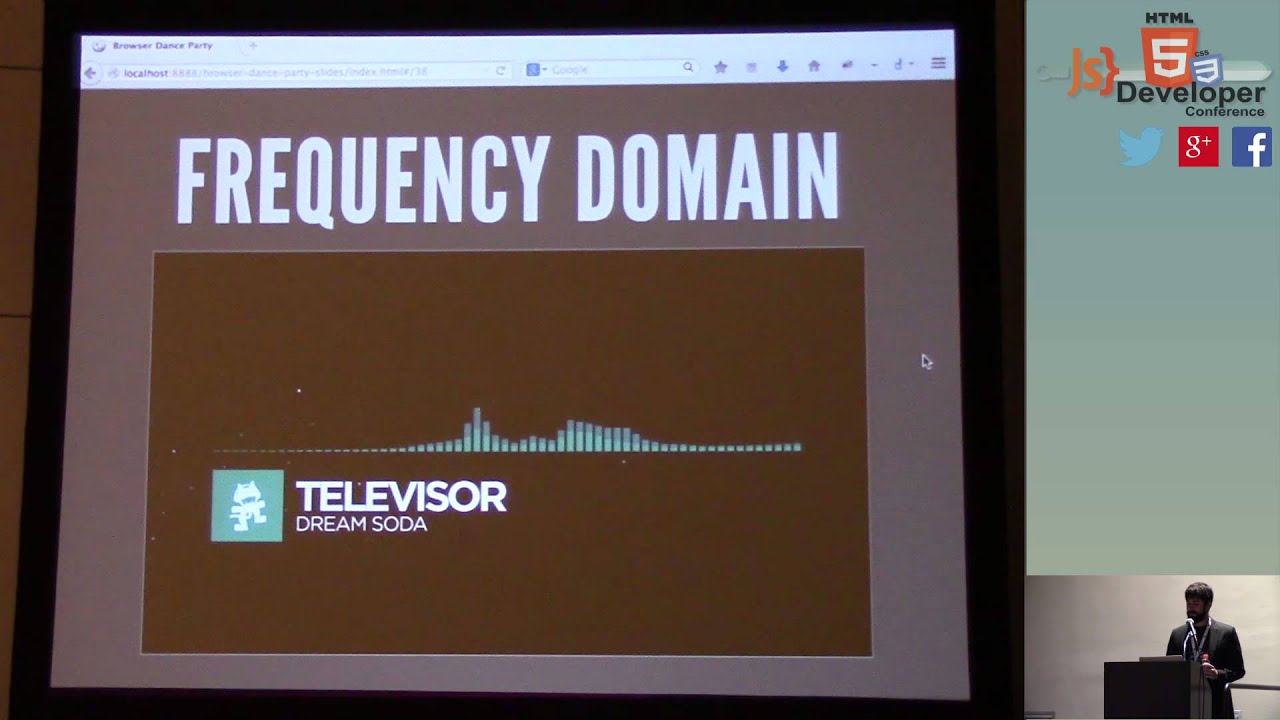









This video demonstrates how to build a browser-based synthesizer using React and the Web Audio API, explaining core concepts including oscillators (sine, sawtooth, and square waves), envelopes (attack, decay, sustain, release), and the MIDI protocol for connecting musical instruments to the browser. The speaker shows how to create React components that manage audio state, handle note-on and note-off events, and bridge MIDI input to generate synthesized sounds in real-time.
Building a MIDI Interface with React and the Web Audio API
Added:Fundamental React concepts, including state management, component lifecycles, and hooks like useEffect and useRef for persisting Web Audio nodes without triggering unwanted re-renders.
Basic digital audio theory, specifically understanding oscillators, frequencies, decibels, wave types (sine, square, sawtooth), and how MIDI note numbers map to frequencies.
Core Web Audio API architecture, including the concept of an AudioContext, audio nodes (sources, modifiers, destinations), and how to connect them to form an audio graph.
JavaScript event handling and asynchronous programming, which are critical for capturing real-time user inputs and dealing with browser permissions for media playback.
Implementing advanced synthesizer features, such as polyphony management, ADSR (Attack, Decay, Sustain, Release) envelopes, and customizable audio effects (e.g., delay, reverb, distortion).
Exploring AudioWorklets for high-performance, low-latency custom audio processing and synthesis running in a separate background thread.
Integrating physical MIDI hardware via the WebMIDI API, allowing external MIDI keyboards and controllers to interact directly with the web synthesizer.
React performance optimization techniques for high-frequency, real-time data streams to ensure audio synthesis remains glitch-free even during heavy UI updates.
2.7K views38likes26:05Original Release: 2015-10-03
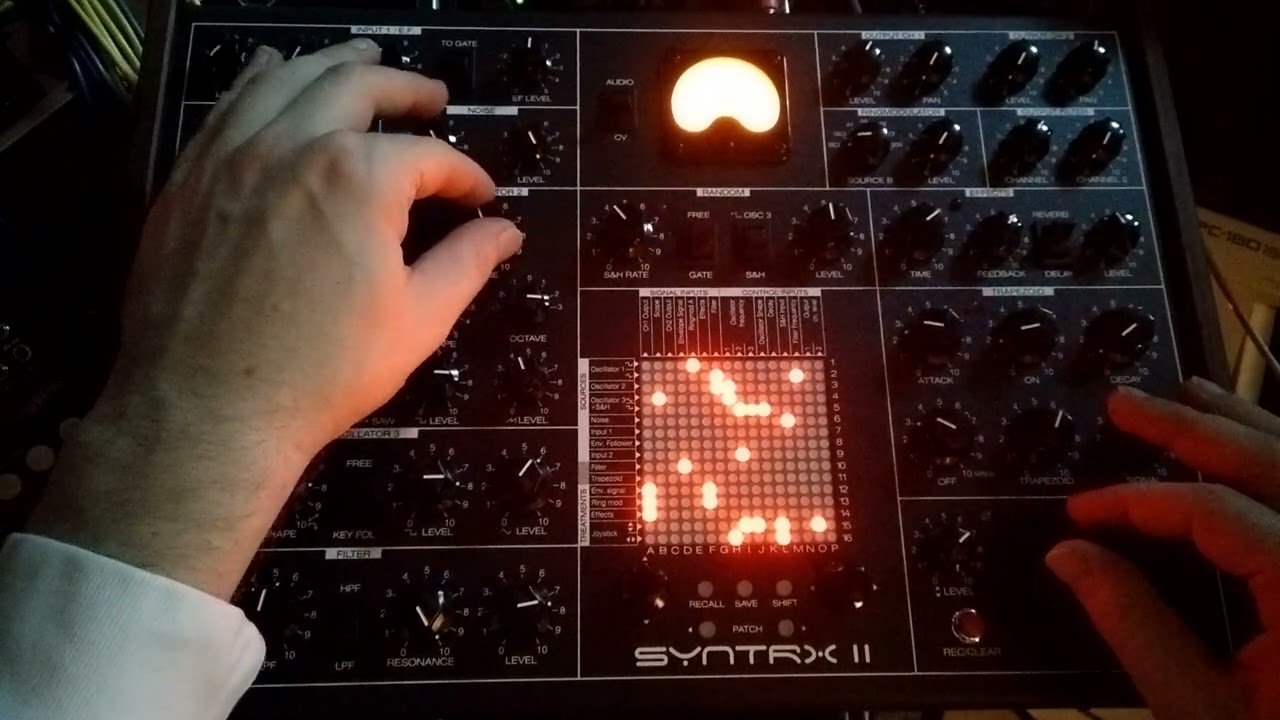
all right everyone my name is Peter picark and today we'll be talking about making music with react by the way Utah has been awesome I've never been here before but it's freaking awesome uh so I'm trying something fun and something new uh this isn't something that I do fulltime this is just something I do on the side um uh react with music is going to be something we'll have a lot of cool demos I'm going to be cramming a lot into this talk a lot of different definitions uh there's a lot that we have to talk about before I can get to react but I do promise a lot of cool YouTube videos and demos so you guys don't get too bored anyway you're probably wondering how do you pronounce my last name p car chick uh I'm a UI engineer at Trunk Club and I had the pleasure of speaking at JS comp this past year about migrating backbone apps to react it was a fun time so if you're wondering why I'm dressed so well it's because I work at Trunk Club our slogan is men hate to shop but they love to look good we set you we set you up with a stylist uh she'll talk to you about uh what you do uh how you like to get dress and then she'll send you a whole bunch of clothing uh you keep what you like you return what you don't like women we've got Trunk Club for women coming too so it's a pretty exciting time in terms of our Tex stack react Babel alt McFly reflux webpack um between the three UI Engineers we've got 10 single page apps that talk to a bunch of micro Services uh two customer facing apps and eight internal apps everything from Finance to Warehouse packing and shipping a trunk uh finding the right clothing for you that's something I work on and we promised to do something crazy a few weeks ago uh we promised to stick to a framework and use it for at least a whole year uh we had several different implementations of flux going around coffee script was still lingering uh the UI team was moving much faster than the people we needed to support so we made the decision to not be the butt of every joke um but most importantly why am I here today why am I here right now so react is definitely simplifying the developer experience right but the community talks about it in terms of the traditional website experience you talk to a server you get some data data changes render your component um but react can just do much more than just render your website um and react native is has been a great example of doing that too right it introduced iOS development for people that just know JavaScript and react uh I kind of want to take take things to another level and uh build an ecosystem around audio I think there's a lot of potential and a lot of cool stuff we can do so where did all this excitement start about a year ago Chrome stable released the web audio API audio synthesis directly in your browser uh you could create sounds uh you can create music you do whatever you wanted to do but the thing was you were still stuck Tapp tapping keys on your keyboard as a musician that's not the best instrument right uh so about a year later the chro Chrome stable released the midi API that means you can plug an instrument something like this directly to your uh computer and Place St directly in the browser think about the potential this opens up us up to a virtual instrument right in your browser you got the potential to collaborate make music share music you do whatever you want just like you share websites already uh my background with music I grew up playing a VI a viol in piano and absolutely hated it uh started violin in the first grade uh it was cool until about uh the third grade when I lost the first violin seat uh can you blame me though you could only play Hot Cross Buns so many times in front of your parents uh and I didn't think music was music making was cool again until about high school when I discovered music making apps uh so I was a huge nerd back then uh when I wasn't screw around with dream waver and Photoshop I was making music and fruity loops it was a cool time and it actually paid off in college when I was able to DJ at a bunch of local bars and make a $100 for a Saturday night 5 hours of DJing I was a millionaire back then uh so I focused on making music for a while but then I had to take a break when I took when I realized I had to take engineering a little more seriously so I can get a job after I graduate and just recently rekindle that relationship uh for your viewing pleasure here's a picture of me freshman year Tri a 2009 uh DJing a house party I am so glad I'm behind that or I'm past that stage of my life so what does it take to make music better yet what does it take to make sound I want to guide you guys through the process of creating a basic instrument in the browser like a synthesizer for example so what is a synthesizer uh think of electronic piano with a bunch of different knobs and oscillators um you've got oscillators envelopes modulations and of course the keys that you pressed the picture that you see up here is uh a moo Voyager Excel it's a hardware synthesizer it's a music making machine in the Box it's got the signature moo uh warm sound um these things were super popular in the 70s and ' 80s along with a wide variety of other syns too like Yamaha Roland uh they all they all made a whole bunch and they usually start with an initialized patch right so when you first turn turn the thing on it's got one oscillator no sound effects or no features and this was the signature initialized sound back then you had a lot of Hardware a lot of parts right these were all physical things with circuits so so uh the enclosure that you had could totally affect the sound that you get and move was super well known for its wooden frames and its Rich warm sound I want to demonstrate that for you guys uh with this short [Music] [Applause] [Music] video it's pretty cool right Super Rich sounds and this is for like super rich people too this thing's like $5,000 it's insane uh but very exciting sound effects and I mentioned something about oscillators and envelopes right if you were watching this video you could see the guy he wasn't just pressing the key on the keyboard he was twisting some knobs um You can call that an oscillator what is an oscillator just a device for generating oscillation or oscillating electric currents it's a fancy word for something that moves back and forth electronic oscillators make voltages 0 to 5 volts for example and there's all different types of oscillators in the world right we have oscillators that generate sound waves um there's a pendulum radio waves your CPU has oscillators right um You can use them everywhere and the tool we use to visualize these oscillators is called an oscilloscope um that's what you see up here that happens to be a square wave um there's obviously a lot more I can get into about this but I want to show you guys a few basic visualizations and then let you hear the sound too so you can get an idea of what an oscillator generates so the first one we have is a sine wave I'm taking you guys back to high school Cal uh you used to have to graph these things on your ti 83 calculators right when you zoom in on a sound wave this is what a sine wave looks like uh the one I'm about to play for you is 440 Hertz that's the frequency and it generates an a note um so this is what it sounds like super subtle super simple if you remember the hearing test we used to take back in elementary school they use the same exact sound uh so the next one the next basic one is the Sawtooth wave you can probably guess why it's called the saw tooth it's because it looks like a saw too this one's a little more intense uh brace yourselves oh that's quieter than I thought nice uh and then lastly Square wave so same idea it's shaped like a square and it sounds like that so what's the relationship between a synthesizer and an oscillator uh a great analogy that I came up with is the tuning fork um I'm sure you recognize one of these if you don't the idea is simple you take a tuning fork you bangang it against something the poles start uh shaking and vibrating and emit a frequency and that frequency just happens to be a note the width and height of each side uh decide the speed of the vibration and the note that it's going to uh emit so think of the synthesizer in this case the instrument as the tuning fork and the vibrations that come from one of these as the oscillator um in the tuning Forks case this instrument is immutable talk about a perfect bug word to use here you can't change the frequency of the sound and it'll always play the exact same frequency finally uh we're going to talk about envelopes right envelopes are super important part of sound and they break down into four different stages the attack the time from zero to maximum amplitude your Peak energy um and everything generates an attack a guitar string a kick a snare the snap of your fingers um a low attack is a great example uh or snapping your fingers is a great example of a low attack right you snap it you hear the sound instantly uh a high attack you hear the sound gradually increase right the next one in that process is Decay Decay is a little harder to hear but no it's there uh a lot of electronic dance music uses DK when they morph and mutate sounds uh but when it comes to a classical instrument you don't really hear much Decay and what decay does is it takes you from that maximum Peak that you hit with the attack and normalize it to a more sustained level right um and that's where sustain comes in sustain is the body of your sound the sound that you're usually hearing when you hear an instrument violins are a great example right as you pull your bow across the string at a constant speed you're sustaining that note and you're hearing it for a longer time then finally when you release that note um you get into something called the release phase right it's the time it takes from that normalized sound to hit zero a great example of this too is a guitar pluck as soon as you pluck your string the sound doesn't abruptly end it still resonates for a while right that is a great example of release so now you must be wondering Peter how do I do this on my computer what do I need to make music on my machine well that's called a digital audio workstation the one that you see up on the screen is Ableton but there's a whole bunch of them um you've probably heard of Garage Band it comes on every Mac logic is it's more powerful expensive brother uh there's a bunch of other ones like I said Ableton is really big in the electronic dance music scene fre Loops is huge for rap artists Lil Wayne made or Lil Wayne made Pro Tools famous but it's sort of dying off now and bwig is supposed to be there to replace it uh best way you can think about Daw is a Daw is a framework you can use to create music there's lots of them right you got a variety to choose from that's something we're used in the JavaScript realm right lots of things to choose from no one says you have to use one no one says you have to use a JavaScript framework either we're all we' all seen Global variables before right so now let's let's demo some of that stuff I've been talking about all this stuff uh so I created a simple da on the browser it's one oscillator which is a react component and five audio parameters attack Decay sustain release and volume just in case it gets a little loud all these in all these uh components live inside uh an instrument component the source of Truth the oscillator and audio parameter make up a synthesizer the synthesizer lives in the browser which we can call our do okay here we go so now here we go if I just press a note on my keyboard no sound anymore in any case if I were to press a note oh there we go Okay cool so as I press a note on my keyboard this is just a normal triangle wave um at 165 Hertz which is an eote um to demonstrate attack say I move this attack all the way down see you hear the sound instantly it almost makes a plucking sound at first now if I increase that it's a little more subtle right it takes a gradual it gradually increases like I said Decay is a little harder to demonstrate for a single oscillator but sustain is definitely there so sustain had its current [Music] value as I increase the sustain the body of the sound increases too it's a little more rich and then finally release so just like you have the attack that builds the sound the release breaks it down so a short release it ends abruptly right but a long release sort of subtly makes that sound go away right all right so we've talked about how to make a basic instrument what can we use this for so browser based games are becoming a reality right you've probably seen the Unreal Engine in Firefox you may have heard of Chrome Racer that Google came up with and then Angry Birds for Chrome these are all games that are already utilizing the web audio API to render all their sounds now how does that improve the the gaming developer experience right um You can do a lot of cool things you can update uh sound effects on the Fly you don't you don't have to bring in an MP3 file anymore there's a lot that goes on in a game right audio is obviously a huge feature of games you've got all the sound effects the background music uh and there's numerous amounts you can have a game has thousands and thousands of different sounds you don't have to compile an MP3 anymore and import it into the browser you can create as many sounds as you need to and then just manipulate them on the Fly it's cheaper to create an oscillator in the browser than it is to import another MP3 I want to demo the Chrome raser game for you it's pretty cool if you have a second after this talk check it out uh the way it works is you connect a bunch of different phones together uh you place them next to each other and it creates a racetrack as more and more people uh join the game it generates new sounds and makes it a more Dynamic experience right um it's pretty exciting [Music] pretty cool right all those sounds were dynamically generated right on your phone so now finally we've talked about the basics of creating a sound we've talked about the gaming developer experience uh now let's talk about the music making experience the producing experience and guess what making music is kind of a pain in the bud you've got gigabytes and gig gabt of synthesizers sound packs beats a whole bunch of stuff chances are it's not all going to fit on your one tbte Mac hard drive so you get a bunch of external hard drives uh as soon as you disconnect that hard drive and reconnect it the software is going to have to look through that whole hard drive to remap The Sounds again it gets kind of annoying you'll end up building a dedicated music making computer but that's not the best when it comes to convenience right portability is tough at that point imagine having to check Facebook on only one personal Des Des toop computer right if that was the case we probably wouldn't be here right now we'd probably be hanging out in our parents basement using this thing uh but luckily we don't have to do that and you don't need to you you don't need everything to create music when you're coming up with a tune you're iterating and iterating a synthesizer just like you might edit your CSS in a react component you're doing the same thing with sound you're increasing the attack increasing the Decay adding numerous oscillators changing the timing on all those oscillators so they start and end at different time right the most you'll ever need is a server that'll feed you some sounds and let you tweak them um there's no point in there's no point in opening up a whole digital audio workstation to make that happen so finally back to the real world portability of moving on your laptop and desktop is hard so you try to collaborate online but guess what sharing projects is a hassle High there's such high latency you're not just sending uh uh you're not just sending small pieces of information to the other person you're sending the goey interface you're sending the actual files uh the audio files over to whoever you're working on this with causing latency to be super high dependencies are worse than npm it's awful uh you need to have a an exact copy of the directory instructure on that machine otherwise things will start breaking on you so imagine trying to collaborate on a Mac with someone that uses Windows it doesn't really work out that well um it's pretty annoying you get a bunch of different error messages constantly you can use Dropbox you can use Ableton you can do whatever you want uh and things just start breaking on you left and right so now finally I promise this is the last definition and then we get to the fun stuff what is midi midi is the musical instrument digital interface um you can chain multiple instruments together or just connect one to your machine it's the standard means of communicating between your browser or between your instruments or computer um it's been around for much longer than EDM has been around for um and it was actually standardized in 1983 there were so many synthesizers out there uh the whole experience sucked for musicians because you needed different cables uh different wires different protocols to make things work so this is what a midi uh adapter used to look like USB is more or less taking over that scene now but the protocol is still the same and what does that protocol carry it carries event messages notation pitch and velocity um it's a note that you're pressing how hard you're pressing it and then which key you're pressing a great way to think about midi is Json um it's a set of instructions you can create an edit a song in a few hundred lines it's easy to modify and manipulate um in the sense that Json gives you the state of your website midi gives you the state of your music it's like the data layer for your UI a great way to think about midi it's the sheet music for your computer so on the left side here we have the lovely sheet music for Final Fantasy 6 in in a human readable format and then the right side you've got the same thing in MIDI format so I want to demo how midi actually works I will play you one of my favorite songs so the cool thing about midi is when you open up a midi track inside of a doll like Garage Band what it'll try to do is map all the different instruments to whatever instrument you have locally on your computer it's pretty smart that way um it's good to remember that midi does not find the sound that you want to hear it just tells you what to play it not how to play it sounds pretty familiar [Music] right so if you're ever in the business of starting an elevator music company all you have to do is download a midi file and throw it into Garage Band and you're golden so now Peter come on where does react come into play so as you probably already guessed synthesizers have a lot of State dos have a lot of state and we all know react is great at state so let's get started let's come up with a simple oscillator component that we could use now this may seem like a lot of code uh but there's a few important features here we have the audio context which is the audio API uh we connect we create an oscillator and then we connect it to that to the audio context and then we just start it it's pretty easy to do in this case we have an oscillator component um it's react and all it returns as a knob with uh the oscillator settings right we want to have the ability to change this oscillator on the fly in the browser so pretty easy it's worth noting too that when you create an oscillator you have to kill one too uh otherwise it'll hang around in memory cause a bunch of memory laks something that you don't want to get into so if you do start messing around with this make sure you disconnect that oscillator too now what does an oscillator component look like for you there's a lot happening behind the scenes but we don't necessarily need to see all that right uh this is what an oscillator component would look like you pass in the type that comes from your instrument you pass in the context which is the audio API and then you pass in uh two callbacks on press note and on release note it's pretty simple to use and I'll talk more about this in just a second so we mentioned attack Decay release sustain envelopes those deserve their own uh component as well and in this case I call it audio param you pass in the type you pass in the value from your instrument component and then just a simple onchange Handler when you do change the UI then it's as easy passing down those things and having an update on its own so I wrap both these things inside of a instrument component right this component is where you want the source of Truth to live right we can add as many oscillators as we want we can come up with our initialized sound like we talked about earlier uh so when you open up a browser you can start playing instantly now what does a bird's eye view look like of this happening so we have state in this case we've got two different oscillators uh we have a sustain parameter um and then just onpress an on relase Note which is in our case as soon as you press a key creates an oscillator and as you let go it kills the oscillator and all violin and piano is is a bunch of sound waves right what we're doing here is recreating those sounds those sound waves as best we can just in the browser so I was doing all this and I thought the midi API was easy but I thought it could be a little easier so I made a little bit of an midi API Bridge right uh I wanted the experience to be I want to plug in my keyboard I want to pick an oscillator and start playing Tunes uh I do that through a series of different methods so I gave you a couple of helper methods remember on press and on release this is what you'll bind into inside JS midi and it's simple to use I also offer an event note to frequency method because the sound that you're getting from your midi device isn't exactly a frequency you can't really use that when using an oscillator to generate a sound and it works pretty easily the first thing we do we request midi access from the browser if you have it you have the on midi success callback which basically says hey you've got midi that's great on fail you can't really do much I'm sorry uh but chances are you have it cuz it is in Chrome stable so we bind an on midi State change behind that scenes that communicates with the midi message that comes from the device um and the difference between what the midi API does and what I do is I tweak the data just a little bit so you get only what you need a midi uh the midi transfers a lot of different information that you don't necessarily need to make music so I sort of clear out the noise and just give you the notes and the frequencies as soon as you press a key on your keyboard we hit note on and then as soon as you let go note off just two simple helper methods you don't even need to interact with these I take care of it for you right out of the box and then lastly frequency from note to make this all happen in a react component it's pretty easy all you have to do is Place something like this in your Constructor Buy on press note on release note and we're good to go so let's demo that so say say for instance you are you have a new startup right a new startup idea uh you hit up you hit up sandwich video they're trying to make you to pay $50,000 for a video you're like screw that I can do this on my own so so what do you do you open up the Daw browser and get started just so we know that we're interacting with midi we have this message pop up on our screen right now as soon as we disconnect the controller from our machine we get an event message right we've disconnected it with the manufacturer and the model of the keyboard as soon as we reconnect it we're good to go so I'm pressing a key right now right uh we know the state of it we've released it if we're pressing it we have press and the frequency playing as well as the key and the note and it's pretty cool we can do all sorts of cool things with midi so we talked about making uh a simple startup video sound right they're pretty [Music] [Laughter] [Music] familiar hi I'm Jim young the founder of tattoos for babies a new way of seeing your baby right how easy was that we did it we just saved $50,000 now you can hire me all right the last thing I want to show you guys is this Victor synth it was sort of the motivation for turning this stuff into a react component I got to say it's pretty awesome it's not react but very cool uh it was a little hard to follow uh which is why I was like we can turn this into something greater something much more interesting and finally the original midi synth so shout out to Chris Wilson he's the one that helped us out and gave us the midi API in the browser uh and he helped me a little bit too for making this stuff so I got to give him a shout out uh lastly thank you guys thanks to Matt and Jameson for putting this together uh and I hope you guys like this talk feel free to check it out uh I have this all on react midia on GitHub follow me on Twitter follow me on good Hub thank you everyone [Applause]
Up Next
16:36
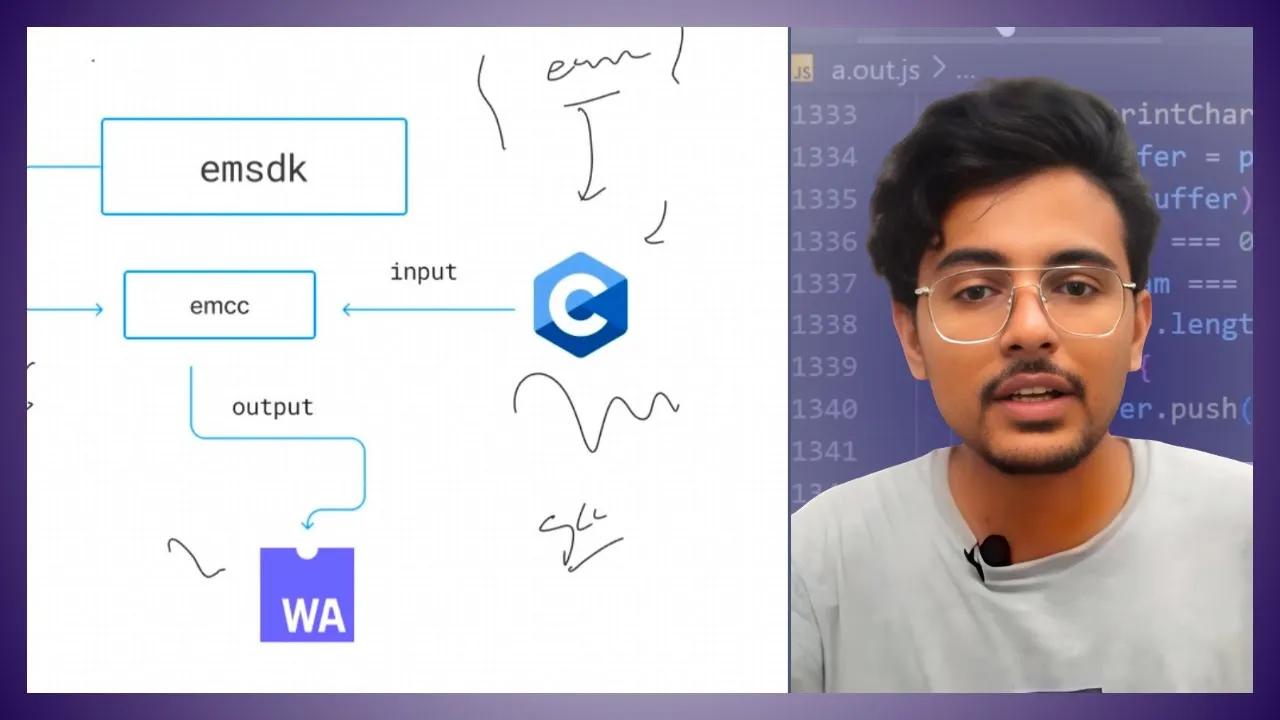
WebAssembly with C: Emscripten Tutorial from Hello World to Instantiation
@howdevyou
1.7K views•2023-09-06

87:26
Introduction to Secure Multiparty Computation with Yehuda Lindell
@fhe_org
7.7K views•2021-02-04

4:55
HTTP Requests Explained: GET, POST, PUT, DELETE
@codecademy
103.1K views•2021-10-07

19:25
Enigma Machine Mechanics: WWII Encryption Explained
@JaredOwen
13.2M views•2021-12-11
Related Study Plans & Knowledge Roadmaps
Structured learning paths in Computer Science
computer-science
Container Runtimes: Namespaces, Cgroups & Go
01Linux Systems & Go Programming Foundations
02The Core of Isolation: Chroot and Filesystems
03Linux Namespaces: Process Isolation
+ 3 more learning modules
32h6 modules
Explore Roadmap
computer-science
Building a CHIP-8 Emulator: Rust & CPU Basics
01Computer Architecture Foundations (Bits & Bytes)
02Rust Programming for Systems Development
03CHIP-8 Virtual Hardware Specifications
+ 2 more learning modules
32h5 modules
Explore Roadmap
computer-science
Building BitTorrent: Go, P2P & Concurrency
01Go Fundamentals & Concurrency
02Networking Foundations & P2P Architecture
03Bencode Parsing & Torrent Metadata
+ 3 more learning modules
26h6 modules
Explore Roadmap
computer-science
Actor Models (C++ Concurrency & Lock-Free)
01C++ Multi-Threading Foundations
02Thread Pools and Task Scheduling
03Atomics and Lock-Free Queue Design
+ 3 more learning modules
45h6 modules
Explore Roadmap