![[중등인강/중1 과학] 빛과 색 - 수박씨닷컴 안현정선생님](https://i.ytimg.com/vi_webp/gGCRLfoAPL8/maxresdefault.webp)









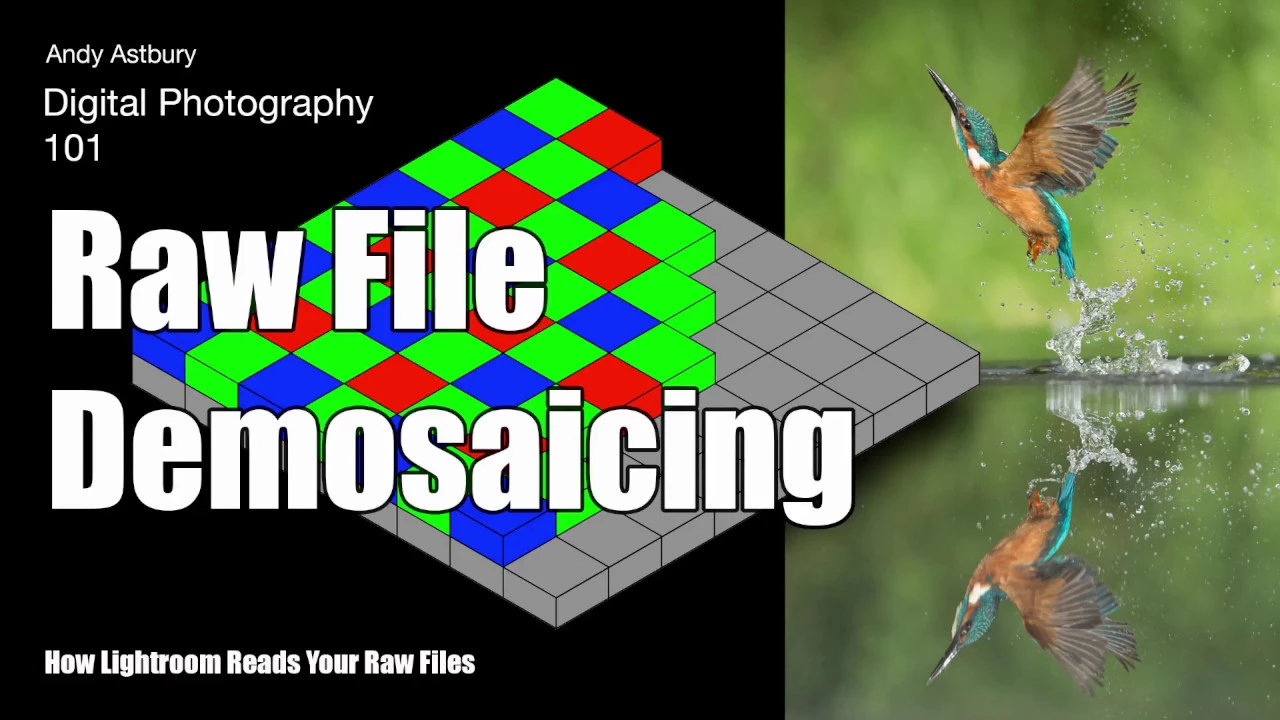
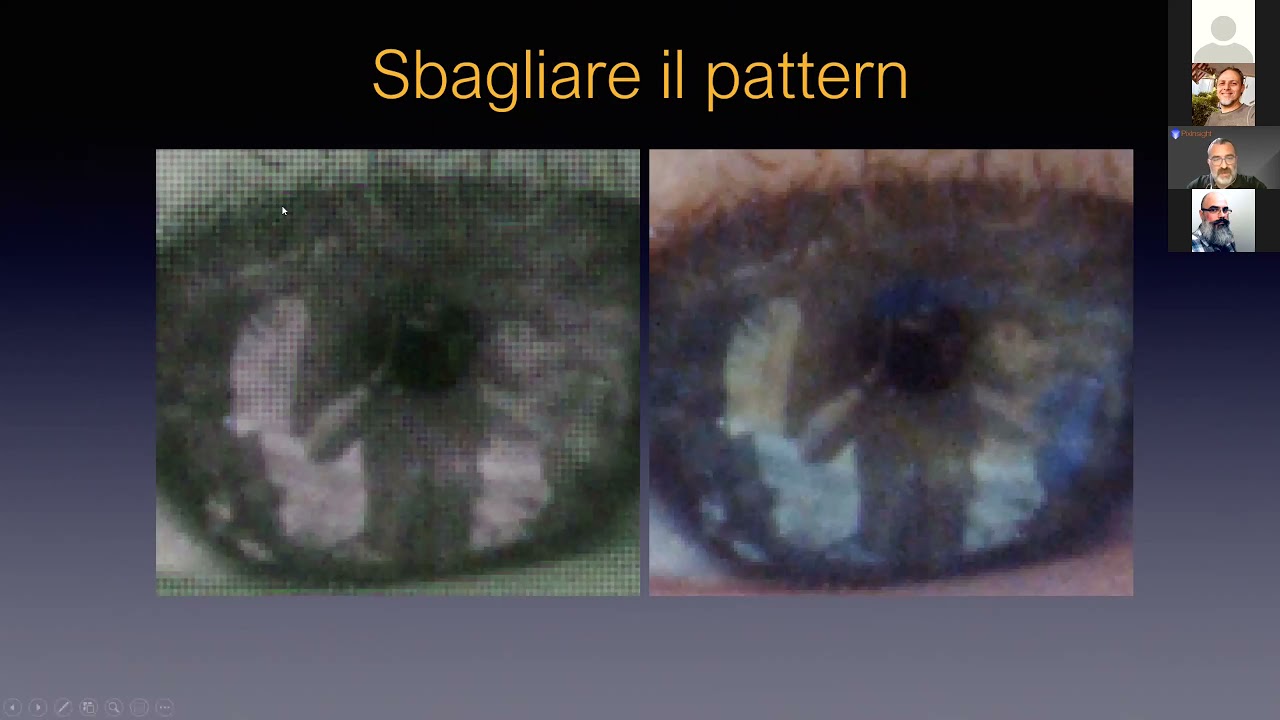








Digital cameras use a Bayer Filter, a color filter array placed over CCD or CMOS sensors, to capture color images by having each pixel sensitive to only one color (red, green, or blue), with green sensors being more numerous due to human eyes' greater sensitivity to green light; the resulting incomplete color data is then reconstructed through demosaicing algorithms that interpolate missing color values from neighboring pixels to produce full RGB images.
How the Bayer Filter Converts Light into Digital Color Images
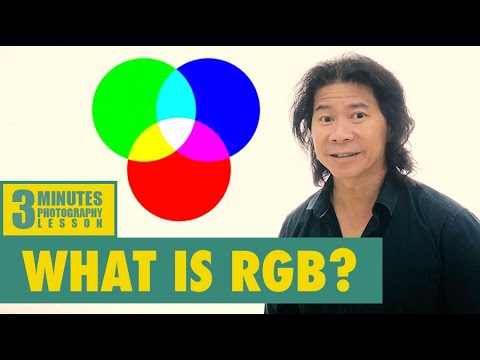
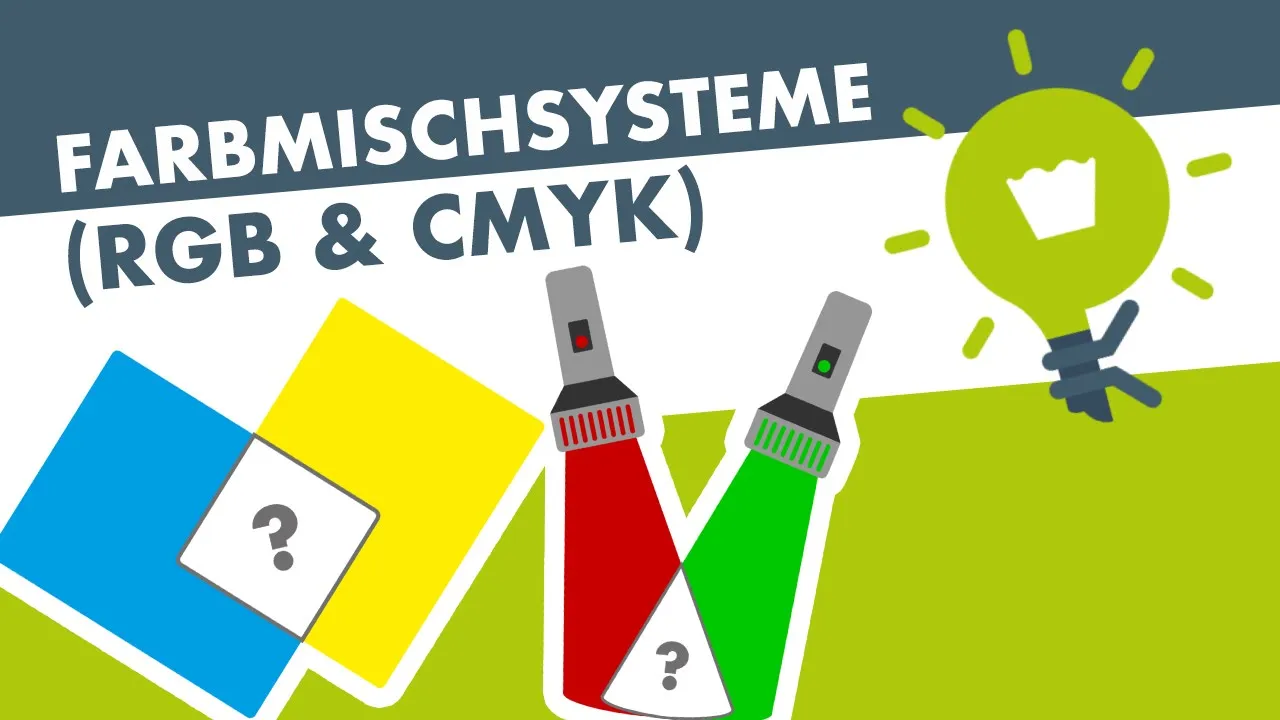
Added:Basic understanding of the RGB color model and how additive color mixing creates a full spectrum of colors from Red, Green, and Blue light.
The fundamental operation of digital image sensors (such as CMOS or CCD) and how photodiodes convert light intensity into electrical signals.
The nature of visible light, specifically how different wavelengths correspond to different colors in the electromagnetic spectrum.
The concept of a greyscale image, where pixels only record light intensity (luminance) rather than color information (chrominance).
Demosaicing algorithms, such as bilinear interpolation or Malvar-He-Cutler, which are used to reconstruct full-color images from the Bayer patterned data.
The complete Camera Image Processing Pipeline (ISP), including white balancing, color correction matrices, and gamma compression.
Alternative Image Sensor Designs and Color Filter Arrays (CFAs), such as the Foveon X3 sensor, Fujifilm's X-Trans array, or CYGM filters.
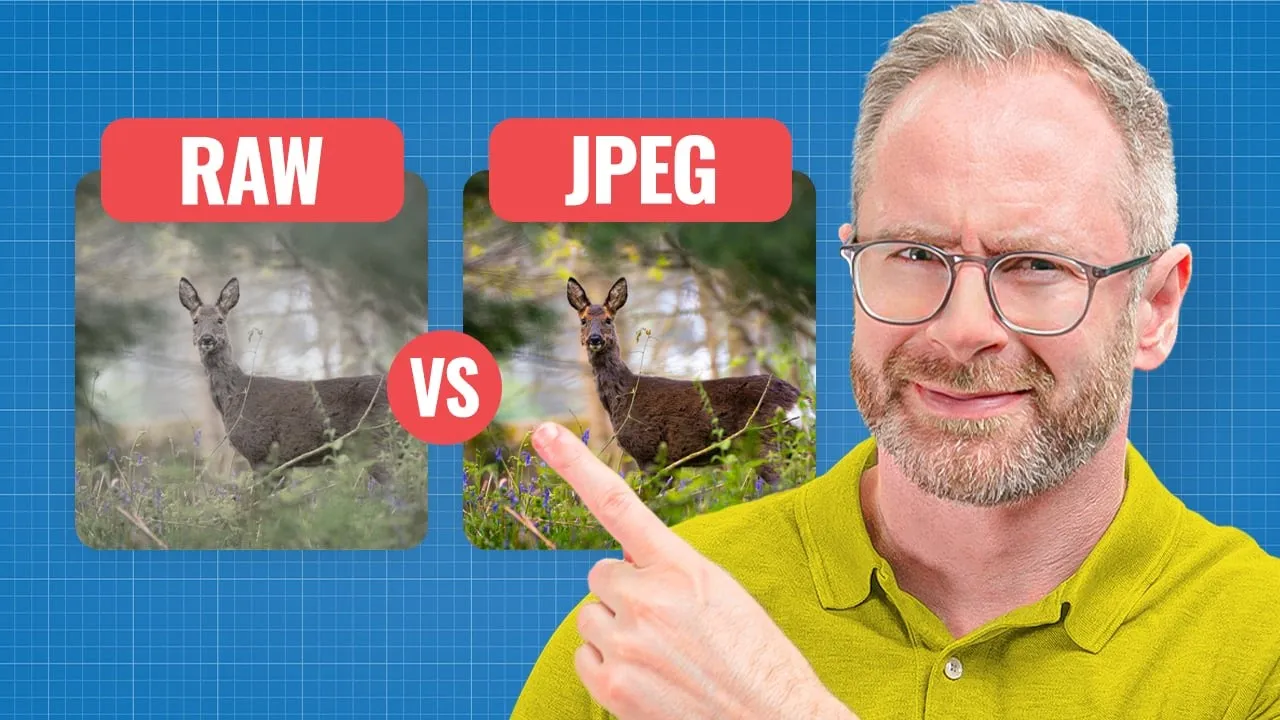
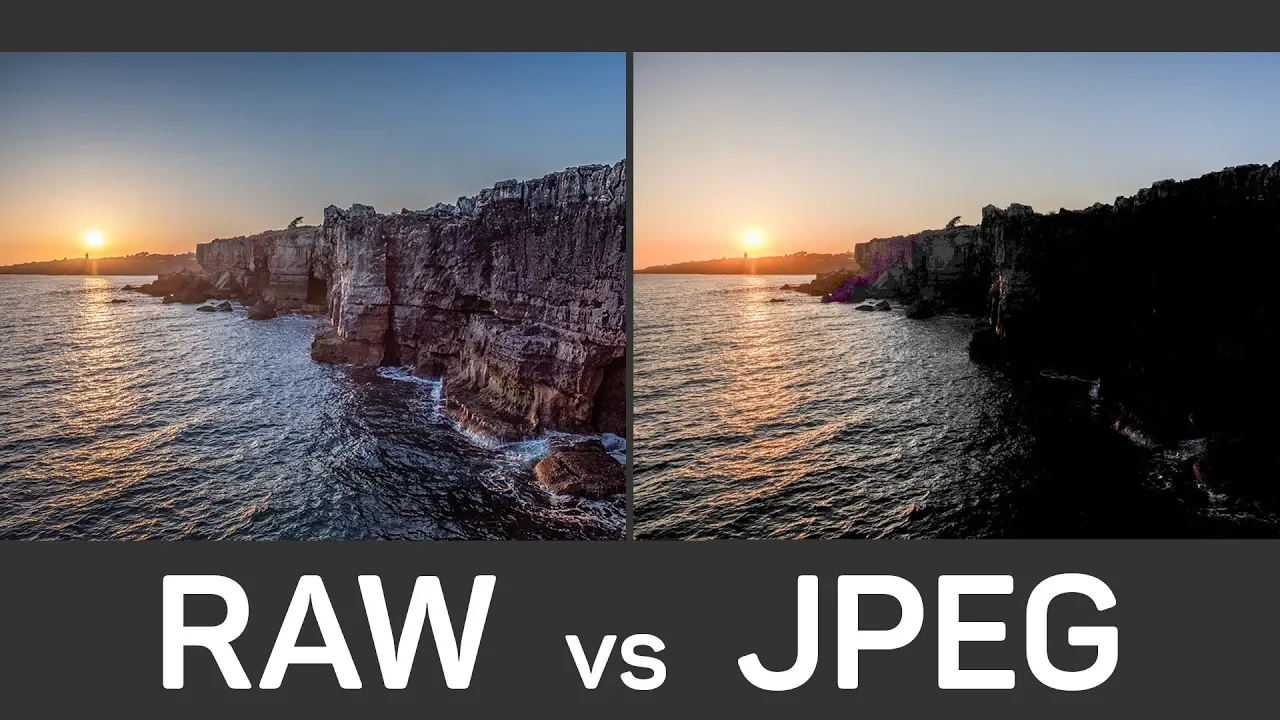
The difference between RAW image files (which preserve the mosaic pattern) and processed/compressed image formats like JPEG and PNG.
215.7K views5.9Klikes6:06Original Release: 2015-02-22
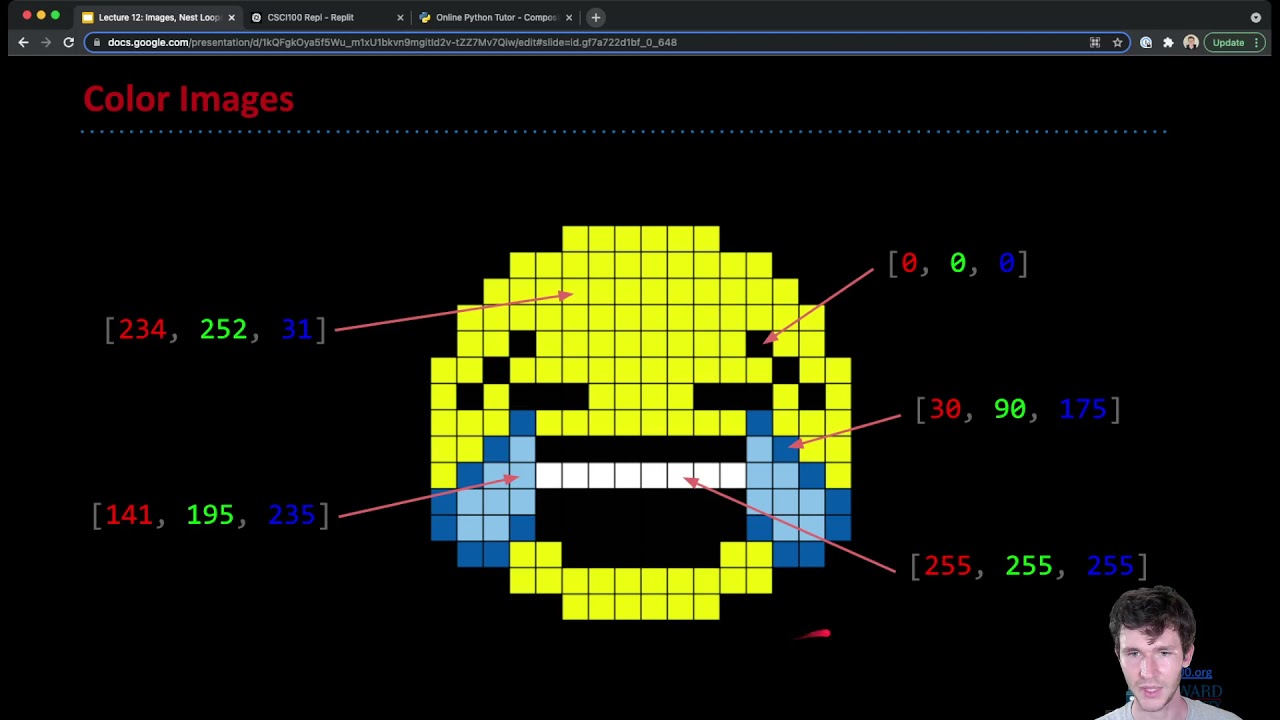
We talked a little bit about how images, particularly RGB Images are stored in memory, but one interesting question is how do we obtain those images to begin with.
Obviously, we used to use Photographic film. Now we've got a huge amount of consumer cameras on every device that we have, and they almost all use the same technique to obtain their RGB images.
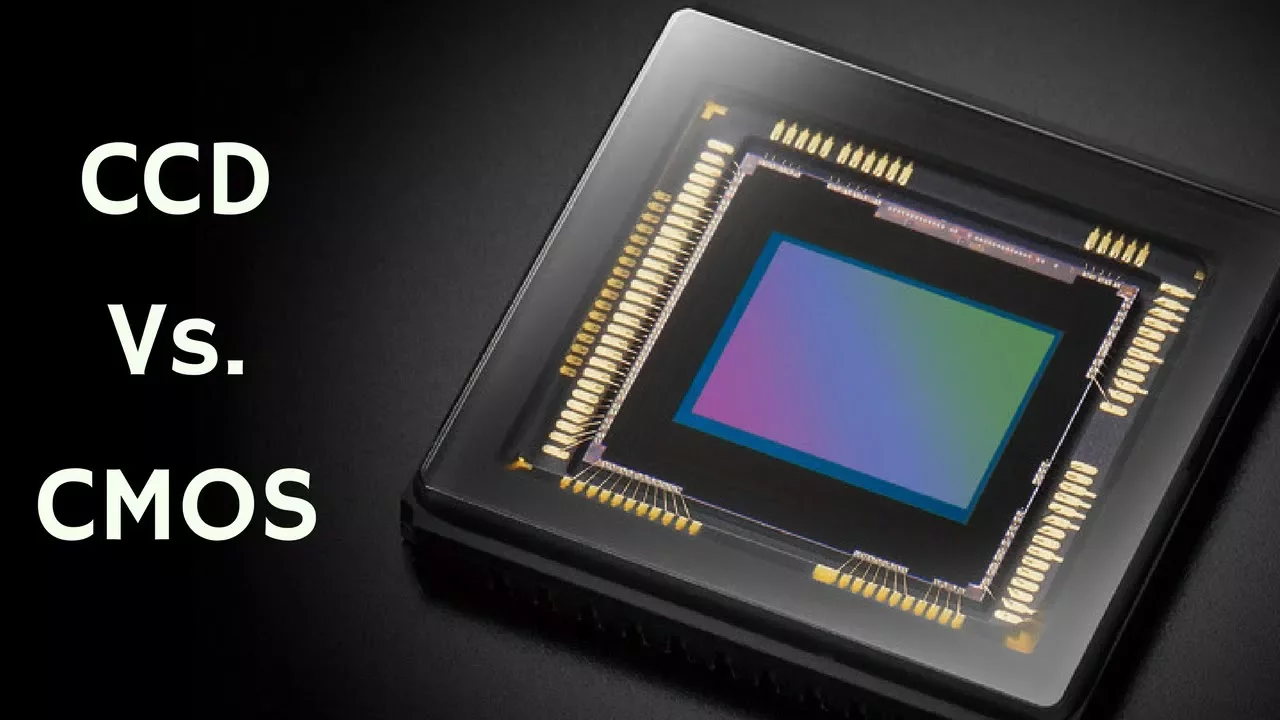
All the cameras that we own will have some kind of CCD or some kind of CMOS sensor on [it], which is essentially a photosensitive layer which will tell the camera how much light has hit a certain position. And that will be arranged in a grid form so that each position represents a pixel in our image. And so from the top we might have something like this. We have some CCD or CMOS elements and then light from our scene is going to come in like this. Now if we just leave it at that, then we're going to get a grayscale image out, because there's no way of knowing what proportion of this light is red and what proportion is blue and what proportion is green. Because that's not how these sensors work.
So what we instead do is we put a sort of filter over each of these but [it] filters a different colour. So this one will filter red, this one will filter green, and this one will filter blue. And then if we do that over a whole image we can start to recompute our actual pixel values and we can work out what colour we were actually supposed to be looking at.
Sean: That filter in the camera - it's a physical thing, right?
Mike: Yes, it's a physical set of small elements that intercept certain wavelengths. It's like a pair of those 3D glasses that you use where one side's red and one side's blue.
But you've also got green ones, and you've got them in a grid arrangement in front of your camera's eye.
Sean: If I've bought a 10 Megapixel camera, does that mean only three of the Megapixels are doing green, and three of them are different?
Mike: It does. So different camera manufacturers may have different ways of doing this, but in general what they do is they split the amount of Megapixels that they've got available on their sensor into green, red, and blue as appropriate, and then they interpolate the values that they're missing. The Technique used for this is called the Bayer Filter.
There are other filters but the Bayer Filter is by far the most common.
So, from the top, your CCD sensor will look a little bit like this.
So each of these represents our photosensitive element and a part of our filter. So we start off with green and then blue Each is a group of four. So green, blue, and then a green in this corner and a red in this corner.
So you can immediately see already that there's two greens for every blue and red.
And that's because our eyes are more sensitive to green than they are to blue and red, and we also distinguish Luminance, i.e. Brightness with much more intensity - sort of in the green channel.
So if you have an image that's captured using two green elements rather than, say, two blue elements, it will look sharper to us.
And of course, this is all about how it looks to us. So this pattern is repeated, but the problem here is that you've got, say, 10 Megapixels of this available, but you've only captured half of them as green and the other half as either blue or red.
So the amount of red you've got is not 10 Megapixels.
But they exploit a nice quality of our eyes, which is that we don't really see colour that well.
We see it okay, but we see Grayscale and Luminance much much better.
So if we can use the green, and to an extent the red and the blue to create a nice, sharp Luminance the fact that the colour's a little bit less high-resolution won't matter to us, and it'll still look nice and sharp in the image.
So all we need to do is to look by the nearby pixels that have the colour we're looking for and interpolate that value. So in this case, we don't have a green value here, but we know what this green value is, and we know what this green value is. So on a very simple level we could just pick a green value which was halfway between the two, and assume that there's nothing complicated going on and it's a nice clean slope. And it's the same for blue and the same for red.
The process of turning a CCD or CMOS image that's been used with a Bayer Filter into an RGB image where red, green and blue appear at every pixel is called Demosaicing.
So this is a mosaic, and we'll say we've got some samples of green, some samples of blue, and some samples of red And we want all the samples of green and blue and red.
And we're going to make some assumptions about what happens in the image.
So, we're going to make the assumption that nothing particularly complex is going on at the moment between these two pixels because they're very close together, and so this green is probably halfway between these ones, and this red here in this pixel is probably halfway between these two red ones.
And you've also got other red ones nearby that you could use.
Now modern consumer cameras will do more complicated demosaicing, and in fact if you shoot in the Raw format, you can control the demosaicing algorithms in some of these software packages yourself.
It will literally be the raw output of the sensor, including any weird colour effects based on the fact that you've got a Bayer Filter in front of your sensor.
So you can do more complicated demosaicing algorithms.
So if we're trying to capture our blue channel and we've got a value of 200, and a value of 200, and a value of 200 in our neighbouring pixels and we don't know what this one is, and we've got a value of 50 here.
We could assume that it's somewhere averaged between these four values, but we could also assume that perhaps this represents an edge, and this should be 200, because there's a lot of consensus in this direction that we've got an edge.
So more complicated demosaicing algorithms will try and preserve edge detail, Which is something you will classically lose in a normal demosaicing approach.
It will go a little bit fuzzy, and it may not matter because you've got, let's say, 16 or 20 Megapixels at your disposal and, this is when you zoom right in that you're going to see these kinds of problems.
But for people who are really interested in image quality, they spend a lot of time looking into this.
The downside of the Bayer filter approach, or any filter that you're putting in front of your your camera is if you get decreased Chrominance resolutions. The Chrominance is what we call our red and blue channels, Luminance is green, generally speaking. Although obviously they all represent colours.
Some types of images like with fast, repeating stripy patterns will look extremely bad after you try and sort of apply a demosaicing algorithm that hasn't been tailored to that.
And that's just because we're making assumptions about the smoothness between nearby blue pixels and they don't hold - those assumptions don't hold for certain types of images.
So that's a sort of way of taking videos You might find that certain textures look particularly bad, and it's these kinds of things that are causing that problem.
We've got a lot of investment in 8-bit code.
How can, we exploit that investment whilst getting into the 16-bit market?
And so what we had sketched on the table, it was effectively a dual processor system.
Up Next

9:39
Digital Signatures Explained: Public Key Cryptography Basics
@saurabhschool
37.9K views•2015-05-20

87:26
Introduction to Secure Multiparty Computation with Yehuda Lindell
@fhe_org
7.7K views•2021-02-04

24:22
Rust RAII Memory Management Explained | Computerphile
@Computerphile
271.2K views•2023-02-23

19:25
Enigma Machine Mechanics: WWII Encryption Explained
@JaredOwen
13.2M views•2021-12-11
Related Study Plans & Knowledge Roadmaps
Structured learning paths in Computer Science
computer-science
Container Runtimes: Namespaces, Cgroups & Go
01Linux Systems & Go Programming Foundations
02The Core of Isolation: Chroot and Filesystems
03Linux Namespaces: Process Isolation
+ 3 more learning modules
32h6 modules
Explore Roadmap
computer-science
Building a CHIP-8 Emulator: Rust & CPU Basics
01Computer Architecture Foundations (Bits & Bytes)
02Rust Programming for Systems Development
03CHIP-8 Virtual Hardware Specifications
+ 2 more learning modules
32h5 modules
Explore Roadmap
computer-science
Building BitTorrent: Go, P2P & Concurrency
01Go Fundamentals & Concurrency
02Networking Foundations & P2P Architecture
03Bencode Parsing & Torrent Metadata
+ 3 more learning modules
26h6 modules
Explore Roadmap
computer-science
Actor Models (C++ Concurrency & Lock-Free)
01C++ Multi-Threading Foundations
02Thread Pools and Task Scheduling
03Atomics and Lock-Free Queue Design
+ 3 more learning modules
45h6 modules
Explore Roadmap