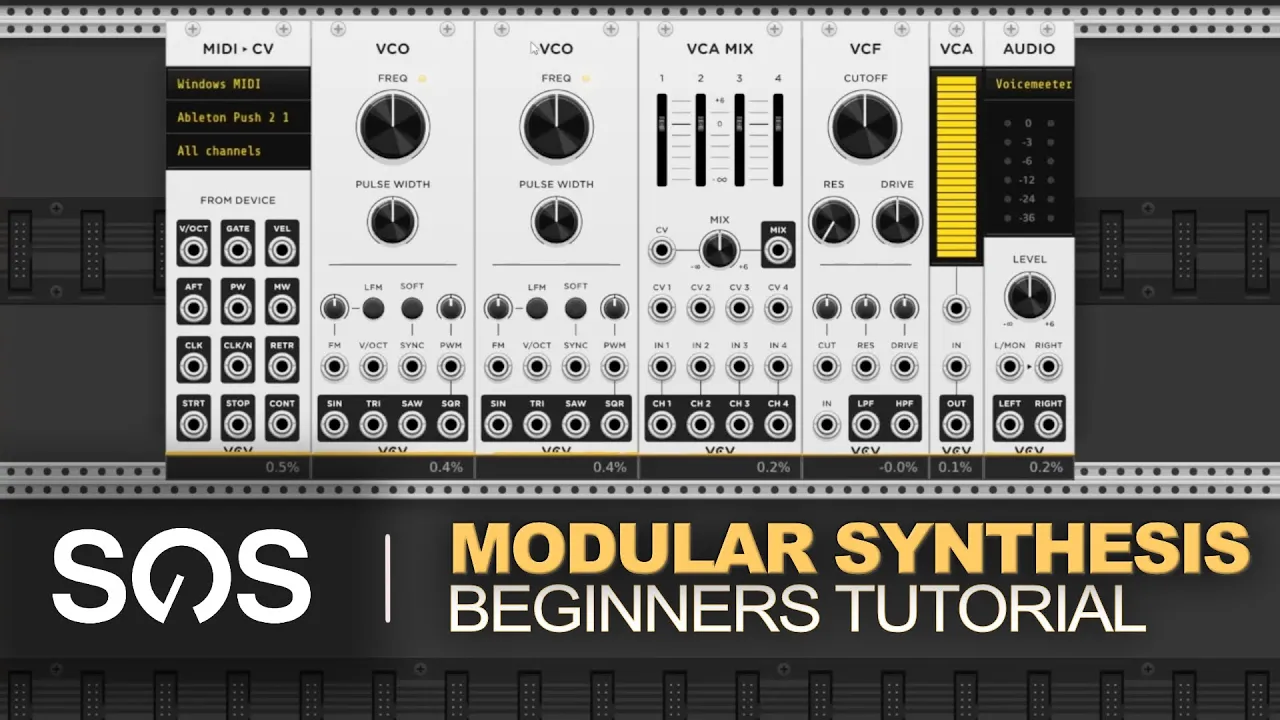


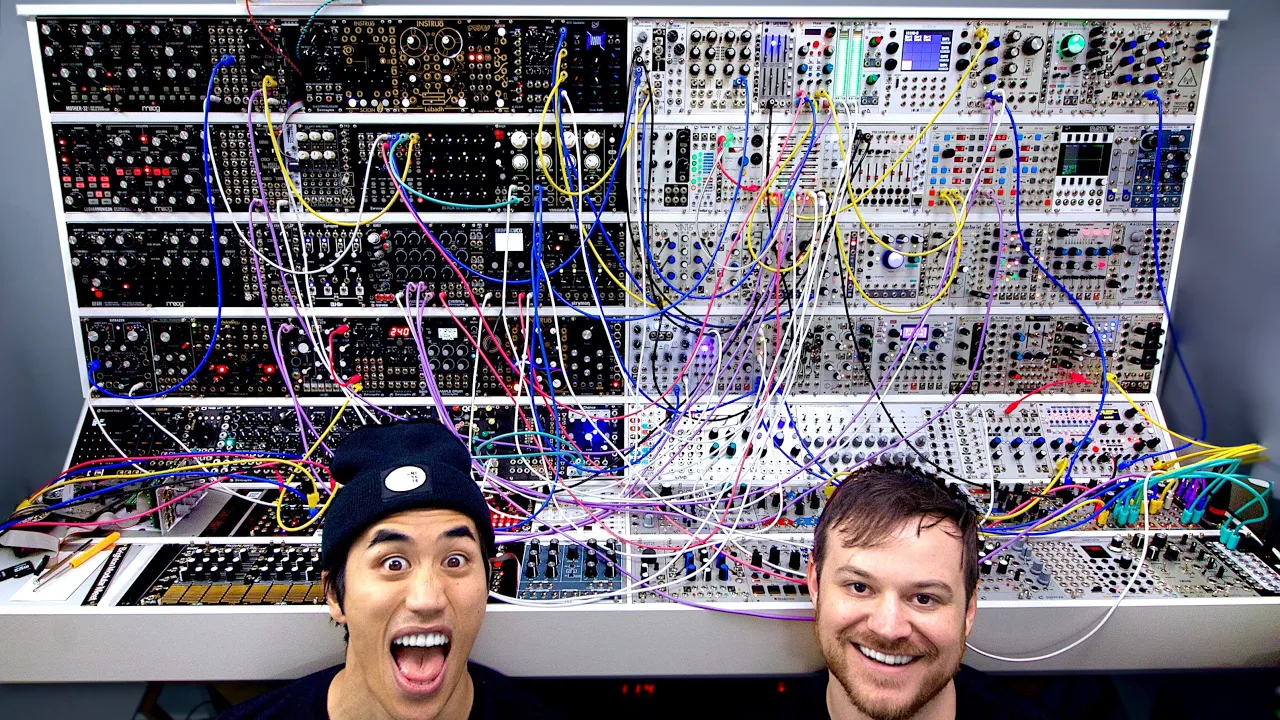









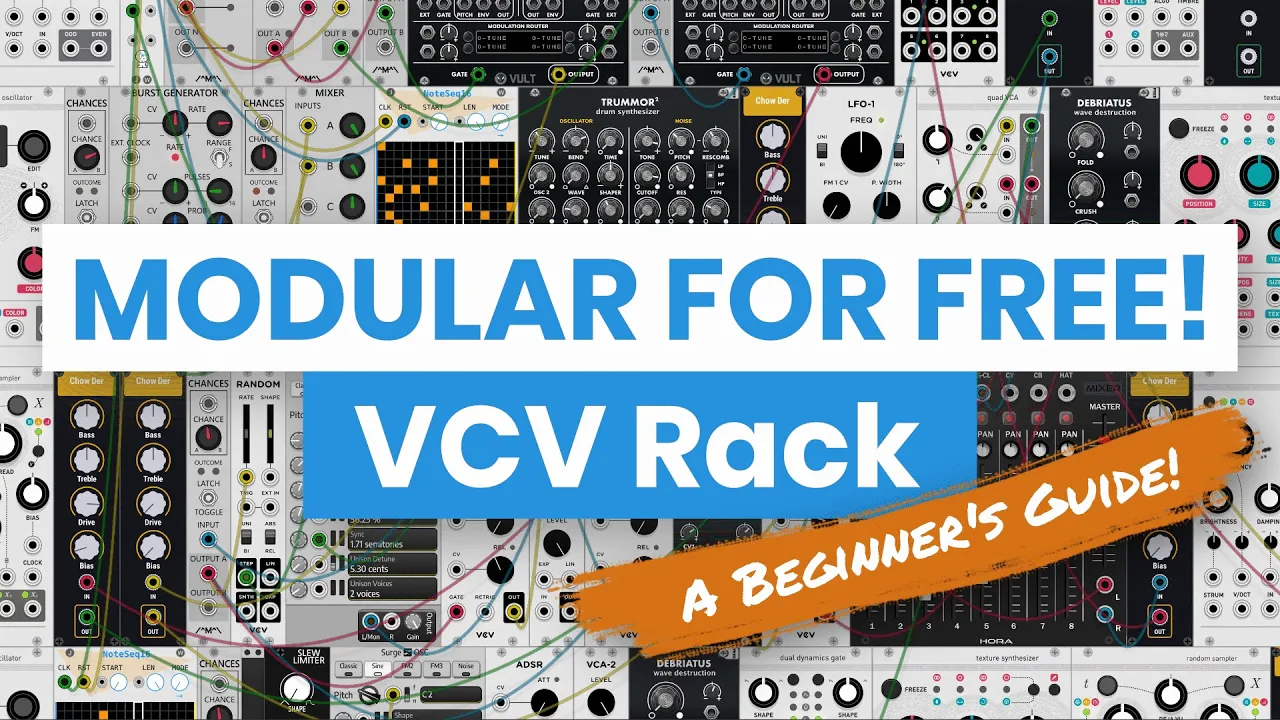






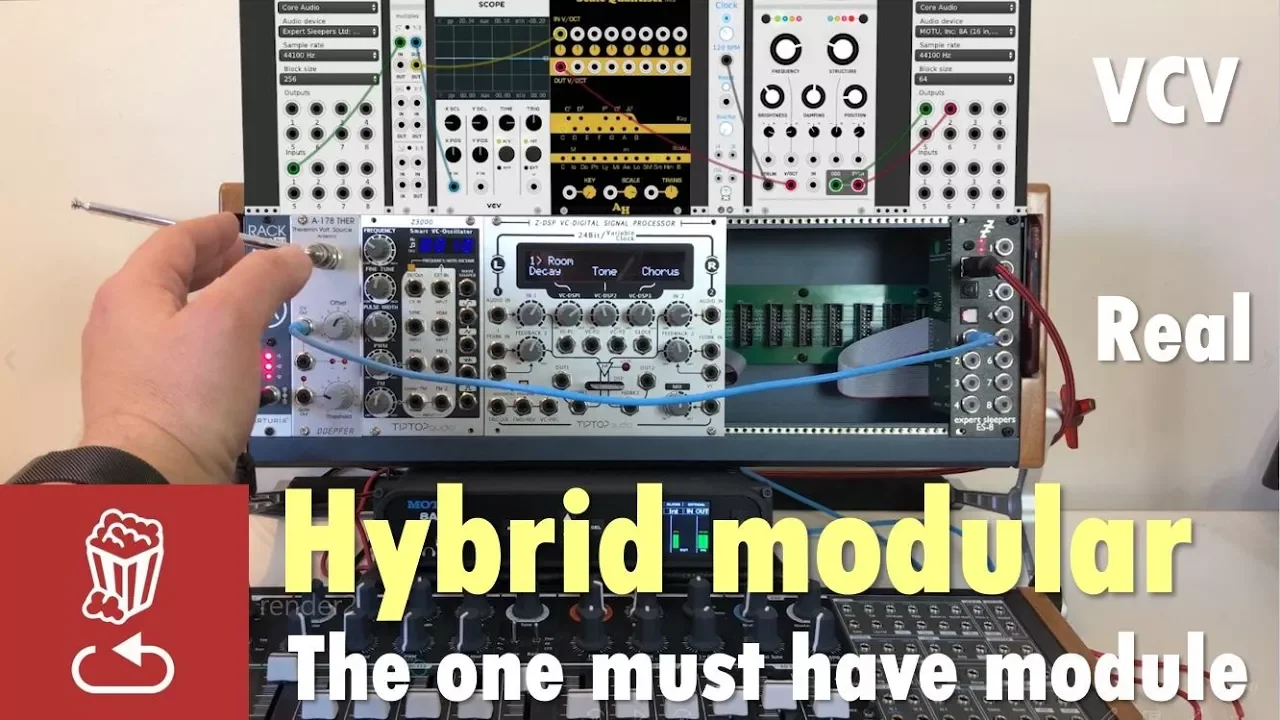


The VCV Rack Scalar module is a quantizer that adds organic imperfections to musical signals by introducing slight pitch variations (elbows) to the quantization process, with features including octave selection (1-8 octaves), note selection (up to 24 notes per octave), depth control for quantization strictness, tracking across octaves, and warp for random pitch variations, allowing users to create more human-like and organic-sounding musical patches.
VCV Rack Patch from Scratch: Scalar Quantizer Tutorial
Added:Fundamentals of Modular Synthesis: Familiarity with VCV Rack's user interface, virtual patching conventions, and basic signal flow (VCO, VCF, VCA, and LFO).
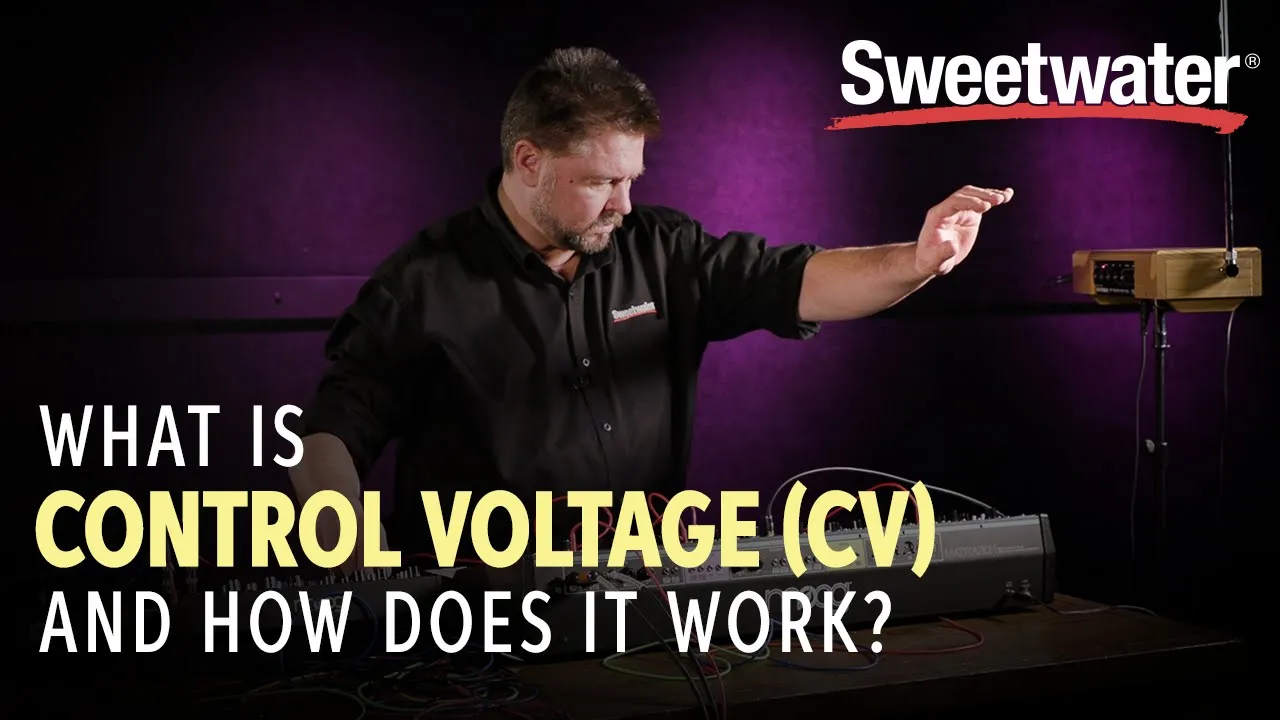
Control Voltage (CV) Principles: Understanding how control voltage functions, specifically the 1 Volt per Octave (1V/Oct) standard for pitch control.
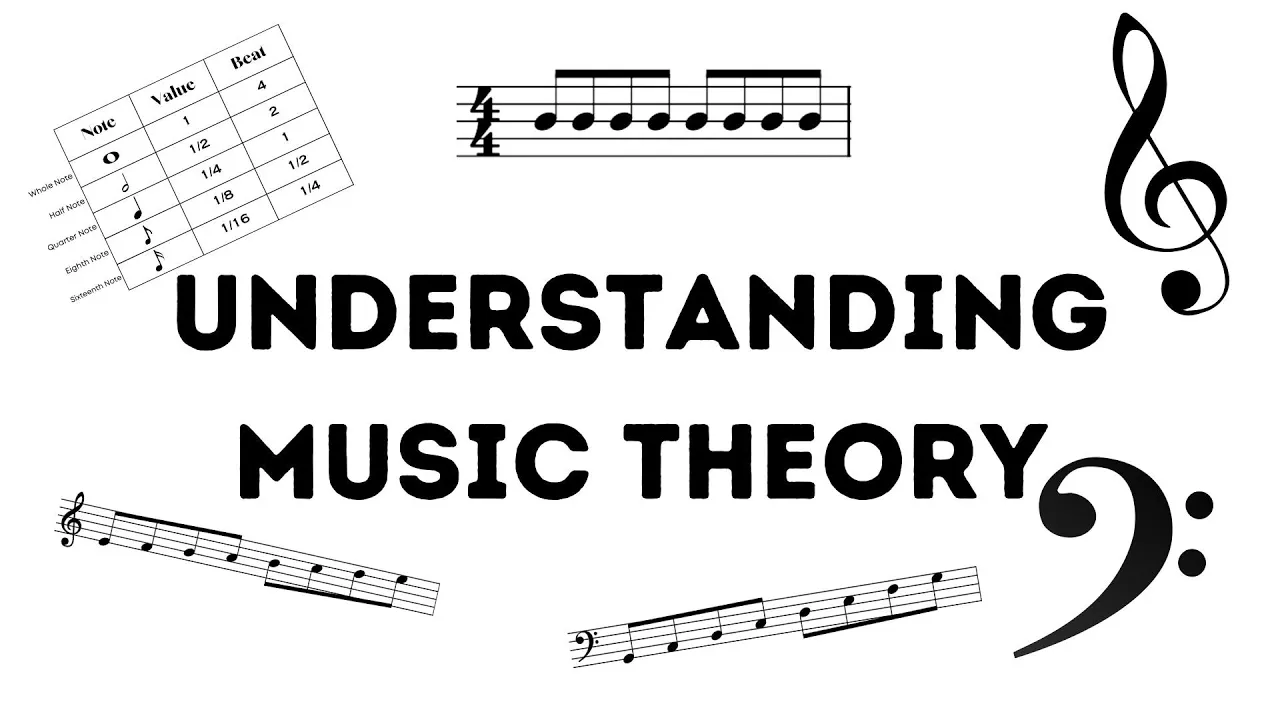
Basic Music Theory: A foundational grasp of musical scales, keys, intervals, and how continuous pitch relates to discrete musical notes.
Introduction to Random Voltage Generation: Understanding how modules like Sample & Hold or noise generators produce fluctuating, unquantized voltages.
Complex Generative Sequencing: Integrating shift registers (such as Turing Machines) and sequential switches with quantizers to design self-generating, non-repetitive melodies.
Polyphonic Patching and Harmony: Utilizing multi-channel CV and polyphonic quantizers to create automated chord progressions and multi-voice arrangements.
Advanced Humanization Techniques: Employing micro-timing, subtle pitch drift, slew limiters, and envelope shape variations to emulate the expressive nuances of live acoustic performers.
Hardware Integration (Eurorack): Applying software-based quantization concepts to physical modular systems using control voltage expansion modules and DC-coupled audio interfaces.
1.3K views53likes1:08:26Original Release: 2019-04-09
[Music] [Music] okey-dokey we are live hi hi hi dear patreons how are you oh you dare are you dare give you a few minutes okay I hope you can hear me if there is anyone there in the chat let me know today we start with scelera for mississippi an official vcv plugin thanks to you of course I could get it I could buy it this is the first video a livestream I thought I will make a last name just for you guys Clement hey man hey thanks for joining so I thought the first video will be a livestream for you guys there will come another video sort of it more of a tutorial video today we will just build nice page together see what we can do and can you hear me okay Clement is there a sort of echo or something maybe let me know anyway so Scala and is a quantizer so it's a it's a quantizer with four inputs and four outputs very nice that they are also normalized so when you put something in the first input it will flow to all the other inputs and also the outputs and and it has a few really cool features it can add a lot lots of em and no a lot of an organic feel to the patch to the sound because it adds elbows to the quantity quantization let's let's start building a patch and we see what's going on here so let's see I thought maybe today I had an idea maybe to build something like this so we will take let's take a sequence let's use let's season top yeah why not I like the sequencer it has a lot of cool things we can do with it let's set let's set an eight step sequence I will just move set the knobs here very nice so this was the blue sequence let's change the yellow sequence to random so now the knobs are attenuators and so we can control the range of the random signal so let's just open all of them just a bit all the knobs of the yellow sequence that any voters and also raise the probability for those steps each steps each steps will each step will have a different probability something like this very nice and let's use a clock Clemente do you have a BPM you want to use today let me know so anyway we will send I will wait for your BPM if you have an idea here is something that you want to use they will wait for it but we will send it to the clock and formed let's see from there it will go to scalar to quantize the signal a beam beam is also with us 2 9 6 like puku 2 9 6 let's see 2 9 6 ok so this will go and to the clock let's say the normal clock for now very cool theme thank you for joining and thank you also for your support guys really this is an opportunity for me those live streams for you to say again thank you it means really a lot to me you guys are awesome and we can make can make good things together okay so in Toro PR so the signal will go to the first input of Scala and like I said the inputs and outputs are normalized so now this input will flow to the other m to the other inputs to the outputs so let's see what will we what we will do so first of all Scala as you can see we have eight numbers here we have one until eight each number is an octave so this will be zero until one and two will be one until two volts I mean one octave and we have eight octaves which is a lot actually we don't want or we don't need eight octaves usually so what we can do by left-clicking we can select the octave and by control by holding ctrl and clicking the octave we can deactivate it so let's use for now let's say two octaves we will select just two octaves so the signal will be quantized from zero and T two volts so two octaves and in those octaves we can also select the notes now at first time that I look at it there I thought to myself wait a minute why can I not see the keys so which note is which and that's actually because you can choose more than twelve notes here you can choose up to twenty-four notes from 1 to 24 and again it will quantize it according to what what you input here and also basse speech let's say oh the frequency will be what you set on the oscillator so if you oscillator I set to C this will be all fundamental if it's D this will be all fundamental and so on so let's start with something really simple like minor scale so we will go let's say that this is C for this example so C C sharp we don't need so what I do I can cut again ctrl I hold control on the keyboard and I left click it to it deactivate this note and by just left clicking I can select the note I can see the sense I can change it all so I can create offset so let's see C sharp we don't need in this case then we have D and D sharp or E flat then e we don't need again deactivate then F F sharp or D flat G G sharp a a sharp and B so here we have the minor scale again depends on the note we set on our oscillator if the note will be e so it will be an E minor scale if it's a G it will be a G minor scale and so on let's start adding voices and see my scale of is so special so let's add first one voice let's add shall I use again the FM operators I don't know da so they sound good and they're easy to use no need for so many models let's use one just to see how it sounds like so input 1 quantizer output 1 or quantize 1 is it it's called here goes to the wall per octave and then let's send this to the mixer [Music] so we have two octaves in the each octave wave to enter the note so what I've done here just the first octave M I set the scale the second octave we'll play all the 12 notes and this again we don't want in this case so let's again deactivate the notes C C sharp in this case okay and I love the FMO pollito so now we have and the signal is quantized and we can see exactly where the pitch is hitting also with this black dot so what we can do now we can select on their own and Opia instead of switch so the blue sequence and the yellow sequence will switch according to the probability knobs we can choose add so the voltages will add it to one another will give us a higher pitch Oh so now let's add another octave let's add the third octave so again I hold ctrl and I click the third octave and now we have to set the notes again because it is hitting as you can see it's hitting also the third octave so let's do this again see C sharp and D d sharp e f g [Music] pretty cool another cool thing you can do if you're not sure which note is which you can right-click it and it will override all the different things that are happening and you can heal this note and you can see okay this is the not around just right click and hold it and you can preview the different notes and see if you like it or not okay so now we have the sequence going what's special about Scala again it adds lots of feel to the sound because because it's it introduces a whole to the quantization so for example we can change the depth so that now it's 100 percent so it will quantize everything have a percent to the cent but we can lower this by using this knob or modulate it again save input let's lower it let's make it something and drastically so we can hear it so you can hear it's less quantized on 0 it will not be quantized at all but if we put it for example on let's say 98% it's not perfect and it sounds organic we can also change the tracking again with an oboe deceive input so how it will track across the different octaves let's lower it also let's say [Music] ninety-nine point eight really just a bit just to add this this human field introducing arrow in here also we have the warp function that will randomly introduce arrow to the quantization again we can make it drastically let's say 15% [Music] but we can also do this really let's say 0.3% [Music] berkel now you can see that as the three actors active the first three and on each octave I altered the notes I want so we can choose also for the first octave let's say to take the D out again in this case it's D because my oscillator is tuned to see and we can take also the a flat out on the second octave we can take the F out and the B and on the third octave we can take let's say they fled and again the a flat [Music] so now we have even more variation in the different octaves now it all depends on how much voltage you put in I mean I can activate also the all of the eight octaves but if I don't send enough voltage for eight octaves then it will not even hit this octave I mean so it all depends so just imagine you're using sample and hold for example maybe later we will make this and very classically imagine a sample and hold with the range for example 0 to 5 volts 5 volts means 5 octaves but you want just a 4 3 so you just activate the first 3 octaves maybe attenuate the signal a bit and you can quantize it as you wish you can really fit it in a certain scale in the scale let's add something names [Music] yes [Music] we can also use this signal that's coming out of intopia to modulate the feedback amount of this oscillator [Music] very nice so higher notes will receive more voltage [Music] so you can hear if you listen and listen carefully you can and you can hear that it's not perfect the pitch is not perfect but it's this feel it is this feel to the sound it's much more organic much more analog maybe if you want okay what else can we do we can also offset the pitch and by using this knob here and we can see the values here so if you want an octave higher I can offset it by one volt this [Music] if I want an octave lower again one world negative one world this time which sounds nice even now yes and also we can use this offset to transpose the sequence or transpose the scale [Music] this is a nice sequence [Music] okay now what else can we do here we have the octaves you see it's now am now set on a variable which means it in each octave I can enter notes I want if I click it once I can make it shared so now the octaves share the same notes and again it all depends how much voltage you put in can it be used to scale CV applied to parameters what do you mean apply to parameters I mean it will quantize everything nevermind it's it's speech or he use it for something different and what do you mean but applied to parameters so this I liked actually with the available octaves [Music] now as I said also those inputs and outputs are normalized which means that now if I take and for example let's take [Music] let's take the even 3 from Squinkie labs so form those outputs we will get the same voltage let's say and what we can do now okay so if you know if you watch my videos and I guess you do otherwise you will not be healed you know how I love quantum I will load it for a second quantum from ml one of the reasons I love it so much it because it has gate and trigger outputs to plug out of Scala CV frequency totally listen for example like I've done now with the feedback amount I could take it out of Scala also and not out of entropy and what you can do slow cello like bass just a second vim so what you can do and you can for example if you have like a sawtooth or something you send to a filter and you send the pitch information not only to do oscillator but also to the filters a cut-off point and you open the attenuator attenuator depends which filter you're using it means that higher nodes will get the filter will be more open and lower notes the filter will be more closed so the base notes will stay base and the higher nodes will have more overtones or harmonics which is which sounds amazing and it's also sort of a key tracking for filter if you know what it is so key tracking for a filter it means exactly this higher nodes filter will be more open lower nodes the filter will be more closed so you can use it also for this let's add slow cello like bass first of all I want to show you something about the gate so and what I love about quantum I know I use it also so often it's because of the gates and trivial outputs it means that every time there's a change in note also it will output a gate or a trigger now here we don't have this function we don't have a gate or trigger outputs not them get to take out but what we can do we can use a module from the Appleton's collection which is called cv to trigger now you send a control voltage isn't usually pitch information and you receive triggers out of it that you can use for envelopes for example so let's do something like this let's leave the first oscillator for the base we will come back to the base in a second okay I will use two the two left oscillators on leaving three to create a sort of plucky sequence on top of this sequence so let's see I will add a VC a let's use the one from a s very nice another idea so let's use again the one from a s because I would want to modulate maybe there the decay time so already the adsr can modulated the VCA let's send the oscillators again the less tool to the VCA and what will plaque or what will get the ideas our model will be the cv to trigger so I will send the output from Scala let's say we have four here so we can use it also with all four outputs I will use the first one and the first one will set the trigger to the adsr let's take the sustain all the way down let's make it nice and plucky so you see we have triggers out of our skull ow okay let's send this to docile to the mixer that's hard left [Music] okay and what else I'm noticing here because it's a trigger and not a gate the envelope doesn't have enough time to open so here we can use another model from book audio which is called D gate and this will M transom will make triggers to gates to longer gates so the envelope will have enough time to open so let's send this to the trigger input so the cv to trigger module from April sense actually what we can do here we also have we also have a time function here but usually it's not so now let's use let's use the D gate so again the episode CB to trigger to the to D gate and then we have a gate output [Music] and now the envelope is enough time to open because we receive gates let's add some reverb on those too can you hear the music loud enough [Music] very nice and nothing what I will do now is first of all I will take both of them [Music] I took them an octave okay I took them an octave lower and let's take them also a fifth higher so to G very cool what else can we do with them just to add some more movement is let's add also a filter let's use the one for phlegm soft the f-35 and let's send em before the VCA let's send them to the filter so first of all they will go to the filter and then to the VCA and what I will do I will change them to square waves add a bit Drive very cool and now what we can do let's do something like this let's add let's set an LFO we use the one from book audio let's use also kinks and I will use Kings also later for the bass but for now what I will do is send the sine wave to modulate the pulse width of one oscillator and then the same sine wave will go to the inverter section of utilities of Kings so from he will get inverted let me address cope the inverted wave so this is the original one and this will be the inverted one very cool so one poor Swiss will move one way and the other one will move the other way just to add some movement very cool let's make this a slow LFO something like this open the pulse width modulation yes Aviv now I can see you totally can see your picture also [Music] okay now let's I will show you this as an example what I said before let's take the signal from Scala to the cutoff point of the filter and I will open the attenuator and I will also use this to modulate the decay time so now what happens higher notes the filter is open is more open and also the decay time is longer it adds even more movement and again the those functions of scale are this adding this arrow to the quantization adds lots of field to the sound okay there are two bins very cool nice cool okay oh yeah okay so this LFO is modulating the pulse width of the two oscillators and you can see in the higher frequencies take a listen wait a minute I will take listen to this [Music] this is a nice effect by the way wim and I do this a lot on the neutron bomb now it reminds me you know this movie form [Music] van Damme played this time cop I think when he meets himself there's just don't meet now both beams so let's use another LFO to modulate this LFO let's use the l l LFO and let's modulate this L for the frequency of this LFO to create this effect just to add some more movement to the sound movement is life let's take the offset all the way up make it again slow let's make this a triangular wave it's not changing it until I'm not connecting anything to eat so let's see let's take down [Music] very cool okay so now let's add this base now we have kinks here what I do a lot also in every video I make this in each video I sample I sample the pitch coming out of one sequence I trigger it with a much slower clock and I feed it to the base sound so let's do this also here let's do this let's see Kings have already I want a filter that will filter just this voice or loose tangents because this is the filter I loved most and I will do something like this first of all I will sample I will send to the input of the sample in Hall they will send their quantizer skala but I will trigger this with a slower clock let's trigger it with this clock let's say 9 divided by 9 I don't know let's see what you have [Music] no this is much too quick you can see here the lights go on this is much too quick let's say divided by a 17 okay and this will go to the first oscillator that we saved for the base let's make this star classic sawtooth wave base let's take this a few octaves down okay very cool okay let's see how this sounds like maybe we will have to attenuate this signal a bit [Music] there is no sound because I'm on solo [Music] oh yeah [Music] [Music] okay here's another thing we can do let's use yeah I said the new tone this is what did I want to say about a new tone yeah but it's a pulse width modulation what I'm doing I mean I'm so I'm opening the second VCA and the LFO is modulating the pulse width but what I'm doing I'm always playing with the LFO rate and I'm putting it really in the audio range or reading it has this really nice effect to it I do this a lot just to add some texture to the sound and I did is also here with the even three now what I want to do here I want to do this [Music] when the note is changing the filter will open so I can use of course an envelope generator and trigger it with the clock what I can also do and this is also cool if you want to sync your LFO to a clock so I can just use a slowly material let's use the one from before and let's use also a scope okay what I will do I will send the actual clock to this new limiter now the clock is a pulse wave so we send it to the slow limiter they divided by 17 and let's end it shortly to the scope and now I will take the rise and fall times up [Music] [Music] just have to play with the shape also changed [Music] so now I have an LFO which is synced to the clock I can change again the time is just too find unit [Music] so now in Avenel fo it's sort of a triangle wave sync with my clock and this will go to the cutoff point [Music] [Music] well cool now this scholar this quantizer can also load scanner files and I have already there is a link in the description to a website where you can get I don't remember how many but maybe a few hundred at least of Scala files that you can load and you have already all scales ready for you you have weird skates there with all sorts of number of numbers of notes this is nice I mean it's changing its ever changing this has the sequence but it's somehow it's repetitive it feels nice [Music] let's see let's try let's add another Scala or just duplicate it so I've already there octaves and everything [Music] let's try this with sample and hold so I've used him already oh you know what you can do also to create two more sequences [Music] we can use the logic section of Kings to create two more sequences or we can just use simple mode let's use several more let's use brains let's trigger it with a duplicated x okay and let's send so here we have it with simple white noise blue noise pink noise overhead noise this is pinky let's have negative 1 to positive 1 0 to 1 this is just one octave down now let's use let's use here let's use this one here to the first input so we can see already [Music] let's actually change the range to zero to positive ten what I noticed with Scala that it will not M quantize negative voltages so if you have the base note of your oscillator it will never go below this note with Scala it's a bit of a shame but that's the way it is so what we can do we can change the range of brains let's already change the panel here to dark metal by clicking this button let me zoom in by clicking this button here the right side will be zero to positive 10 volts so now I've just positive voltage but we have 10 volts which are 10 octaves which is much too much so what we can do [Music] let's add another voice what should we add something quick something like and I'll put you all let's use basil and let's use M slap now what I can do instead of using another trigger to gate I can just use the clock also to trigger slap [Music] and let's take this to devolve the octave of basil bathing will go to slab let's take this extend all the way down and see what we get if it sounds nice or not [Music] that's [Music] okay so first of all in the offset we can take two back to zero let's take also the track and depth cyborg hi-hi-hi so I guess Monday's em at nine eight oh nine is better right last time it was Tuesday in the morning okay let's again add some walk so introduce random arrow to the quantization let's do 0.3 percent let's add let's actually take this one of two so you can hear that the nodes are repeating doesn't matter when you sow the notes because we have just three octaves selected and it will not go higher so you can see that the last note plays almost all the time so what we can do just add a VC a something to attenuate this signal and take it down until it sounds nice let's add another voice another basil in another slab this time we will send another sample involved let's use another Oh another VCA so another sample and hold output is timing to a sample from blue noise this will go to input number two and the output will go to the second basil it will go to slab form slab and then again to the mixer let's again pan them hard left and hard right and let's see how this sounds like we have to get sleep again from the clock [Music] [Music] again what we can do again and we can send the outputs also to modulate basil the outputs form this color so this will be 1 and this will be to open that inverters [Music] [Music] higher notes more modulation [Music] and again here in the right-click menu we can enable all nodes or disabled or nodes and we can also import a scalar file or export a scalar file so you can save your scales in a scalar file and just load it whenever you want and again again it's not set as a keyboard so you don't see C C sharp D d sharp because it applies to what your oscillator is tuned to so if your oscillator is tuned to a the scale will be a something major minor harmonic [Music] and again check out the link in the description lots of Scala files there with all sorts of crazy crazy scales I'm not so much into this stuff by more traditional but yeah and again we can change the number of notes let's change to five let's see what happens [Music] so we get something like this you three [Music] and up to 24 so you can have really micro tuning and all sorts of weird stuff if you into this let's go back to 12 [Music] let's actually do this let's duplicate this again what is it here and let's make the connections to this one because this is the one I liked before [Music] let's take their offsets back and tracking in depth just the walk relieved okay let's have a listen to all the voices [Music] oh you already checked it's a bug there are more the Scala fight with more than 24 notes ok did you download those this package of scanner files I don't need before there are many but there are so many [Music] 800 scales okay I say let's do this logic thing that I wanted to show you before what we will do we need two more voices let's see let's see let's see let's see [Music] we can use two Kosmic oscillators maybe that's all maybe two slicks actually maybe know those orbital - slicks okay and what you will do now we have this here a logic section in kinks two inputs and two outputs one is a maximum we will get we will get the maximum values of both inputs and their minimum values of both in school so we can send in this case pitch information we get two different sequences so let's send first of all from the first M scholar and then from the second scholar and let's look at it also on the scope [Music] so those will be the minimum values and those will be the maximum or other way around those are the minimum those are the maximum [Music] very cool so let's send them to both slicks let's see if first of all without an envelope yeah King swim you're happier look at this you can do so much with it it's crazy well it's a powerful model to have in your you wake em record again let's do this ahh why did I do top them mine I forgot it's a mix of a stereo so instead of painting it hard left hard right I could just make it a stereo signal this I will do now okay let's listen just to this spicy reverb delay let's take the phase modulation I'll do it down for a second [Music] what happens when I would send this LFO to modulate the phase distortion of one [Music] and again the other ones Hawking's to the inverted signal [Music] oh yeah [Music] nice [Music] this is so cool [Music] let's add some Euclidean drums what do you think I mean it has nothing to do its kalau but I think it will fit the batch let's go with SNS from softball these days yes I think let's have seven step sequence with four hits let's add okay let's go with dremel no let's let's do something like this that's actually go with the functional ratio let's make our own percussive sound heads yeah heads will also be applied soon okay let's add spank spank us of world very nice so now they let's clock this just for second let's used x two o'clock or the normal clock let's use the syncopated cymbals Oh [Music] okay so let's use the normal clock and that's reset also everything so everything sits nice together now this will trigger spank and spank let's take a triangle wave to spank to the mixer let's solo this for a second very nice okay now spank will also modulate the frequency of the functional VCO this time through the FM input again the FM regular like first wheels from time to time with lots of silence in between let's see I'm not so sure this will be a kick anyway the FM on the functional VCO which is exactly the same like the fundamental VCO it's exponential it's exactly like and volt per octave like the wallbox of input just if it is a so it has a dedicated attenuator [Music] see [Music] [Music] I can add also paired su to led silence [Music] okay so this week I also worked on a video about geology la fenice Chi this was a request for my modular fun guys patreons a video about jihad jihad and there was a cool thing I found out with jia jia with Hyatts actually it's also with the nice chick oh so let's use the echo because it's mono I just want the mono signal and where is it miss ji [Music] what are so many it's hard to find anything here [Music] echo echo echo echo echo echo echo okay what we can do let's create a Hyatt so here we have a noise outputs if nothing is connected to the trigger input we have noise so let's use another spin and who is a send a white noise to spank let's go already to the mixer just to have a listen again and sort of this and let's trigger these with x 2 o'clock let's see ok well : what we will do now we will send this first to the echo and the echo also will receive a sink we can sink their code let me zoom in - or zoom out we can sink the echo flower clock so again the x 2 o'clock and now let's start adding some tabs now let's sync it with a normal clock or with a regular clock and I'm just activating the tabs and I don't like this also I think I will do this with a different clock I will divide the clock by 2 clock divider we have the 1 form sync yet let's use the division and I will use also a different clock for the gate let's use a different clock let's see again two o'clock no I don't like how it sounds a mushroom picker here I could have beat such SS Bernoulli gates you want me to use the Bernoulli gate we can but let's see that get rid of this this was not such a good option here and a Bernoulli gate let's use the pan only gate so let's trigger the Bernoulli gate first and from there to the gate of the Hyatt let's change the probability now I'm open I'm open for for stuff here don't worry and again simple in hold to modulate to modulate the decay time just a bit let's see [Music] let's see now if I can remotely depending less time use this mixer depending didn't work or modulating dependent walk let's see how it works now it's nice [Music] whatever happens if a the clock multiplier formed a clear factory before Bank and then I multiplied by two [Music] let's do this let's modulate let's modulate this ratcheting ratcheting let's say up to three with again sample-and-hold [Music] let's use this idea [Music] it will not go to three it's used in white [Music] okay three anyways to us too much [Music] so now it's coming out of the Bernoulli gate or branches is also being multiplied by the clock multipliers we have this ratcheting effect [Music] [Music] now what I will do I will connect my key step and we start jamming it with a different voice [Music] Oh a guitar for example a ham ham cyborg a ham ham [Music] okay so this was Kalam and again they will come you booked a video yeah it's because of me and there will be another video coming up soon Mobile be tutorial video about Scala [Music] it's interesting I like how it adds this movement to the sound because of its imperfection I'm not so sure how much I will use the Schuyler files but maybe maybe we'll find something cool just so many files during this anyway go check it out it's really nice ok I think we are done for today thank you again and for joining me thank you for your support and what should I say this is so cool I'm happy that you made it last time it was twirly [Music] the patch Middle Eastern scales the patch will be available in the patrol page if not later today then tomorrow YouTube has needs time to process everything thanks again thank you for your support and I will see you next time cheers guys [Music]
Up Next
142:35
Exploring Vital: A Comprehensive Guide to a Free Synth Plugin
@VenusTheory
79.6K views•2020-11-13

12:54
Triumph of Orthodoxy Icon: Byzantine Art & History Explained
@BenCallan
2.1K views•2024-08-06

9:49
FastAPI vs Flask vs Django: Choosing the Right Python Web Framework
@TechWithTim
302.5K views•2024-05-26

1:42
Game of Thrones Opening Credits: A Cinematic Analysis
@gameofthrones
46.3M views•2011-04-18
Related Study Plans & Knowledge Roadmaps
Structured learning paths in General & Interdisciplinary Studies
general-studies
Elevator Engineering: History, Physics & Cities
01From Hoists to Safety Brakes: The Dawn of Vertical Lift
02Hydraulic vs. Traction: The Engineering Physics of Elevators
03Modern Speed, Safety, and Algorithms
+ 2 more learning modules
12h5 modules
Explore Roadmap
general-studies
Rubber: Material Science, History & Geopolitics
01Origins of Natural Rubber & Mesoamerican History
02The Chemistry of Natural Rubber & Vulcanization
03The Geopolitics of the Rubber Boom & Colonization
+ 2 more learning modules
12h5 modules
Explore Roadmap
general-studies
Containerization: Evolution, Logistics & Trade
01Ancient Trade & Bulk Cargo: Amphorae to Barrels
02The Industrial Revolution & Cardboard Packaging
03The Containerization Revolution: Malcom McLean
+ 2 more learning modules
12h5 modules
Explore Roadmap
general-studies
Textile Tech: Evolution, Labor & Global Impact
01Pre-Industrial Textiles: Handloom & Cottage Industry
02Mechanization: The Spinning Jenny to the Power Loom
03The Factory System & Global Labor Transformation
+ 2 more learning modules
10h5 modules
Explore Roadmap