



















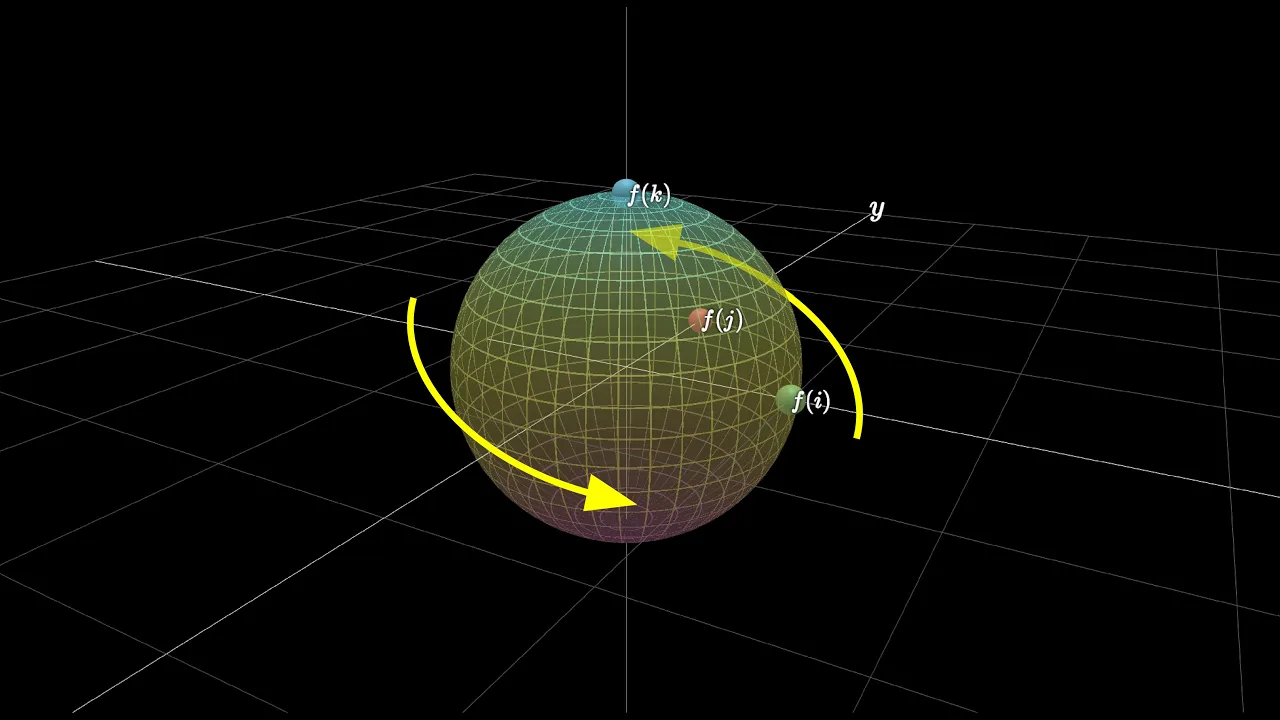

This tutorial demonstrates how to create a 3D software renderer in Python using Pygame and Numpy libraries, covering fundamental concepts including 3D coordinate systems (world and camera spaces), transformation matrices (translation, rotation, scaling), view frustum projection, and vertex clipping, enabling the loading and display of real 3D models in OBJ format with interactive camera controls.
Python 3D Software Renderer: Build from Scratch with Pygame & NumPy
Added:Intermediate Python programming, including Object-Oriented Programming (OOP) concepts such as classes, objects, and inheritance.
Foundational Linear Algebra, specifically vector mathematics (dot products, cross products) and matrix transformations (scaling, rotation, translation).
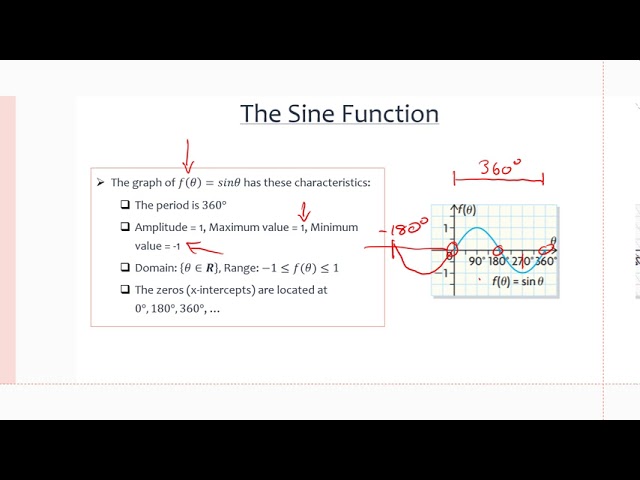
Basic 3D geometry and trigonometry, including coordinate systems (Cartesian 2D/3D) and basic trigonometric functions (sine, cosine) for rotation.
Familiarity with the NumPy library for array manipulation and performing vectorized mathematical operations in Python.
Advanced rasterization techniques, including depth-buffering (Z-buffering) for correct rendering order and perspective-correct texture mapping.
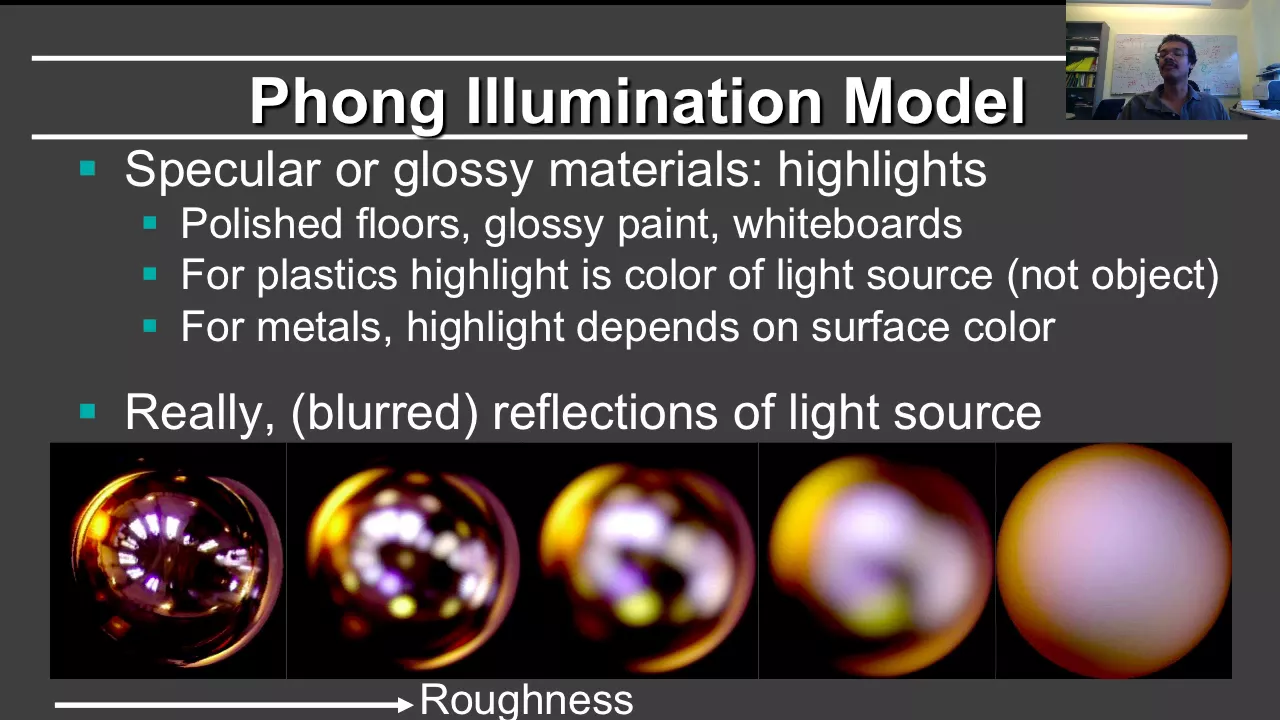
Implementing illumination and shading models, such as flat, Gouraud, and Phong shading, to simulate light interactions on 3D surfaces.
Transitioning from CPU-bound software rendering to GPU-accelerated graphics programming using PyOpenGL or ModernGL.
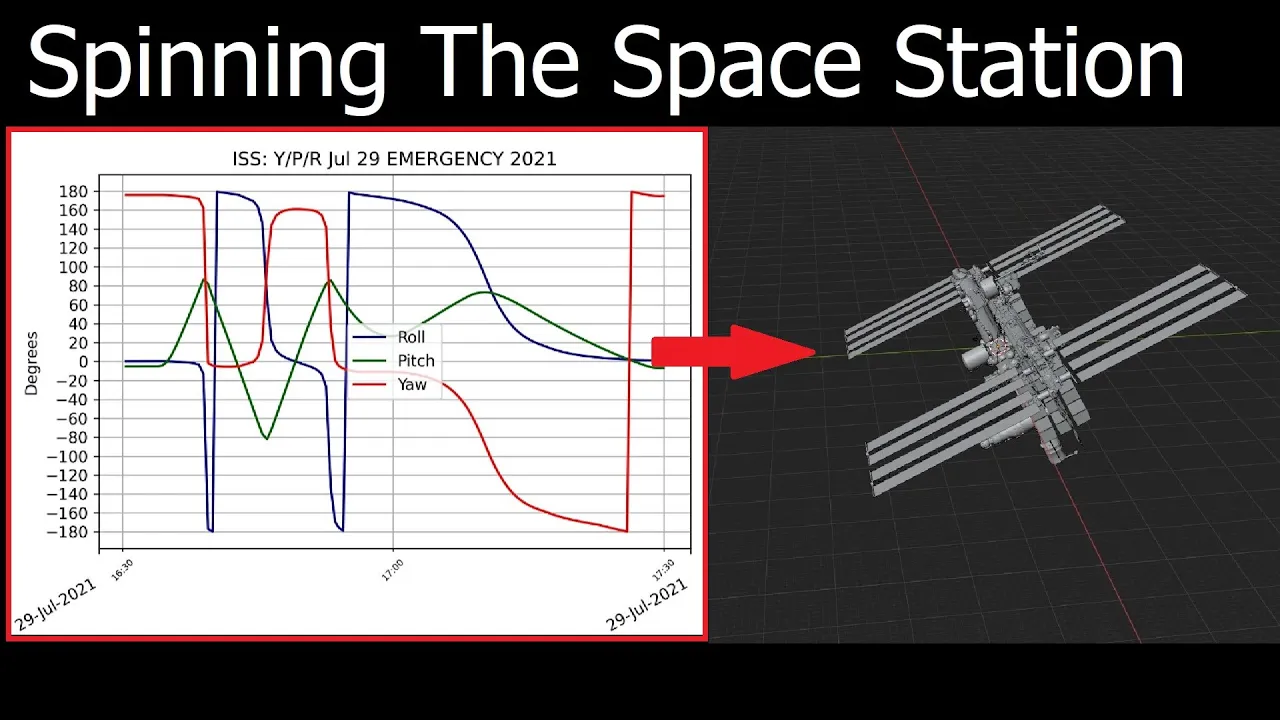
Developing complex camera control systems (using quaternions to avoid gimbal lock) and implementing polygon clipping algorithms like Sutherland-Hodgman.
451.4K views12.4Klikes14:54Original Release: 2022-05-14
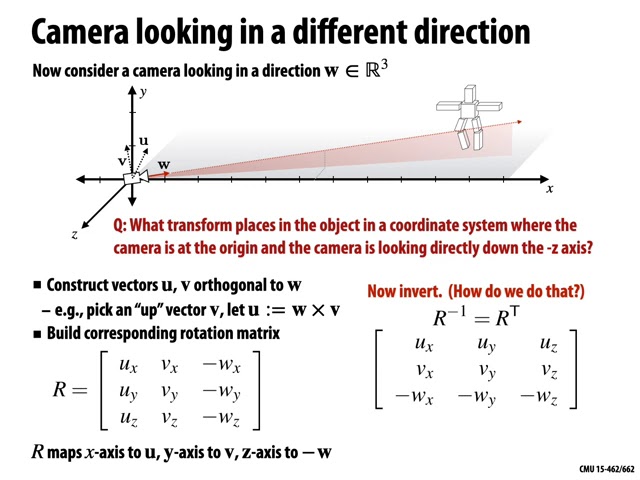
so in this video you will learn about the basics of creating 3d graphics and figure out how to create three-dimensional objects write a simple software engine with which we can load and display real 3d models and moreover move and rotate them in 3d space and let's make this project using the python language the pygame library in the numpy module for efficient work with multi-dimensional arrays to get started install these modules with the command presented on the screen then we will write a template for our application this will be a class in the constructor of which we will define standard objects for pi games such as window resolution surface for drawing and setting the desired number of frames per second in the class we will write two methods in the first we will perform the entire rendering and now we will simply paint the surface in the desired color and in the second there will be the main program loop in which we will call the method for drawing future objects and also here we will check for exiting the application then for clarity in the application header we will display the current number of frames and also update the rendering surface and it remains to create an instance of this class and call the launch of the second method and here we have the applications working window showing the number of frames now you can go further and now let's talk in detail about 3d graphics so here you have a left-handed coordinate system of three-dimensional space and such a system is usually called the world coordinate system or the scene coordinate system objects in space are defined by points which are called object vertices and each vertex in turn has corresponding coordinates and by connecting these vertices we get a representation of the object in space the vertices are connected along the given faces where for each face its vertices are indicated in this example it is obvious that each face of the pyramid is a triangle and here we must understand that any object in the world system has its own local coordinate system and any actions with the object that is its movement and rotation mean moving the local system of the object to the position we need in the world system coordinates it should be understood what actions we can perform with 3d objects and the main ones are moving rotating and scaling and much less often shift here you need to know that almost any change in the vertex in space is carried out by multiplying the vertices of the object by a matrix designed for a specific action now let's visually look at the work of these matrices as you can see the translation matrix allows you to move an object along any of the axes in short sets its position in the world coordinate system scaling matrix is already clear from the name it allows you to set the scale of the object while the object can be stretched separately along any of the axes and now the result of multiplying the object's vertices by rotation matrices is shown in order to rotate objects around each of the axes of the world coordinate system as we see different matrices are used to learn more about calculations related to matrices i recommend studying the initial linear algebra course and let's go back to the project here we will create a new file and add the above matrices to it in a number of functions that will form the necessary matrix depending on the input parameters note that each matrix will be an array of the non-pi library and now we will create a file in which we will set our first object here we will import matrix functions and create a class that will interact with the main program so this class must be imported in the main file and then add one more method for creating objects in this method we create an object instance and you need to call this method from the constructor of the main application class so our first object will be a 3d cube and draw it schematically in the local coordinate system here it is important for us to set the numbering of the vertices so that we can correctly build the faces of the cube and we will also determine the coordinates of these vertices in general to build any three-dimensional object we just need to know the location of its vertices and the order in which the vertices are connected in the faces so let's return to the description of our object and looking at the picture we can write down the vertices in the numpy array while specifying the vertices in homogeneous coordinates that is we add the fourth coordinate equal to one and here it is important to immediately understand that the vertex index in the array is equal to the vertex designation in the figure due to this we create an array of cubed faces indicating only the vertex index and which vertices the cube edge describes and then we will define a number of methods for changing our object in space using imported functions for matrices translation rotation and scaling and here we will take advantage of the numpy library that is the entire array of vertices can be multiplied by the desired matrix at once so in order to project a three-dimensional image onto a flat screen we need to understand what part of the space we will place in the projection and for this we use view frustum with the near and far clipping planes of space this view frustum is based on camera parameters that determine how much of the scene is included in the final image if you look at the space of the camera from above it is obvious that the camera should have such a parameter as a horizontal field of view and as a rule it is set manually but such a parameter as a vertical field of view is usually calculated based on the horizontal field and the ratio of the values of the specified resolution so the camera coordinate system is characterized by the position of the camera in the world system in the orientation that is given by the vectors presented on the screen and in order for us to get into the camera coordinate system we need to move the world so that the camera position coincides with the origin of the world coordinate system and then rotate the camera so that the orientation of both coordinate systems coincide for the first and second steps the translation and rotation matrices shown on the screen are used and the product of which in turn gives a general matrix for the transition to the camera space so let's make our camera for this create a file of the same name write another class in the constructor of which in addition to the program itself we will supply the initial position of the camera as input orientation vectors will become class attributes set them as single normalized vectors and also define the horizontal and vertical fields of view for the camera and do not forget to set the near and far clipping planes for view frustum next we will also set the functions for the formation of the above matrices which we need to transfer to the camera coordinate system the main thing here is not to confuse the order of the product of matrices because such an operation is non-commutative that is if the matrix is interchanged we get a completely wrong result the next step is to move from camera space to clip space for this we need to form a projection matrix or sometimes it is called a clip matrix it is formed from mathematics arising from the consideration of the plane onto which the image must be projected and the result of these calculations will be such a projection matrix presented on the slide well we create one more file called projection and write a simple class there that will have only attributes we will take the necessary values for the formation of the projection matrix from an instance of the camera class so for a more readable notation we will predetermine the elements of the matrix and at the end we will form the projection matrix itself [Music] so now let's go to the file of our object and start writing one of the most important methods first of all in this method we will transfer the vertices of the object to the camera space and then using the projection matrix we will transfer the vertices to clip space and after such a multiplication it becomes necessary to normalize the values of the vertices for this we divide the value of the coordinates of each vertex by the value of the fourth coordinate now you need to get rid of the coordinates whose value is greater than one such coordinates in simple terms will not fit into the visible area of the screen so the last step remains after all these manipulations the coordinates of the vertices are in the normalized clipping space and now they need to be displayed on our screen for this we will use a convenient matrix that will transfer the coordinates of the object's vertices according to our screen resolution and according to the above we further normalize the coordinates of the vertices and after that we cut off the value of the coordinates greater than 1 or less than minus one but in this case to simplify the implementation i will equate them to zero then in the projection class we add the last matrix as it has just been announced it is necessary to transform the coordinates vertices to our screen resolution then we return to our object and multiply the vertices by this matrix and then it remains to choose the coordinates for the x and y axis by taking a slice and in order for our object to be finally displayed we will iterate over all the faces of the object and get the vertices necessary to display the desired face we will make a decision about drawing a face based on those cut off vertices that have taken a zero value after applying the last matrix the position of such vertices will be equal to the middle of the screen and if they are not present in the current face we will draw the face using the polygon display function and for better clarity along with the faces we will draw separately the vertices of the object and do it all according to the same principle and for a more flexible program structure we will draw the object through a more general drawing method so we come to a very interesting point we import a camera and a projection in the main file then we create an instance of the camera class and set it to some position then we make an instance of the projection class and we suggest moving our object a little and rotating it for example by 30 degrees around the y-axis it remains to call the function of drawing it from the object and then an exciting but at the same time very long-awaited moment comes so let's start and here it is in front of us is a real three-dimensional cube in all its glory [Music] and it's certainly nice to look at this cube but we can easily add freedom of movement to our world to do this go to the file with the camera and determine its speed of movement and rotation and then we write the standard controls for pygame in which we define keys for moving along all three axes of the world coordinate system and here multiplying the required orientation vector by the speed of movement we will shift the camera position in this way let's now start the camera control in the main program loop and now check as you can see we can move relative to the cube and to be honest it has become much more interesting here but one more element is missing and now i propose to add the ability to rotate for our camera to do this we write the rotation functions of our orientation vectors and so they must be multiplied by the previously calculated rotation matrix for the desired axis let's make rotations around the x and y axes so we can tilt and turn around ourselves it remains to assign keys to call these functions and let these rotations be performed when pressing the left right up and down keys so let's check what happened again and really now you can bend over and turn around in general it became possible to inspect the object from all sides but when the object becomes larger than the screen size we remember that we cut off these vertices and the construction of faces containing such vertices does not occur vertex clipping itself is a topic for a separate story since its correct implementation leads to the creation of new vertices and in our case we can simply increase the clipping space so that we can get closer to the object let's make it two times larger and it's not entirely correct to do so but as we can see this method made it possible to get closer to the object and it's just that our vertices are now cut off a little further than the limits of the visible area by the way we can easily make our object move for this we write a function for its movement for example around the y-axis and call it from the general drawing method well we just made our cube rotate easily and simply we can also create a more interesting scene in the form of coordinate axes then we need to add some attributes in the form of a font define a color for the faces add a trigger to allow movement display vertices in an inscription for the object also now let's slightly change the cycle for drawing faces and display the components for the inscriptions and also we will insert a condition for permission to display vertices and after that we can write a new class where we inherit from our class for the object here we simply redefine the coordinates of the vertices and faces and also reassign their color prohibit drawing vertices and at the end add an inscription where there will be a letter for each axis and don't forget to check the movement flag in the method for movement and now we can add objects to our scene make the local coordinate system as if the center of the cube was at the beginning of this system and also add the world coordinate system with a ban on movement and increase it by two and a half times also do not forget to call the drawing methods for new objects and you're done and now our scene has become much more interesting this is a very good visual example of three-dimensional space we see how a 3d object rotates inside the world system the cube position changes in conjunction with its local coordinate system and in general it seems to me that such a scene looks quite good nice and in order to unleash the full potential of this engine i propose to pay attention to the obj file format this file format is used to describe the structure of the geometry of real three-dimensional models and what is most interesting and it is a description of vertices and faces and at the same time our engine has everything in order to display any model in this format so without thinking twice i quickly found a model of this format downloaded and placed it in the project folder then once again carefully looked at the file structure of such a model and then decided to write a simple parser for faces and vertices of this format in general let's iterate over each line of this file and use the simplest methods of working with strings add one to the coordinates of the vertices to convert them into homogeneous coordinates and for faces we must take into account that the numbering of the face starts from one so we subtract one from its number and at the end passing the lists of faces and vertices create and return an instance of the object class now we need to get rid of the previous scene and create the object in a new way while making small changes to the object class because now it is receiving lists of vertex faces and all we have to do is create full-fledged two-dimensional numpy arrays from these lists and you can also reduce the size of the vertex in the polygon line well let's look at the result and as we see we were able to adequately display a real three-dimensional model using the written engine but if you pay attention to the number of frames then all the excitement unfortunately comes to not and after a little thought i found a bottleneck in this project it turned out to be the numpy any function and the first thing that came to mind was to speed up this function using the just in time compiler number this compiler allows you to convert python code to fast machine code by using convenient decorators so by using the ng decorator with the fast calculation options we speed up the numpy function it remains to make a replacement where necessary and i also suggest turning off the rendering of vertices since with a large number of them the object is poorly visible and what happened and it turns out that the number of frames increased by more than three times and as a result we created a 3d software engine for displaying 3d models in obj format so subscribe to the channel and all the best
Up Next

4:56
Photogrammetry vs NeRF: Key Differences in 3D Reconstruction Explained
@allthingsxrpodcast2299
410 views•2023-04-08

87:26
Introduction to Secure Multiparty Computation with Yehuda Lindell
@fhe_org
7.7K views•2021-02-04

4:55
HTTP Requests Explained: GET, POST, PUT, DELETE
@codecademy
103.1K views•2021-10-07

19:25
Enigma Machine Mechanics: WWII Encryption Explained
@JaredOwen
13.2M views•2021-12-11
Related Study Plans & Knowledge Roadmaps
Structured learning paths in Computer Science
computer-science
Container Runtimes: Namespaces, Cgroups & Go
01Linux Systems & Go Programming Foundations
02The Core of Isolation: Chroot and Filesystems
03Linux Namespaces: Process Isolation
+ 3 more learning modules
32h6 modules
Explore Roadmap
computer-science
Building a CHIP-8 Emulator: Rust & CPU Basics
01Computer Architecture Foundations (Bits & Bytes)
02Rust Programming for Systems Development
03CHIP-8 Virtual Hardware Specifications
+ 2 more learning modules
32h5 modules
Explore Roadmap
computer-science
Building BitTorrent: Go, P2P & Concurrency
01Go Fundamentals & Concurrency
02Networking Foundations & P2P Architecture
03Bencode Parsing & Torrent Metadata
+ 3 more learning modules
26h6 modules
Explore Roadmap
computer-science
Actor Models (C++ Concurrency & Lock-Free)
01C++ Multi-Threading Foundations
02Thread Pools and Task Scheduling
03Atomics and Lock-Free Queue Design
+ 3 more learning modules
45h6 modules
Explore Roadmap