
![#9 [Lập Trình C]. Con Trỏ Trong Ngôn Ngữ C | Truyền Tham Chiếu | Cấp Phát Động](https://i.ytimg.com/vi_webp/9kaUEMbXEk4/maxresdefault.webp)

















![[UNИХ] Программное обеспечение GNU/Linux - 02 - Интерфейс командной строки (2017-10-11)](https://i.ytimg.com/vi_webp/1Tf0m4ezsbs/maxresdefault.webp)

A shell program operates through three fundamental phases: loading configuration files at startup, running a Read-Evaluate-Print Loop (REPL) to continuously process user commands, and performing shutdown cleanup to release resources. The REPL loop follows a structured three-step process: first, it displays a prompt to the user; second, it reads and parses the command line into separate command and arguments; third, it executes the command and checks the return status to determine whether to continue the loop or exit. This modular approach, using functions for reading, parsing, and executing commands, demonstrates how complex systems can be built by dividing problems into smaller, manageable components.
Write a Shell in C: Step-by-Step Tutorial for Beginners
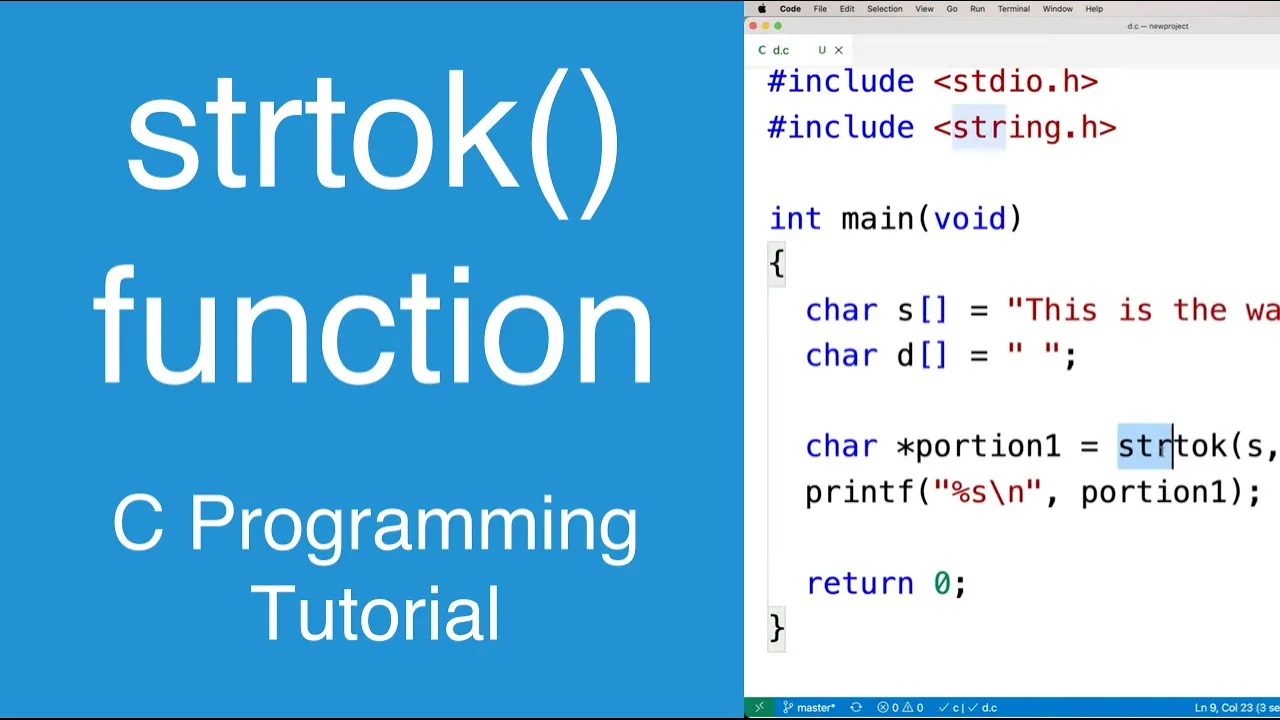
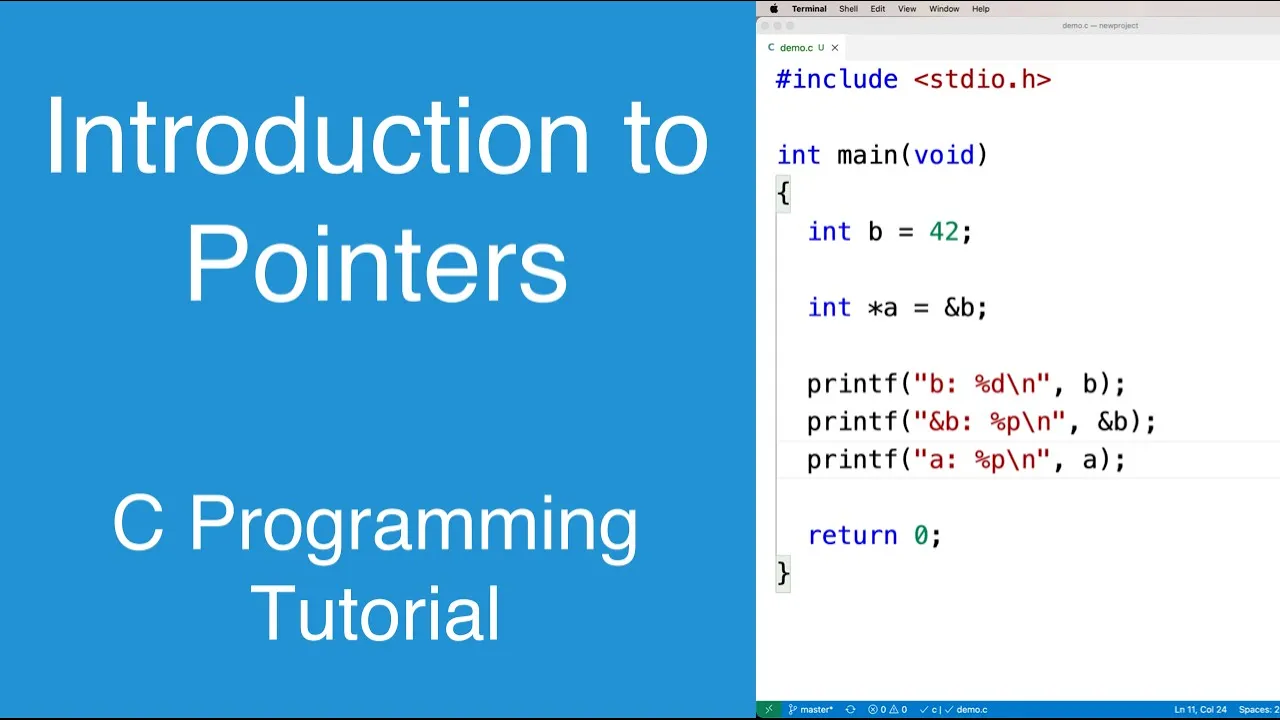
Added:Proficiency in C programming, specifically pointer manipulation, string handling (such as strtok and strcmp), and dynamic memory management using malloc and free.
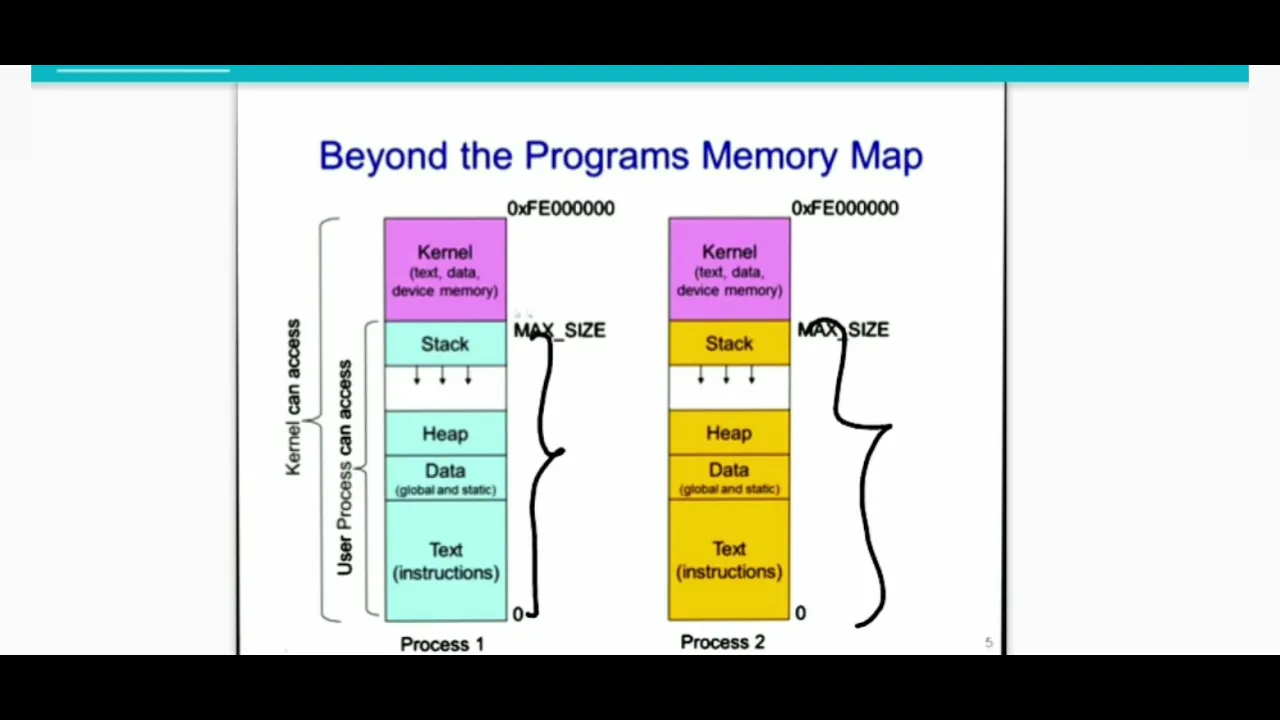
A conceptual understanding of Operating Systems, particularly processes, the lifecycle of a process, and the distinction between user space and kernel space.
Familiarity with standard UNIX system calls for process control, specifically fork(), exec(), and wait() / waitpid().
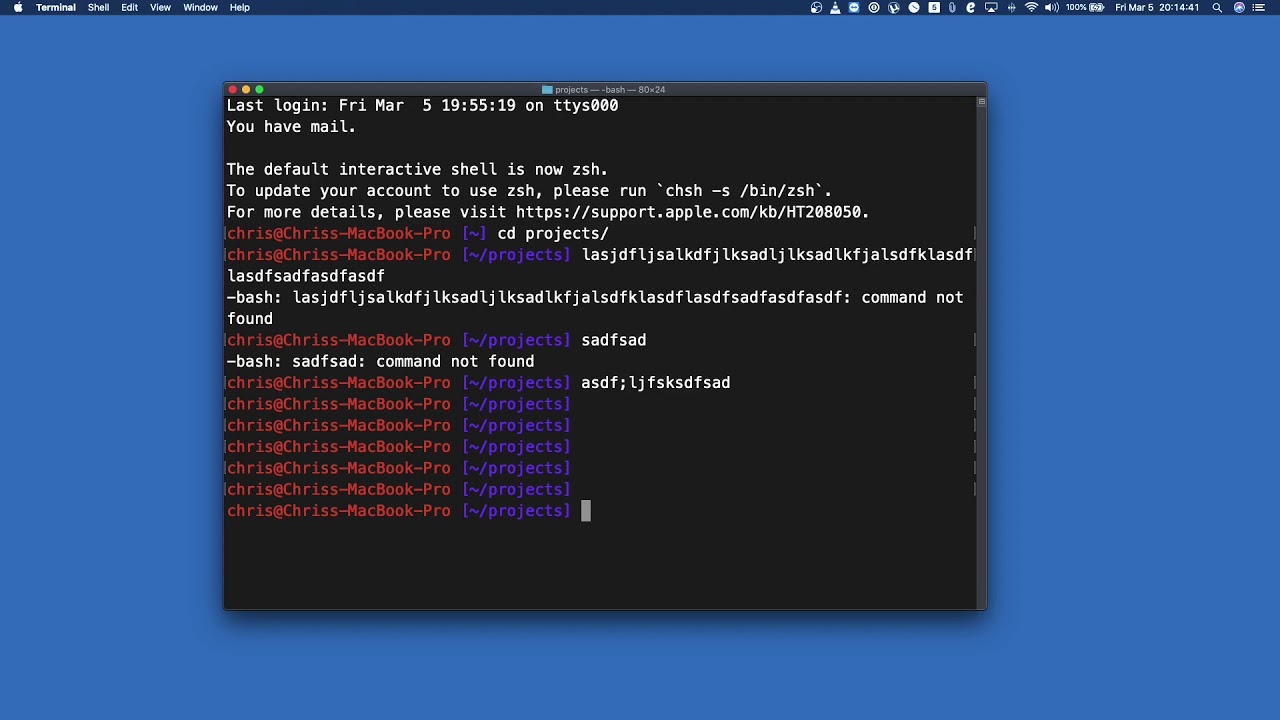
Basic experience using a terminal environment (like Bash or Zsh) to understand the practical user-facing behavior of a command-line interface.
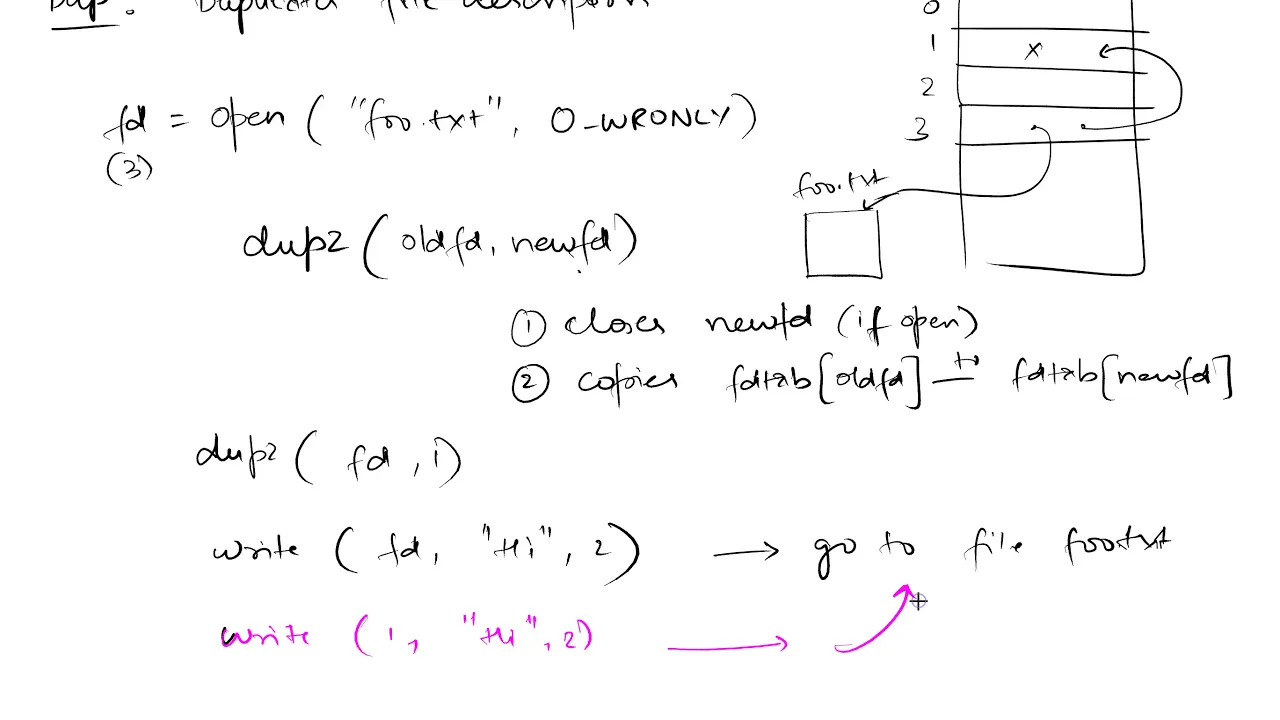
Implementing Input/Output (I/O) redirection (<, >) and piping (|) by mastering the dup2() and pipe() system calls.
Learning Signal Handling in C to properly manage terminal interrupts like Ctrl+C (SIGINT) and Ctrl+Z (SIGTSTP) without crashing the shell.
Developing Job Control features to manage foreground and background processes (using the '&' operator) along with built-in commands like 'jobs', 'fg', and 'bg'.
Adding support for environment variables, path expansion, and custom shell built-ins (like 'cd', 'export', and 'alias').
38.2K views346likes17:53Original Release: 2017-11-26
hi guys this is Samantha Sharma and welcome to my youtube channel caffeine to code in this video it will be focusing on some c programming and we will write a basic C she'll from scratch it won't cover all the aspects of our shell but it would get you know enough so that you can work on and explore some more features and you will have a basic idea of the concepts behind how a shell functions so let's get started [Music] now coding a shell may seem a Herculean task at first but if we divide the problem into smaller sizes and look at those problems individually and tackle those problems one at a time rather than you know planning the big picture then I'm sure that there would be no difficulty in writing a shell and writing a shell what seeman another simple programming task so what I have done here is basically I have created basically I've created a file named called my shell dot C and in this time I'm using the atom text editor in order to code the shed so let's begin coding the shell grab your coffee and get started so first and foremost you will insert the main function if you are familiar with the syntax of C programming language then you will have absolutely no problem going over through this with your lecture but if you are somewhat uncomfortable with the C or C PP type of syntax then you may want to revise the concepts and come later first I will change this constant to a pointer so that these reference tasks can be carried out easily now to begin writing a shelf first we have to carefully understand what actually are shelled us so basically there are three steps which a shell execute the shell works in three steps what it does is as soon as it gets started the first thing within does is to load the configuration files configuration files at those files configuration files are those files which are you know settings which are set by the user the shell starts first as soon as you turn turn the system program will look for confederation files if there are any then it will load these configuration settings and then continue with that nest nest task now the next task is to run an repl loop now repl stands for read evaluate print loop now what I noticed a basic functionality of a cell at first you first enter a command it reads the command it then executes the command and prints the output so basically the next thing which I shall perform is running a repl loop and the final thing which assured us is to perform any shutdown cleaner that is to release some memory resources or any other resources network resources etcetera if the shell was consuming so that there are no memory leaks after your shell gets turned off so the next step is perform any shutdown cleanup okay now the first and the third step are somewhat advanced and are not under the scope of this video series so we will focus only on the loop part how to run an executor come on however if you are interested in you know implementing those features let me know in the comment section below and I will make another video explaining the configuration and shutdown clean them but for the present moment let's focus on the loop part so basically it runs a loop which continuously reads the instructions given by the user executes them and prints the output so basically the only thing which we have to write is what a loop does so basically you initialize the configuration file initialize yourself shell a typical shell word read and execute its configuration files these change aspects of this aspects these changes are the aspects of the shells behavior next the shell reads commands from standard in and executes stem which will be covered in this loop function and then after its commands are executed I shall execute any shutdown commands freeze up any memory and terminates which would be covered in this shutdown cleaner so now what focus on this video series is we are gonna focus on this loop part now let us quote this loop part I will make a separate function for this loop and keep in mind that I am dividing the problem into smaller and smaller parts we are following the divide-and-conquer approach so we will break the problem at hand into as many smaller parts as possible and then tackle those parts to make the big picture look simpler so now what happens in the loop argument loop function is that we'll take em out so let me quote this loop function up for you void loop there it anti Padre void because we do not require any value when the loop and we are not passing any arguments into the loop so it is just a function with no return type with a null returns ayat let me call it no arguments now they would require some temporary variables in order to store the commands entered by the user and so we will create some temporary pointers here I will explain the use of these pointers as we go along with the code as we go along with the code so this these are the three temporary variables which would be required now the first of these variables is SD status so you must first understand that says this is a loop we'll have to apply some loop statements so I am using the do-while loop statement here now what happens is what this loop does is there are three steps in which the loop functions we can divide the loop further into three more simpler steps the first step is that we loop leave the command entered by the user by the user after reading the commands it will parse the commands and into it will pass the commands so that computer can understand which part is the command and which are the arguments understand the command and then it will execute the commands so basically within this loop we have to perform these three things so now let's see how this will fit together now what I have defined here in status is a variable which will store the value of the status whenever a command is a Greek uted for instance you are executing some command and if for instance you are executing a print command you are sending an output to your printer and you want the printer to print it on a piece of paper but the computer realizes that the printer is not present there then the computer would have to send that message to the programmer or to the user and how would computer do that it will generate some error code or in other words it will generate some status code that whether the problem and you are successfully executed or not or there was some error or there was an exception thrown so that information will be stored in the status so the status installs the fate of the command which we are going to execute and that the status is nonzero then we will continue the loop and if the status somehow due to an exception or somehow gets the value 0 then we will exert this look now these are the three functionality which we are to perform within this loop so let's perform them now the first and foremost thing is that you must have noticed that whenever you start a batch for instance let me show you an example there are some already pre written text on your terminal for instance see my terminal here it is written some agree add some our HP Pavilion notebook dollar so this thing too has to be coded so at the beginning of the loop we have to put this prompt to the user okay so I would write some fancy statement which looks like some you know dangerous hacker is earning his own coded shell you know okay so I will give it a name that meeting okay it's a nice name overwatch actually our grades fell off okay to find off Felicity Smoak and actually I love her so yeah I'm a great fan of Green Arrow do so I love the word overwatch and I will order their overwatch at root I could have gone to mr. Elliot - Elia tardes now mr. robot so but no what is water so yeah ah so let's continue and then the traditional greater than sign now what we will do is after printing this oh I forgot the newline argument okay there's no need of a new light ah so there's no need of a new line because you know you type the commands following this argument okay so now let's begin so the first thing which we have to do is to read the commands entered by the user so let's assume that there is a function called read and this function this function will return us the command which the user recently entered so I'm storing this in this temporary variable which I have created here now after that what I have to do is I have to pass the command so that the computer can understand the commands and attributes separately so I will store those as arguments arguments is is an array of strings you can call it because you know a pointer of character pointers refers to arrays and we can creat arguments as an array of strings okay so arguments here is an array of strings and in this array of strings okay let me write it here for clear understanding arguments is an array of strings okay so what I would store in arguments is the parsed values of the commands entered by the user for instance if a user right echo some angle is good then I have to tell the computer that in this command does echo and some agar is good is the argument okay so this is termed as passing so this I will store echo in a separate slot in the array of strings that is arguments and I will store some Agra is good in the separate separate index so now the let us assume that there is a function which does this the name pass we will obviously code these functions but in a later episode okay so arguments will be passed but now arguments will be passed on the basis of the line entered by the user so we will have to pass this line into our parse function now what you have to do is follow this third command which is execute command now to execute the command we will have let's assume we have an execute function we will code these function letters we are just breaking on the problem so that we can understand how a shell works now this execute command will require a set of arguments so we will have to pass this arguments array which we got here into this execute command execute function to be more precise and this execute function should return a status which would can read the message of its success that is whether the the command executed was successfully completed or it threw an exception or there was something else so this would return as a status and the status would be used here in this vile argument to ensure that the loop continues to function or else the loop will exit okay now you must remember that this is C language it is not that high-level language so we must free all it is a good practice in fact to free all the memory which be allocated during our program so I will type some free in the memory code here remember that in high-level languages such as Java and Python this function is automatically carried on by the garbage collector but since we are coding in C we will have to take care of each and everything so we will read the memory allocated to the line pointer and creative a memory allocated to the arguments pointer okay and then after if the status is not zero then this loop will continue to function okay now we have broken down our main function into three parts loading the configuration file running the loop and performing any shutdown cleanup then we are looking into only one aesthetic aspect of the shell that is the loop part and we have further divided the loop into three parts reading become on parsing the command and executing the commands in the next episode we will focus on these three functions which are read pass and execute and we will implement them in our shell and we will create a barking copy of our C so guys that's all for this video in the next video we will explore all the three other functions that is reading passing and execution besides this we will also have support from some other programs to run in our shells such as get cows AC matrix etc and we'll also add some custom built-ins into our shell so stay tuned I will be uploading the second video very soon in the meantime do like share and comment and subscribe to my channel and if you want anything else from me then do comment in the comment section below so goodbye and keep going
Up Next

36:40
Writing a Linux Debugger in Rust: Ptrace, Breakpoints & More
@linuxconfau2018
10K views•2018-01-26

11:23
Solving the Heat Equation with DeepXDE and PINNs
@Dr.Mohammad_Samara
8.5K views•2023-07-17

4:55
HTTP Requests Explained: GET, POST, PUT, DELETE
@codecademy
103.1K views•2021-10-07

19:25
Enigma Machine Mechanics: WWII Encryption Explained
@JaredOwen
13.2M views•2021-12-11
Related Study Plans & Knowledge Roadmaps
Structured learning paths in Computer Science
computer-science
Building a Rust Debugger: ptrace, ELF & DWARF
01Systems Programming Foundations & Rust
02Process Control and the Linux Ptrace API
03ELF Layout: Inside Linux Executables
+ 3 more learning modules
38h6 modules
Explore Roadmap
computer-science
Container Runtimes: Namespaces, Cgroups & Go
01Linux Systems & Go Programming Foundations
02The Core of Isolation: Chroot and Filesystems
03Linux Namespaces: Process Isolation
+ 3 more learning modules
32h6 modules
Explore Roadmap
computer-science
Building a CHIP-8 Emulator: Rust & CPU Basics
01Computer Architecture Foundations (Bits & Bytes)
02Rust Programming for Systems Development
03CHIP-8 Virtual Hardware Specifications
+ 2 more learning modules
32h5 modules
Explore Roadmap
computer-science
Building BitTorrent: Go, P2P & Concurrency
01Go Fundamentals & Concurrency
02Networking Foundations & P2P Architecture
03Bencode Parsing & Torrent Metadata
+ 3 more learning modules
26h6 modules
Explore Roadmap