


![Как работает Оперативная Память Компьютера? [Branch Education на русском]](https://i.ytimg.com/vi/bQ9snM7ffuQ/maxresdefault.jpg)


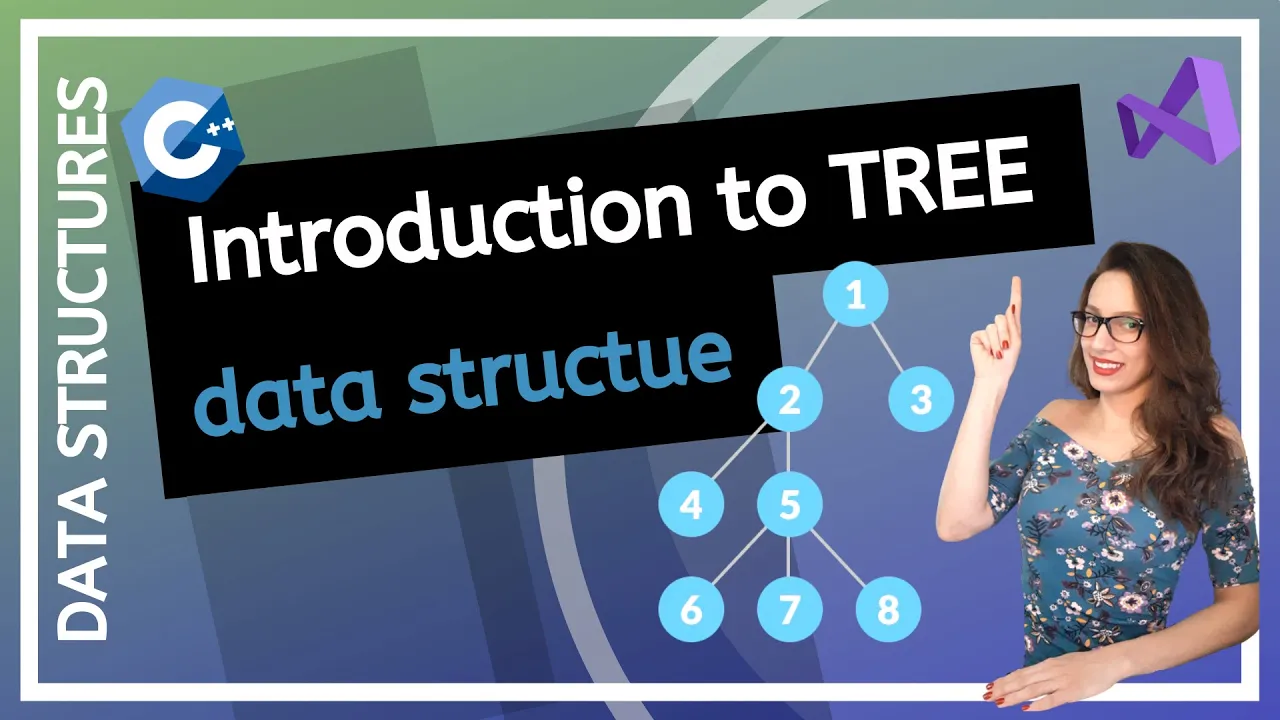
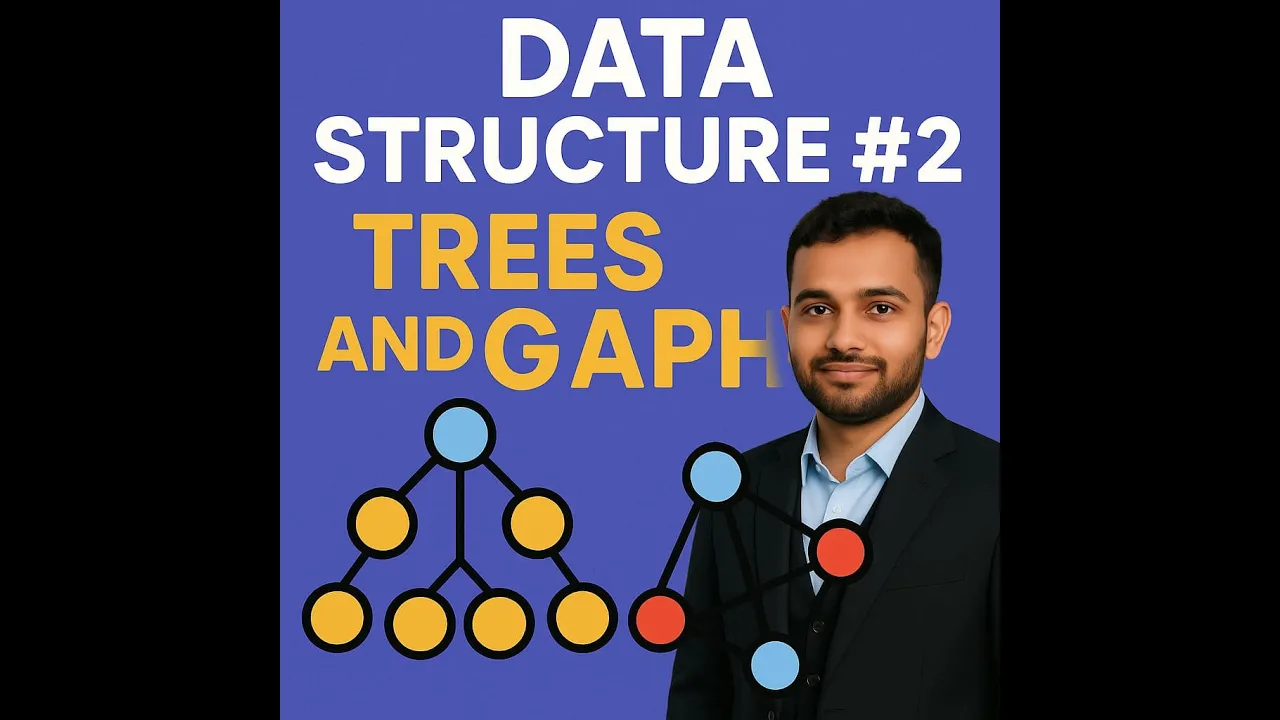

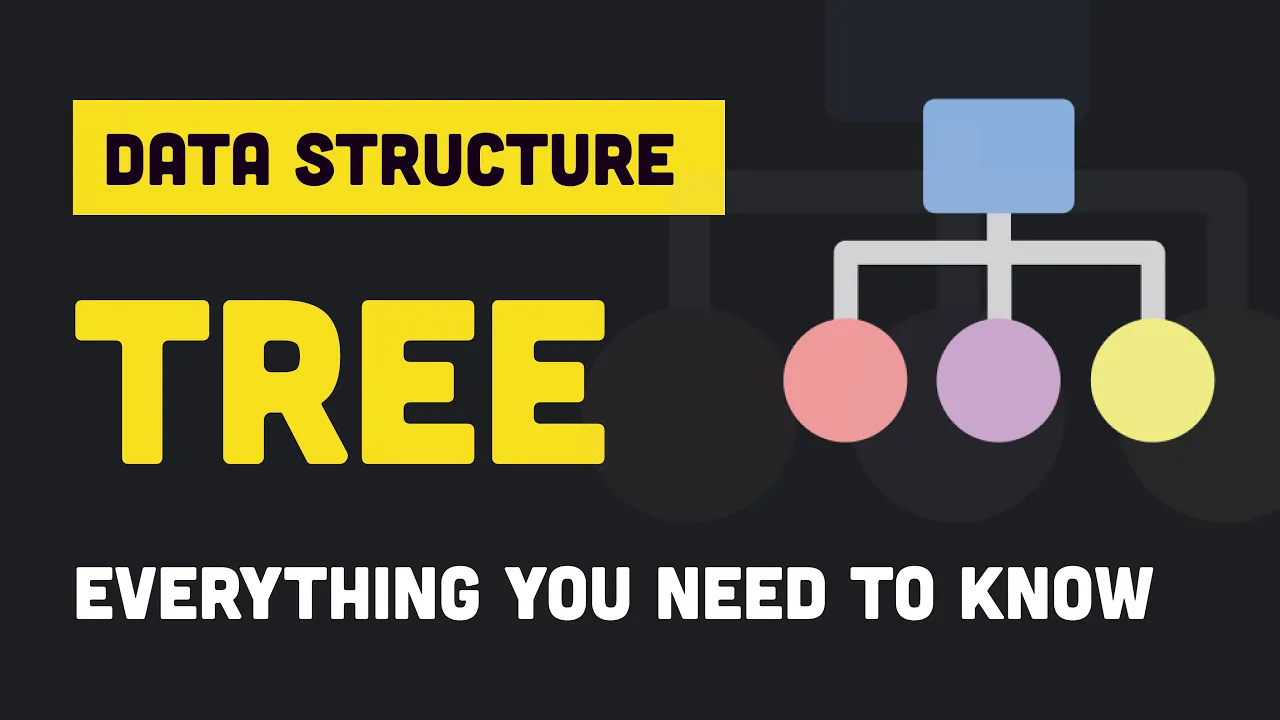






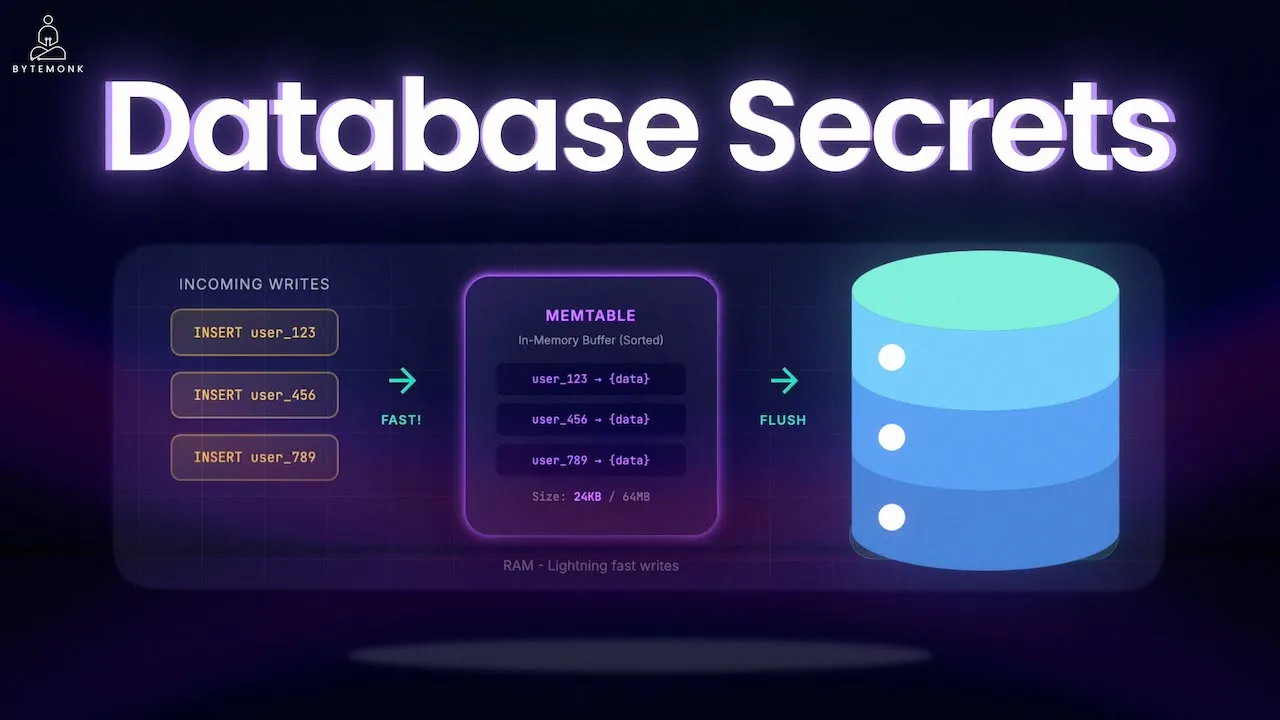



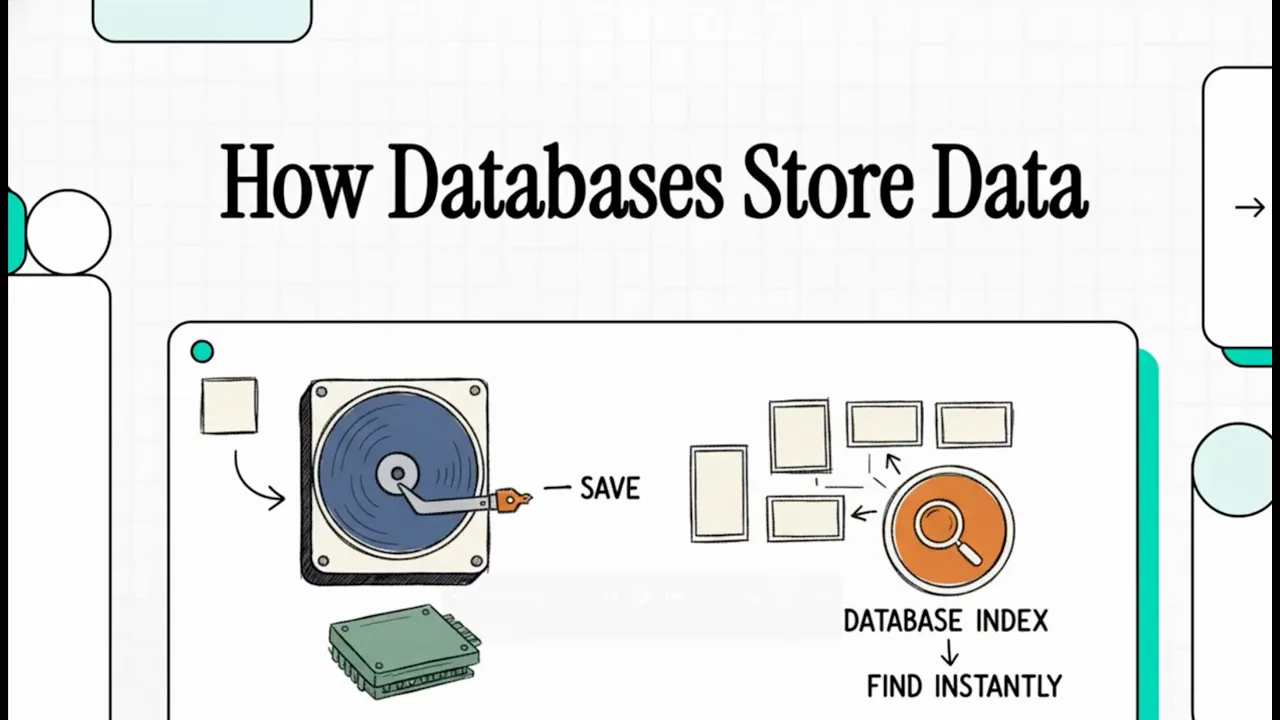

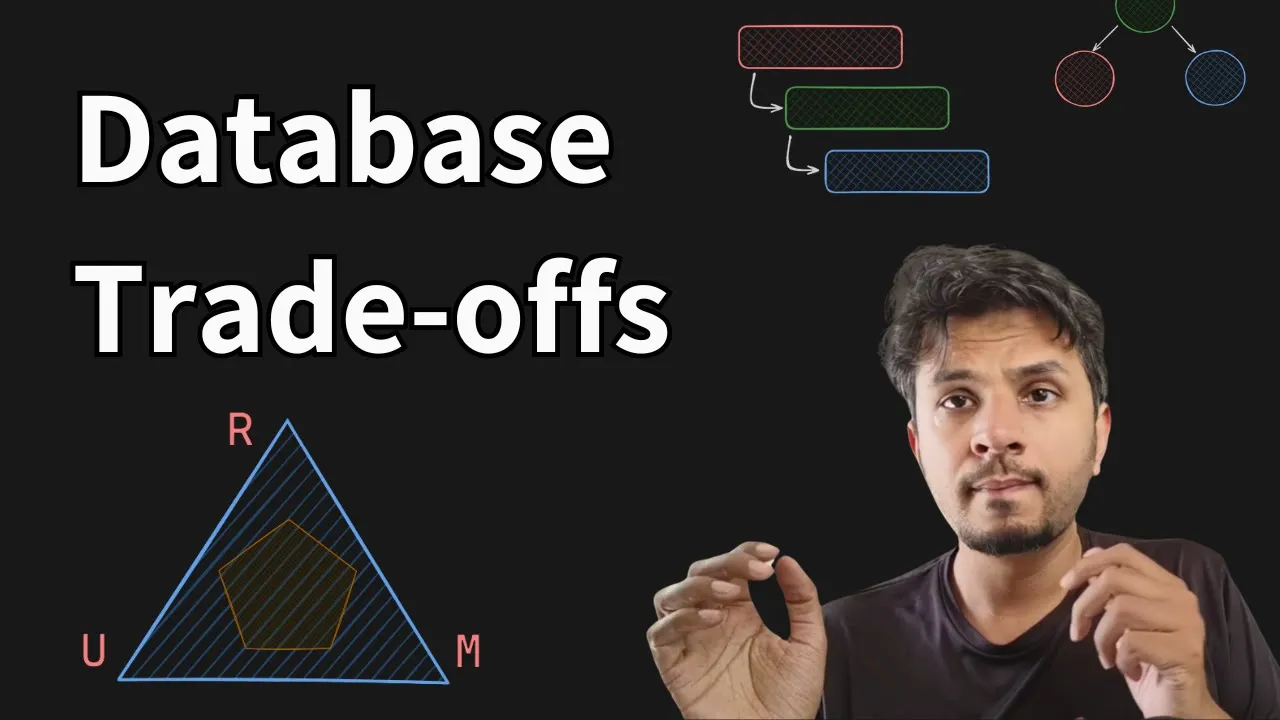
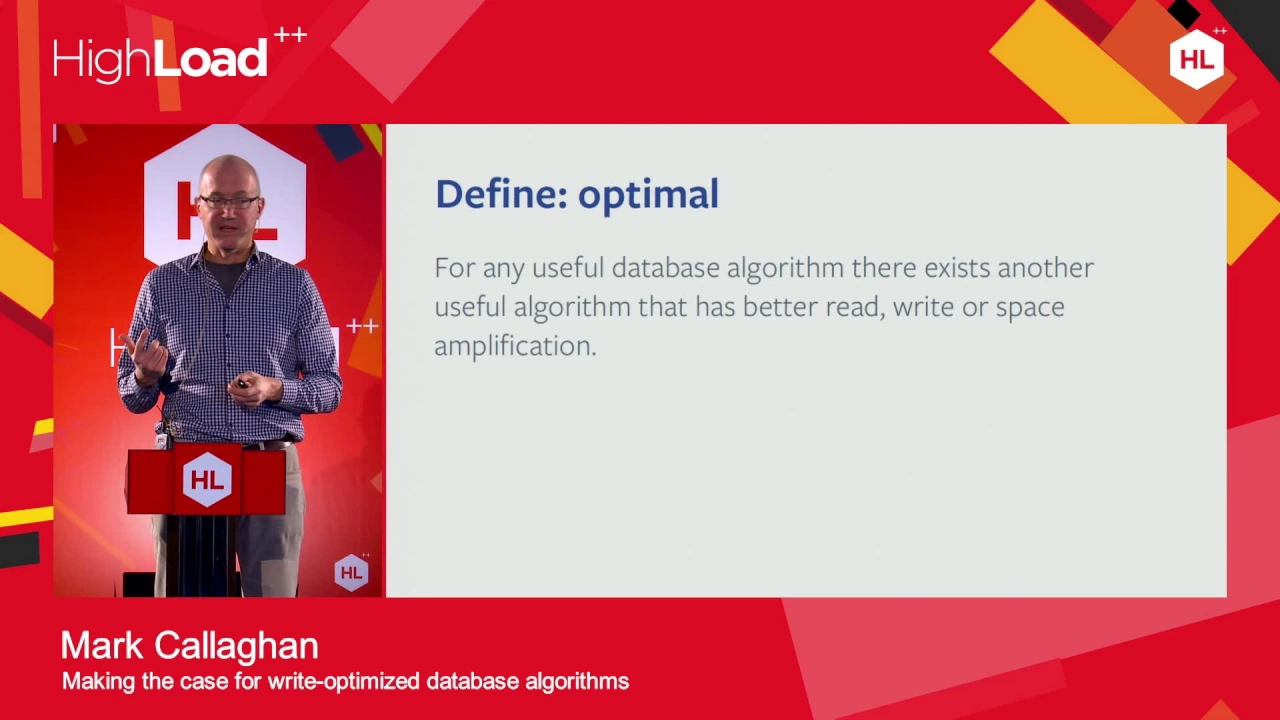



This video explains the fundamental trade-off between read and write performance in database systems, revealing that B-Trees optimize for reads by using shallow, fat trees that minimize disk trips (4-5 layers for billions of rows), while LSM-Trees optimize for writes by only performing sequential appends to logs and immutable SSTables, with the ROM Conjecture stating that you can only optimize for two of three: Read, Update, or Memory. The OS hides disk slowness through buffered I/O, but databases must use fsync() for durability, and SSDs have physical constraints like write amplification and limited erase cycles that make sequential writes faster than random writes.
System Design Fundamentals [5/15]: B-Trees vs LSM-Trees Explained
Added:Basic understanding of computer memory hierarchy, specifically the latency difference between RAM, SSDs, and HDDs.
Core concepts of tree data structures, such as Binary Search Trees (BSTs) and self-balancing properties.
Fundamental database concepts, particularly the ACID properties (with a focus on Durability) and basic CRUD operations.
The distinction between Sequential I/O and Random I/O operations on physical storage drives.
Analyzing real-world database engine implementations (e.g., InnoDB/PostgreSQL using B-Trees vs. Cassandra/RocksDB/LevelDB using LSM-Trees).
In-depth study of Write Amplification, Read Amplification, and Space Amplification (RUM Conjecture) tradeoffs in storage engines.
Advanced optimization techniques for storage engines, including Bloom Filters, SSTable compaction strategies (Size-Tiered vs. Leveled), and MemTable configurations.
The design of distributed databases and how storage engine selection influences replication, consensus algorithms (like Raft), and sharding.
8.3K views417likes24:43Original Release: 2026-01-29
So, hey everyone. Welcome back to the series. We're five videos in now, and I'm really glad you're still here hanging out in the basement of the stack with me. We've spent a lot of time, honestly, maybe too much time, talking about how data moves. We talked about radio waves and BGP gossip and the speed of light. But today, today I want to talk about something that's actually a bit more existential. I want to talk about persistence. See, as programmers, especially if you're just starting out or you're in that mid-level phase of your career, you live in a dream world.
Most of your time is spent in what I call the volatile mind of the computer.
When you're writing code in Python or Java or Go, and you create a variable, let's say user ID equals 10, that data feels very real to you. You can see it in your debugger. You can print it to the console, but it's not really there.
It's a ghost. It lives in RAM. And RAM is well, it's a dream that ends the moment the power cord is pulled. If the electricity stops flowing for even a millisecond, every variable, every object, every state in your application just vanishes. It's gone. It's like it never happened. And that's kind of terrifying, right? I mean, think about it. We build these massive systems, banking apps, medical records, social networks, and the entire thing is fundamentally fragile. If we want to build anything that actually matters in the real world, we have to find a way to take that dream in the RAM and carve it into something permanent. We have to hit the disc. We have to commit the data to the truth. But here's the problem, and this is the first principle we're going to explore today. The disc is a lie. And the disc is slow. I mean, it's really, really slow. It's so slow that almost the entire history of operating system design is just a series of clever lies to hide that fact from you. I want to ground you in the numbers again. I know we looked at them in video one, but I want you to really feel them this time, especially if you've never had to worry about hardware before. Let's do the human scale mental model. If one CPU cycle, one tick of the clock is 1 second, okay, 1 second of human time, reading from your L1 cache is like reaching for a pen on your desk. It takes half a second, easy. Reading from main memory, RAM is like walking to the end of your hallway to get a snack. It takes maybe 2 minutes. You notice the delay, but it's fine. Your life moves on. But reading from an SSD on this human scale where the CPU is now the SSD is 2 days away. You ask for a bite and you have to wait 48 hours for it to arrive. And if you're still using an old school spinning hard disk drive HDD, that's 5 months. You ask for a piece of data. You go through a whole semester of college. You go on summer break. And then maybe the disc finally gives you the bite you asked for in January. I want you to really think about that gap.
Your CPU is sitting there capable of doing billions of operations per second and it asks the disc for a piece of data and then it just waits. It waits for the equivalent of months in its own time scale. This is the central tension of all system design. We want our data to be persistent so it survives a crash, but we want our apps to be fast. And those two goals are diametrically opposed by the laws of physics and the current state of our hardware. So, how do we solve this? How do we build apps that feel fast if the disc is literally months away? To solve this, we've built these incredibly clever abstractions called databases. But for a lot of people, databases are just these magic black boxes. You run npm install pg or you set up a MongoDB Atlas cluster and you just assume it works. But if you want to grow into a senior architect role, you have to look under the hood.
You have to understand that every database, no matter how fancy the marketing is, is just a very sophisticated way of managing file IO.
It's just code that is trying to trick the disc into being faster than it actually is. Let's look at the first lie, the pinky promise of the operating system. Imagine you're writing a simple node.js or Python script. You open a file, you write hello world, and you close it. The write function returns a success code. You think, great, it's saved. Um, no, it's almost certainly not. You see, the operating system, Linux, Windows, whatever you're using, it knows the disc is slow. It knows that if it actually waited for the physical hardware to save those bytes, your computer would feel like it was broken.
Your mouse would lag. Your Windows would freeze. So, the OS lies to you. It takes your data, puts it in a page cache in RAM, and says, "Yeah, sure. I got it.
I'll write it to the disc later. Don't worry about it. Go back to your code."
This is called buffered IO. It's great for performance, but it's a disaster for persistence. If the power goes out one millisecond after that right call returns, your data is gone. It was never on the disc. It was only in the OS's imagination. In the world of databases, we call this the durability problem. To solve this, we have a special system callsync.
When a database like Postgress calls f-sync, it's telling the OS, I don't want you to buffer this. I want you to flush those bytes to the physical hardware and I am going to sit here and block my entire process until the hardware confirms the physical magnetic platters or the flash cells have actually changed. This is the most expensive call in software engineering.
F-sync is the moment of truth. It is where your performance goes to die. If you call f-sync after every single write, your database will be incredibly safe, but it will be incredibly slow.
You'll be lucky to get 100 writes per second. Think about that. Only 100 users per second could save their data. That wouldn't even run a small Discord server. So, how do we fix this? How does a system like Postgress handle thousands of transactions per second while still being durable? They use a beautiful pattern called the write ahead log wall.
I love the wall because it's so simple and so effective. Instead of trying to update a complex data structure like a giant table with millions of rows and five different indexes on every single right, the database does something very junior but very fast. It just appends the change to a long sequential file called the log. User five changed their name to Andre. Boom. Append. User 10 deleted their account. Boom. Append.
Appending to the end of a file is the fastest thing a disk can do. It's sequential. It doesn't have to move the head of the disk or search for space. It just stays at the end and keeps pouring bytes. The truth lives in the log. If the database crashes, it doesn't care if the main table is corrupted or out ofd.
It just replays the log from the last known good state. It's like if you're a chef in a busy restaurant. You don't update your final inventory book every time you use a single egg. You'd be spending all your time walking to the office to write in the book. Instead, you just scribble used one egg on a notepad on your counter. That notepad is your write ahead log. At the end of the night, when the kitchen is quiet, you use the notepad to update the Big Book.
The notepad is fast, the Big Book is slow. Now, I want to take a side quest into the hardware itself. We've been talking about the disc as one thing, but SSDs and HDDs are fundamentally different physical objects. And if you're a junior to middeev, you might think SSDs are just really fast RAM.
They're not. They're much weirder than that. In an old HDD, there is a physical arm and a spinning platter. It literally has to move. It's a mechanical robot. If you do a random read, that arm has to fly across the disc. This takes time.
That's why we love sequential access.
But even with SSDs, which have no moving parts, we still have problems. SSDs are made of flash cells, NAND. And here's a weird fact about the physics of flash memory. You can't just overwrite a cell in an SSD. If a cell has a one and you want it to be a zero, you can't just flip it like you do in RAM. You have to erase it first. But wait, it gets worse.
You can read and write in small pages, usually 4 kilob or 8 kilob, but you can only erase in large blocks, maybe 2 megabytes. Think about how annoying that is. If you want to change one single bite in the middle of a 2 megabyte block, you can't just change it. You have to read the entire 2 megabyte block into RAM, change the bite in RAM, erase the 2 megabyte block on the disc. This takes a long time and write the modified 2 megabytes back to the disk. This is called write amplification. You wanted to write one bite but the physical disc had to move 2 million bytes. This is why SSDs get slower as they get full. They run out of clean blocks to write to and they have to start doing this read, modify, erase, write dance. To hide this nightmare from you, every SSD has a flash translation layer, FTL.
It's basically a tiny computer with its own CPU and its own tiny bit of RAM living inside your disc. It is constantly moving your data around in the background to wear level the cells.
It's trying to make sure you don't use the same cell over and over again until it dies. And yes, SSD cells do die. They have a limited number of program erase cycles. If you write to the same spot a million times, that cell will physically break and stop holding a charge. The FTL is like a master architect constantly shifting your data to fresh cells so the disk lasts for years instead of weeks.
Why do I tell you this? Because it means even your SSD is lying to you. When you write to sector 10, the FTL might actually put that data on physical cell 5000 and just remember the mapping. This is why sequential writes are still better on SSDs. If you write sequentially, the FTL can just pour the data into clean blocks. If you write randomly, you trigger garbage collection inside the SSD and your performance drops off a cliff. Now, let's go back to the software side. We have our write ahead log, which is fast, but as we discussed, searching a log is slow. So, we need an index and the king of indexes is the B tree. Now, don't let the word tree trigger any bad memories from data structures class. I want to talk about a paper from 1979 called the ubiquitous B tree. In computer science terms, 1979 is the stone age. But almost every database you use today, Postgress, SQL Server, even the file system on your laptop, it's still built on this paper. Why?
Because the B tree is perfectly tuned to the physics of the page. See, as we talked about, the disk doesn't read one bite at a time. It reads in pages, 4 kilobytes or eight kilobytes. It's like a delivery truck. It doesn't matter if the truck is carrying one envelope or 50 boxes, it still has to drive across town. So a B tree is designed to be fat.
It has a high fan out. Instead of a node having two children like a binary tree, a B tree might have 500 children. Let's do the math. This is kind of fascinating. If each node has 500 children, layer 1, the root, one node, can point to 500 pages. Layer 2, 500 nodes, can point to 250,000 pages. Layer 3, 250,000 nodes, can point to 125 million pages. Layer 4, 125 million nodes can point to 62.5 billion items. Think about that. With only four layers, you can index 62 billion rows of data. This means that to find any piece of data in a massive database, your CPU only has to make four trips to the disk. When you run an SQL query, you are performing a guided descent through this shallow tree. Trip one, load the root page from disk. Trip two, the CPU looks at the keys and says, "Okay, the ID we want is between 10K and 20K, so go to page 45. Load page 45.
Trip three. Look at the next set of keys. Go to page 1002. Load page 10002.
Trip 4. Grab the actual row. In about 30 to 40 milliseconds, roughly the time it takes to blink, you found one specific needle in a billion row hay stack. That is the magic of the B tree. It is shallow. It is fat. And it understands that the disc is slow. So, it makes every trip count.
But the B tree has a major weakness. It requires random writes. If you want to update a row, the B tree has to find that specific page, read it into memory, change it, and write it back. This is called read, modify, write. And if you're getting thousands of updates per second across the whole tree, you're forcing the disc to bounce around like crazy. It's like trying to deliver a thousand packages to a thousand different houses in a thousand different cities. No matter how fast your truck is, the driving time will kill you. And that's where the contender comes in, the LSM tree, log structured merge tree.
This is what powers modern NoSQL databases like Cassandra and Rox DB and even the wired tiger engine inside MongoDB. The LSM tree engineers took a very different very first principles approach. They said, "What if we never ever do a random write? What if we only do sequential writes? This sounds impossible, right? How do you keep a database organized if you only ever append to the end?" Here's how it works.
When you write data to an LSM tree database, it doesn't even look at the disk. It writes the data to a sorted list in RAM called a mem table. Writing to RAM is as we know lightning fast, but RAM is volatile. So at the same time, we scribble the write to a write ahead log on the disk. The wall is sequential. So it's also fast. Once that mem table in RAM gets full, say it hits 64 megabytes, the database does something clever. It freezes that mem table and flushes it to the disk as a single sorted file called an SS table, sorted string table. Now, here is the secret. SS tables are immutable. We never change them. If a user changes their name from Tom to Tim, we don't go back and find the old file and update it. We just write the new name in a new SS table. Now, you might be thinking, "Wait, Tim, if I have a thousand SST files on my disc and I want to find a user's name, do I have to search all 1,000 files? That sounds slower than a B tree." And you're right, it would be. So, we use two more tricks to make reading fast. First, we use a bloom filter. This is a beautiful piece of probabilistic math. It's a tiny bit of data in RAM that can tell you I am 100% sure that user 123 is not in this SST file. If the Bloom filter says no, the database doesn't even bother opening the file. This saves us from thousands of wasted disc trips. Second, we do compaction in the background. While your app is running, the database has a janitor process. It takes small SST files, merges them together into bigger files, kind of like merge sort, and throws away the old deleted versions of the data. This leads us to something called the ROM conjecture. Read, update, and memory. It's a law of the universe that says you can only optimize for two of these at once. B trees optimize for reads, very shallow trees. LSM trees optimize for updates, sequential appends. As a junior to mideng engineer, you need to know which one your database uses. If you're building a logging system that gets 10k writes a second, but you rarely read the data and you use a B tree database, you're going to have a bad time. You're fighting the physics of the disk. If you're building a banking app where you need to read balances instantly, but rights are rare, use a B tree. I want to talk about something that most junior devs never think about until it's too late. Bit rot. We like to think that once a bit is on the disc, it stays there forever. But the universe is a messy place. We have cosmic rays, literally high energy particles from space that can fly through your data center, hit a single transistor on your disc and flip a one to a zero. We have electrical decay where the charge in a flash cell slowly leaks out over years. This is silent data corruption. Your database reads the file. It looks like a valid file, but the user's name is now Andre instead of Andrew. Senior engineers don't trust the hardware. They use checksums. Every time a modern database or file system like ZFS writes a page of data, it calculates a mathematical summary, a hash of that data and stores it next to it. When it reads the data back, it recalculates the hash. If the hashes don't match, it knows the disk lied. This is the first principle of reliability. Hardware is a suggestion. Software is the enforcement.
If you are building a system where data integrity matters, which is basically every system, you should be asking, "How does my storage layer detect bit rot?"
If you're just saving raw JSON files to a basic disc, you are living on borrowed time. Now, let's scale up one last time.
What happens when one disc isn't enough?
If you're Google or Open AAI or you're building a big fintech app, one disc is a joke. Even the best SSD in the world has a mean time between failures. If you have 10,000 discs in a data center, the math says that one of them is failing right now as you're watching this video.
It's just a matter of statistics. So we have to move from physical persistence to distributed persistence. The Bible for this is the 2003 Google file system or GFS paper. I highly recommend reading it. It's surprisingly easy to understand. The GFS engineers made a profound observation. Component failures are the norm, not the exception. Most engineers build systems and hope they don't fail. Google built a system that expects to die every single day. The solution is replication. In GFS, when you save a file, it's broken into chunks, 64 megabytes each. And the system doesn't just save that chunk once. It saves it three times on three different machines in three different racks. Why three? Because of the power of three. If one disc dies, we don't care. We have two more. If a whole rack of servers loses power because a fuse blew, we still have one more copy in a different part of the building. While we're fixing the broken ones, the third copy keeps the system alive. But this creates a consistency nightmare. This is where junior engineers often get stuck.
Imagine you have three copies of a user's balance. Copy one says $100. Copy two says $100. Copy three says $50 because the network was slow and the update didn't arrive yet. If the user checks their balance and they hit copy three, they're going to be very angry.
Who has the truth? This is why persistence at scale isn't just a disk problem anymore. It's a coordination problem. We use consensus algorithms like Raft or Paxos, which we'll spend a whole video on later, to make sure the three machines agree on the value before we tell the user success. When you use a service like Amazon S3, you aren't just saving a file. You are triggering a massive distributed coordination game.
S3 is effectively GFS on steroids. It's writing your data to multiple physical buildings simultaneously so that even if a literal meteor hits one data center, your data survives. But remember video 3. This replication has a latency tax.
Writing to three places is slower than writing to one. This is the ultimate tradeoff. Do you want it fast or do you want it forever? So let's wrap this up.
What is the takeaway for you today?
Persistence is not a binary. It's not saved or not saved. Persistence is a spectrum of risk. Think about this for a second. If you write to RAM, your risk is high. The power goes out, you lose it, but it's lightning fast. If you write to a local SSD with a standard write call, your risk is medium. If the app crashes, it's fine. If the OS crashes, you might lose it. If you write with F-Sync, your risk is low. It's on the metal, but it's slow. If you replicate to three discs in three different cities, your risk is near zero, but it's very expensive and has high latency. As an engineer, your job isn't to make everything perfectly persistent. Your job is to look at your data and ask, "What is the cost of losing this bite?" Is it a like on a post? Maybe an LSM tree with eventual consistency is fine. It's okay if the like takes two seconds to show up for everyone. Is it a log message for debugging? Maybe just an OS buffer is fine. If you lose a few logs during a crash, it's not the end of the world. Is it a $10,000 bank transfer? You call f-sync. You wait for the B tree update.
And you wait for three replicas to say act before you show a green check mark to the user. Don't treat your database as a black box. It's just a tool. It's a clever set of tricks trying to manage the fact that your CPU is now and your disc is 5 months from now. Respect the physics. Understand the lies the OS tells you and always know where your truth actually lives. In the next video, we're going to look at the taxonomy of storage. We've talked about how we store bytes, but now we need to talk about what we store. SQL, NoSQL, graph, key value. How do you choose the right model for your truth?
Up Next

14:40
C Struct Serialization to Files in C Programming
@CodeVault
81.8K views•2020-04-21

57:07
BitTorrent Protocol Explained: Piece Selection & Peer Choking
@StevenGordonAU
481 views•2013-02-22

4:55
HTTP Requests Explained: GET, POST, PUT, DELETE
@codecademy
103.1K views•2021-10-07

19:25
Enigma Machine Mechanics: WWII Encryption Explained
@JaredOwen
13.2M views•2021-12-11
Related Study Plans & Knowledge Roadmaps
Structured learning paths in Computer Science
computer-science
Building BitTorrent: Go, P2P & Concurrency
01Go Fundamentals & Concurrency
02Networking Foundations & P2P Architecture
03Bencode Parsing & Torrent Metadata
+ 3 more learning modules
26h6 modules
Explore Roadmap
computer-science
Actor Models (C++ Concurrency & Lock-Free)
01C++ Multi-Threading Foundations
02Thread Pools and Task Scheduling
03Atomics and Lock-Free Queue Design
+ 3 more learning modules
45h6 modules
Explore Roadmap
computer-science
Coding HM Type Inference: Algorithm W & OCaml
01Introduction to Functional Programming & OCaml
02Abstract Syntax Trees & Language Interpreters
03Type Systems & Lambda Calculus
+ 2 more learning modules
28h5 modules
Explore Roadmap
computer-science
Building OAuth 2.0: Node.js OIDC Server
01Web & Security Foundations
02Authentication vs. Authorization & JWTs
03The OAuth 2.0 Protocol & Grant Types
+ 3 more learning modules
25h6 modules
Explore Roadmap