











![Java IO - Buffered Streams (BufferedInputStream & BufferedOutputStream) [#6]](https://i.ytimg.com/vi_webp/baHz_RmMt5I/maxresdefault.webp)









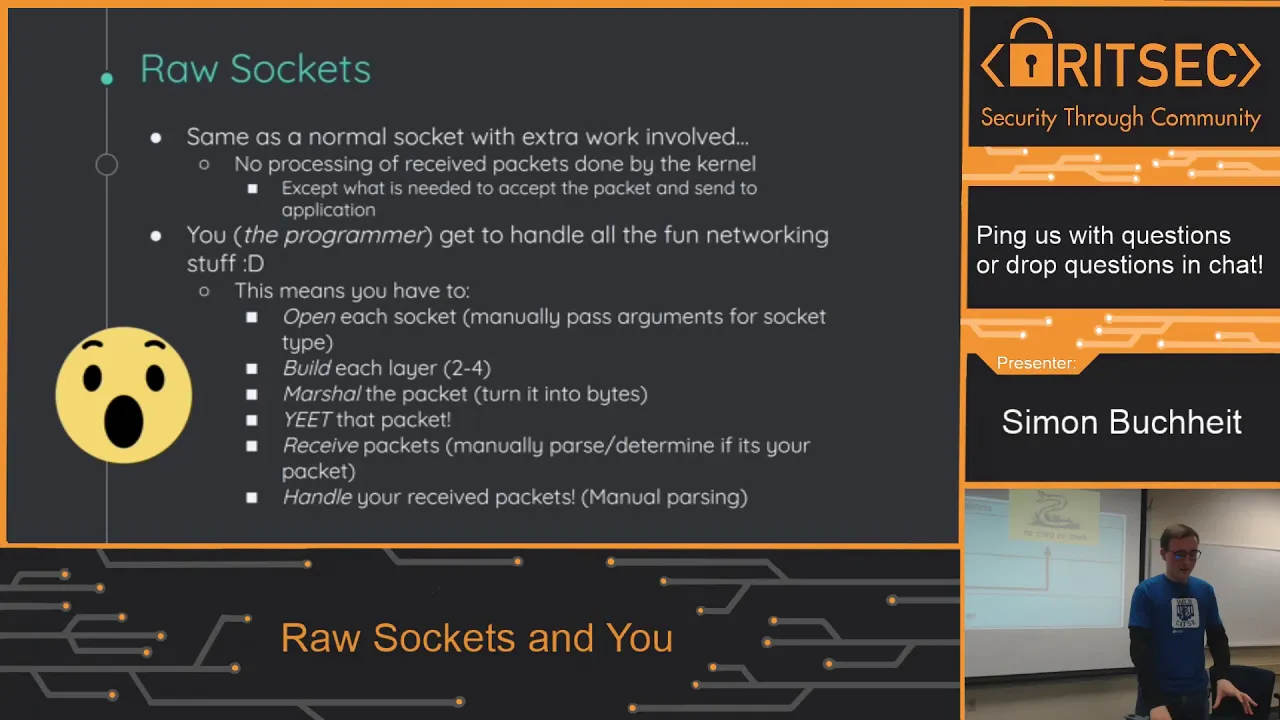



This tutorial demonstrates how to implement basic TCP networking applications in Rust, covering the creation of a simple echo server that listens on all network interfaces using TcpListener::bind with '0.0.0.0' as the local address, accepts incoming connections through the incoming() method, and handles each connection in a separate thread by reading data from the stream and echoing it back; it also shows how to build a corresponding TCP client that connects to the server using TcpStream::connect, reads input from standard input, and writes responses using BufReader for efficient buffered reading, illustrating fundamental TCP networking concepts including socket binding, connection establishment, data transmission, and error handling in Rust.
Building a TCP Server and Client in Rust: Network Programming Tutorial
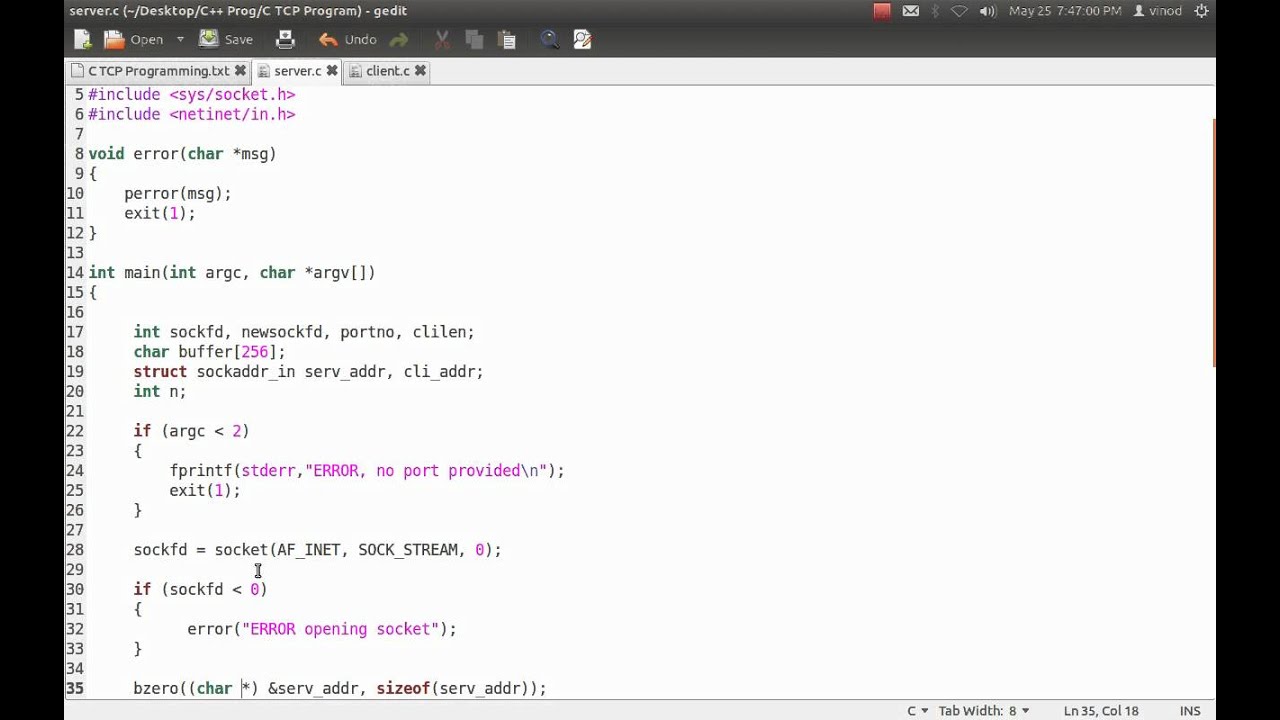
Added:you hello welcome to the next section TCP and UDP this section dives into using rust for networking so now we move on to our first video simple TCP server and client most networking examples start with an echo server so let's go ahead and write a basic echo server first I open TCP echo server RS file we now exit this file so I go to route and open the file and change the IP address in our main function we create an TCP listener which in rust represents a TCP socket that's listening for incoming connections from clients for our example we've hard-coded the local address and the port a local address being set to zero zero zero zero tells the kernel to bind this socket to all available interfaces on this host we call bind on a local IP and port pair to create a local listening socket as discussed earlier our given choice of IP will bind this socket to all interfaces available on the host on port 80 8 8 8 as a result any client that can reach a network connected to this host will be able to talk to this host the expect function returns the listener if there are no errors if that's not the case it panics with the given message the incoming method on listener returns an iterator over streams that have connected to the server we loop over them and check if any of those have encountered an error in that case we can print the error and move on to the next connected client the logic of reading from each stream and writing it back is encapsulated in the function called handle underscore client each thread receives a closure that calls this function this closure must be a move closure since this must read a variable stream from the enclosing scope in this function we print the remote endpoint address and port and then define a buffer to hold beta temporarily the read method in the stream returns the length of the data is read it can return zero in two cases if it's reached the end of the stream or if they'd given buffer with zero in length we know for sure that the second case is not true thus we break out to the loop and the function when the read method returns zero in that case we return ok we then write the same data back to the stream using the slice syntax note that we've used e print Ln exclamation mark to output errors this macro writes to give them string to a standard error and has been stabilized recently one might notice the apparent lack of error handling and reading from and writing to the stream but that's not actually the case we've used this operator to handle errors in these indications this operator unwraps the result to an okay if everything was fine otherwise it doesn't early return of the error to the calling function also note that the question mark operator cannot be used in the main function currently since the main function does not return a result so we save it we exit from this file interacting with the server from the terminal is easy when we run the server on a Linux machine and NC on another terminal any text entered to NC should be echoed back note that as the client and server running on the same note we use 127.0.0.1 as the server address when I run the test it gives me tests let's try it a few more times and each time we get the same result while using NC to interact with the server is fine it's much more fun to write a client from scratch in this video we'll see what a simple TCP client might look like let's look at an example now this client will read input from standard in as a string and send it over to the server when it gets back a reply it will print Nats in standard out we first imported all required libraries we don't setup a connection to the server using TCP Stremme Connect which takes the new remote endpoint address as a string in our example here the client and server are running on the same physical host so we use 127.0.0.1 as the server address like all TCP connections the client needs to know the remote IP and port to connect in case setting up the connection fails we'll abort our program with an error message we then start an infinite loop in which we initialize an empty string to read user input locally and a vector of mu8 to read responses from the server since a vector in rust grows as necessary will not need to manually chunk the data at each iteration the read underscore line function reads a line from standard input and stores it in the variable called input then it's written to the connection as a stream of bytes at this point if everything worked as expected the server should have sent back a response we'll read that using a buff reader that takes care of chunking our data internally this also makes reading more efficient since there will not be more system calls unnecessary the read until method reads the data in our buffer which grows as needed finally we can print out the buffer as a string which has been converted using the from underscore utf-8 method so we save this file running the client is easy for that we first need to run this code from the server side once this is done we run this line of code for the client-side if I input test we get tests as a result this pay is exactly like NC
Up Next

Building gRPC Services in Rust with Tonic: A Comprehensive Guide
@dreamsofcode
71.6K views•2024-02-22

Introduction to Secure Multiparty Computation with Yehuda Lindell
@fhe_org
7.7K views•2021-02-04

Implementing TCP Clients in Go with the net Package
@OfficialPackt
5.5K views•2017-02-16

Enigma Machine Mechanics: WWII Encryption Explained
@JaredOwen
13.2M views•2021-12-11
Related Study Plans & Knowledge Roadmaps
Structured learning paths in Computer Science