






![How to use binary files [an updated C++ tutorial]](https://i.ytimg.com/vi_webp/fCvJ9Rsfy6c/maxresdefault.webp)

![Intermediate C++ Game Programming DirectX [File IO] Tutorial 4](https://i.ytimg.com/vi_webp/3LJYudvTaTs/maxresdefault.webp)


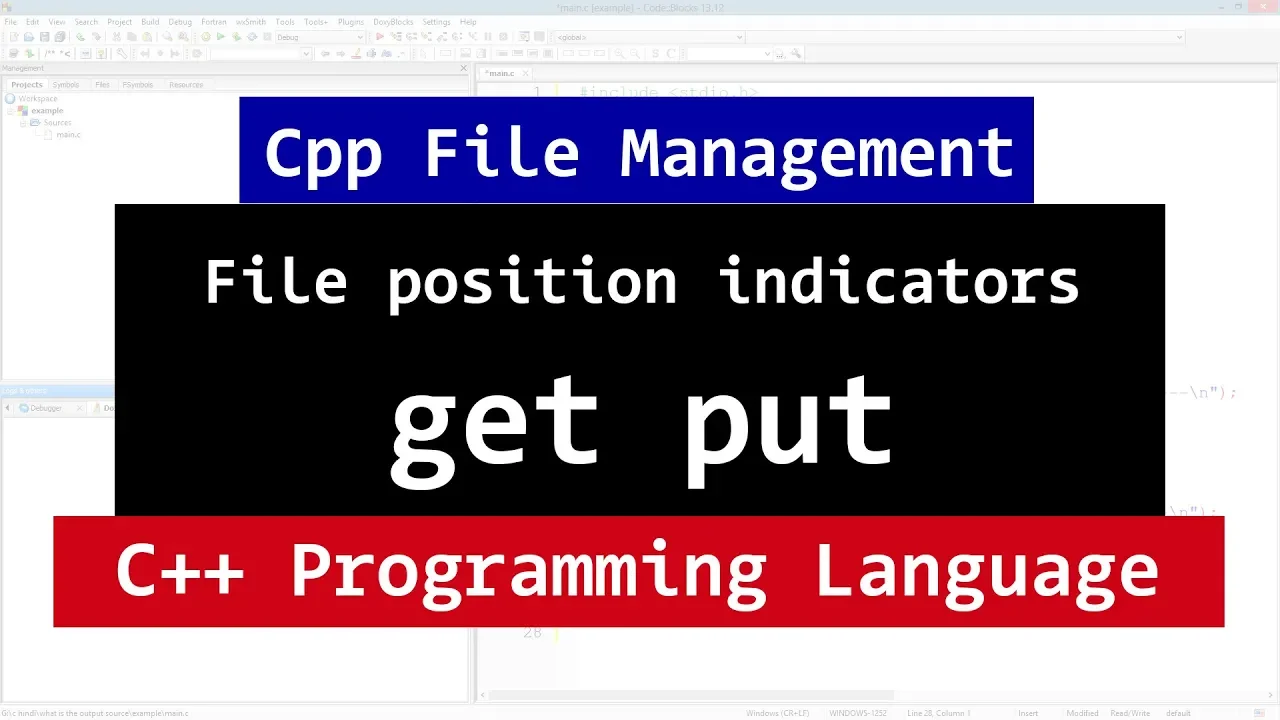




Binary files in C++ store data in its raw binary form without converting new line characters, unlike text files which use the C++ library to convert new lines to operating system-specific formats (carriage return and line feed). To work with binary files, use the fstream class with ios::binary mode, and employ the put() function to write single bytes and the get() function to read single bytes, ensuring data integrity for non-human-readable content.
Binary Files in C++: Read Write Operations Tutorial
Added:Understanding of basic C++ file I/O operations using std::ifstream and std::ofstream for text files.
Familiarity with standard C++ stream states and basic error checking (such as checking if a file opened successfully).
Conceptual knowledge of how data is stored in computer memory as raw bytes versus how it is formatted and represented as human-readable text.
Awareness of how different operating systems handle newline characters (LF vs. CRLF) in text mode.
Mastering block-level binary I/O operations in C++ using the read() and write() member functions with type casting (reinterpret_cast).
Learning file positioning and random access techniques in binary files using seekg(), seekp(), tellg(), and tellp().
Exploring serialization and deserialization strategies to write and read complex objects and data structures, including handling dynamic memory.
Developing real-world applications such as parsing custom binary formats (e.g., images or audio headers) or designing a simple binary-based database engine.
117.2K views751likes7:52Original Release: 2014-01-22
hi this is Anil and welcome to the video tutorial for the learning L on C++ programming so in this tutorial we're going to learn about the binary files in C++ so first of all what the heck this binary file is a binary file is a computer file that is not a text file so it may contain any type of data uncoded in the binary form for the computers can understand all right the main difference between a text file and a binary file is is the way they handle the new lines in Unix operating system you know the sentences end with a carriage return followed by Aline feed but you know some other operating systems saw no reason to continue using two characters to end a sentence but they couldn't agree on which character to use some use the Caron and others used the Line Feed you know and they are now in C++ called as the new line so when a file is open in a text mode the C++ Library converts the single new line character into what is appropriate for your operating system on output whether it's a car return and a line feed or you know it might be a single carriage return or a line fee and when the C++ reads from the file you know it does the opposite all right the main difference between a text file and a binary file is the the way they handle the new lines so in C++ you know if you open the file in the binary mode then you know the C++ is not going to convert the end of the sentence or the new line to you know the carriage return or Line Feed in the file so so always use the binary mode when manipulating a file there's not in human readable format you know if you don't use the binary mode then the C++ library May modify any bite in the data stream that happens to be the same as a carry return on the line fed and so that you know the content of your file may get modified so if you use a binary file you know whatever you write to that file will not be modified in this tutorial for the demonstration purpose we're going to use two functions to operate on the binary files they are called get and put so this get and put are going to work on the single characters or a single bite and this why we need to create a character array in our program and let's say input and let's define a size let's say 100 you know just for the demonstration purpose is enough and also we have included the C string header file so that we can use the functions like St stren and the St strr cpy so here I'm going to use the string copy or St strr cpy and assign some characters to this array let's say input and let's say learning letter rocks and then what we're going to do is we going to open the file in the binary mode so we going to create an object of the Y stream class so that we can read and write to that file so it's going to be upam and let's say file and here first we need to specify the file opening mode let's say Anil Dot and let's say B for binary file and then we need to specify the mode so here if we don't specify the mode as binary you know the C++ is going to open the text file so here to indicate that we're going to use iOS and binary and then we want to open the file for input and output that's why it's going to be iOS in then iOS out and also we want to trunk it so that you know every time we open up the file you know we get an m file to work with so it's going to be trunk all right now the next thing that we're going to do is we going to check whether the file has open successfully on not so it's going to be if not file do is open then we're going to say there was some errors while opening the file so I'm going to use see out and it's going to be error while opening the file all right let's add a semicolon and else if the file was opened properly then what we're going to do is we going to use the put function and we're going to write a by by bite to the file so here what we're going to do is to Loop through all the contents of this array what we're going to do is we're going to use a for Loop so it's going to be four and let's create a loop counter variable and let's initialize this one to zero and then is going to be counter less than or equal to St Str Ln what we can do is we can create a variable here you know before this for Loop and let's call it as length equal to St Str Ln of input you know this length variable contains you know the number of characters stored in this input array so here counter is less than or equal to input and then count ++ so here in this for body we going to write to the file so I'm going to use file dot put you know it's a method which is used to write to the file and it takes only one by or one character so I'm going to refer input and the counter all right the next thing that we're going to do is we're going to read from this file and all of us know you know we need to reset the get and put position indicators and I'm going to use file dot seek G and I just want to pass zero you know you know we are resetting the position indicator so that when we read from this file we can read from the beginning and then we can to use the get method to read a character by character from this file so this get meth reads a character at the time so we're going to need a character variable and then I'm going to use a while Loop and it's going to be file do good and here what we're going to do is we're going to read so it's going to be file dot get and we need to pass the variable where we want to store the rated character and then we're just going to print it out so it's going to be C out and CH all right now I'm going to save this I'm going to build and run this program and hopefully we don't have any error all right we have an error that's because count I equal to Z count is less than equal to input okay it should be length not the input you know I made a slight mistake there so build and run it again and this time hopefully no other errors all right now you guys can see Learning Land rocks so here you know we have return to a binary file and we have read it from that binary file so here just for the demonstration purpose you know we have read return this character to that file so in normal case the binary files are used whenever you want to write the contents which are not in the human readable format you know the zeros and ones and uh and this is how you guys can use the binary files in C++ thank you for watching and don't forget to subscribe and I'll see you in the next tutorial
Up Next

24:43
System Design Fundamentals [5/15]: B-Trees vs LSM-Trees Explained
@SeniorEngineer10x
8.3K views•2026-01-29

87:26
Introduction to Secure Multiparty Computation with Yehuda Lindell
@fhe_org
7.7K views•2021-02-04

4:55
HTTP Requests Explained: GET, POST, PUT, DELETE
@codecademy
103.1K views•2021-10-07

19:25
Enigma Machine Mechanics: WWII Encryption Explained
@JaredOwen
13.2M views•2021-12-11
Related Study Plans & Knowledge Roadmaps
Structured learning paths in Computer Science
computer-science
Container Runtimes: Namespaces, Cgroups & Go
01Linux Systems & Go Programming Foundations
02The Core of Isolation: Chroot and Filesystems
03Linux Namespaces: Process Isolation
+ 3 more learning modules
32h6 modules
Explore Roadmap
computer-science
Building a CHIP-8 Emulator: Rust & CPU Basics
01Computer Architecture Foundations (Bits & Bytes)
02Rust Programming for Systems Development
03CHIP-8 Virtual Hardware Specifications
+ 2 more learning modules
32h5 modules
Explore Roadmap
computer-science
Building BitTorrent: Go, P2P & Concurrency
01Go Fundamentals & Concurrency
02Networking Foundations & P2P Architecture
03Bencode Parsing & Torrent Metadata
+ 3 more learning modules
26h6 modules
Explore Roadmap
computer-science
Actor Models (C++ Concurrency & Lock-Free)
01C++ Multi-Threading Foundations
02Thread Pools and Task Scheduling
03Atomics and Lock-Free Queue Design
+ 3 more learning modules
45h6 modules
Explore Roadmap