









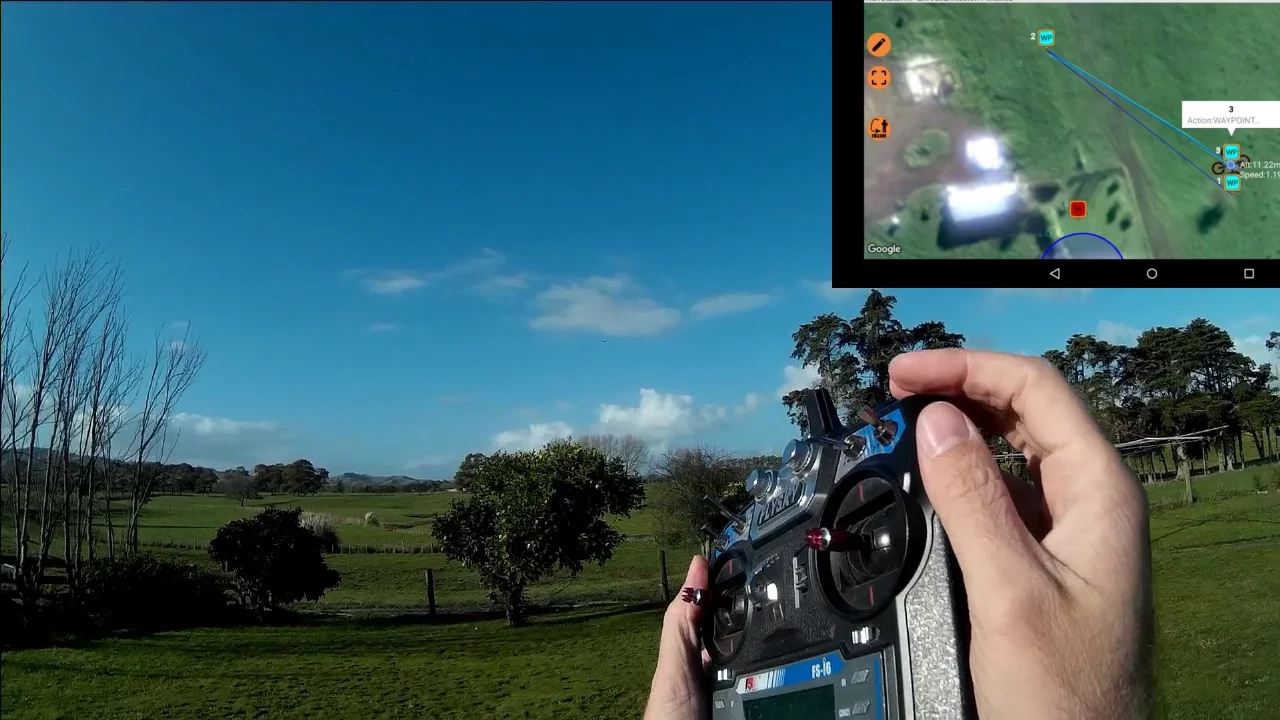


![TONADO QUAD | Position Hold Tuning [PREVIEW]](https://i.ytimg.com/vi/WdB_H3wNVsY/maxresdefault.jpg)











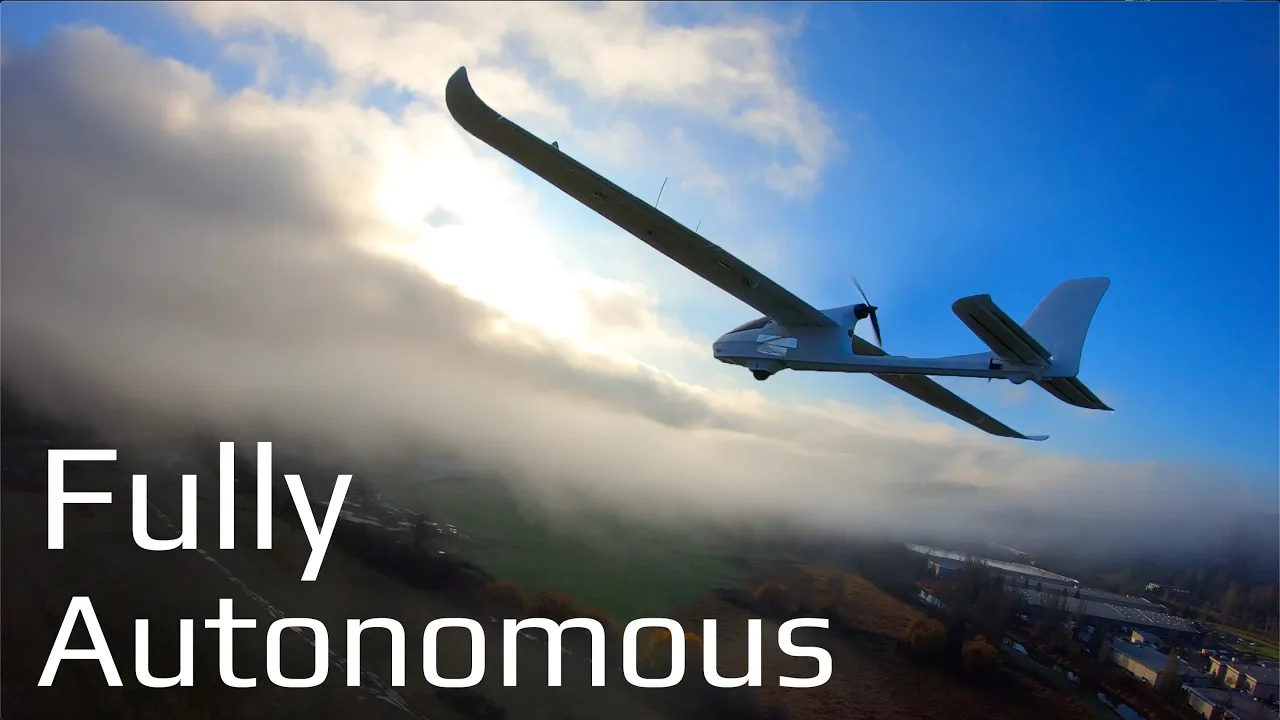
iNav is an open-source flight controller software that enables GPS flight modes (3D GPS hold, GPS return to home, and mission flying) for both multirotors and fixed-wing aircraft, addressing the limitations of previous flight controllers like MultiWii and Cleanflight where GPS functionality was broken or experimental; it requires proper hardware including an onboard barometer, six-axis flight controller, and correctly calibrated magnetometer, with setup involving accelerometer calibration in six positions and careful testing of GPS features before attempting return-to-home functionality.
iNav Flight Controller Introduction: GPS Flight Modes Explained
Added:Understanding of basic flight controller hardware, including the functions of gyroscopes, accelerometers, and basic firmware flashing principles.
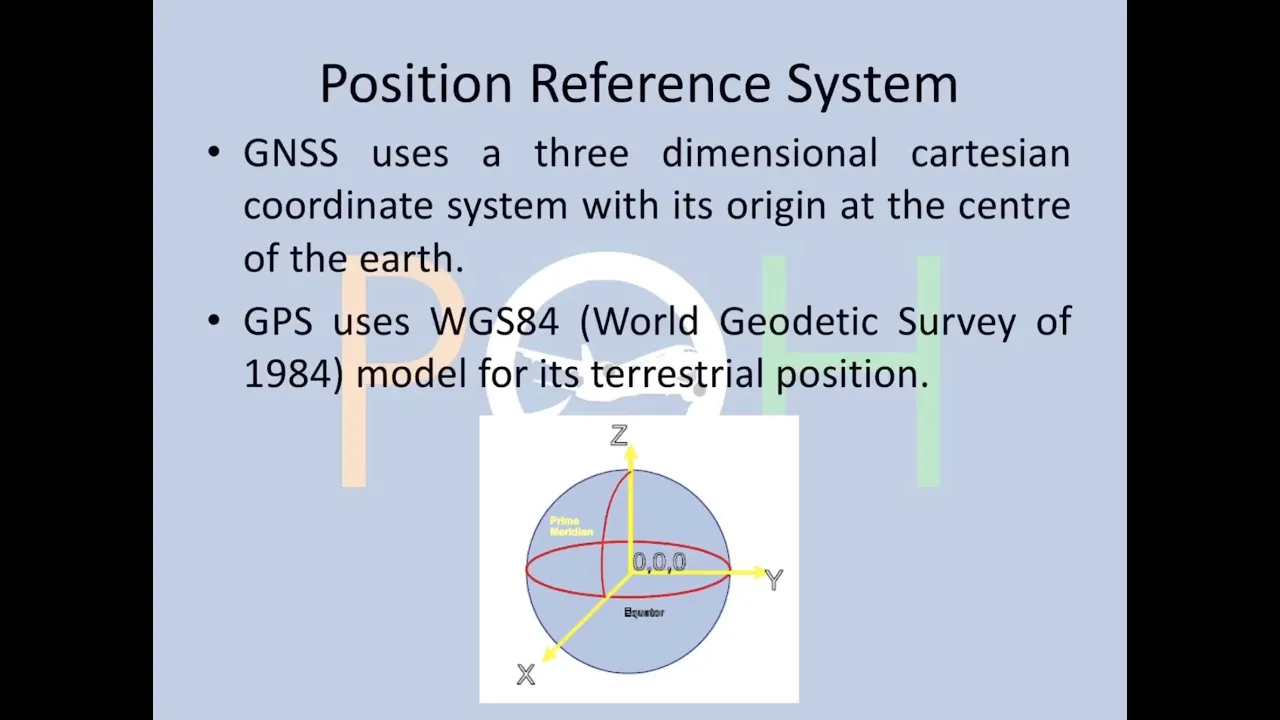
Fundamentals of GPS (GNSS) technology, including how satellite locks are acquired, the significance of a 3D fix, and factors affecting signal quality.
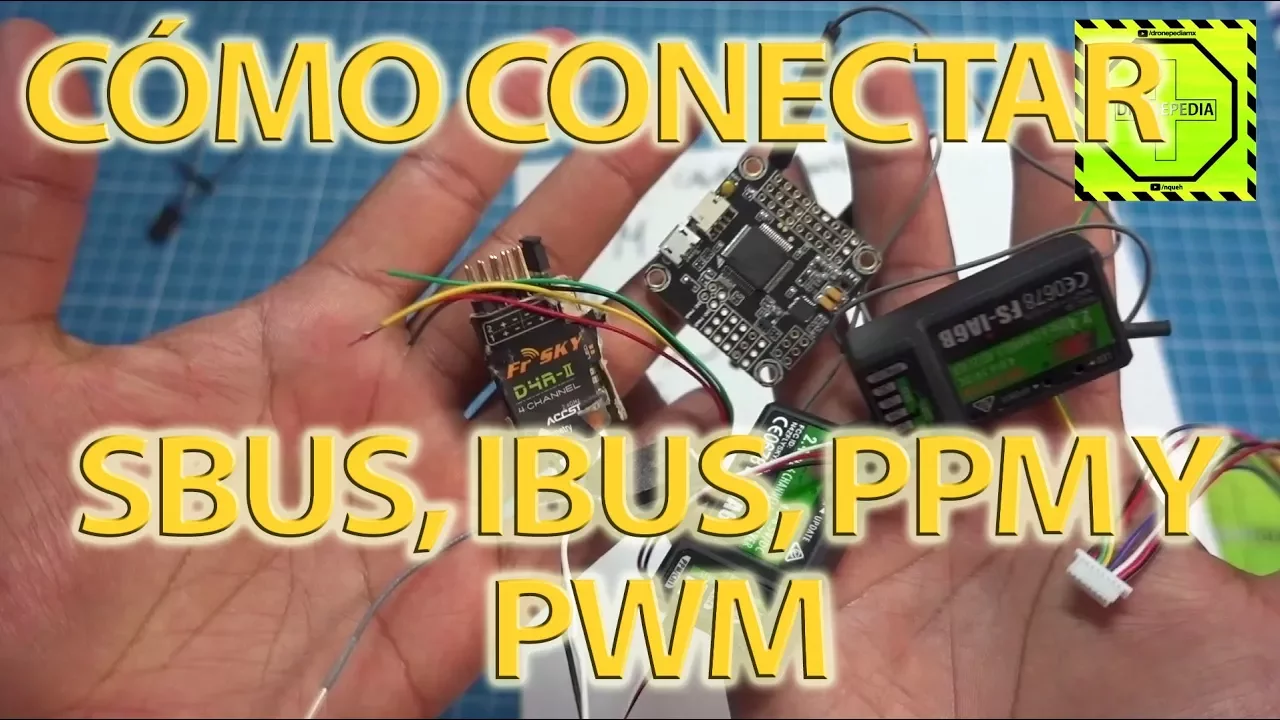
Knowledge of standard RC transmitter-to-receiver protocols (such as SBUS, IBUS, or CRSF) and channel mapping configuration.
Basic comprehension of flight mechanics and control surfaces for both multirotors (quadcopters) and fixed-wing aircraft.
Advanced autonomous waypoint mission planning, routing, and execution using the iNav Mission Planner software.
Fine-tuning navigation-specific PID controllers to eliminate issues like 'toilet-bowling' during Position Hold and Return-to-Home modes.
Configuring robust failsafe protocols and dynamic Return-to-Home (RTH) settings for long-range and autonomous flights.
Integrating and calibrating external sensors, specifically magnetometers (compasses) and barometric altimeters, to ensure stable navigation.
Setting up telemetry and custom On-Screen Display (OSD) profiles to monitor critical GPS data, battery consumption, and home arrow indicators in real-time.
110.5K views1.4Klikes19:55Original Release: 2017-01-20
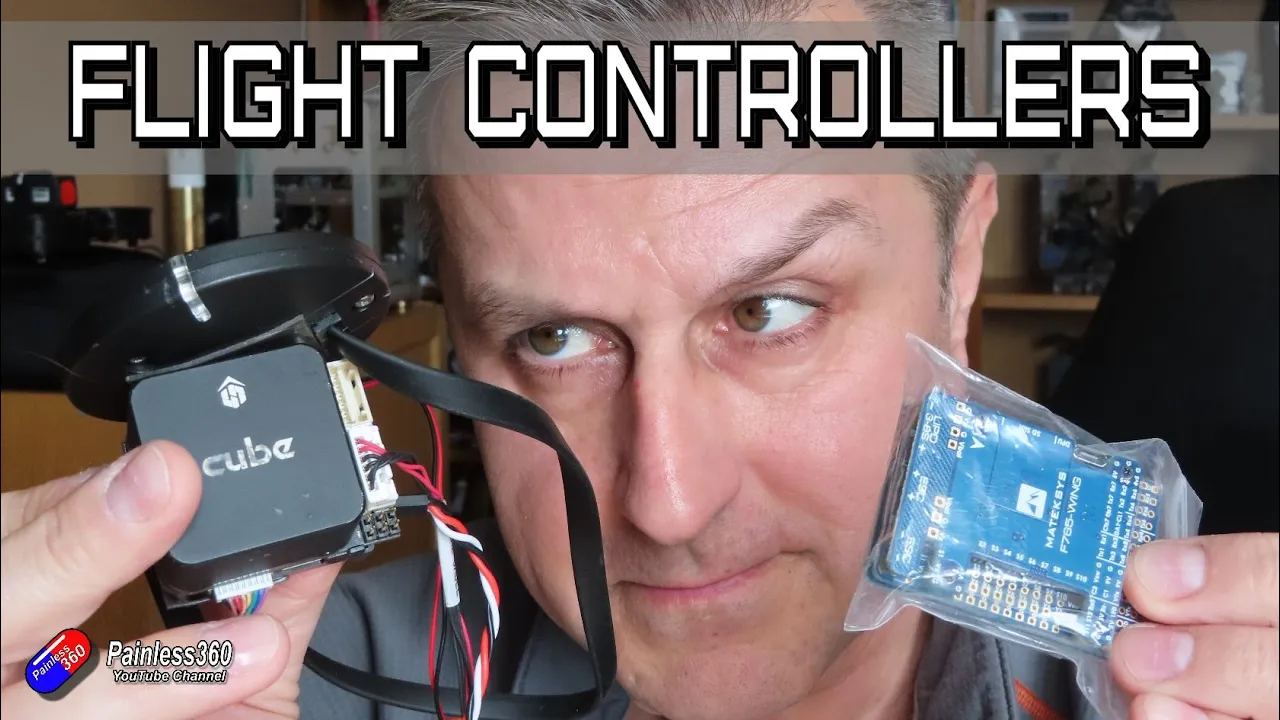
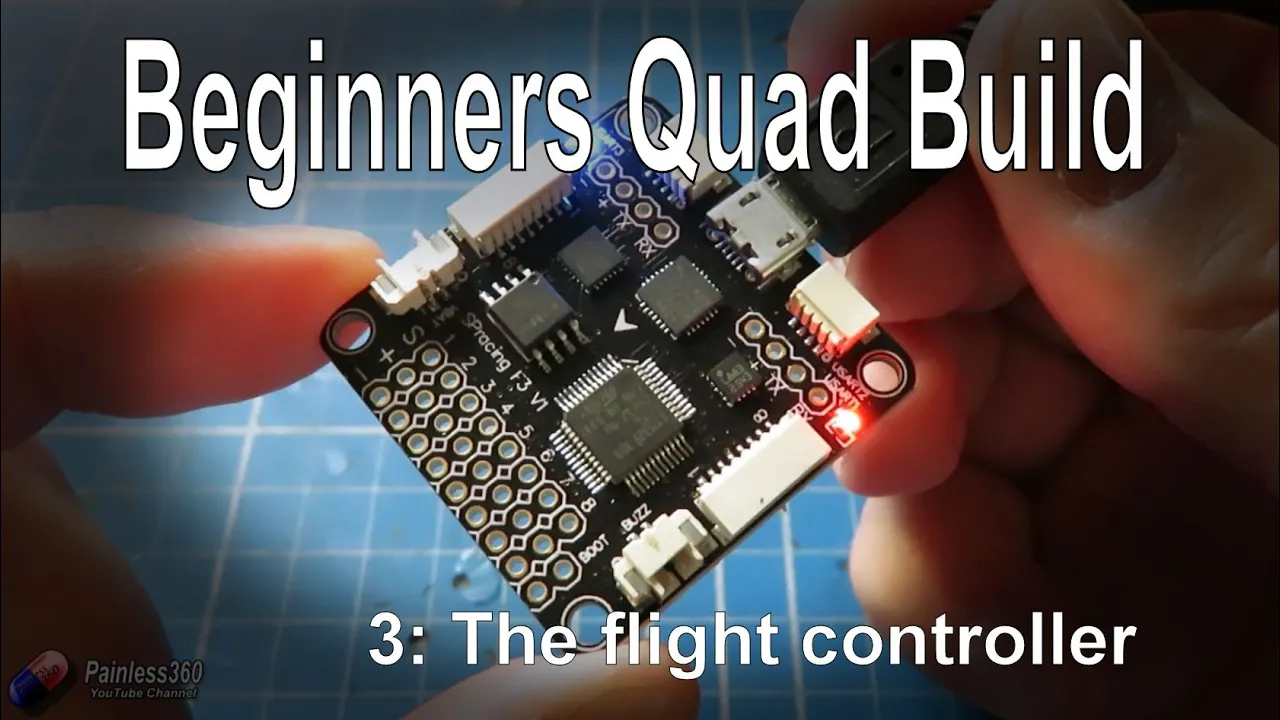
hello and welcome to the video This is the first video in a couple of new series that we'll be playing with on the channel looking at something called iav flight or short iav now those of us that have been playing with multirotors for a long time have seen an awful lot of innovation in the last two and a half three years going from very simple Arduino based systems like the multie to the very complicated stuff that we have now that has power distribution boards flight controllers and also things like onscreen displays and stuff built in this is actually the seriously Pro Neo one of the newer boards that's out here this is one of the good old na 32 revision 5 boards now in the series that we've done on things like the seriously Pro sp3 the naasa setup series and lots of others as well we've gone to the trouble of adding GPS modules but those GPS modules that we added were only really useful for displaying the GPS coordinates on things like an on-screen display they couldn't be used for GPS flight modes now iav changes all of that and that's why I'm interested in doing a series here and exploring and documenting our experiences with inav as we go through so first of all let's talk about what inav is why we need it and what it potentially will do for us we'll go through some of the bits and talk about the setup where you get it from because what we're going to do is set it up on a multirotor probably a little quadcopter and we're also going to set it up in a fixed Wing as well that will allow inav to both give us normal flight control that we have with a multirotor and give us back the GPS flight modes that we lost when multi-e kind of became end of life and then also be able to pop it into a plane and have that same functionality in a fixed Wing which is something I'm particularly interested got a couple of friends who can sometimes get into trouble with fixed Wings when flying at the edge of the field they lose orientation and being able to flick an OD deer switch and have it fly back to them level and safely would be worth its weight and gold so before we get into the nitty-gritty let's just talk a little bit about why we have inav so to understand where inav has come from we have to go right back to the very first series that we did here on the channel I think we're going back to about 2013 potentially even a little earlier and we need to talk about something called multie now multie was one of the first flight controllers that we got involved in and it really kickstarted an awful lot of the things that we did on the channel it's an 8bit technology it wasn't particularly clever wasn't particularly Advanced but the Control software that went onto multii was actually very capable it provided basic stabilization rate modes Acro all those kind of things that you'd expect ECT as well as a nice self-level mode but the things that really made it fantastic were it had a couple of GPS flight modes we had one called GPS returned to home where surprise surprise when you flicked it it flew back to you it didn't manage its own altitude you had to manage that with a throttle but it flew back to where it was armed which is very handy for new pilots and it also had something called GPS hold so if you wanted to essentially park it in the sky it would use the GPS the barometer to maintain its position position in 3D space it wasn't perfect it would wander a couple of feet side to side and up and down as well but it would pretty much stay where you parked it when multiwii started to get a little bit long in the tooth and the 8bit code and flight controller were considered a little bit old then there was a lot of work by time cop and a number of other people to convert that code into a 32bit implementation that would run on things like the Nazi 32 boards that was called BAS FL so you can think of the multie as kind of Base flights far now Bas flight then continued to develop and innovate on the code and clean things up but one thing that didn't make it over from the multiwii over to Bas flight was the GPS functionality that GPS functionality was broken and because it wasn't a priority for the developers of Bas flight the effort wasn't really put in to really get it working properly now some people had a crack at it and got it working working really well other people implemented it and found that it crashed their quadcopter or didn't work at all or gave really unexpected results now base flight was forked and if you want to know what forking is all around because that sounds a bit rude go and have a look at the video where we talk about how open source actually works what happened was a gentleman called Hydra decided that the Bas flight code inally wasn't written as well as it could be so he took a copy of Bas flight and turned it into something called clean flight there was a little bit of uh Argy bargy between the base flight and the clean flight camp and clean flight became its own Standalone product and clean flight continued to innovate adding lots of new features things like LED support and other bits and Bobs as well and became the darling of all of the flying Community because it was a much more open platform than things like Bas flight the challenge was that clean flight also wasn't interested in fixing the GPS code the GPS code was brought across I had lots of conversations with Hydra begging him to sort out the GPS pieces uh but unfortunately that was never a priority cuz clean flight was all about racing and GPS flight modes aren't needed for racing the code was still in there from when it was brought across from multi-e but again it was still considered experimental and that's what we talked about every time we did a GPS Edition in one of the other flight controller build series we always always mention that if you're going to use a GPS don't trust it to fly your quad now clean flight has become the basis for lots of forks in its own right so lots of people have copied clean flight to work on specific things and the two what we are most common with here are betaflight that took the code and concentrated on making the flight performance characteristics better and betaflight is now becoming the darling that clean flight was to base flight and the other Fork that we're interested in which is the one that we want to talk about is inav which took that very solid Foundation from places like clean flight and then worked on that GPS code to get it working but it's not just trying to get back to what we had in the days of multie is to actually give us a better GPS code implementation than we had back in the day so we get GPS flight modes back in reality what's going on here is these three projects because they are so closely related are all working together so you'll see in a minute that the inav stuff is actually taking some of the source code from betaflight and vice versa and clean flight's ambition I think was always to bring the inav stuff back into clean flight to fix those GPS modes that were class as experimental so we're finding that features that appear in places like betaflight things like the notch filter are cropping up in these other versions as well and there are lots of other versions of clean flight that are now out there that are starting to benefit from this kind of goodness so hopefully even though inav is blazing the way with the GPS flight modes we should start to see that stuff make it back into other clean flight forks too so what's the big deal with inav well the first thing of course is that we're going to get our GPS flight modes back now the code that's in inav is completely different and completely written from the stuff that's in multi-e that came across into base flight and into clean flight so it uses the accelerometers and some quite clever stuff to give us these flight modes back now the flight modes that we're going to get are going to be a 3D GPS hold uh so by using the barometer or altitude hold settings with GPS hold gives us the ability to park the craft in 3D space we also get GPS returned to home where it will fly back to a predetermined position that's normally going to be where you arm the craft it automatically saves that location when you do the arming so you need a GPS lock before you take off and you can change a lot of the behaviors here about how it actually flies back to you in the old multi-e days it just flew back with the pilot controlling the height via the throttle in inav you can actually decide how you want that to happen whether it's a particular height you want whether it's the maximum height you've had during the flight whether it's an additional height over the height that the GPS return to home was enabled and we'll look at all that later in the series the last thing is Mission flying and you can upload a number of way points so you can do simple Mission flying so the craft will fly autonomously to those points to fly that mission and we've seen those kind of things with APM and pixhawk the exciting thing is as of version 1.5 which was released at the end of 2016 all the multi router stuff is pretty much locked sorted and working beautifully the effort at the moment from what I believe is going into all the improvements for the fix wi pieces too it does support both multirotors and fix wi so initially in this series we'll pop it onto a multirotor and get that going and then we'll also add it into a fix wi to I'm very interested Ed in being able to add these kind of features and functionality for the sake of a 2025 quid flight controller and a 20 quid GPS module in the series we are going to use an F3 based flight controller you want to use a flight controller that has an onboard barometer the barometer is used to Monitor and measure height so that's something you're going to need having an onboard magnetometer can be handy but there are a couple of flight controllers coming out now that have the normal six doth boards and if you're not sure about doth go and have a look at our video where we explain about doth or degrees of freedom and the six do board is one that has a three AIS accelerometer and a three AIS gyro and a s do board is one of those that also has a barometer as well you can absolutely use boards that also have an onboard magnetometer but there is a little bit of a challenge with that for some of the smaller builds the magnetometer really needs to be 3 or 4 cm away from the power lines that are supplying the ESC and motors because the magnetometer is very sensitive to changes in magnetic fields now in the model that we're playing with here we're going to use our old trick of putting a little bit of moo metal underneath the flight controller because we simply don't have the space in this model to mount the flight controller that far away from the Power Systems however in a plane that isn't going to be anywhere near as big a problem in the larger planes and the models that we're flying here it's going to be relatively easy to find a spot for the flight controller to sit level safely in the canopy and to put the GPS on the top with double-sided tape last thing to talk about is it is the same interface as clean flight and betaflight the guys have updated the interface so that you can configure the Ina bits and pieces in something that looks and feels very very familiar to those of us that have used clean or betaflight over the last couple of years so s set it up is very straightforward it's very very similar to what we've done in a lot of the other videos so in the Nazi 32 Series in the sp3 series we went through the trouble of adding a GPS and in those videos we talked about the fact that because we were using clean flight where the GPS code was broken that the GPS was only really useful for displaying the onscreen display GPS coordinates rather than using the return to home and the GPS functionality now some Pilots tried the GPS stuff in clean flight and managed to get it working but a lot of Pilots had trouble so there's all of the stuff that we're going to cover in this series is already in the wiki and documentation so if you're interested in finding out a little bit more and reading up about it I'll put a link to the wiki in the description go and have a look through it the way it's laid out it's fantastic the guys have really put a lot of effort in trying to explain each individual step to go through to get to the other end and have a model that's going to fly well and also give you those GPS flight modes back the GPS setup should be a little easier in this than some of the stuff we've done before because there is an autoc configure thing in inav that for a more modern GPS unit should automatically configure it and set it up we can also use things like the GPS pasty feature to allow us to connect gnss software to configure it as well and again we'll look at that later in the series but if you're interested in how you set up a GPS with something like an F3 based flight controller then we definitely have those videos in the sp3 series in particular that will be handy while we're doing this series but there are a few things that are different the accelerometer calibration is a lot more complicated in clean flight and beta flight so long as you set the craft level you've hit the calibrate accelerometer button and it shows the Crafters flat on the screen that's done in inav you have to put the craft or the flight controller actually not the craft itself the flight controller in each of the six positions for each part of the orientation so that it knows what Everything feels like now that seems really complicated but that's very common on these flight controllers that you play with that have these GPS flight modes and you'll have seen us doing similar things if you've watched things like the APM or the pixel Hook videos more care is needed with that magnetometer we've talked about this already if you have that magnetometer too near places where it's going to be interfered with then the GPS flight modes will not work or they will work poorly ideally you want to be mounting your flight controller 3 or 4 cm away from your Power Electronics on your quad or your plane uh if you can't do that then the best thing to do is try and use an external magnetometer and a very common way to do that at the moment is a lot of modern GPS's actually have not only the GPS unit itself but also a magnetometer inside too and some flight controllers will allow you to use that magnetometer that's part of the GPS Puck uh that's nice up out the way on top of a stalk and here's ours here this is our setup that we're going to use at the moment we're actually going to try it with the onboard magnetometer but this little GPS unit here at the top of this model also includes a magnetometer so we may end up if we can't get the onboard one working even shielding it with things like Mo metal then we might end up having to swap it over and use this external one the last thing I'll talk about is you do need to be a little bit careful and go through a series of steps and I was talking to the inav developers about this and kind of sharing some uh some War Stories but what can happen is once you've got it all set up and you think it's working go into the field hitting the GPS return to home button and it's starting to fly away from you at a great rate of knots the trick with this is going through a setup and again we'll cover it in the video but I would definitely make sure that you try it with a basic hover first that you make sure that the altitude hold using the onboard barometers working fine then you try GPS hold both from a stationary and a moving position and that will make sure that the GPS and magnetometer are working okay and only when all those things are working fine would I attempt a GPS return to home test and once it's done it half a dozen times I'd start to feel a little bit more confident with it so the last thing we'll do in the video before we finish this one is we're going to talk about some of the most common mistakes talking to the developers I wanted to find out what the most common things were that were causing people problems when they were setting us IR have so do keep these in mind and we'll be addressing each of these in the series the calibration of the magnetometer is key if the magnetometer or onboard Compass is affected or not calibrated properly in any way the GPS flight mode simply won't work now we have a video on why you need an accurate compass for GPS flight modes so if that doesn't quite make sense go and have a look at that and there are ways that you can test that quite easily in the graphical user interface but one of the big giveaways is when you go into GPS hold and the craft starts doing something called toilet bowling where it looks like it's flying around the inside of a toilet bowl and that is usually a big indicator that the magnetometer has a problem and you need to have a look the other thing that catches a lot of people out is not performing that six position accelerometer calibration properly because it's very different from the way that it's set up in clean flight and beta flight and the interface at the moment doesn't walk you through that process if you hadn't read the wiki then you can get a little bit caught out be aware the calibration process and do just double check and read the notes whenever you're doing this at the moment we're recording this as version 1.5 of the software as the guey and the code changes these things might improve change so it's always worthwhile checking the documentation just before you go through the process you do also need to protect your barometer from changes in temperature and also stray little bits of Breeze as well now the barometer is very sensitive it's typically mounted underneath the flight controller and you need to make sure that it's away from heat and light because a barometer that is in bright sunlight will read differently to a barometer that is in the shade so thinking a little bit about where you're putting your barometer making sure it is covered with some open cell foam or away from prop wash is a good thing to be able to do last couple of things set up fail safe you do need to think about fail safe a little bit more with this you can set fail safe up so it will fly back to you and there are a couple of extra little wrinkles in inav about how it handles problems like the loss of GPS code so for example if it loses GPS completely then inav can actually land the craft gracefully rather than fly away and get into trouble and the last thing that causes some problems is what we just talked about on the last slide not trying the GPS features first so going into the field making sure that things like the hover Works checking the altitude h having a go at things like the GPS hold making sure the magnetometer is solid making sure that the GPS is working okay and then finally trying the GPS return to home going out to the field without doing all of those initial tests to make sure everything is all tickity Deo and trying to return to home will usually result in something unexpected and unwanted so thank you for sticking with us through the video hopefully that explains a little bit more about inav and sets the scene for the bills that we're about to do I do need say a very big thank you to Constantine and the team which are developing inev for supporting and working with us on this series to make sure that the information we give is technically accurate but also to make sure that this is a great companion series for those of you that are looking to play with Ina thank you for taking the time to watch that video there are lots of other videos on the channel and they're carefully ordered into playlists so you may find that there are other videos on this same subject that you can go and watch so I would recommend going into the playlist area of painless 360 YouTube channel and looking around and seeing what there is you never know what you might find thanks for watching please like subscribe and happy flying [Music]
Up Next

11:29
Linear Actuator vs Linear Servo: A Comprehensive Guide
@ServoCity
922.3K views•2016-03-18

12:54
Triumph of Orthodoxy Icon: Byzantine Art & History Explained
@BenCallan
2.1K views•2024-08-06

9:49
FastAPI vs Flask vs Django: Choosing the Right Python Web Framework
@TechWithTim
302.5K views•2024-05-26

1:42
Game of Thrones Opening Credits: A Cinematic Analysis
@gameofthrones
46.3M views•2011-04-18
Related Study Plans & Knowledge Roadmaps
Structured learning paths in General & Interdisciplinary Studies
general-studies
Elevator Engineering: History, Physics & Cities
01From Hoists to Safety Brakes: The Dawn of Vertical Lift
02Hydraulic vs. Traction: The Engineering Physics of Elevators
03Modern Speed, Safety, and Algorithms
+ 2 more learning modules
12h5 modules
Explore Roadmap
general-studies
Rubber: Material Science, History & Geopolitics
01Origins of Natural Rubber & Mesoamerican History
02The Chemistry of Natural Rubber & Vulcanization
03The Geopolitics of the Rubber Boom & Colonization
+ 2 more learning modules
12h5 modules
Explore Roadmap
general-studies
Containerization: Evolution, Logistics & Trade
01Ancient Trade & Bulk Cargo: Amphorae to Barrels
02The Industrial Revolution & Cardboard Packaging
03The Containerization Revolution: Malcom McLean
+ 2 more learning modules
12h5 modules
Explore Roadmap
general-studies
Textile Tech: Evolution, Labor & Global Impact
01Pre-Industrial Textiles: Handloom & Cottage Industry
02Mechanization: The Spinning Jenny to the Power Loom
03The Factory System & Global Labor Transformation
+ 2 more learning modules
10h5 modules
Explore Roadmap