

![How to make Hip Hop Music - Beat selber machen Nr 1 [FL STUDIO TUTORIAL]](https://i.ytimg.com/vi/cmwaRYGkzq8/maxresdefault.jpg)












![LOFI CASSETTE BEAT TAPE [DIRTY]](https://i.ytimg.com/vi/romlj3uTXBg/hqdefault.jpg?sqp=-oaymwEmCOADEOgC8quKqQMa8AEB-AHUBoAC4AOKAgwIABABGGUgUihgMA8=&rs=AOn4CLDxlmQI88rOud9bu-yoS1OADAY9ig)

To transform simple lo-fi beats into full songs, producers should start with instruments rather than samples for flexibility, use plugins like Color or Spitfire Labs to add lo-fi texture, add drum variation through layered samples and effects, write B-sections by identifying the key and building new chord progressions, and incorporate live instruments like guitars with effects chains to add depth and emotional resonance.
Lofi Beat Arrangement: Techniques for Full Song Production
Added:Basic DAW (Digital Audio Workstation) proficiency, including MIDI sequencing, audio track management, and navigating virtual instruments.
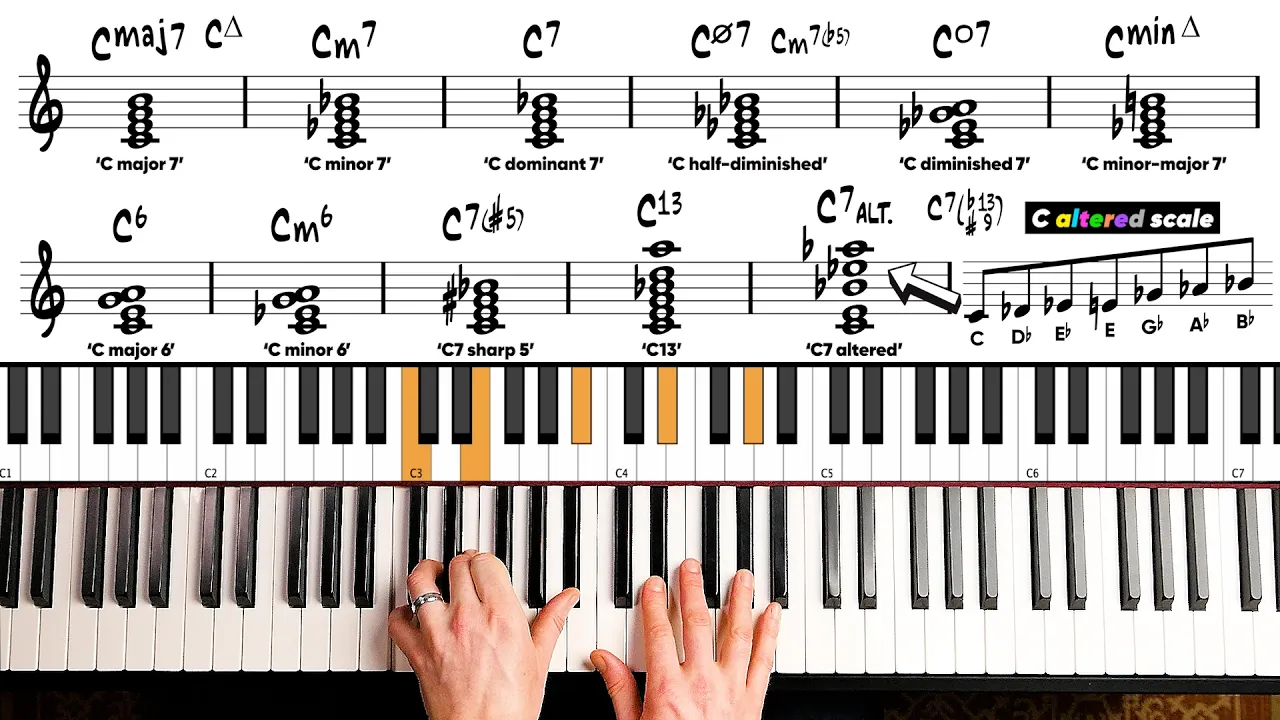
Fundamental music theory concepts, specifically jazz-influenced chord progressions (such as ii-V-I) and basic song structures (A/B sections).
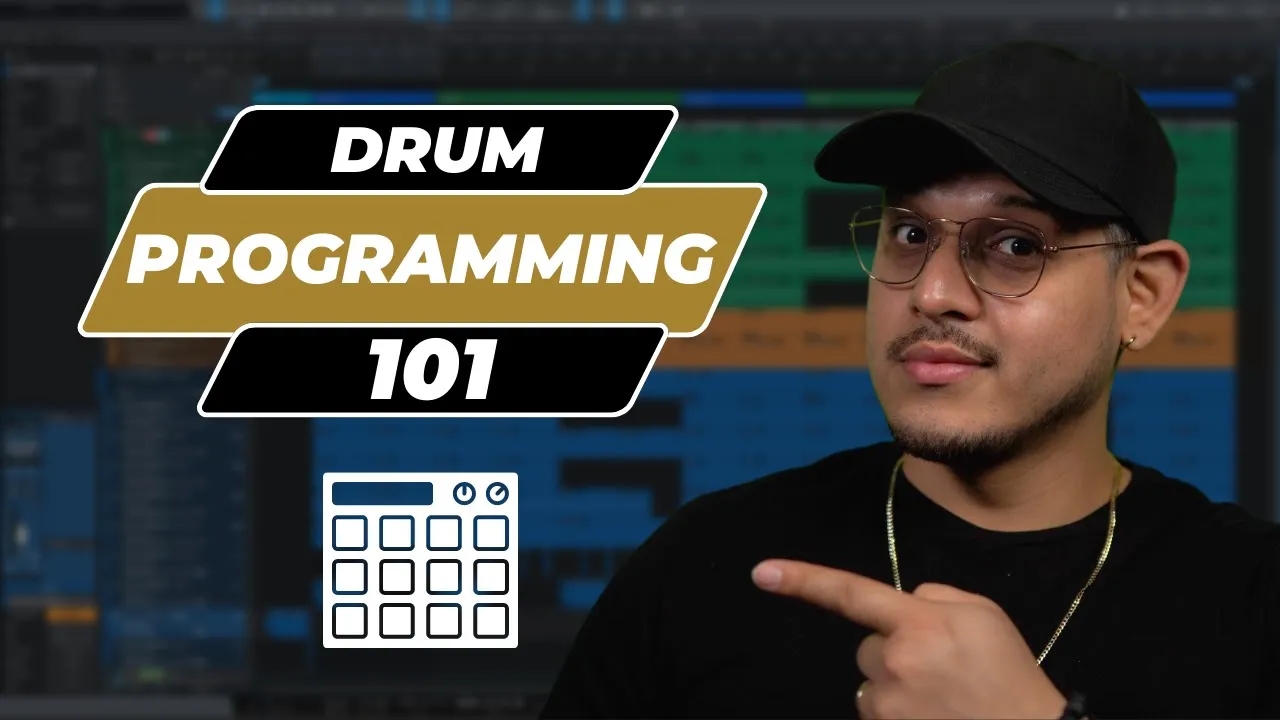
Essential drum programming principles, including understanding tempo (BPM), grid quantization, and creating basic hip-hop drum patterns.
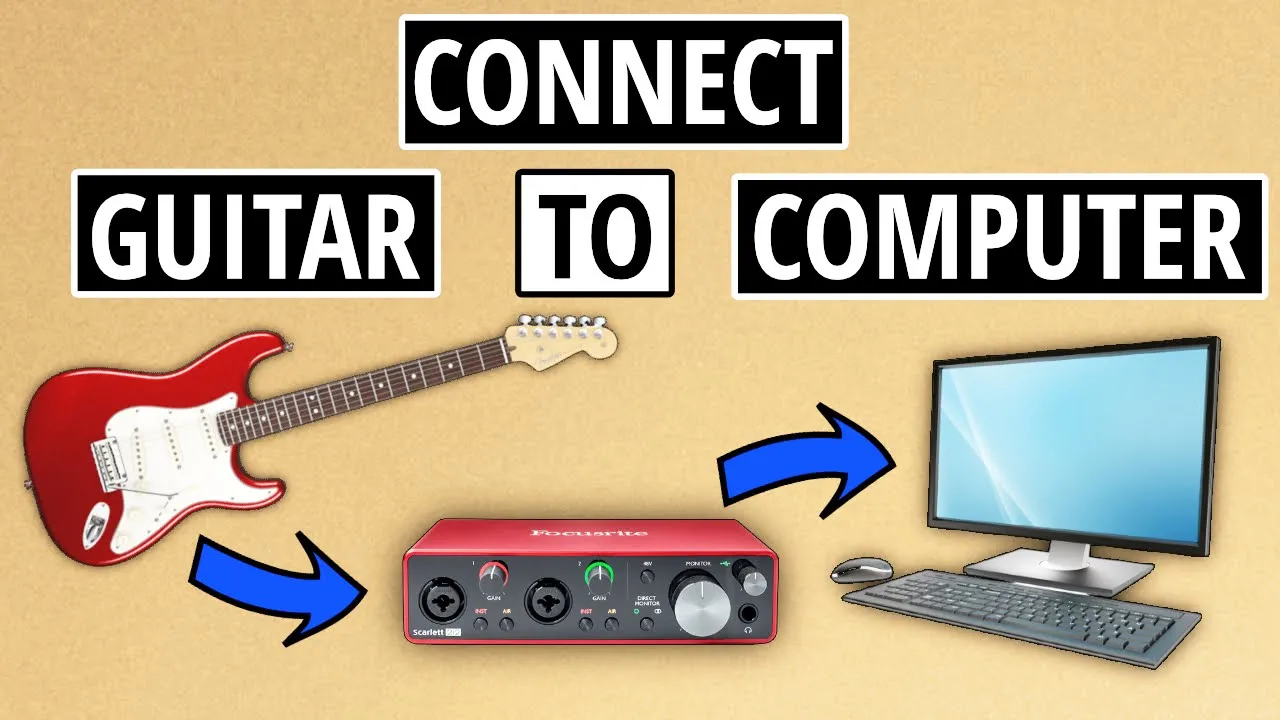
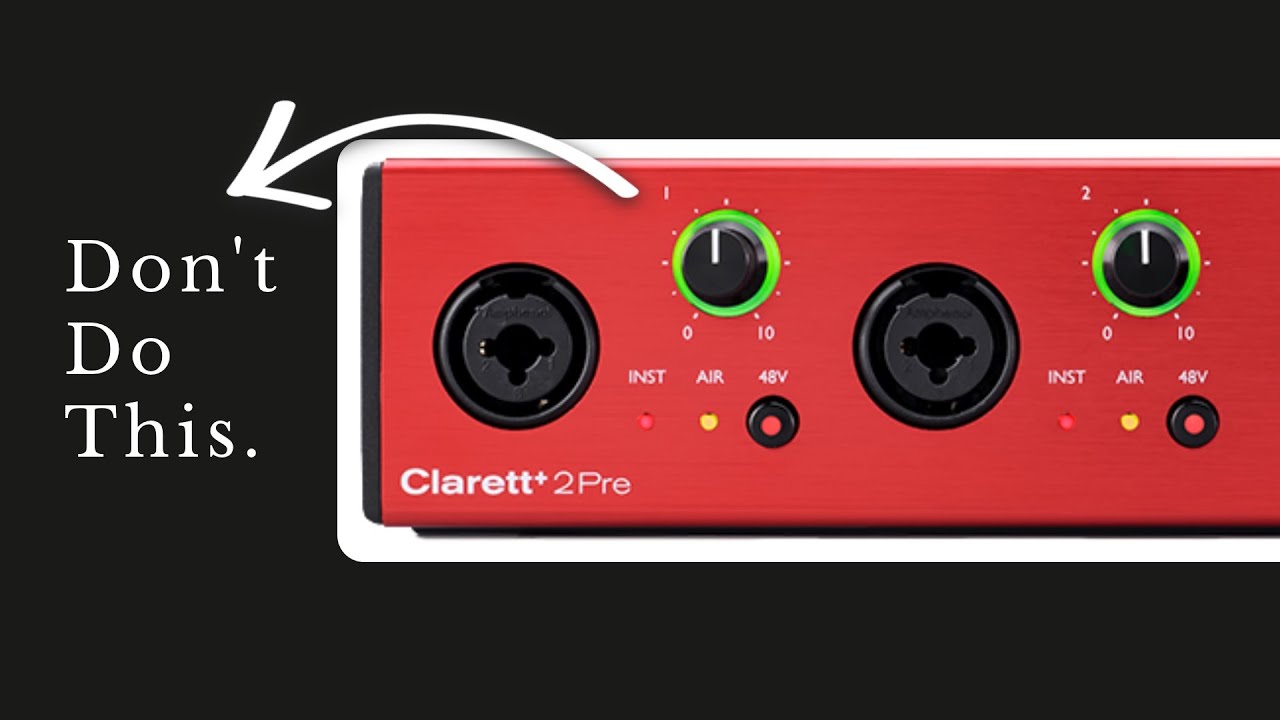
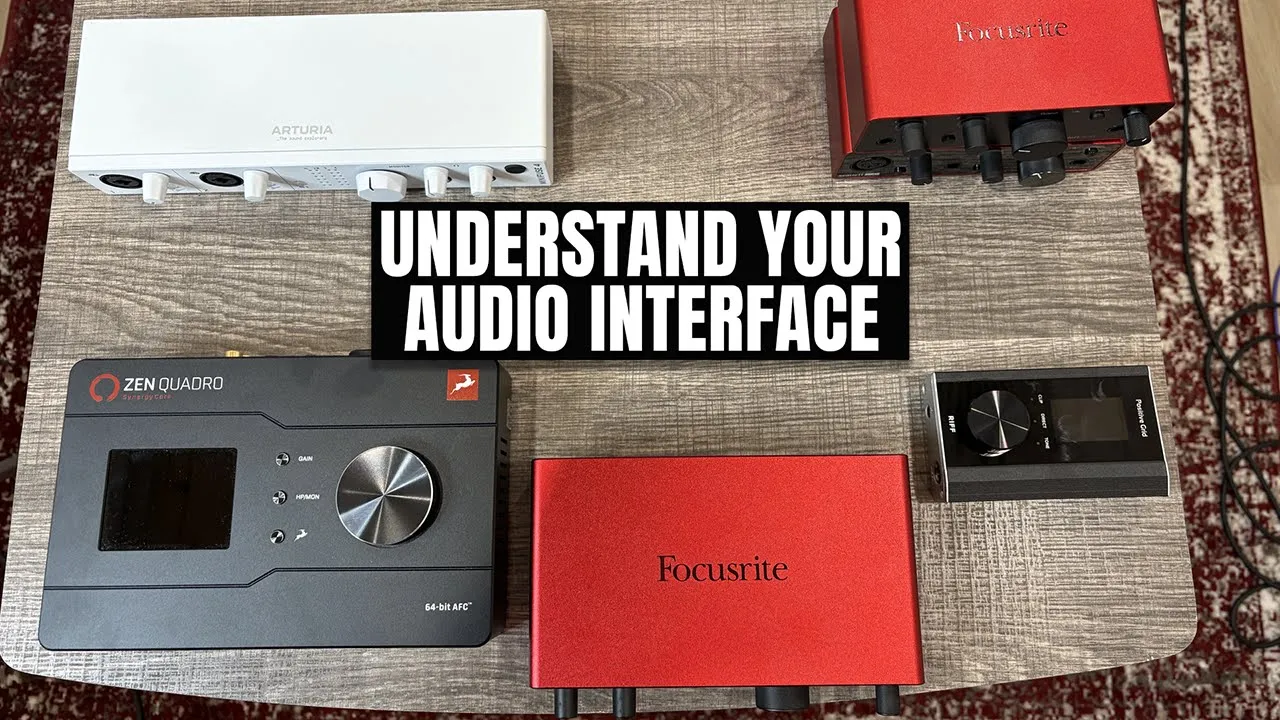
Introduction to audio recording basics, such as connecting an audio interface and setting proper input gain for recording live instruments like guitar.
Advanced mixing techniques for lofi hip-hop, including sidechain compression, low-pass filtering, and adding texture through vinyl crackle or tape saturation.
Creative audio processing for live guitar, utilizing amp simulators, modulation effects, and ambient reverbs to fit the lofi aesthetic.
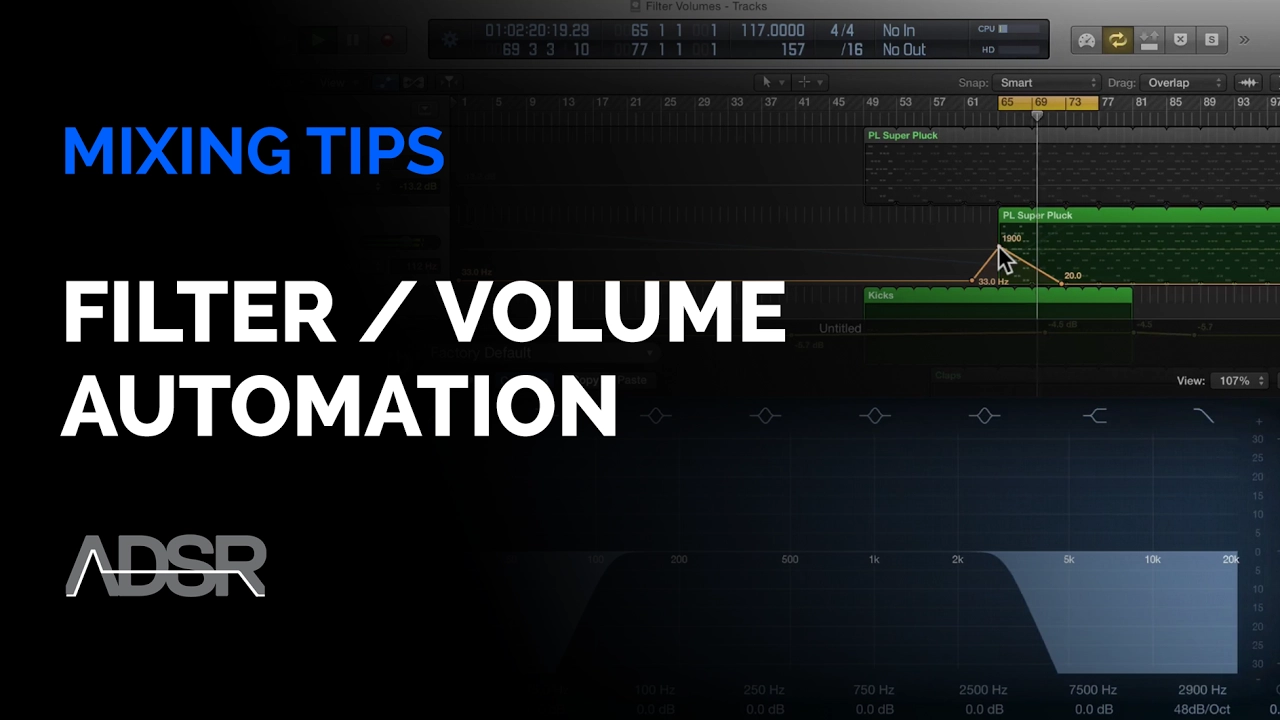
Arrangement expansion and automation, learning how to use high/low pass filters, volume automation, and transition effects to keep an instrumental track engaging.
Strategic song distribution and marketing, focusing on compiling beat tapes, pitching to curated lofi playlists, and understanding copyright and sample clearance.
95K views5.8Klikes15:57Original Release: 2022-04-15
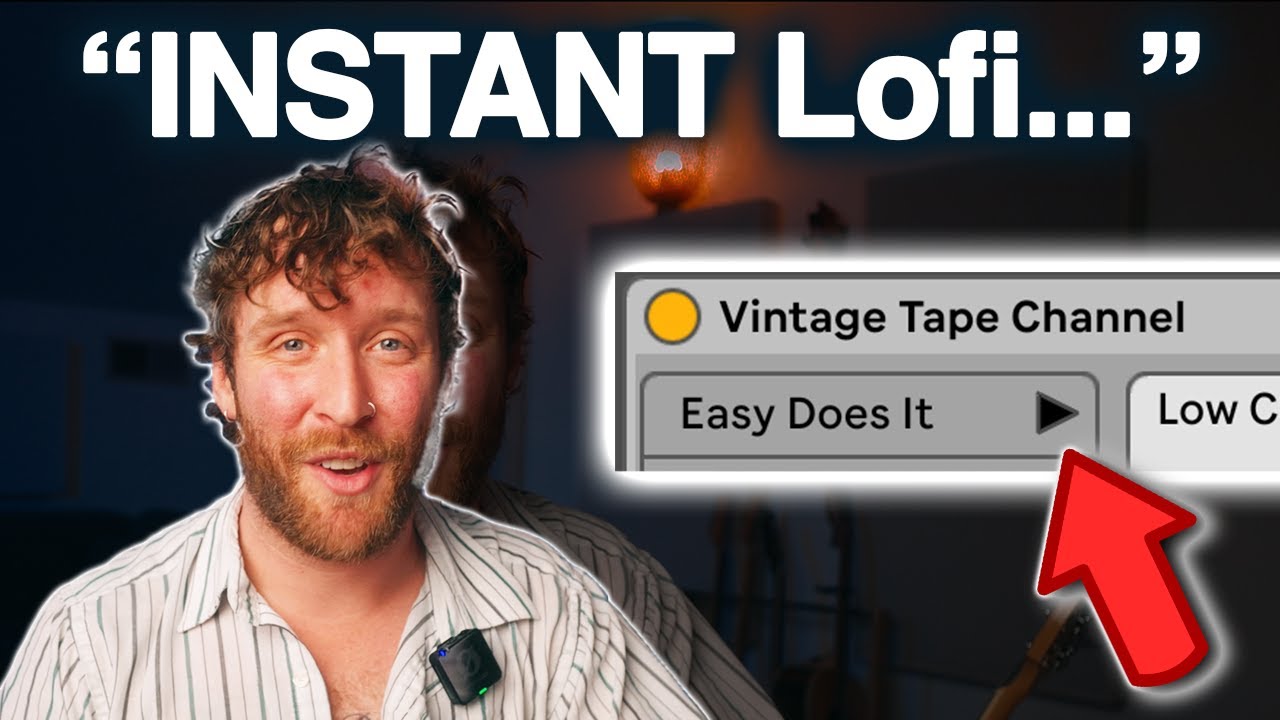
hi i'm underbelly and you suck at producing by this point everybody and their grandmother knows how to write a decent lo-fi hip-hop beat you just sample some dead guy playing jazz chords and get anime girls to scream over it and you've just earned yourself thousands of dollars in streaming revenue or so it was but in today's over saturated lo-fi marketplace it's not enough to just put a kick and snare over vinyl crackle that's why in today's lesson i'll be sharing some of my favorite tips that i've learned writing my latest lo-fi song cloud watching made in collaboration with my good friend arbor we'll be sharing our favorite instruments and effects for writing lo-fi as well as some arrangement techniques you can use to turn your boring low-fi beats into fully fleshed-out songs let's get started [Music] okay so jacket my first tip is to start your lo-fi tracks with instruments not samples as instruments will give you more flexibility in the long run to escape the four-bar loop hellhole so in this case i'm starting with the sweet booty bass let's take a listen and i'm using the e instrument studio base pack from ableton.com this thing costs 100 smackers but it's worth it as you can see here i have a bunch of deactivated notes let's go ahead and highlight them and reactivate by hitting zero you'll notice that very low velocity nose crate this sort of plucky sound and if i go back to the instrument and turn up the low velocity articulation oh beautiful crazies delicious guitar harmonics that are surely going to pay for themselves and extra spotify streaming revenue wowzers my second tip is to use plugins to impart that low-fi feel on your instruments there's plenty of options out there sketch cassette wolf compressor good old rc 20 all nonsense why spend money on those when you can get a free plug-in by going over to the straight cast collection audio effects and selecting color oh bowser's that's wobblier than uncle joe on his third whiskey let's turn down that pesky vinyl crackle and maybe lower the depth of the wobble and maybe just bring up the uh i don't know bring up that booty bass a little bit with the eq turn this thing on and off okay wives is coming straight off of vinyl right there that's beautiful but there's plenty of plugins out there that already have that lo-fi character built in for example one of my favorites is spitfire labs which is a free plug-in you can download and one of my favorite packs here is the tape orchestra pack very lo-fi sounds amazing let's hear it oh wowzers sold that out it's already got that flutter that vinyl crackle i'm falling asleep to this just by listening and if you really want to bring out the character you can always just go to your audio effects go to multiband and slap an ott on there oh jesus that's dustier than uncle joe's a a handbook let's turn down the amount here in here with our booty bass that's amazing okay wowzers okay i think this is a great start to our low five beat but let's go ahead and add some drums to this and you know most low-fi producers you know they stick to just the good old kick and snare so let's start with that take a listen okay that's nice but my third tip here is to add more variation in your drums that's really what's going to sustain the whole track here so even with just the kick and snare we can make it more interesting by just going over to our snare clicking on it and holding down option on mac or possibly control on windows and dragging it to a new slot in the drum rack so now i have an exact copy of the snare sample i'm going to go ahead and call this i don't know snare verb and we're going to add some reverb to this one i'm going to go back to my audio effects check out that hybrid reverb turn the dry wet to 100 so this is just going to be pure reverb on this snare okay beautiful let's go back to the hybrid reverb i'm going to turn the blend all the way to the left so we just get the convolution reverb here and i'm going to pick something more interesting here i'm going to pick springs because that's the only season that uncle joe lets derek out to play outside let's take a listen that's beautiful and now what we can do is go to the clip here and just layer on that reverb only on certain snares so maybe every other snare i don't know let's try it okay so we got dry and then spring oh that's amazing wowzers so even just that makes our lo-fi drums a lot more interesting maybe let's add some hi-hats i'm going to start with the closed hi-hat let's put that right there [Music] okay let's make our closed hats a little bit more interesting but i don't know randomly [ __ ] with the velocity down here [Music] duplicating that all the way through and maybe just taking all of them and nudging them ever slow slightly to the right everybody listening to lo-fi is always late because they're always asleep it's so relaxing [Music] and maybe i had some open hi-hat somewhere in there okay all right so we already got some variation with our drums here but another technique i like to use is layering acoustic drum sounds on top of the electronic ones we already have so let me scroll down a little bit i got this 32 pad kit jazz kind of like the jazz musicians that used to be alive before they all got replaced by lo-fi producers let's take a listen to how it sounds okay it's beautiful but i want to apply some effects here so that it melds a little bit better with our electronic drums so i'm going to go to my audio effects i'm going to select auto pan and pick the tremolo preset right over here okay so we got that wobble coming in and out let's turn the amount up and make the rate a bit faster and i'm going to change the shape to a sawtooth so we get that chop and now just to really bring out the noise here i'm going to add ott to this again okay wowzers turn down that low end maybe turn the amount all the way down to like 50 or so let's hear that with my kick and snare oh bowsers so much more texture and of course we can add more acoustic snaps to that we could add this ride it's amazing [Music] and now just to glue all this stuff together let's go ahead and group all these drums and i'm going to add i don't know copy that same color effect over to the drum group take a listen oh it sounds a bit distorted turn on that low and a bit and maybe add some glue compression just to glue it all together uh you'll notice that i'm going to turn the attack all the way up to let the transient of the kick and snare through and the release all the way down so that the compressor recovers and goes back to zero as soon as the kick and snare have passed let's lower that threshold holy [ __ ] you might notice that it's [ __ ] neutering my kicks turning them all the way down so i'm gonna click the arrow on the upper left and click on eq so that it doesn't pay attention to the low end as much sort of like how we didn't pay attention to derek for a very long time and caused developmental problems anyways let's turn the makeup up turn on the soft clips to get that sort of distortion effect and if it's too loud no problem you can just turn down the group here oh beautiful okay now let's hear our drums with the effects on and off i'm going to highlight both hit zero to turn them off and back on beautiful see that in the mix oh wowzers and now that we've added so much more character and variation to our drums we can add or subtract these different layers for different sections of our song and create these distinct energy changes for example oh wowzers look at all these extra drum layers so beautiful [Music] okay now even with all the drum programming and variation in the world there's only so much we can extract from this main musical idea here so at a certain point you're going to need to write a b section over here i know that's scary but one way we can do it is by going back to our initial idea and figuring out what key it's in so let me go back to my booty bass here and let's pay attention to the notes at the bottom i'm going to hit fold here just so we can see them all all good nice and big you can see the notes here are g sharp d sharp and f so what i'm going to do is click scale here and i'm going to i don't know let's start with g sharp so i'm going to select g sharp over here and see if it's on the g sharp major scale and notice i have it folded here so i can see all the notes and see whether or not they're in the scale by checking if they're highlighted over on the left side now you might notice that this particular note d is not in the scale k so i guess my first initial idea is not in the key of g sharp well my next note is d sharp so let me try that i want to change the scale over to d sharp and wowzers every single note i'm playing here fits in the scale i must be in the key of d sharp major that's amazing okay so now that we're at my handy dandy keyboard let's write a new chord progression in the key of d sharp major so let's find out what chords are even available to me in this scale so here's the scale and if i build triads off of every note i get this major minor minor major major minor diminished okay so i think it's a little too spicy to start out with that diminished yikes but maybe minor could add some extra flavor let's try i don't know g minor and then let's move it up to a chord that we had in the a section to reference back so maybe we'll do g minor to g sharp major that was the first chord of the a section maybe make the voicings a little spicier oh beautiful add some twinkly dinks on top all right i think we have the makings of a b section so i'm going to go ahead and hit record okay okay here we go [Music] bring the drums back [Music] new chord f c sharp dominant get that spice really bring it back to that a section [Music] my last tip is to add live instruments to the track to give it that extra flavor and for that i'm going to defer to my good friend arbor who'll tell us how he wrote the guitar parts for the song my name is arbor and i did this song with underbelly and i'm going to walk you through how i did some of the guitars in this track this blue group here is the guitars i have all the guitars running through an eq and an ott compressor let's start on arp thing it sounds like this [Music] it's made up of two guitars and it's double tracked so we have guitar left and then i played it again and panned it to the right and they are the same signal chain i'm using stark which is a great guitar plugin i've got hybrid reverb which is just adding a little bit of space to it i have it going through a vibrato and then sketch cassette which is emulating a cassette and then simple eq so that's arp thing then i add the chords to it which is the same signal chain after that i add something that i'm calling whale kind of a response to the chords so you can hear how they play off of each other like this [Music] i've got a super reverb signal on the left and a dry signal on the right it's just the di signal when you pan that really hard it sounds really nice the last guitar element here is the melody which is the most noticeable sound of the guitar tracks and that sounds like this [Music] so when you take this one and here it sounds very artificially high and that's because i pitched it up using the complex pro warp when you turn the formance in the envelope all the way down it sounds really tinny and i like that sound the melody is just the original pitch of it i guess they're both called melody but here's the high one so that's the guitars in the beginning i'll play them all together real quick so you can just hear it in context all right so there's one last guitar section in the end where a new element comes in it's called high guitar and also high guitar [Music] so you can hear it's this high sounding almost string like element and uh it's a real simple signal change it's got amp and cabinet basically on default settings and then i'm going into mega verb with this little distortion section up pretty high and the wetness is all the way up and this eventually just fades into a higher melody here where they harmonize for just a second [Applause] here it is in context again [Music] wowzers thanks arbor and thank you the viewer for watching you can check out our full song cloud watching by clicking in the link in the video description i'm underbelly have a great day [Music] you
Up Next
3:31
Reaper Tutorial: Adding Groove and Swing to MIDI Drum Patterns
@MarkAndersonAudio
10.9K views•2015-11-03

12:54
Triumph of Orthodoxy Icon: Byzantine Art & History Explained
@BenCallan
2.1K views•2024-08-06

9:49
FastAPI vs Flask vs Django: Choosing the Right Python Web Framework
@TechWithTim
302.5K views•2024-05-26

1:42
Game of Thrones Opening Credits: A Cinematic Analysis
@gameofthrones
46.3M views•2011-04-18
Related Study Plans & Knowledge Roadmaps
Structured learning paths in General & Interdisciplinary Studies
general-studies
Elevator Engineering: History, Physics & Cities
01From Hoists to Safety Brakes: The Dawn of Vertical Lift
02Hydraulic vs. Traction: The Engineering Physics of Elevators
03Modern Speed, Safety, and Algorithms
+ 2 more learning modules
12h5 modules
Explore Roadmap
general-studies
Rubber: Material Science, History & Geopolitics
01Origins of Natural Rubber & Mesoamerican History
02The Chemistry of Natural Rubber & Vulcanization
03The Geopolitics of the Rubber Boom & Colonization
+ 2 more learning modules
12h5 modules
Explore Roadmap
general-studies
Containerization: Evolution, Logistics & Trade
01Ancient Trade & Bulk Cargo: Amphorae to Barrels
02The Industrial Revolution & Cardboard Packaging
03The Containerization Revolution: Malcom McLean
+ 2 more learning modules
12h5 modules
Explore Roadmap
general-studies
Textile Tech: Evolution, Labor & Global Impact
01Pre-Industrial Textiles: Handloom & Cottage Industry
02Mechanization: The Spinning Jenny to the Power Loom
03The Factory System & Global Labor Transformation
+ 2 more learning modules
10h5 modules
Explore Roadmap