






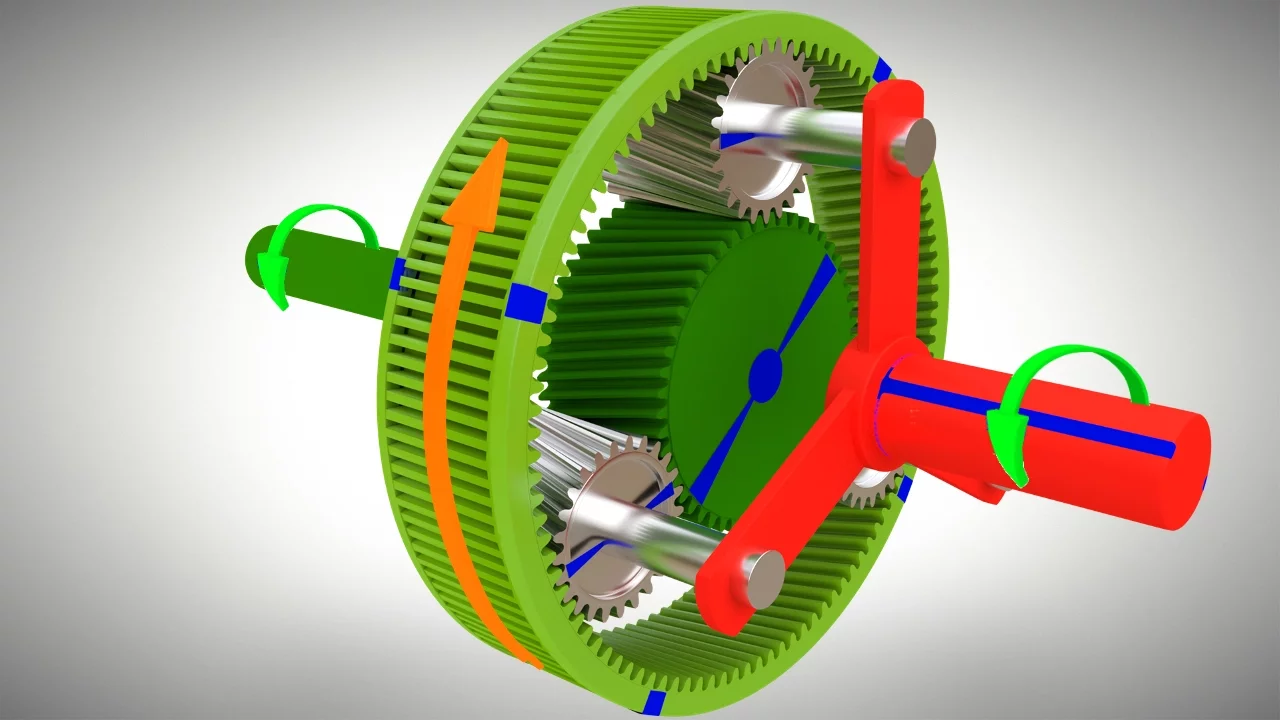






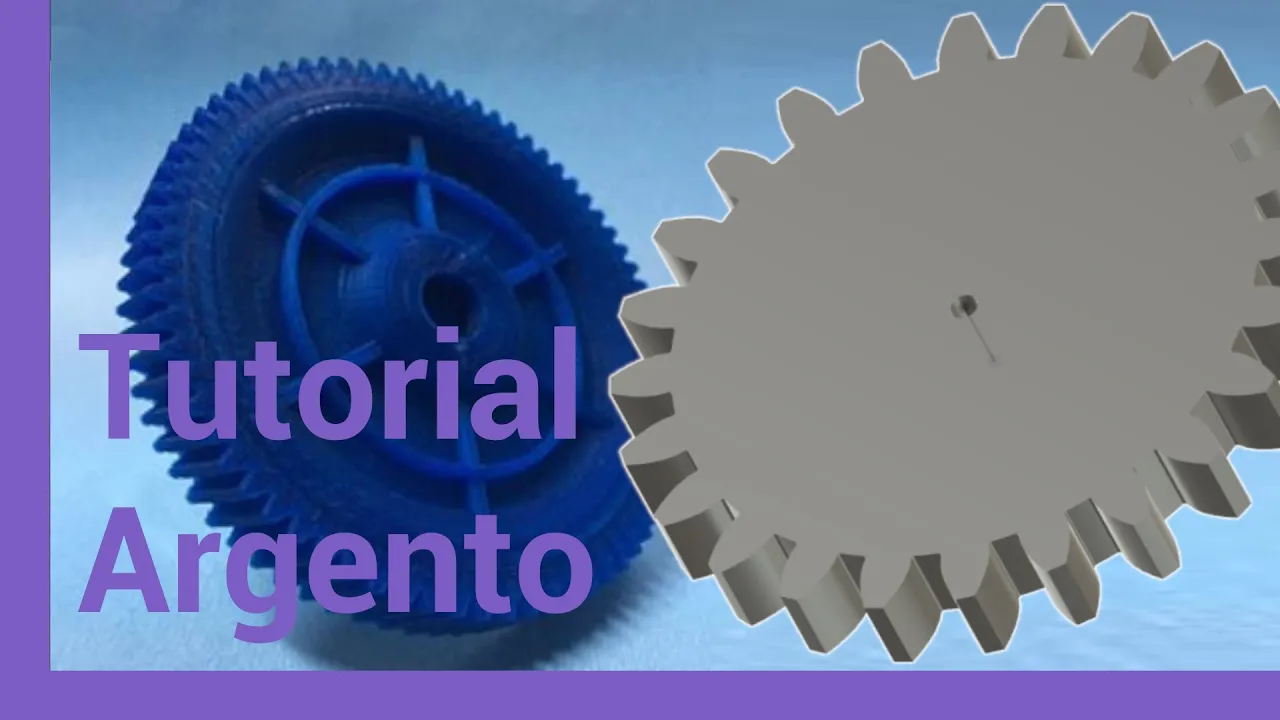
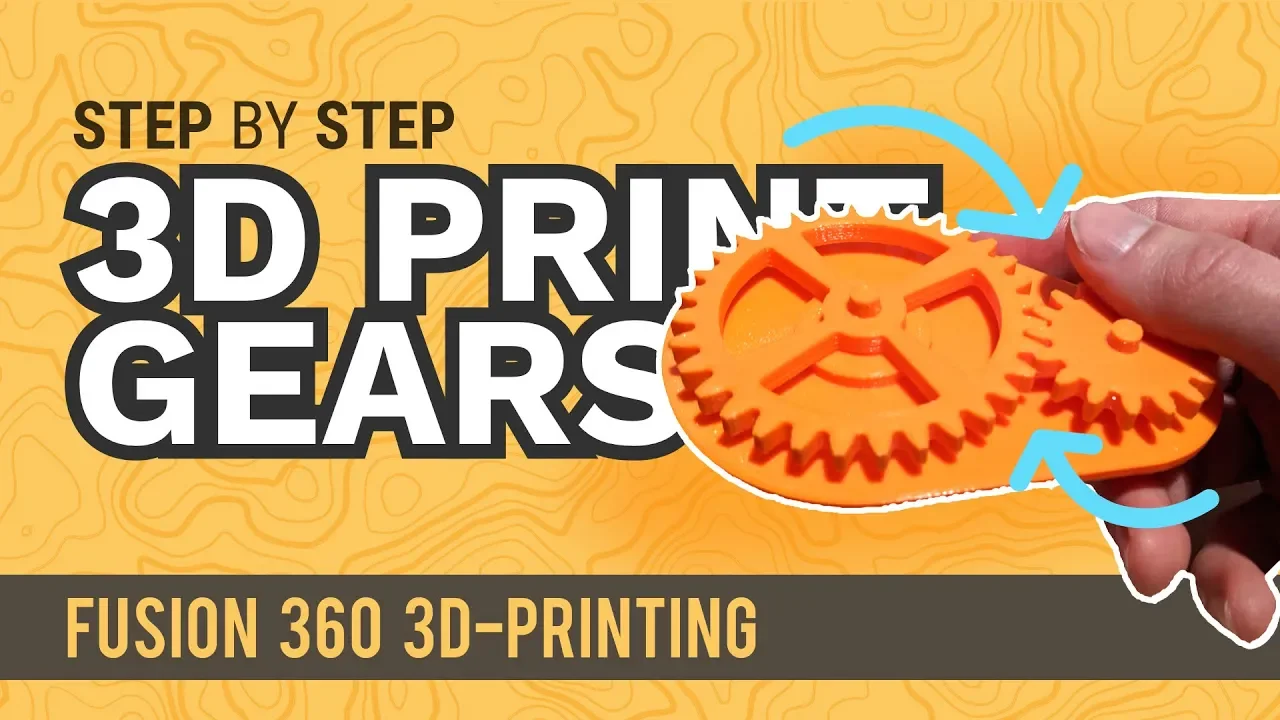


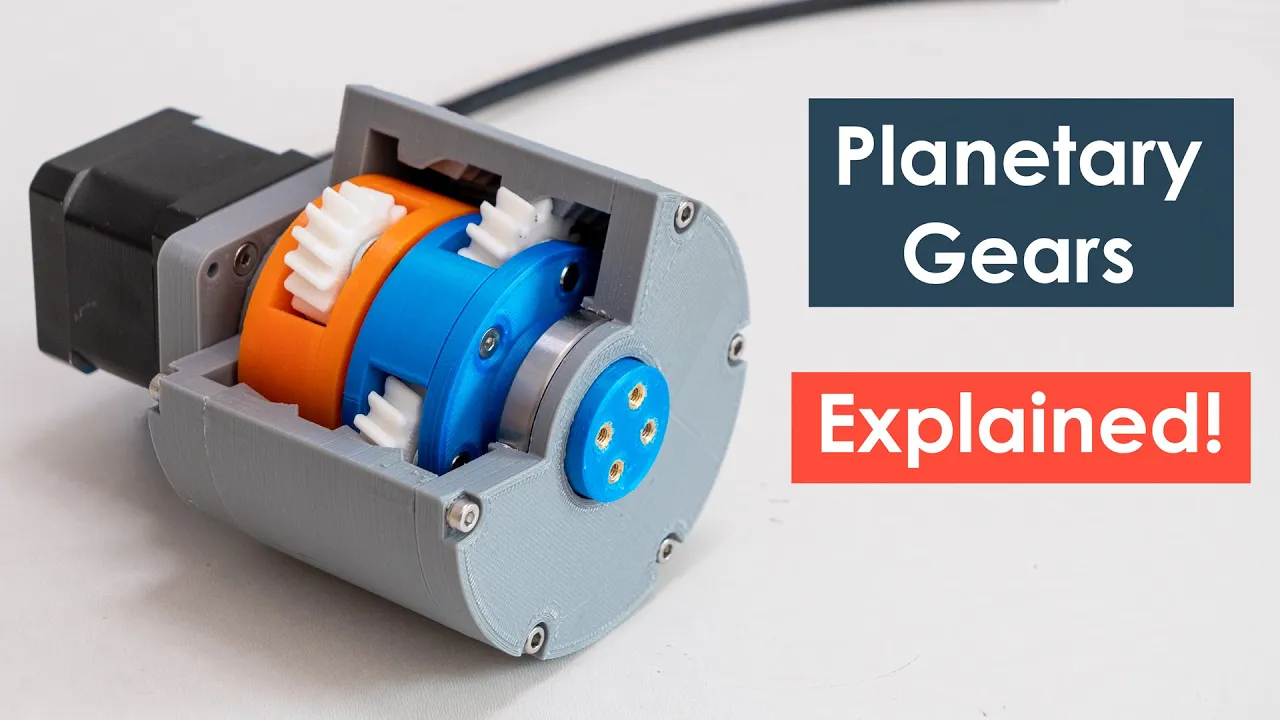


This tutorial demonstrates how to model and animate a planetary gear train in Fusion 360, covering the key steps of defining gear parameters (ring gear with 80 teeth, Sun gear with 16 teeth, and planet gears with 32 teeth for a 1:6 gear ratio), creating individual gears using the spur gear add-in, positioning three equally spaced planet gears around the Sun gear, building a carrier to connect the planets to an output shaft, and establishing motion links between components where the rotation of the Sun gear must account for both its direct rotation relative to the planets and the additional rotation caused by the carrier's movement, calculated as 360 degrees divided by the ratio of ring gear teeth to Sun gear teeth (80/16 = 5).
Planetary Gear Train Fusion 360 Tutorial: Modeling & Animation for Engineers & Hobbyists
Added:Basic proficiency in Autodesk Fusion 360, specifically handling 2D sketching, extrusions, and parametric modeling.
Understanding of fundamental gear terminology, such as module, diametral pitch, pressure angle, and pitch diameter.
Familiarity with the mechanical layout and component roles in a planetary (epicyclic) gear system (sun gear, planet gears, carrier, and ring gear).
Advanced motion analysis and dynamic simulation within Fusion 360, including setting up contact sets and complex motion links.
Finite Element Analysis (FEA) to evaluate stress concentration, tooth bending strength, and torque limits under load.
Design for Manufacturing (DFM) principles for gears, such as defining tolerances, clearance, and backlash for 3D printing or CNC machining.
Developing multi-stage planetary gear systems and calculating overall reduction ratios for robotics or automotive powertrains.
132.6K views2.4Klikes13:51Original Release: 2019-12-09
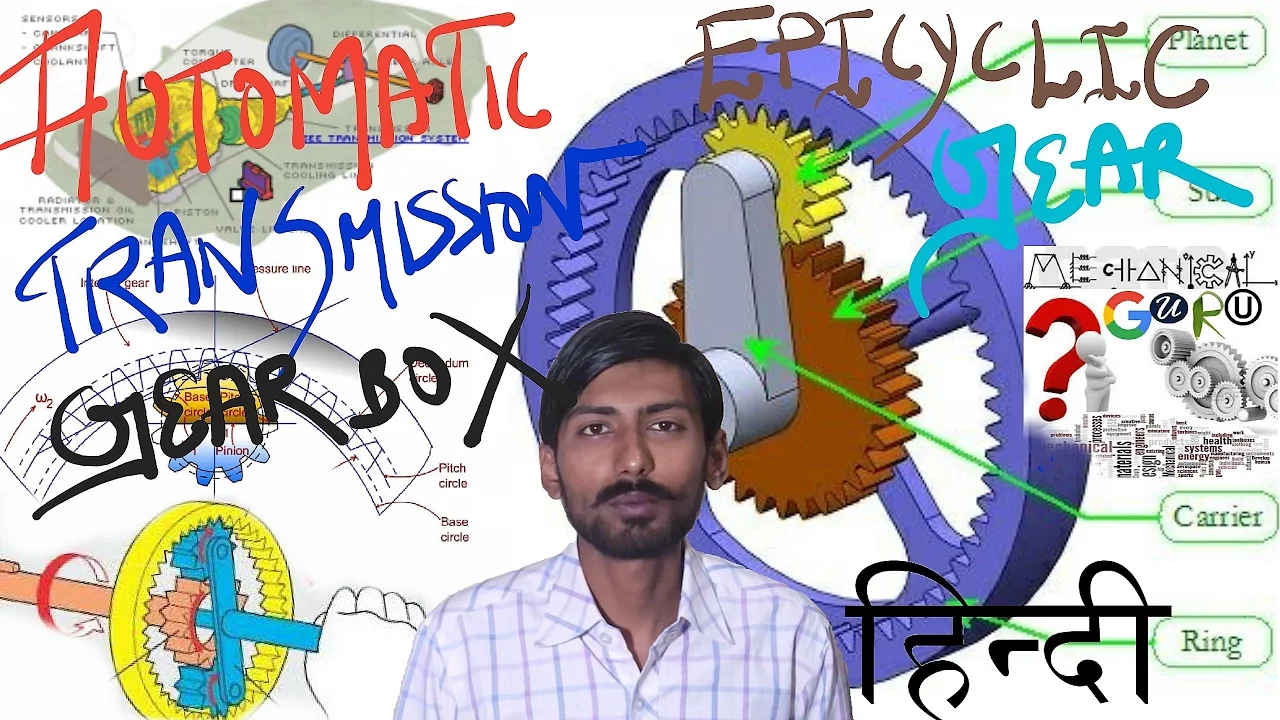
hey guys welcome back to another fusion 360 tutorial today I'm going to be showing you how to model and animate a planetary gear train in fusion 360 it's not overly complicated but there are a few quirks that you need to keep in mind when you're modeling the train without further ado let's get started so let's start by defining the design parameters for our planetary gear train a planetary gear train is made up of three types of gears which are shown on the screen here the ring gear which has its teeth on the inside is sometimes called an internal gear the Sun gears at the center and a number of planetary gears that mesh between the Sun gear and the ring gear are shown here as well for this example we're going to use spur gears for the Sun and the planets but you can also use bevel gears or other types of gears if you need to the primary advantage of planetary gear systems is that they can develop high gear ratios in a small amount of space for this example we're going to design a gear ratio of 1 to 6 that means for every rotation of the output shaft our input shaft will rotate six times also for this example we're going to assume that the ring gear is fixed and that the Sun gear is our driving gear the output is therefore going to be a carrier that's attached to the planets I'm not going to go into great detail on the gear design in this tutorial but I'll put a link down in the description below for another video that I did recently that explains some of the inputs we'll be using here first we'll define the module to be - and the pressure angle to be 20 both pretty standard next let's choose a number of teeth for the ring gear which will also determine its size let's use 80 teeth for the ring gear which gives us a pitch circle diameter of 160 this equation can now be used to calculate the number of teeth on the Sun gear if we fill in 80 teeth and solve for s we determined that our Sun gear has 16 teeth knowing that we can now calculate the number of teeth on the planets using this equation filling in the number of teeth through the ring and the Sun gears we calculate that each planet will have 32 teeth finally we need to define the number of planets I'd like to use three planets for this example but we'll need to check that they mesh correctly this equation can be used to ensure proper meshing by filling in the number of teeth for each of our gears we can determine the result and for it to mesh correctly the number must be a whole number in case it is 19 now let's jump into fusion 360 and start modeling for this example I'm going to use the built in spur gear add-in so that we can draw the gears more easily to turn on the add-in we'll go up to tools add-ins scripts and then we'll click on the add-ins tab and go down to spur gear and click run this adds a spur gear command to the create panel in the model workspace so now if we go back to solid we can go to create and there's our spur gear down at the bottom and then we'll just fill in some of the design parameters that we just calculated so pressure angles can be 20 we want a module of two we're going to do our ring gear first so we'll do 80 teeth leave backlash at 0 a 1 millimeter root fill it radius thickness will say is 10 millimeters and the hole for this one will just be 0 so that creates a regular spear Gare force with 80 teeth but we actually want the inverse so what we're going to do is create another cylinder and use this to cut out the shape now what we can do is use the extrude command to cut out the shape of the gear from the cylinder so let's activate our cylinder and I'll press E for extrude we'll choose the face of the gear I'll choose a cut and go minus 10 then we click ok and now our ring gear has been cut out now what we can do is actually remove the spur gear and we can rename this one to ring gear now with the ring gear in place let's go ahead and model the planets now we go up to create and define another spur gear now almost all the parameters are going to stay the same except for the number of teeth our planets have 32 teeth so we'll set that here and I'm going to add a little bit of backlash also our hole diameter I'm going to set to 5 millimeters now if we switch to a top view we can copy this planet and define the other two so now I'm going to press M to move we're gonna choose components and I want to zoom in here to make sure we set the origin of the move to be the center next because we want to create two copies I'm going to click create copy and we're going to move up 48 millimeters now the reason I moved up 48 millimeters is because of the pitch circles of the Sun and the planet gears if we add both of the pitch circle diameters together and divide by 2 that gives us 48 next I'm going to repeat the move two more times but this time I'm going to add a rotation so you click rotate create a copy the axis is going to be the center here and because we want equal spaced gears there going to be 120 degrees apart and then the last one this time we're going to rotate 240 degrees but we're not going to create a copy cuz this is the last one [Music] so there's our planet gears in place so the last gear that we need to model is our Sun gear go create spur gear and our Sun gear has 16 teeth so we'll put in 16 and then click OK so just for aesthetic reasons I do want to add an input shaft to our Sun gear so I'm going to zoom in I'm going to set the Sun gear as our active component and a draw a sketch right on the face of this gear we do want to capture position and all I'm going to do is press P to project and we're going to project the input shaft diameter on to the current sketch click finish and then I'm just going to press e for extrude we'll pick that diameter this is gonna be a joint to join it to the shaft and I'm just gonna go negative 40 millimeters now we've got an input shaft connected to our Sun gear so next I just want to stay organized here a little bit so I'm gonna actually rename our gears I'll change this one to be a planet and I'll change this one to be the Sun and the next thing we want to do is if we go back to a top view we'll see that our gears aren't meshing correctly in all cases looks like the top planet is okay but both of the bottom planets and the Sun gear are a little bit out of sync so we're going to do is press M rotate pick the component and then the axis and we just want to rotate rotate each of them visually so that they mesh correctly sometimes you might have to go up to the text box here and type in a fraction of a degree so that one looks okay let's scroll down and do the planets and once we have everything meshing correctly let's go ahead and capture the position the last component we need to model is the carrier carrier is essentially a bracket that's going to connect each of the planet gears to our output shaft so let's go ahead and create a new component and I call it carrier and we're gonna create a new sketch right on the face of the planet gears themselves and you've actually got quite a bit of artistic license to draw this how you want I'm actually going to speed up the video here and draw the carrier so that you don't have to watch all the way through so there's our carrier model connected to each of the planet gears with an output shaft included as well so now the modelling is complete let's go ahead and define the joints because we modeled each of the components in place we can use as belt joints first let's define the joints between the carrier and each of the planets will go assemble as built joint we want these to be revolute joints and we're going to choose the planet and the carrier position will be the shaft and we'll repeat that for each of the other two planets at the very beginning we defined the ring gears being fixed so let's right-click on the ring gear and choose ground to hold it in place next we need to define the joint between the carrier and the ring gear and the Sun and the ring gear let's go ahead and start by defining the carrier well again go ahead and choose assemble as built joint I'll choose the carrier and the ring gear and the point of rotation will be around the center point we'll do the same thing for the Sun gear finally I'm gonna go ahead and name each of the joints just to keep things straight so now let's zoom in and try to rotate some of our components as you can see it's not working right because we haven't defined the motion links between each of the gear components so let's define the motion links now first we'll reset the position and let's start with the easy one let's define the motion link between the Sun gear and the carrier so we can just select our joints over here on the side we'll choose the Sun and the carrier and if you remember from the beginning we've got a gear ratio of 6 to 1 so that means for every one rotation of the output shaft our input shaft rotates six times next let's define the motion links between the Sun gear and each of the planets again we will go to assemble motion link and this time we'll go Sun and then the planet and because our planet gears are twice the size or twice the number of teeth as the Sun gear we should use 180 and reverse for each one of the planet gears so repeat that for the other two gears now if you rotate the Sun gear we can see everything is moving in the right direction but the meshing isn't working quite correctly looks like it's slightly out of sync and the reason for that is that it's not a true two to one relationship between the Sun and the planets the carrier is rotating as well so we need to add that to the rotation of the Sun gear let's reset the position and take another look at the motion links between the Sun and the planets to fix it we need to add an additional rotation to the Sun gear so now we need to add is 360 degrees divided by the ratio between the ring gear and the Sun gear so that's 80 teeth divided by 16 teeth now if we do that for each of the other two planets before we fix us I'm going to name the motion links so that we can keep them straight this first 24 member was the relationship between the Sun gear and the carrier these next three were the relationships between the Sun gear and the planets let's take a closer look at the relationship between the Sun and the planets we need to update the calculation for the rotation of the Sun we need to add 360 degrees divided by the ratio between the ring gear and the Sun gear so that's 80 teeth divided by 16 teeth if I just make a copy of that and apply to the other two planets then everything should work correctly now if you rotate the Sun gear everything meshes correctly now I'm just going to apply some materials and we can see the whole thing working in action so I just created a motion study so that we can see the planetary gear and operation and there we go guys that's how to model a planetary gear train in fusion 360 if you like this video please go ahead and hit subscribe hit the like button and hope to see you again next time
Up Next

28:41
Understanding Gearbox Types: Worm, Planetary, and Spur Gears
@Tailoredmotor
155 views•2016-01-27

30:21
Damped Free Vibration of Structures: Viscous Damping Theory
@IITKanpurNPTEL
23.4K views•2019-08-26

54:16
Polymer Environmental Degradation: Mechanisms & Stabilization
@iit
1.8K views•2012-07-10
33:39
How a Student's Question Saved a NYC Skyscraper from Collapse
@veritasium
22.8M views•2025-04-26
Related Study Plans & Knowledge Roadmaps
Structured learning paths in Engineering
engineering
Structural Dynamics (DIY TMDs & Shake Tables)
01Foundations of Structural Dynamics & Resonance
02Designing and Building a Motorized Shake Table
03Constructing the Scale Building & Tuned Mass Damper
+ 2 more learning modules
35h5 modules
Explore Roadmap
engineering
Building Acoustic Levitators: Physics & Arduino
01The Physics of Sound and Standing Waves
02Piezoelectric Transducers and H-Bridge Drivers
03Arduino Programming: Generating 40 kHz Signals
+ 2 more learning modules
14h5 modules
Explore Roadmap
engineering
Building Peltier Cloud Chambers: Particle Tracks
01Cosmic Rays & Cloud Chamber Physics
02Thermoelectric Cooling (TEC) Fundamentals
03Custom Liquid-Cooling Loop Design
+ 2 more learning modules
18h5 modules
Explore Roadmap
engineering
Yagi-Uda Antennas: Modeling, Build & VNA Test
01Introduction to RF and Antenna Fundamentals
02Yagi-Uda Antenna Design Principles
03Antenna Modeling and Simulation in 4NEC2
+ 2 more learning modules
18h5 modules
Explore Roadmap