






![#9 [Lập Trình C]. Con Trỏ Trong Ngôn Ngữ C | Truyền Tham Chiếu | Cấp Phát Động](https://i.ytimg.com/vi_webp/9kaUEMbXEk4/maxresdefault.webp)

![#45 [C++]. Lý Thuyết Về Con Trỏ Trong C++ | Quan Hệ Giữa Mảng Và Con Trỏ](https://i.ytimg.com/vi/u2ClqmTSg8g/maxresdefault.jpg)











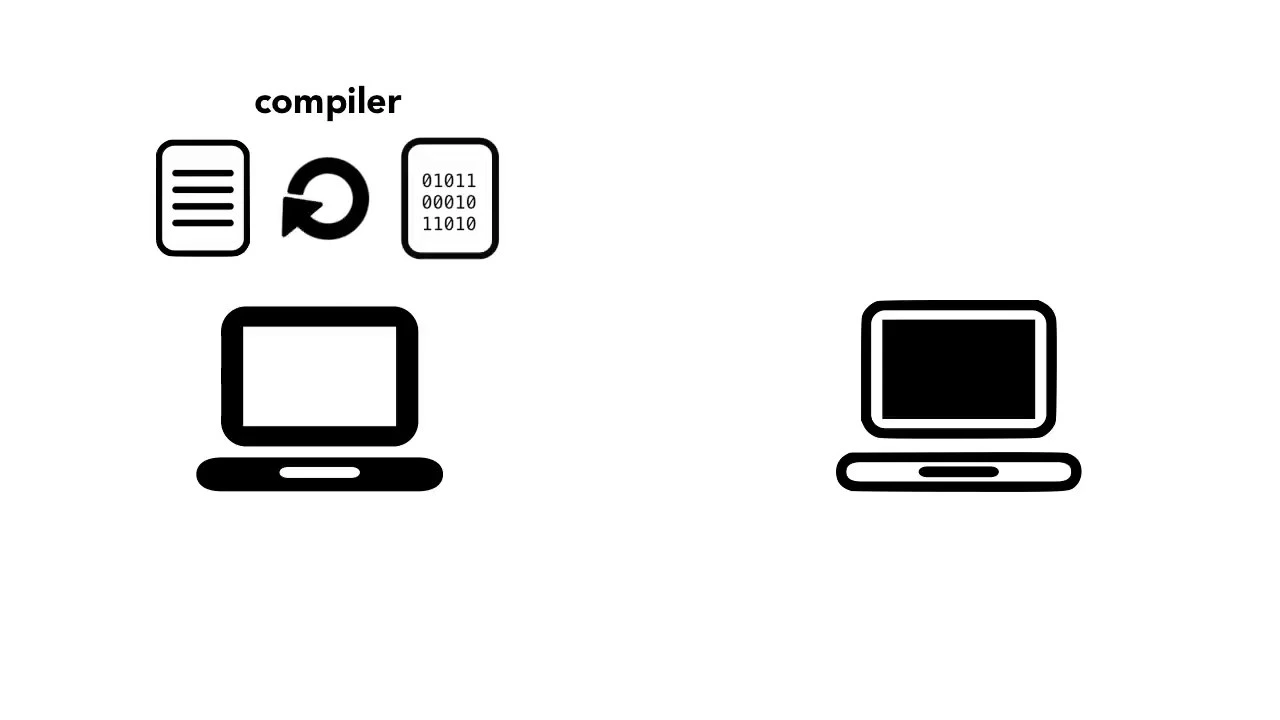
Go is a statically-typed, compiled programming language that combines the simplicity of interpreted languages like Python with the performance of compiled languages like C++. Key concepts include: (1) Basic types such as bool, string, int/uint with various bit sizes (8, 16, 32, 64), and float types; (2) Composite types including arrays (fixed-length), slices (dynamic with underlying array and capacity), and maps (unordered key-value pairs); (3) Control flow constructs like if statements, switch statements, and for loops; (4) Functions and methods with receiver arguments; (5) Interfaces, which define behavior through method signatures rather than concrete implementations, enabling polymorphism; (6) Goroutines (lightweight threads) and channels for concurrent programming, allowing multiple operations to run simultaneously while safely communicating and synchronizing between them.
Go Programming Language: A 17-Minute Crash Course for Beginners
Added:Welcome to this crash course in Go. Now, if you're here, you've probably heard a lot of great things about Go, like the low number of keywords in the language, which makes it really easy to pick up intuitively, like an interpreted language like Python, but it's still super fast like C++. And all those cool concurrency features makes it a great language for efficient software. This video, of course, is in no way comprehensive of every feature of Go, but it's enough to get you started.
After this, if you're still interested in learning more, check out this video I made on top five resources on learning Golang and subscribe to this channel for more videos on quantum computing, coding, and tech. So, let's get started.
First, we need to install Go. Head over to golang.org/doc/install to install Go. If you use Homebrew, you can just do brew install Golang. Once you've installed Go, you can verify that it's installed in the version you want by opening the command line and typing Go version. Now, by the way, today I'm using the Jetrains ID called Goland. You can get it at jetbrains.com/go.
This is what I use in my professional development environment, but it does cost money. However, there's a free trial for 30 days and after that you can continue using it. You just have to restart it every 30 minutes, which is kind of annoying, but livable. So, let's create a file and give it a name. Go programs are organized into packages. A package is a collection of source files in the same directory that are compiled together. Since we need this to be executable, we need to make this package main. In this file, we need to define a function and start with funk main. It takes no inputs parameters and has no return. So now we can start putting code in here. Say we want to start with just printing some words. We want to use the format package FMT. So we need to import that package. You do that by writing import open parenthesis and inside write the package that you want to use. So open quote FMT close quote close parenthesis. This is the best practice for importing packages. You could also do it line by line like import fmt, but that's really not recommended. We also want to sort the go packages alphabetically. Let's add another package quickly. If they're out of order, you'll see this warning. You can use Go FMT or Go imports tool to sort imports. And in Goland, you can set up a file watcher in preferences with Go format and Go imports. Now, we can use this FMT package. To print a line in Go, you write FMT.print ln with a P being capitalized, open parenthesis, then quote. You write your string in there, in this case, hello world, quote, and close parenthesis. Now, let's run this and see what happens. To do this, you can go to the terminal and simply type gor runain.go. And we see our hello world. You can also do go build main.go to build the file. That way you don't have to build it every time you run it and just run it from the executable. Of course, every time we change the code, we have to rebuild the file. So now let's look at Go's basic types. There's bool for boolean, there's a string, and there's int and uint signed and unsigned integers. If these simple types are declared here with just the type, they take on the null values. That means an empty string for string, a false for bool, and a zero for numerical values.
You can also declare a variable with a non-null value and also with a short assignment operator which we'll see used a lot more later. You can also have ins and with different bit sizes. You can have in 8 16 32 and 64 and unsigned ins 86 32 and 64. The sign ins are positive and negative. So for example in 8 runs from -128 to 127 while u in 8 runs from 0 to 255. In 32 is also called a rune and a bite is the same as u in 8.
They're also floats with 32 and 64 bits.
You can apply basic mathematical operators and comparisons to numeric types. So add numbers together, multiply, compare greater than, less than, and bitwise binary operators.
Strings can also be concatenated with a plus sign. When we go run, you can see the concatenated version print out. We also can convert between strings and numbers. There's a few methods, but one is using the string convert package. Str n. T A, which stands for integer to ASKI, and pass in the integer you want to convert. There's also asky to int. So string convertat oi to convert back.
This underscore is a placeholder for a variable that we aren't going to use for now because this also returns an error.
It's better to explicitly handle error cases obviously. But let's finish up talking about types first. There's also parse bool, parse float, parse int, and parse to convert strings to other values. We can use the reflect package to get the type to prove that the true string that we passed in actually converted properly to a boolean. There are also constants which are declared using the keyword const. Constants won't change and prevent changes. Constants also have an underlying type of one of the basic types, string, bool, or a number. We can then combine these basic types into composite types. Arrays are a sequence of elements of one type and it's a fixed length. For example, you can have an array of three integers like this. Var, example, a three inside the square brackets and in the int for type.
Or you can declare the variable like this called an array literal with a colon and an equal sign, the short assignment operator. We have the same length and type as above but add curly braces and put the elements that we wanted to contain. You can then access elements of this array by asking for the index of the value. Go is zero indexed.
So getting the zeroth index of the example array equals 1. The value of index 2 is a three. Slices are similar to arrays but they can vary in length.
You write it the same way as an array but do not specify the number of elements. We declare var example slice square brackets with no number in them and the type. or we can add the elements we want within curly braces and declare with the short assignment operator.
Another difference between arrays and slices is that when we created an array with length three, the array was initialized with the zero type of each element. So it's already an array of length three of int type with three zeros in it. The slice is zero length and you can get the value in a slice the same way as in an array. You can also get a range of values from a slice of array. So you can for example range from elements 2 to four to get the last three elements of a five element array. But you don't always have to specify the first and the last of this range. You can just range to two here to get the first two elements or you can get the last two elements. We can use the len function to get the length here. By the way, I'm also using print f instead of print line. Print f gives me a way to format the output and just makes it so I can print them all out on one line. The percent v prints it in the value of a default format and slashn is a new line.
You can also use the make function to create a slice. This slice will have length 10 and capacity 15. We can also assign new values inside. Here we replace the first element of example array which used to have 1 2 3 now to have 5 2 and three. Take a note here that we're not using the short assignment operator that declares a variable. Since the variable here is already declared, we use an equals to change the value. This is also not to be confused with a double equals comparison operator. So slices are really pointers to an underlying array with a length and capacity, but they can grow in that length and capacity. The length is how many elements the slice has and the capacity is how much memory or space is available for the elements. So a slice with length three may have three elements in it, but it may have a capacity that's larger. So you can add elements to it without having to expand the memory. This actually leads to really interesting performance implications. And one crucial thing we can do with a slice is append. Because an array can't grow, we can't append to the end of it. If we append and the length goes above capacity, Go makes a copy of the underlying array and doubles the capacity. So while slices are more flexible, they can be slower due to the new allocations it has to make when appending. We append to a slice like this. Example slice equals append. And we append to the example slice a string.
Thanks. Now we're going to cover maps. A map is an unordered collection of key value pairs. You can use any type for the key and the value. To create a map, we use the map keyword. Inside the square brackets, we put the type that we want in the map for the key. Here, a string. And the type for the value here, an int. Maybe I want this map to record the type and number of pets that I have.
We can add the key value pairs in the map. Just like we access elements of the slice with the index, here we access elements with a key value. Let's see how many dogs I have by asking for the key dog. That outputs one. Now, let's say I'm a bad plant owner and I killed one of my cactuses. We can operate on the map by subtracting one to get the value of the cactus key in the map and subtracting that one. Now, let's say I kill my second cactus as well. You can write the subtract one more compactly by using the minus equals to denote that we're subtracting one from the value.
Notice that when we print it out, the key still exists in the map. It's just zero. Now, let's say because I realize I'm a really bad cactus owner and I really shouldn't have cactuses anymore, and I want to just delete that from the map. So, I want to delete this key entirely. We use the delete function on the my pets map with the cactus key.
Now, it's totally gone. Now, what if I want a more complex map? What if I want the keys to be my pets with more information about their ages and their favorite snacks? We can use a strruct and use that strct in a map. A strct is a grouping of information. We can declare a name for this new type and inside add other types that'll be in this new petstruct. Let's add age and favorite snack. Age is an int, favorite snack and animal type is a string and cute is a bool. Quick note, I capitalize pet and that means it's exported and that can be used outside of the package.
If it's lowercase, it's unexported, which means it can only be used inside the current package. So now let's make this new my pets map with a pet type instead while still using the string key. And now let's add my pet information inside the strct. This is a map literal declaration, but you can declare a map first and then add to the map later with variables as well or any other calculations you need such as time for the age of the pet for example. Now let's look at the flow control that go has. Like most languages, Go has an if statement. If the thing we want is true, we do something. Say that we want to print something out depending on whether Quirky is a dog or a cat. We use the key value quirk to get more information about him and use a dot to select the animal type. We use the comparison operator equals equals to check to see if the animal type is a dog. If that's true, we print woof. Else if cork is a cat, we print meow. If it's not either of those, so else, we have an existential crisis and the animal asks what am I? You can also do the same thing with a switch statement. Let's say we make a variable called quirky type instead so we don't have to get it from the map every time. By the way, let's format this a little bit prettier. You can do that with go fmt-w main.go on the command line or set up your golang to use a go format file watcher to do this automatically when you're coding. We want to switch on this quirky type and add cases for each potential animal type. So, dog and cat.
We also add a default fallback like else. This accomplishes the same thing.
A switch can be more efficient or provide more clarity depending on your use case. We run that and we see that Corki says woof because he's a dog. Now, say we don't want to just do this for Corky. We want to check all my pets.
Well, we can use a for loop. Go does not have while loops, only for loops. You can loop over slices or maps which work a little bit differently or do a classic for loop with an initial condition, conditional and post. For a slice, this is similar except the range does not give you a key value pair. Gives you the index and the value like this. For a map, however, you range over the keys and values. So now we can put the switch statement inside and instead of having cork hard-coded as the key in there, we can take the key we get from the for loop over the map and get the animal type for all the pets and go through the switch. Now it will loop over all the animals in the map and print out what sound it makes. Run it and see what it outputs. Now remember maps don't have an order. So sometimes Quirk might print out first or sometimes Sanic will. So now there's a ton of going on in our code and we want to clean it up a little bit. Instead of this chunk of flow control being in the main function, let's separate it out and create a new function. We can then call it in main.
We declare a function with a funk keyword and name it what does my pet say? Then in the parenthesis we say what fields and types we need as inputs. So here we want to pass the my pets map and we write what types as outputs. Let's say we also want to count the number of pets that we have. So we want to return an int. By the way, if you just have one output of the function, you can drop parenthesis. But if you have two outputs of the function, keep the parenthesis.
So let's move the flow control switch statement inside of it. Then we can just call the function and assign the output of the function to a new variable pet num. The best practice in go is to use camel case for variable names. Now we have methods. We can define methods on types. Right now we are passing our my pets map into our function. However, maybe we want to do some logic or get some data from the pet type. A method is a function but it also has a receiver argument. So which type it's attached to. We add that receiver argument. So my pet which is a pet type. And now we can use dot notation on my pet to access the information inside the strruct and do whatever we want in this type and snack method. We also have an interface type.
The other types that we covered are concrete types. Now this is one of the biggest differences of go. So don't worry if you don't get it immediately.
Many engineers, even very experienced ones who have a lot of education in different languages, are kind of confused with interfaces until one day it just clicks. So it's not a concrete type like an int, but it's a set of methods. So it tells you what you can do. And something satisfies that interface if it can do all the things in the interface type. So strct types are what something is. So like what values it has while the interface type is what it can do. We have this method now for pets type and snack. We can define an interface type. Let's call it pet info getter and inside add the method and what the method returns since an interface is what it does instead of what it is. Naming these interfaces with actions like getter or hasher or writer or whatever the action is. It's good practice. Since the pet type has the method type and snack, it satisfies the pet info getter interface. So what if we add another type? So for example, plants cuz I want to have a different strct for plants and my dog. We want to have some different information. Well, we can define the plant strruct and then we can add the type and snack method on the plant type that also returns two strings here. But for example, here snack doesn't really make sense. Instead of snack, we return what type of sunlight needs a plant has using the information from the plant strct. Plants now satisfies the pet info getter interface to. We can now write varf interface plants which is an interface type and assign the plant type to it.
The plant type can do everything in pet infoggetter because we have all the methods on the type. If we add more methods to the interface type, we need to add those methods on the plant type.
Otherwise, it will no longer satisfy the interface and throw an error. However, we can also have an empty interface. And this is super cool. The power of this is that if we don't know what types we're going to get back, the empty interface var can have any value assigned to it.
You can think of an interface of holding the value and the type. So, we can assign an int, a string, a bool, or a custom type to an empty interface. And whatever you get back, you can apply methods to it that satisfy the interface type it is. So here we create a function that returns either a petstruct or a plant strct. So this is where the empty interface comes in handy. We can assign either type to this interface. We can use the reflect again to confirm that indeed the type returned is a plant or a pet. This type assertion returns a concrete type in the interface pet inf.
And if it is that type, okay. If okay, which means it is that concrete type, we can access the types data. Now interfaces are a little confusing and it does take some time to click because it's kind of different from object-oriented languages. Go routines and channels are the next big concept of Go that make it so useful. Go routines are similar to threads, but they're much cheaper and they can spin off and do their own thing. And channels communicate between Go routines. Why do go routines need to communicate? Well, we need to know which Go routines are done and whether they should wait or continue on. So when is this useful? You can spin up Go routines, for example, to read from many files. Instead of opening the files one at a time, reading all the lines in one of them, and then closing it and moving on to the next file, you can do this all at the same time. The channels then communicate when all the files are done reading. If you have many files to read that are about the same size, well, you can parallelize it and make it much faster. Another example is timing how long a function takes. So you can spin off a separate go routine that has a timer and counts milliseconds until the rest of the function completes. So these two processes are running at once and one is waiting for the other. Let's say we have five files we want to read at the same time. File 1.csv, file 2, etc. We need to make a channel. The channel receives an int 64.
Now the channel can have a length so waits until it will receive that number of values until closing or no length and you'll need to explicitly close it.
Since we know how many files we have, we can make a channel with a length of the slice of files. This is called a buffer channel. We want to return the number of rows in the file. So the channel will expect five int values. Then we make a for loop over a range of files. Now first what we need to do is assign file to itself. And I know this looks really dumb. I'll link an article below on common mistakes for new Golang devs, but this is a very common gotcha. The iteration variables and force statements are reused every iteration. The closure which is this function we make later with the go routine will reference the same variable and they'll get that variable's value at the time those go routines start executing which means if we don't have this it'll only get the variable in the last iteration of execution. So we'll do the loop on the last file multiple times. And then we spin off the go routine for each file to do something. So we write go funk. The go keyword makes the go routine and we call the count rows function which I wrote already to count the number of rows in a CSV file and we pass in the file name. We return the number of rows and check for an error and send the number of rows that we need to the channel. Now we have all the values we need in the channel and now we have to sum them up to get the total number of rows. We range through each file, receive the information from the channel and store it in numbum rows and then add it to the running total. So go routines and channels is where go programming gets really interesting. A lot of programming is very sequential, but Go routines and channels let you spin off operations while other code runs. So that's super powerful and can make your code really efficient if you can do it well. I hope you enjoyed this quick crash course in Go and maybe you now want to start programming in it. I made a video with the top five learning resources for Go. So check that out as well and I'll link those resources in the description below. And if you like this video, please like it down below.
I'd really appreciate that. and subscribe if you want more videos on tech, coding, and quantum computing.
Up Next
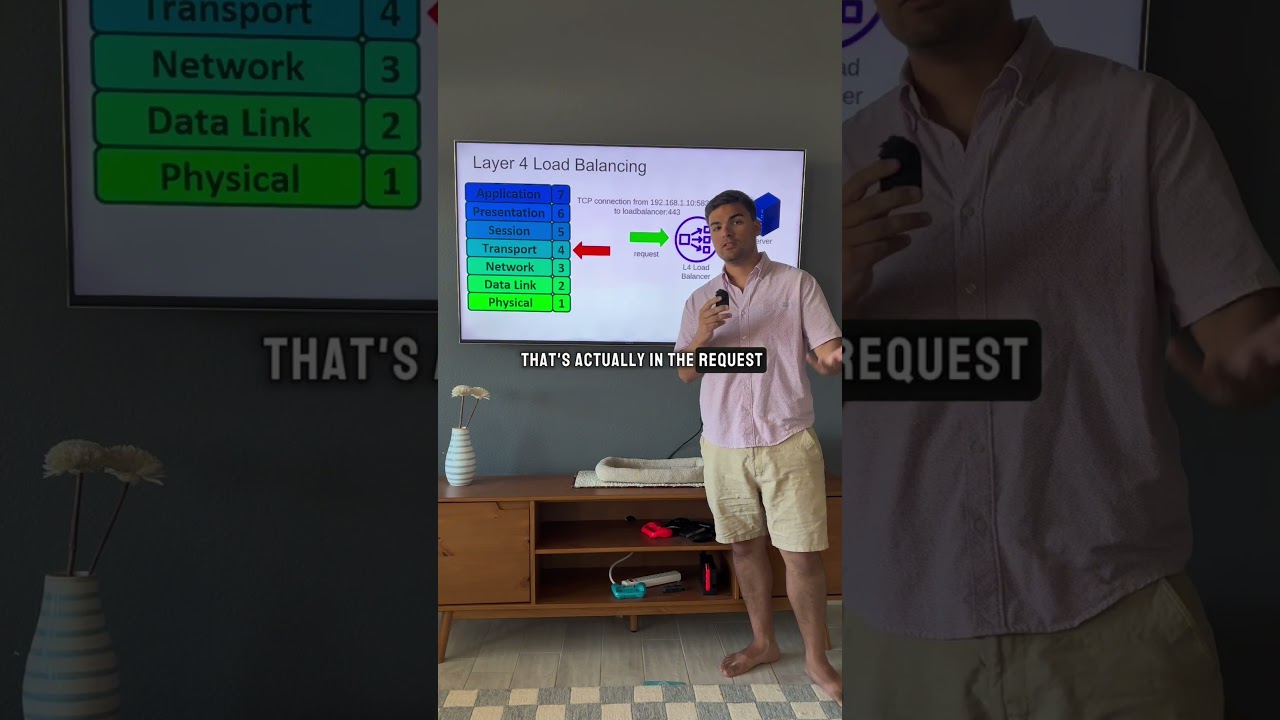
L4 vs L7 Load Balancing: OSI Model Explained
@arjay_the_dev
74.5K views•2025-10-17

Introduction to Secure Multiparty Computation with Yehuda Lindell
@fhe_org
7.7K views•2021-02-04

HTTP Requests Explained: GET, POST, PUT, DELETE
@codecademy
103.1K views•2021-10-07

Enigma Machine Mechanics: WWII Encryption Explained
@JaredOwen
13.2M views•2021-12-11
Related Study Plans & Knowledge Roadmaps
Structured learning paths in Computer Science